A:AnswerMy monitor (HP - 23.8" IPS LED FHD 100Hz HDMI, VGA) that I'm using it as a mirror of my 2024 Macbook Air doesn't have a yellow tint if I set the color option to "native". If I select the color options of "warm", "neutral" or "cool" the tint is yellow. I had to play around with all the monitor settings as well as my Macbook settings to get the display the way I wanted it. My guess is that even thought the setting of both the monitors you mentioned seem to be the same, they actually differ somewhat so you'll need to play around with them and whatever you have it connected to in order to get rid of the yellow tint.
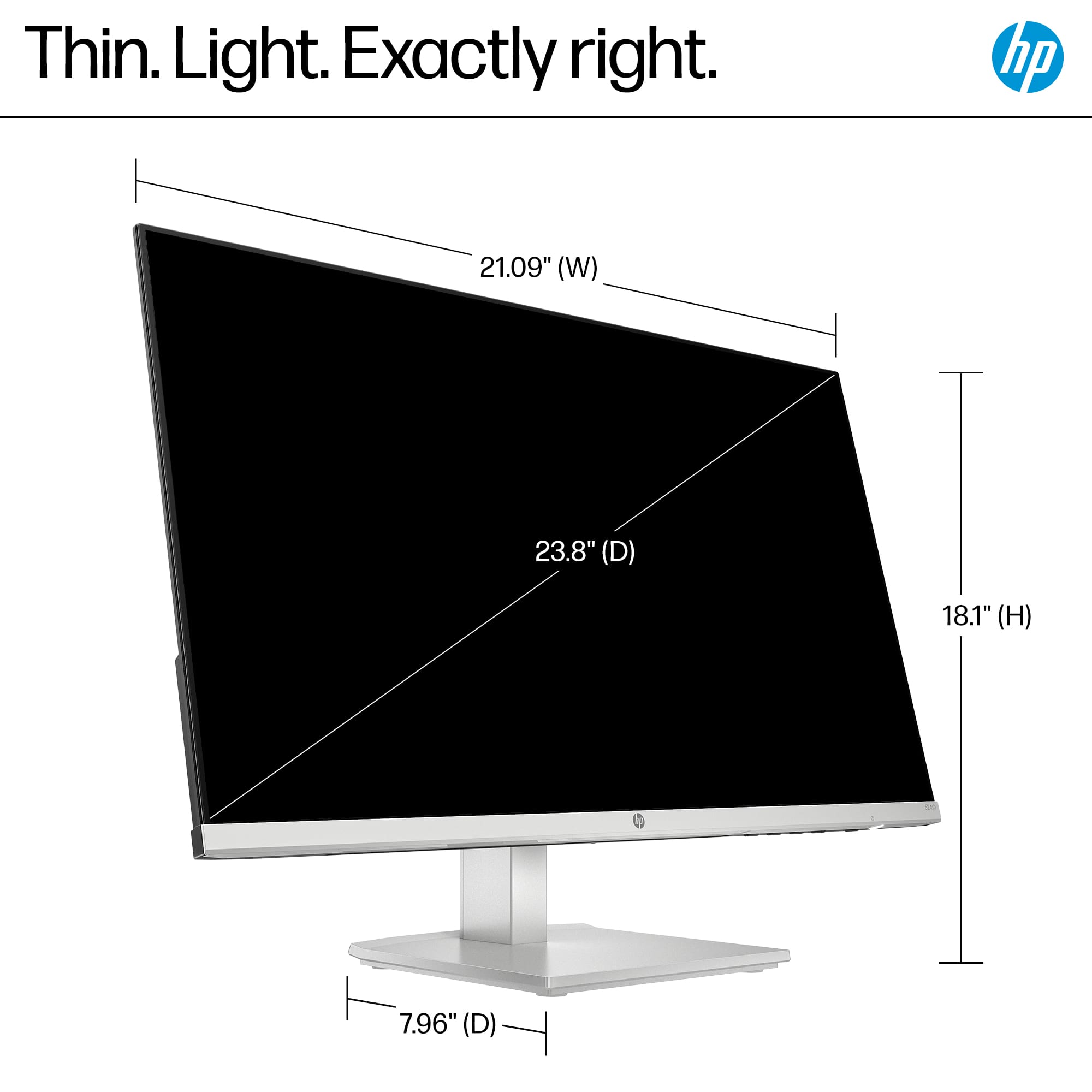
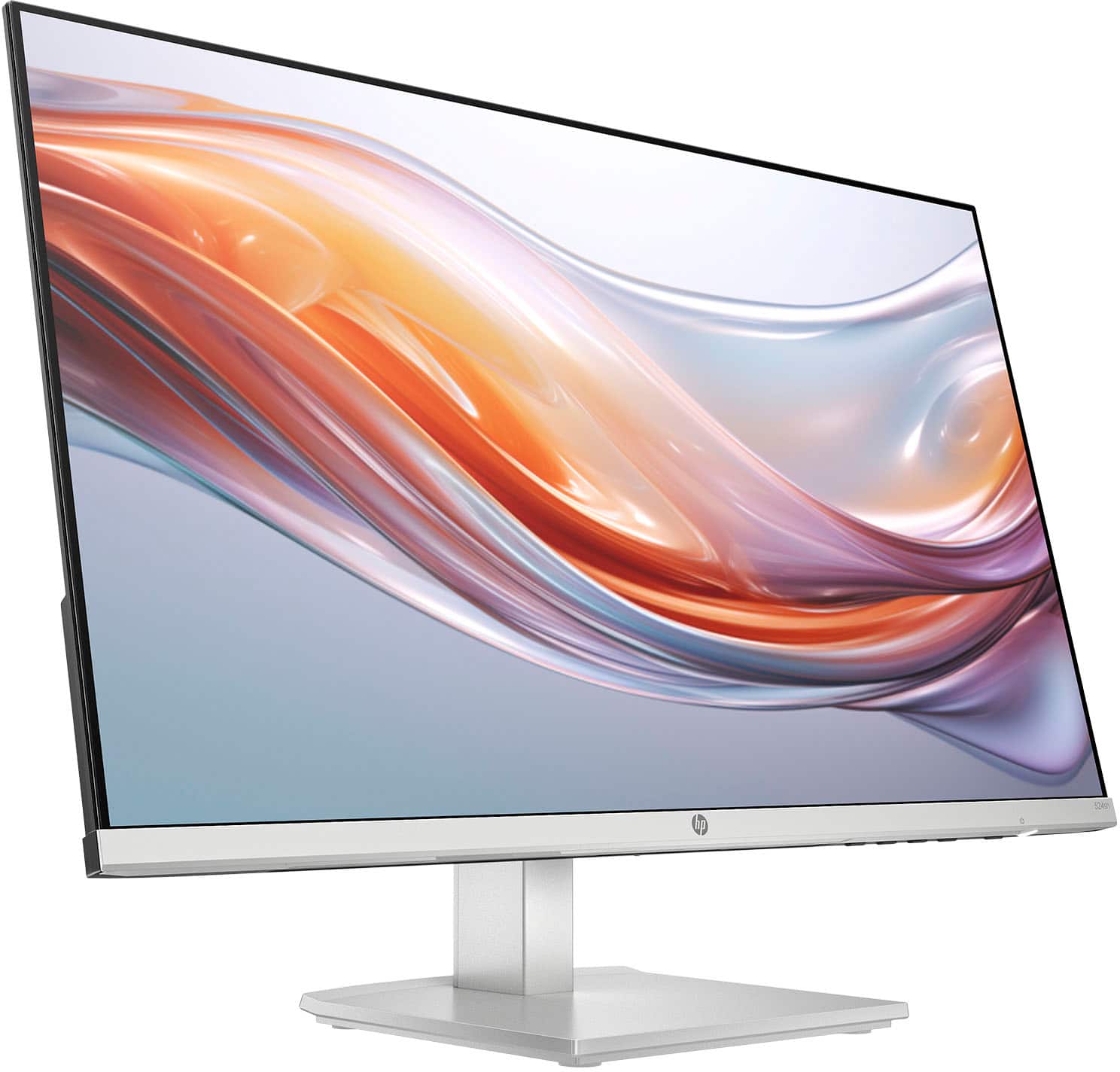
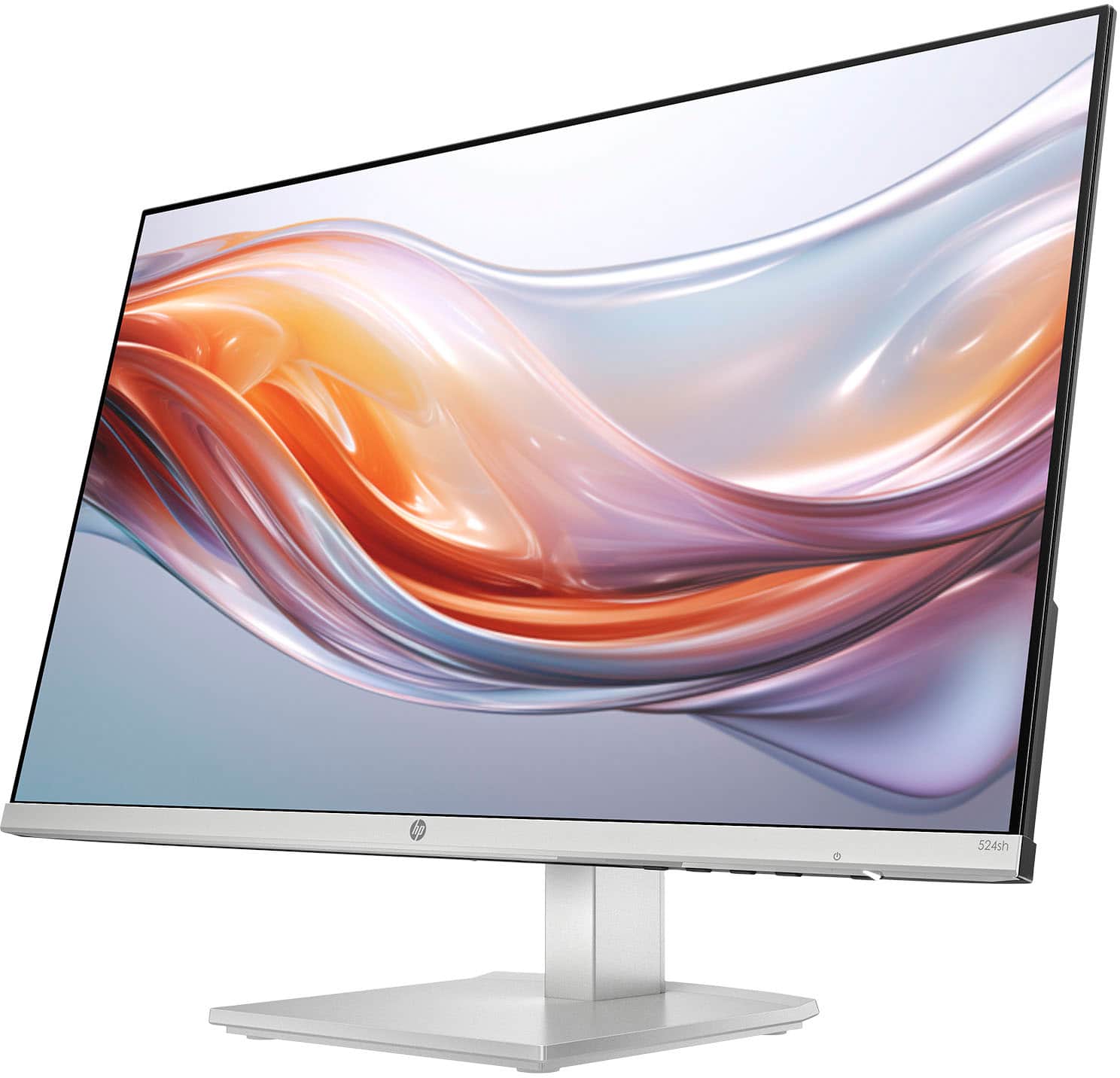
A:AnswerApproximately 5.5" from front to back (not including the base. The screen is approximately 21.5" wide X 12.5" high. When raised at the highest level the very top of the screen is approximately 18.5" high and the bottom is approximately 6" high. When lowered to the lowest level, the top of the screen is approximately 14.5' high and the bottom of the screen is approximately 2" high. The height can be adjusted to any height between the lowest and highest by simply lifting the screen or pushing it down.
A:AnswerHi Beth, thank you for the question. With the stand attached, the HP 524SH monitor has a maximum height of 18.1 inches and a minimum of 14.13".
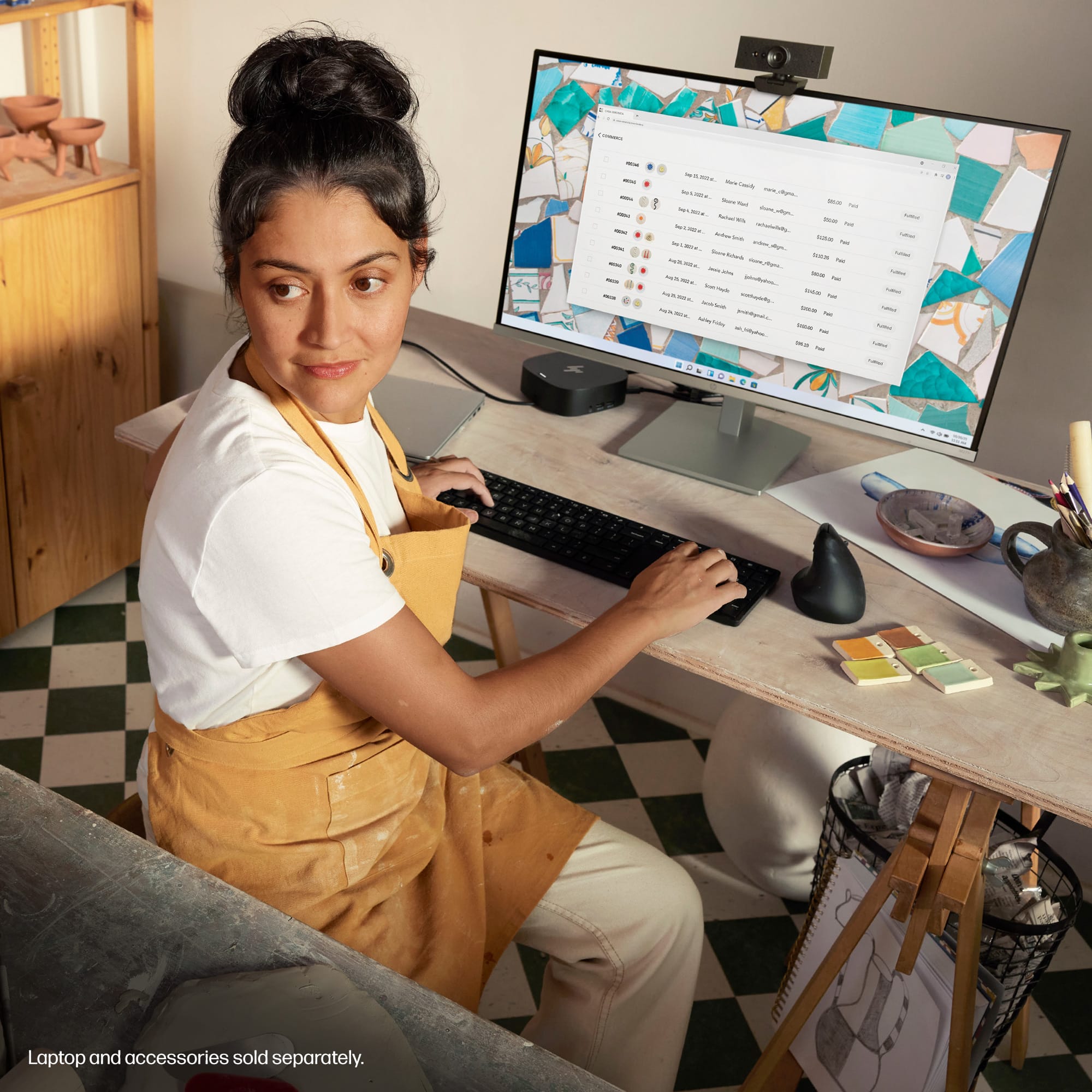
A:AnswerChrist, thank you for your question about this HP monitor! Since monitors are universal, you will be able to use this on your HP EliteBook 845!
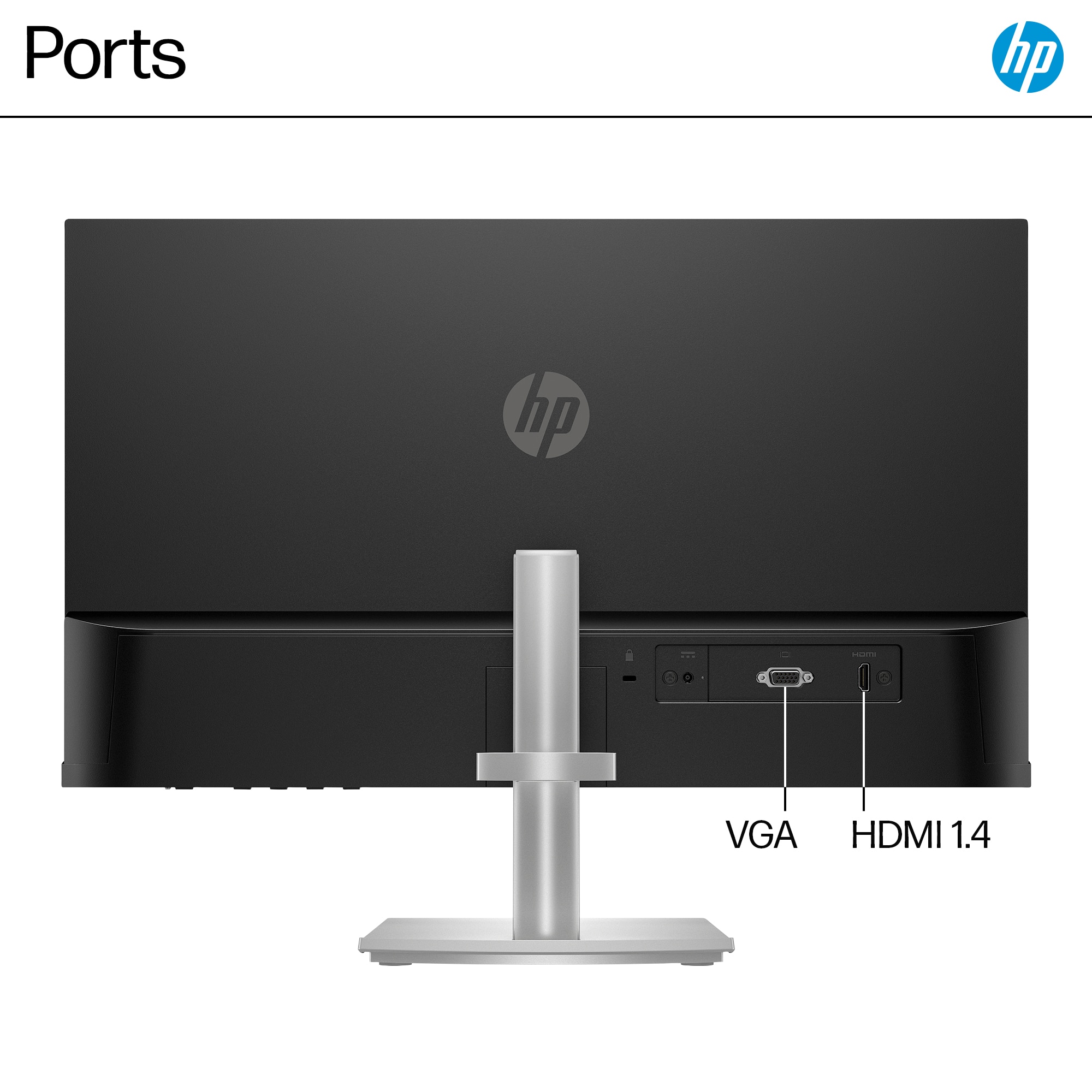
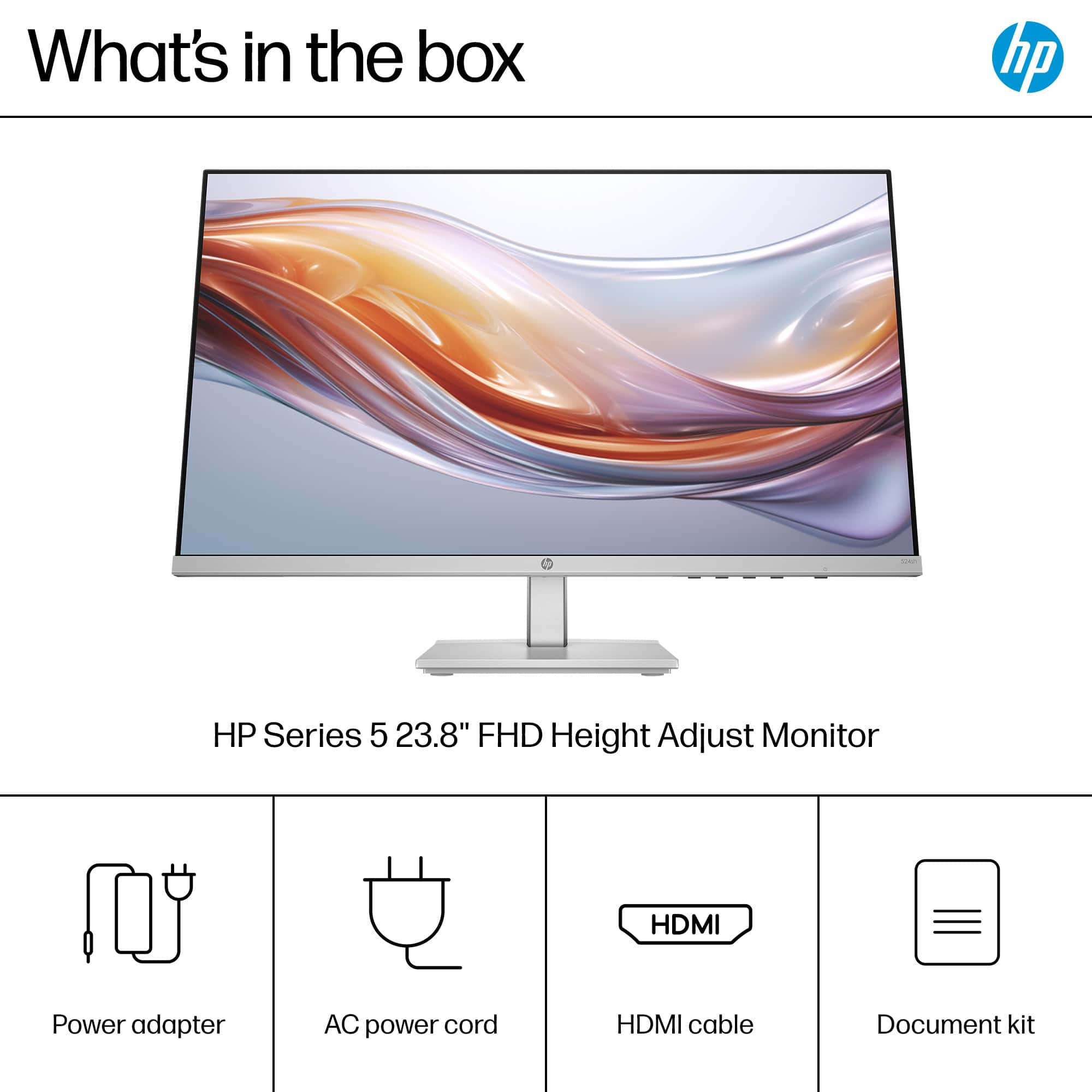
A:AnswerHello, thanks for your question! You can use this HP 23.8" Monitor (model 524SH) with a MacBook Air 2023 model, using an HDMI or VGA adapter that's sold separately.
A:AnswerHello and thank you for asking. The HP 524SH monitor can connnect to a Microsoft Surface 4 laptop, but you will need a Microsoft USB-C to HDMI adapter to connect it.
A:AnswerHey there Rusty, thank you for the question on this HP 23.8" IPS LED FHD monitor! You can change the background on the monitor from the device you have it connected to typically. If your computer is a Windows model, you'll need to select the 'Personalize Display' option to change the background. If you're not sure on how to do this, don't hesitate to reach out to the HP Support team or your local Best Buy Geek Squad!
A:AnswerHello and thank you for asking. The HP 524sh monitor does not have a headphone jack. Audio for speakers or headphones is available from the audio output jack on your computer.
A:AnswerThank you for your question on this HP Monitor! Best Buy does not carry the base for this. However, HP has a parts store along with authorized parts resellers from whom you can purchase a new base.