A:AnswerI don't know but do know HP quickly discontinued this model very shortly after releasing it last April so good luck trying to price match the clunker. Best Buy should be ashamed of themselves not disclosing this information to the public and prospective buyers. What a joke.
A:AnswerHi Doug. Thanks for your question. Yes, the system has 1ea. 8GB memory module. You can add a second one to increase the memory to 16GB. Dual channel memory architecture
Two DDR4 SODIMM (260-pin) sockets
Supports up to PC4-25600 (DDR4-3200)
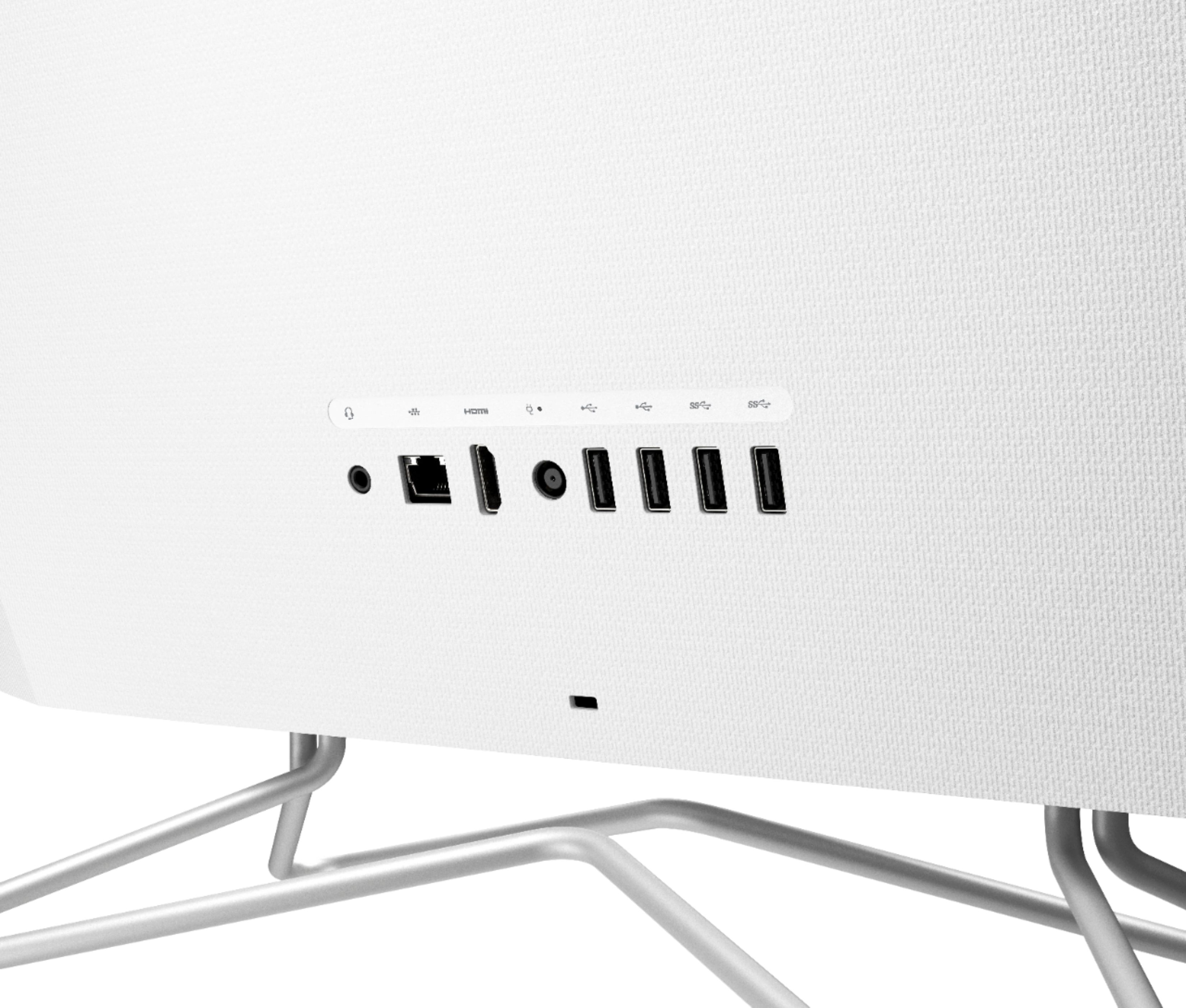
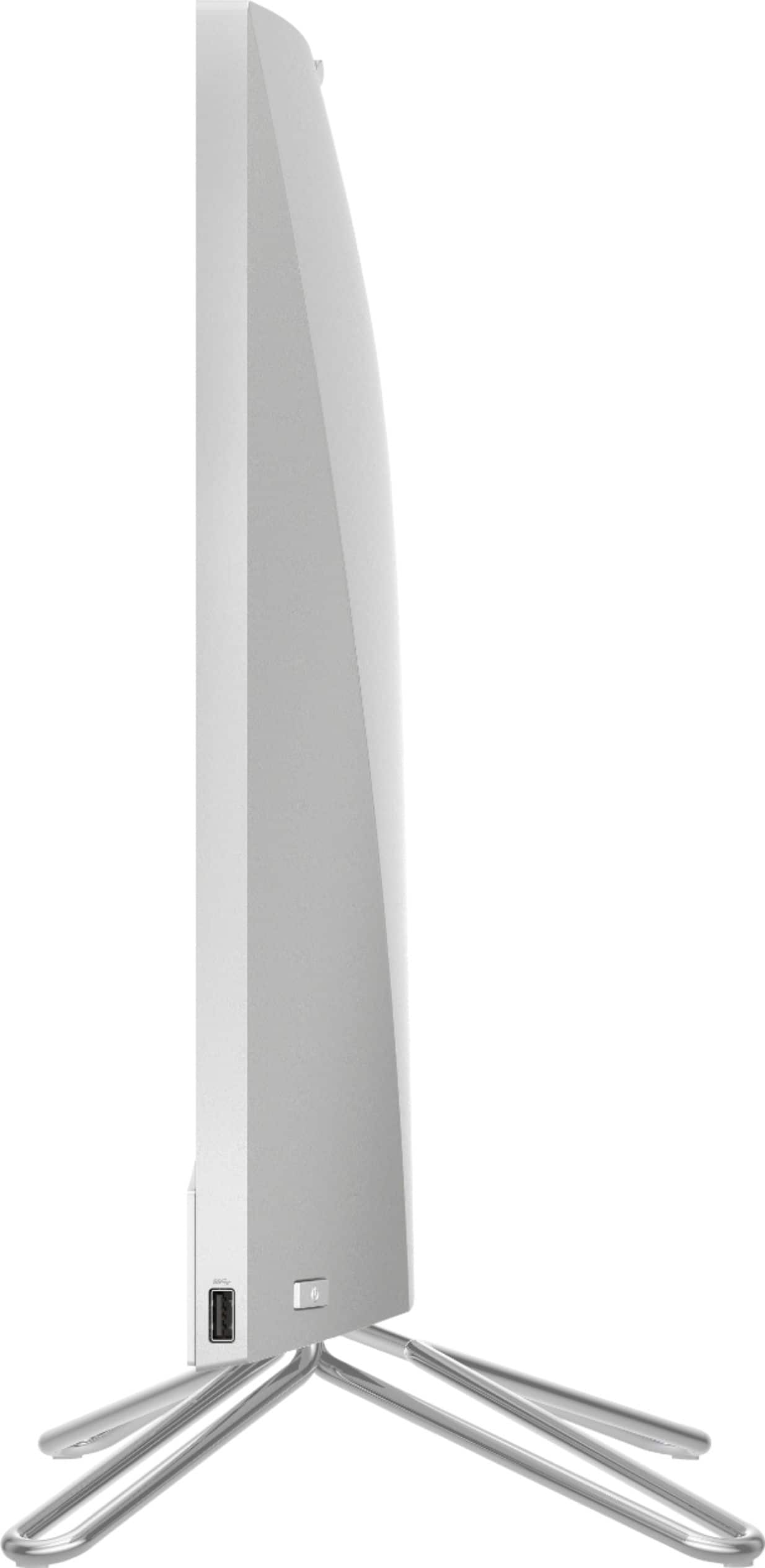
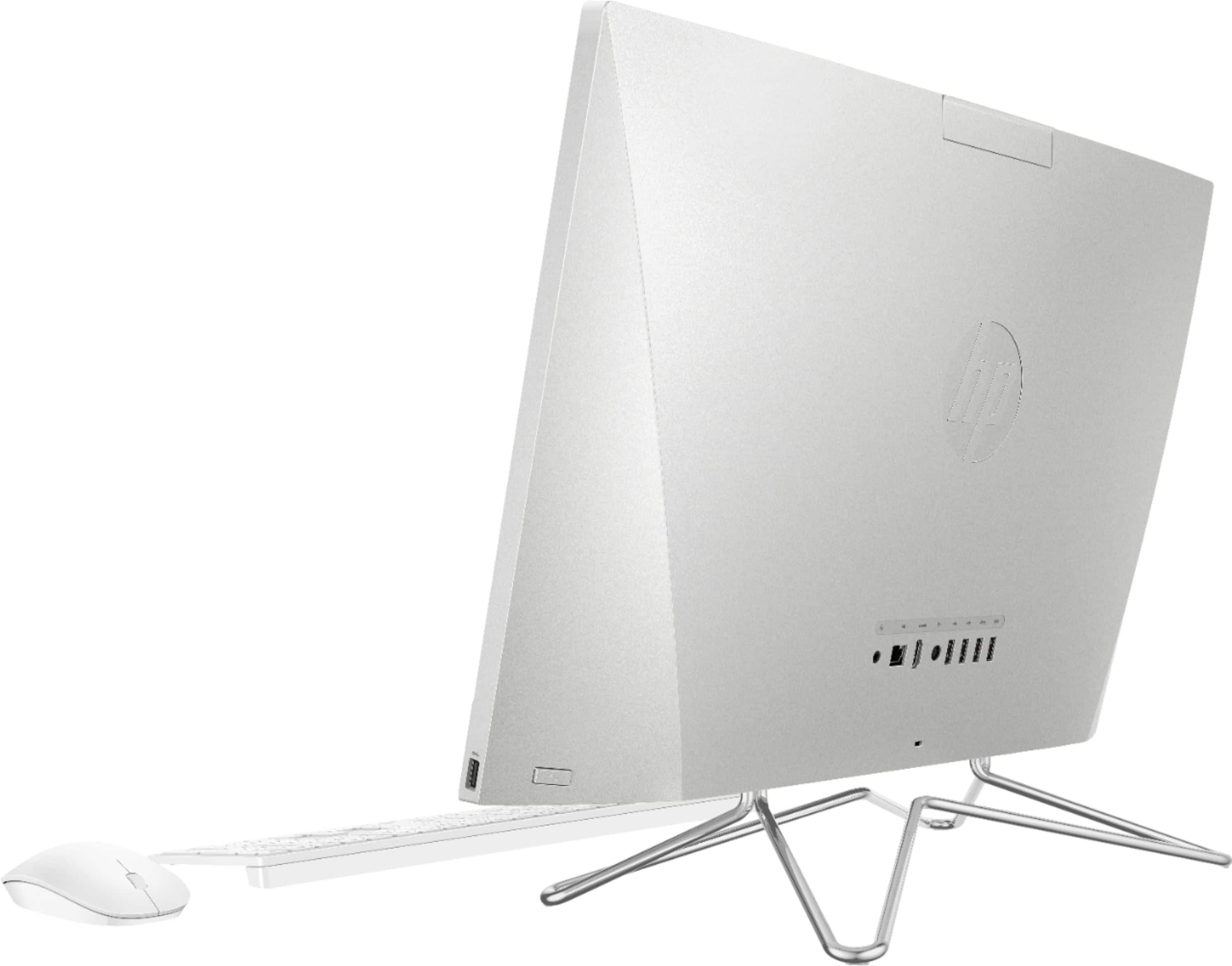
A:AnswerThe power button is on the right side of the computer on the back and near the bottom. If you locate the USB port on the right side of the computer, slide along the back a couple of inches and you'll find it.
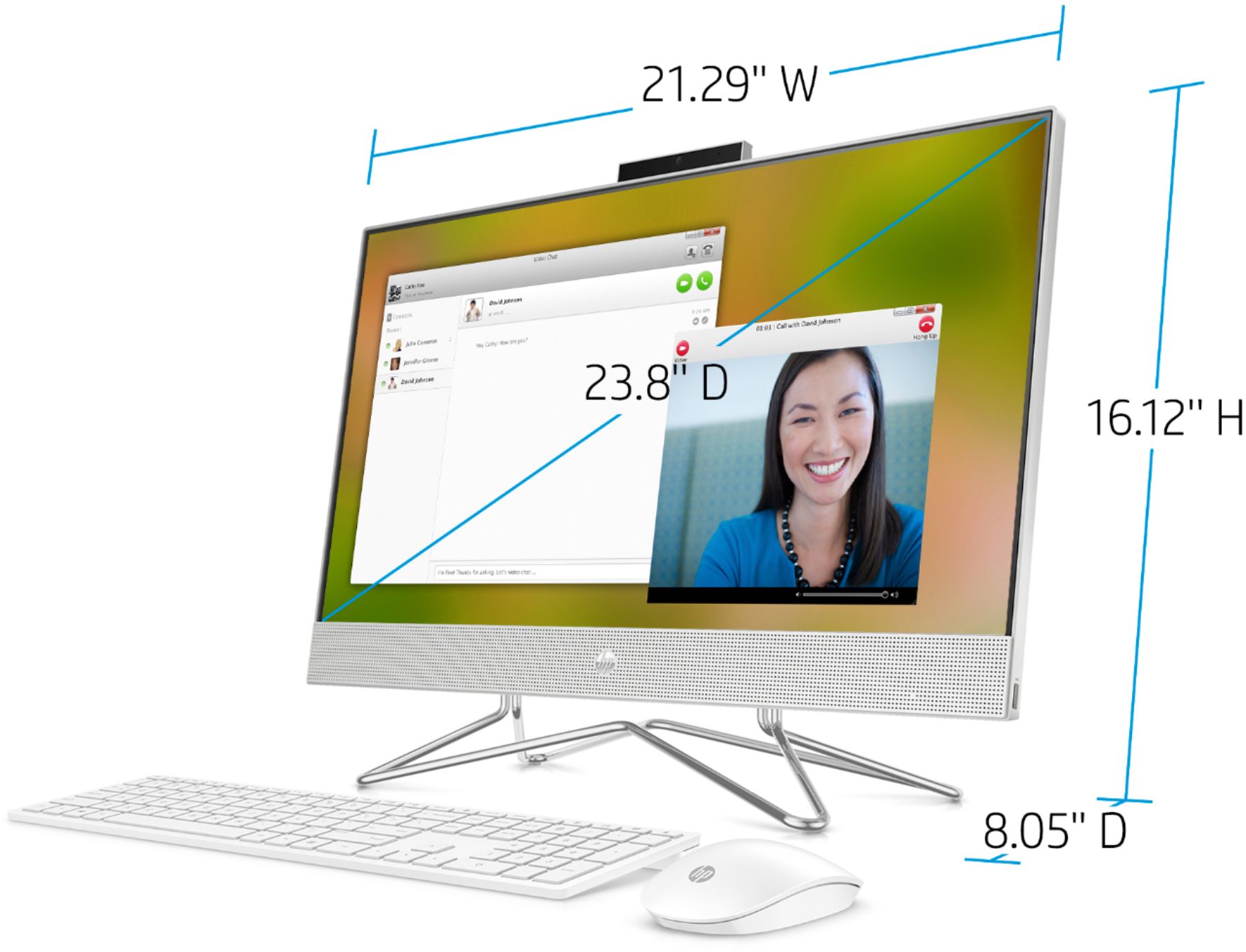
A:AnswerHi, thank you for the question. HP 24-dp0124 All-In-One PC can be used to attend Zoom meetings. You would just need to connect the computer to a strong wireless network in order to avoid connection issues.
A:AnswerYes if you are asking about a memory stick. No if you are asking about a SD card. I purchased a product that you plug in and it can read the card works well and not all that expensive. Best Buy staff can help you to find the product
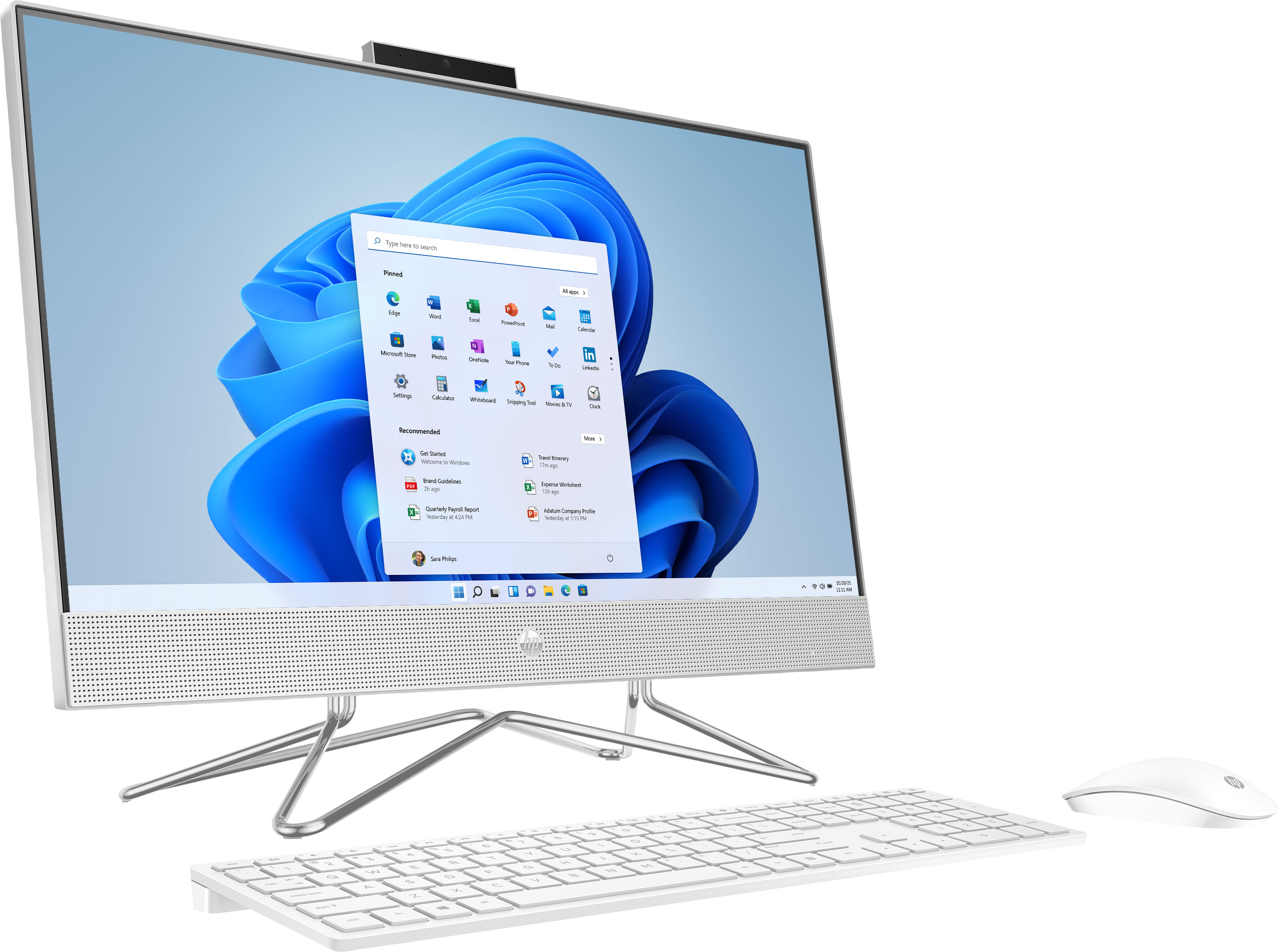
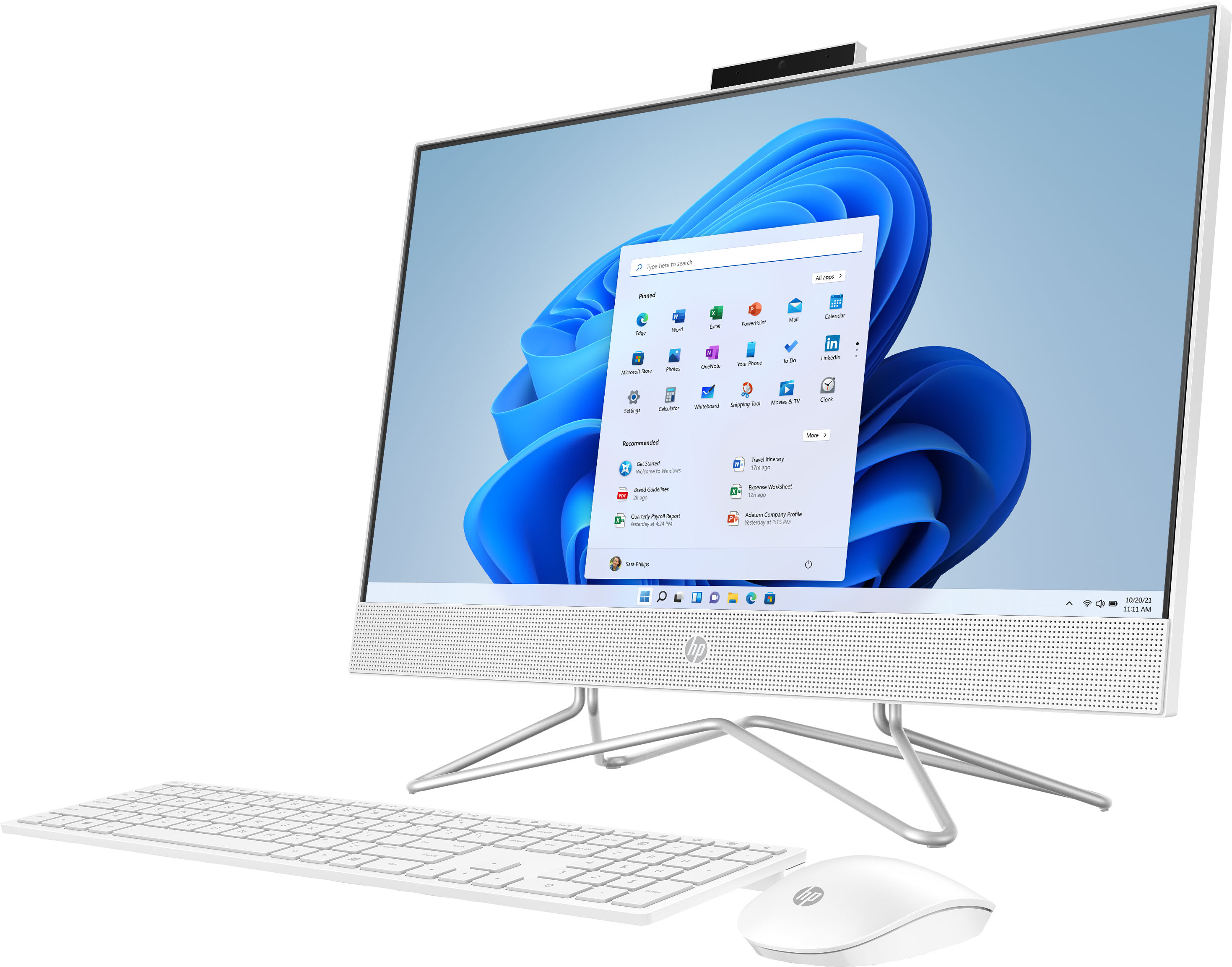
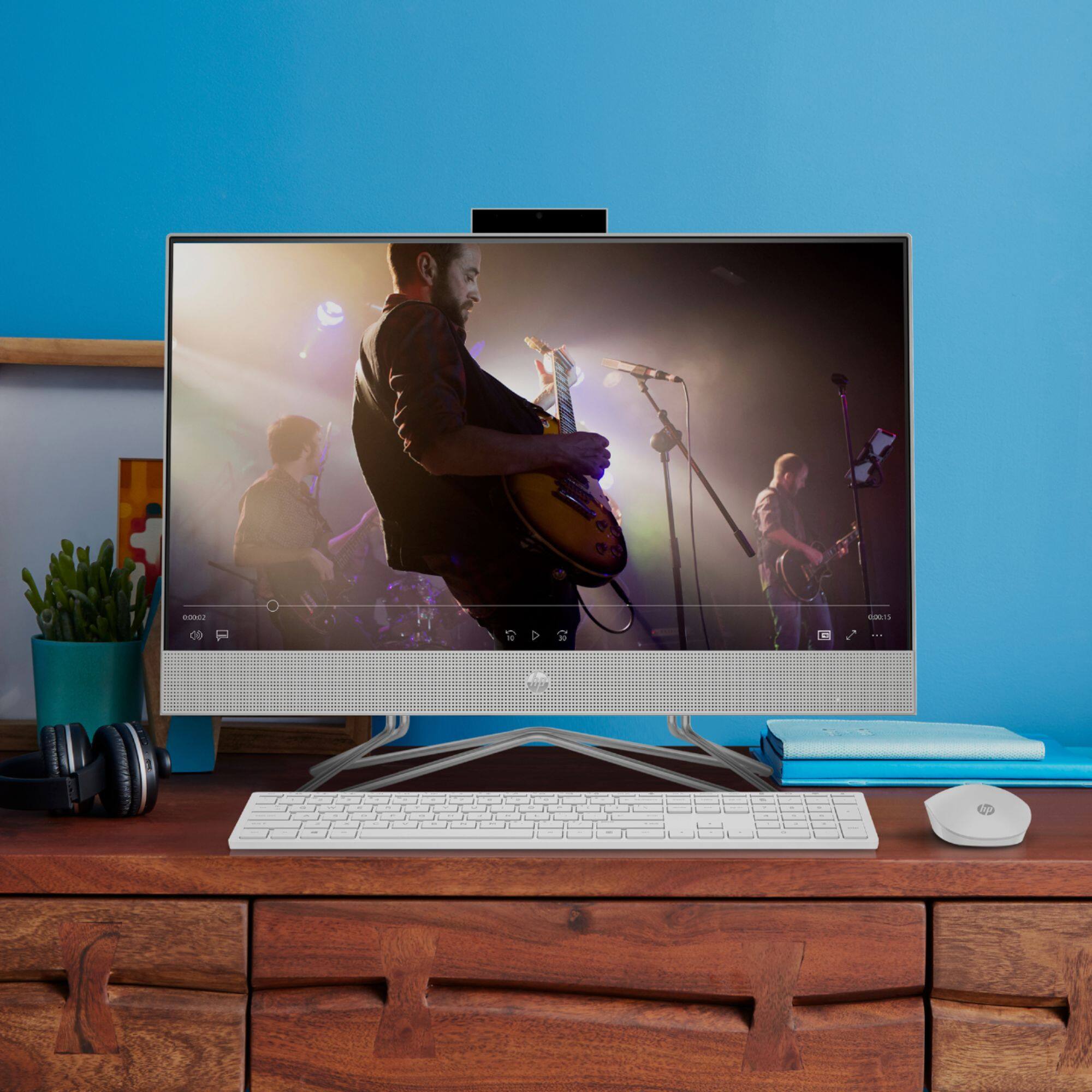
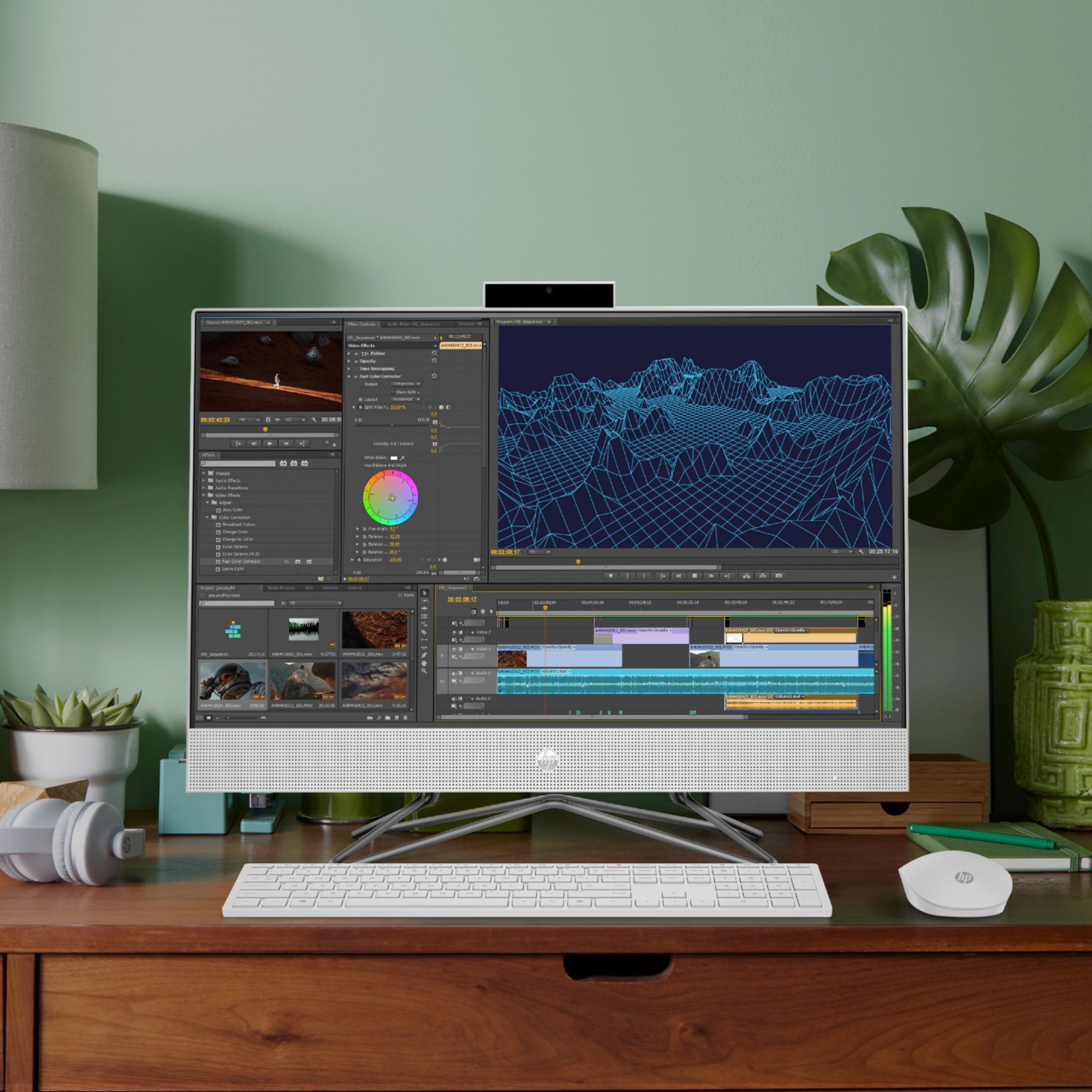
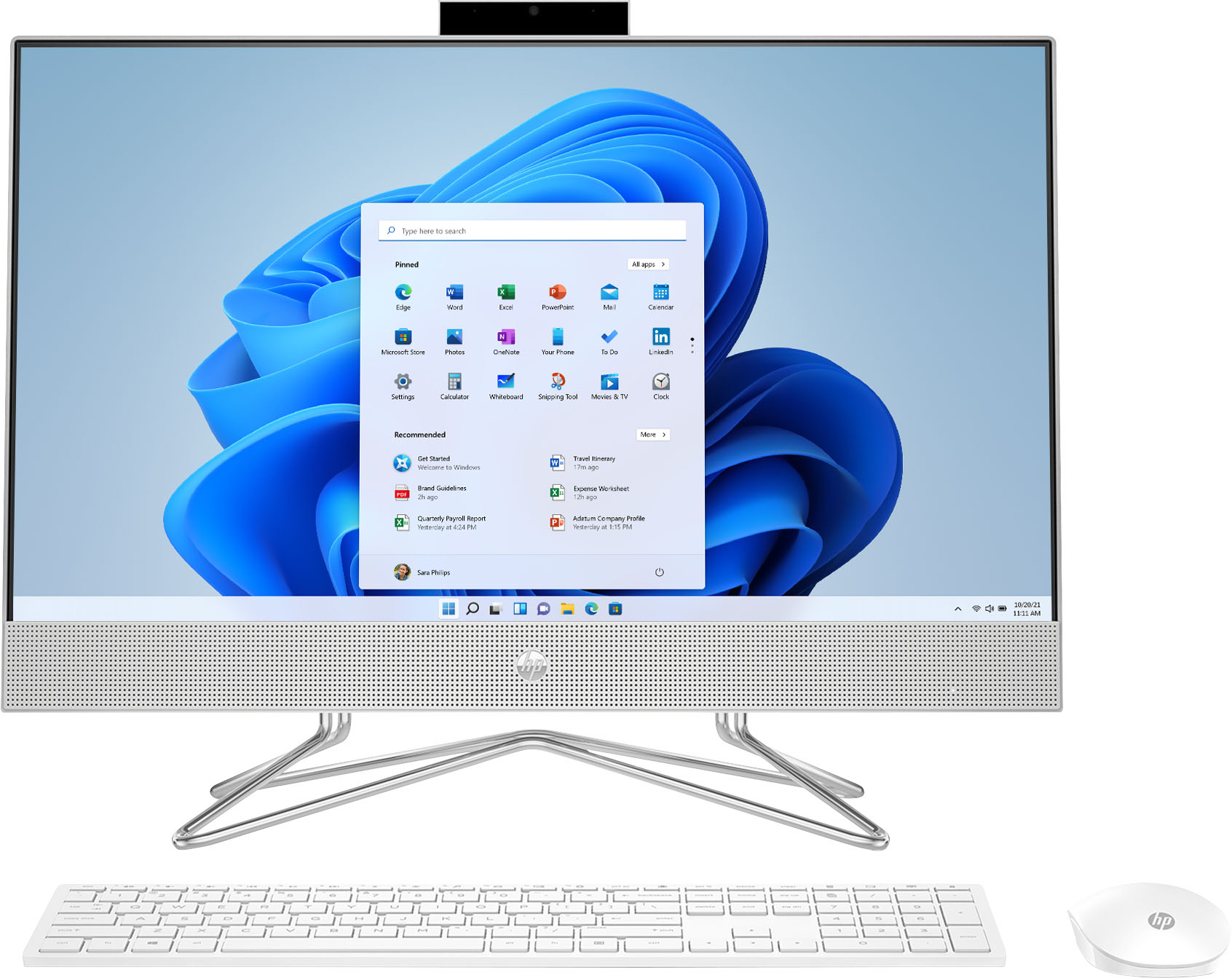
A:AnswerHello, the keyboard and mouse are white with the letters and numbers on the keyboard being in a darker gray color. Thank you for being an HP customer!
A:AnswerHi Mike. Yes. The processor on the 24-dp0124 All-in-One desktop supports multiple monitors, and there is an HDMI 1.4 port on the rear. It looks as if the L227WTC has a DVI output, so you'll need a DVI-to-HDMI adapter for that cable to connect to this all-in-one.
A:AnswerThey keyboard and mouse both require batteries, maybe double check orientation if you already put them in. There is a very small usb Bluetooth adapter that must be plugged into a usb slot for the connection, the diagram shows a specific port on the back. I didn’t have to search or connect my keyboard and mouse, but you might go into the Bluetooth settings and see if they look connected. Good luck, hope this helps
A:AnswerThank you for your question! This model does not have a CD/DVD drive, however you would be able to connect it to an external drive via USB. Here is a great option! https://www.bestbuy.com/site/lg-8x-external-usb-2-0-double-layer-dvdrw-r-ram-cd-rw-drive-black/5581020.p?skuId=5581020
A:AnswerThank you for the question. Yes. Please visit https://parts.hp.com/hppartsIGSO/Default.aspx?mscssid= with your model and serial number to get a new power cord.