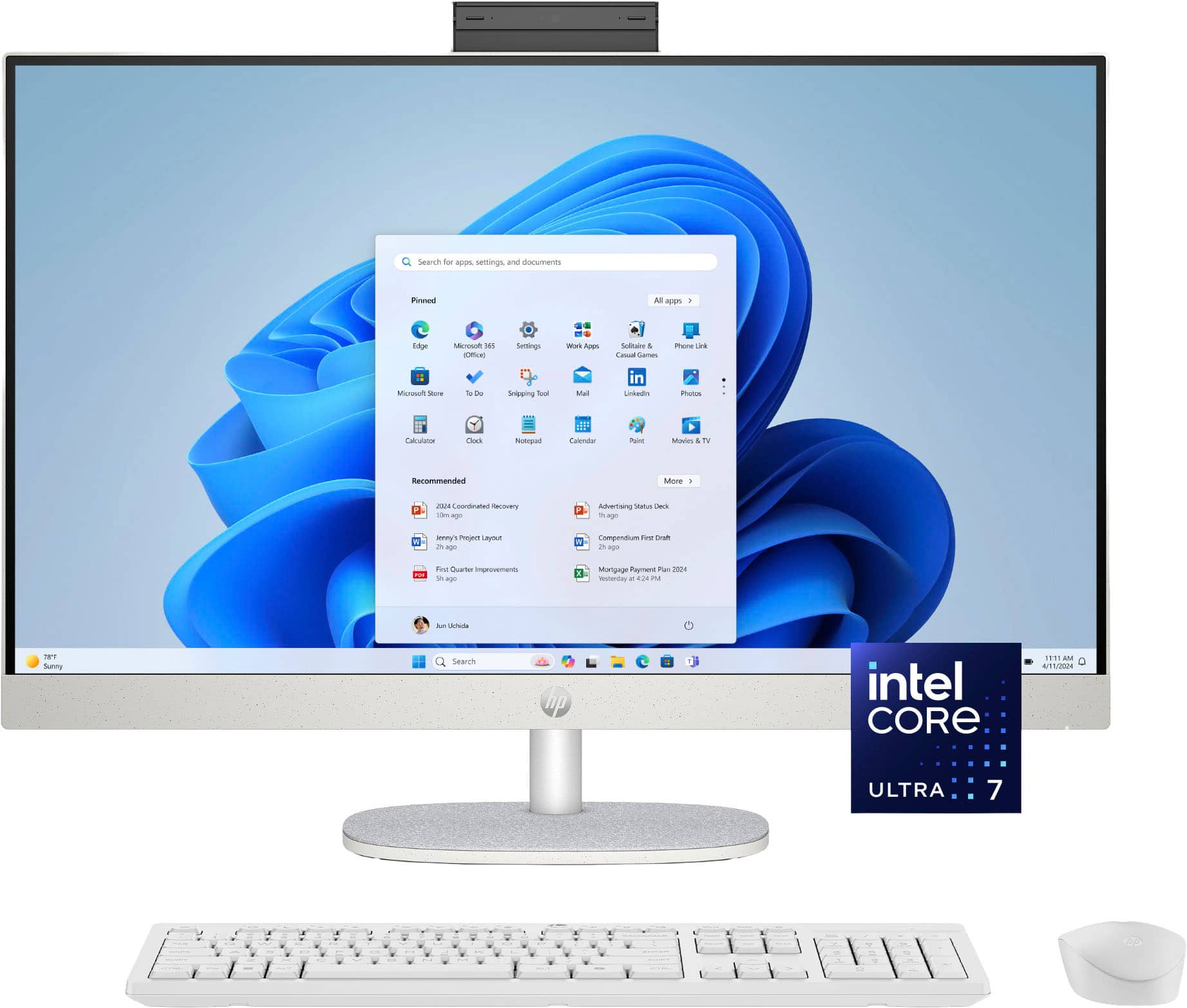
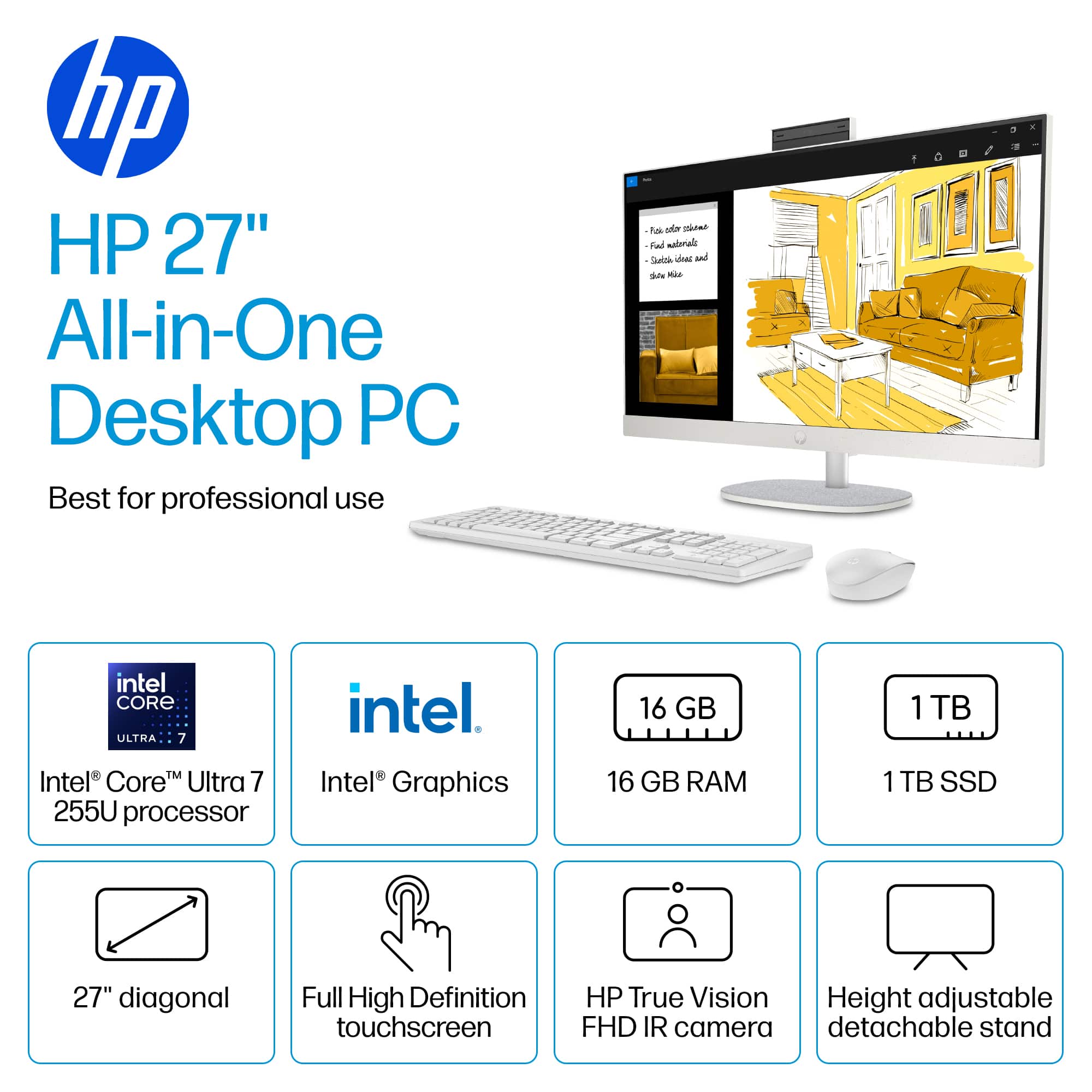
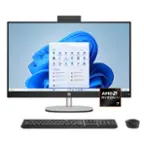
A:Answer Comet AI says: When considering transferring everything from an HP Pavilion 23 All-in-One (AIO) to the HP 27-cr2074 AIO, the ease depends on the type of data and components involved:
Data and Software Transfer
User files, documents, photos, and media can be easily transferred using external drives, cloud storage, or network sharing.
Installed applications will need to be reinstalled on the new system; programs do not generally transfer directly.
Windows user profiles can be migrated using tools like Windows Easy Transfer or third-party software.
Peripherals and Accessories
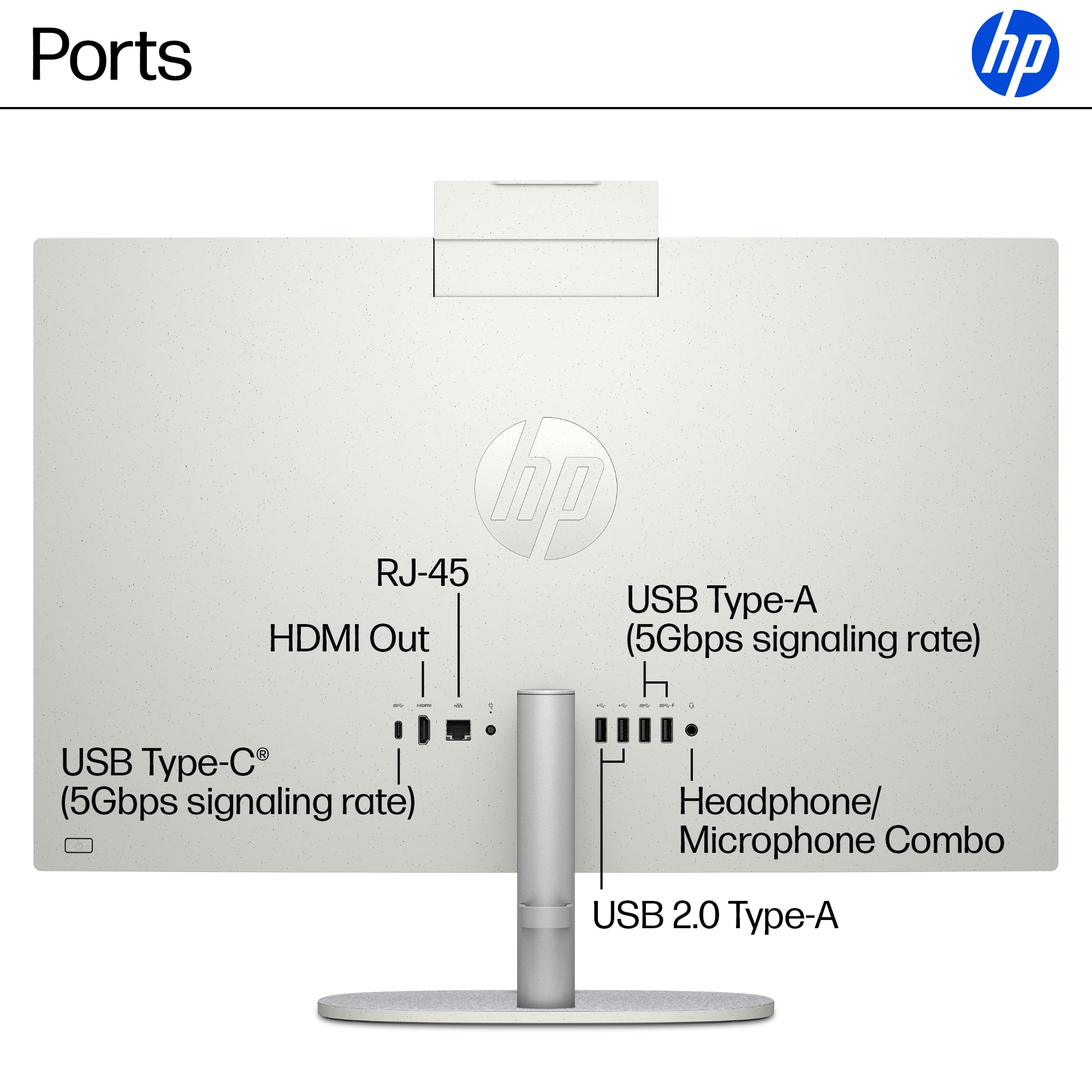
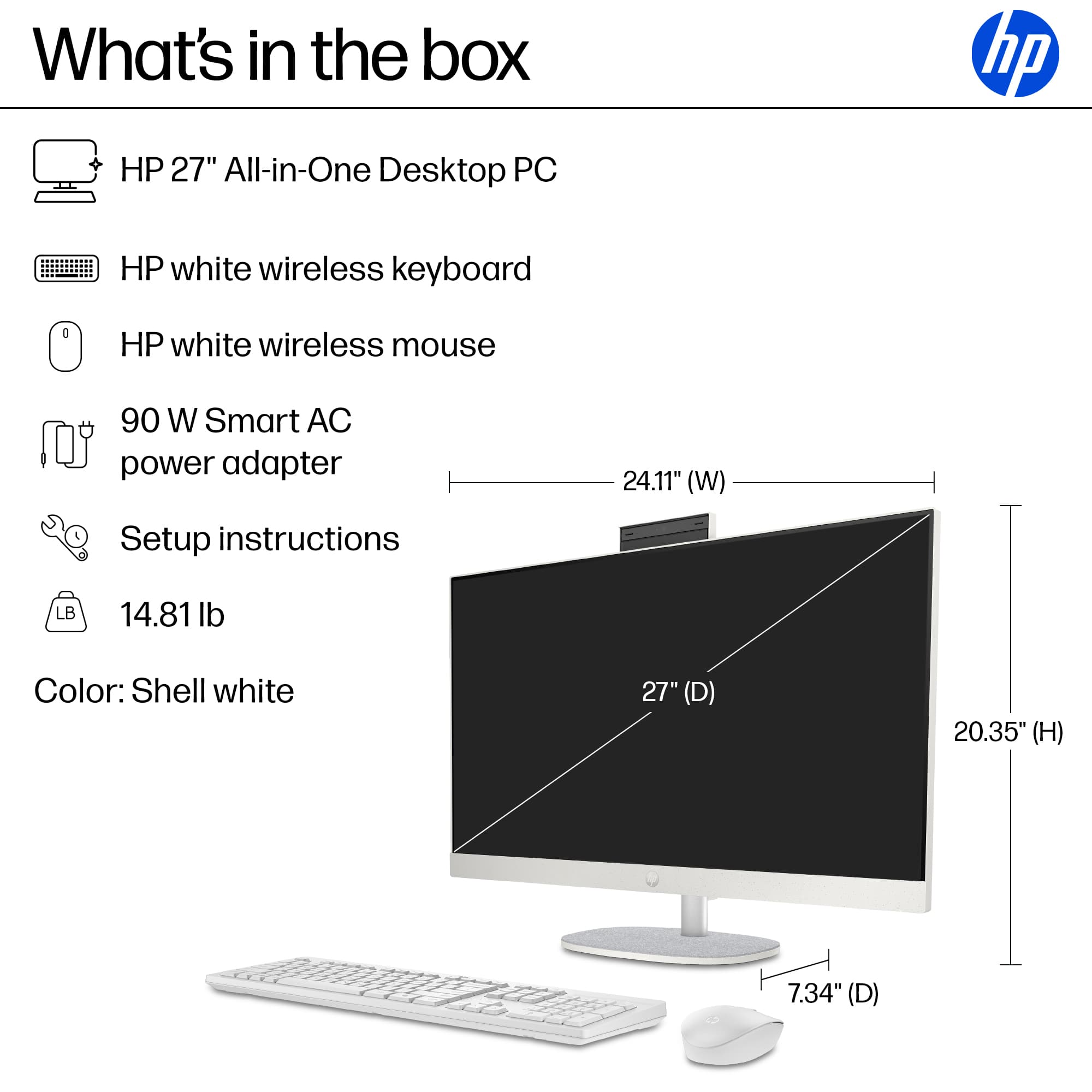
Most peripherals such as keyboard, mouse, printers, and external drives are universally compatible and will work with the 27-cr2074.
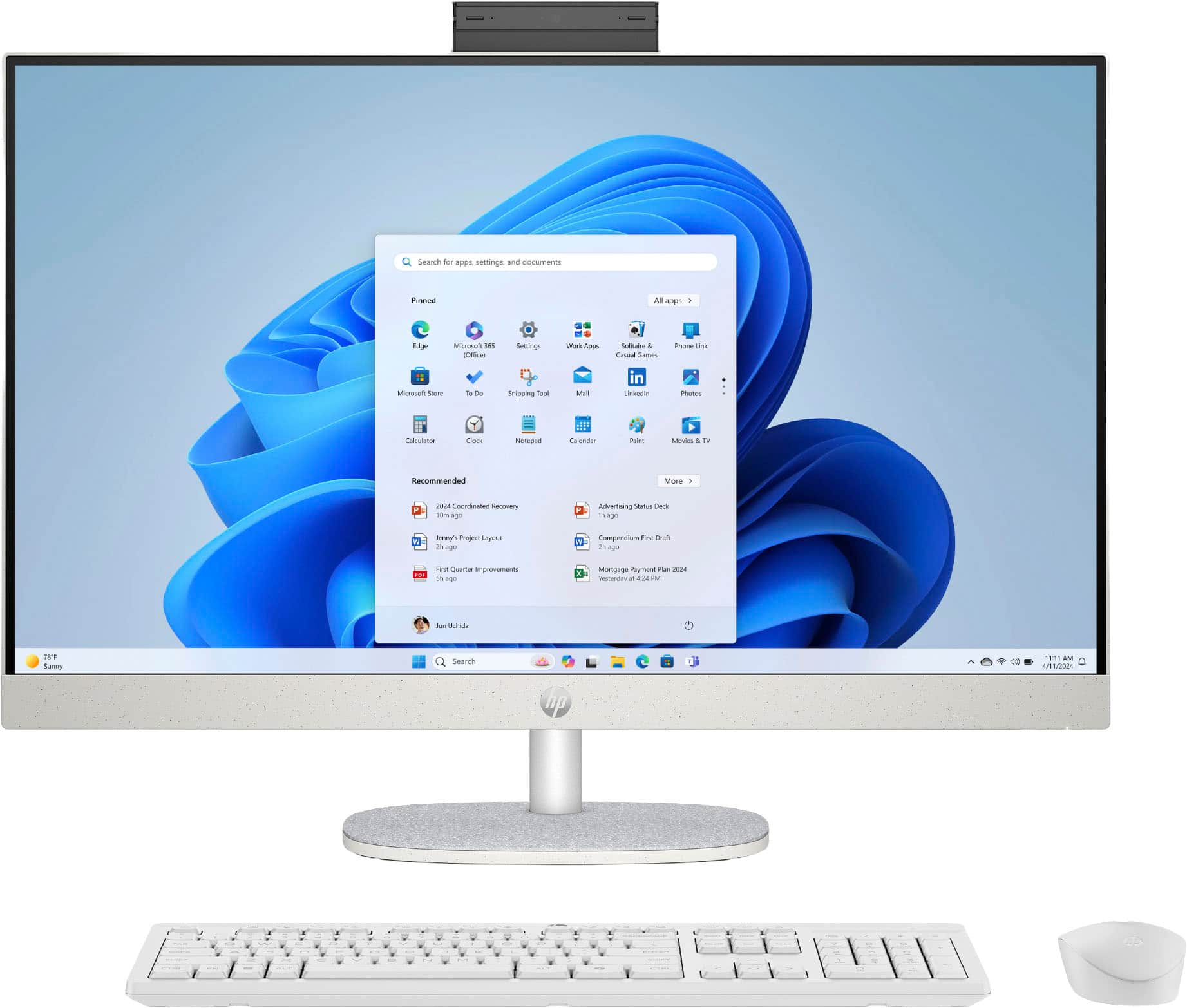
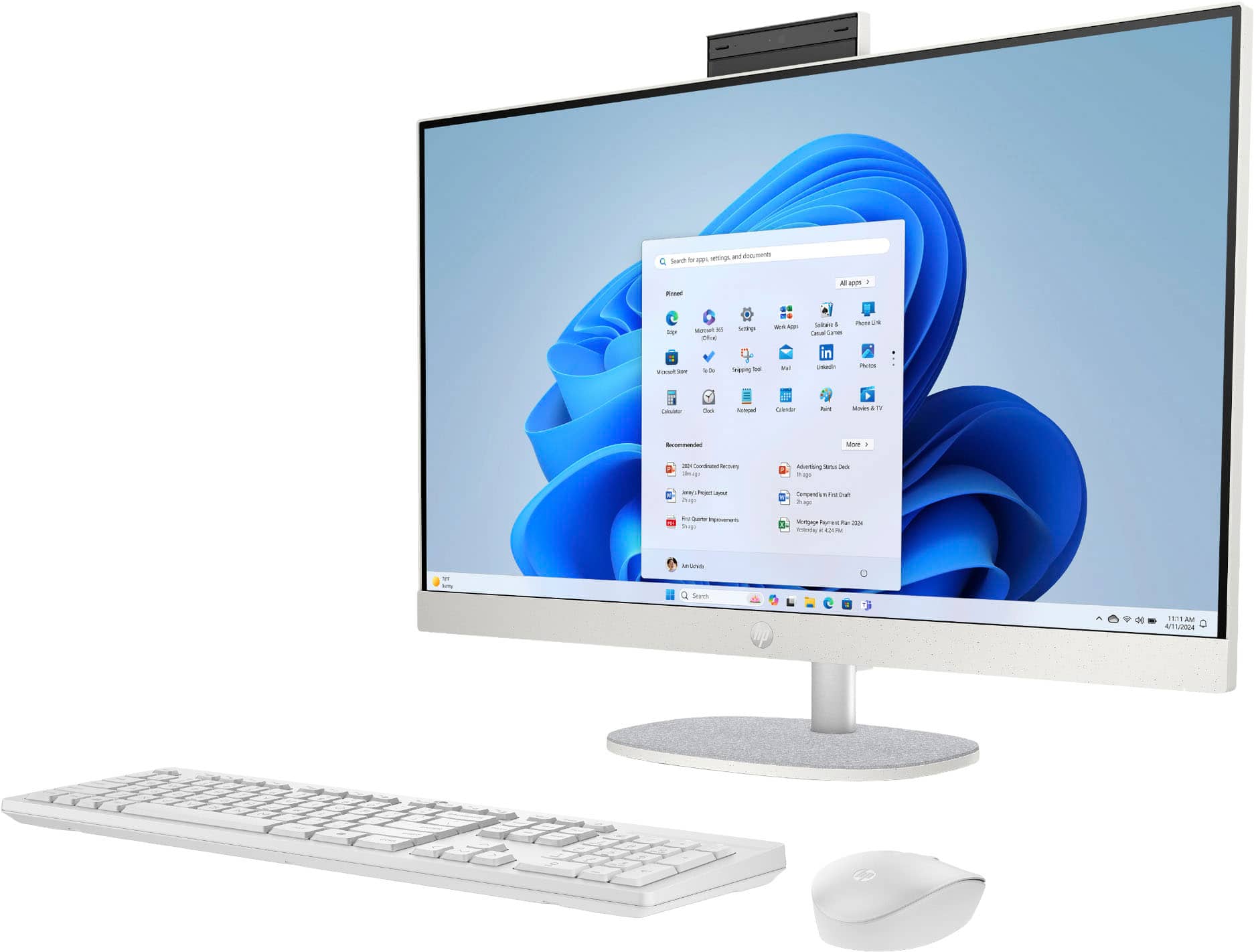
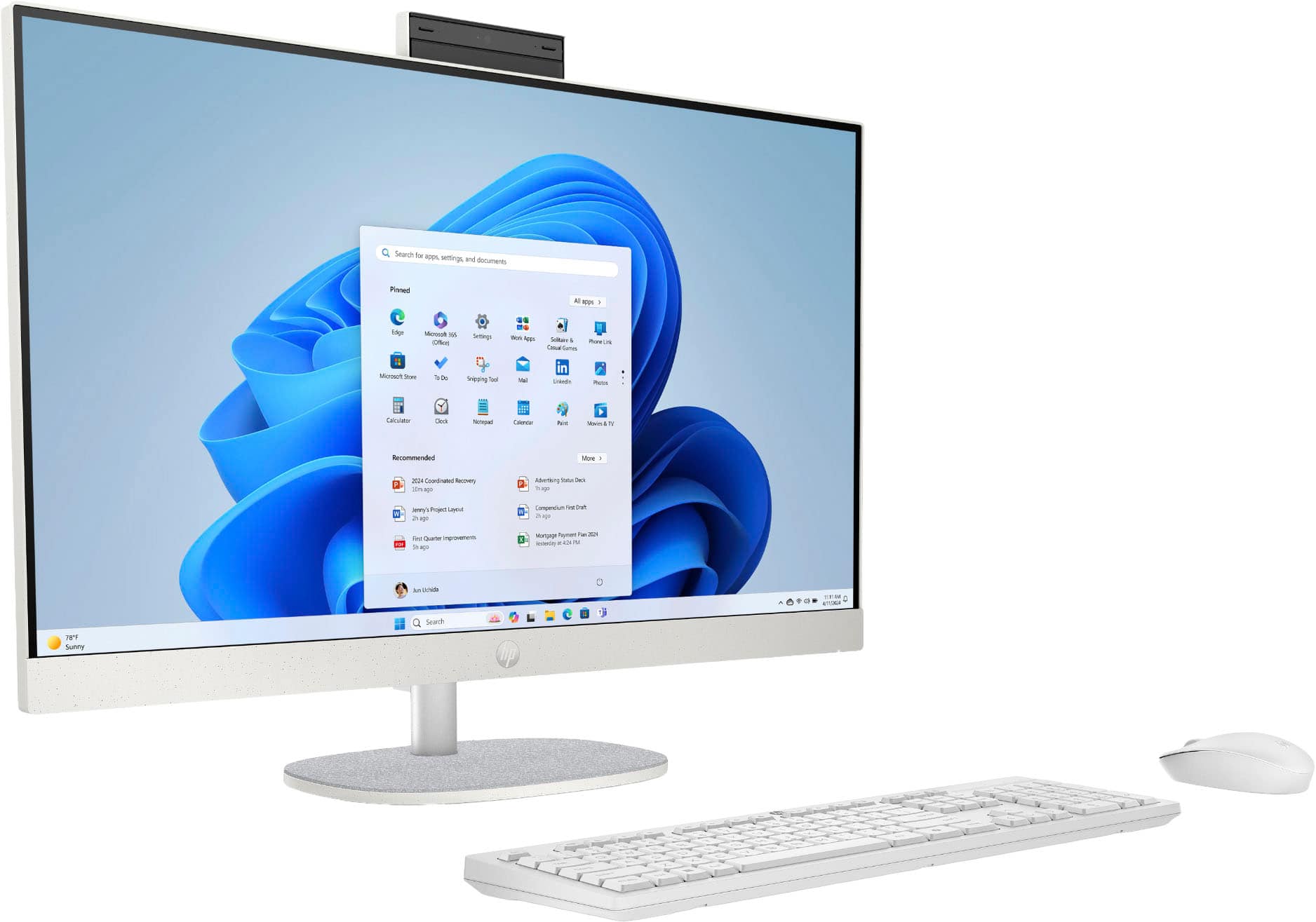
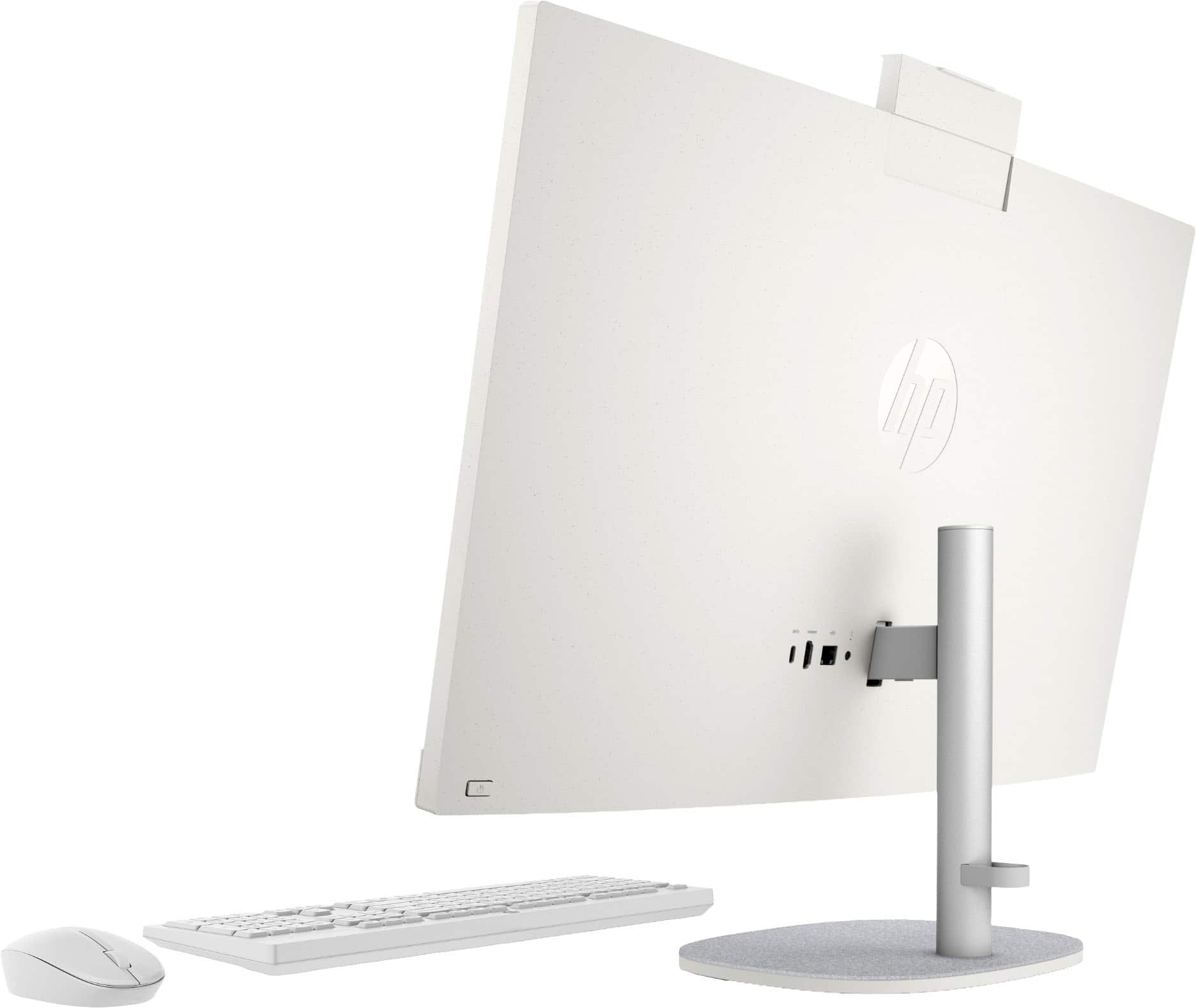
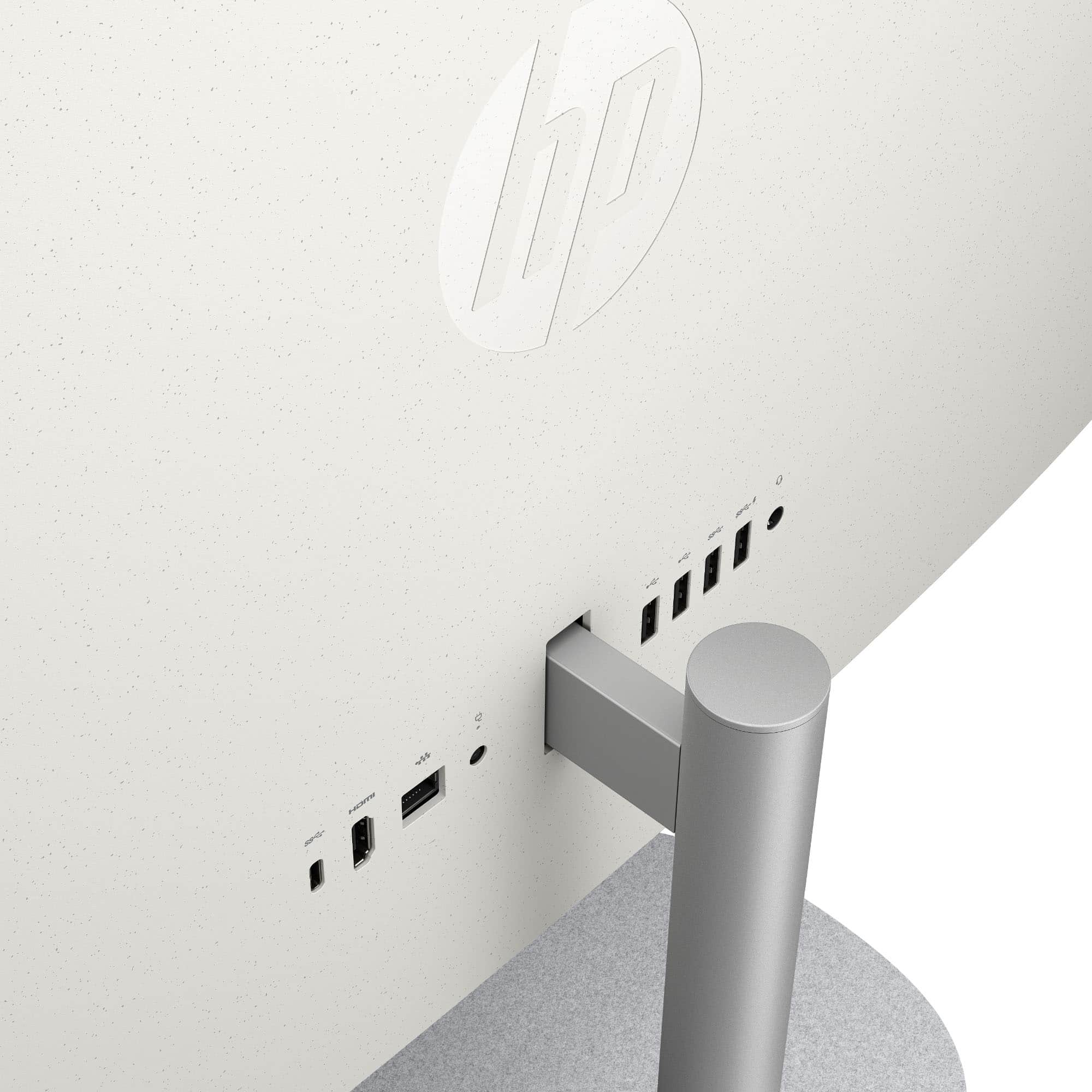
Monitor-specific accessories built into the HP Pavilion 23, like webcams or speakers, won’t transfer but the 27-cr2074 has its own built-in versions.
Hardware Components
Internal hardware components (like RAM, storage drives) are generally not transferable between AIOs due to proprietary design and form factor differences.
The 27-cr2074 comes with upgraded hardware (Intel Core Ultra 7, more recent components) distinct from the older Pavilion 23.
Conclusion
Data and peripherals transfer easily, but software applications need reinstalling and internal hardware is not interchangeable. For a full user experience, setup and customization on the new 27-cr2074 will be necessary, but user files and most accessories can be moved over without issue [based on typical AIO transitions and hardware differences].