A:Answertechnically there is a bit different. I am not completely caught up on the most current generation of CPU's but all the way through to the Intel 11th generation for sure you could count on paying a premium for Intel processors. They were the higher quality processor compared to AMD for a long time but that really started to change in the last few years. AMD was first to market with a 7 nanometer chip architecture, It was definitely faster and cheaper for a couple years, im not sure if intel hasnt caught up a bit in the last 2 tho. Basically a really long way of saying short of needing to perform tasks according to a very specific processor you wont really notice much difference. I primarily use gaming laptops and and went from the intel 9th gen i9 cyberpower to lenovo legion pro 5 amd ryzen processors also in desktops and havent noticed anything negative at all from the experience. Oh intel has the patent on i think they are called thunderbolt port, its like a super fast usb connection faster than 3.2 i believe it has evened out a bit with usb c gaining such widespread adoption. the thing i like to check when shopping for a pc is threadcount (AMD is supposed to be a bit better at taking advantage of multiple threads or cores or at least they were.) Other than that a quick google search will tell you comparible Ryzen generation to Intel and you can go from there. Oh also you want check your processing power obviously wether its 3.5 or 5 Ghz that is something to take into account with the price as well. There is a certain numerical system like a 12th or 13th generation I 9900 will equal a ryzen 7900 (these are example numbers for sure as i havent looked recently). hopefully this is kind of helpful, sorry if not
A:AnswerApologies for what you're experiencing. It sounds like a network issue. Please reset your router and try again. If you continue to have issues, please reach out to your internet service provider. On the off chance that this is not the problem, you can reach out to Support.HP.com for assistance.
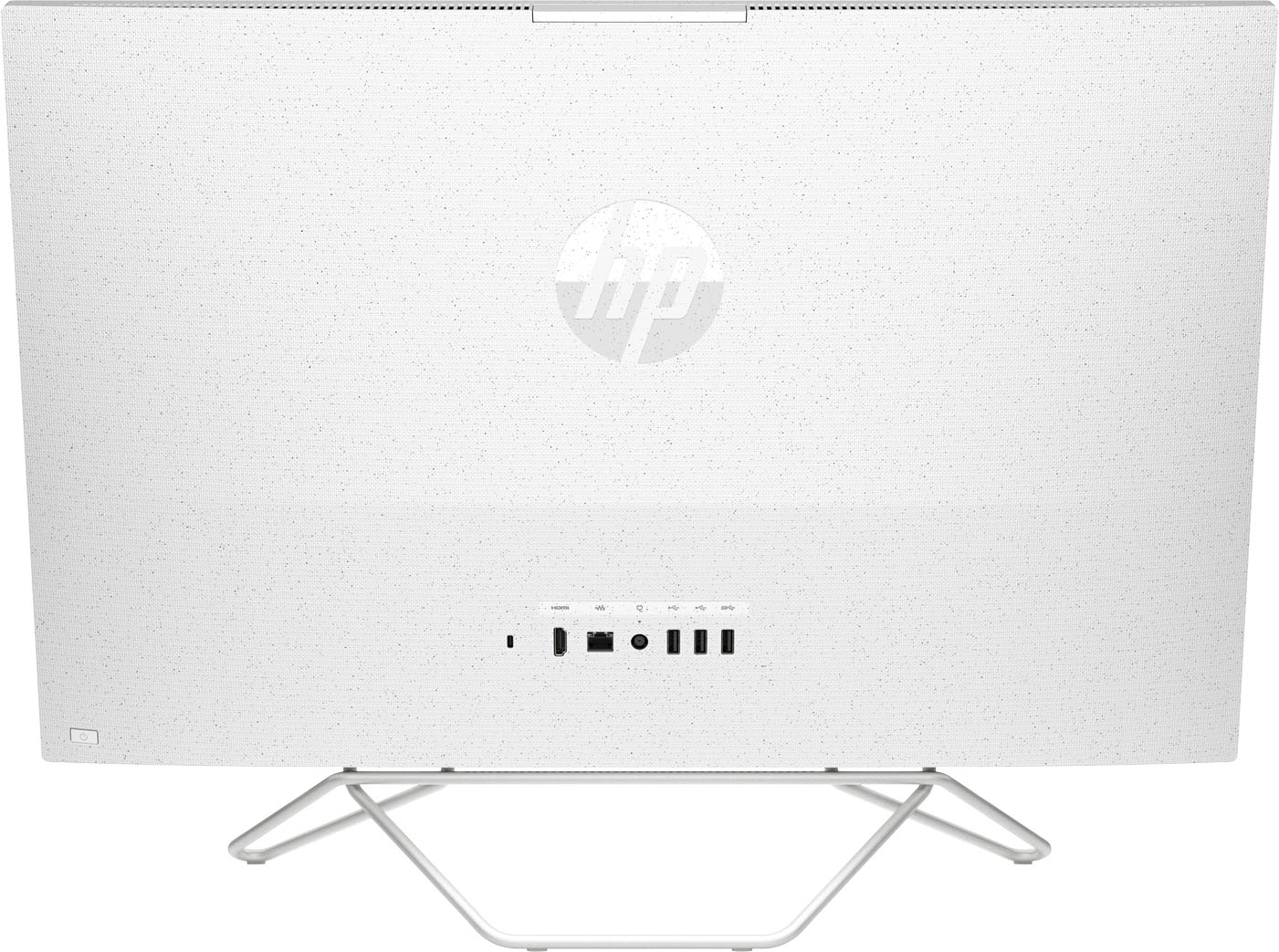
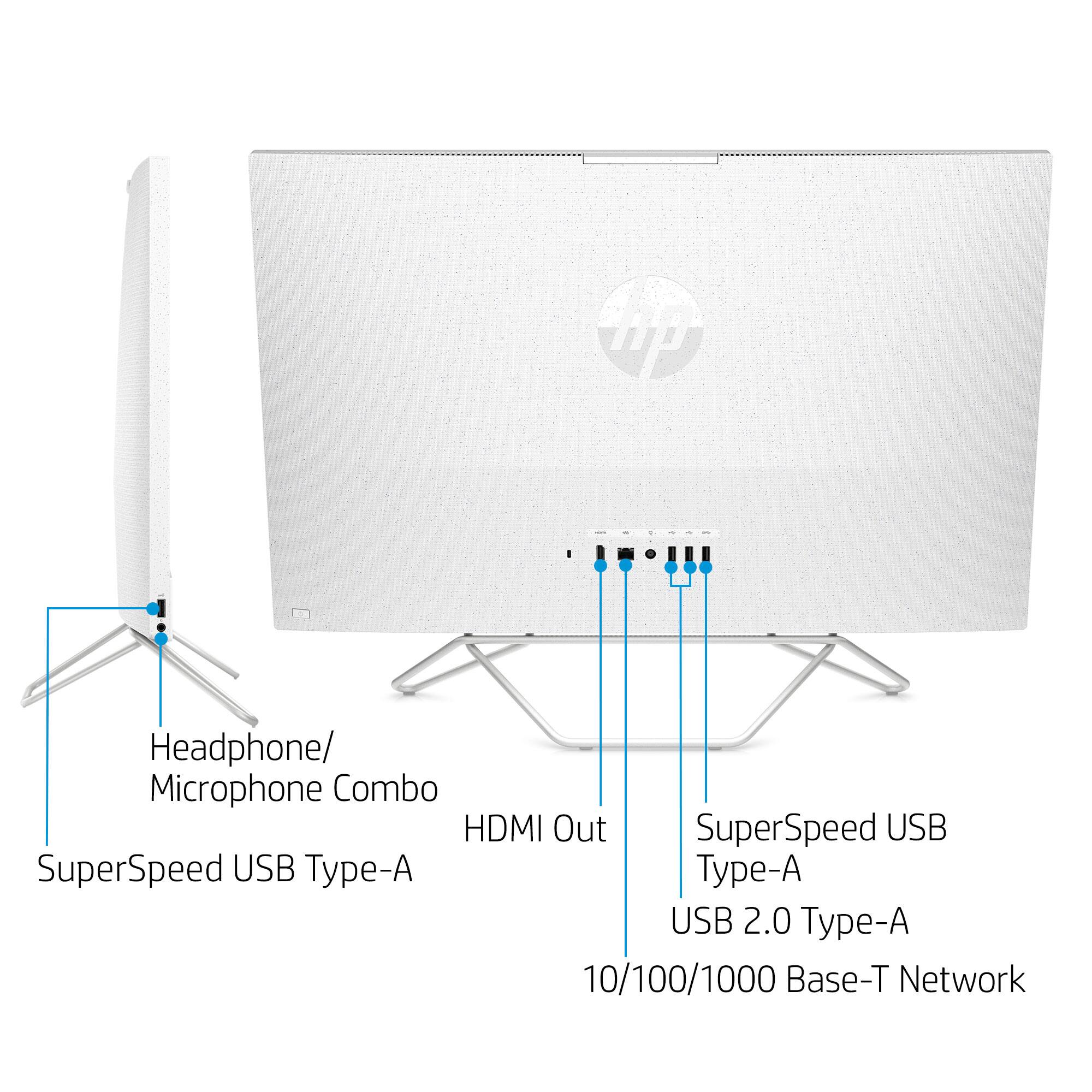
A:AnswerYou cannot use the All In One machine as a monitor, but you can connect a monitor to the All In One machine as long as you are connecting via HDMI. There is 1 HDMI port on this machine
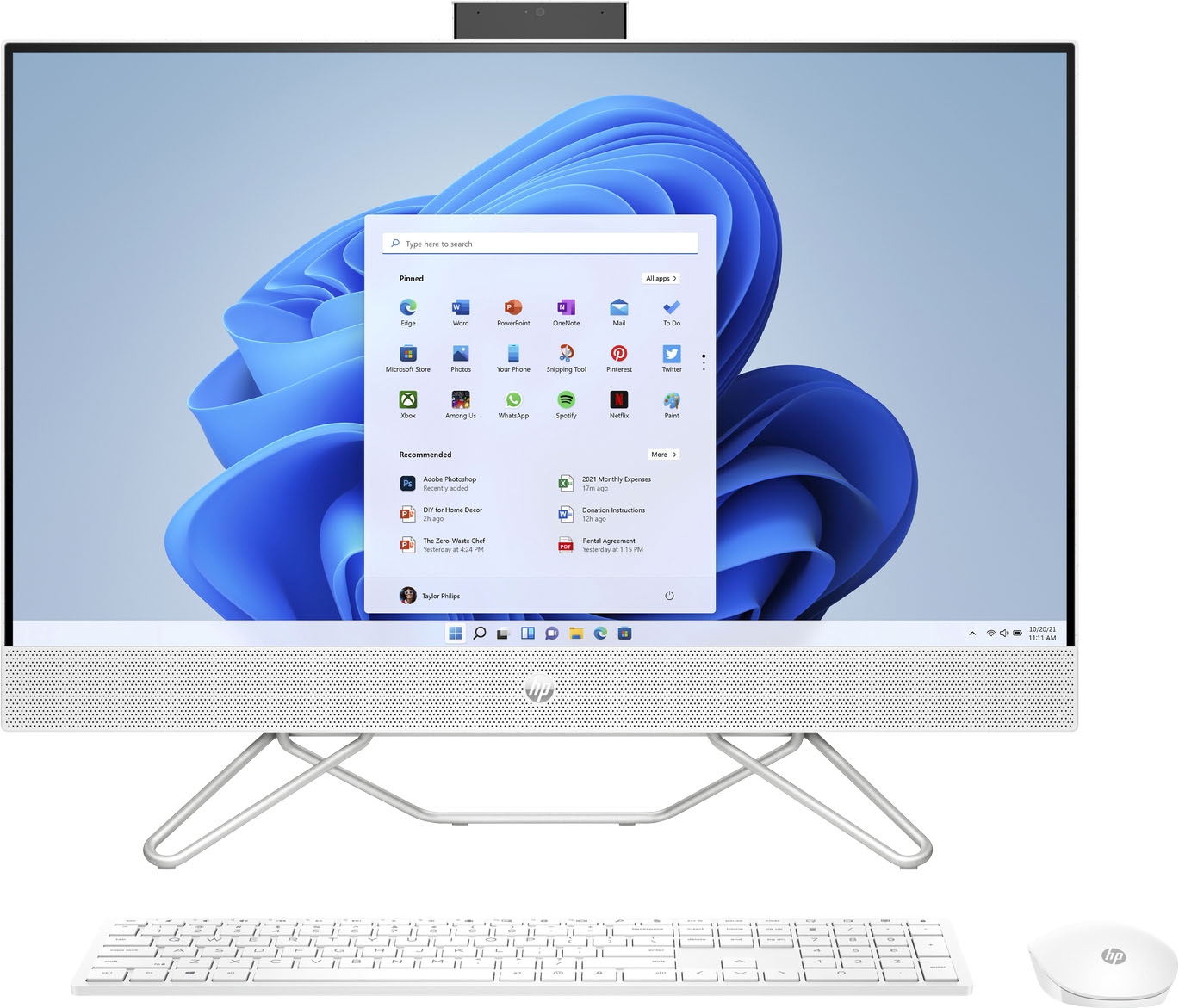
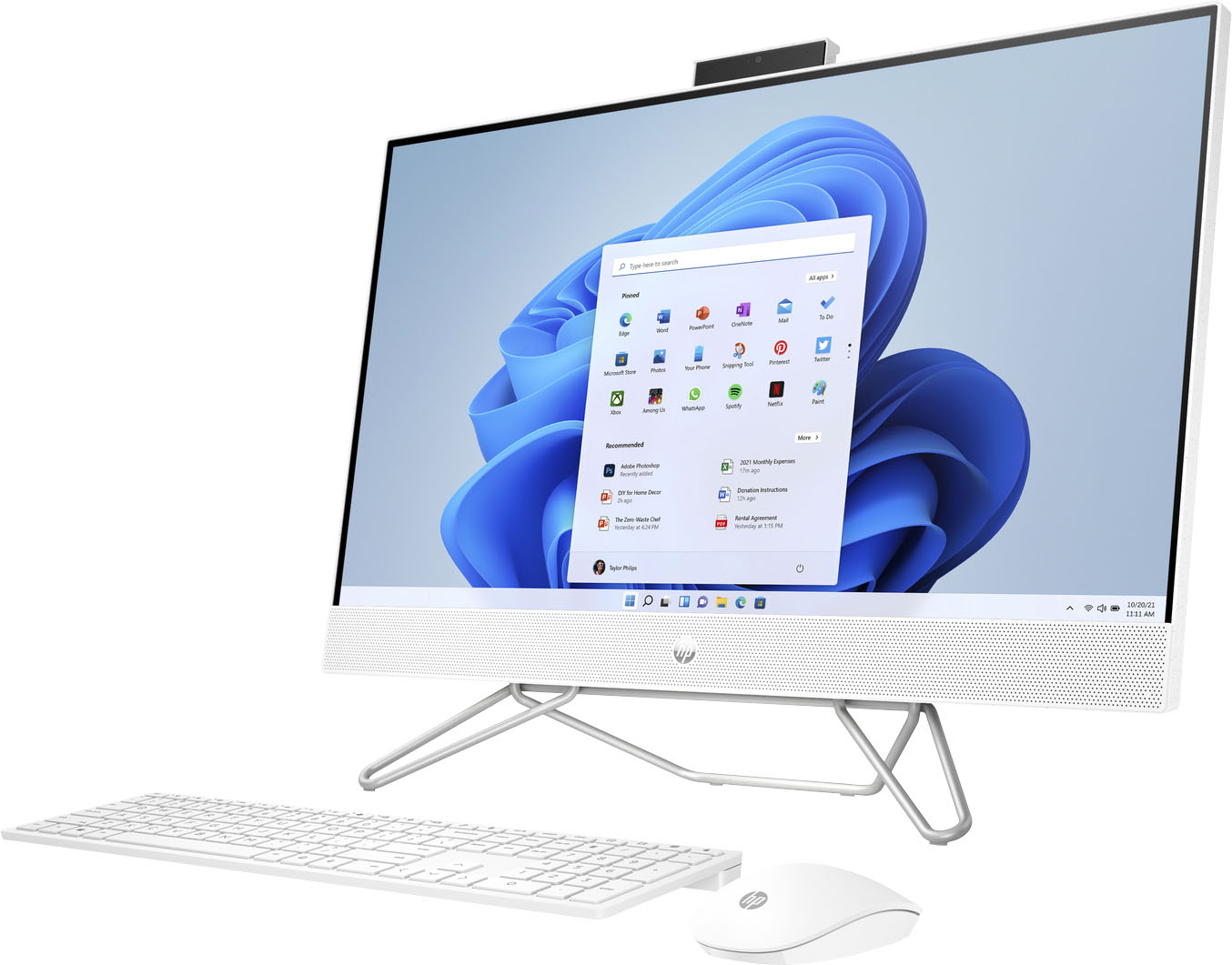
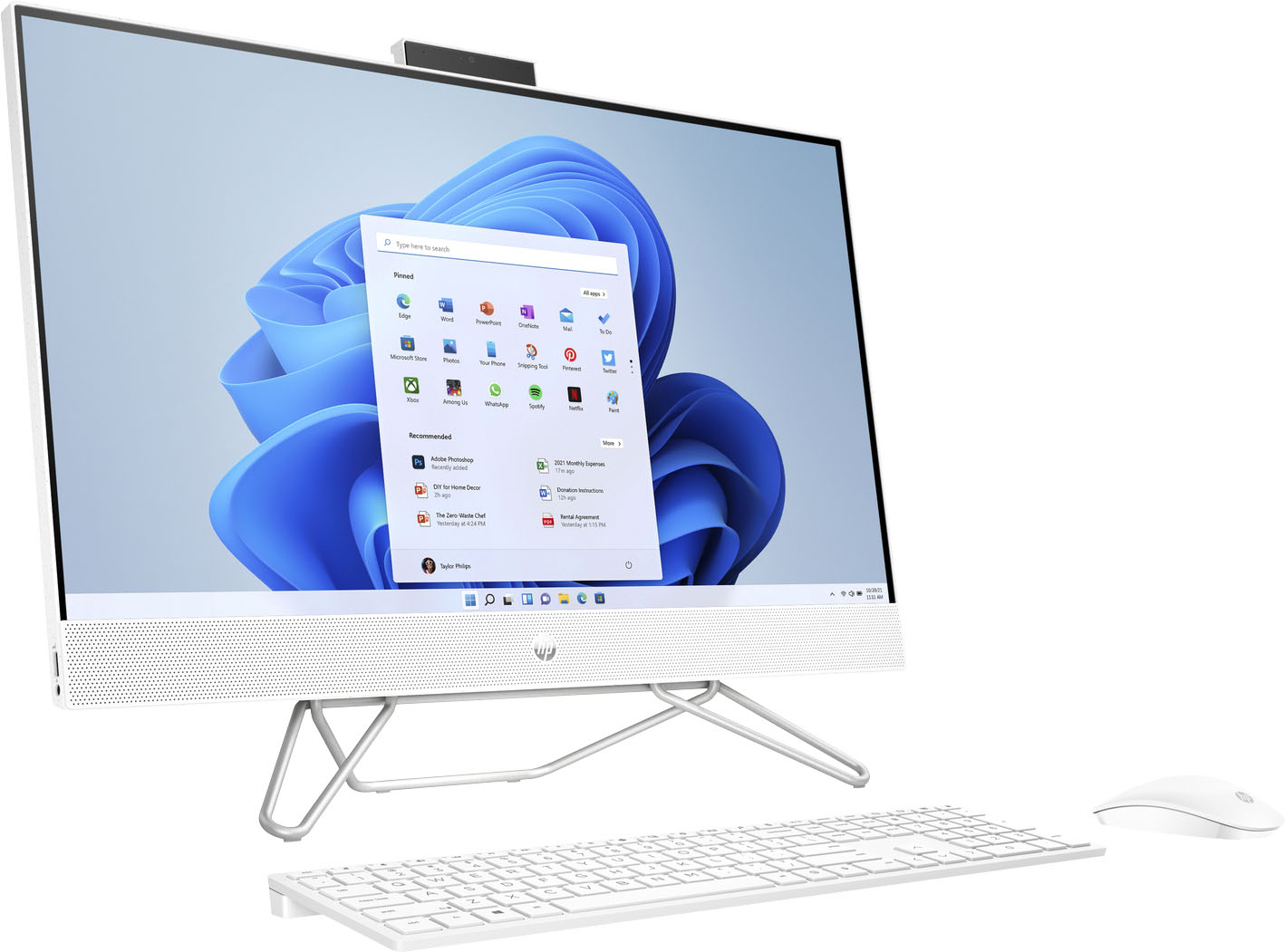
A:AnswerHello. Thanks for your question. You would gently pull up the camera to unlock it by using the grips on the back of the camera. When the camera is not in use, you can close the camera by pressing down on it until it clicks into the closed position.
A:AnswerThank you for the question. The 27-cb0244 All-in-one has one HDMI-out port in the rear. You might be able to use an HDMI duplexer/adapter, but not all are created equal. You might do better to connect a good quality HUB/adapter via USB, that has an HDMI input, and connect the other monitor to the PC's HDMI port. This may ensure that you get similar response times with both external monitors.
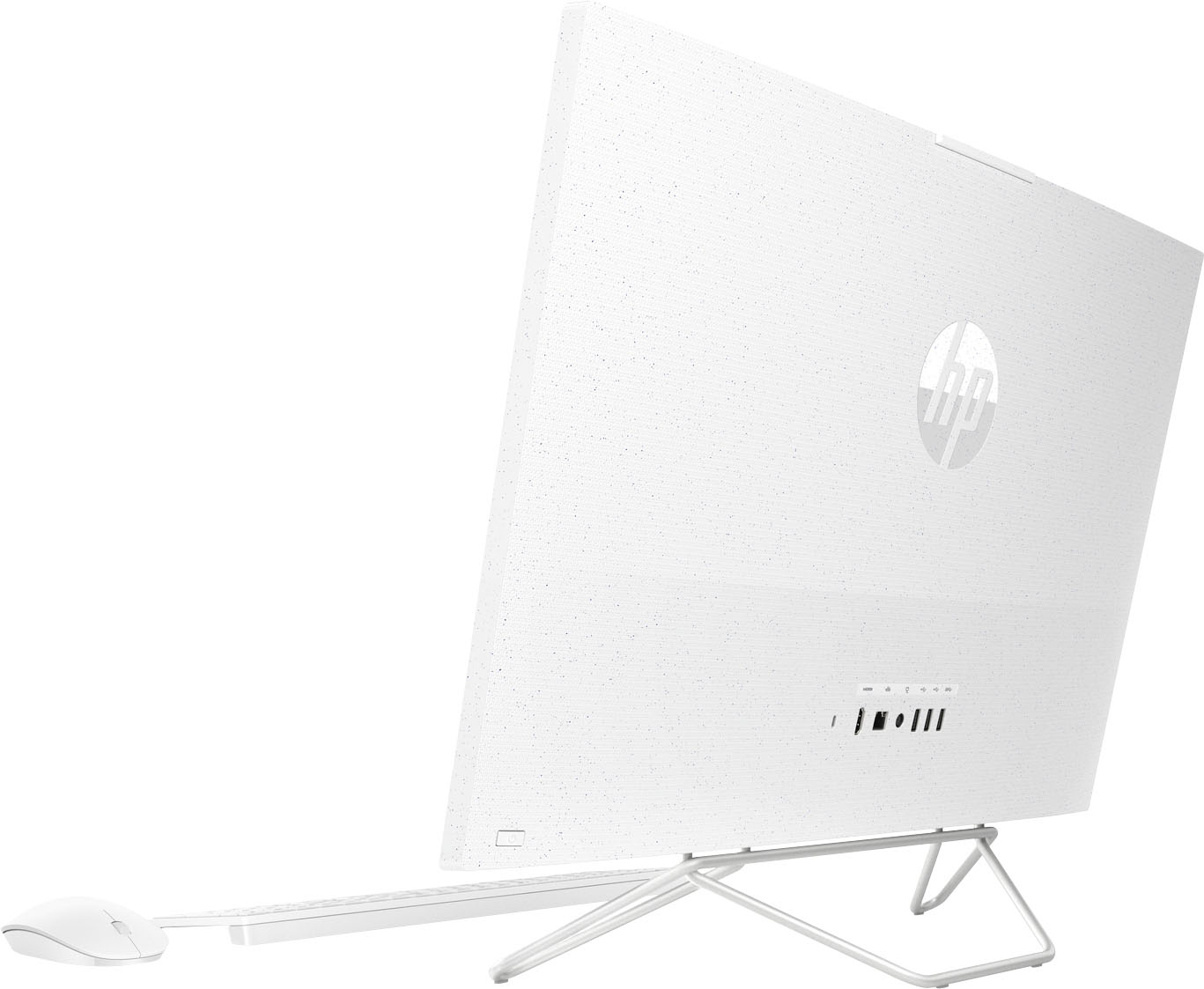
A:AnswerI'm sorry to hear that. There really isn't a way to adjust the screen tilt. I'd contact Best Buy directly to see about getting a replacement as an exchange.
A:AnswerThank you for the question. The HP 27-cb0244 All-in-One was first introduced in September 2021 and is still being manufactured. The week and year it was made will be listed on the same label as the serial number, attached to each unit.
A:AnswerSi siento que esta muy inclinado hacia adelante, y por ello tengo cierta dificultad para el momento en que estoy en zoom, y trabajando.
If I feel that it is very leaning forward, and therefore I have some difficulty by the time I am in zoom, and working.