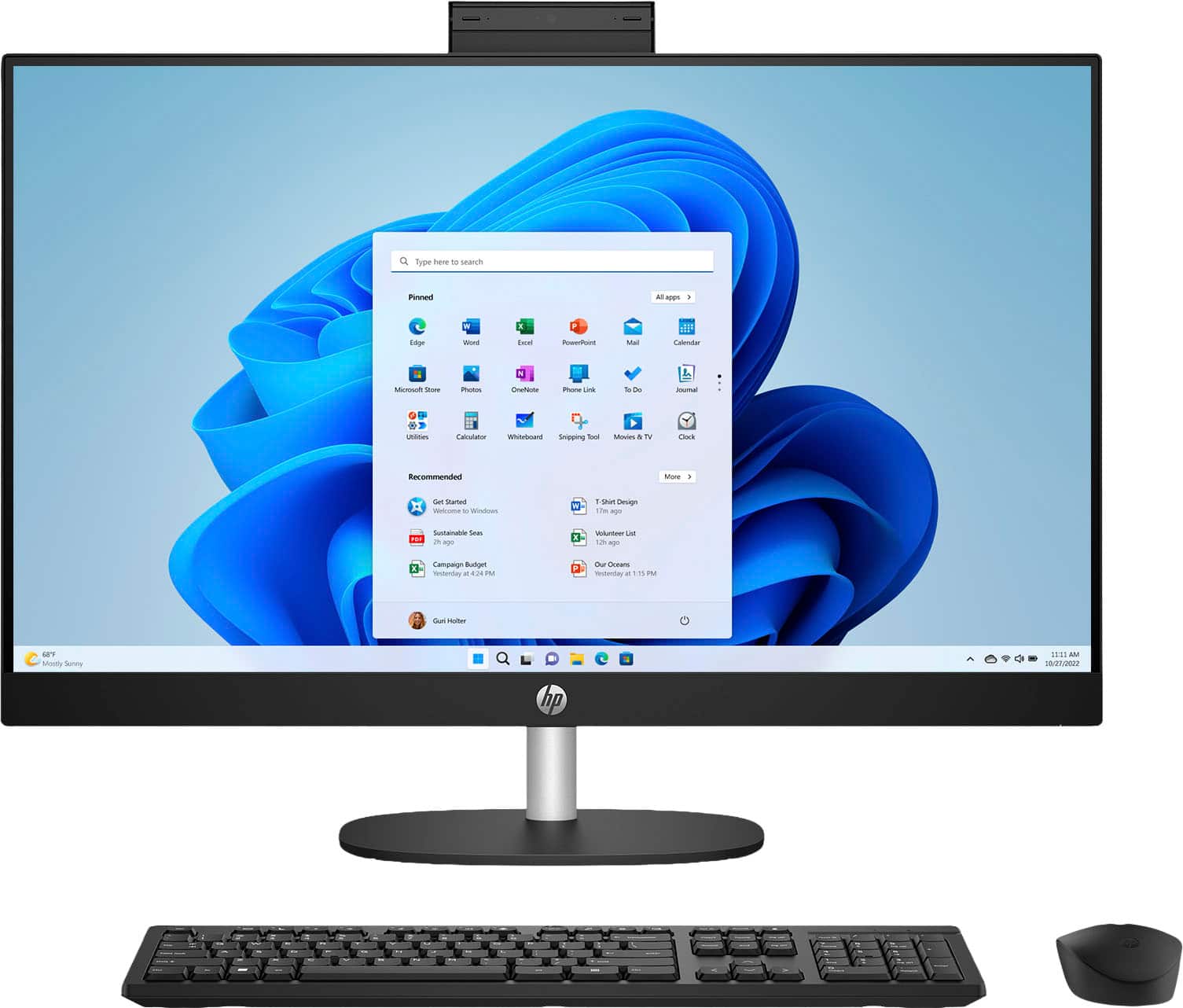
A:AnswerHi Mike! No office software is included, but you have a couple of free online options including Microsoft Online for free access to Word and Excel, with minimal features. Go to Office.com
Sign in with a Microsoft account (or create one for free). Click on Word, Excel, or any other app to start using it online.
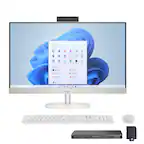
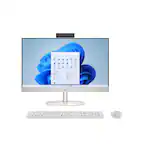
A:AnswerHi there, Betty! Thanks for the question on the HP 27" Touch-Screen All-in-One (27-cr0054). To use Outlook with this device, you can get access via Microsoft 365, or online by web browser for free. For help with this, don't hesitate to reach out to HP Support or your Best Buy Geek Squad!
A:AnswerThank you for your question! It will depend on what kind of games you would like to play and what their system requirements are and if this PC meets those requirements, you can check a games system requirements on the publisher's website.
A:AnswerThank you for your question on this HP touchscreen desktop! You will be able to transfer your content directly. However, programs would need to be deactivated on your old computer before you can install them on this one. Best Buy offers a data transfer service right in the store through its Geek Squad precinct. You can check with a blue shirt for more details.
A:AnswerThank you for your question on this HP touchscreen desktop! You store music by either downloading it and saving it or have your music program download and save it to the computer.
A:AnswerKev, thank you for your interest in this HP desktop! Yes, you can have someone in Geek Squad set this up in your home or your office. See a Best Buy associate for details.
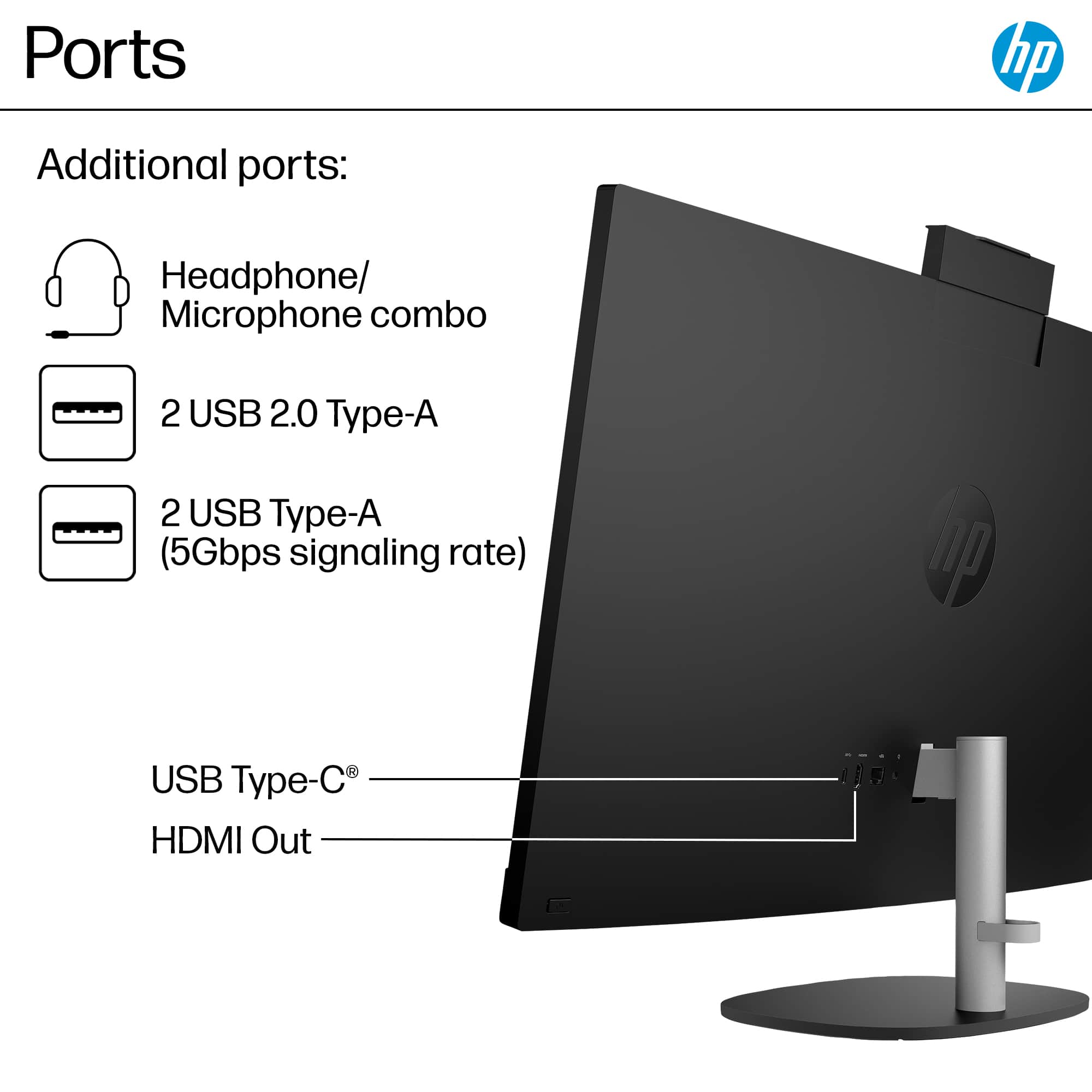
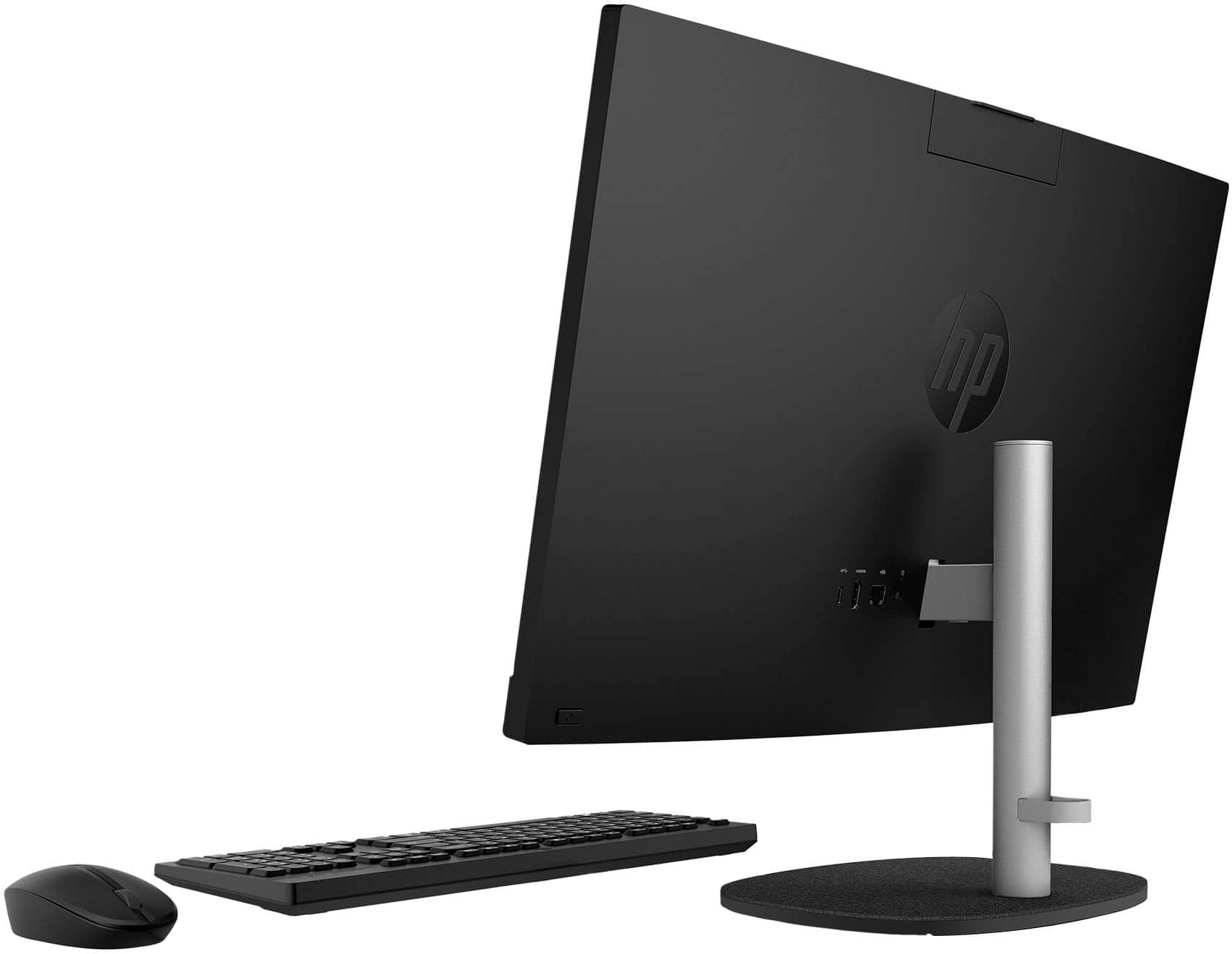
A:AnswerThank you for your question about the HP 27" Touch-Screen All-in-One desktop computer! Since this model only has an HDMI out port, you would need to use individual streaming apps or watch your favorite shows and movies through the pre-installed browser. The HDMI out port is designed to allow users to add another display for their workflow.

A:AnswerThank you for the question. Yes, you can disable the touch screen on the 27-cr0054 by using the Device Manager>Human Interface Devices, selecting touch screen, and clicking "disable".
A:AnswerApologies for what you're experiencing. The wireless mouse and keyboard work with a unifying receiver that is connected to the USB Type-A port. Did you connect it? If you have done so and it's still not working, please reach out to Support.HP.com or call 800-474-6836 for assistance.
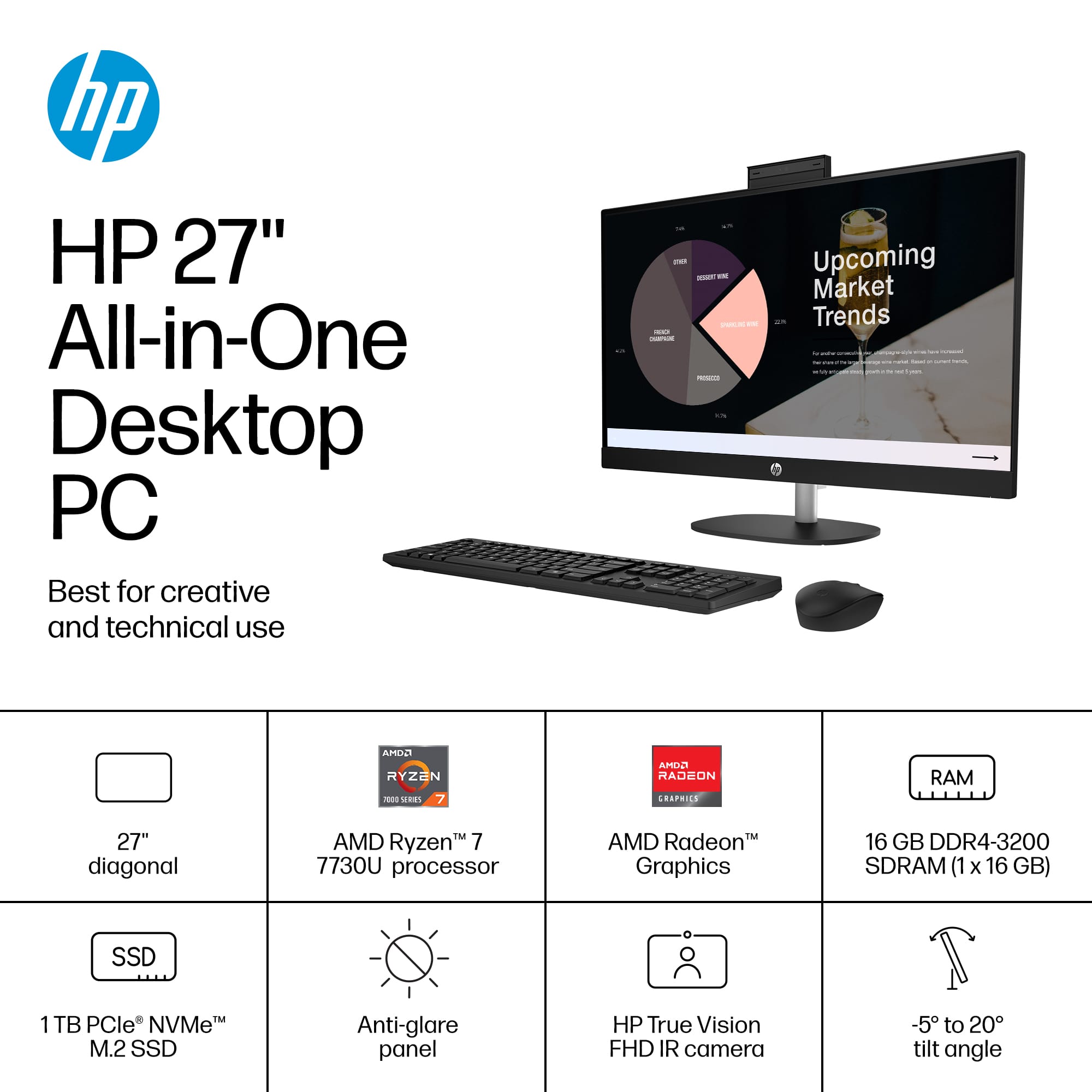
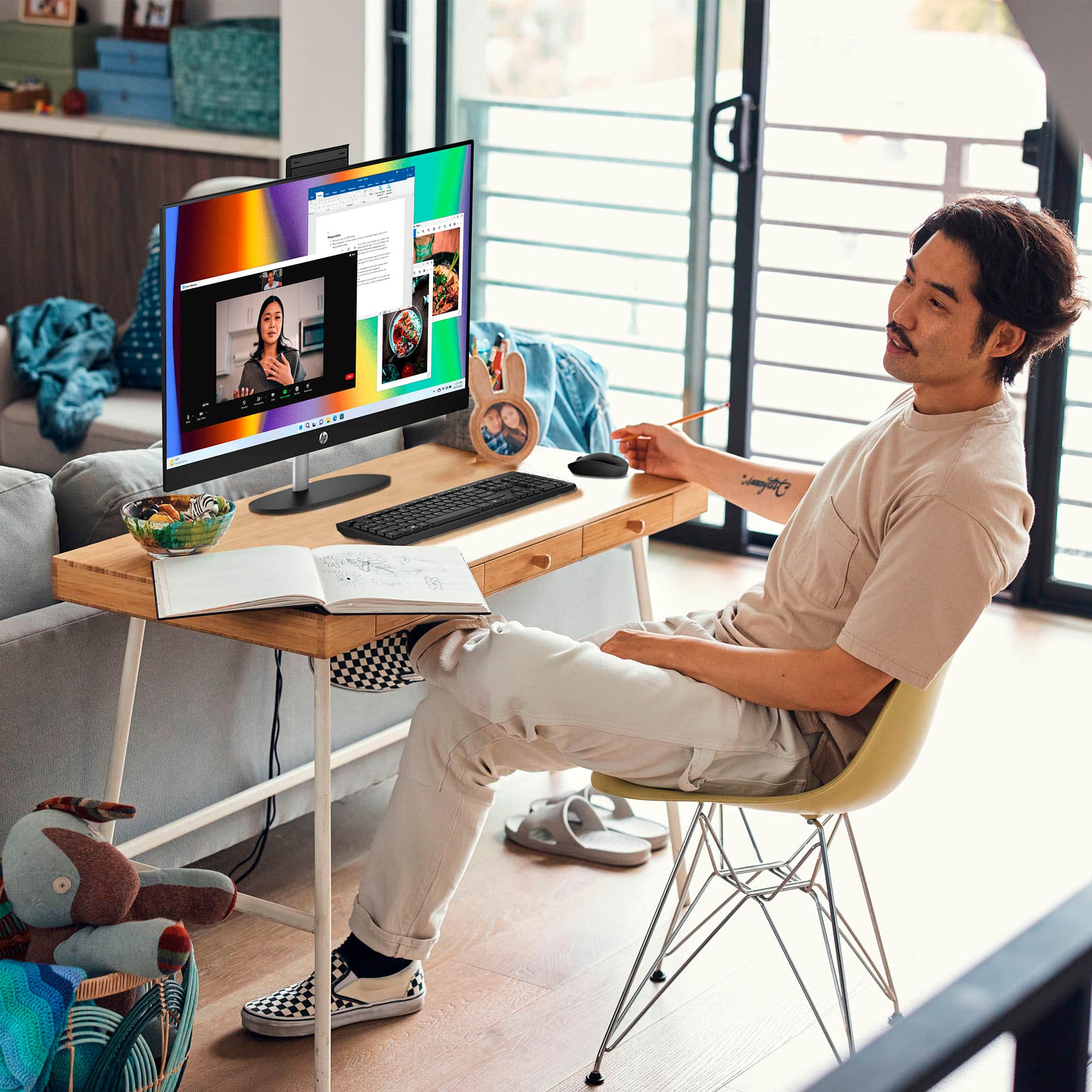
A:AnswerHi Mike. Thank you for your question. This HP All-in-One Desktop PC will come with a built-in HP True Vision 1080p FHD IR tilt privacy camera with temporal noise reduction and integrated dual array digital microphones.
A:AnswerHi there. Thank you for your question! This HP All-in-One PC will feature one USB Type-C® 5Gbps signaling rate port, two USB Type-A 5Gbps signaling rate ports, and two USB 2.0 Type-A ports for connecting USB accessories and peripherals.
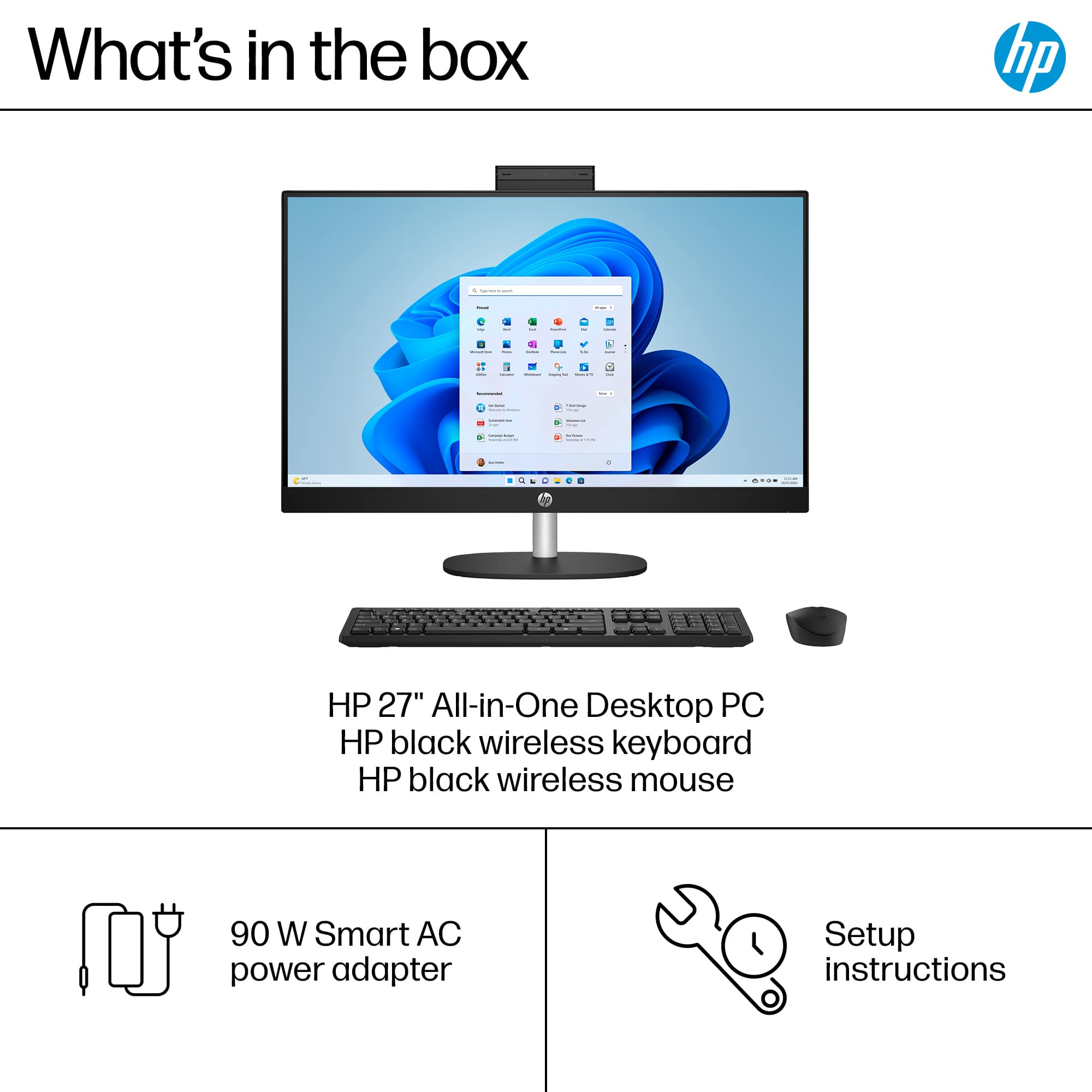
A:AnswerHello. Thanks for your question. The part number for the AC adapter for this HP all in one computer is N55132-001. The power cord is part number L19367-001.