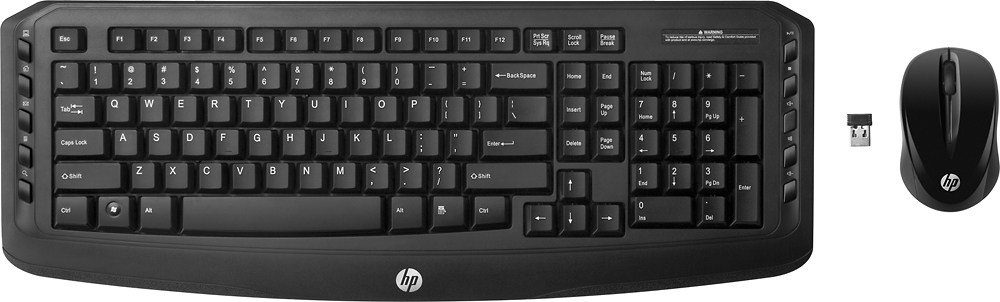
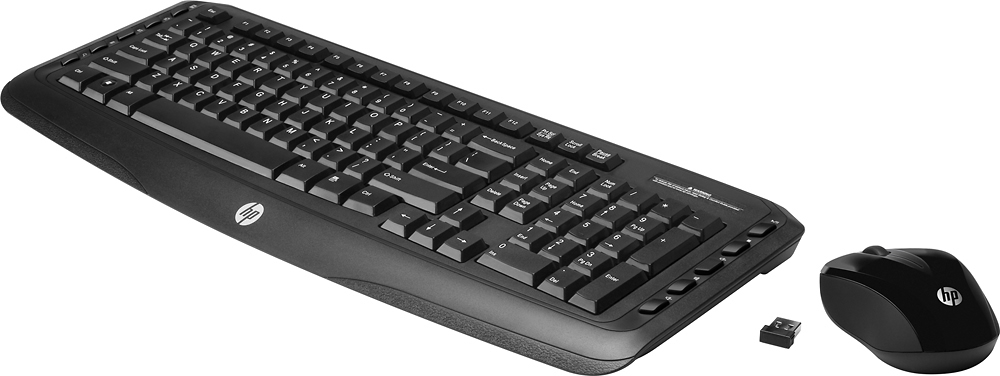
A:AnswerYour key description and usage is going to be universal for all keyboards. You can surely just google keyboard diagram and keyboard shortcuts to learn all the neat shortcuts that are worth knowing !
A:AnswerI had sticky keys and not able to type...decided it was keyboard that came with computer...bought this new HP keyboard and it was all I needed. I am still using my original mouse and have the new one on hold when needed.
A:AnswerI like wireless...can move keyboard away from in front of computer and still type. I like wireless mouse...no wire to mess with..easier to move about.
A:AnswerThese keys are the usual short-cut keys one may have on your keyboard. However, instead of pressing two or three keys, these function keys made it even simpler to use.
A:AnswerYes, but honestly it would probably be better to look for something that actually has some ergonomics.. the mouse is really uncomfortable and I found the sensitivity to be way too high (you can adjust it, but even then not that much)
A:AnswerYou said I couldn't use the classic desktop wireless combo keyboard on a window vista computer. Therefore, I was in the store in Long Island City, a representative told me I could use it on a window vista so I bought it and it does work with a window vista computer.