A:AnswerI purchased this very computer a few months back. In its stock configuration, with the one 8 GB stick of RAM, you will not have wonderful results with most gaming as the windows 10 operating system plus the integrated graphics will use pretty much all 8 GB just to run. That being said, I did add a Corsair Vengeance LPX 16 GB kit(8x2) DDR4 3200. The computer only recognizes that ram at 2133 unfortunately. HP has their bios locked down so there is little to no end user configuration options. I cannot change the XMP settings to make the computer run the at the advertised 3200 MHz. But 16 GB at 2133 in dual channel is significantly faster than one 8 GB 3200 MHz stick. I also added a Samsung Evo 870 1 TB SSD(this computer came with the sata cable already attached to the motherboard).
As for gaming, it is capable as long as you meter your expectations. I play call of duty modern warfare/war zone all the time, but to do so requires the game being set to 1920 x 1080, And the render resolution set pretty much to 720 resolution. All the other graphical settings are at their lowest. But it’s somewhere in the 50 to 70 FPS range depending on the map. I consider that more than playable, others may not. I also play doom eternal, low or medium settings is no problem at 720 resolution, 900 resolution, or 1080 if you have dynamic render resolution mode on. The game looks great regardless and is in the 45 to 65 FPS range with those settings. I tried the newer flight simulator 2020, but couldn’t get more than roughly 30 frames per second with everything at its lowest graphically. Even at its lowest settings, that game looks great, but I would rather have better performance playing flight simulator x maxed out. Ive only played Halo: combat evolved from the master chief collection so far on this computer, but it ran great. If you play esports games like CSGO, you won’t have any problems running at 1080.
Again, if you play older games, like the last five years, emulators, and you meter your expectations a little bit, you will have pretty good results. It also does have a PCI express 16 slot if you wish to add a video card down the road, but you will be limited to lower powered cards like a gtx 1650 that uses the boards power, not from an additional six pin, or something like 1050ti. I wouldn’t use a 1030, as it’s just about as fast as the integrated graphics on this ryzen chip already. Also, you are limited in your selection because the power supply is only 180 W. Wow that is capable of running this computer perfectly stable, and it is a good quality factory power supply, it doesn’t have much had room for upgrades that require additional external power. And the power supply wiring doesn’t give you the necessary plugs whether it be six or eight pin for higher powered graphics cards(unless you are willing to use a molex to 6/8pin adapter).
I hope this helped.
A:AnswerHi Ryan. Thanks for your question. The SSD drive is installed in the only PCIe® NVMe™ M.2 slot. There is an expansion cage for a 3.5" drive and there is a SATA cable already installed. You can install a second drive in the 3.5" space.
A:AnswerI only tried to update RAM on one computer once but I'll try to answer you. When you get RAM memory there are different types like DDR3, DDR4, and etc you have to make sure you are getting the correct RAM type that is compatible with the hard drive. Also, the computer itself will have different available RAM slots some computers have 3 slots for RAM cards, others 2 or 4, you can find this information in the BIOS of the computer which is where you also need to update your RAM.
For this computer, you have 2 memory slots and you need DDR4 RAM 3200 SD RAM memory and you can have 32GB MAX memory. So in this case you can install 2 memory cards with 16 GB RAM each but you need to make sure it's DDR4 RAM with 3200 SD RAM memory.
Also, you need to update the BIOS, so your computer can understand there is more RAM. If you try to update the BIOS and your computer still says you can only use 7GB then it's possible you have the wrong type of RAM. Hope this answer helps you. I have been there.
A:AnswerCPU-Z reports this computer as having a HP Erica3 87D6 motherboard.
The spec's can be found on their page.
https://support.hp.com/my-en/document/c06955243
A:AnswerRuns all games Fairly well, if you have good internet connection and have high speed internet, This pc will run ALL games well and med to high graphics also.
A:AnswerThank you for asking. The processor used in the M01-F1114 desktop is AMD Ryzen™ 3 4300G (3.8 GHz base clock, up to 4.0 GHz max boost clock, 4 MB L3 cache, 4 cores).
A:AnswerThanks for your question. This Desktop only has a 180W power supply. It would possibly support a GTX 1030 GPU. This Desktop PC has the L81008-800 - 180W power supply installed. This chassis can also use the L64961-800 - 310W power supply, and the connectors should be the same. I hope this helps you. That would allow you to use a GTX 1050 GPU.
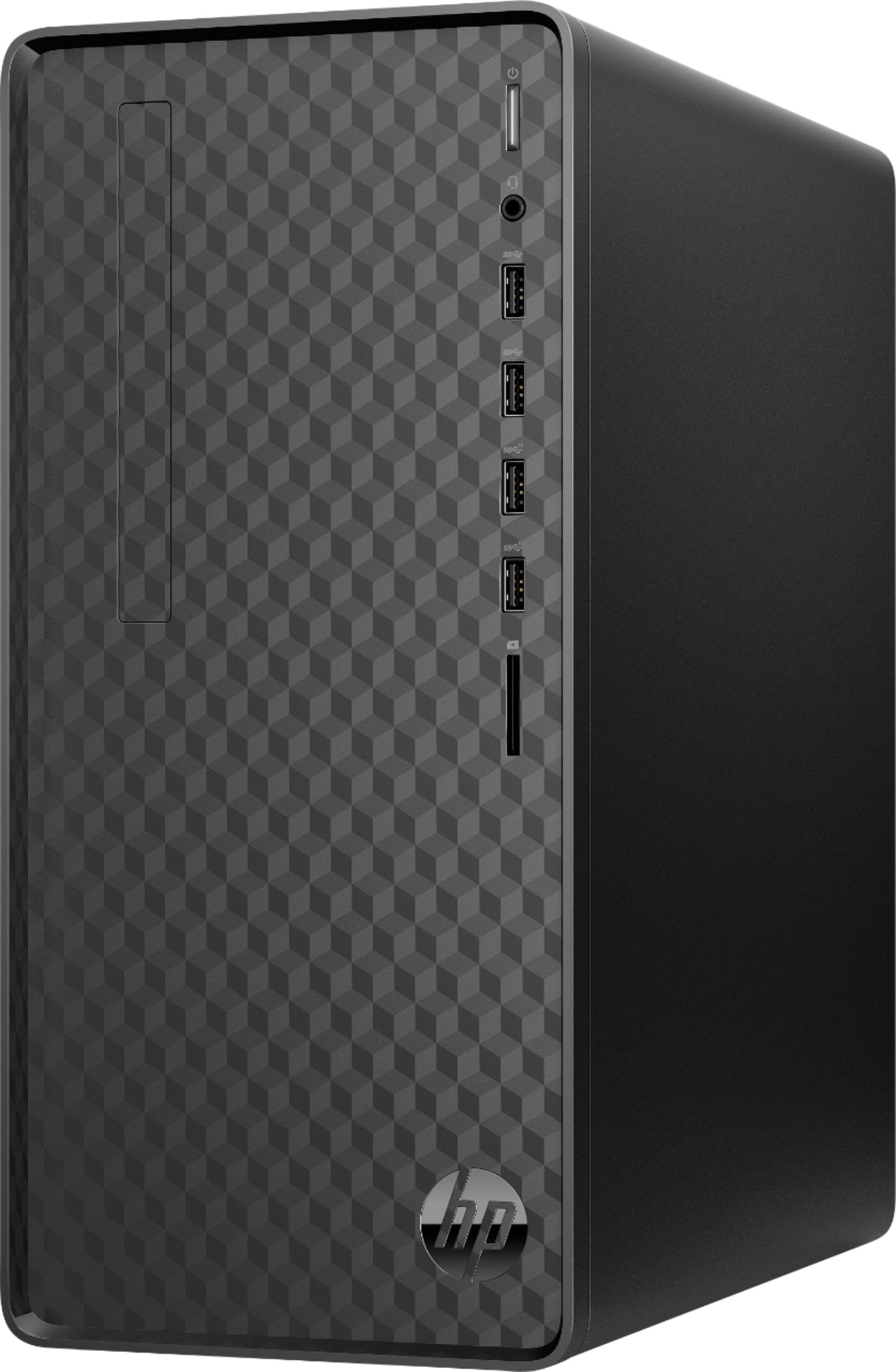
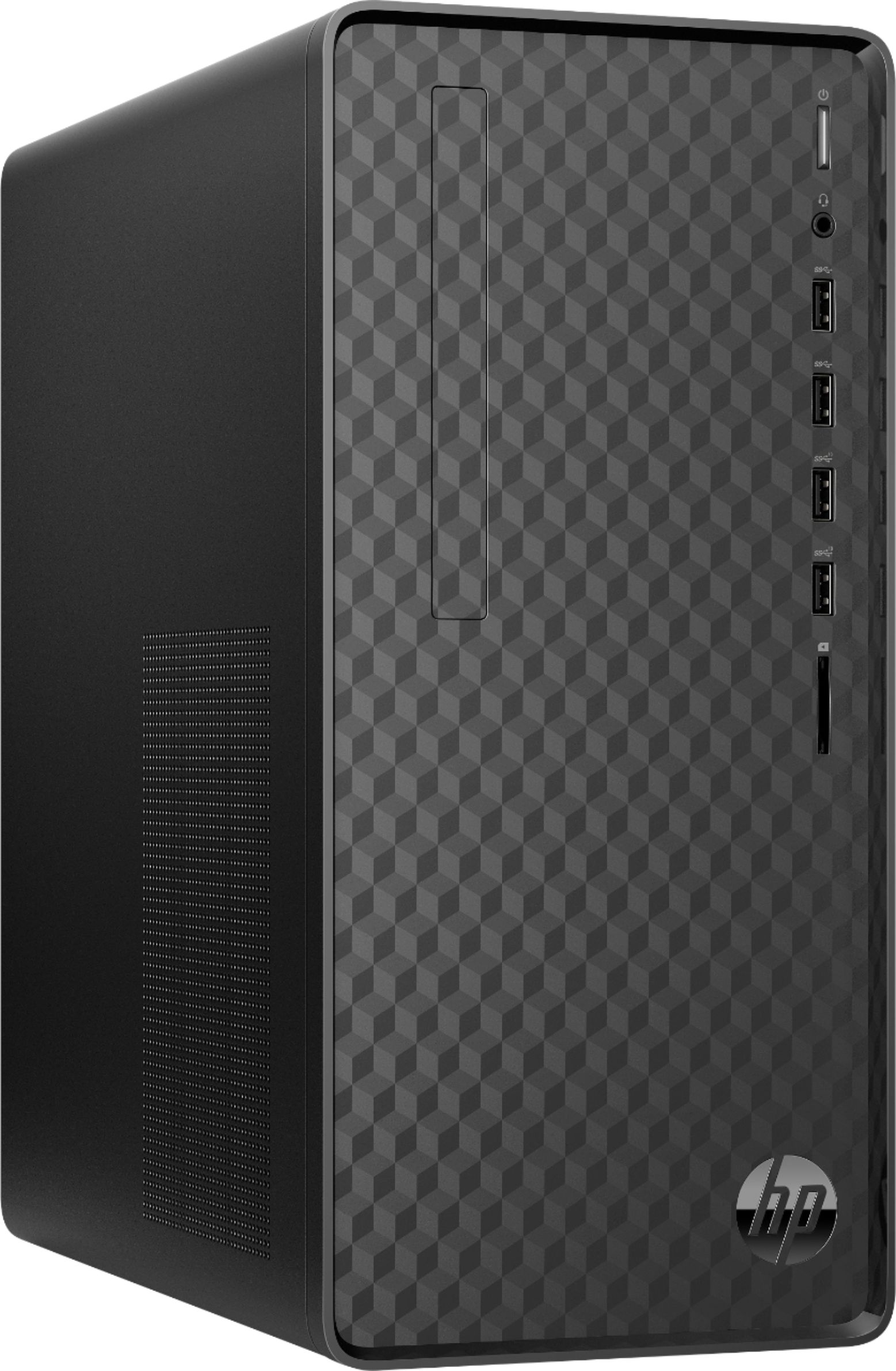
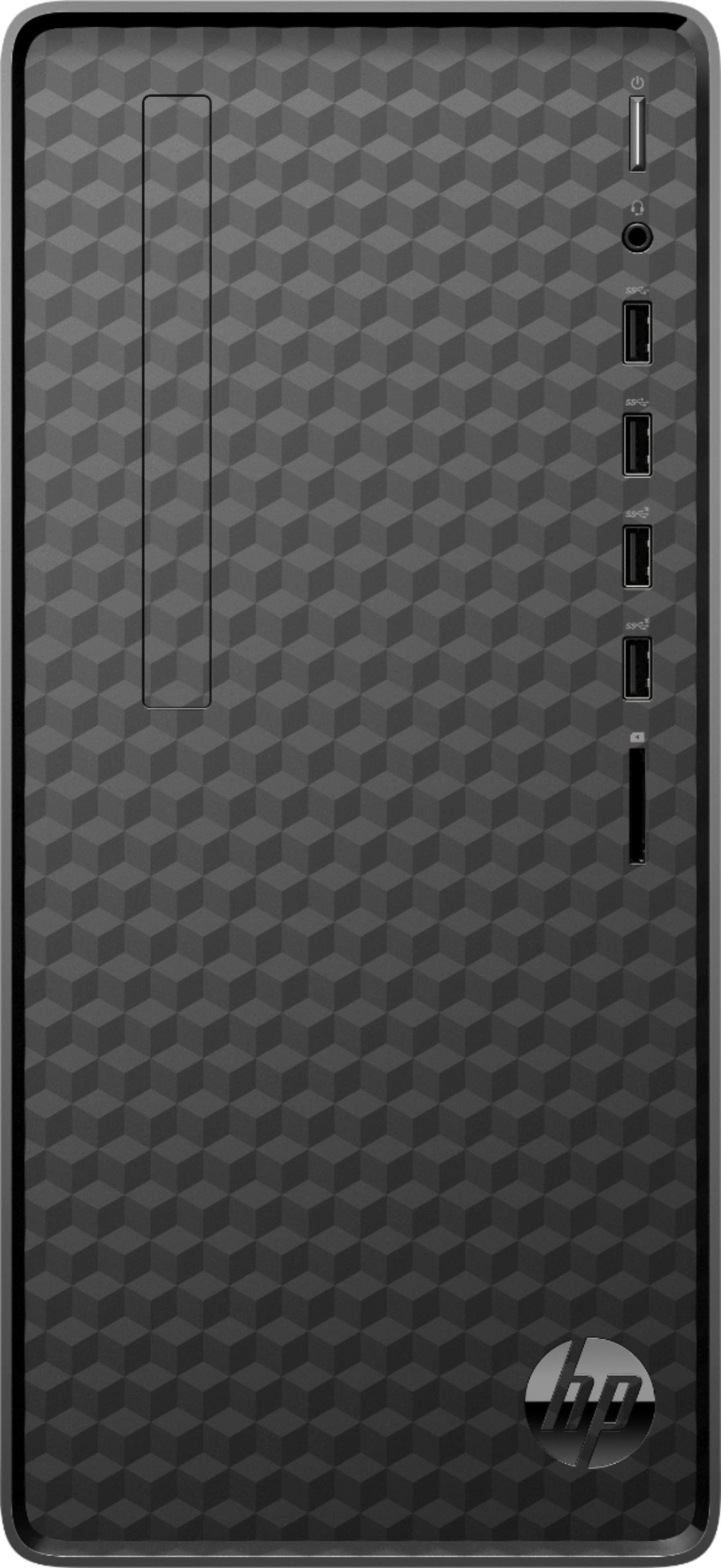
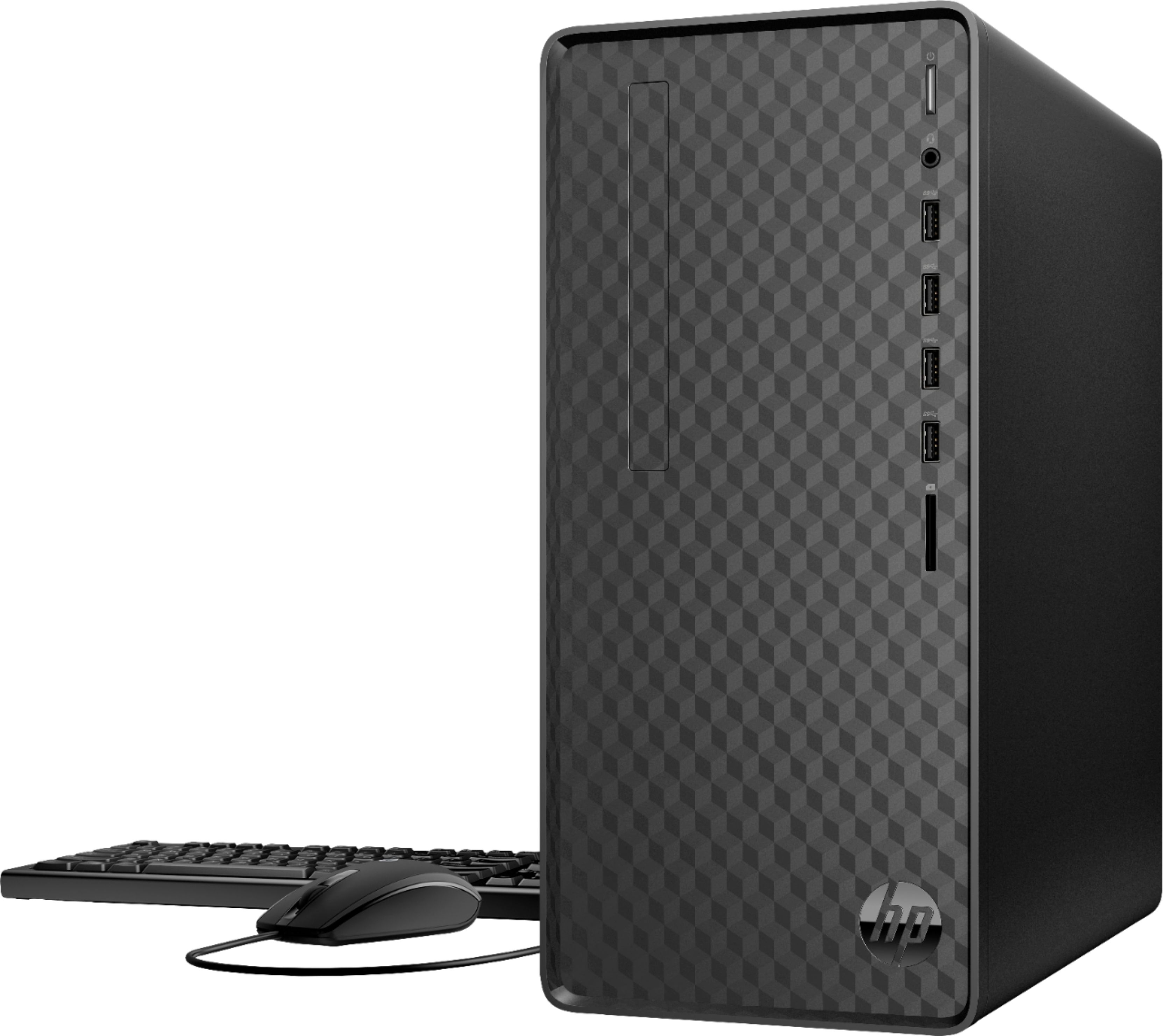
A:AnswerHello, Chip. This HP Desktop M01-F1114 computer does not have a CD/DVD drive. There is a HP 3 in 1 memory card reader on this desktop that will support SD cards.
A:AnswerThanks for your questions. Yes the HP Desktop computer has VGA and HDMI connectors for video out. If a cable came with your recently purchased monitor, it is most likely and HDMI and would work with this computer. This computer will work with most modern monitors.