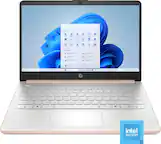
A:AnswerProbably not. Standard would be word. Available a office suit called Open Office that will do anything Office does and it is FREE. It is compatible With Microsoft Office files.
A:AnswerNo it is not. You can however use an external DVD drive that connects via USB . Here is an example:
https://www.bestbuy.com/site/lg-24x-write-24x-rewrite-24x-read-cd-8x-write-dvd-external-usb-2-0-dvd-writer-drive-multi/1970008.p?skuId=1970008
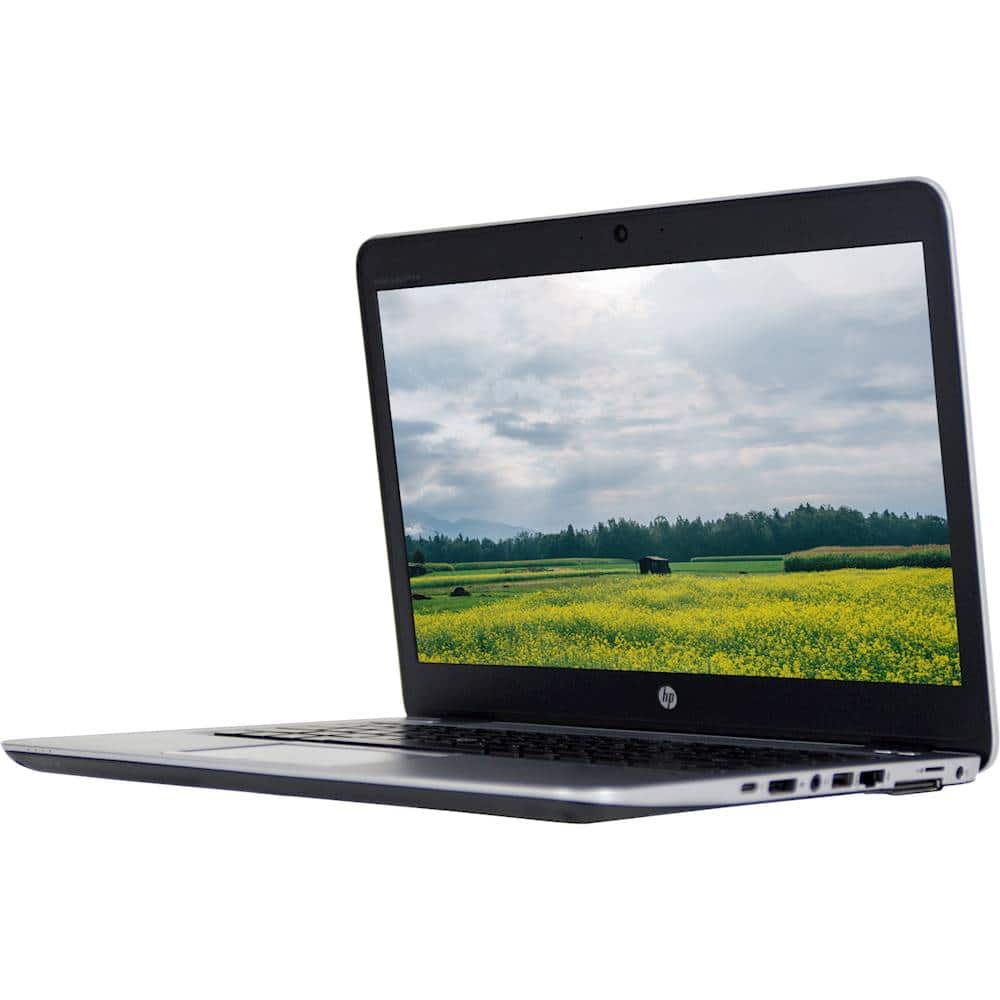
A:AnswerThank you for the question. This refurbished EliteBook 14 does not have a touchscreen. You can use the filter bar on the left and scroll to "features" and select "touchscreen. We've done that for you, here: https://www.bestbuy.com/site/searchpage.jsp?id=pcat17071&qp=features_facet%3DFeatures~Touch%20Screen&st=hp+laptop
A:AnswerIt should be fine, although I'd check the software you're looking to use to make sure it runs well on 8 gigabytes of RAM and with the 6th Generation Intel processor in the computer.
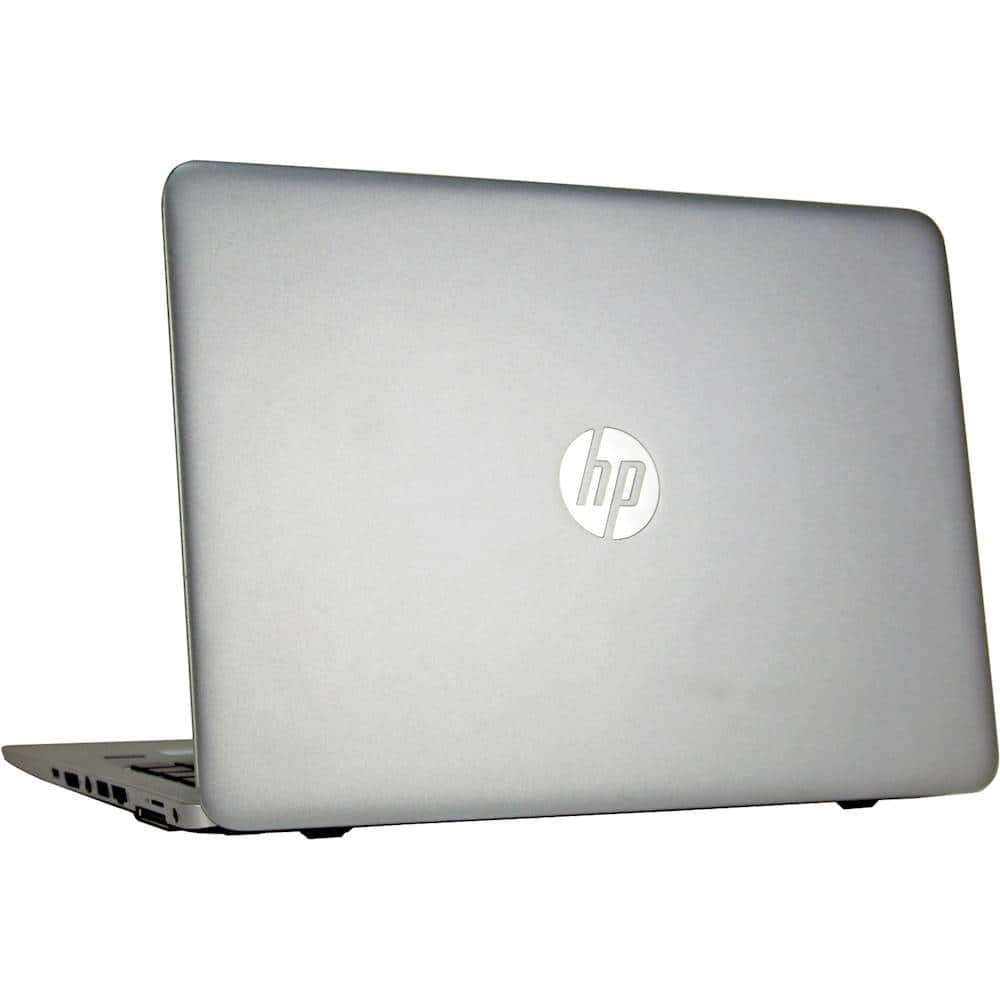
A:AnswerHello osvi, great question! Yes, this device has two USB 3.0 ports. If you look under the specifications and scroll down you will see it listed! Thank you for being an HP customer!
A:AnswerThank you for the question. Yes, Geek Squad can transfer your files for you. Note that typically, it's files only, and you'll need to reinstall programs. Most are available online for download.
A:AnswerIf you have the standard HP warranty, it would probably need to be sent out for repairs. If you have the Geek Squad protection, you should be able to get it fixed in store.