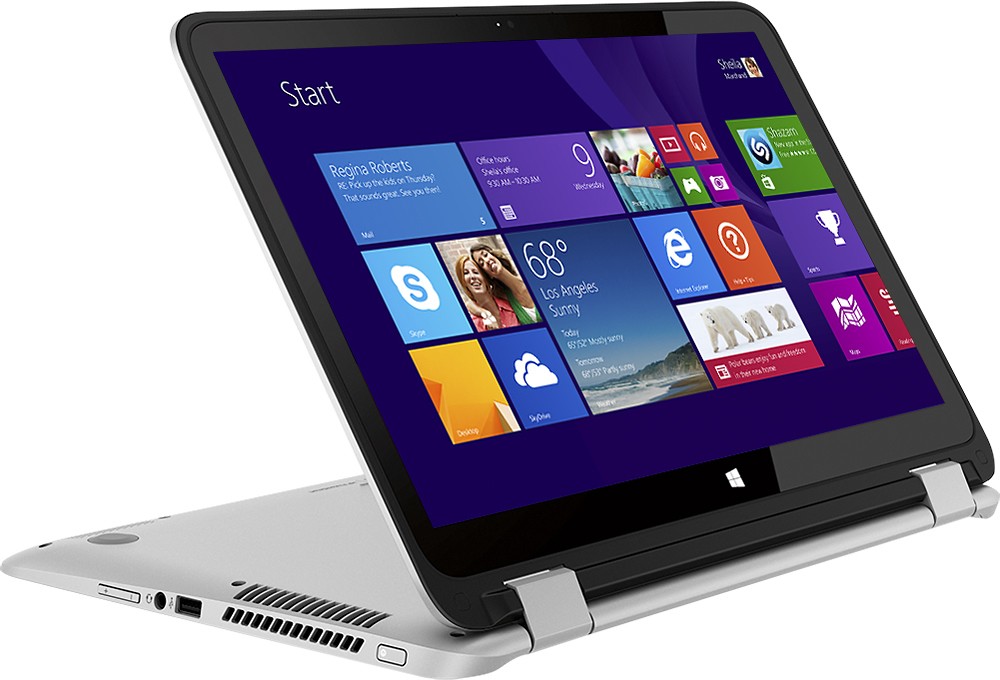
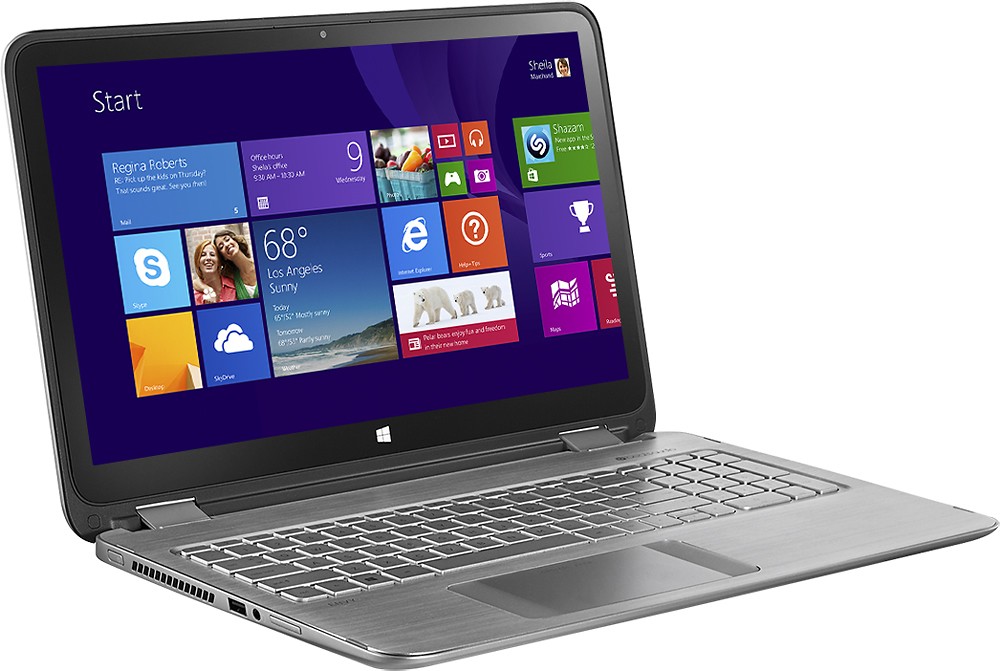
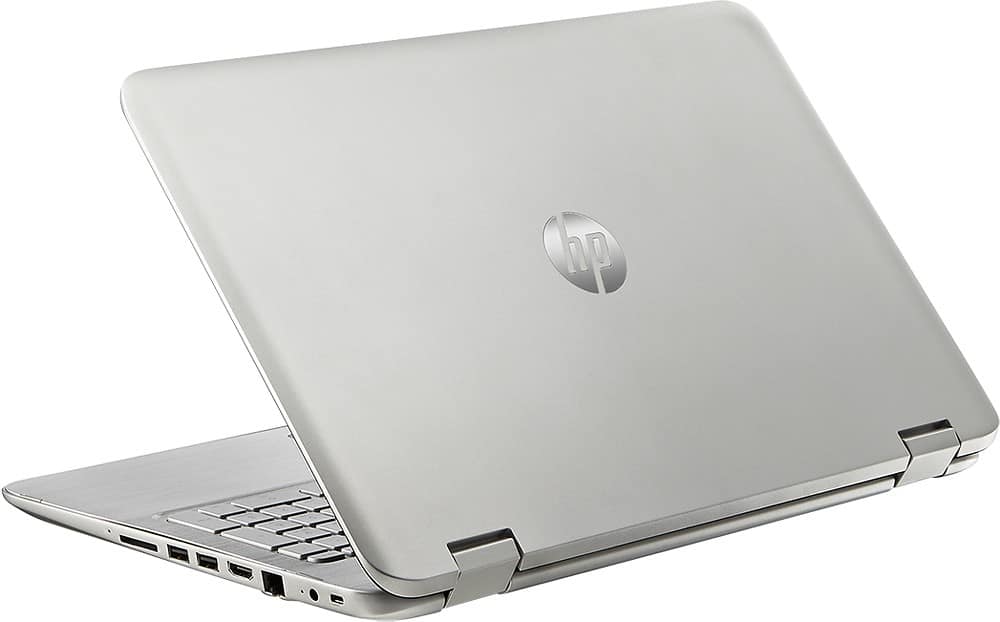
A:Answer You can swap out the factory HDD for a SATA 3 SSD in 7mm size but it takes significant work. There are 14 screws that must be removed from underside (2 hidden under rubber feet, 2 under stickers), disconnect 3 ribbon cables to lift off the keyboard cover, disconnect the battery connector to the motherboard, and then you can remove 3 screws and ribbon cable that mounts the HDD in place. Once you've swapped out the HDD for the SSD in the storage drive bracket, you can reassemble in reverse order. This should only be attempted by highly technical folks that have numerous PC/laptop builds/repairs within their experience in my opinion. fyi - I'm personally a highly technical IT engineer with 20+ years in the PC support industry that owns this particular model.