A:AnswerYes! You will get a notification on the screen that it is in "Single Cartridge Mode" if you choose to only install a black ink cartridge, but it will definitely still print with just black!
A:AnswerGood question. The ink yield depends on how much ink you are using on a page. It also depends on if you choose to use the standard yield cartridges or the high yield XL cartridges.
Here are the page yields for each HP 63 ink cartridge for this printer:
HP 63 black: ~190
HP 63 tricolor: ~165
HP 63XL black: ~480
HP 63XL tricolor: ~330
Note: The yields are based on 5% page coverage.
I hope this helps!
A:Answer1 color, 1 black and white. I am on the cartridge plan where you pay $3.99 a month and think gets sent to me when my printer detects it is low. Can't beat the price!
A:AnswerHello, Unfortunately the ENVY 4520 only comes with the power chord, Software CD, Owner's manual inside of the box. You will have to purchase the USB A to B cable and the ethernet cable separately.
Hopefully that helps you out, and thanks again for choosing HP.
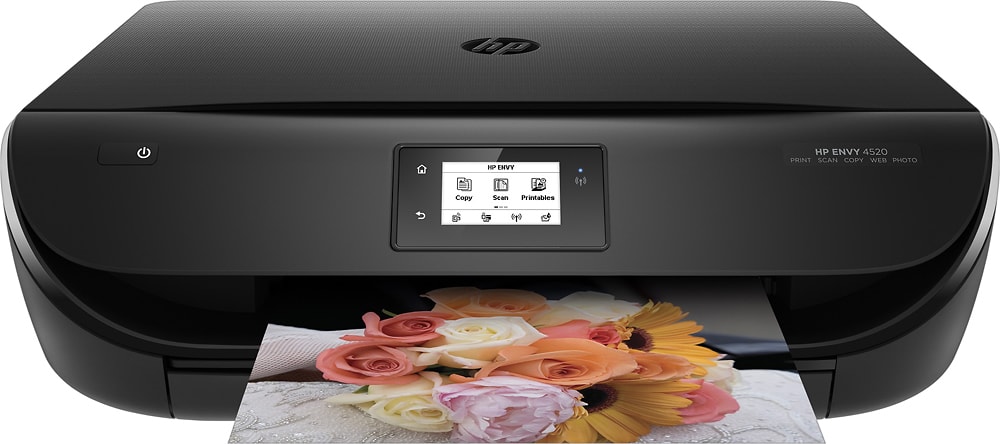
A:Answerif you look at the specs you will see different sizes of paper and also photo paper. you can use legal size paper in the input tray door. you leave the door open, the printer screen asks you about the paper size, you choose legal size, and the printer lets you print with the door open. the tray has markings for placement of photos paper smaller size.
A:AnswerGood question. The printer does not need an Ethernet wire. It does not have an Ethernet port. It is a wireless printer, but can also be connected to your computer with a USB printer cable which must be purchased separately. If you choose to set it up as a wireless printer, you do not need anything except a WiFi connection. All you have to do is connect it to the WiFi and install the driver software on the computer and the printer and computer will communicate. I hope this helps.
A:AnswerYes, you can use this with any old computer! Very easy to set up. Since it's wireless you'll be able to print from phones, laptops and tablets as well as your home computer. Hope this helps.
A:AnswerHello, I see that you are interested in knowing how well the HP Envy 4520 photo quality is. The 4520 can print photos up to 1200 x 1200 (Black) and Printer Resolution (Color)Up to 4800 x 1200. That is the highest resolution that an inkjet printer will print up to.
Hopefully that helps you out, and thanks again for choosing HP.
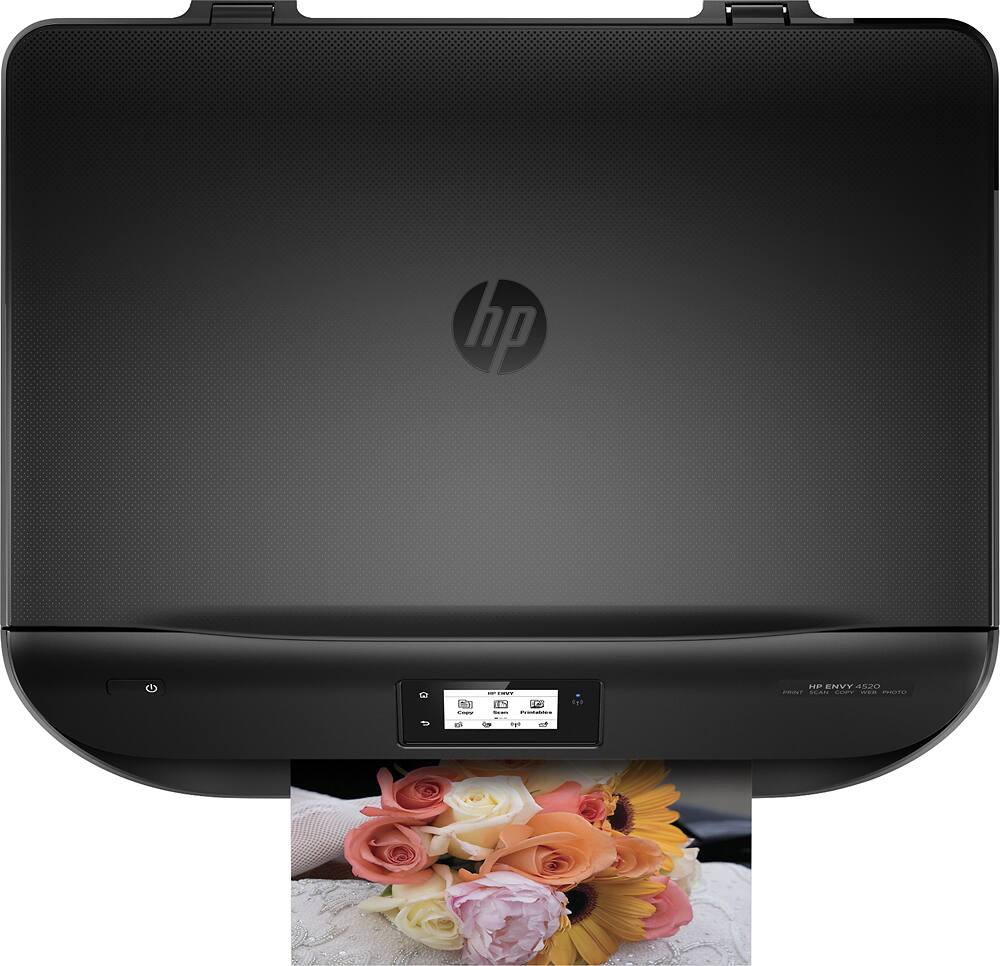
A:AnswerHP63 cartridges. It comes with the standard ones, you may want to buy the XL cartridges to get more pages, the black one that came with the printer ran out after printing about 50 pages of dense text and figures.
A:AnswerDepending on the age of the photos, it works fairly well. I have scanned some old 110 pictures (from the 80's) and some 35mm pictures (from the 70's) and they all turned out very good.














