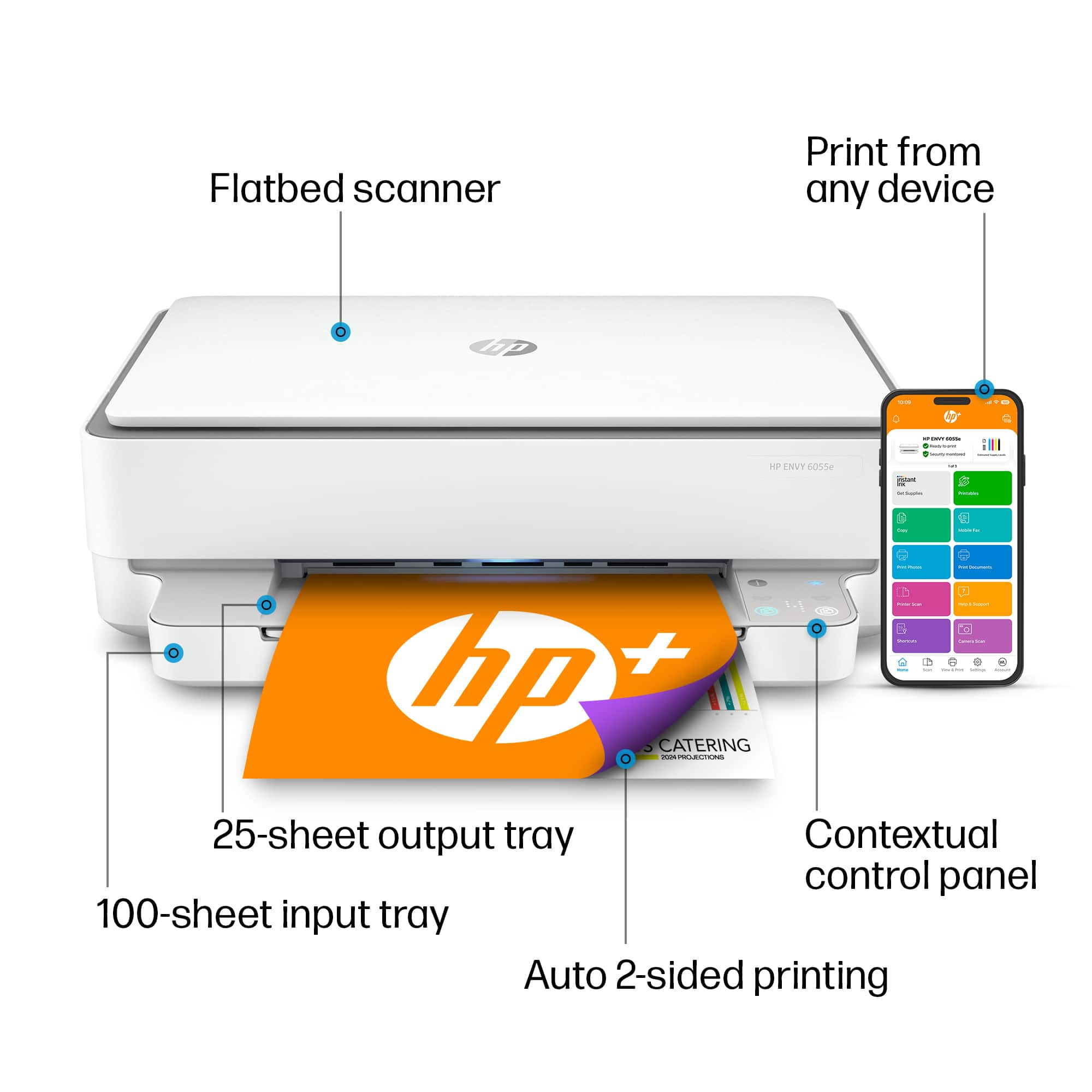
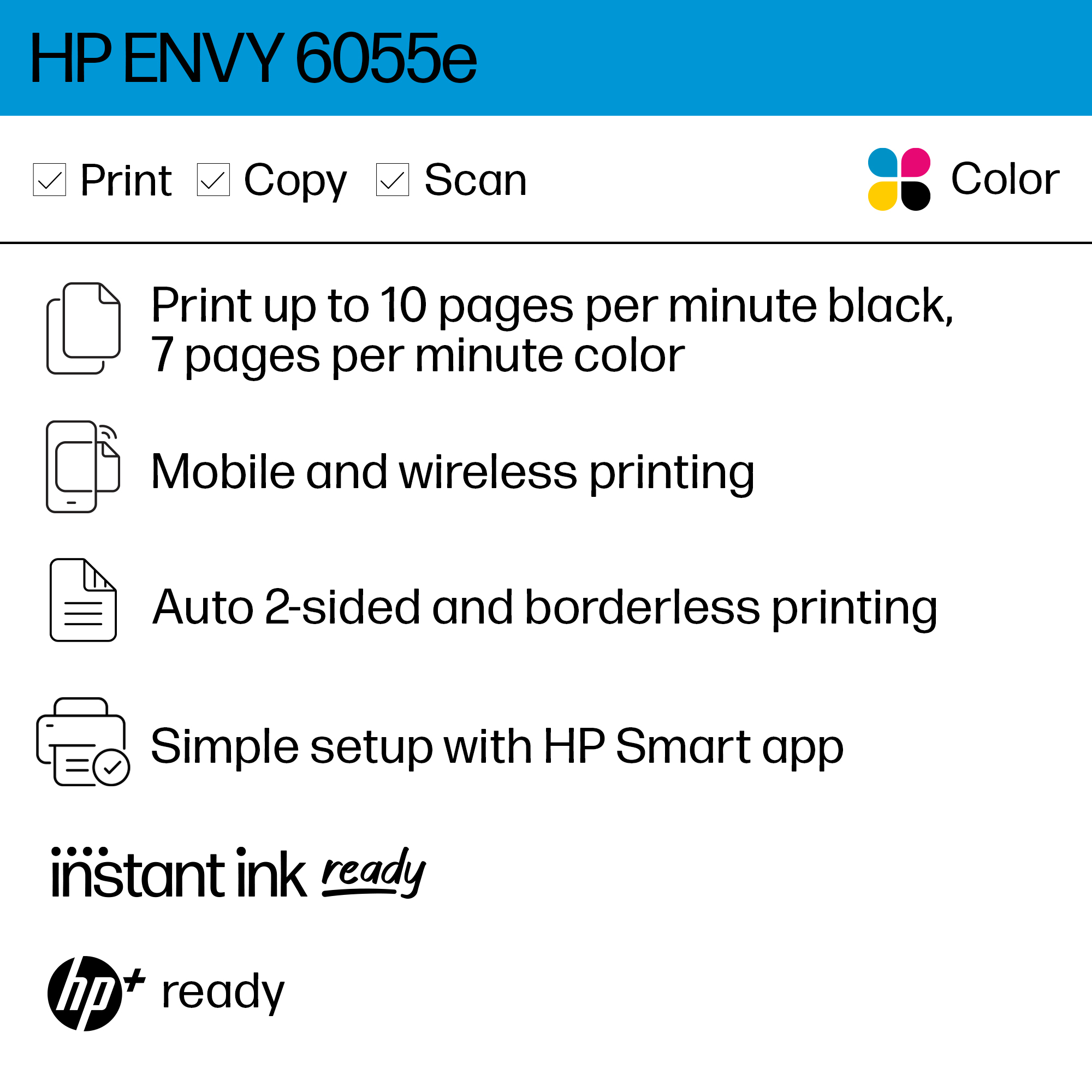
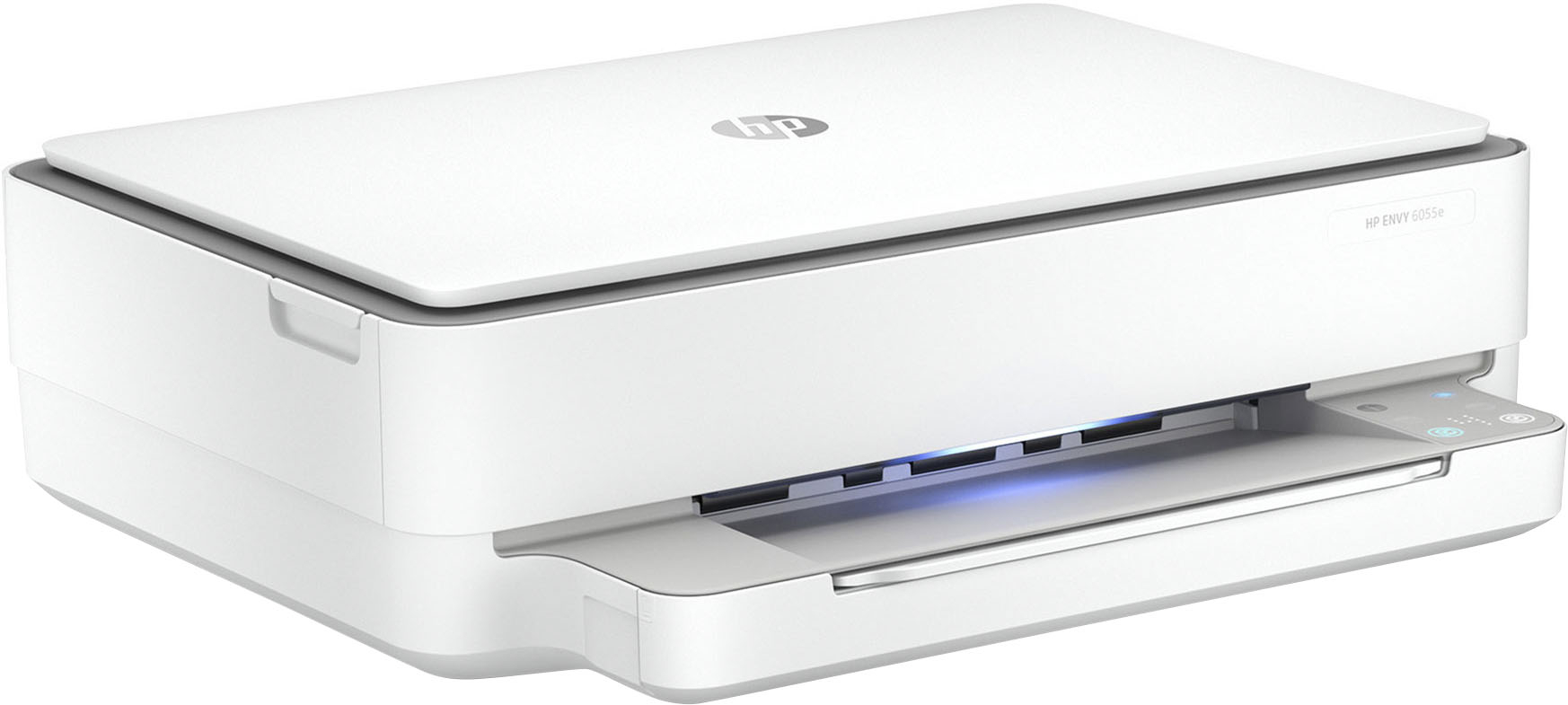
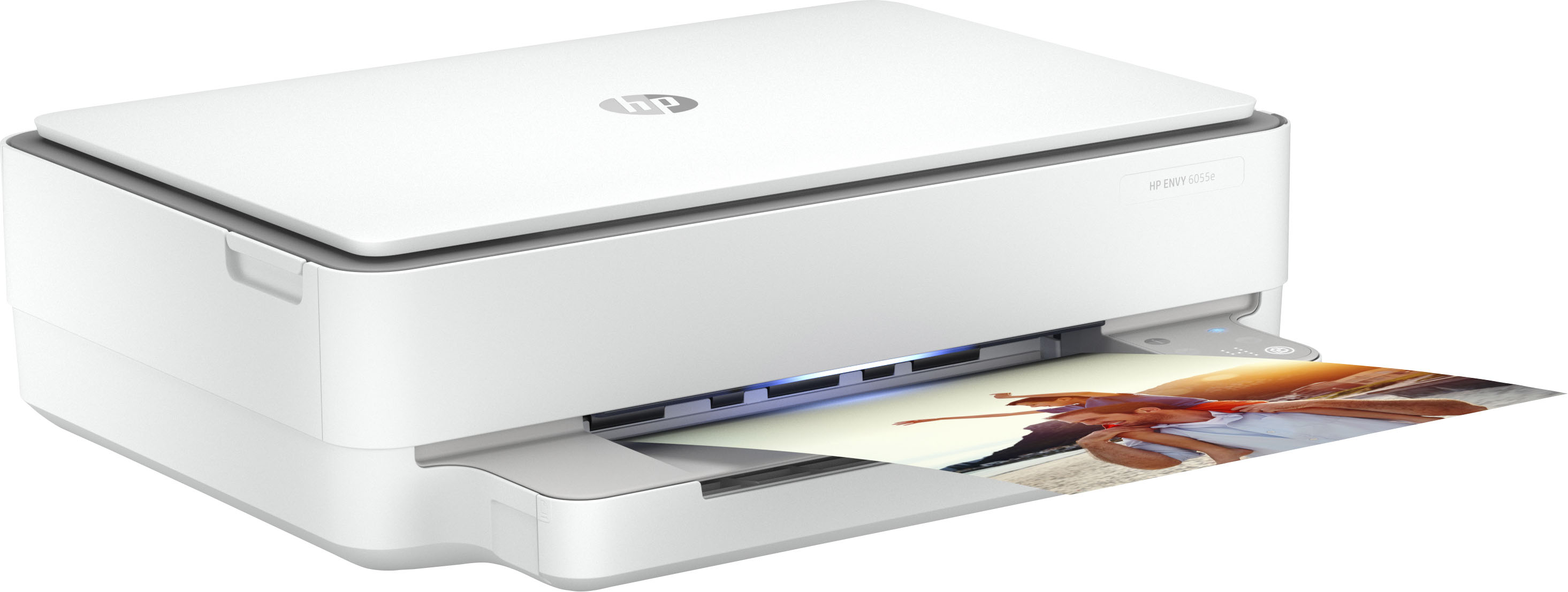
A:Answer Yes, you can print single sided pages with this printer. You can change the default printer settings to print single sided. For Windows: The easiest way to get to the "Printer Preferences" is through the printer and scanner settings. From the start menu, type printer, and scanner settings. Once you get there, look for your printer. Click on it. Then Manage. Then, printer preferences. Go to "Print on Both Sides" and toggle to "None". Finally, select Apply.