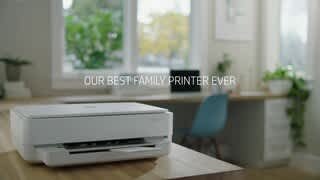
A:AnswerGet rid of that Epson garbage!! I had one as well.. I spent a fortune on ink. This works amazing and the ink lasts a long time. I have a teen who prints over 30 full color anime pictures and ink still great. Edson could never!!
A:AnswerThe printer worked well for 21 days. No jamming, very satisfied until day 22. On that day, it stopped loading paper. It received the signal but no printing. I went to the Internet and tried all the directions to correct.. No luck! I returned it to Best Buy, thank you for their 30 day return policy. I was also surprised as I have always had good luck with HP. As an aside, there is no panel on the printer to help you ascertain the problem, only a blinking yellow light. I understand you can go to the web site and find your problem, but I found that to be a hassle
A:AnswerHi. Here is a link to the User Guide for the HP Envy 6055 Wireless All-in-One printer:
http://h10032.www1.hp.com/ctg/Manual/c06584210
Here is also a Reference Guide:
http://h10032.www1.hp.com/ctg/Manual/c06587248
A:AnswerNo, the HP Envy 6055 printer can use the following media:
Media sizes supported (U.S. standard) - Letter, 4 x 6 in, 5 x 7 in, 8 x 10 in, No. 10 envelopes.
Media weight supported (U.S. standard) - 20 lb
A:AnswerNo. The HP Envy 6055 printer uses WiFi technology. If you want to connect to the printer without WiFi, I would recommend using WiFi Direct. . Wireless Direct (WiFi Direct) allows you to directly connect to a printer from a mobile device or computer without the need for internet access or a wireless network. You would connect to the printer’s wireless direct signal just like you would connect to a wireless network. The printer would have a unique name in your wireless connections, i.e. Direct-04-Printer. For more information, you can go to: https://www8.hp.com/us/en/campaigns/wireless-printing-center/wireless-direct.html

A:AnswerI too have encountered this issue. Despite the device being a 6500, it shows up as a 6000 series. However if you know how to navigate your pc, phone, or tablet settings for connected devices, you can save the password and it should stop asking every time you try to print. Hope this helps!
A:AnswerMy daughter has the same exact tablet and hers was the device we used for the initial set up. As long as you have wifi, you can connect to the printer. It will walk you through the steps for set up as well as which 2 apps you need to download from the Google Play Store.
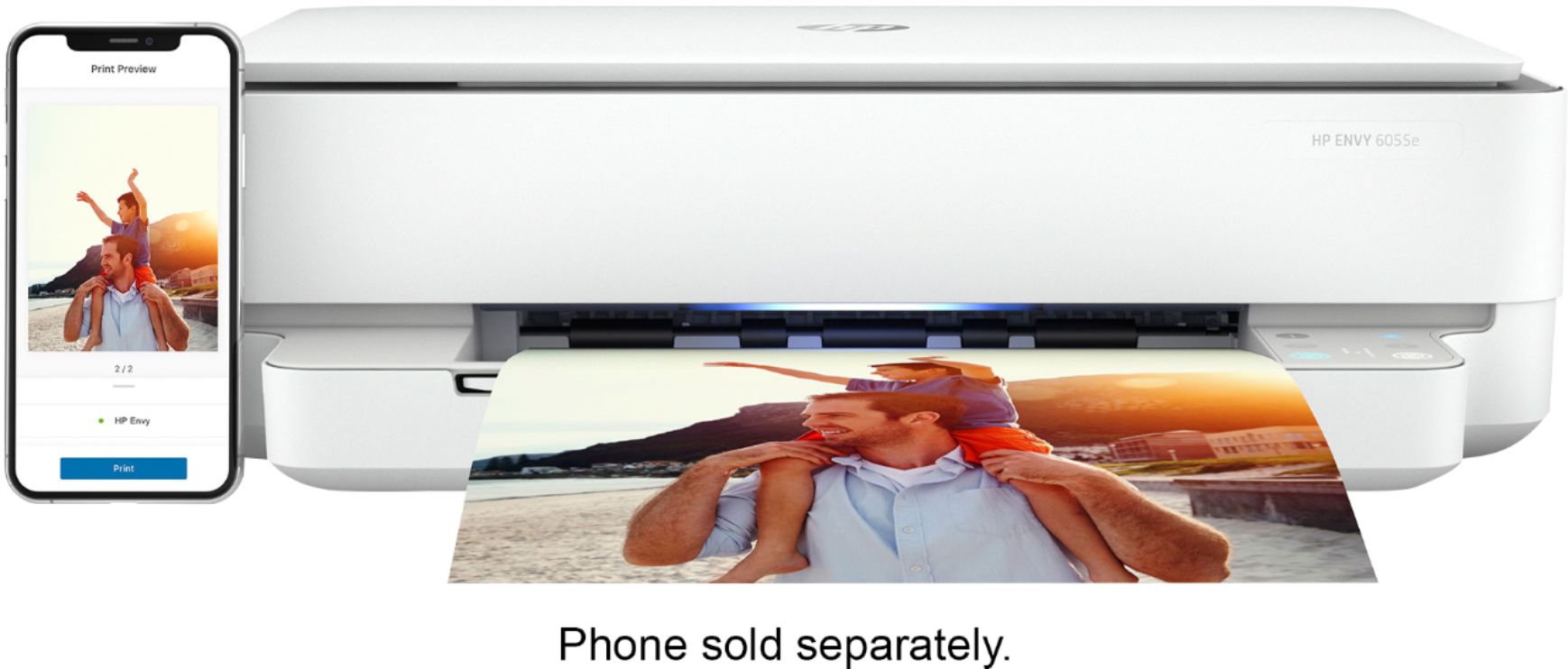
A:AnswerYes, you can print photos from your iPhone 6 with this printer. Just be sure the iPhone and the printer are on the same wireless network. We recommend using the HP Smart app: https://support.hp.com/us-en/document/c03561640