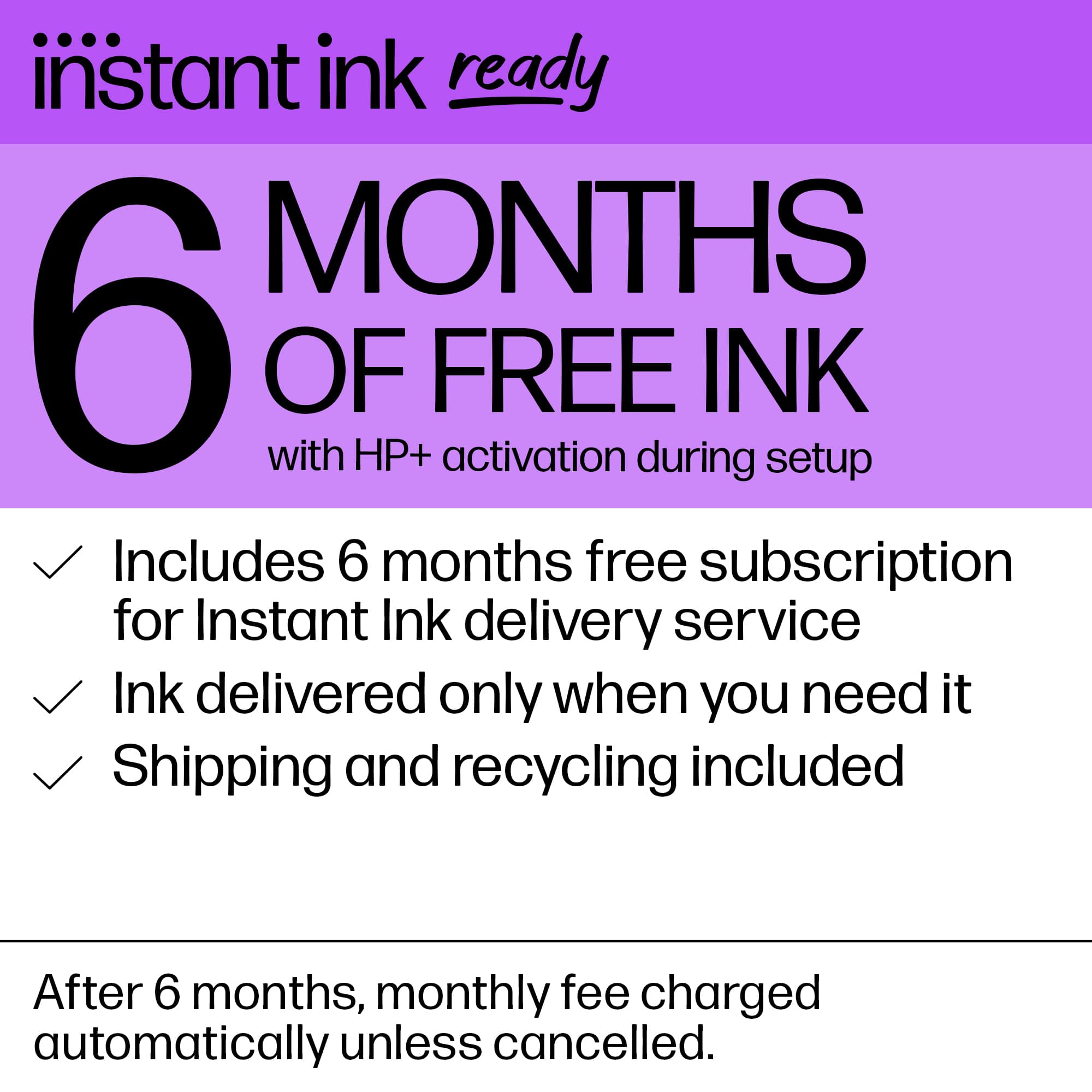
A:AnswerLog in to instantink.com, answer a few questions to start your 6 mos free. You can include a credit card to continue use. Ive used the instant ink function for years and absolutely love it.
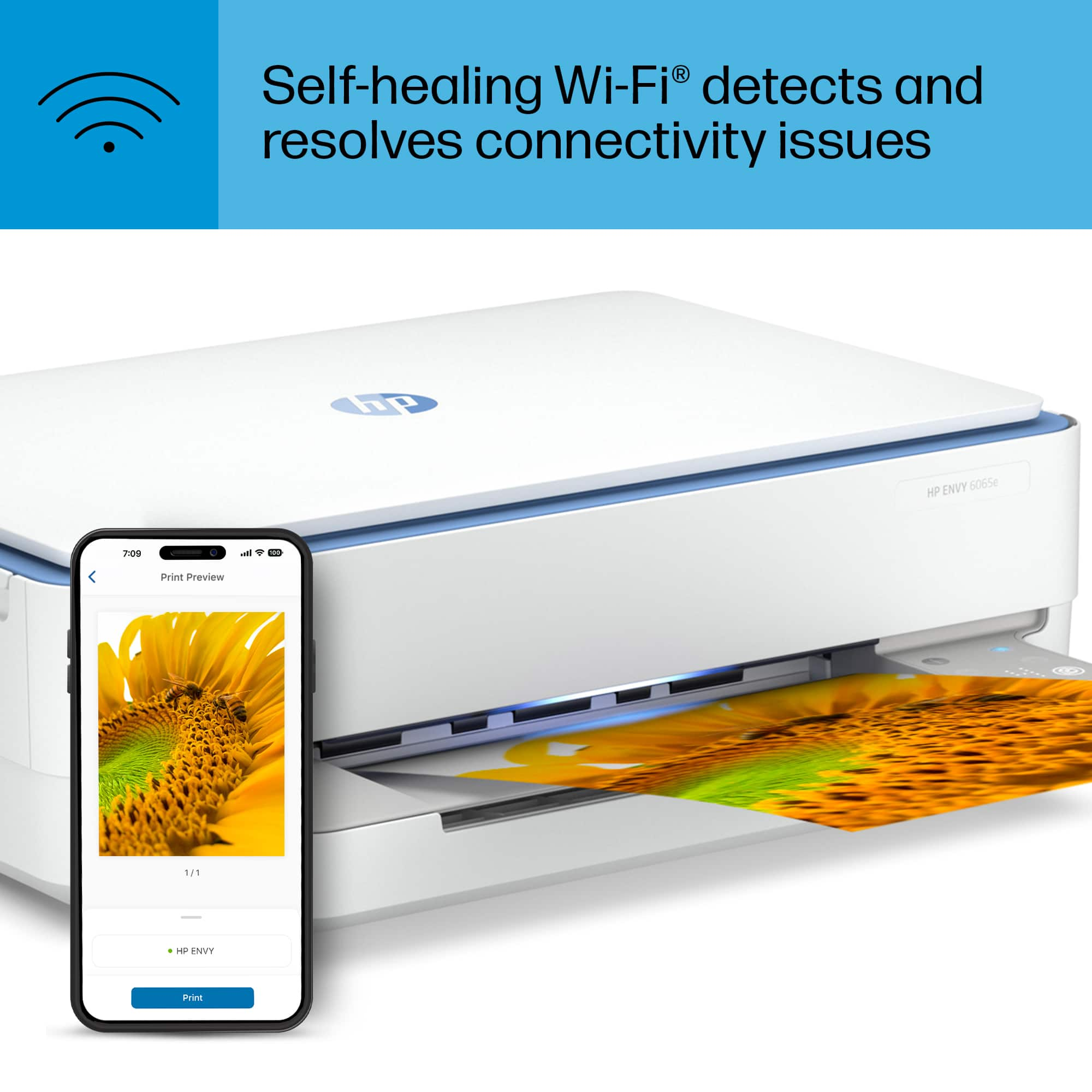
A:AnswerThank you for your question on this HP Envy printer! I am sorry to hear that you are having this issue with the printer. One option is to see if you can connect it using Wi-Fi Direct Mode to see if the wireless interface is the issue. You can also contact HP Support or Geek Squad for support and they can look into the issue.
A:AnswerMarc, thank you for your question on this HP Envy printer! Yes you can print through a hotspot, which is wi-fi. This printer also has a wi-fi direct printing mode, which means the hotspot is not required.
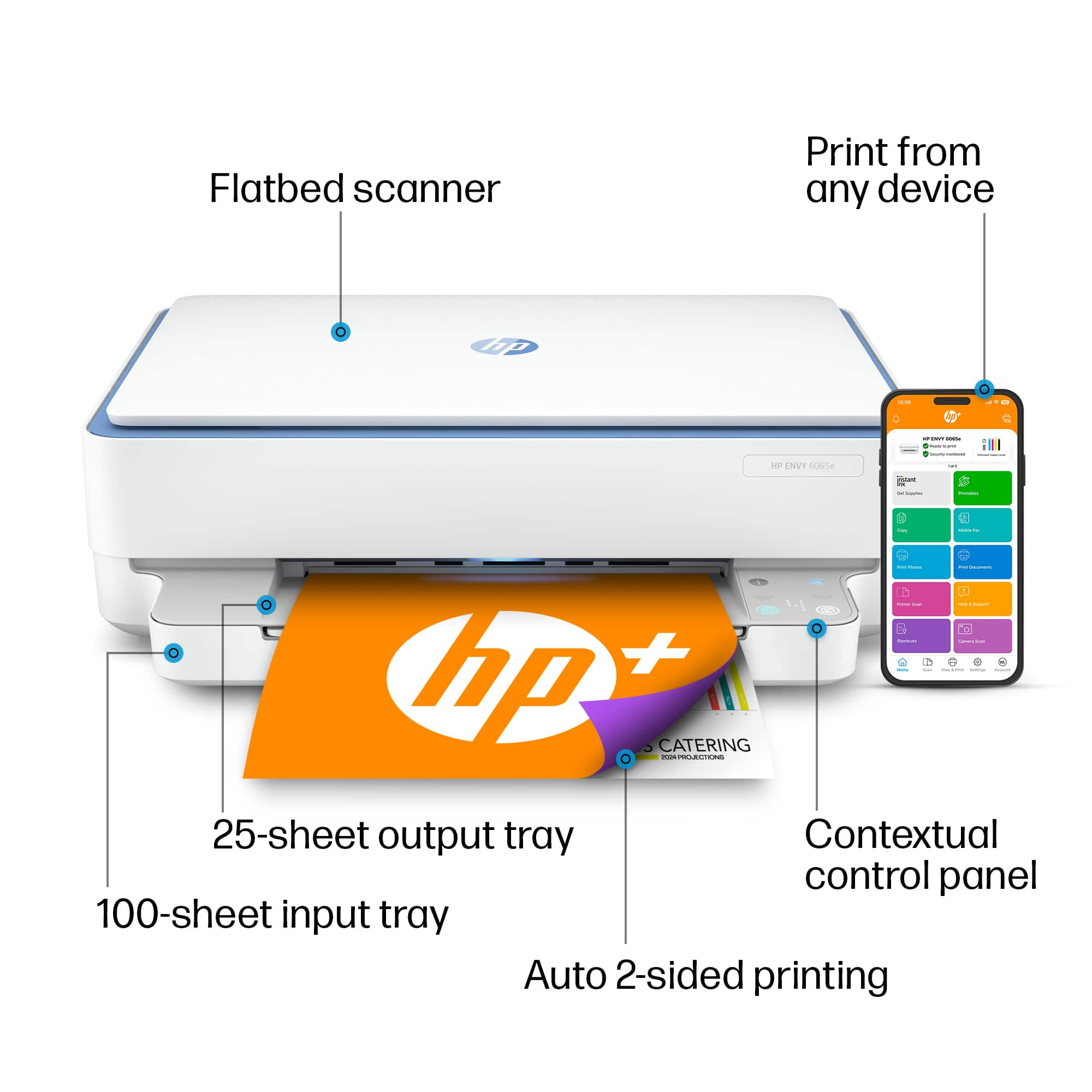
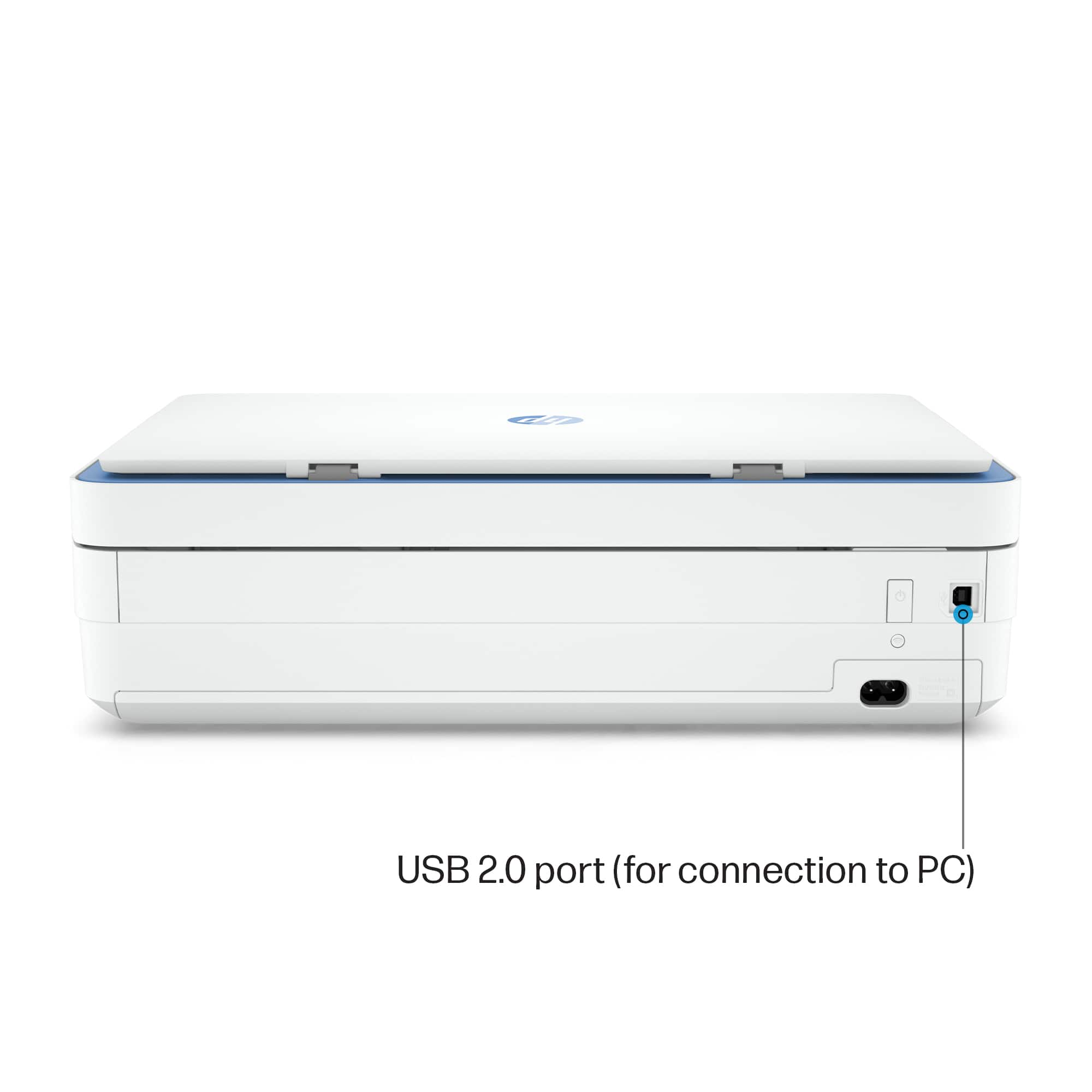
A:AnswerHi Adele, thank you for asking. Yes, the Envy 6065e has a USB Type-B port to connect the printer directly to the PC. Just so you know, Instant Ink and Print From Anywhere are not available if the printer is not connected to Wi-Fi.
A:AnswerHi Carla, thank you for the question. The Envy 6065e printer has dual-band capabilities. It can connect to 2.4 GHz or 5 GHz WiFi bands.. You'll want to put the printer back in set-up mode to connect to your current network. You can search for Restore Wi-Fi setup mode on your HP printer on the internet for instructions.
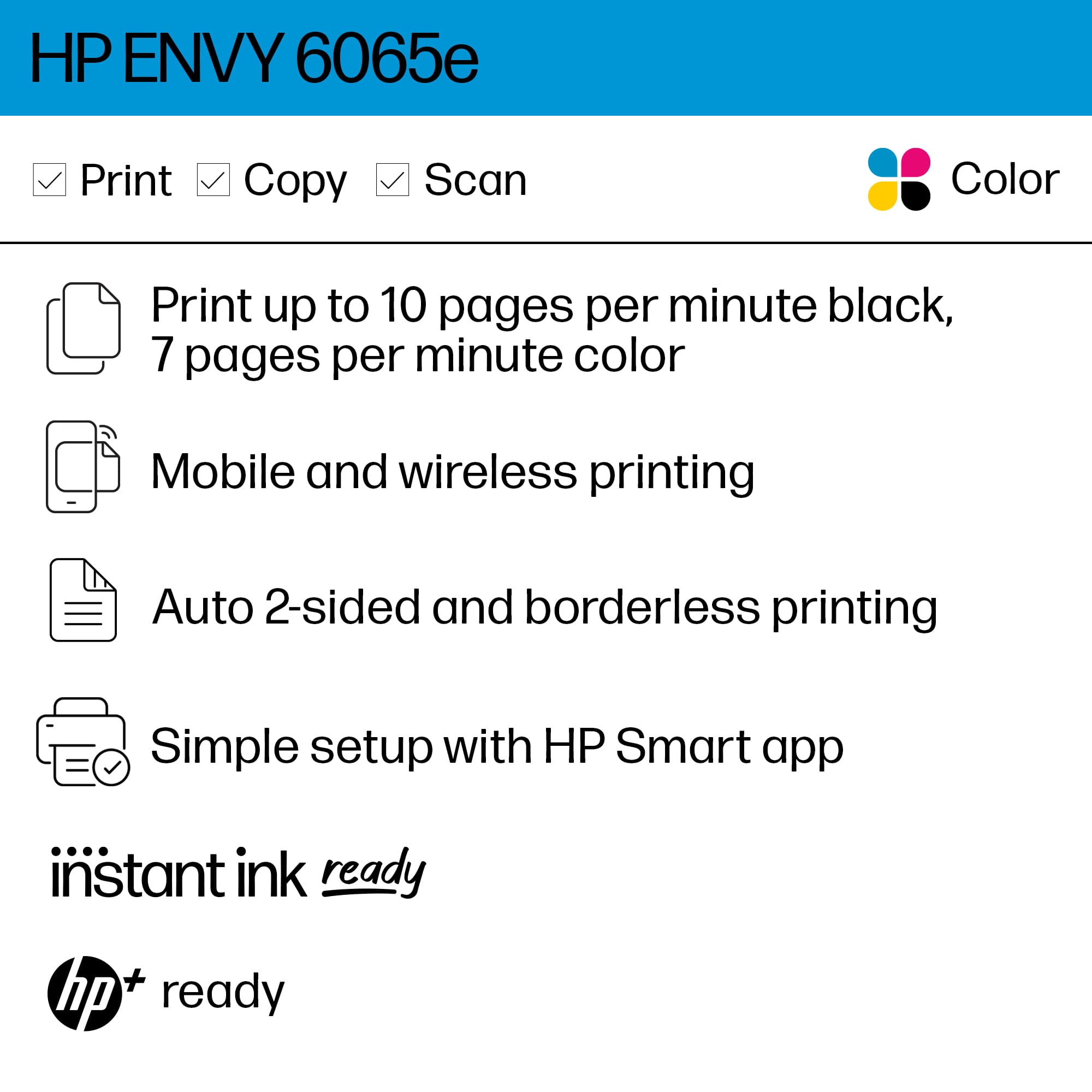
A:AnswerHello and thank you for the question. The HP Envy 6065e printer includes a 6-month free trial of the HP Instant Ink program. This service delivers ink cartridges to your door before you run out. You won't ink every month. The printer will reorder the ink for you based on the ink levels. You only pay the monthly plan you choose, with options ranging from 10 to 1,500 pages per month.
A:AnswerThank you for the question. You'll want a USB-A to USB-B cable. Sometimes they are just called printer cables. The "A" side connects to your PC's USB port, and the "B" (square) connects to the printer.
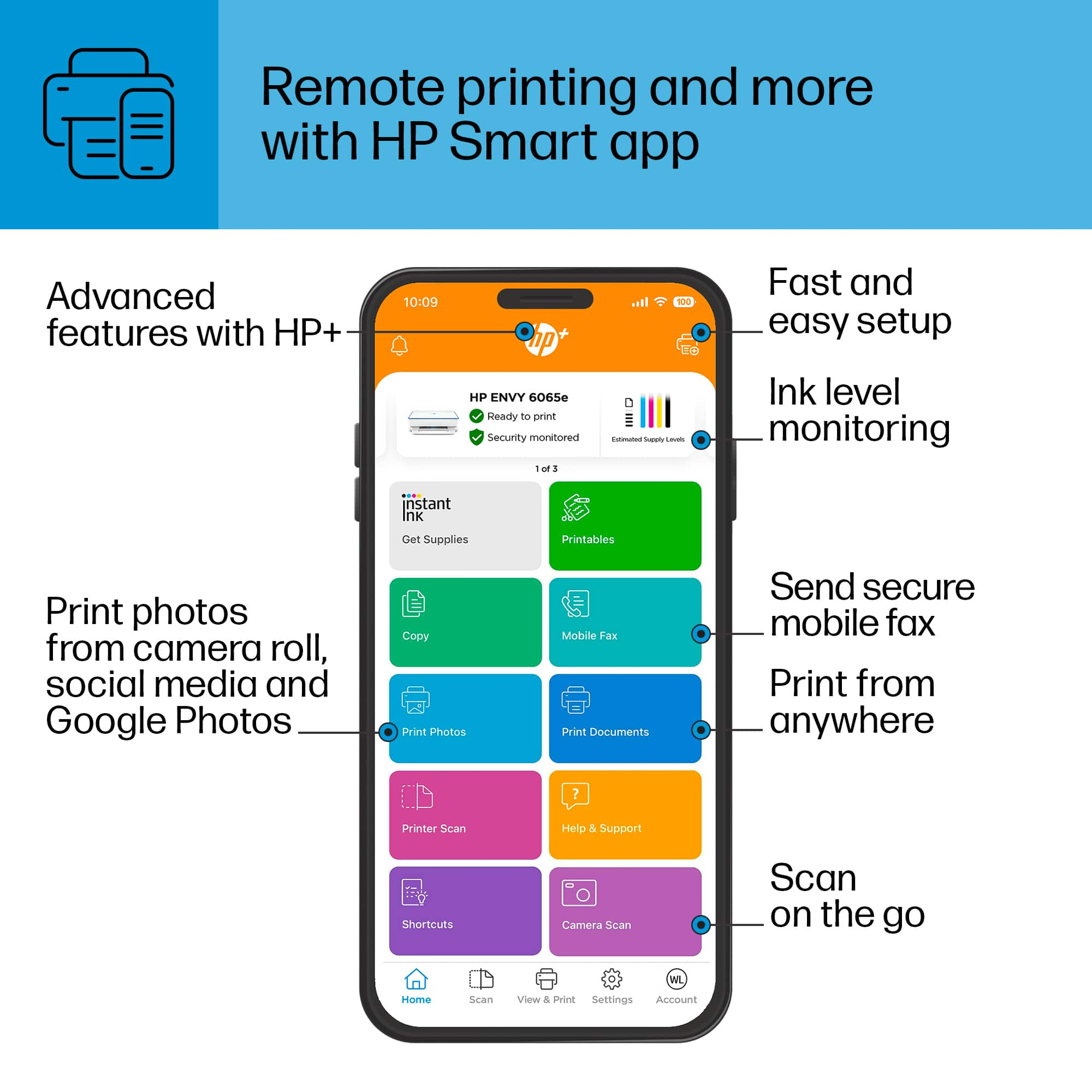
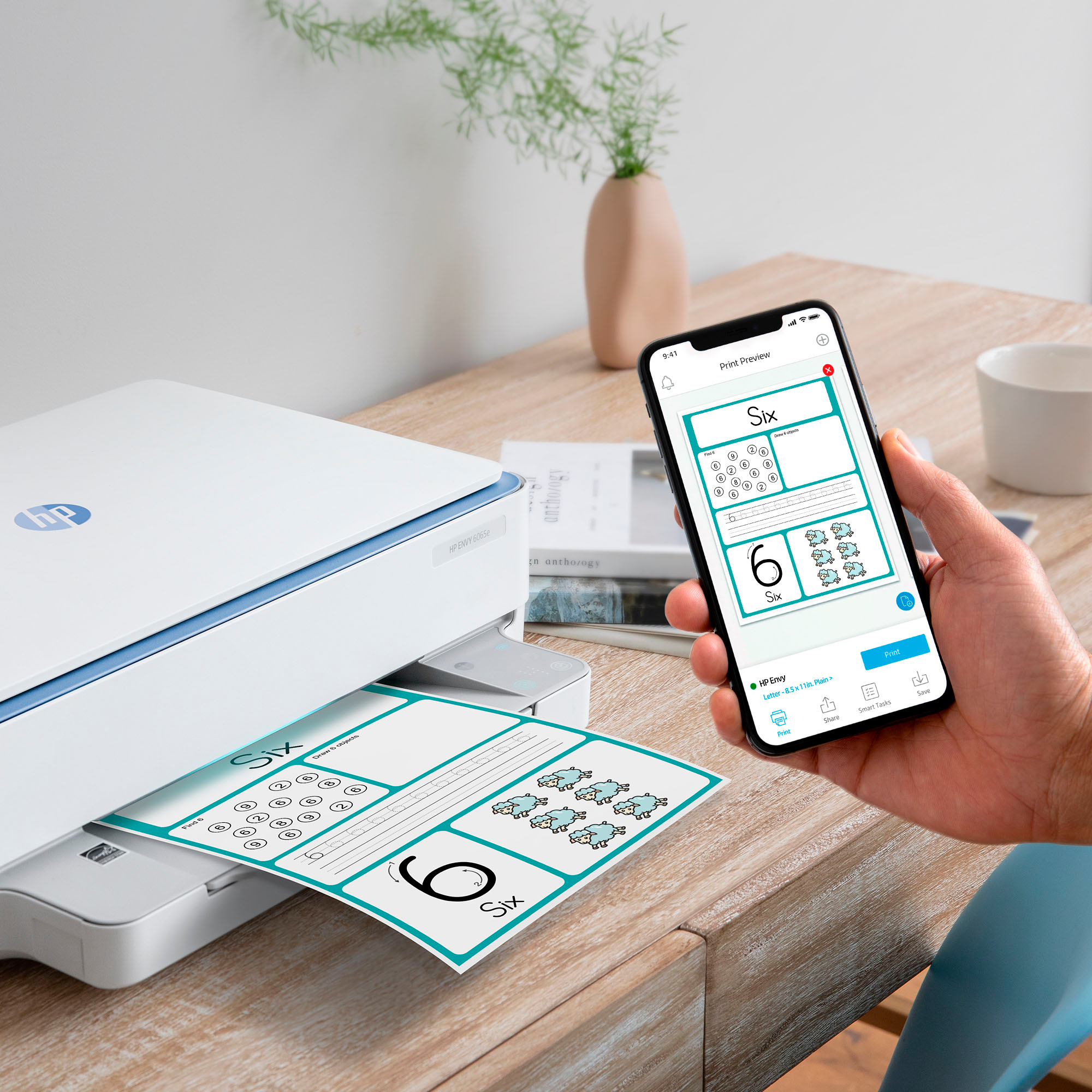
A:AnswerHello and thank you for asking. The HP Envy 6065e printer is compatible with Macs running MacOS11 or higher and with iPads with iOS 16 or higher. We recommend using the free HP Smart app from the App Store to set up your new printer and for the easiest and best printing experience.
A:AnswerThank you for your question on the HP Envy 6065e printer! Although the printer does not support sublimation inks, it supports inkjet-based transfer paper, which you can find in any craft or office supply store! Make sure that the iron-on transfer paper is for inkjet printing, which will say so right on the packaging.
A:AnswerThank you for your question on this printer! When the six months trial period is finished, you are charged to use the Instant Ink service. You have the option of cancelling your Instant Ink service at any time. After that, you would need to replace the Instant Ink-supplied cartridges with store-bought cartridges to continue printing.