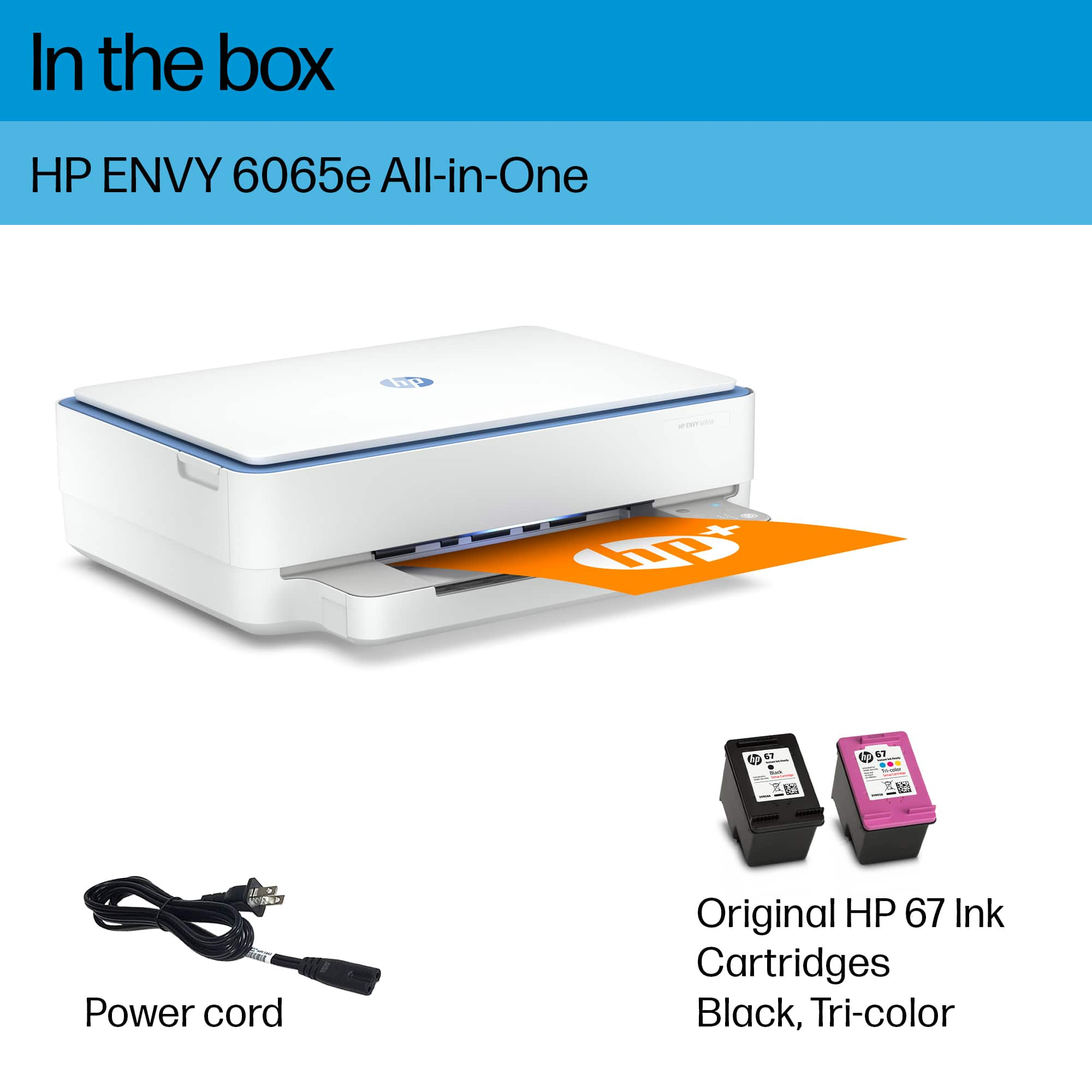
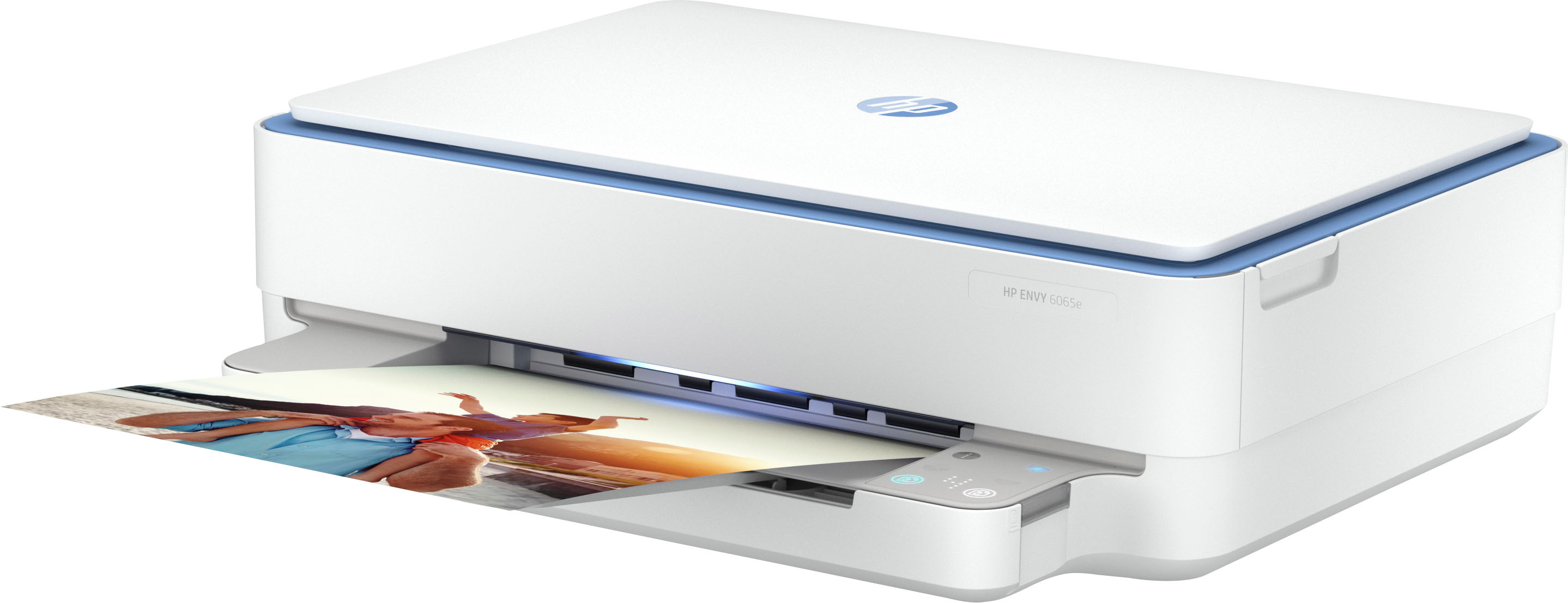
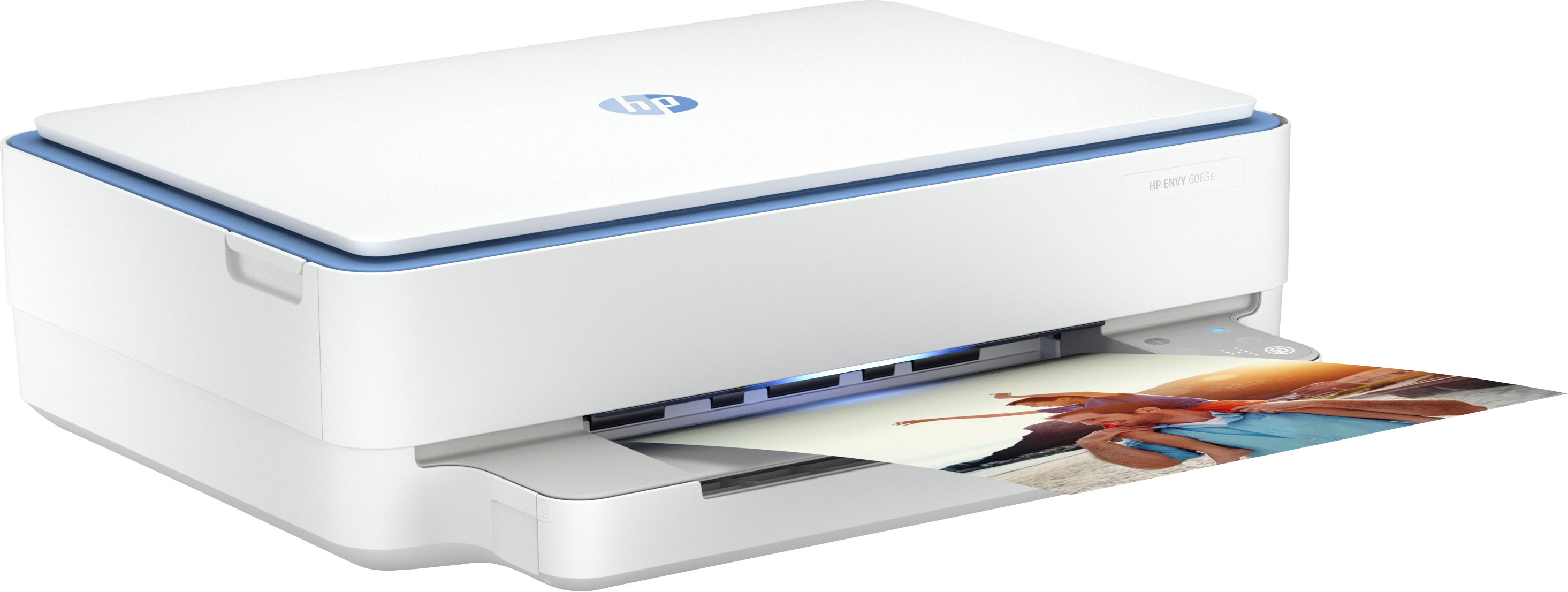
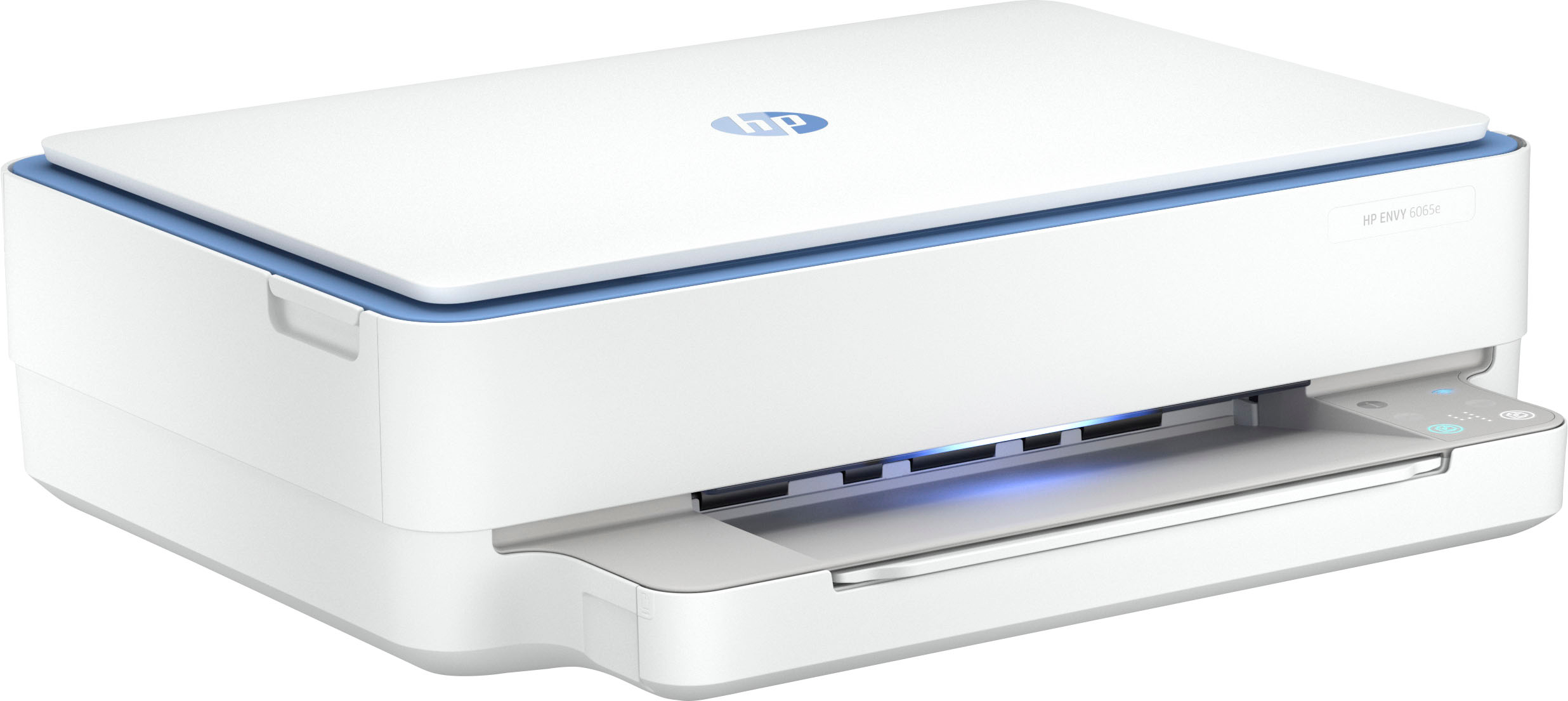
A:AnswerThank you for the question. No. The Envynvy 6065e accepts only HP 67 and 67XL cartridges. (Note that HP 60XL ink is used in printers that have been discontinued).
A:AnswerThank you for the question. Please see this HP Support video that illustrates how to change ink cartridges in the Envy 6000 series printers: https://www.youtube.com/watch?v=GaRFsW5WEow
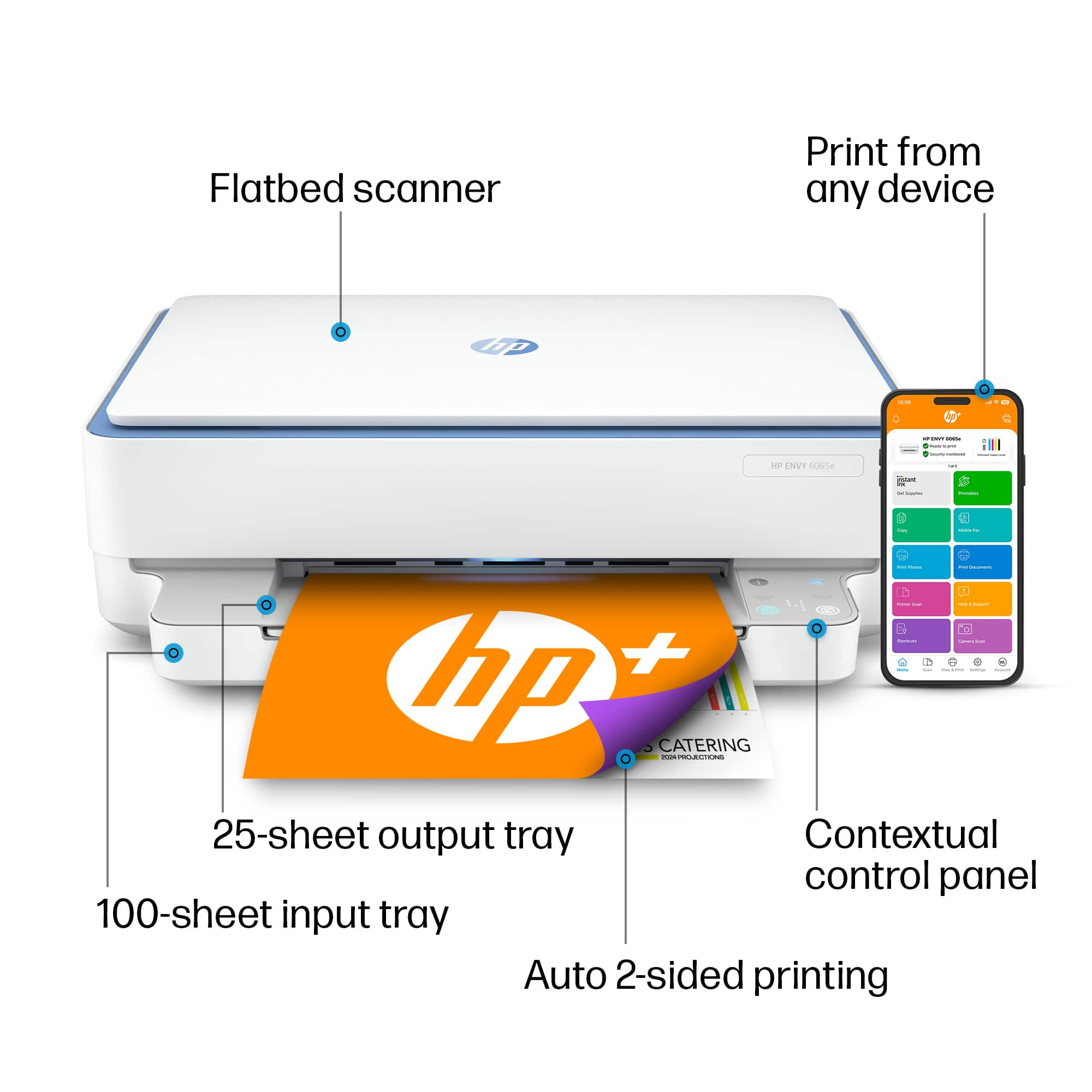
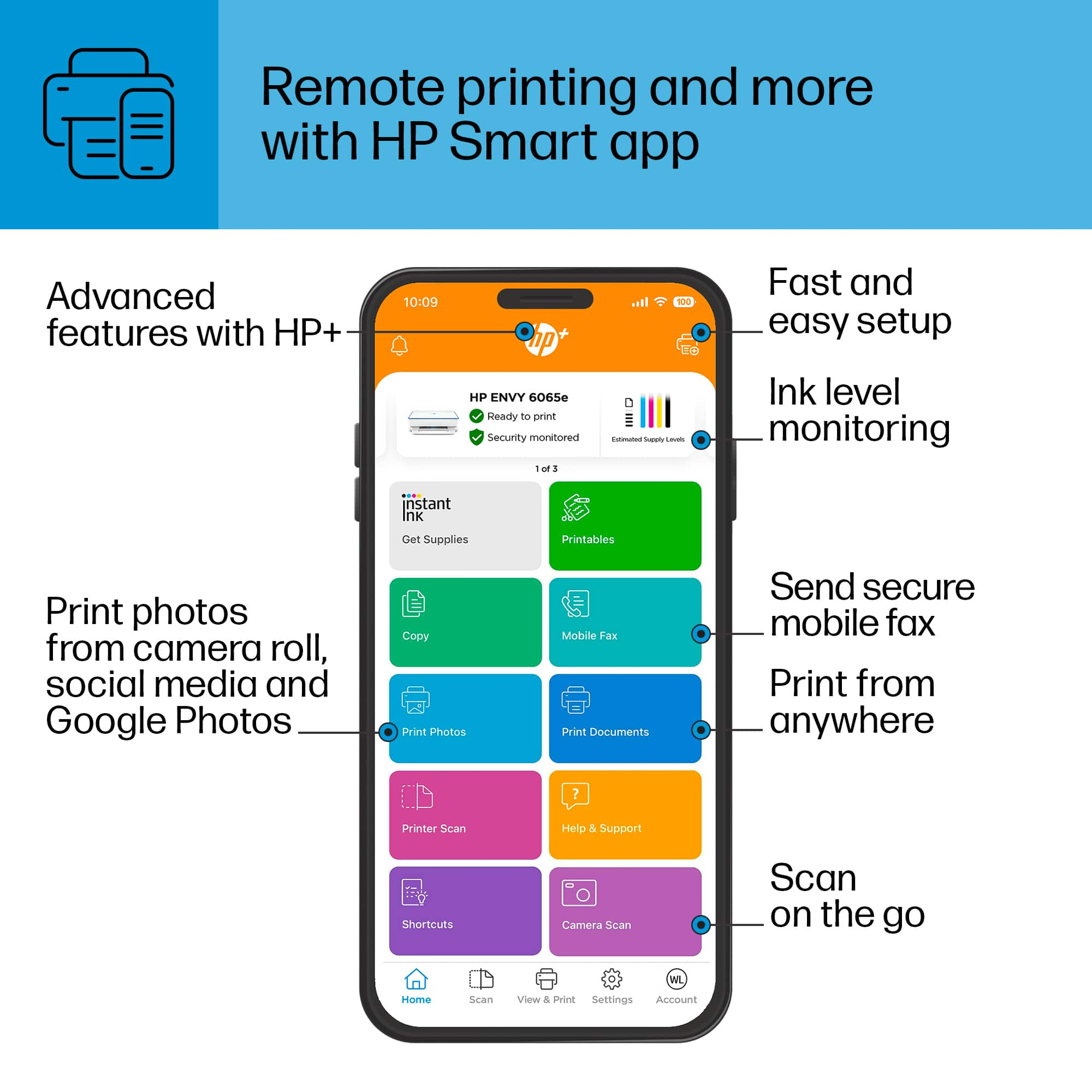
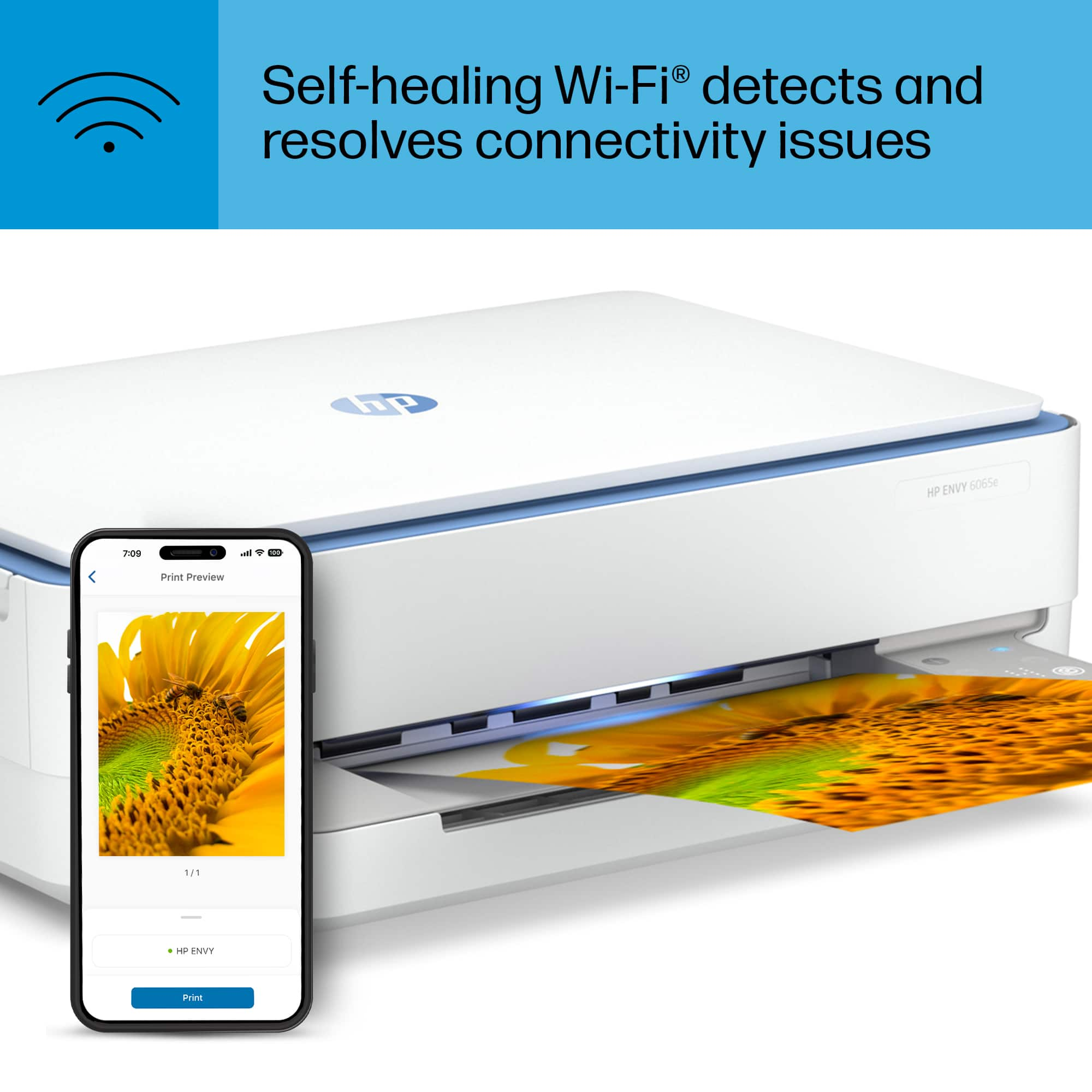
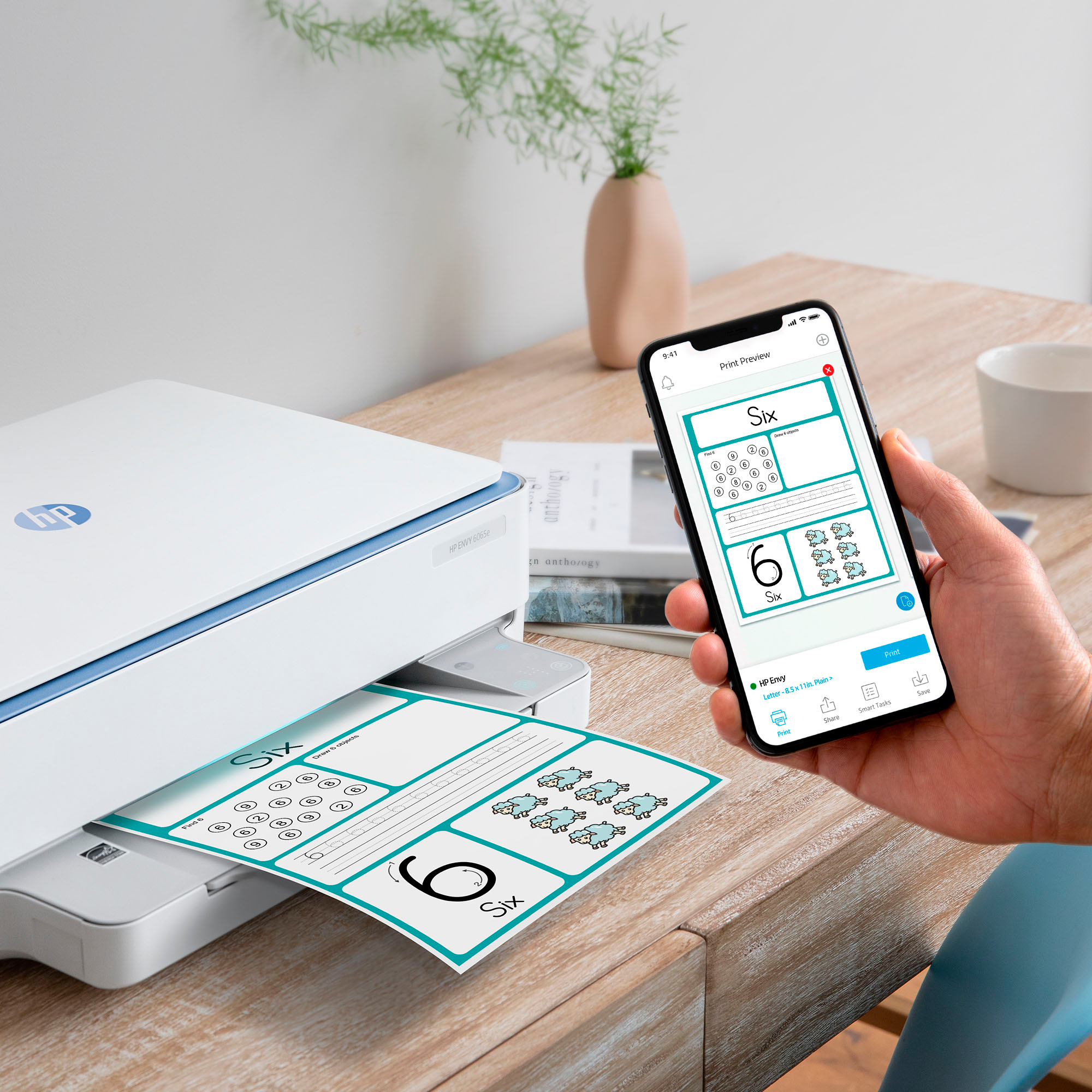
A:AnswerThis printer is compatible with iOS devices. It is recommended you use the HP Smart app which can be downloaded from the Apple Store. That will give you access to all of the printer's features from your iOS device.
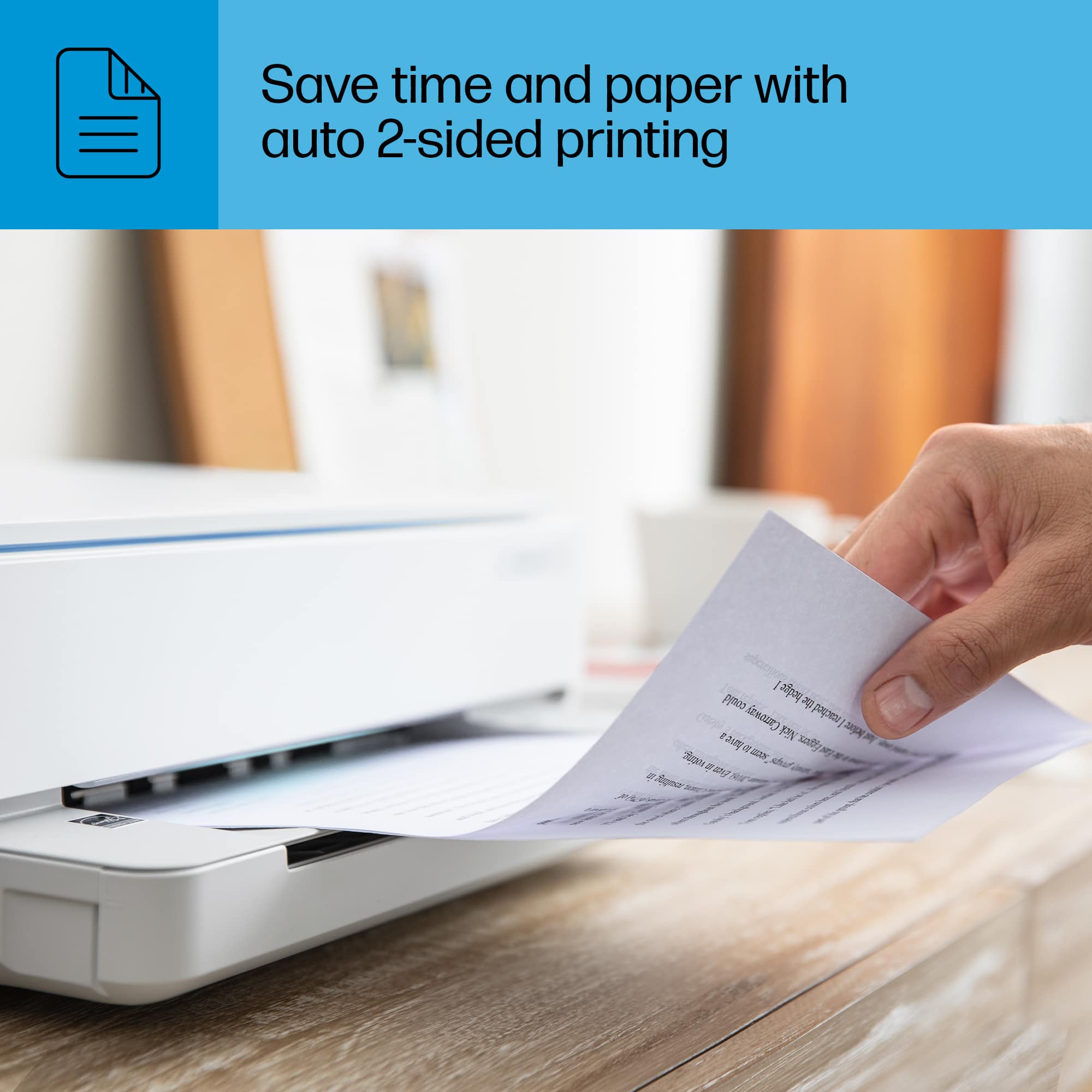
A:AnswerThank you for the question. On your PC go to control panel >devices and printers and right click on the icon for your printer and select printer properties from the drop down menu. Click the advance tab and select default settings and change to single-sided.