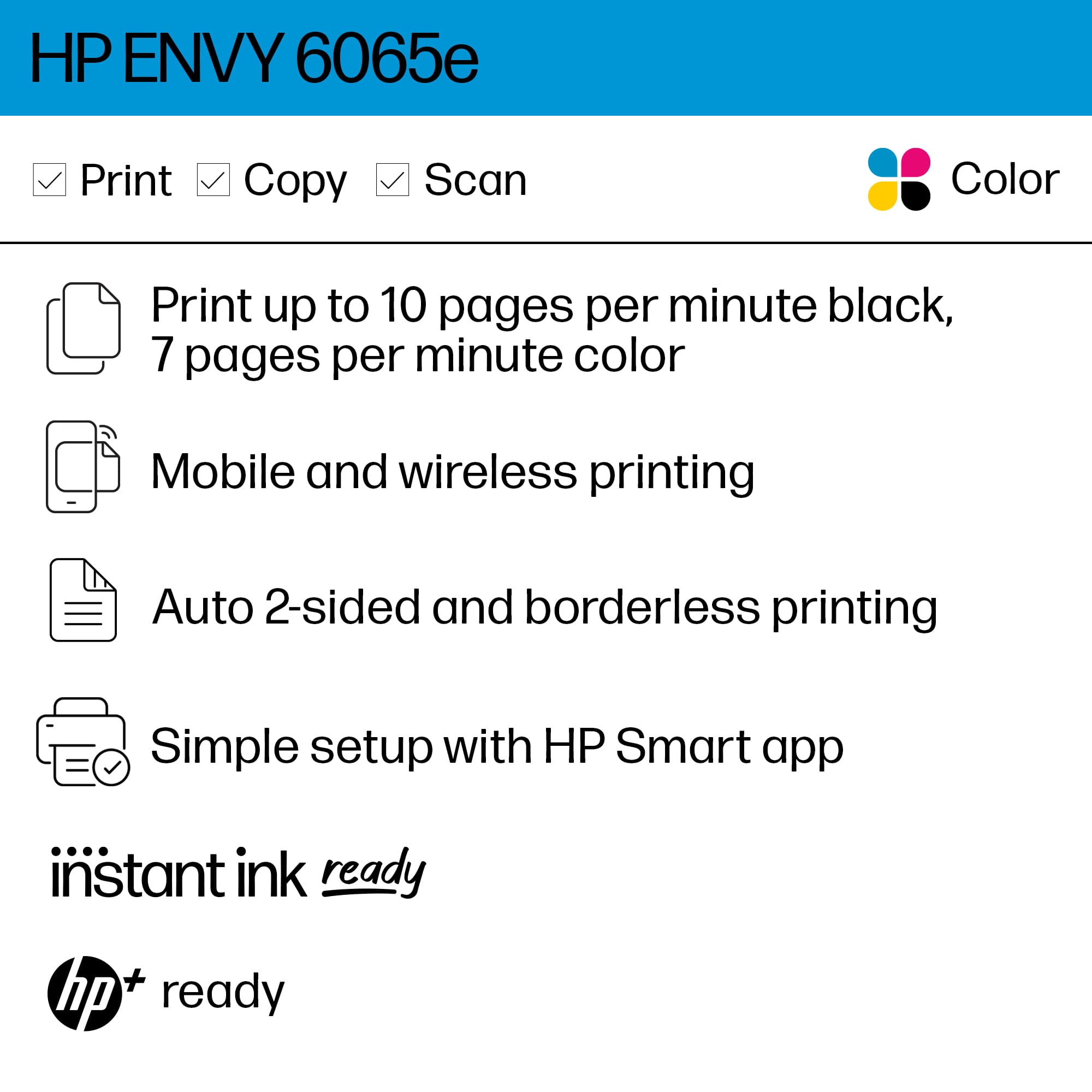
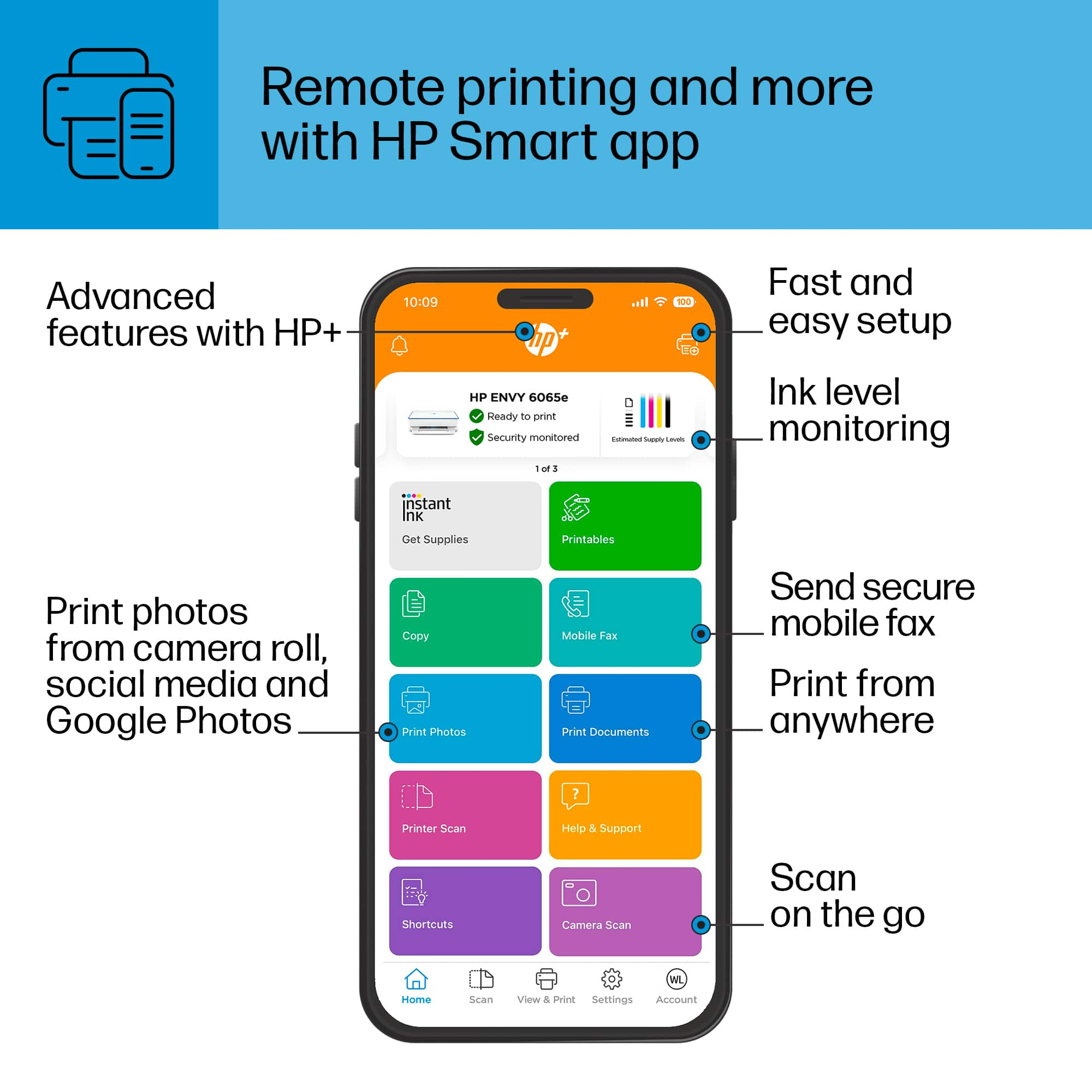
A:AnswerHello. Thanks for your question. Yes, you can make copies with this printer. This HP Envy 6055e printer is compatible with macOS 10.12 and higher.
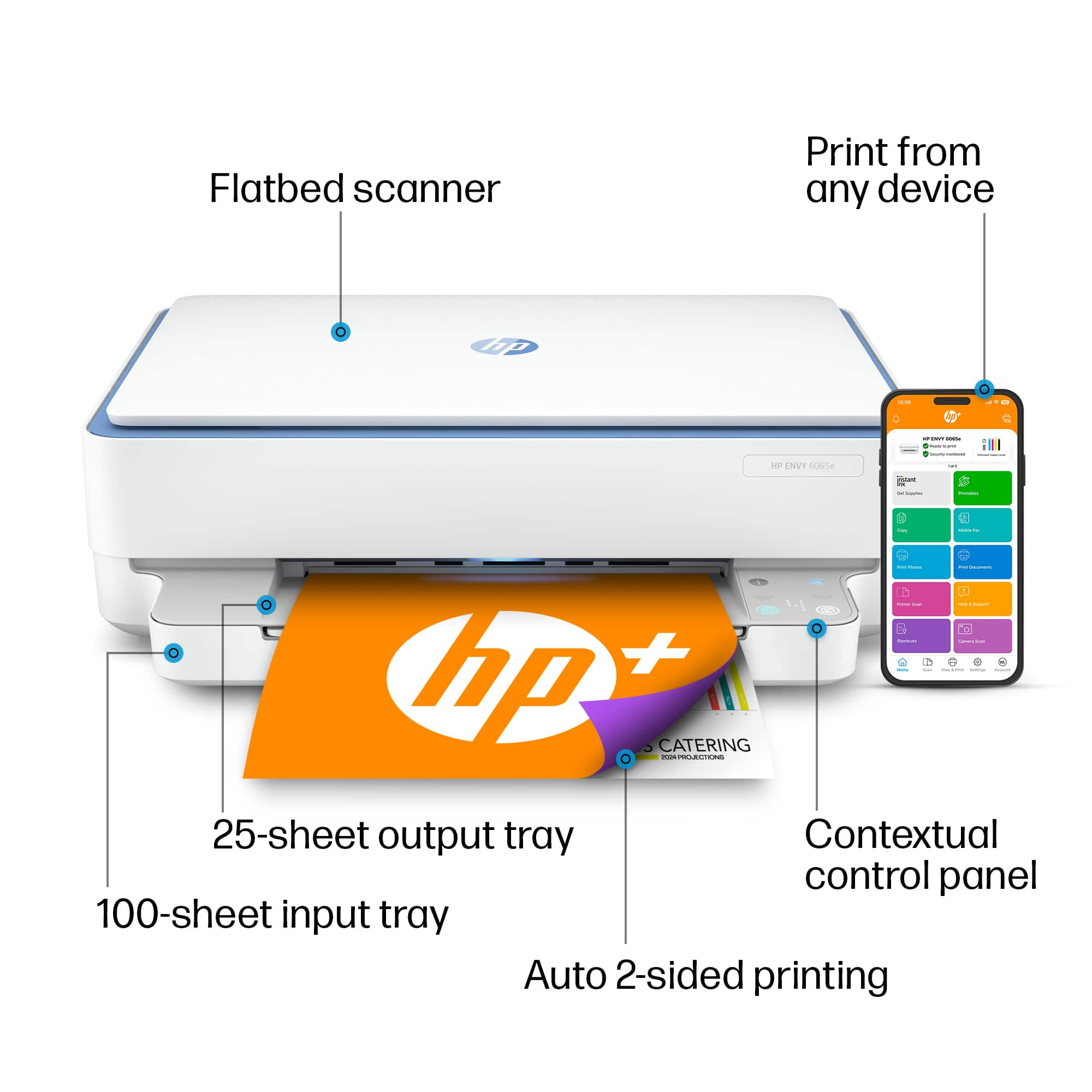
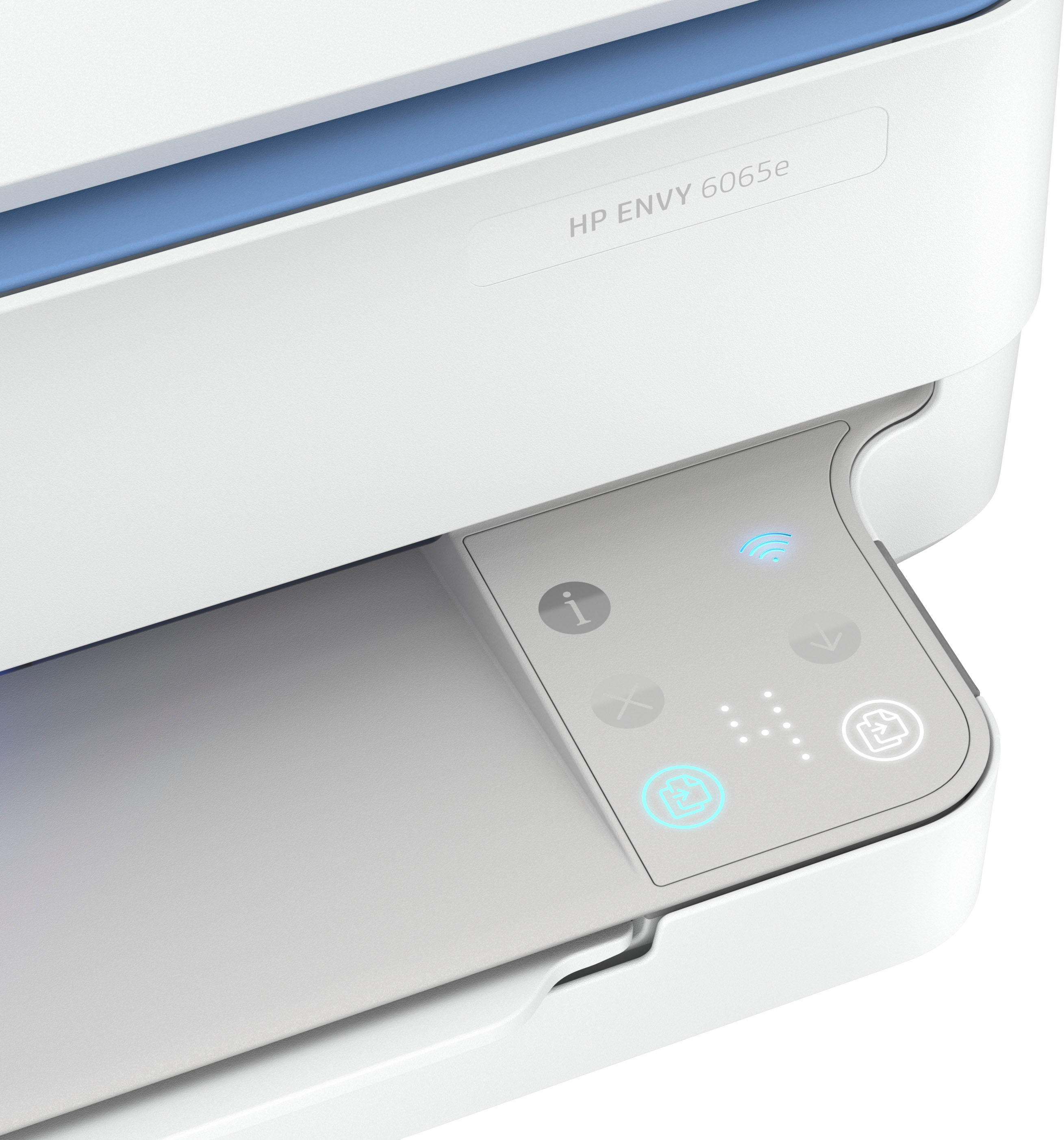
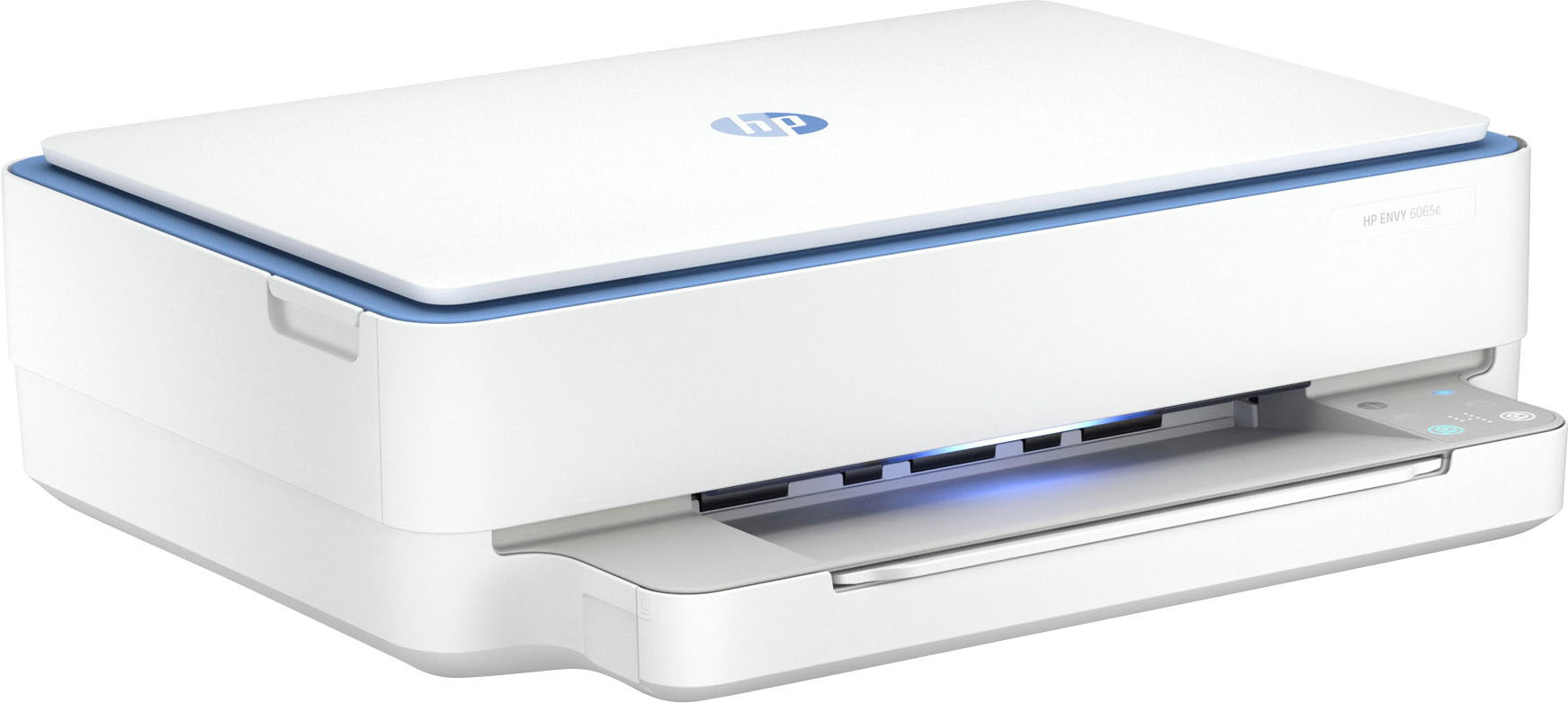
A:AnswerThis model does not support legal size paper, though it will print on photo paper made for an InkJet. The media sizes supported for the HP ENVY 6065e are: Letter, 4 x 6 in, 5 x 7 in, 8 x 10 in, No. 10 envelopes.
A:AnswerHello. Thanks for your question. You can set up your HP printer by going to http://123.hp.com/setup for the most current printer drivers. If you need further assistance, we recommend reaching out to HP Support: https://support.hp.com
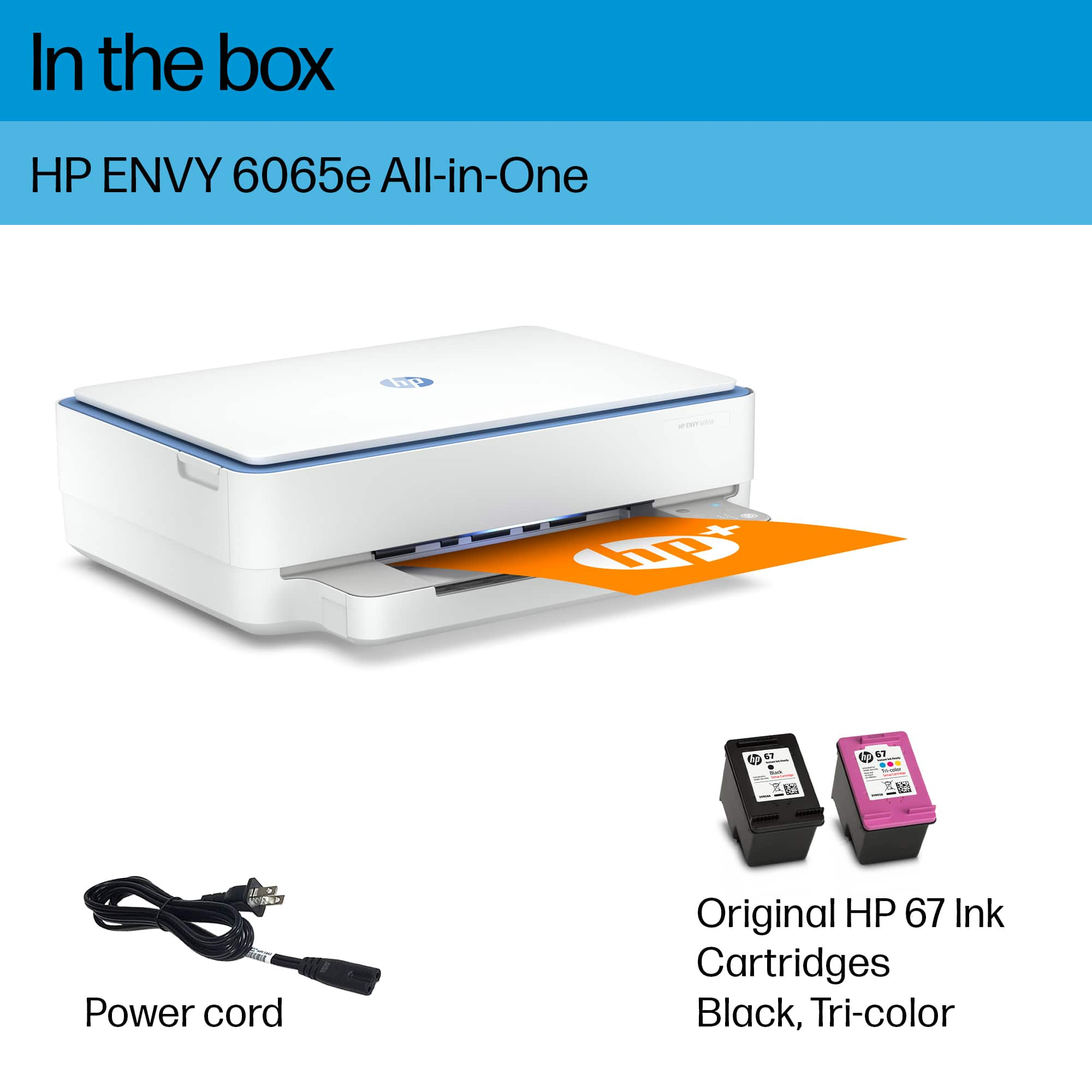
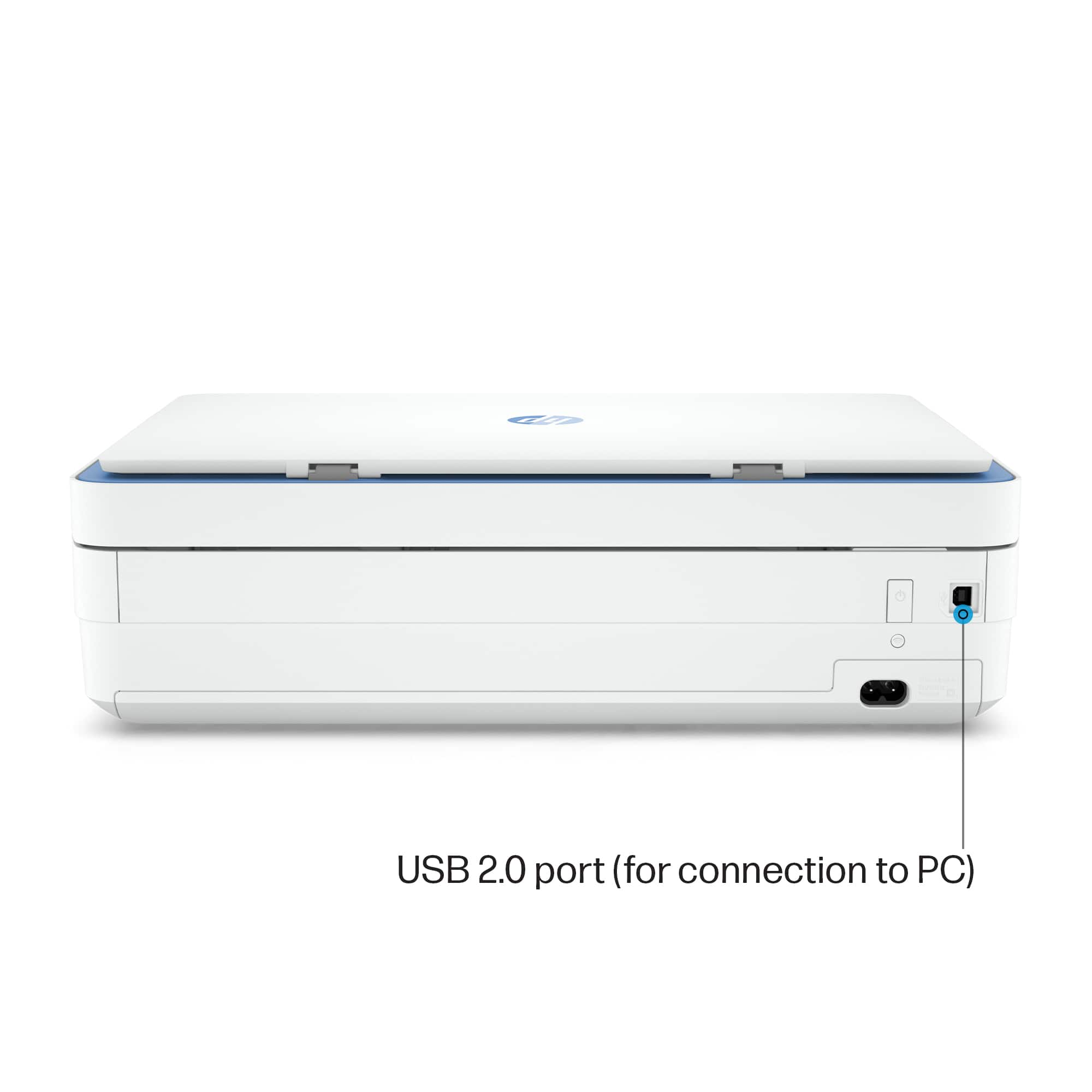
A:AnswerIt does not have a USB printer cable in the box. However, if you're replacing a printer that was connected with one, your existing cable will work just fine.
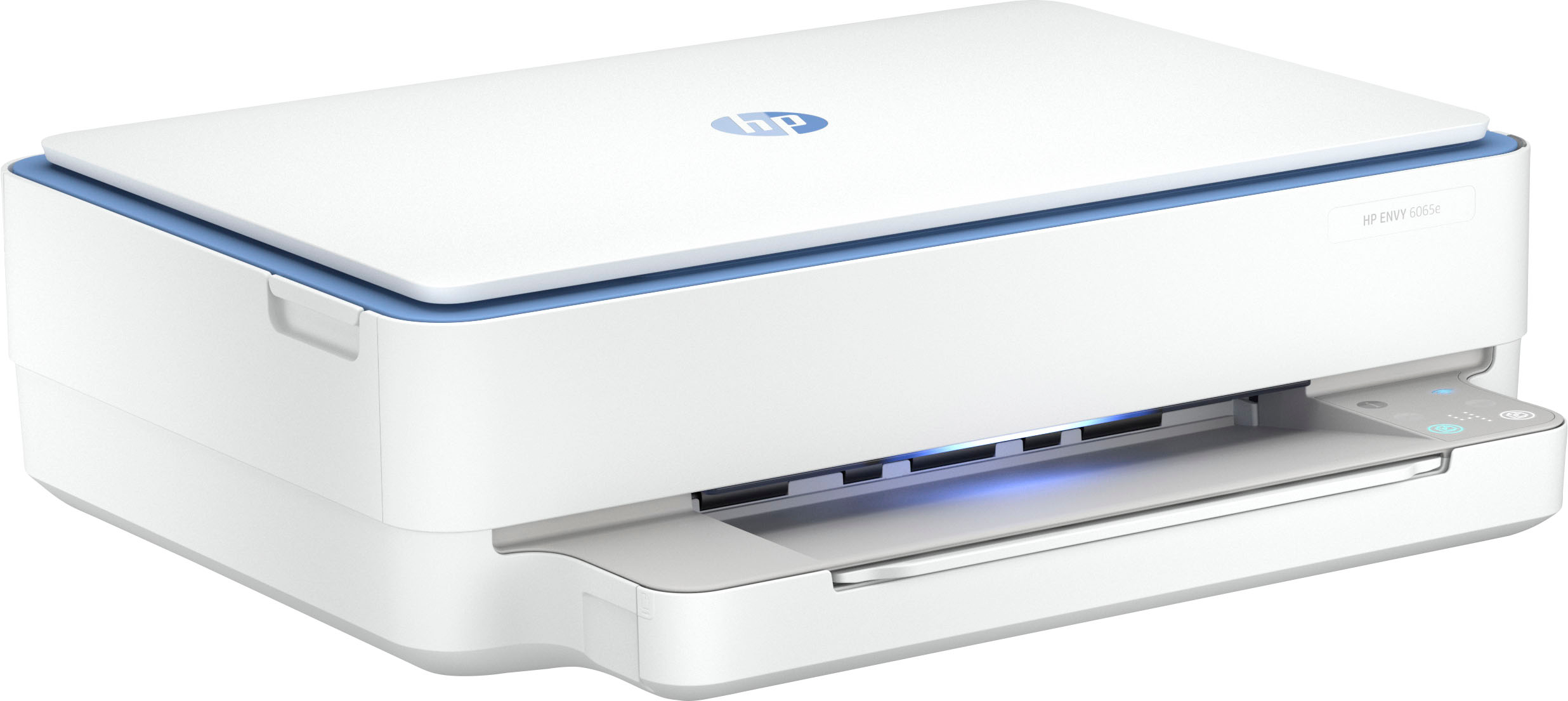
A:AnswerThank you for the question. The Envy 6065e loads paper from the tray located under the light bar and output tray. You'd pull the tray out to load paper. If you are wanting a document feeder for loading pages to scan, you'd need an Envy 6455e, here: https://www.bestbuy.com/site/hp-envy-6455e-wireless-all-in-one-inkjet-printer-with-3-months-of-instant-ink-included-with-hp-white/6454287.p?skuId=6454287