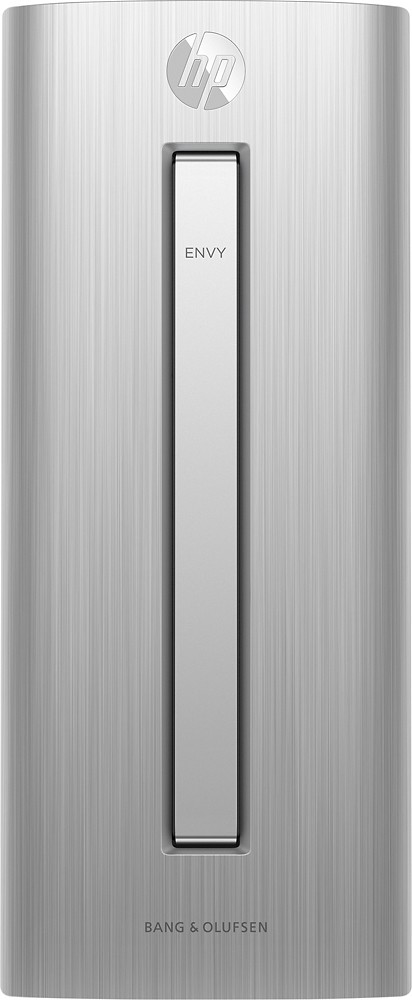
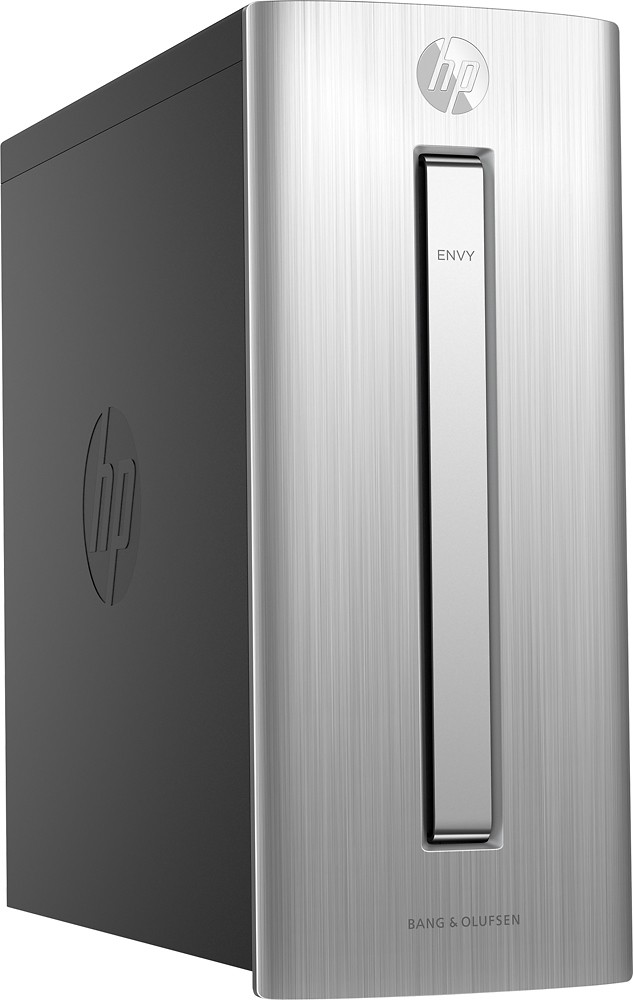
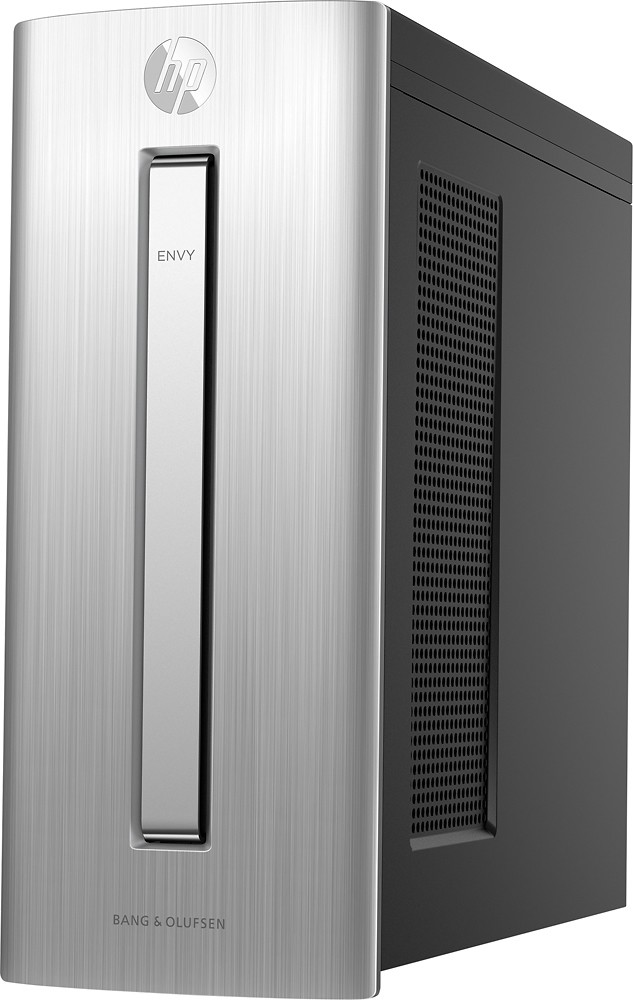
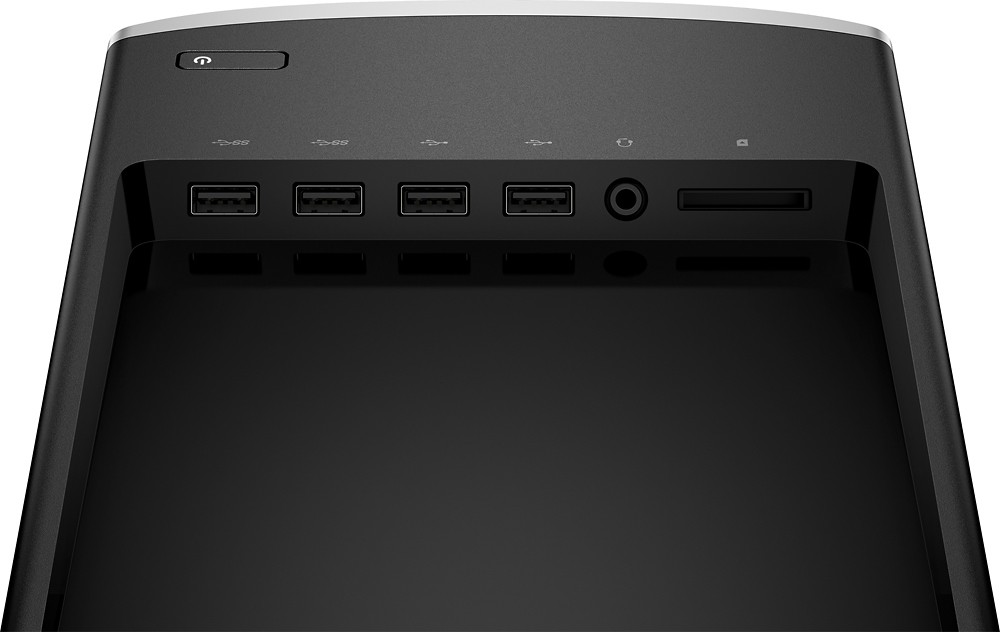
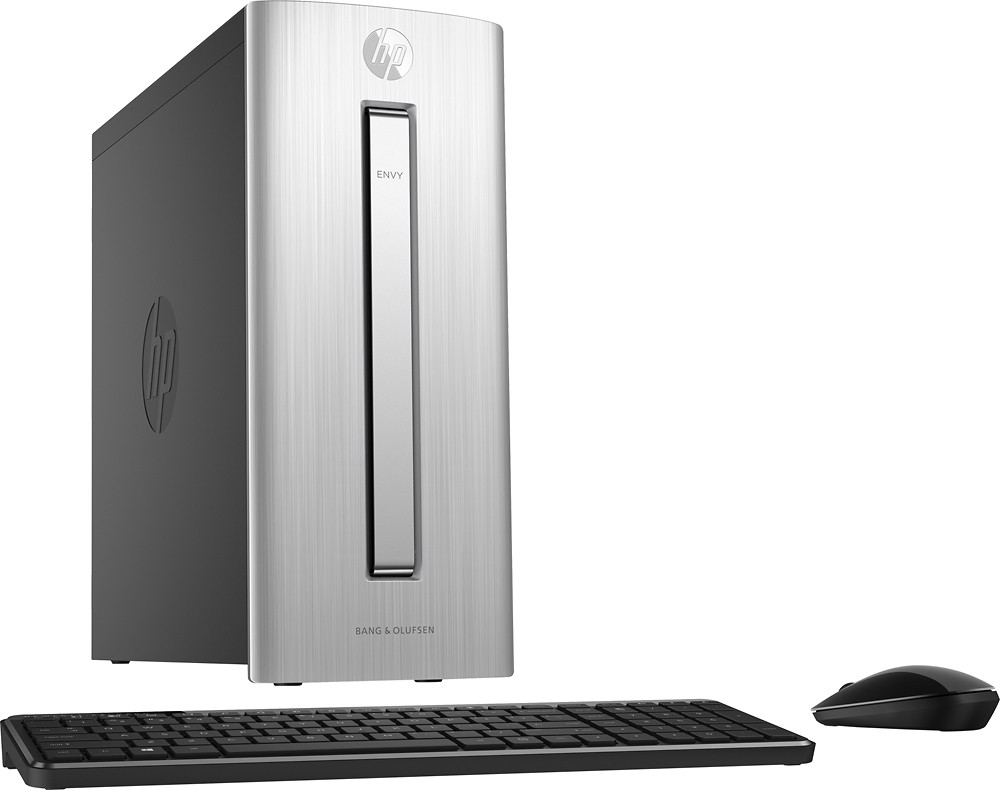
A:AnswerThere are 4 ports on top (2 USB 2.0 / 2 USB 3.0) and 4 on the back in the same configuration.
Source: HP @ http://support.hp.com/us-en/product/HP-ENVY-750-Desktop-PC-series/8499646/model/8524440/document/c04792282/
A picture of the back ports is included at this site. Best Buy has a picture of the top ports. The second to last on http://www.bestbuy.com/site/hp-envy-desktop-intel-core-i5-12gb-memory-2tb-hard-drive-brushed-metal/4370501.p?id=1219738783775&skuId=4370501.
A:AnswerThe DVD drawer is horrible. Yes, it seems flimsy and the vertical placement is very awkward to use. But I'm not sure of the durability since I never had a chance to use it. I had to return the hp Envy 750-114 TWICE because the DVD drive didn't work right from the start. Third exchange I gave up and bought a Dell instead (the one mentioned below).
Get a Dell - Inspiron Desktop - Intel Core i5 - 12GB Memory - 2TB Hard Drive - Black
Model: I3847-3538BKSKU: 9407115. Much better and the DVD tray is horizontal like it should be.
A:AnswerIt doesn't have a video card. It uses the onboard graphics of the cpu. If you want to do graphics intensive tasks, you'll need to upgrade and add a video card, but you'll need to get one that works with the meager 300W power supply.
A:AnswerIt will work with USB wired mice and keyboards. It does not have the older PS2 style plugs. There are two ports on top and two in the back that could be used for wired USB 2.0 keyboards and mice. There are also 4 USB 3.0 ports (2 on top , 2 in back). I would save those for faster devices.
Source: HP @ http://support.hp.com/us-en/product/HP-ENVY-750-Desktop-PC-series/8499646/model/8524440/document/c04792282/
A:AnswerIt has two jacks. One is located at the top about two inches from the front. See the Best Buy image. The other is located at the bottom rear, left side. See uploaded image.
A:AnswerThe possible processors for the machine integrate the Intel® HD Graphics 530 making it HDMI 1.4 with max resolution of 4096x2304@60Hz. HDMI 1.4 includes resolutions up to 4K. ( http://www.hdmi.org/manufacturer/hdmi_1_4/4K.aspx ). See resolution comparison image at the bottom of this answer.
There is a conflict with the Best Buy and HP site regarding the processor. HP states the processor in the ENVY 750-114 is the i5-6400 2.7 GHz boost to 3.3 GHz. Best Buy says it has a 3.2 GHz base speed making it the i5-6500. Best Buy may have a unique configuration as is sometimes done by manufacturers. Either way both processors have the same integrated video card so the above resolutions applies.
Also note Best Buy lists the video memory at 6 meg but Intel lists the max memory as 1.7 megs; so the remaining 4.3 meg must be shared. Using an add-on video card disables the integrated video. An add-on video card would most likely outperform the integrated video.
HP support listed specs
http://support.hp.com/us-en/product/HP-ENVY-750-Desktop-PC-series/8499646/model/8524440/document/c04792282/
Intel 6th Generation Core i5-6400 specs
http://ark.intel.com/products/88185/Intel-Core-i5-6400-Processor-6M-Cache-up-to-3_30-GHz
Intel 6th Generation Core i5-6500 specs
http://ark.intel.com/products/88184/Intel-Core-i5-6500-Processor-6M-Cache-up-to-3_60-GHz
A:AnswerGreat question. You should have no problem transferring files to this computer. It is a very fast computer. What will make the process even fast is if your portable hard drive is compatible with USB 3.0 because this PC has 4 USB 3.0 ports. The file transfer speed is much faster on a USB 3.0 than a USB 2.0. For more detailed specs on this PC, please visit the following link:
https://store.hp.com/wcsstore/hpusstore/pdf/m9z92aa.pdf
I hope this helps.
A:AnswerGreat question. Yes, you can upgrade the graphics card. I would recommend checking the power supply and other requirements for the GTX 970 because you may need to change the power supply depending on how much power the graphics card requires.
I hope this helps!
A:AnswerDepends what you are going to do. This will work fine, but you may want to invest in a high end graphics card to help with the processing power.
A:AnswerGreat question. The streaming capabilities also depend on internet speed and screen size. Since I do not have that information, I can't give you an accurate answer.
I found a website with an estimator with what kind of specs you will need. Here is the link: https://obsproject.com/estimator
You will be able to put information in about upload speeds and monitor resolution. I hope this helps!