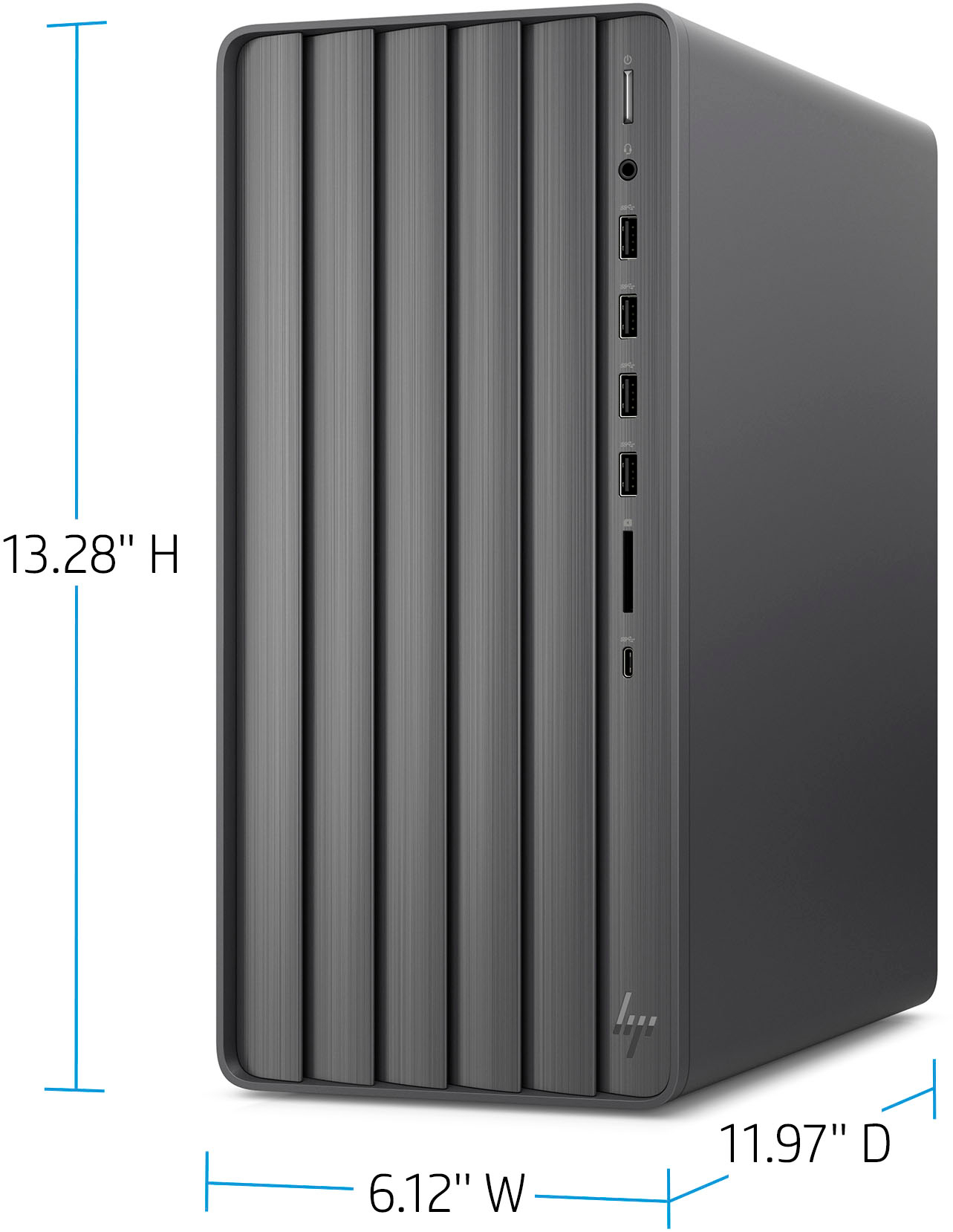
A:AnswerUnfortunately, the power supply that is included in this unit is a custom fit. A standard sized power supply will not fit this unit. Also note that the power supply included in this unit does not have an additional wiring harness/connector for a higher capacity graphics card, nor is there likely sufficient space in the chassis to accommodate the footprint that a bulkier graphics card requires. I do not know if HP or a third party makes a higher wattage power supply that might custom-fit this chassis; you'd need to check.
A:AnswerHello and thank you for your question. An external CD/DVD drive can easily be added/connected to this HP ENVY desktop with a USB cable, and this ENVY desktop model is compatible with many different monitor brands including Dell monitors.
A:AnswerThis model does not have a dedicated GPU, which is what you want to play modern games. I would look at the gaming desktops or the models that have a dedicated GPU.
A:AnswerIt looks like the GTX950 requires a 6-pin power cable. This system has no additional GPU power cables, so no it will not work in this system. The system can fit 2 additional internal SATA drives.
A:AnswerThis system only has a 320 volt power supply and doesn’t have any extra power cables to power a high end GPU. I’d venture to say the best card would be the NVidia RTX A2000 which doesn’t require additional power. It has 4 hdmi ports.
A:AnswerThe power supply is only 320 watts so the card would have to be fairly low wattage. But I have added an NVidia RTX A2000 to mine. It is only 75 watts. Pretty nice.
A:AnswerDoes that DVI monitor have a higher resolution than 1920x1080? If so, the VGA port can't drive it at a higher resolution. If that's not the case, you'll want to contact the HP support team directly so they can troubleshoot it with you in real time.
A:AnswerThis product has an hdmi port for your monitor. If you add a video card you can use the cards ports as well as the computer’s hdmi port for multiple monitors.