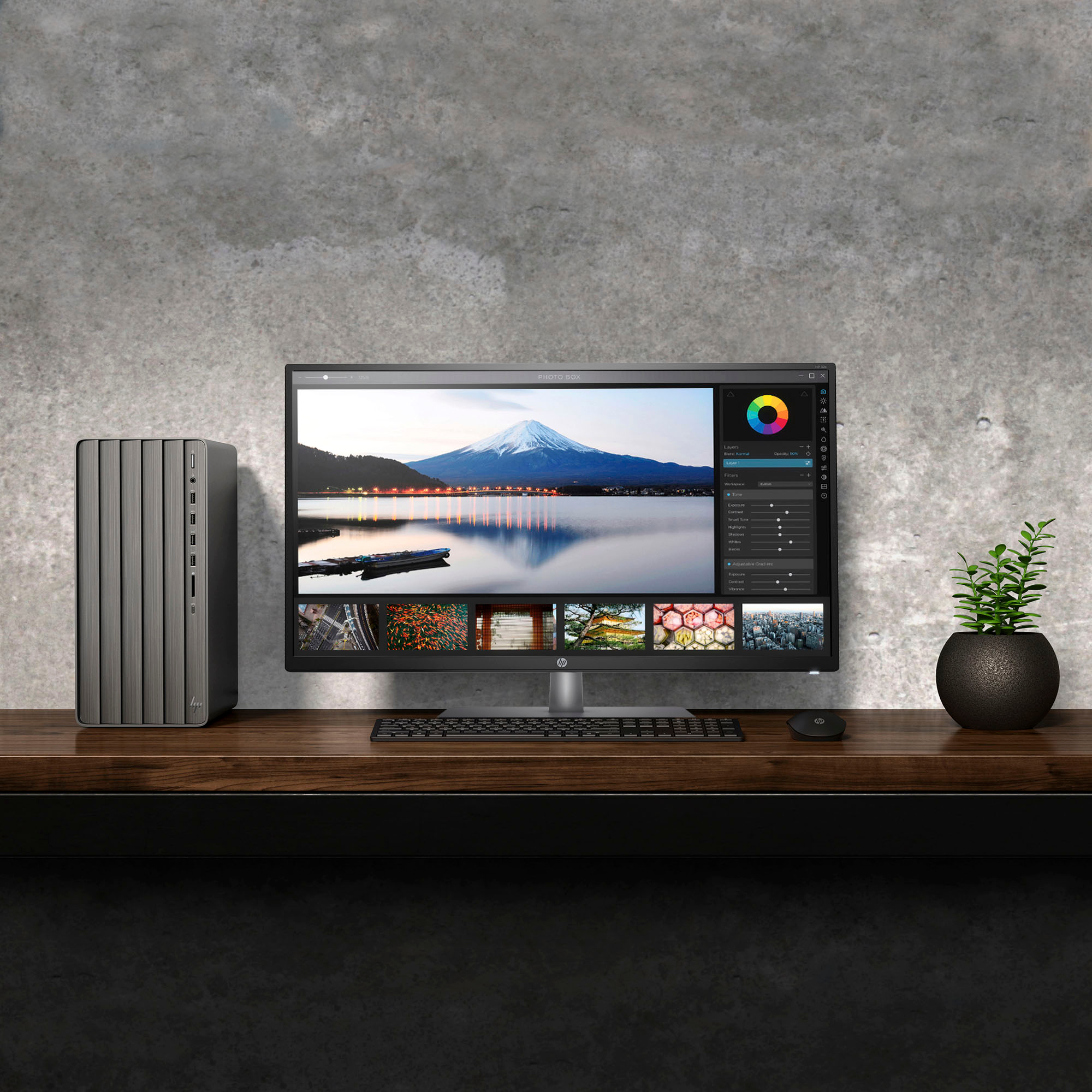
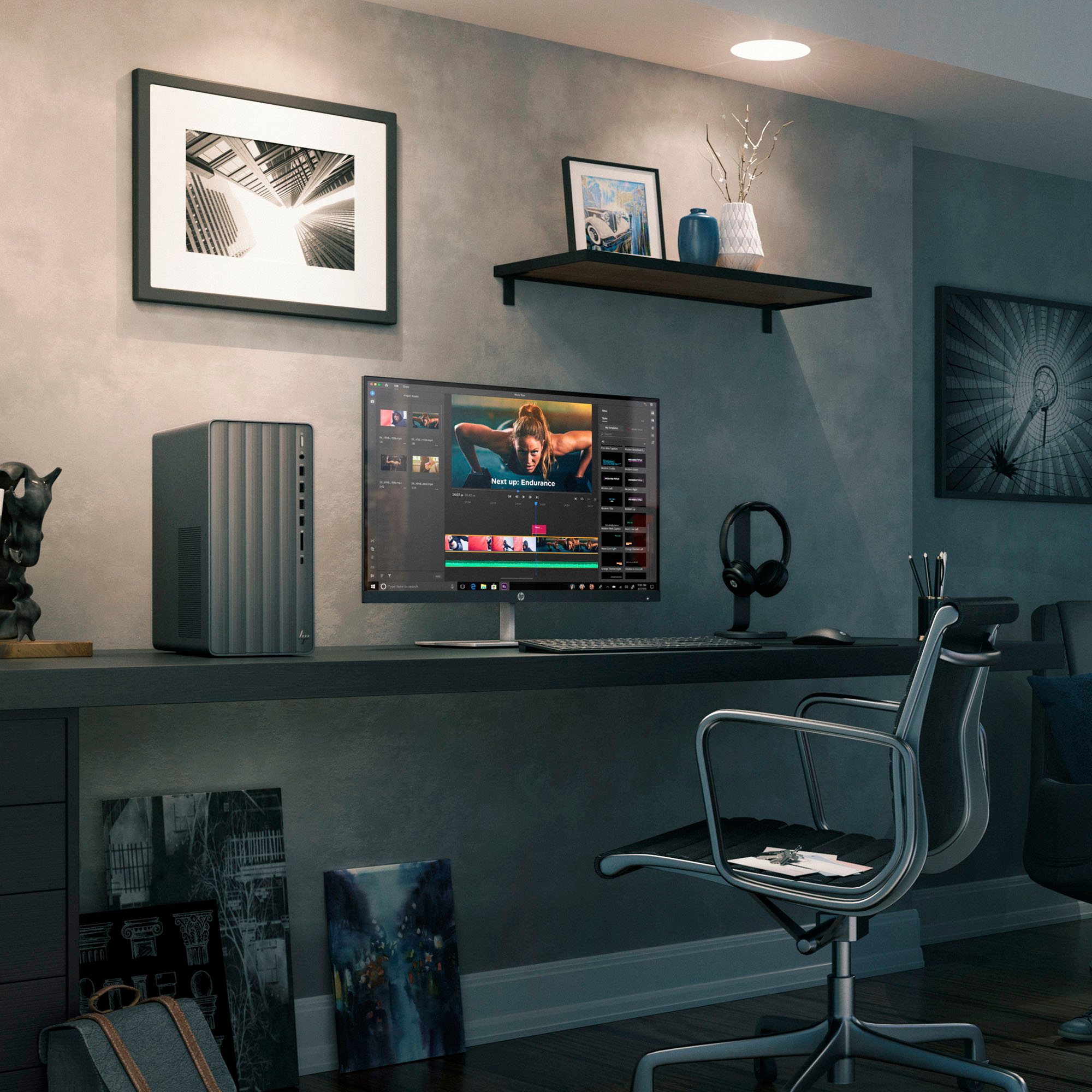
A:AnswerYes - in addition to the 1 TB SSD that this computer comes with, you can add another 3.5" or 2.5" HDD or SSD. The cables, connectors and mounting fixture inside the computer are included out-of-the-box. HP even includes a couple of additional mounting screws in the box.
A:AnswerThis computer has plenty of processing power and memory to livestream videos uninterrupted. The problems that you're experiencing are likely from one or more of four sources: 1) your computer's connection to your router; 2) your router's connection to the internet; 3) the amount of internet traffic at any given time (the number of connections from your router to the server that's streaming the movie and the amount of data flowing between the streaming server and your router); and 4) the ability of the streaming server to handle the load that it's experiencing at any given time. It's beyond the scope of my answer to your question to explain these potential issues in more detail; what you need to do is to get technical help involved to find the bottleneck(s) in your streaming service and correct them for you. Good luck!
A:AnswerIt will run fortnite however you will need to crank the graphics down. I did it on my Pentium gold desktop similar to this and it ran however with that desktop it was hard to see anything as it was so low.
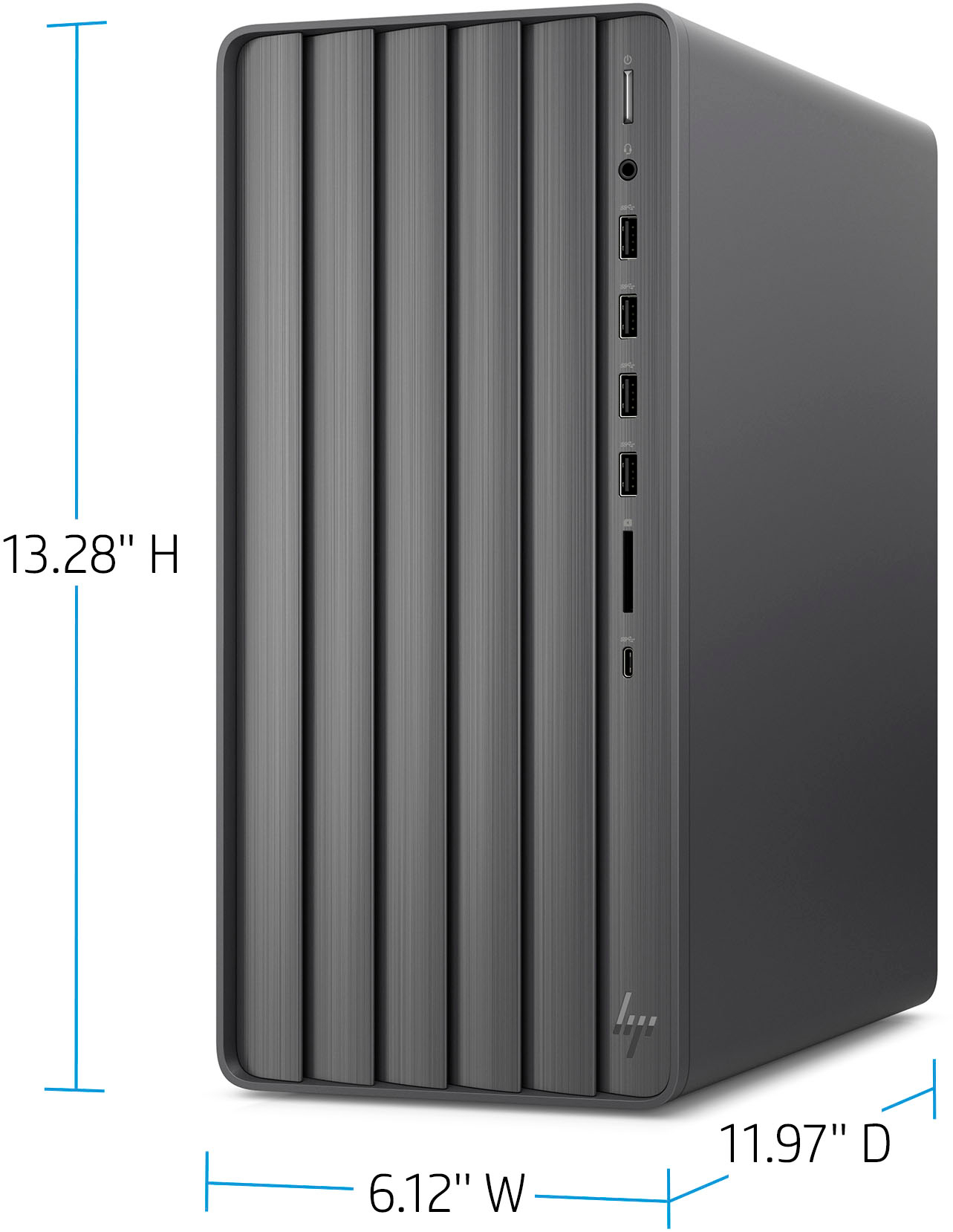
A:AnswerHP still has not answered my question if the 3060 can be installed on this model tower. My question is asking the question, and from what you posted, and the way you posted it, it appears that HP already say so and that they told me so. Please answer my question if the 3060 has enough space inside and the capabilites of receiving that graphic card. I you do not do that, then delete my question because it appears that HP told me that it is OK for the model to receive that graphic card (Please note that I have a question mark after my first original sentence). I am still without the answer.
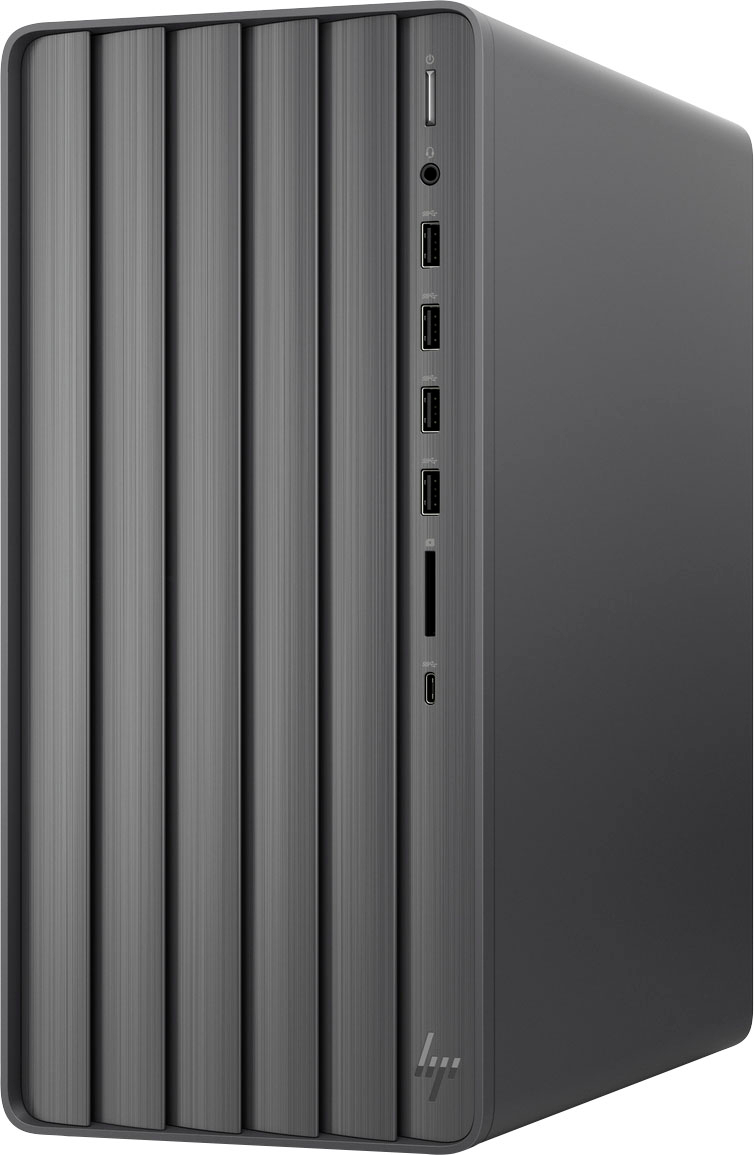
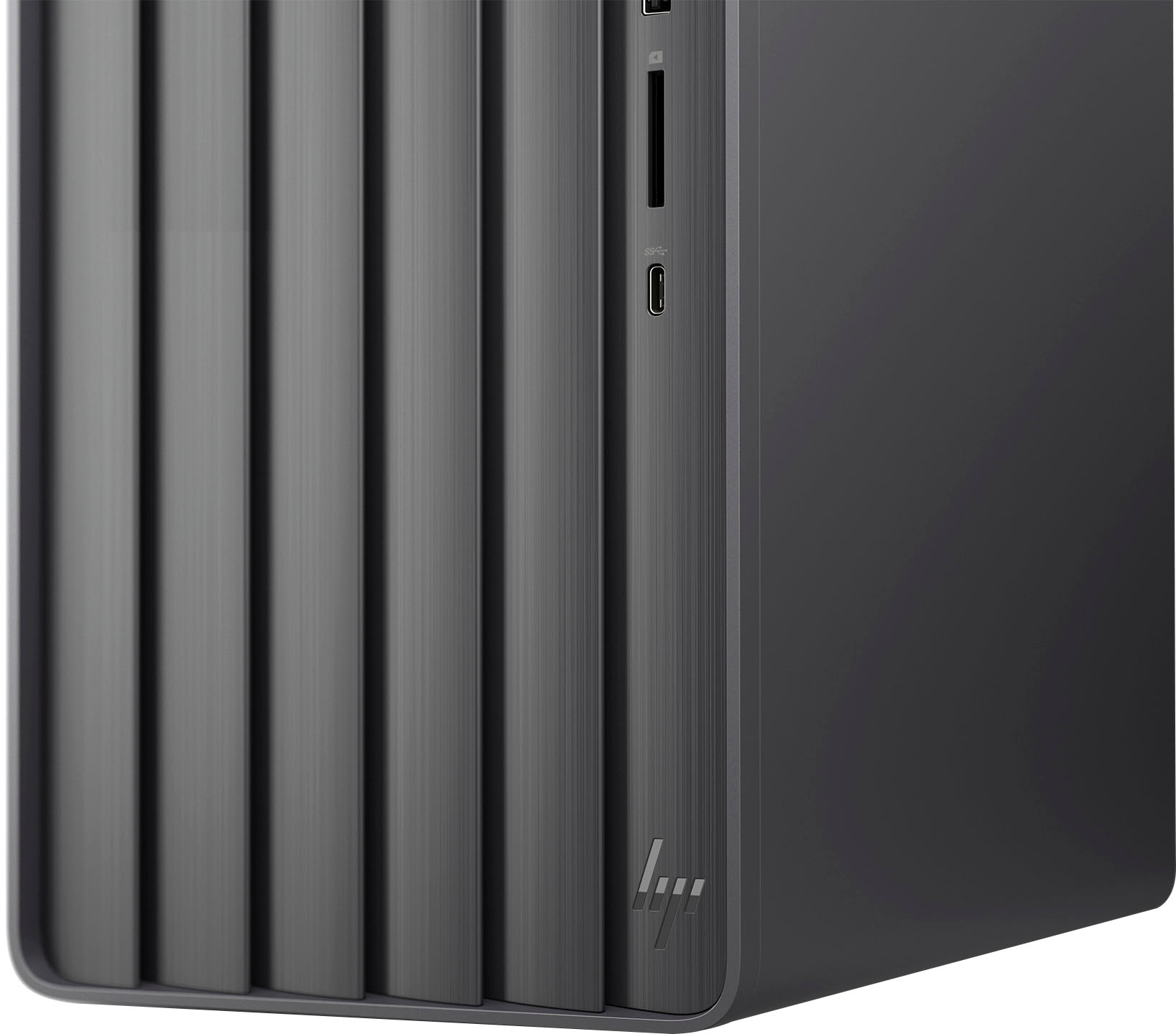
A:AnswerHello, Steve. Thanks for your question. This HP ENVY Desktop TE01-3254 computer has 1 HDMI port and 1 VGA port for 2 monitors. The USB C port on the front only has data transfer capabilities. If you want 3 monitors, you can add a discrete graphics card to this HP Envy desktop.
A:AnswerThank you for your question! This HP Envy desktop comes with a 310W power supply which is designed to work with this desktop. An upgraded PSU is possible but not necessary. An external DVD player is your best option for disc playing with this PC.