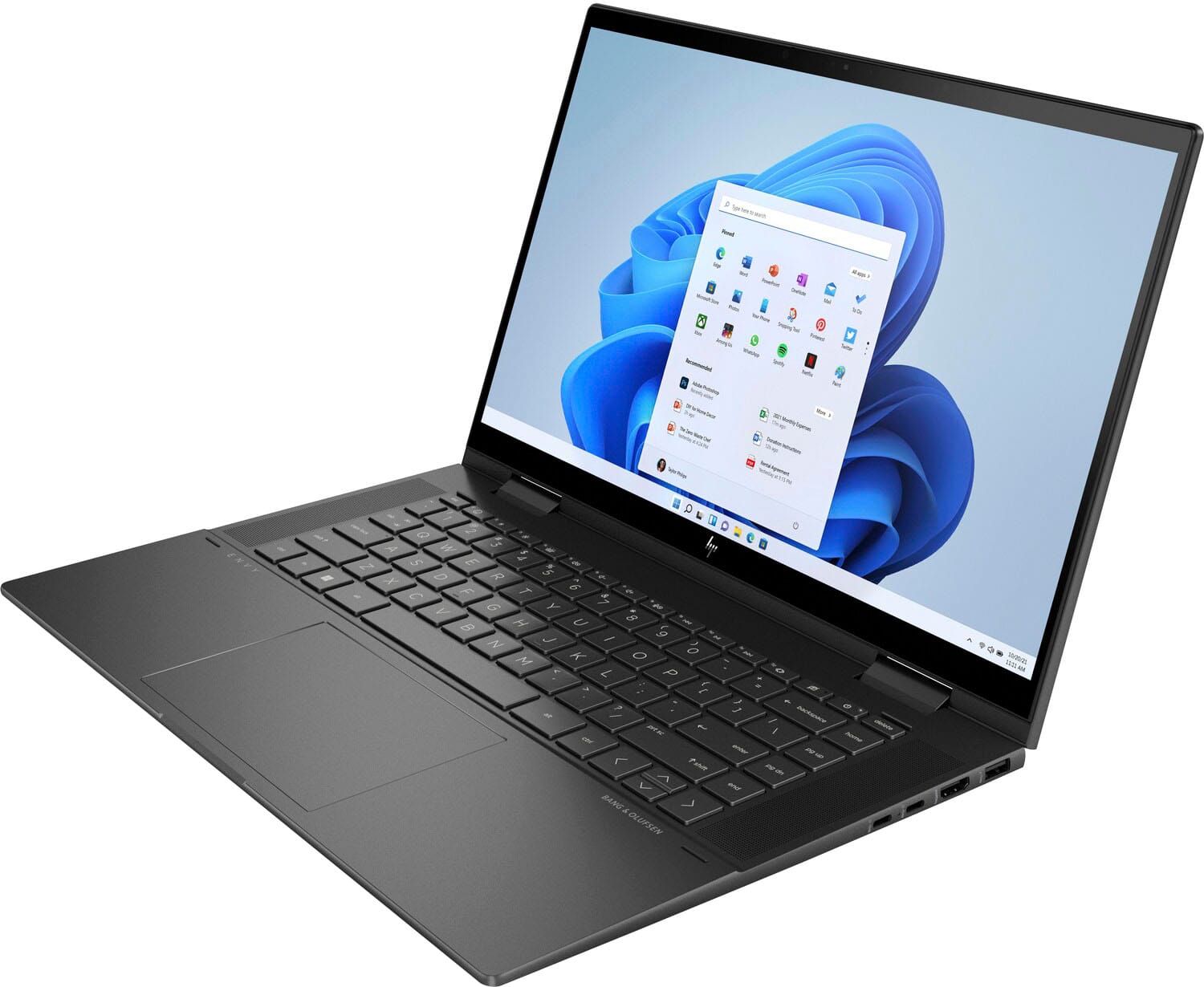
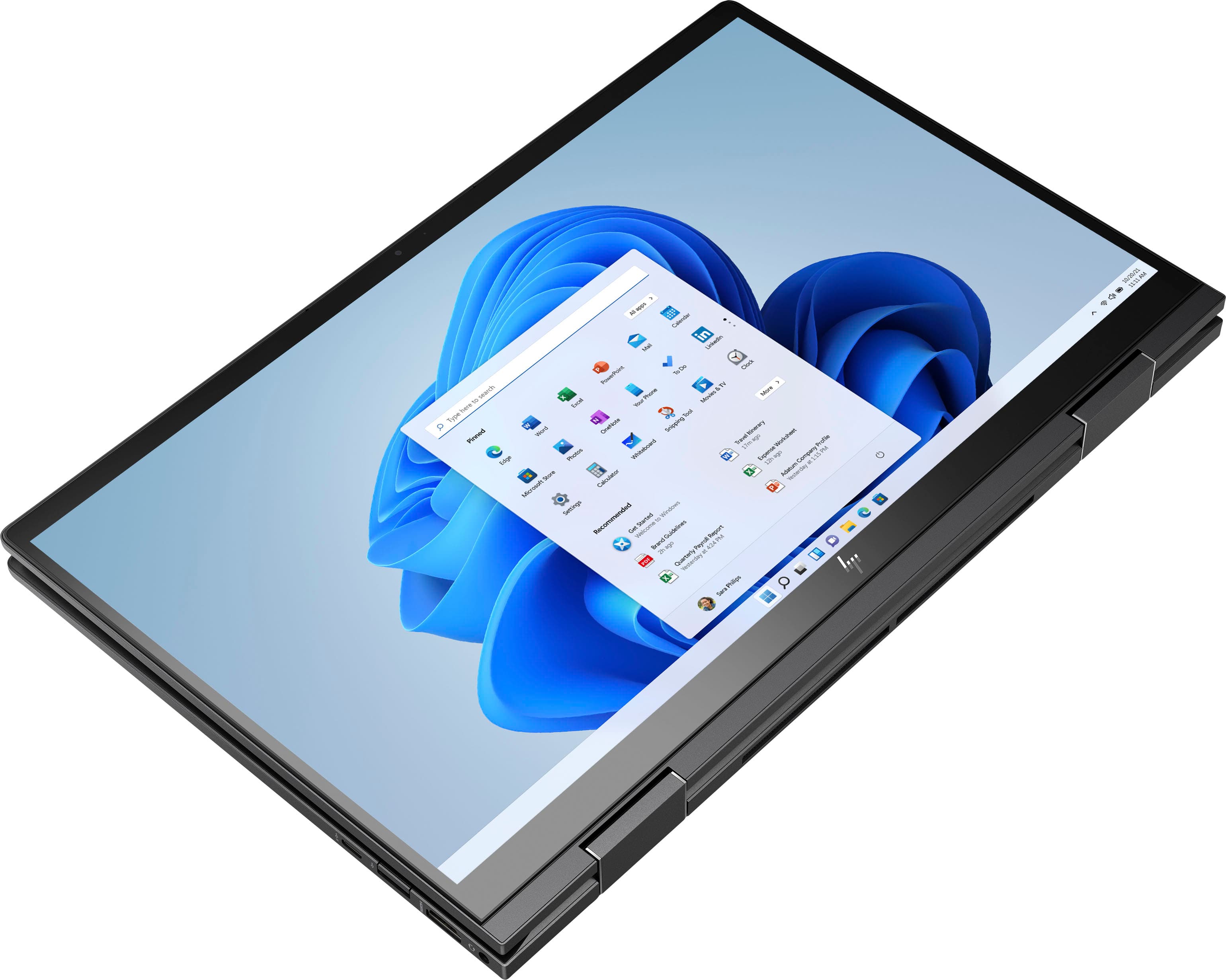
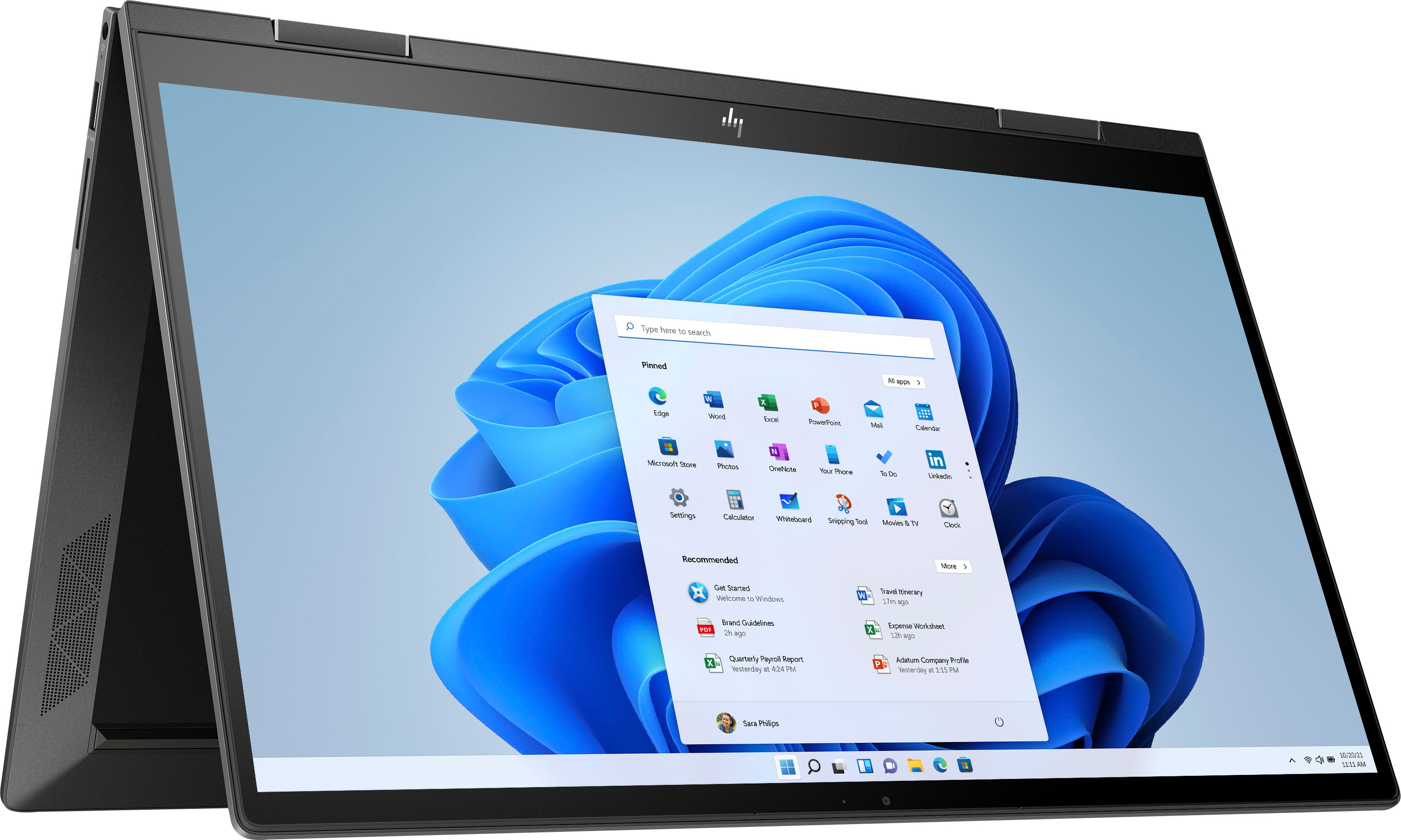
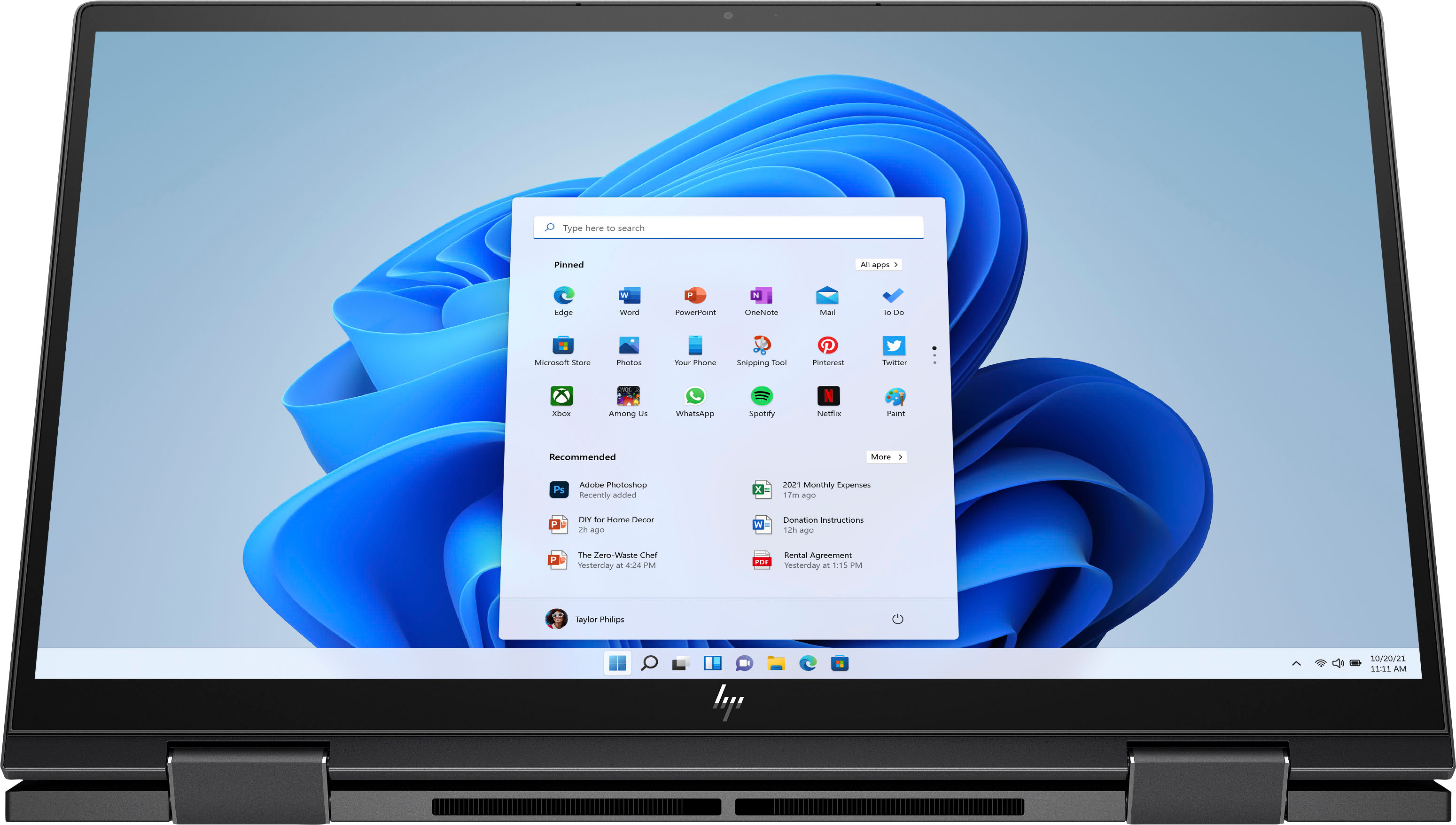
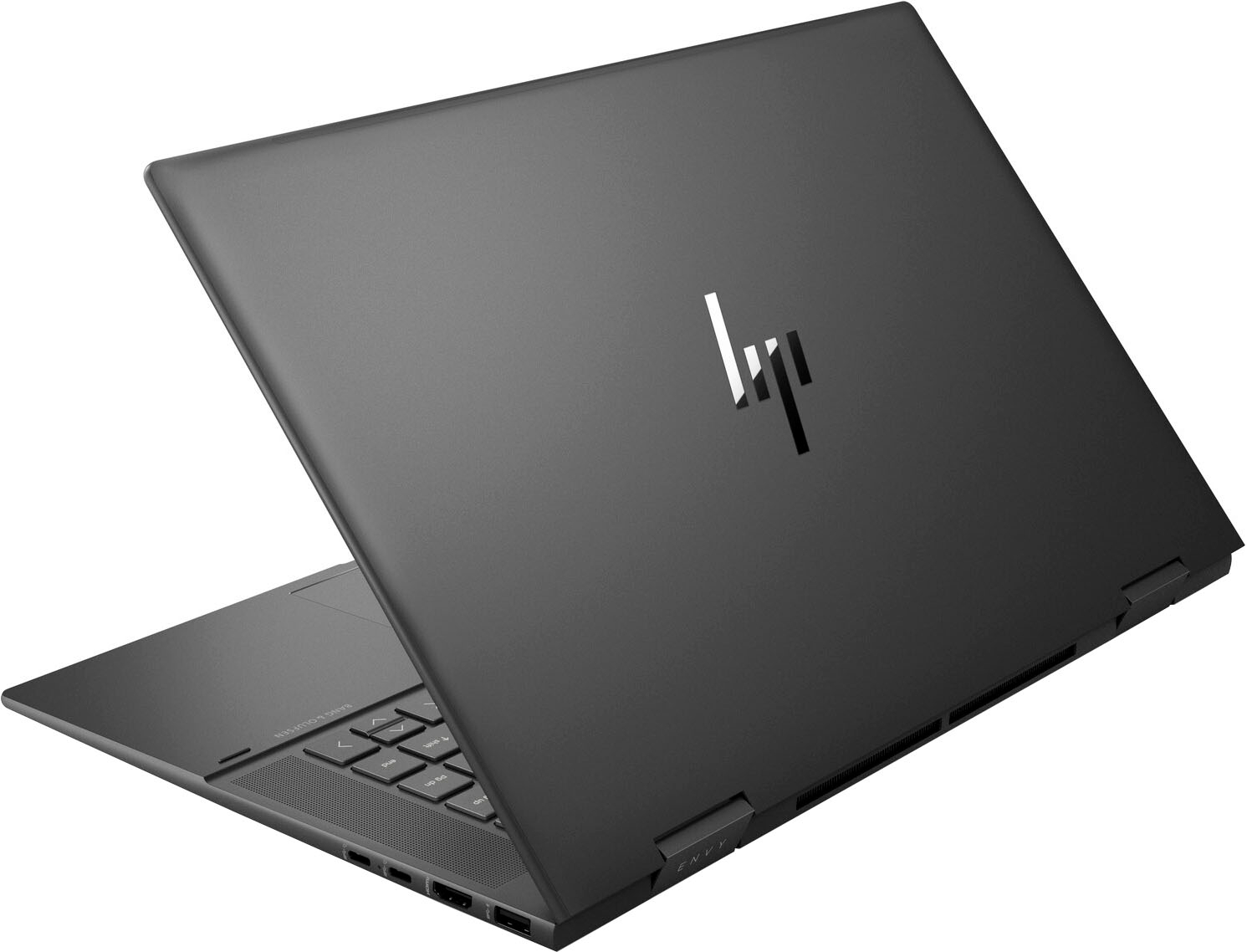
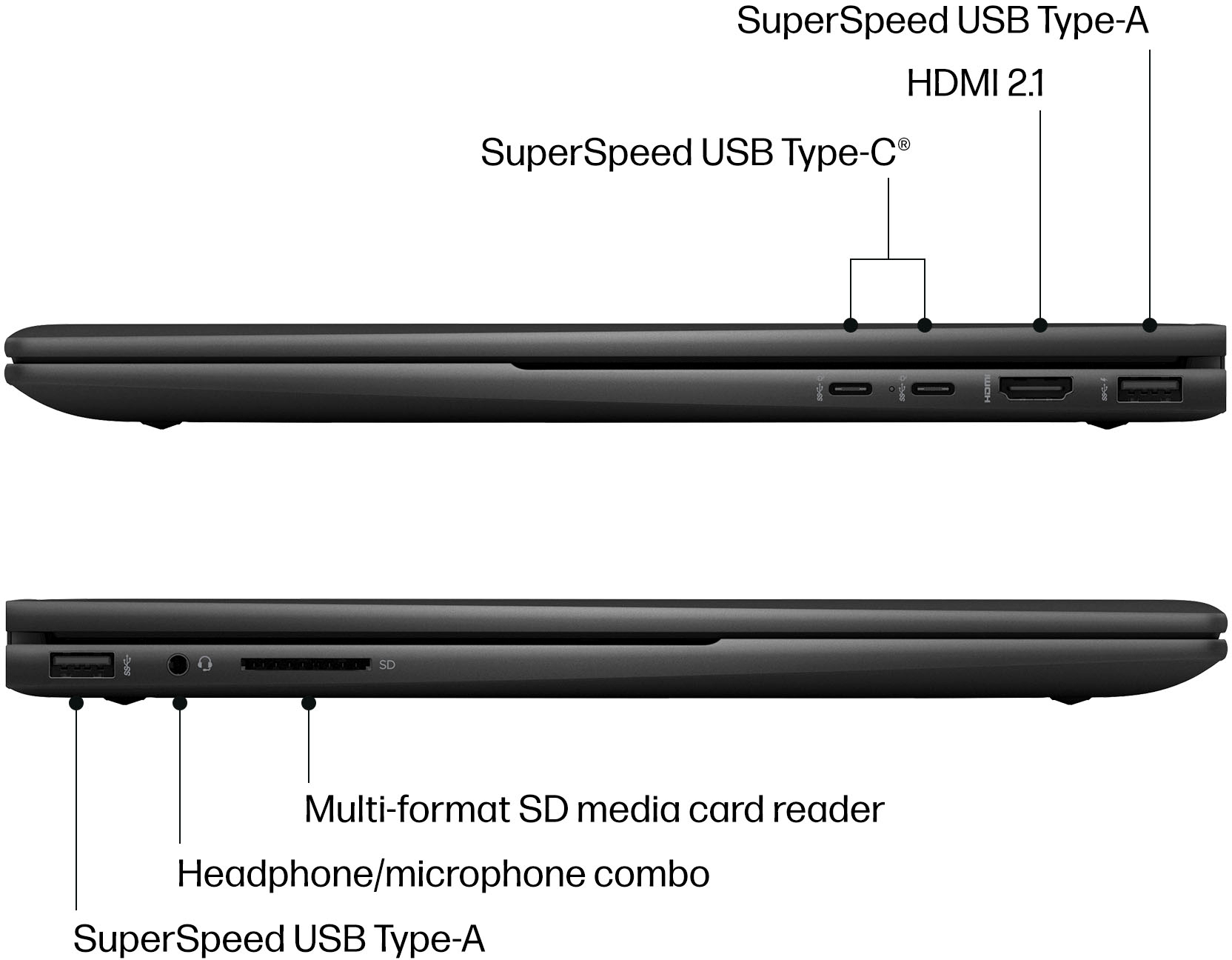
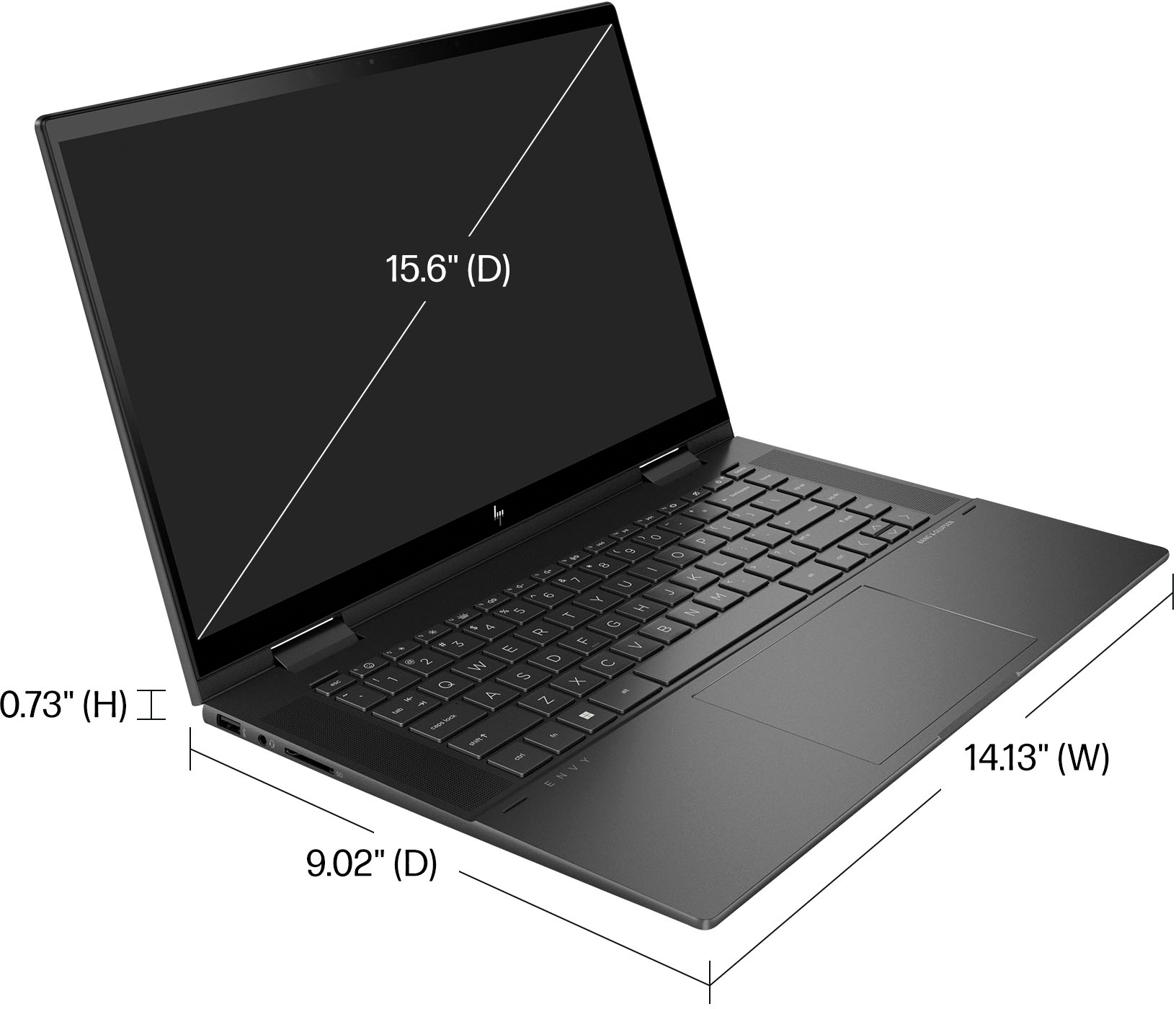
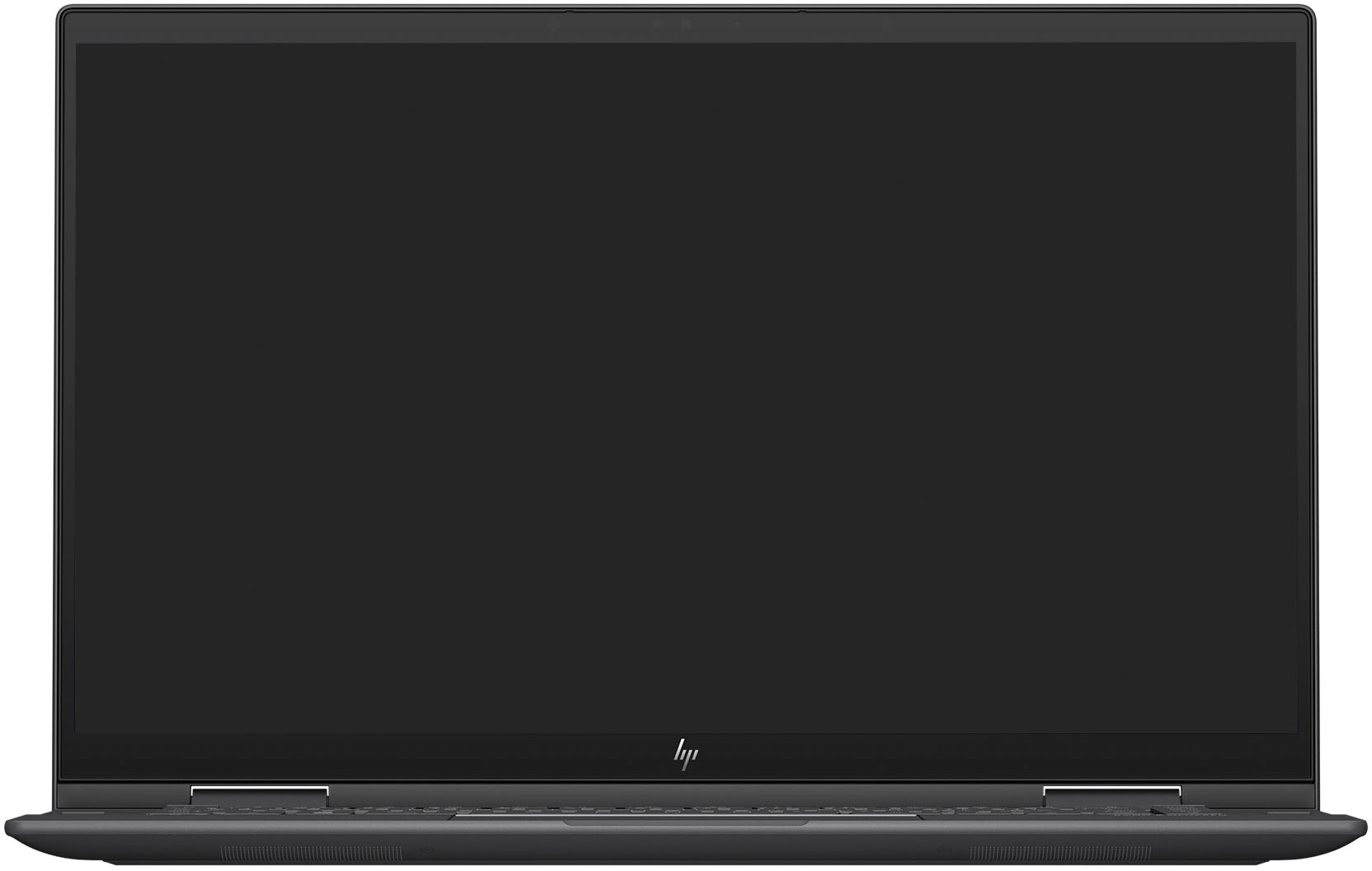
A:AnswerThank you for the question. The Envy 15-ey0013dx has DIMM type modules. Normal DDR4 DIMM's are longer then a SODIMM so any form factor designed around it wont fit a DIMM module. Please reach out to Support.HP.com or Geek Squad for assistance.
A:AnswerYes, you can disable or even uninstall Alexa. If you search for "Disable Alexa Windows 11" (no quotation marks) you'll get a list of instructions on how to do it.
A:AnswerHello and thank you for your question. It is possible to install Blender on this HP ENVY x360 laptop, but it is best to confirm with the developer company of Blender to ensure this HP ENVY model meets the minimum hardware/performance requirements of whichever version of Blender you currently use.
A:AnswerIts actually not difficult - just delicate. Much easier than my old Lenovo Flex. MUCH easier. Check youtube for videos. Its very simple compared to Lenovo Flex. I mean wow its like a few screws and lifting the tiny battery. My old lenovo required removing the top cover, the keyboard, the back plate, a board, disk drive, multiple cables.... and more....
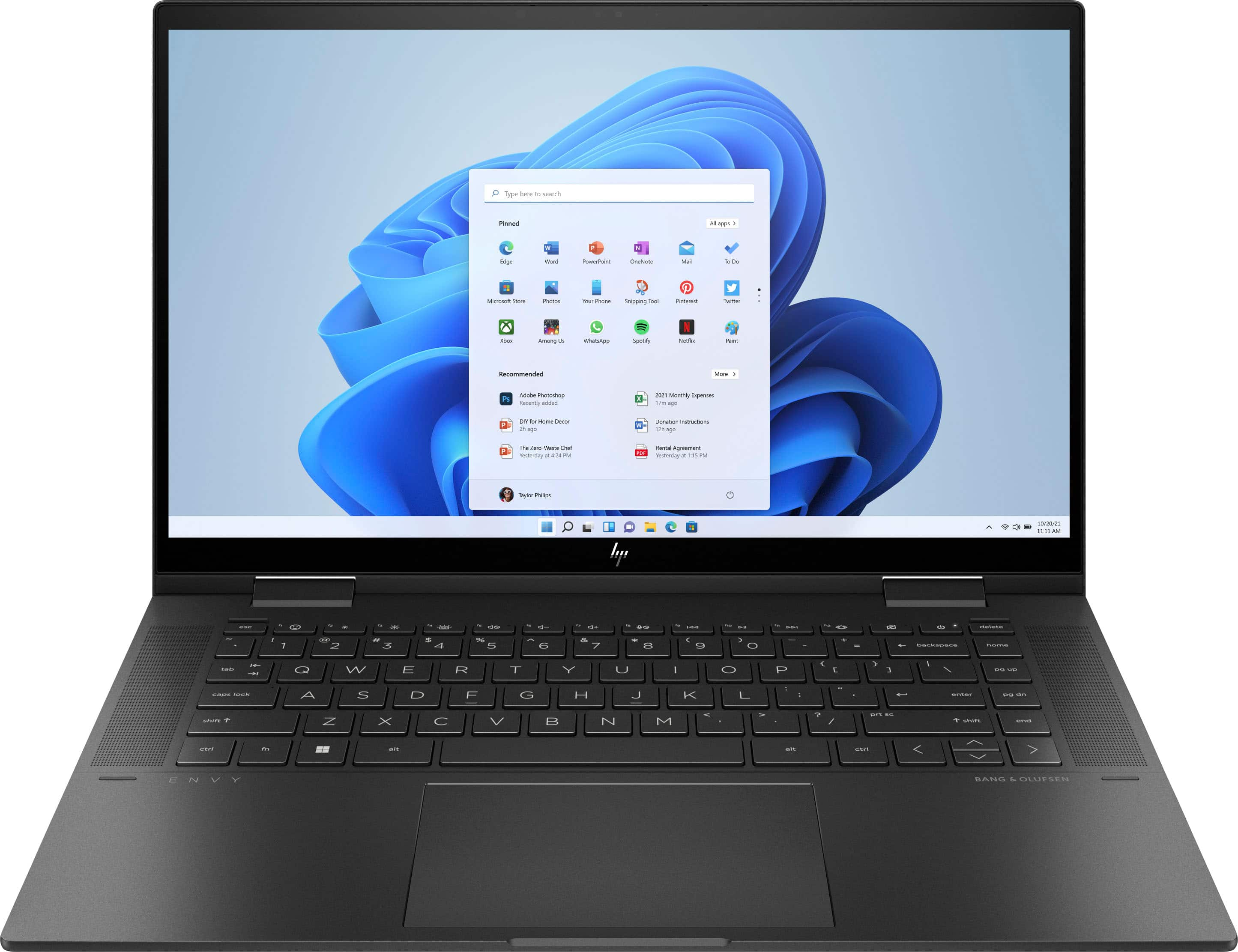
A:AnswerYou can upgrade your HP 15-ey0013dx Laptop to up to a maximum memory capacity of 64GB Memory. This should be performed by a professional technician.
A:AnswerIt is dangerous to mess with the battery as it is using a lithium-ion battery. If the battery does stop functioning, you will want to contact HP Support or Geek Squad. It is not recommended for anyone to touch the battery unless you are a certified technician.
A:AnswerSpecs says 32GB at 3200mhz. You can replace the ram sticks as long as you disconnect the battery and have some knowledge on how to. Not sure about stylus, I believe any work, this has a normal touch screen