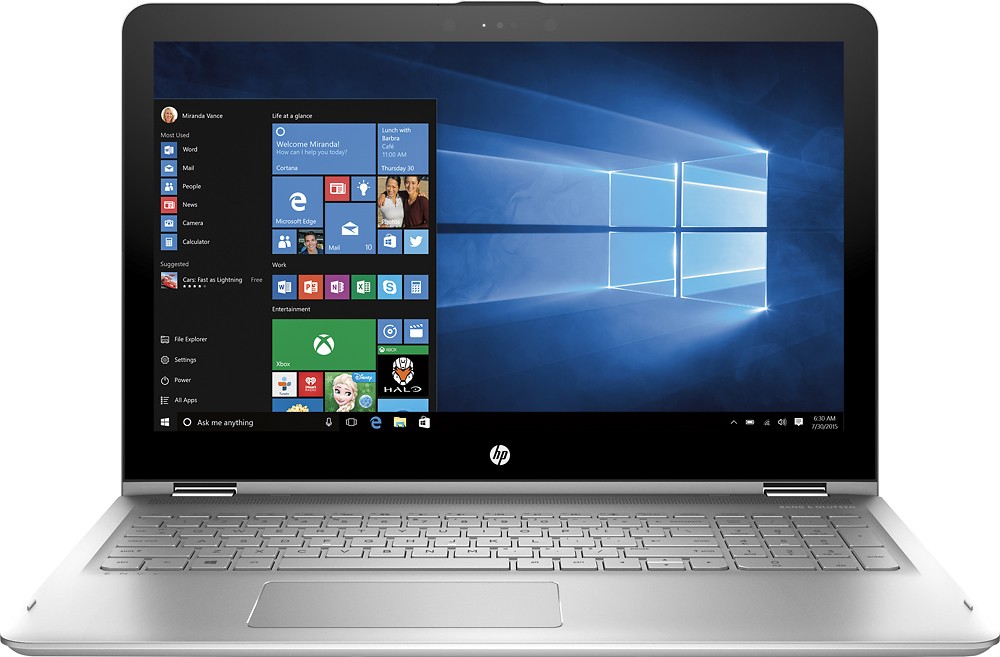
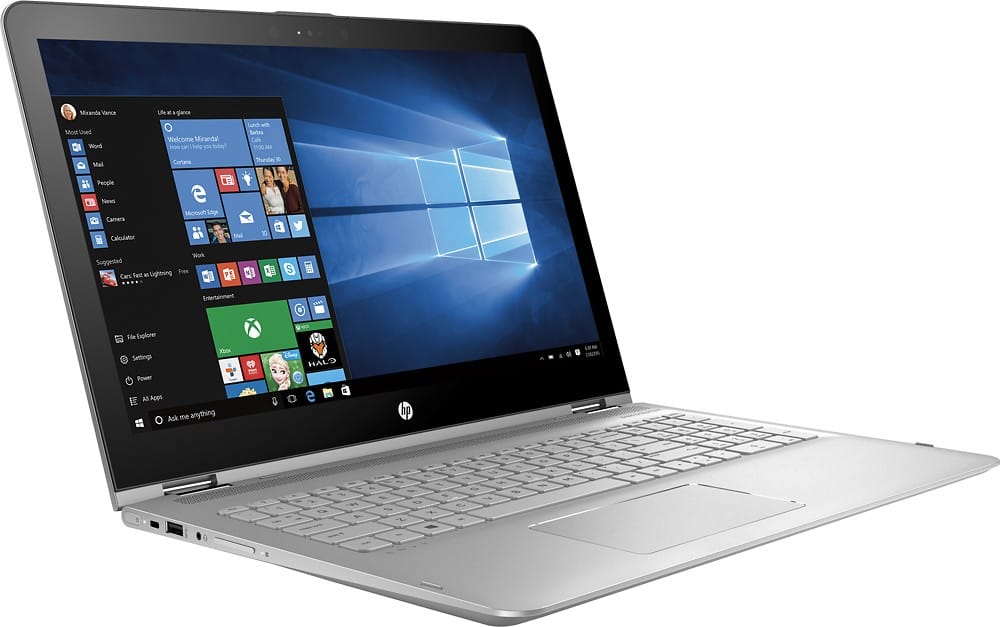
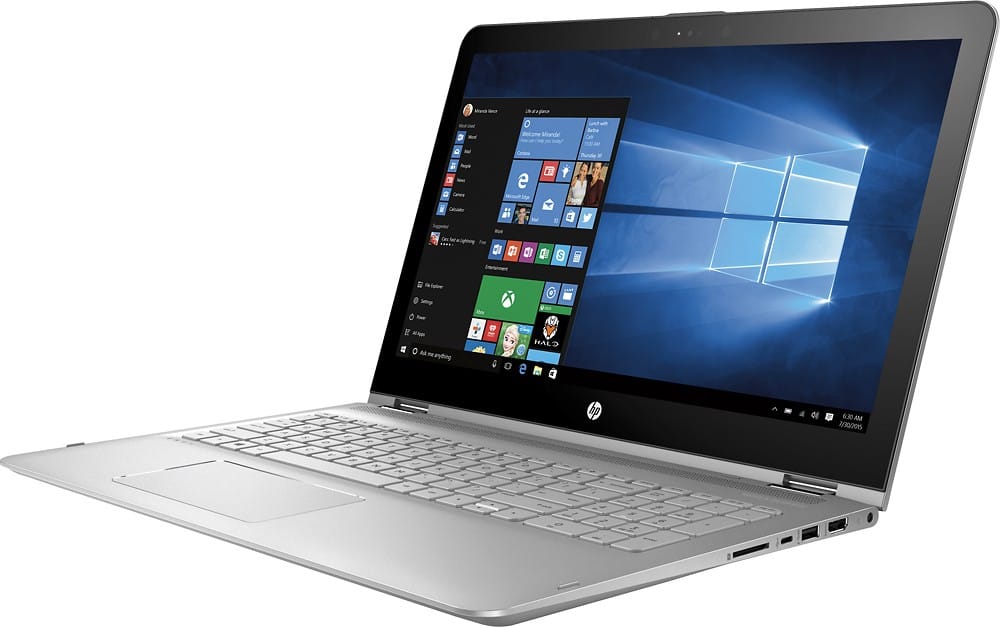
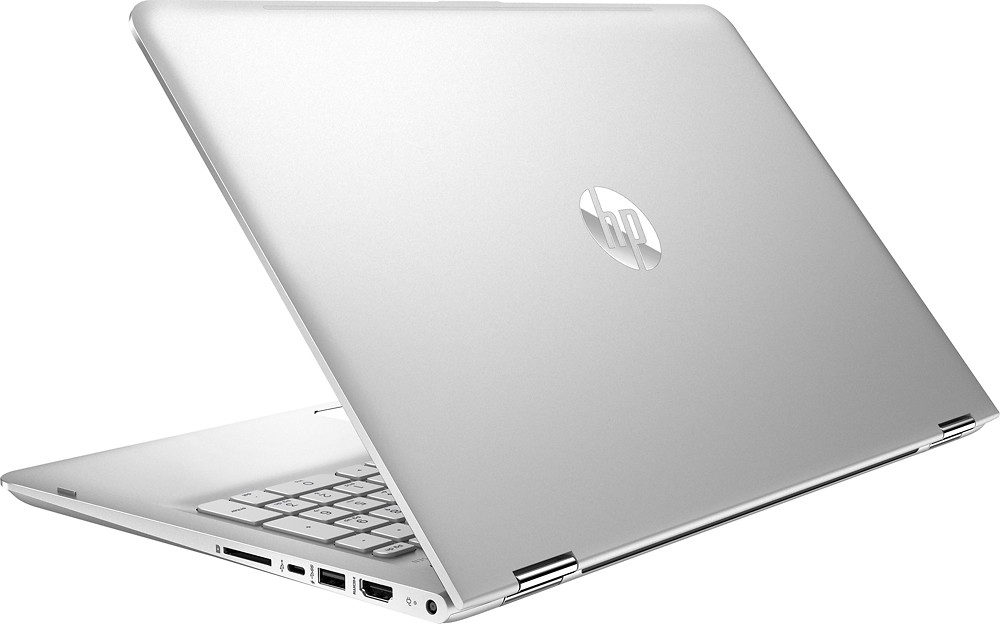
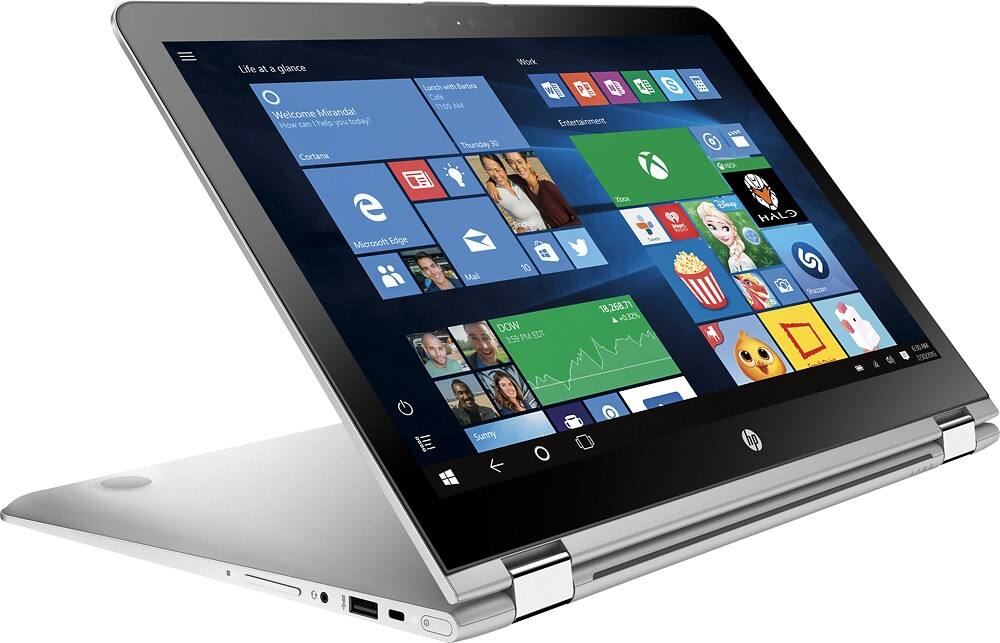
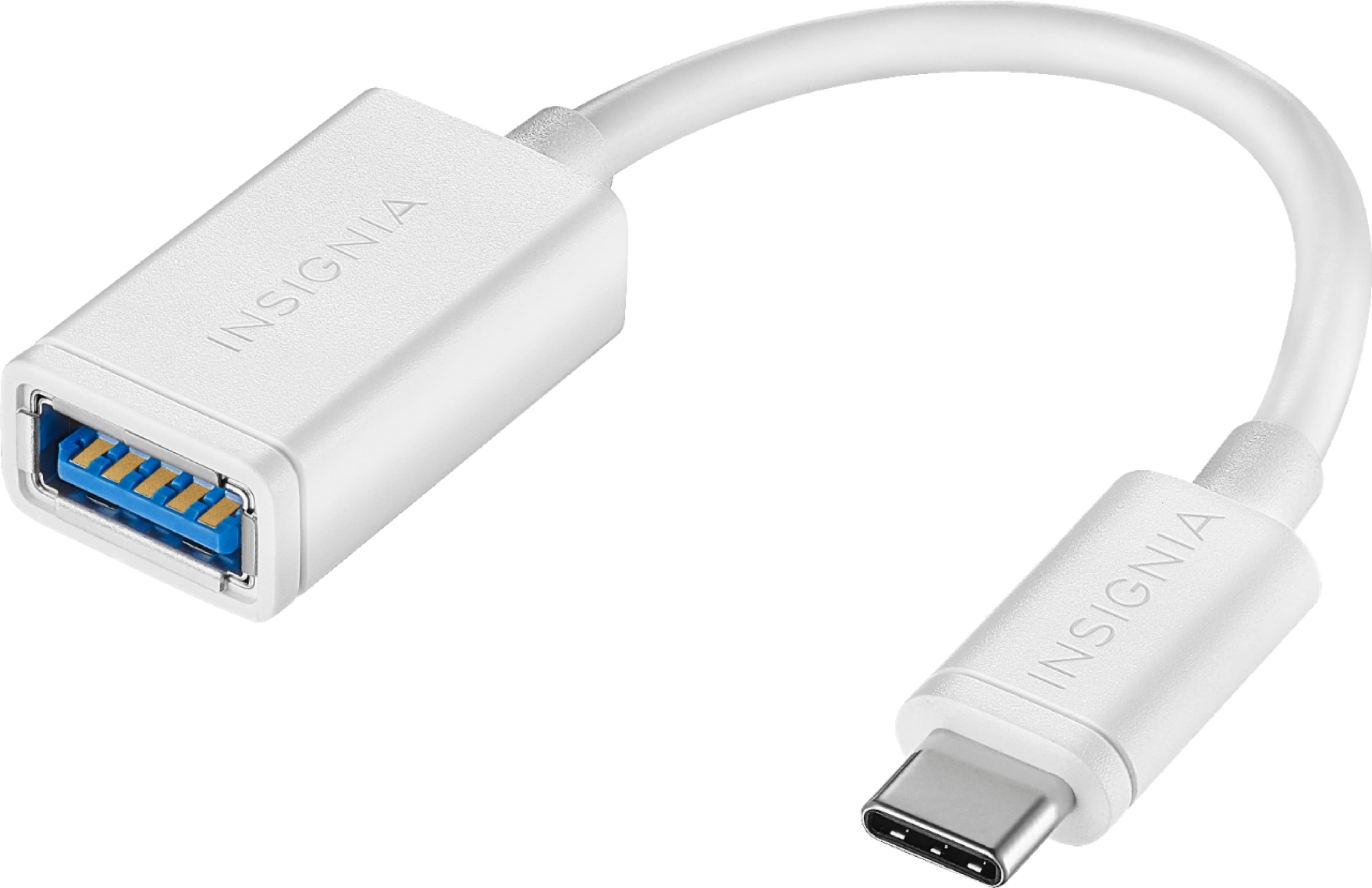
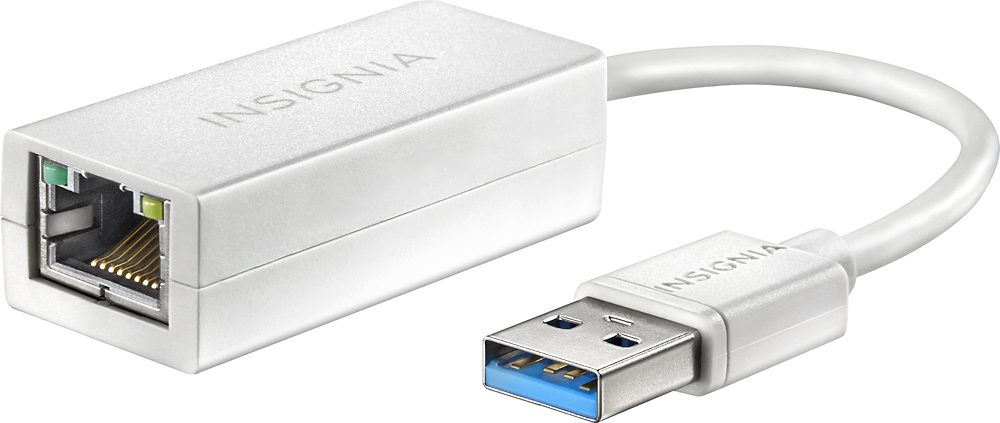
A:AnswerThere are two USB 3.0 ports and one USB Type-C port.
USB Type-C is a new standard just like USB 3.0 was newer than 2.0. As technology progresses, ports will inevitably be updated to allow faster file transfers and charging capabilities. Unlike USB Type-A or USB Type-B, the USB Type-C connector has reversible plug orientation, which means it can also be plugged upside down, making it easier for all users. USB Type-C plugs have high endurance and longevity. They are designed in a way that endures no less than 10,000 insertion and extraction cycles. USB Type-C connectors can transmit DisplayPort signals at up to 4K resolution. The new plug can also handle electrical power of up to 100W.
The one downfall of USB Type-C is that the old USB types will not fit in the port. You will have to use an adapter.
A:AnswerYep, the specs are correct it has an i7-7560 CPU with Iris 540 graphics. There are actually three new Envy's at best buy, an i5, the i7 and an AMD fx9800p. I played with all three of them last night at a local best buy. They all have the same aluminum case (although the AMD is ash instead of silver), the screens are all 1080p but get steadily brighter with higher contrast the more expensive the model (So the AMD gets short changed on the screen which is a shame.
I ran the PC Benchmark app (simple benchmarker) in the windows app store so I could grab it easy) on all three and the results were interesting. I didn't make note of the disk drive results as they were all Hard drives and quite similar... although the i5 was about 15% faster for some reason. They all boot between 22-28 seconds which is pretty good for a non hybrid disk drive (1tb travelstar).
PC Benchmark (higher scores are better, there are definitely better benchmarks out there but its what I had access)
Amd
CPU 301.65 single core, 1000.95 multicore.
RAM 861.33/mb per sec.
GPU 12842.04 (intel iris 540)
i5
CPU 276.68 single core, 547.18 multicore
RAM 1846.83
GPU 3747.58 (intel 520)
AMD fx9800p
CPU 301.65 single core, 1000.95 multicore
RAM 861.33
GPU 12842.04
Looking at the benchmarks the AMD really looks interesting... but its hampered by the dimmest screen of the lot. The i7 'felt' the fastest and had the brightest screen.
One other thing of note... the i5/i7 are dual core multi-threaded. so appear as 2 physical cores, 4 logcal. The AMD appears as 4 physical cores and logical cores. This may help its multi-core processing at 1000.95. Btw, I have a Vaio Z Canvas with an i7-4770hq (4 cores, 8 threads) and it gets 293.02 single core, 1013.69 multicore. So if other benchmarks hold for the AMD it could be quite the surprise chip.
A:AnswerGreat question. This laptop would be a great choice to game on. It has a top of the line Intel Core i7 processor with 12 GB of RAM and a large 1 TB hard drive.
I hope this helps.
A:AnswerYeah, more and more new laptops are eliminating optical drives. More people are relying on downloading from the internet and streaming video to take its place.. Dont know if the industry is trying to force us that way or newer consumers like it...
No drive does make the package lighter and thinner.
If you need an optical drive, there are several reasonably priced ones on the market.
A:AnswerMy Dell XPS 13 is very lightweight, I carry it daily as well and it is no problem for me. The computer is fast and efficient. I highly recommend this computer...at least research it and see how it compares to whatever other computers you are looking at. I use my laptop for business, ministry and class. Highly recommended.
A:AnswerGood question. This would be a great choice, but the only thing it's missing is a dedicated graphics card which is very important for the work that you will be doing. Here are a few links to laptops that have a dedicated graphics cards that will work for your needs:
http://www.bestbuy.com/site/hp-envy-x360-2-in-1-15-6-touch-screen-laptop-intel-core-i7-8gb-memory-1tb-hard-drive-natural-silver/4334400.p?id=1219732365965&skuId=4334400
http://www.bestbuy.com/site/hp-omen-15-6-laptop-intel-core-i7-8gb-memory-nvidia-geforce-gtx-960m-1tb-hdd-128gb-ssd-onyx-black/5319600.p?id=bb5319600&skuId=5319600
http://www.bestbuy.com/site/hp-envy-17-3-touch-screen-laptop-intel-core-i7-16gb-memory-1tb-hard-drive-hp-finish-in-natural-silver/5238500.p?id=bb5238500&skuId=5238500
I hope this helps.
A:AnswerI did remove the feet and replace the HDD for an SSD. They do have sticky residue, so just be careful with what tools you use to pull them off, as some of the sticky stuff came off with a flat head. I was able to press all of them back into the sockets and haven't had any feel loose after the hardware swap.
A:AnswerBack is fairly easy to remove, just remove screws according to HP maintenance manual link and gently pop open with plastic spudger. HDD in the one I just purchased is 7200 rpm's vs 5400 rpms as stated on the specs page. I went with a Samsung SSD I already had to make an already fast laptop faster. Ram has a tin cover over the two ram card slots, one holding a 8Gb and the other holding a 4Gb DDR4 SODIMM 260 pin 2133 Mhz. Very easy to access and change once the back cover is removed - despite what HP says about not being user changeable.