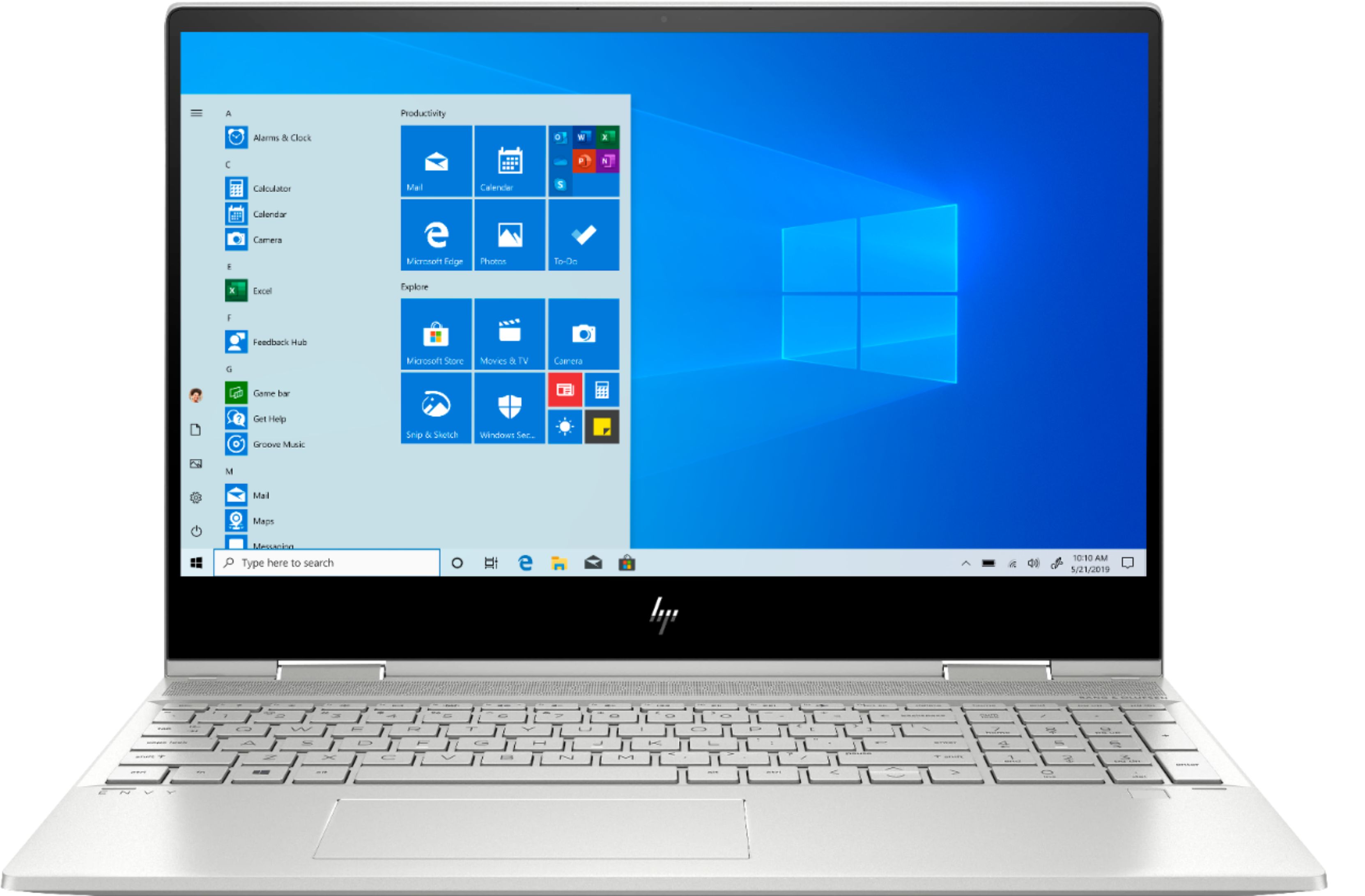
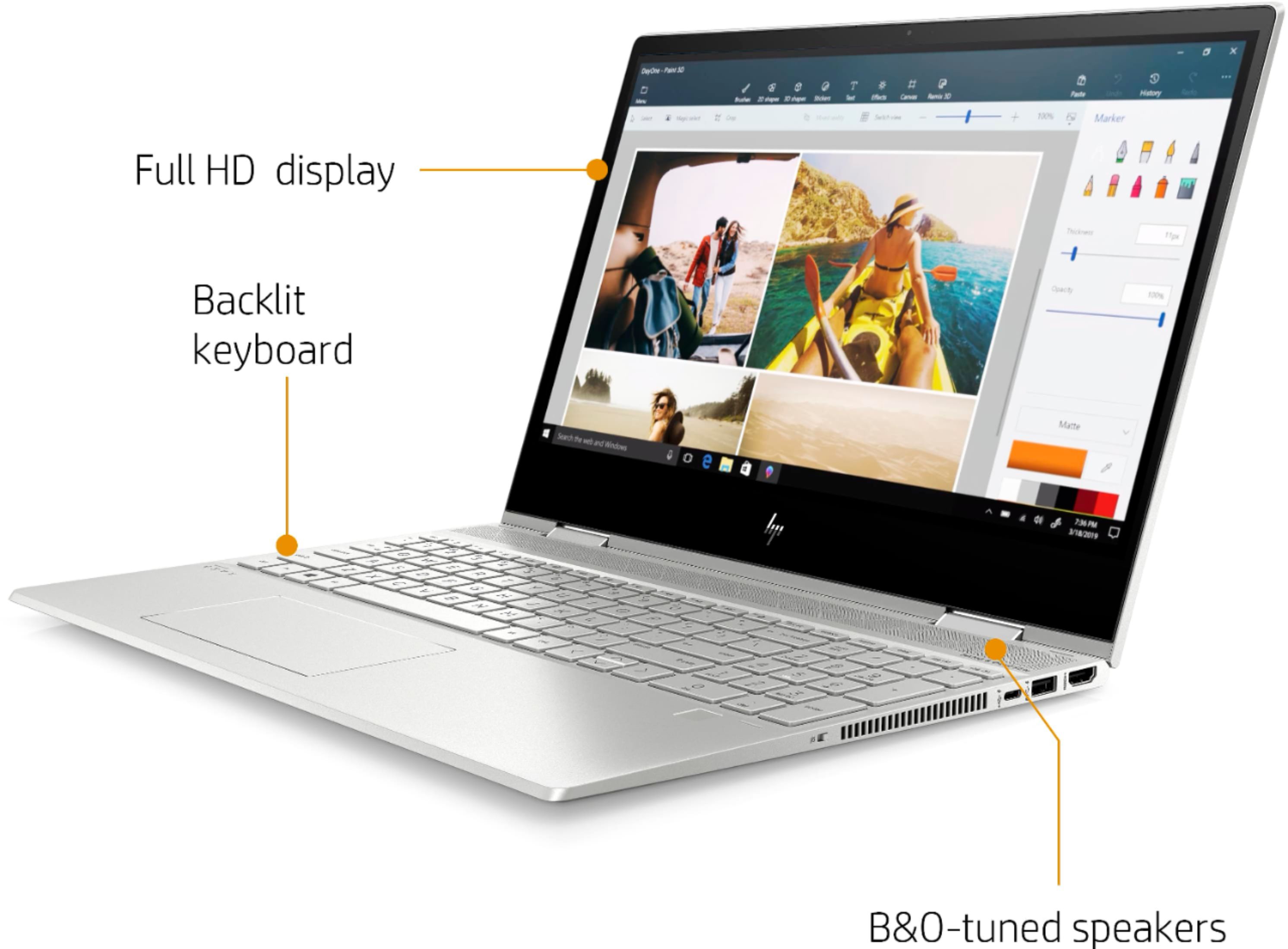
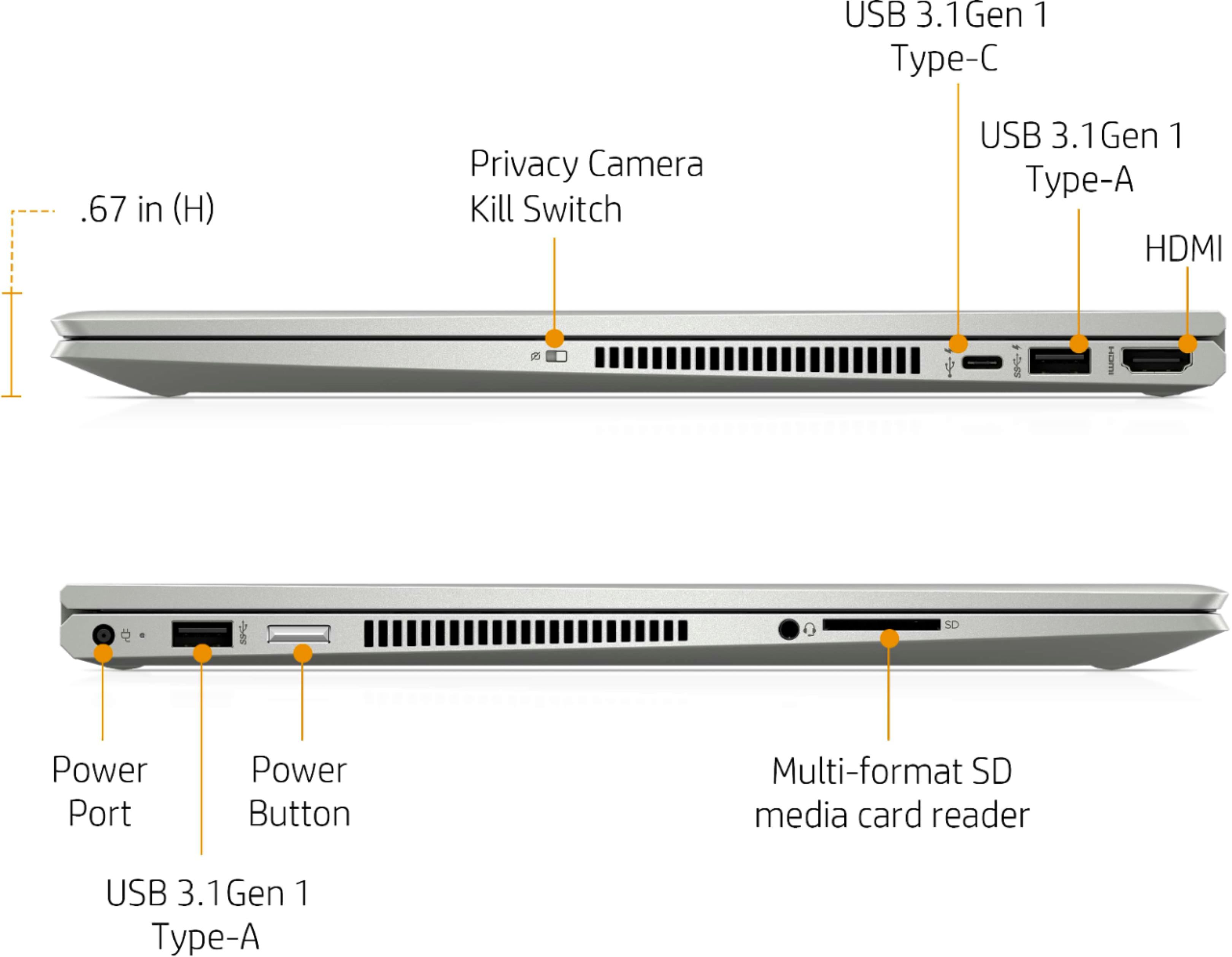
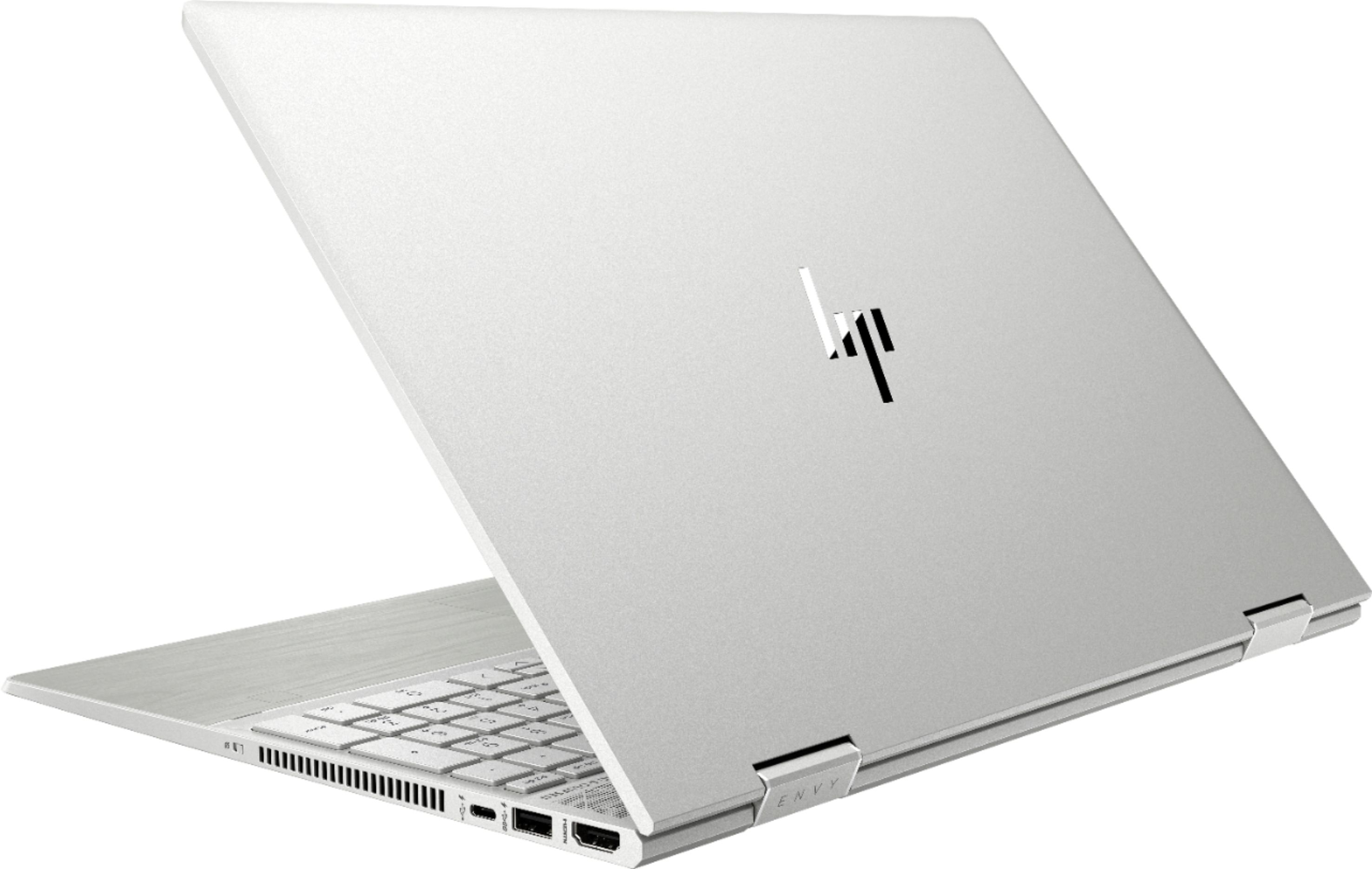
A:AnswerThe graphics card is not upgradable. I looked at getting an external graphics card but this laptop has no thunderbolt port. The DIY solutions of going through the bottom of the laptop and plugging a card into the wifi port seems cumbersome and that's assuming the port is even accessible via the bottom of the computer.
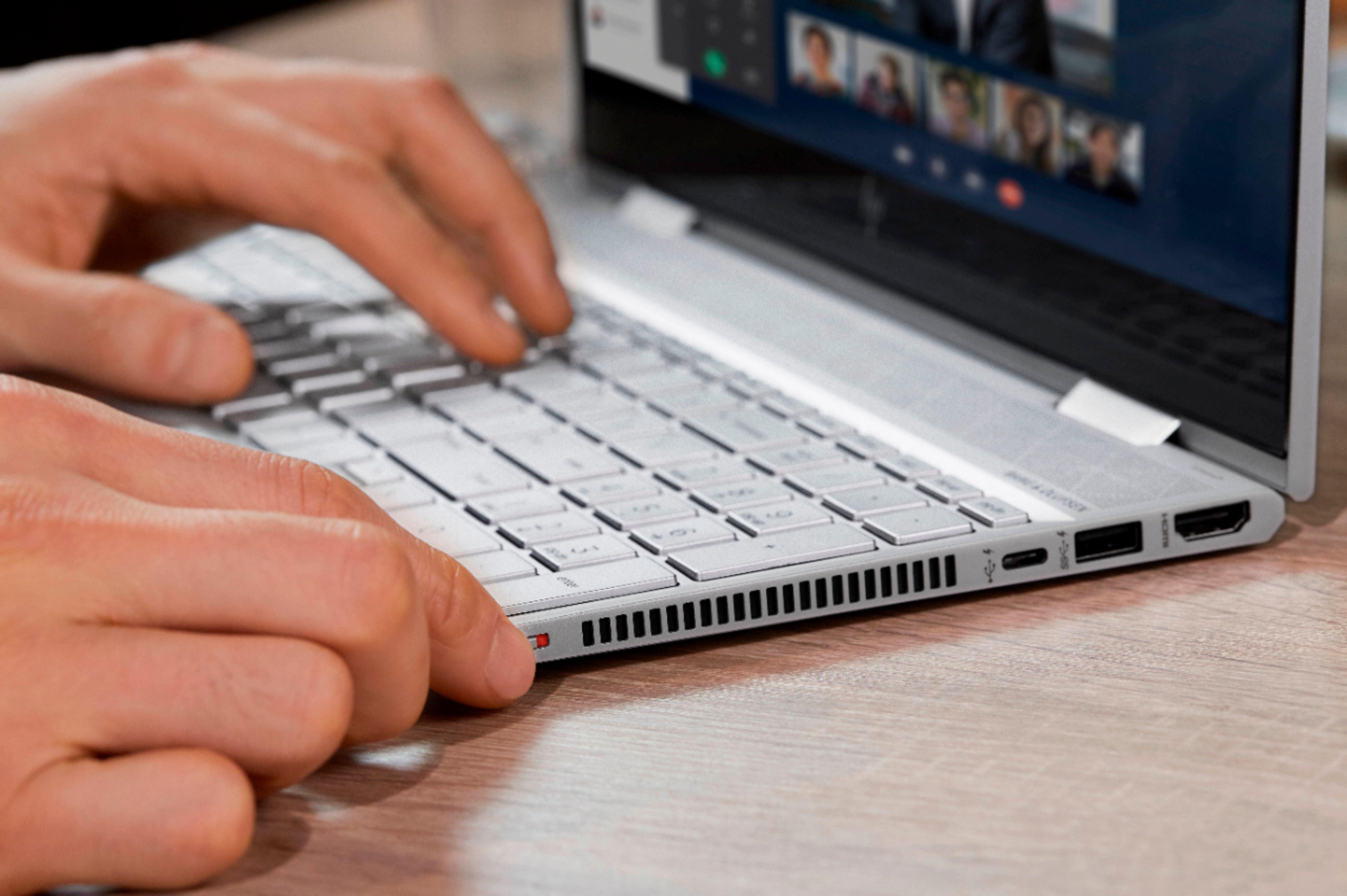
A:AnswerNo VGA. You'd need to get a good HDMI to VGA adapter (which I had to do), or get a usb-c to VGA adapter. Made the mistake of getting either a malfunctioning or cheaply made VGA adapter that couldn't hold a signal. I got another for $30, and it worked perfectly.
A:AnswerThis will come with a one-year manufacturer's warranty for the hardware and 90-day phone tech support for software. This does not cover accidental damage, or damage as a result of a power outage/surge. For further details, this link covers the Warranty and Support guidelines: http://h10032.www1.hp.com/ctg/Manual/c00747726.pdf
A:AnswerNo, this laptop cannot handle these software. You need a processor with at least 3 GHz or higher with 16 gigabytes of RAM and a discrete graphics card with 4 gigabytes of video memory.
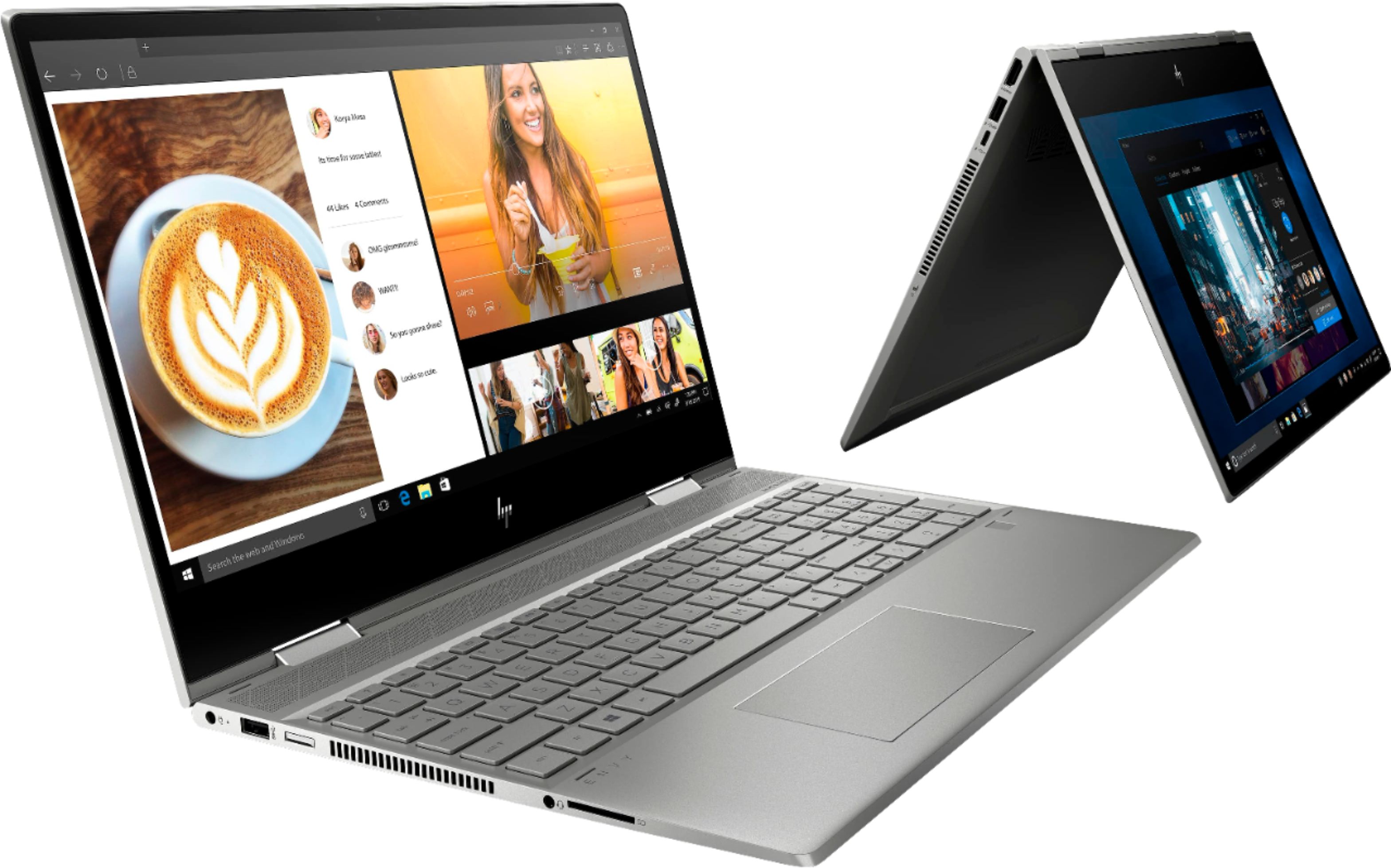
A:AnswerThis would be a great desktop replacement for everyday stuff. If you are considering playing games on this, I would recommend looking at the system requirements needed for the game.