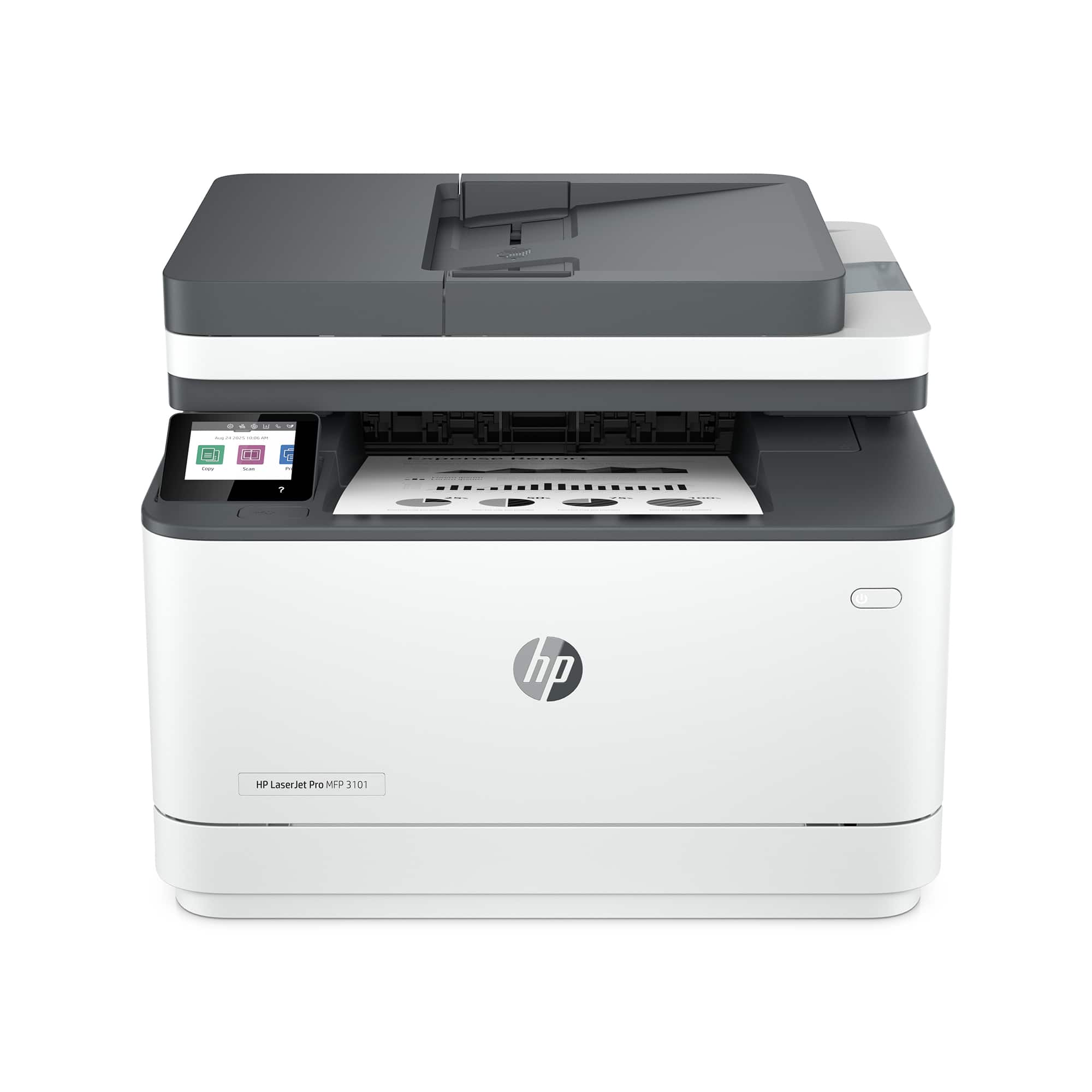
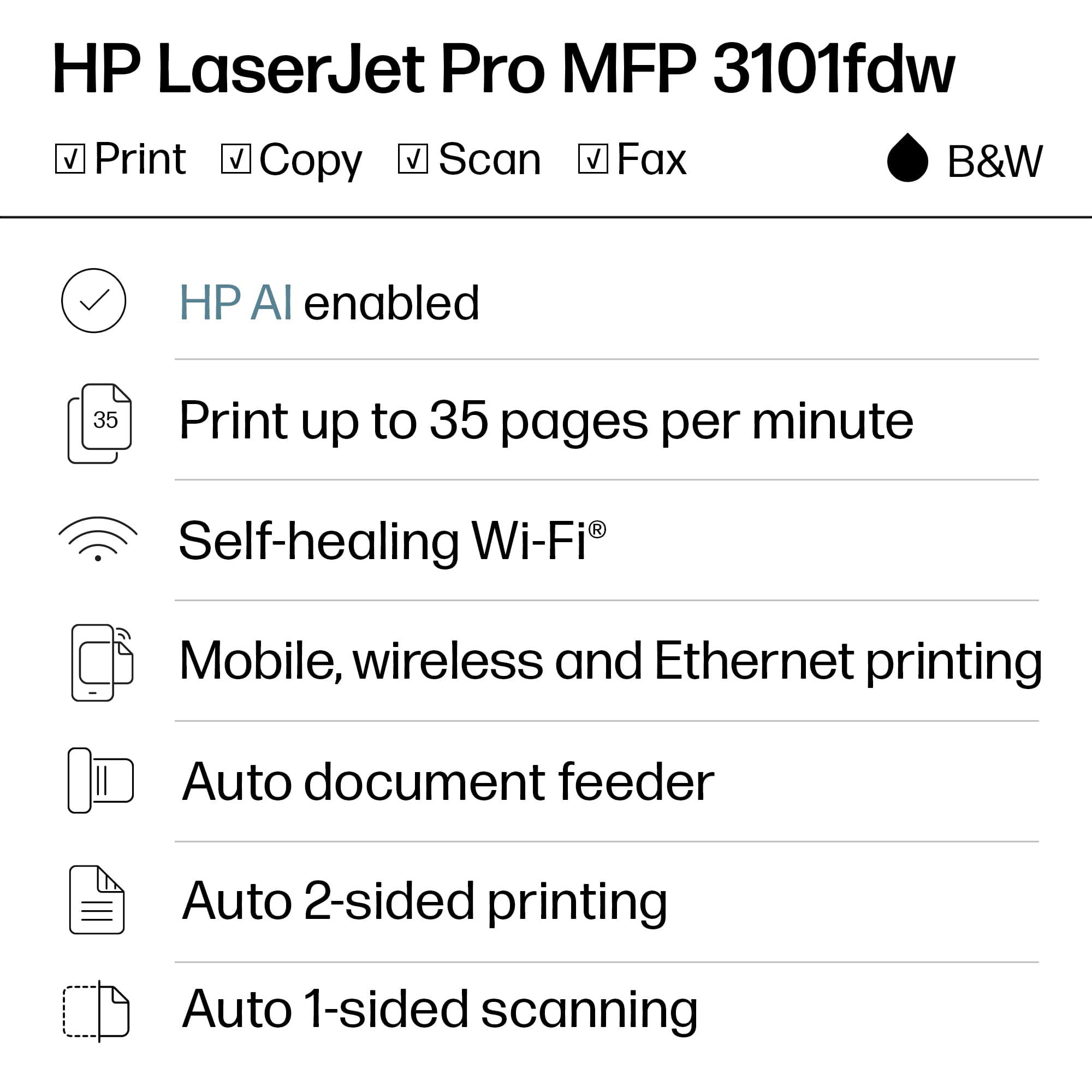
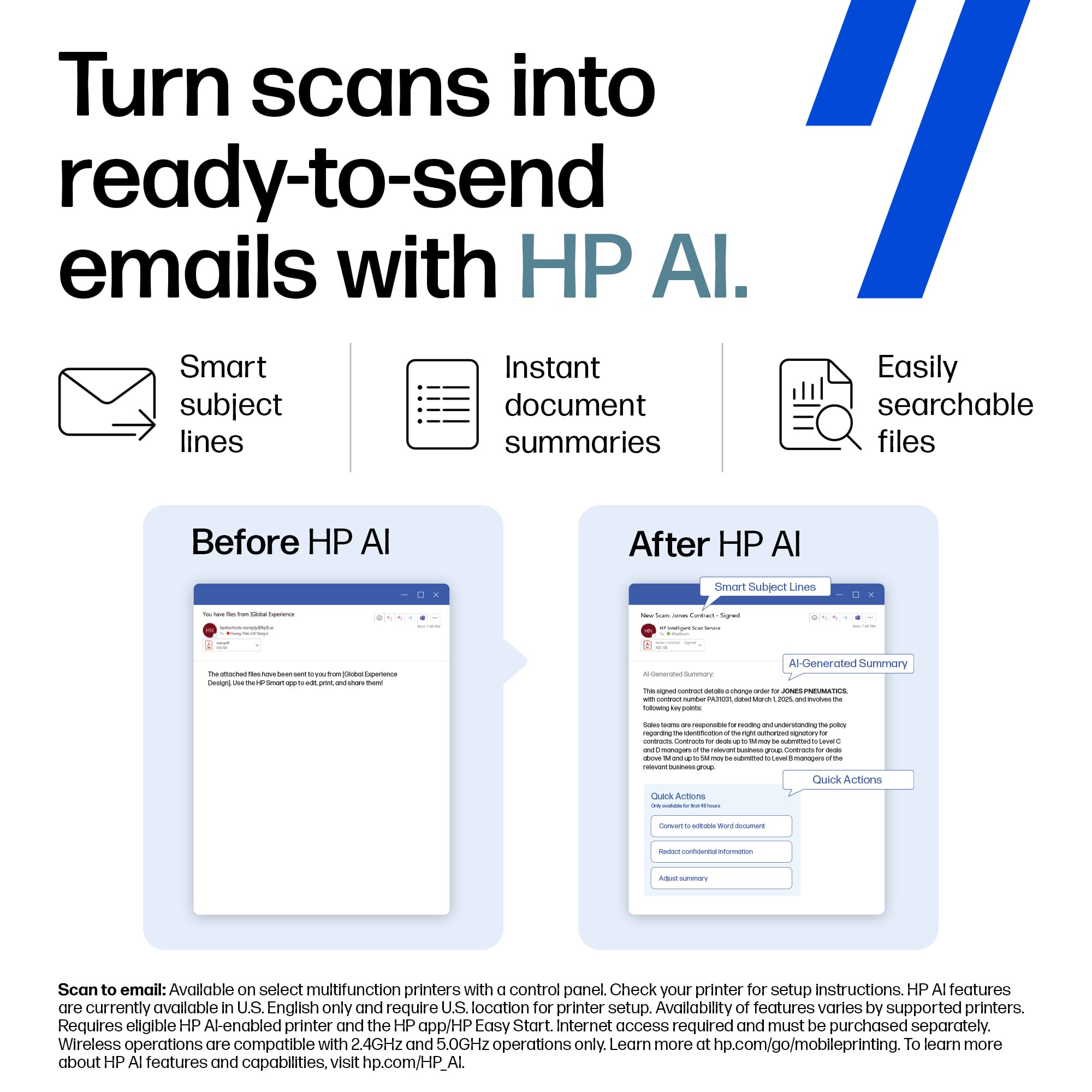
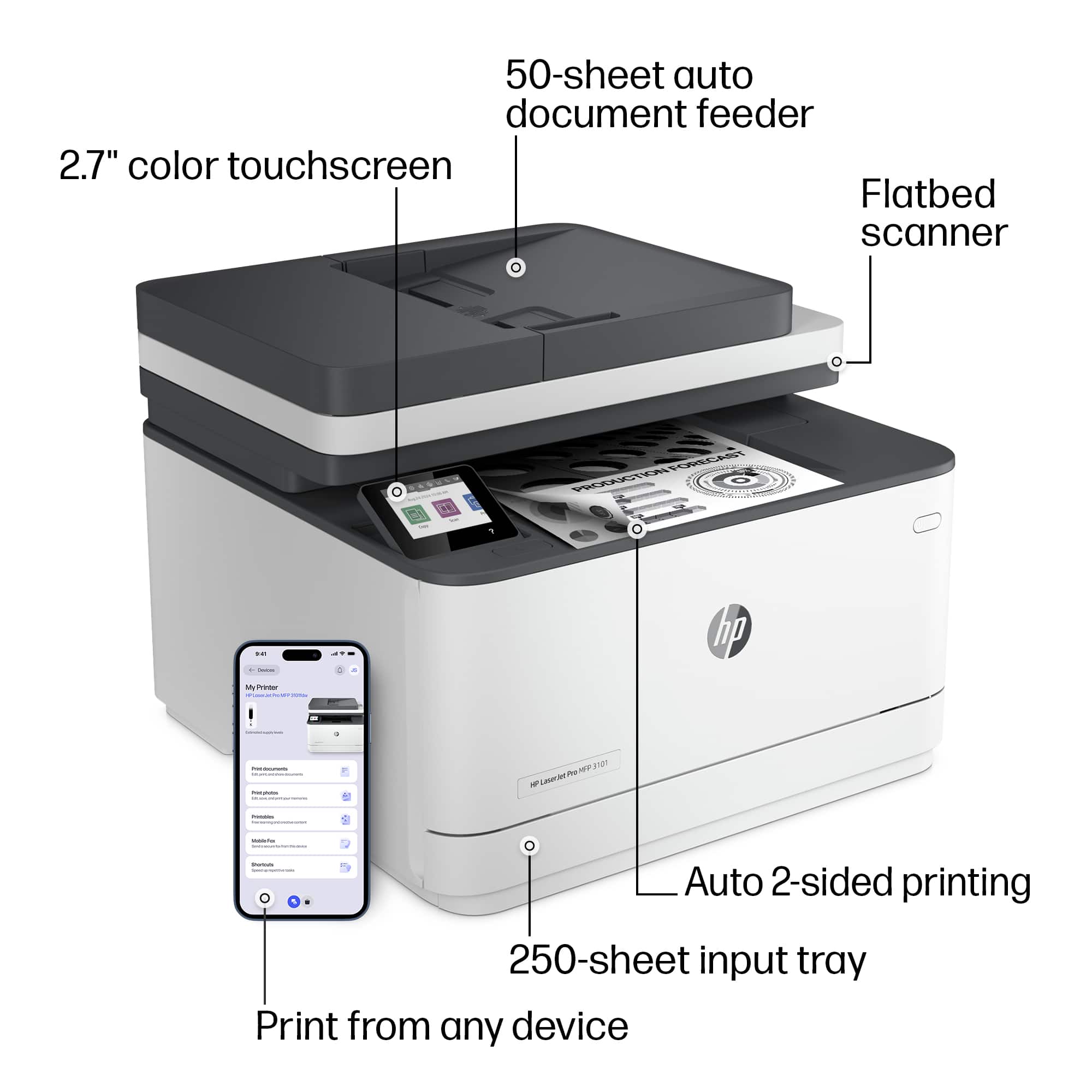
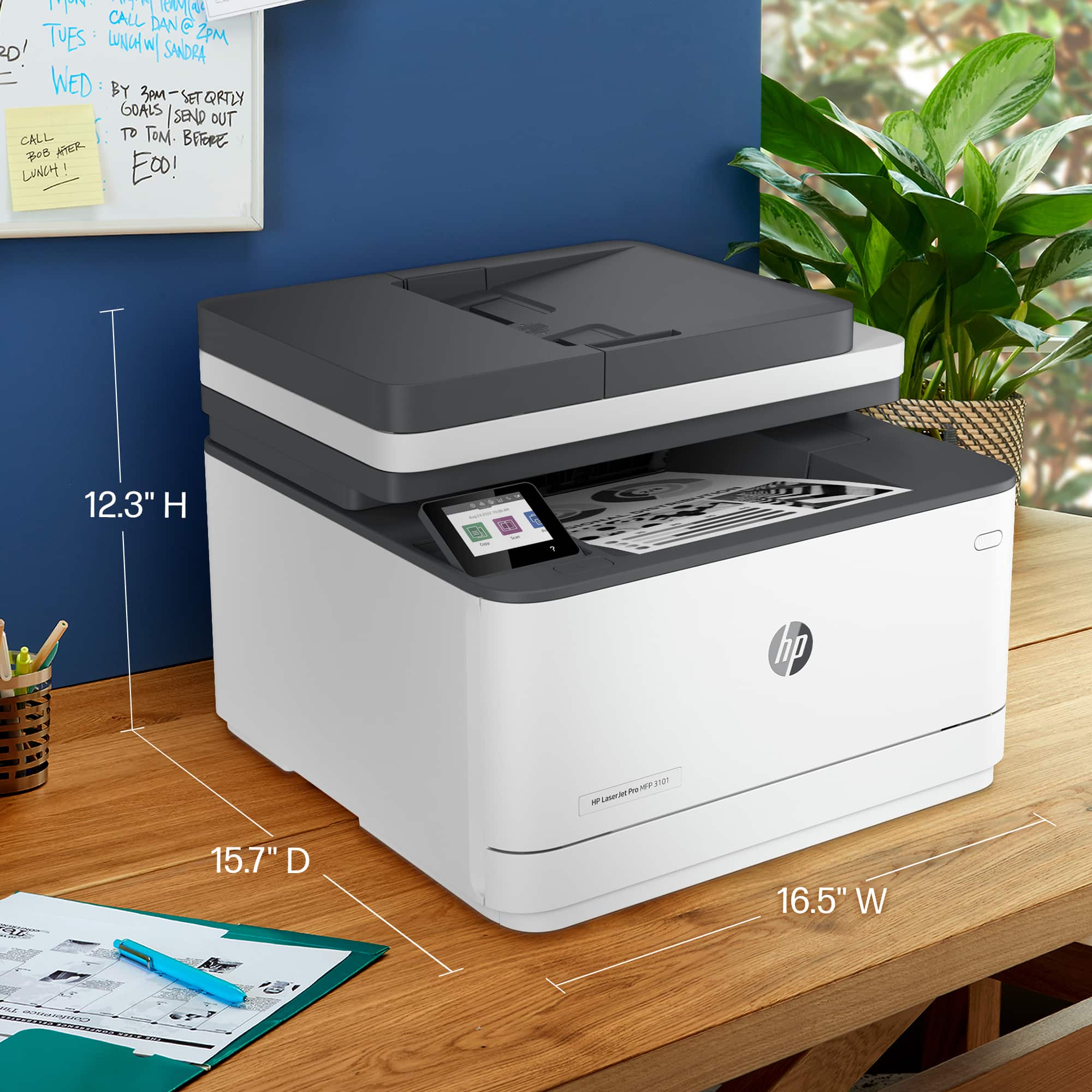
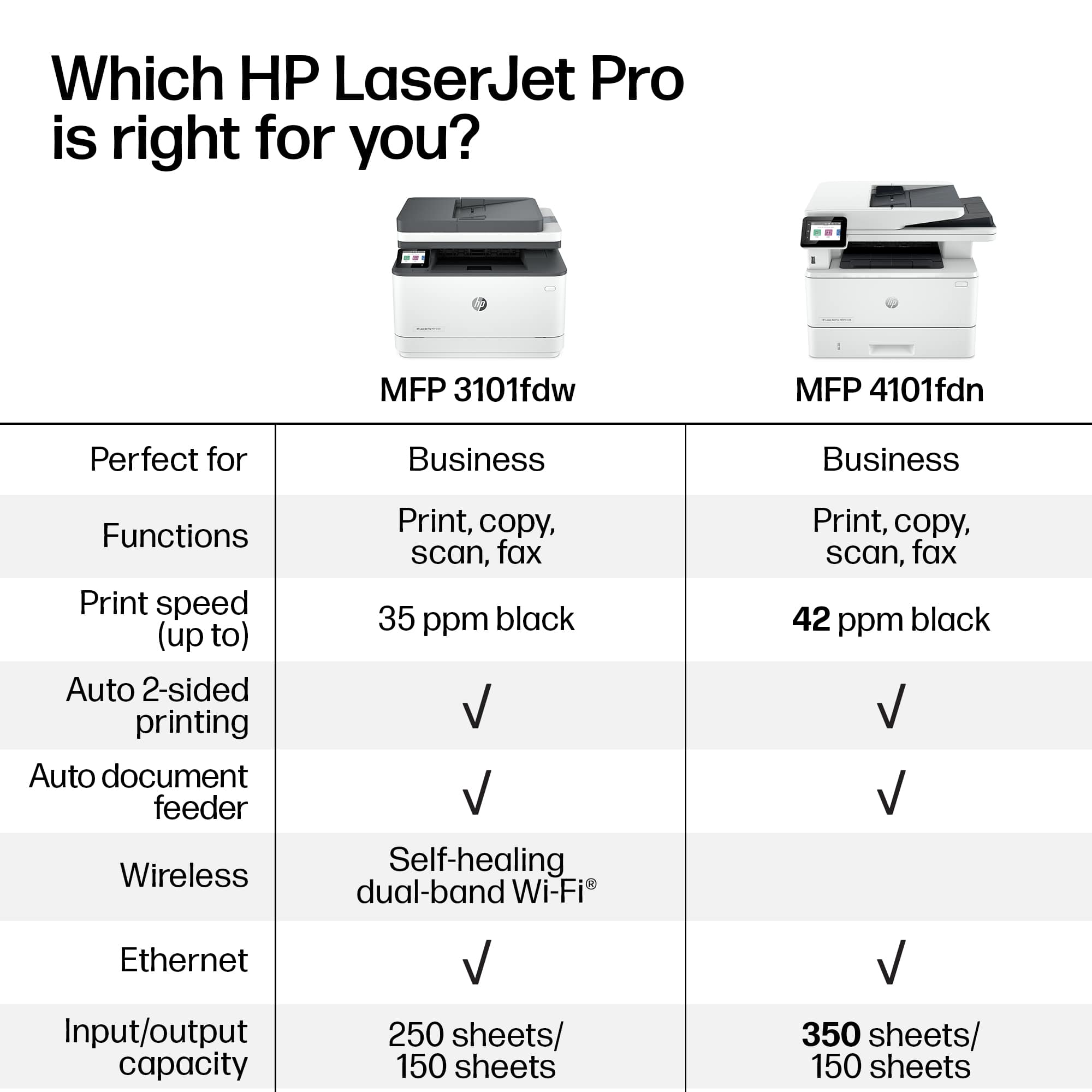
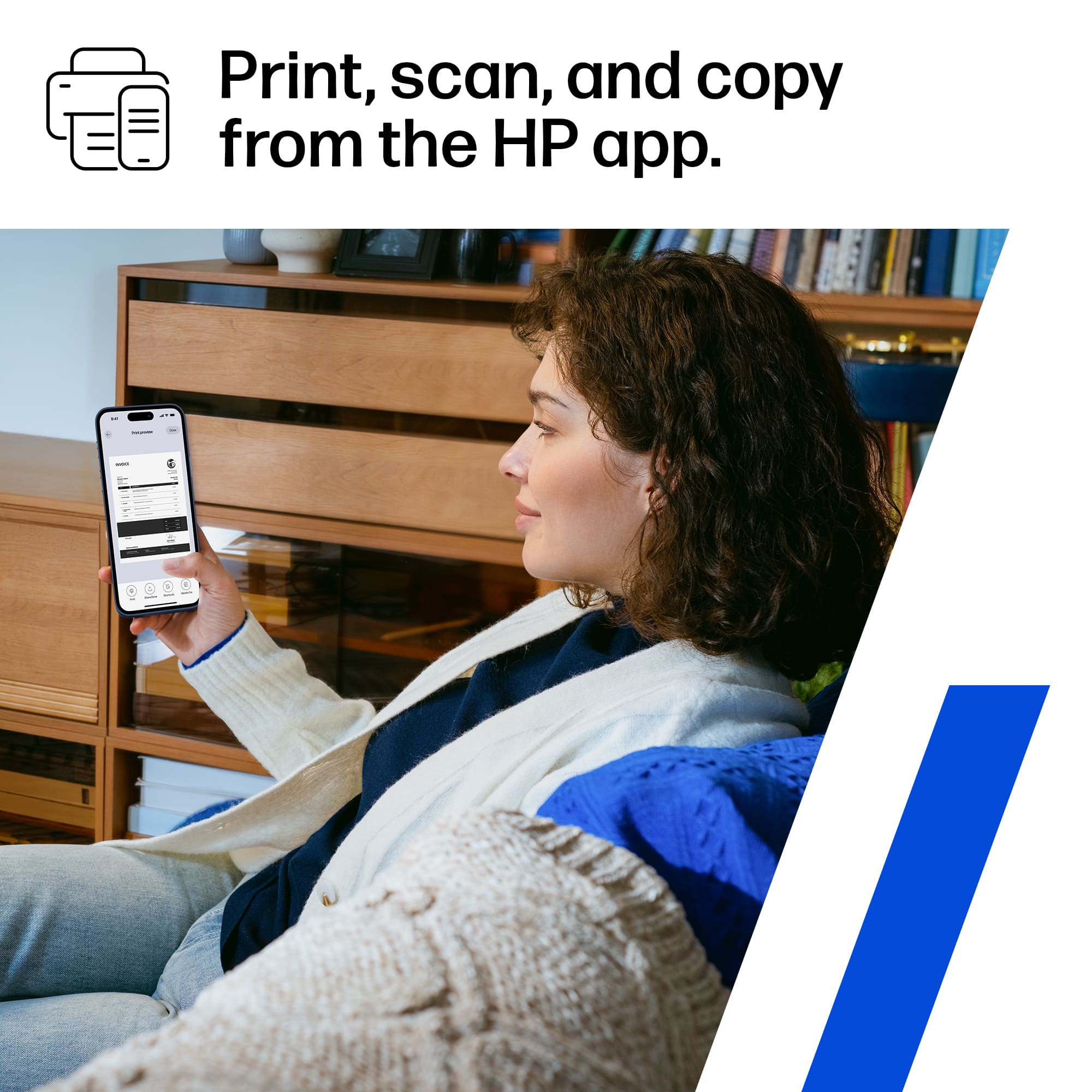
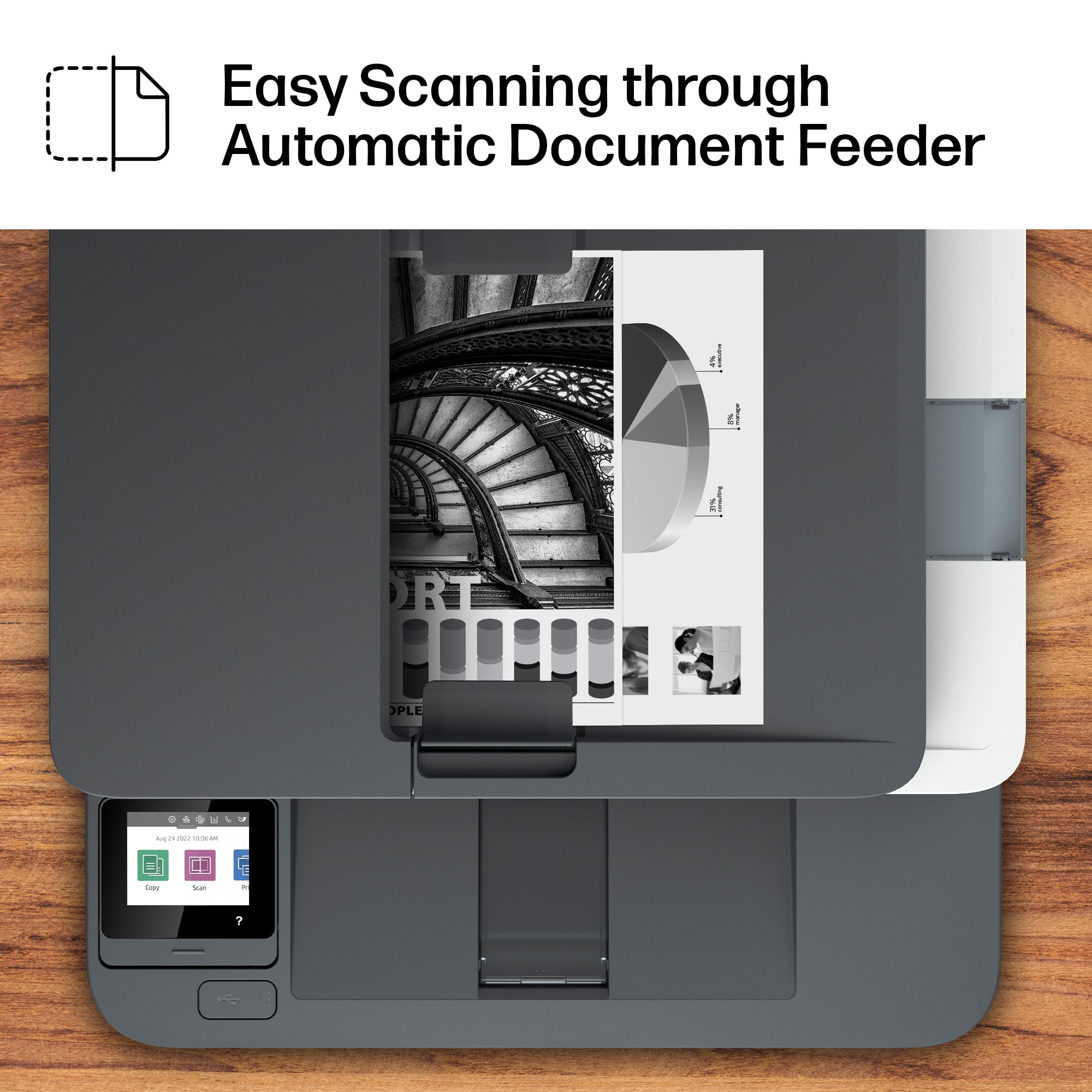
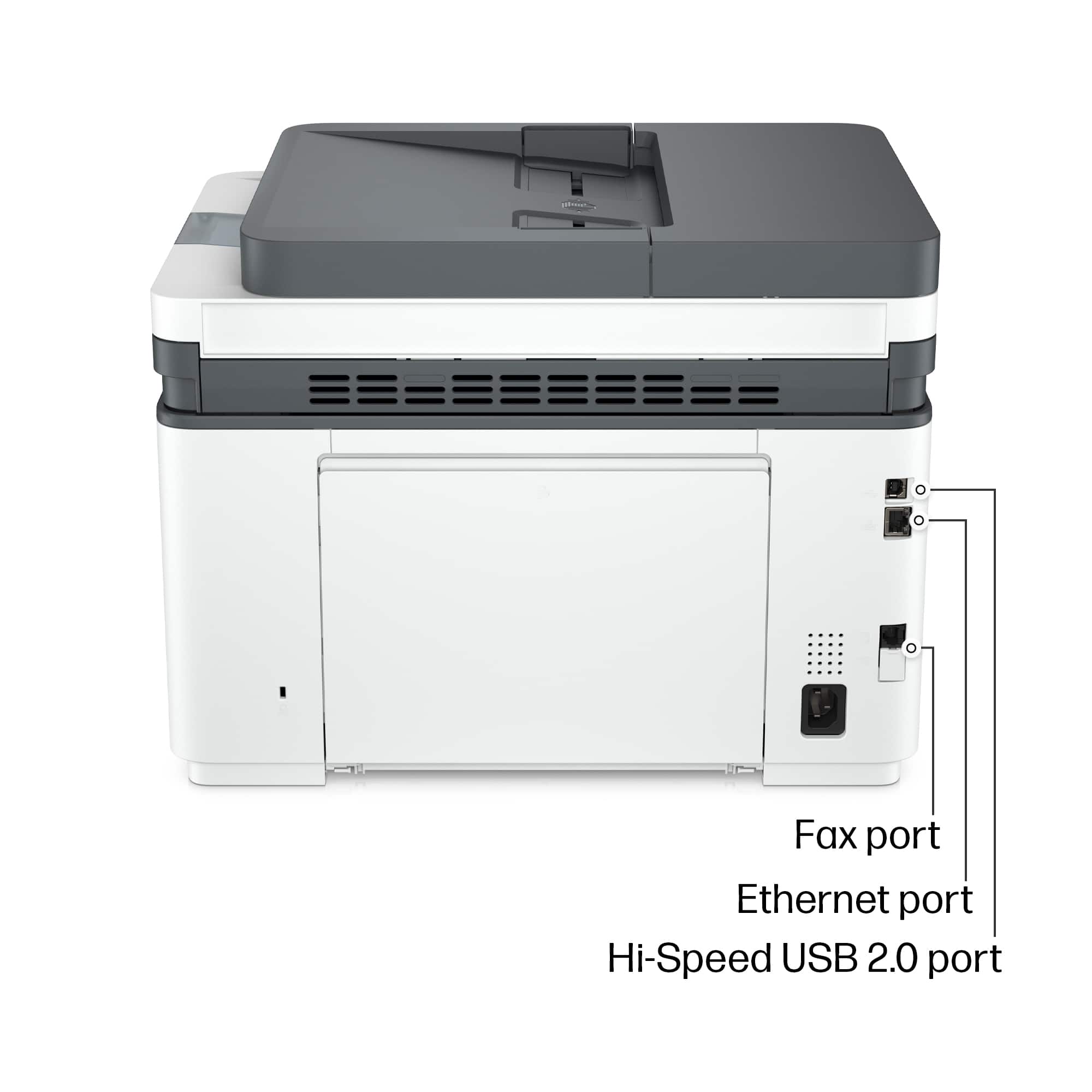
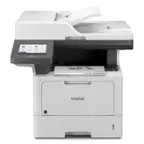
A:AnswerThank you for the question. For frequent faxing you'll need a landline fax. For less frequent faxing, you can use the free HP Smart App, however, this is for sending only. The LaserJet Pro 3101fdw also has a scan to email feature.
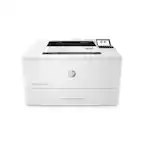
A:AnswerThank you for your question about this HP LaserJet printer! If the checks require MICR toner, you will not be able to print checks on this printer. You would need to purchase a printer that is modified to handle MICR refills and those are not carried at Best Buy.
A:AnswerHi, and thank you for asking if this printer is compatible with a MacBook Air. It will work with a MacBook Air, provided your computer is running at least MacOS 10.15 (Catalina)
A:AnswerHi, and thank you for asking about what types of media the LaserJet Pro 3101fdw will support. Yes, it will handle 3x5" envelopes, but it won't handle card stock.
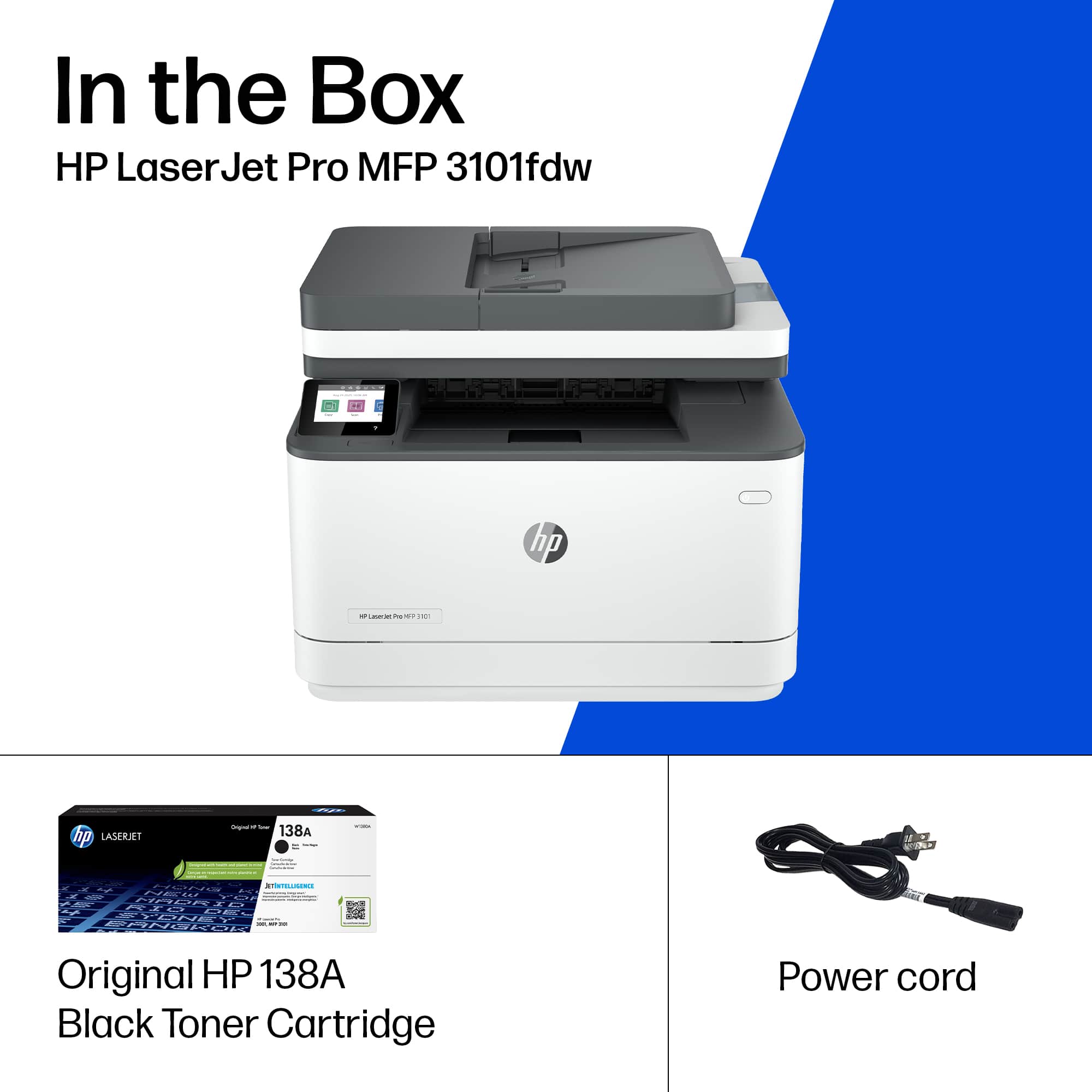
A:AnswerHello and thank you for your question. The HP LaserJet Pro MFP 3101fdw only prints and faxes in color and the toner cartridge needed for it is the HP 138X (high yield- lasts longer) or the HP 138A (standard).
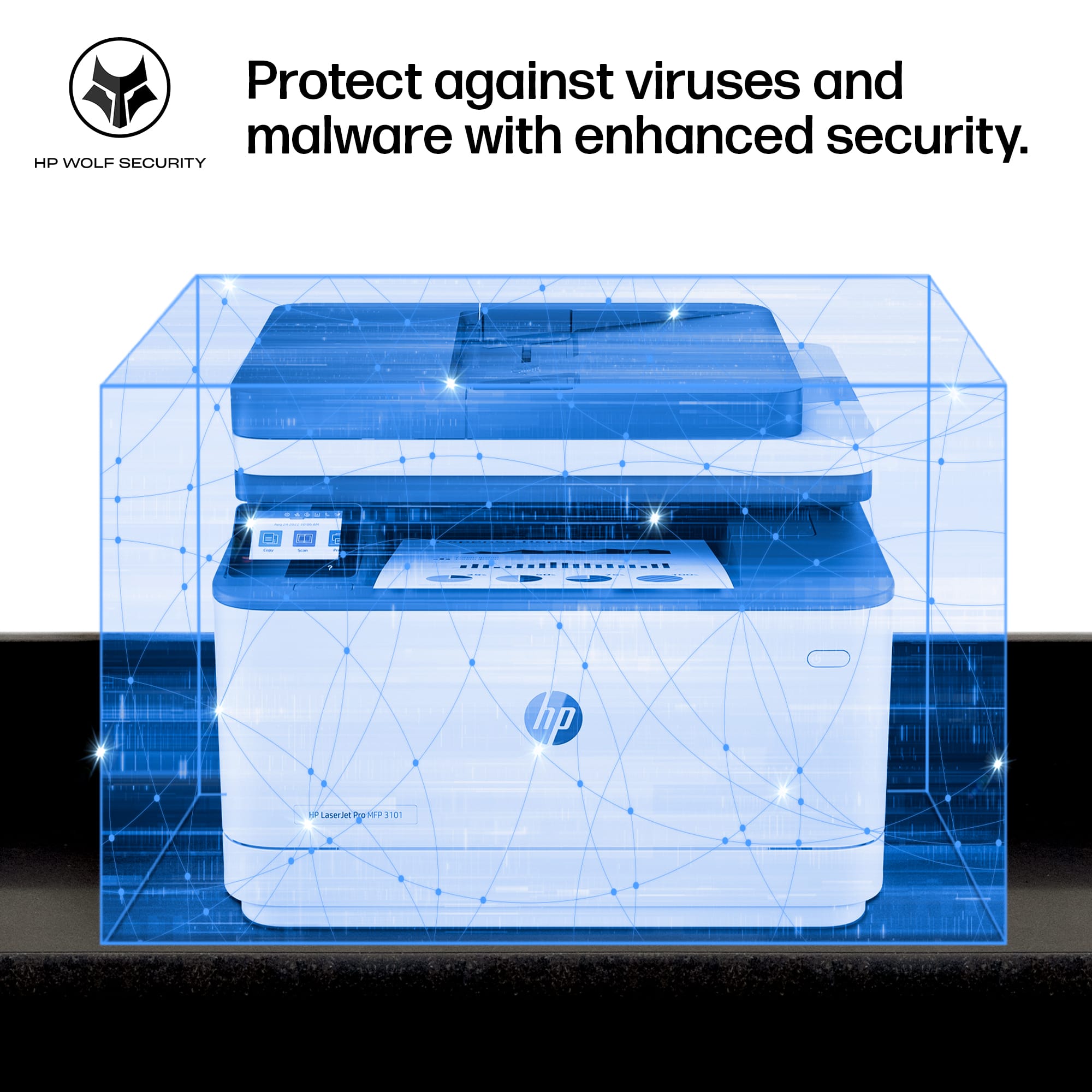
A:AnswerThank you for the question. There is no bloatware. The purpose of creating an HP account is to be able to manage the printer, use the HP Smart App for set up and ongoing print and advanced scanning needs, and to monitor ink levels. If you opt-in to Instant Ink, you'll need an HP account to have replacement toner shipped.