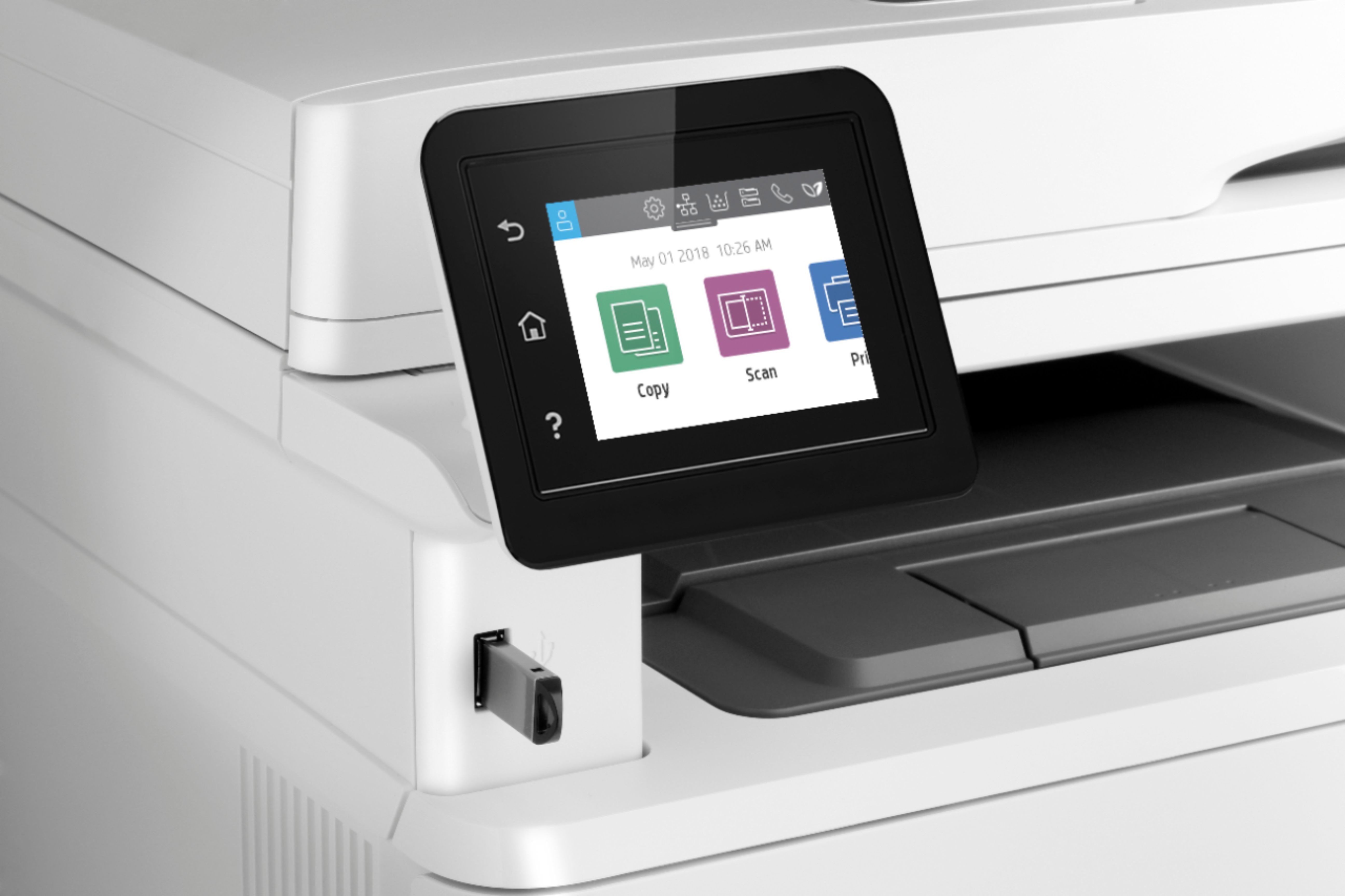
A:AnswerThank you for the question. The printer does not select trays for print jobs. You'll need to make that setting when you set up your print job and have the proper media loaded in the tray.
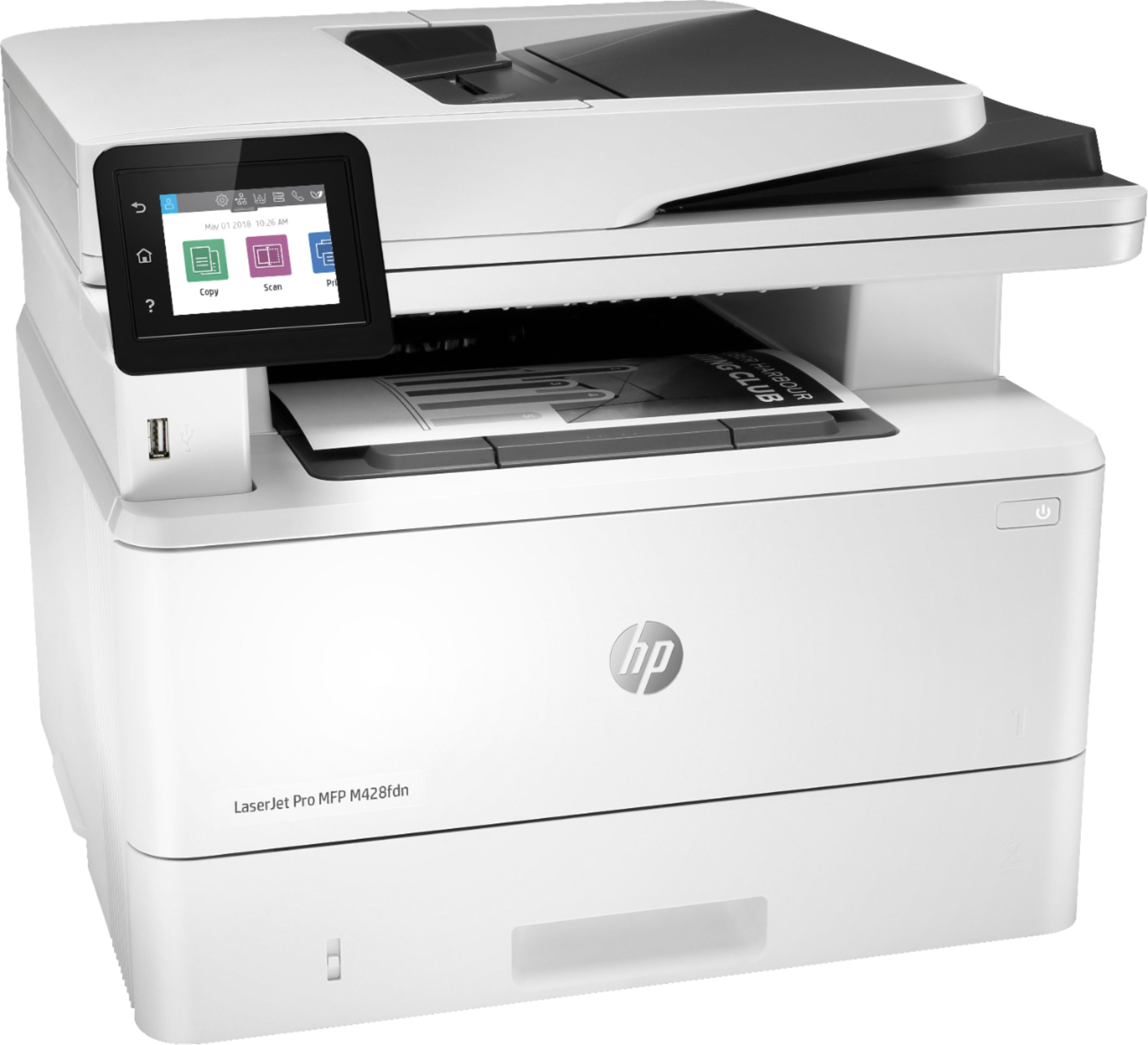
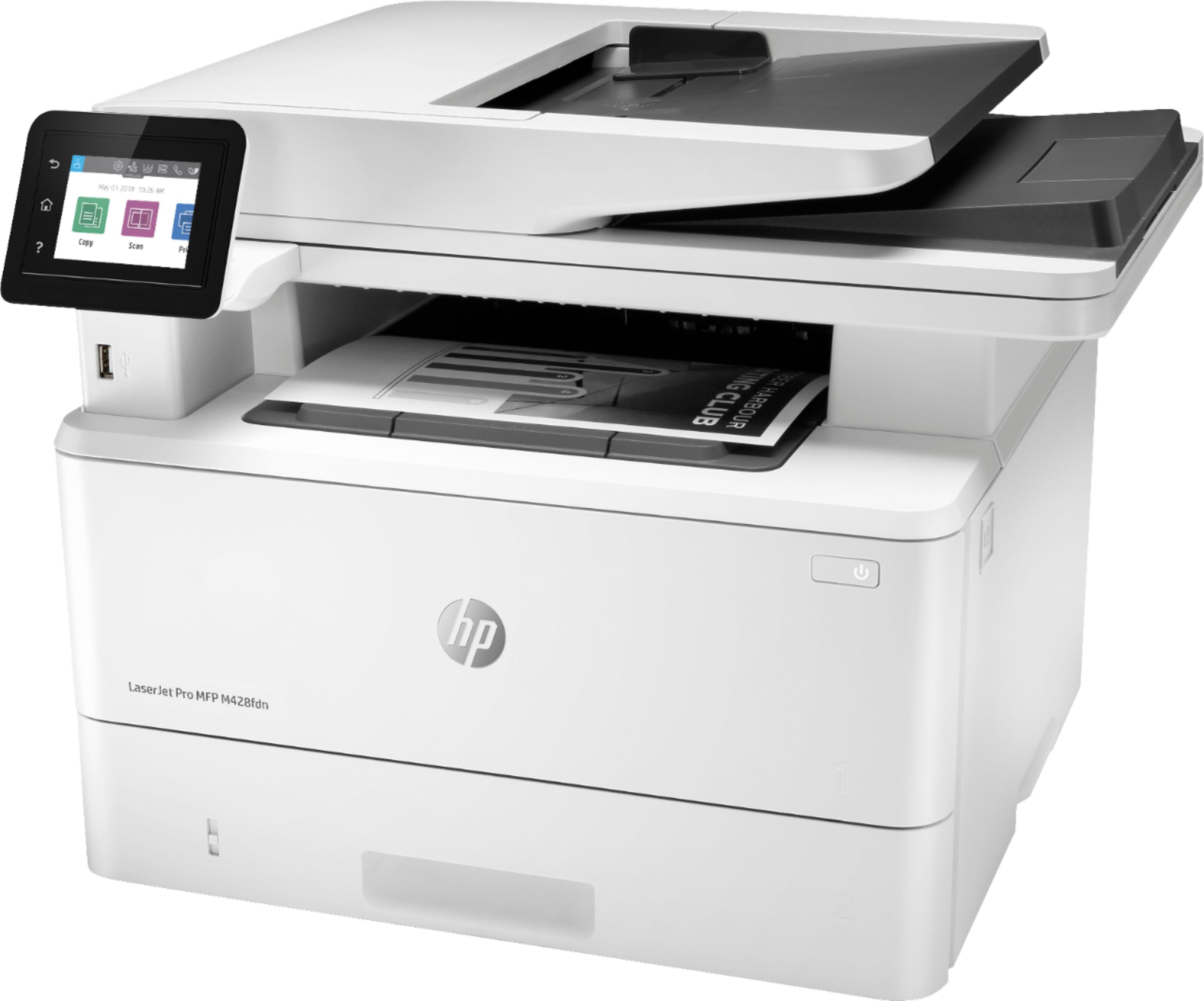
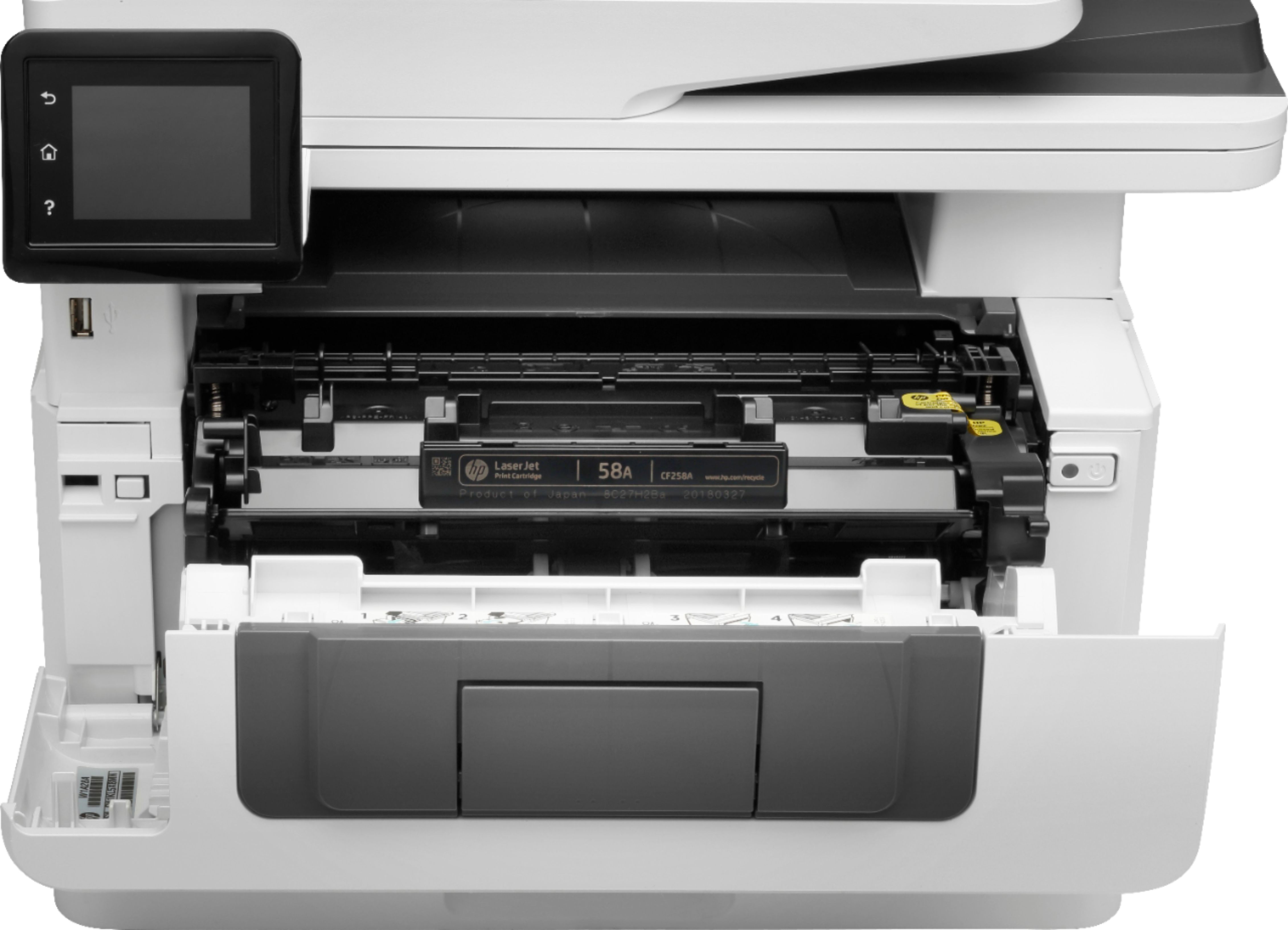
A:AnswerHi Jeet! The HP LaserJet Pro M428fdn has a 250sheet main tray(called Tray 2) and if you pull open the front cover above this main tray, has a 100 sheet multipurpose tray(Tray 1).
A:AnswerHello. Thanks for your question. Yes, the HP Laserjet Pro m428fdn printer is compatible with the new iMac. The HP Laserjet Pro m428fdn is not wireless. If you want a wireless printer, we suggest looking at the HP Laserjet Pro m428fdw model, sku: 6348957.
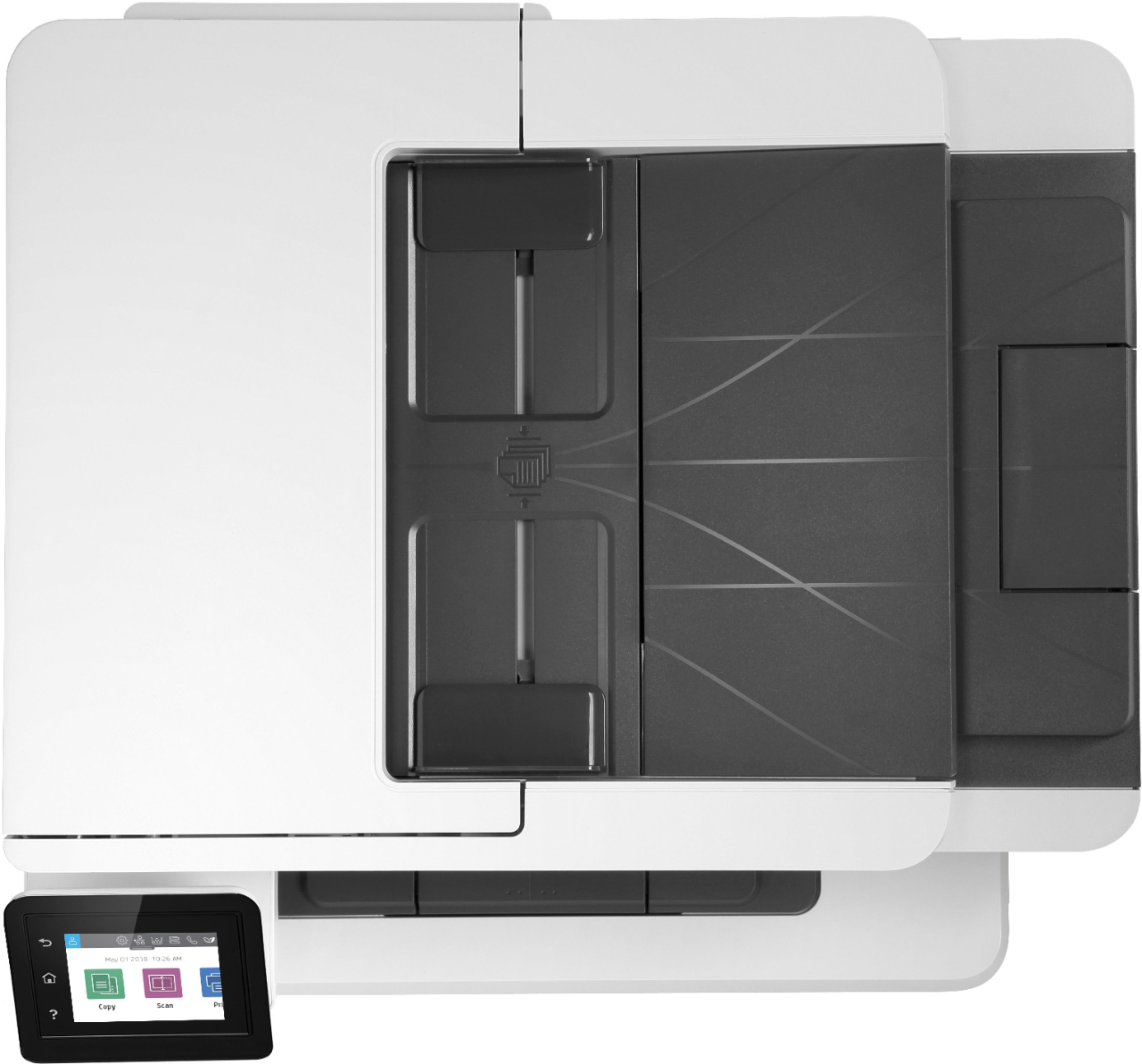
A:AnswerHello. Yes, this HP LaserJet Pro MFP will scan and copy, either a single page on the flatbed scanner or multiple pages in the automatic document feeder on top.
A:AnswerHello Lucigold, the LaserJet Pro MFP M428fdn contains one paper tray, which allows you to print either legal or letter size paper on both sides. You can adjust the paper guides to accommodate letter, legal, or other varying paper sizes.
A:AnswerThis printer only has 1 paper tray and 1 multipurpose tray. It can only handle the following media weights: Tray 1: 16 to 46.6 lb.; tray 2, optional 550-sheet tray 3: 16 to 32 lb.
A:AnswerUnfortunately, HP does not produce MICR toner for use in our printers. Check with your bank, with the advancement of OCR scanning, most banks no longer require MICR printed checks.
A:AnswerHello. Thanks for your question. The ADF (Auto Document Feeder) on top of this HP LaserJet M428fdn printer is used to scan or copy up to 50 pages.