Black Friday is hereAlso, shop the 24-Hour Flash Sale.Shop now

Main Content

Questions & Answers

Your price for this item is $69.99
Clearance
The comparable value price is $169.99
Page Showing 21-40 of 259 questions
  • QuestionHi can this printer be used with windows 11

    Asked by Danni.

    • Answer Yes. Bought it because it could be used with Windows 11 and 7 but it is very poor quality

      Answered by BJ76028

  • QuestionDoes the tray hold legal paper? Also will it print 8 1/2 x 14 documents?

    Asked by Carma.

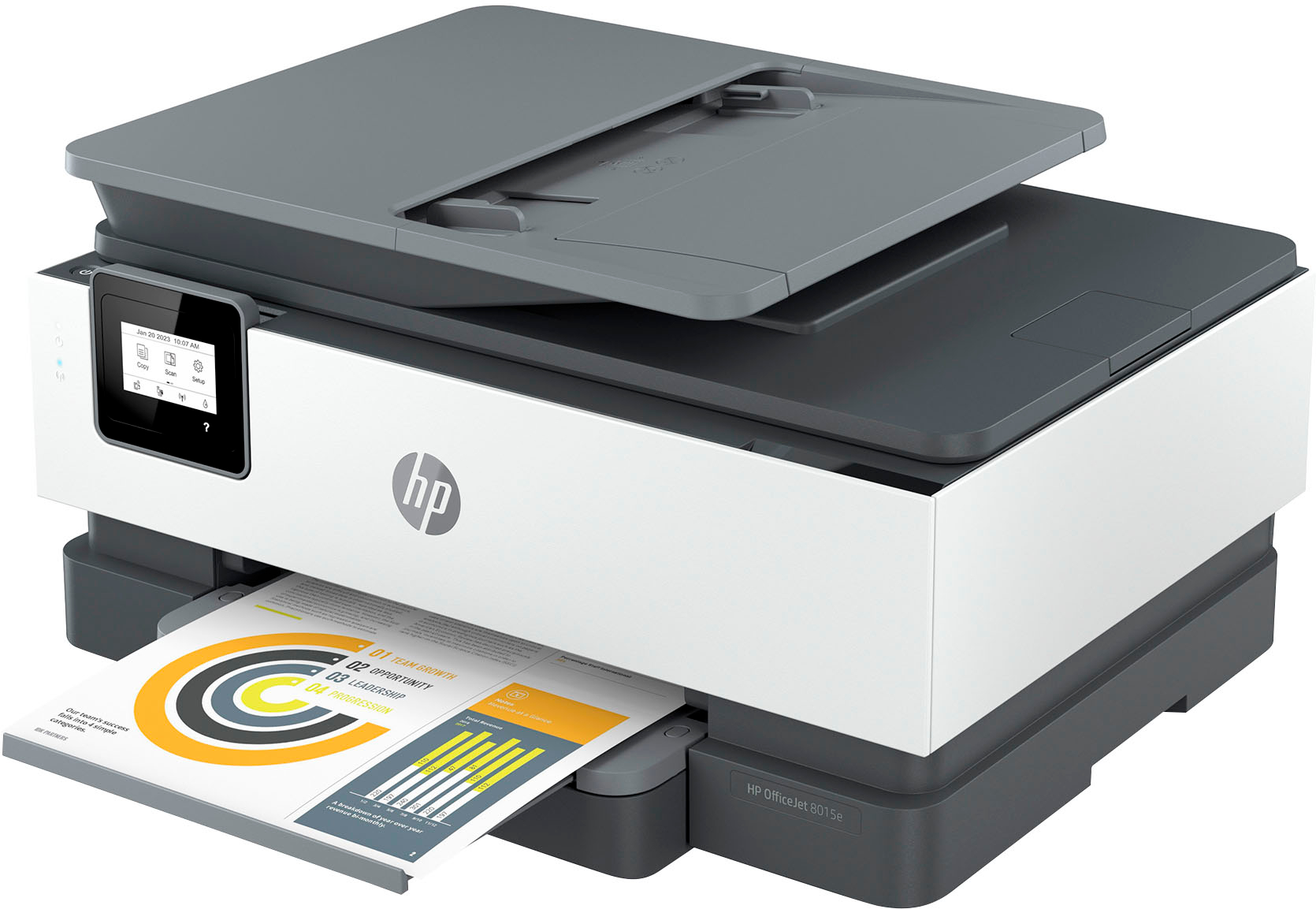
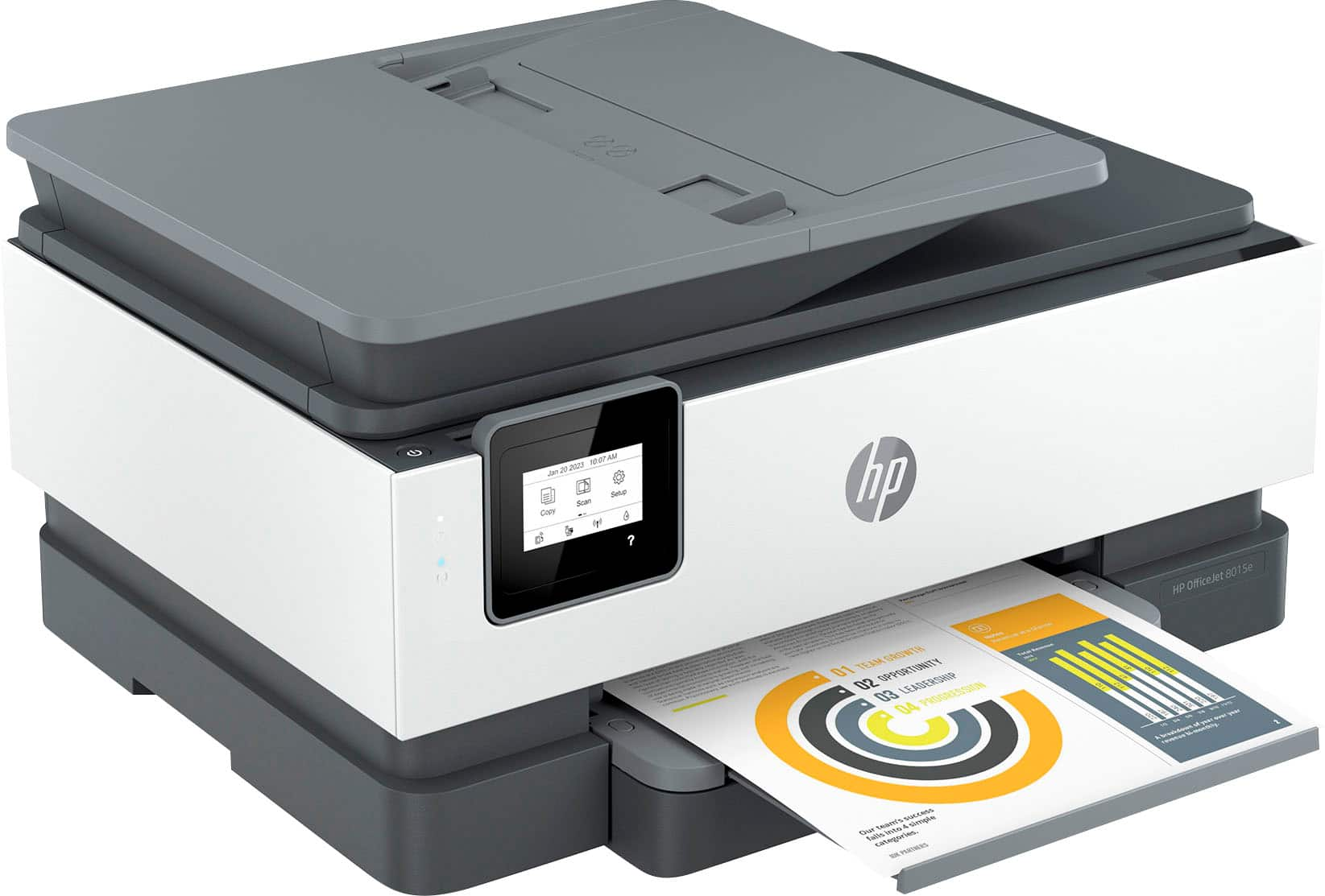
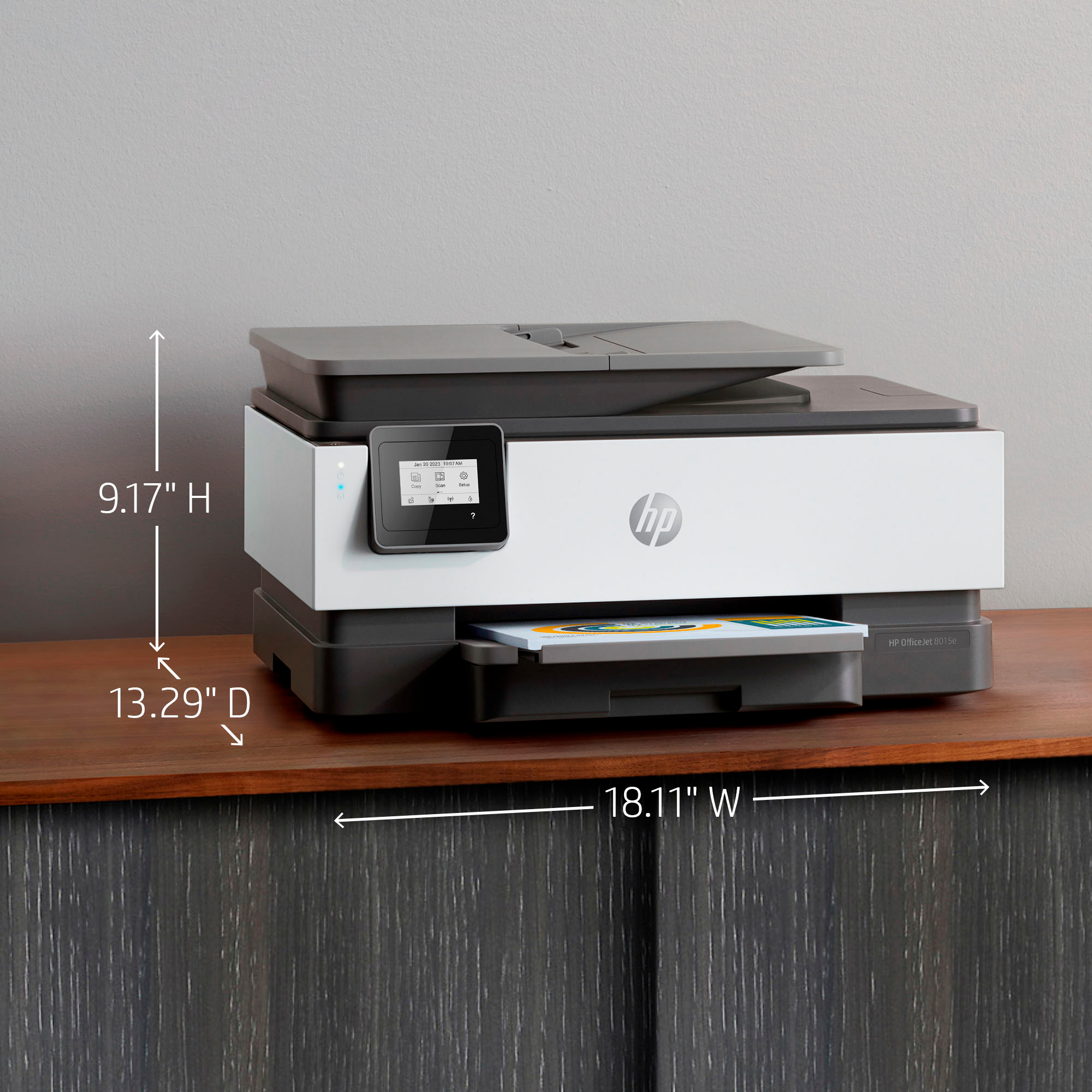
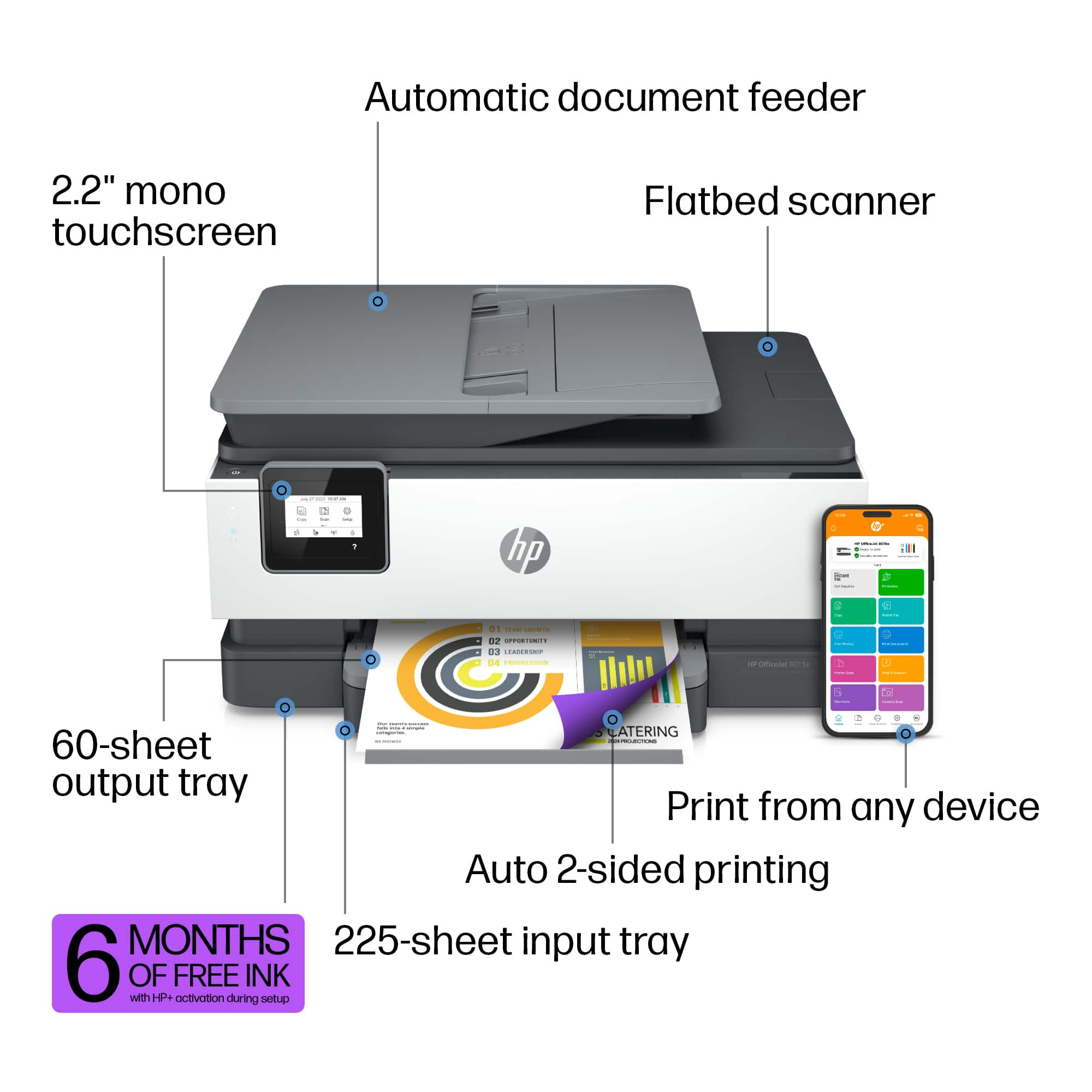
    • Answer Hello and thank you for the question! The HP OfficeJet 8015e paper tray does accept Legal Size 8.5x14", and will print on that paper.

      Answered by HP Team

  • QuestionCan the unit operate independantly from an iPhone?

    Asked by Daniel.

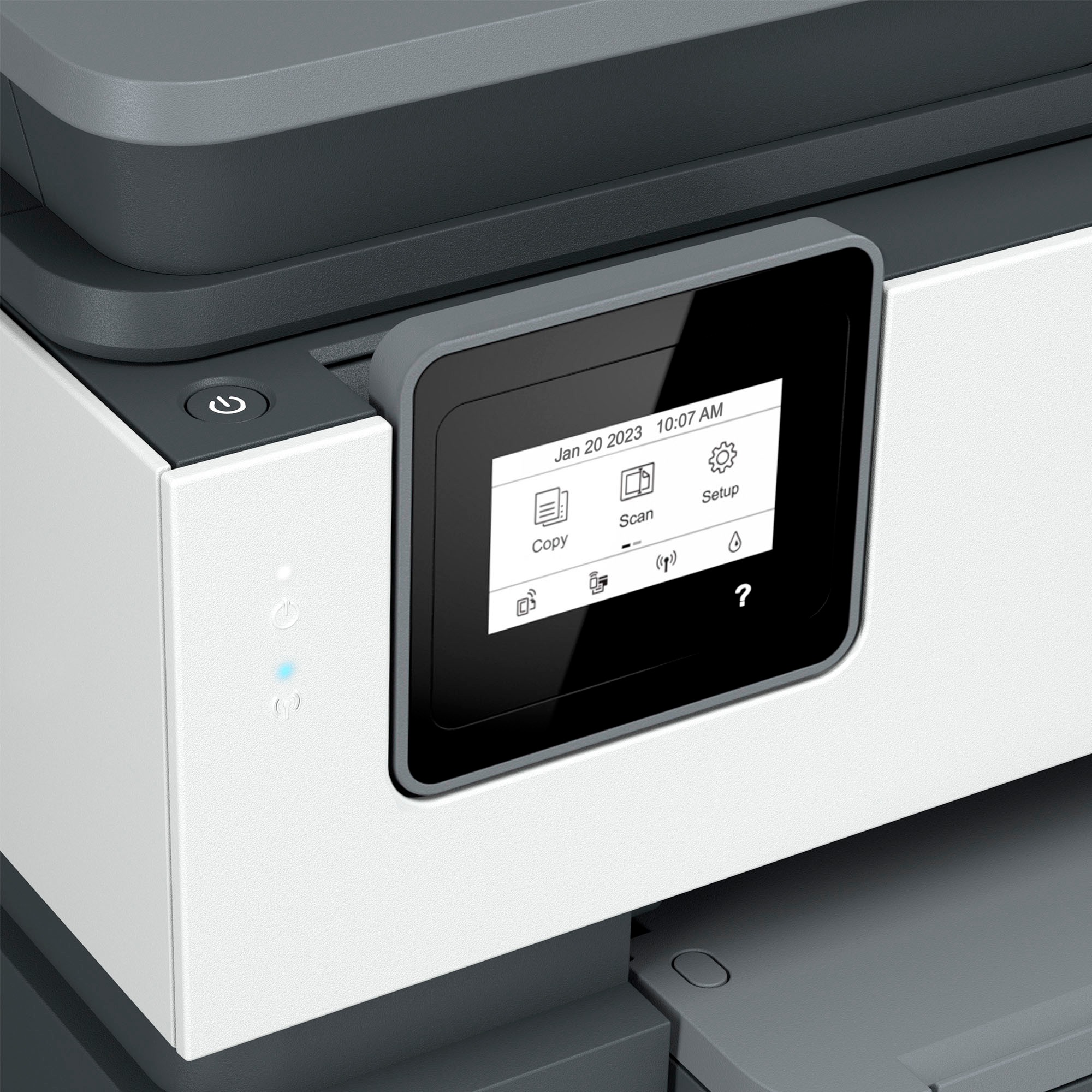
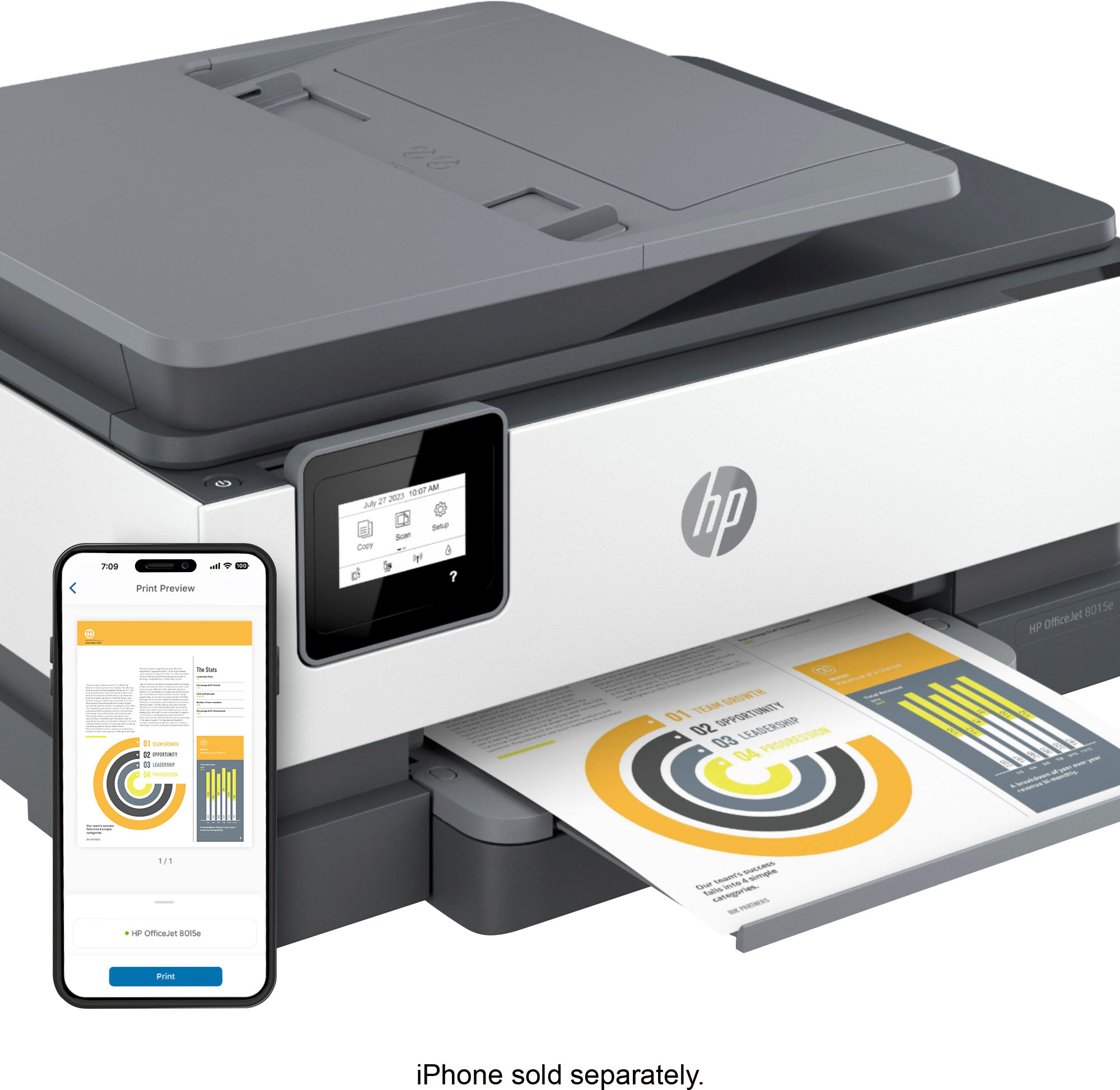
    • Answer Thanks for your question. You can use this model with just an iPhone.

      Answered by HP Team

  • QuestionWont feed right brand new.... gets jammed

    Asked by Renee.

    • Answer Hi Renee. I'm sorry to hear that your HP OfficeJet 8015e printer is having issues with paper jams. For assistance, please contact HP Support. Thank you for being a valued HP customer!

      Answered by HP Team

  • QuestionWhat is instant ink? I currently have ink cartridges for the HP 8610-E. Are these cartridges compatible?

    Asked by Judi.

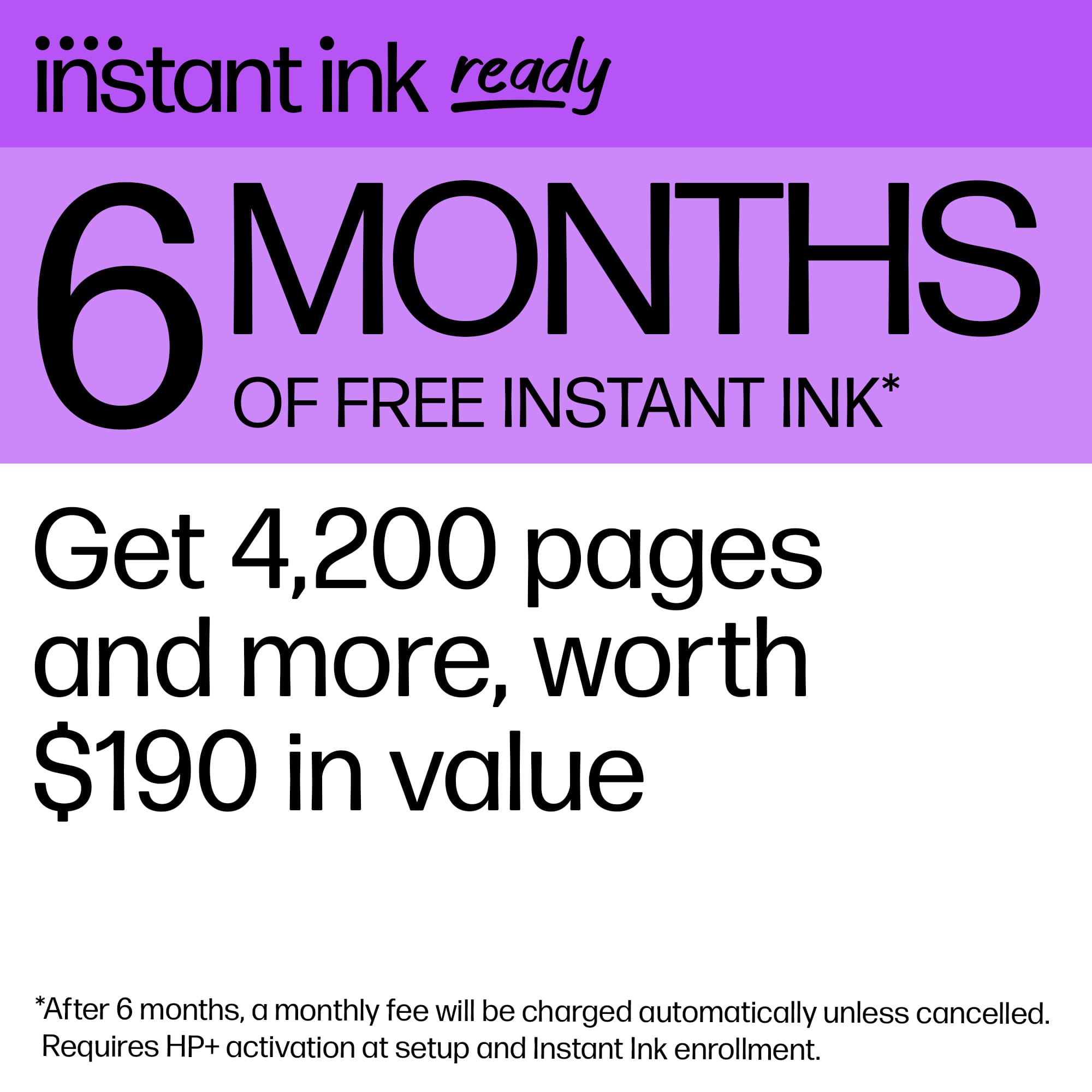
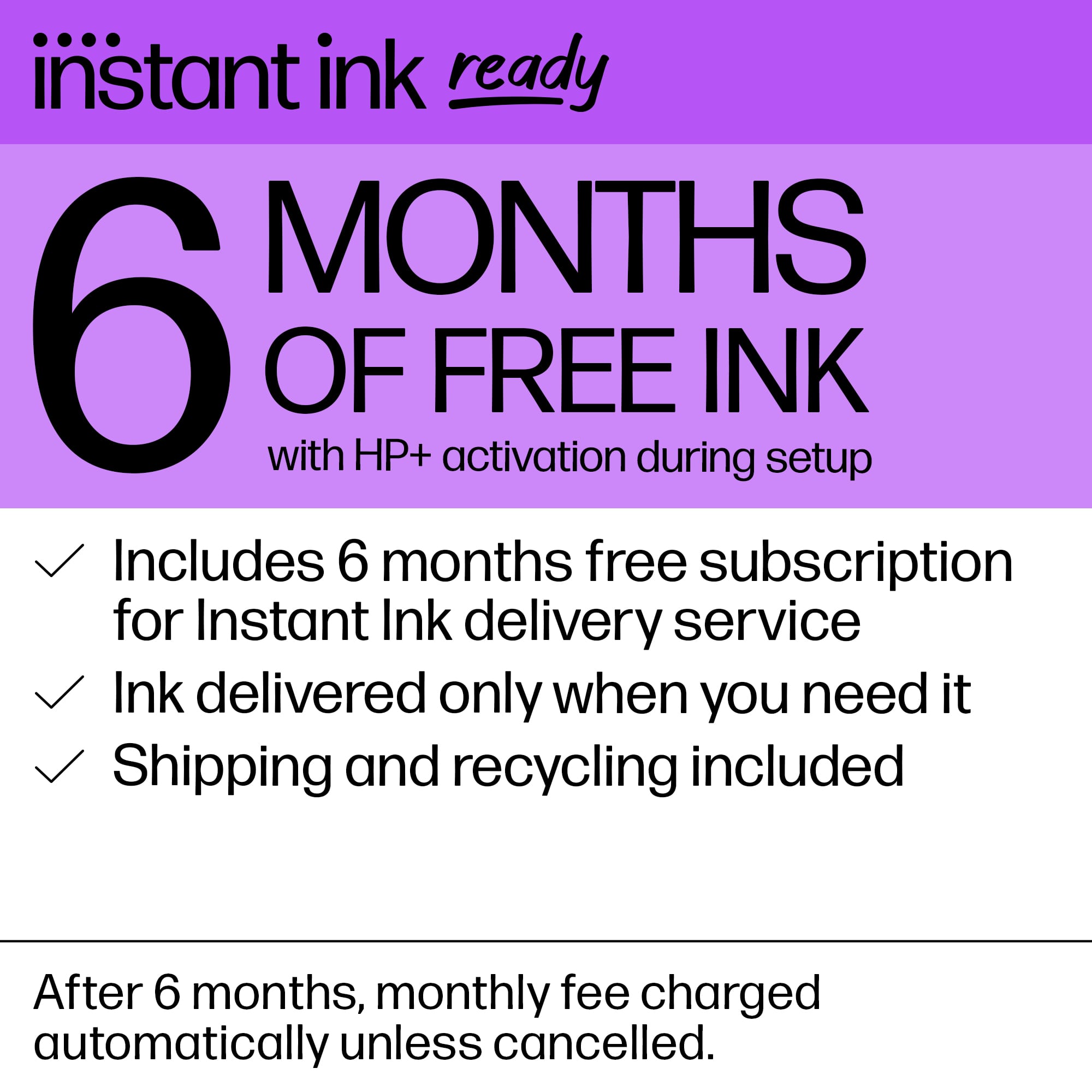
    • Answer Thank you for your question. HP Instant Ink is a subscription service designed to simplify your printing experience and save you money. You choose a plan based on the number of pages you print each month, not the amount of ink you use. Plans start as low as $1.49 per month. The ink that goes to the OfficeJet 8610 printer would not be compatible with the OfficeJet 8015e printer.

      Answered by HP Team

  • QuestionIf I don't have all the cartridges in will it print in black?

    Asked by Brac.

    • Answer Yes it will print in just black

      Answered by Susant

  • Questionwhat hp ink cartridges does the hp 8015e use?

    Asked by Anonymous.

    • Answer Hello and thank you for your question. The HP OfficeJet 8015e can take HP 910 or the HP 910XL ink cartridges. It is also eligible for HP Instant Ink.

      Answered by HP Team

  • QuestionHow easy is it to change the ink cartridges?

    Asked by Ginny.

    • Answer It’s super easy when you open up the lid you will see the ink shows you each one the color on it and then you place each one towards the color you’re holding in your

      Answered by GladysA

  • Questioncan you make copy larger

    Asked by tommy2big.

    • Answer Tommy, thank you for your question about this HP OfficeJet printer! Yes, it has enlarge and reduce features on the console.

      Answered by HP Team

  • QuestionWhat number is the ink cartridges for OfficeJet 8015 e

    Asked by Anonymous.

    • Answer Thank you for your question. This OfficeJet 8015e printer uses the 910 standard black and tricolor and 910XL high-yield black and tricolor ink cartridges.

      Answered by HP Team

  • QuestionDoes this printer work with Windows 11 Home in S Mode?

    Asked by SanButte.

    • Answer Hello and thank you for asking. The HP OfficeJet 8015e is compatible with computers running Windows 11 in S Mode. However, to use your HP printer in Windows 11 with S Mode, you need to install the HP Smart app (in English) from the Microsoft store. Once the app is installed and connected to your printer, you can print, scan and access features from HP Smart.

      Answered by HP Team

  • QuestionI am wondering how fast this machine prints? I work in a fast-paced environment and don't want to wait at the printer.

    Asked by Halee.

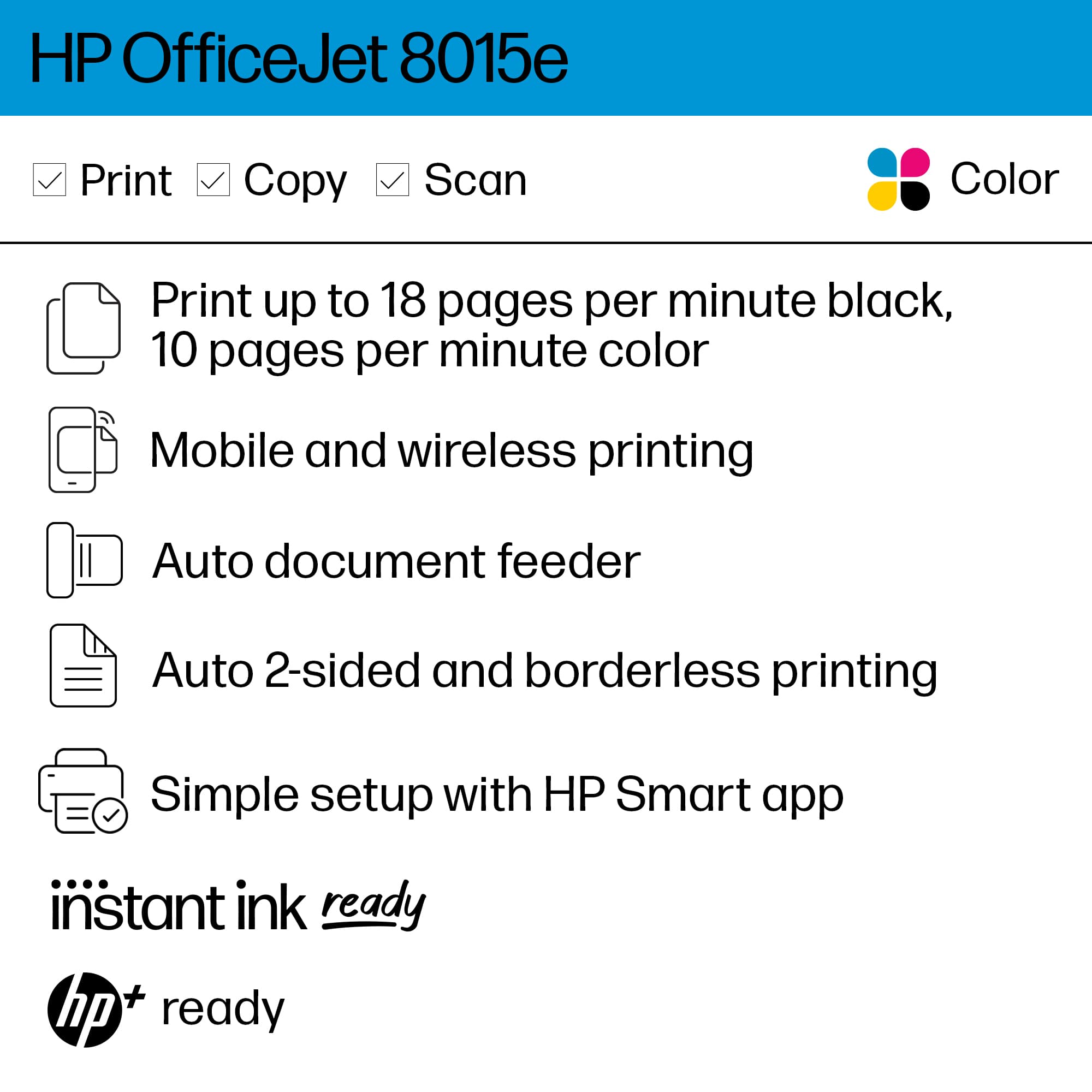
    • Answer Thank you for your question. The Officejet 8015e printer has a print speed of 18 pages a minute for black and 10 ppm in color with the first page out in 13 seconds.

      Answered by HP Team

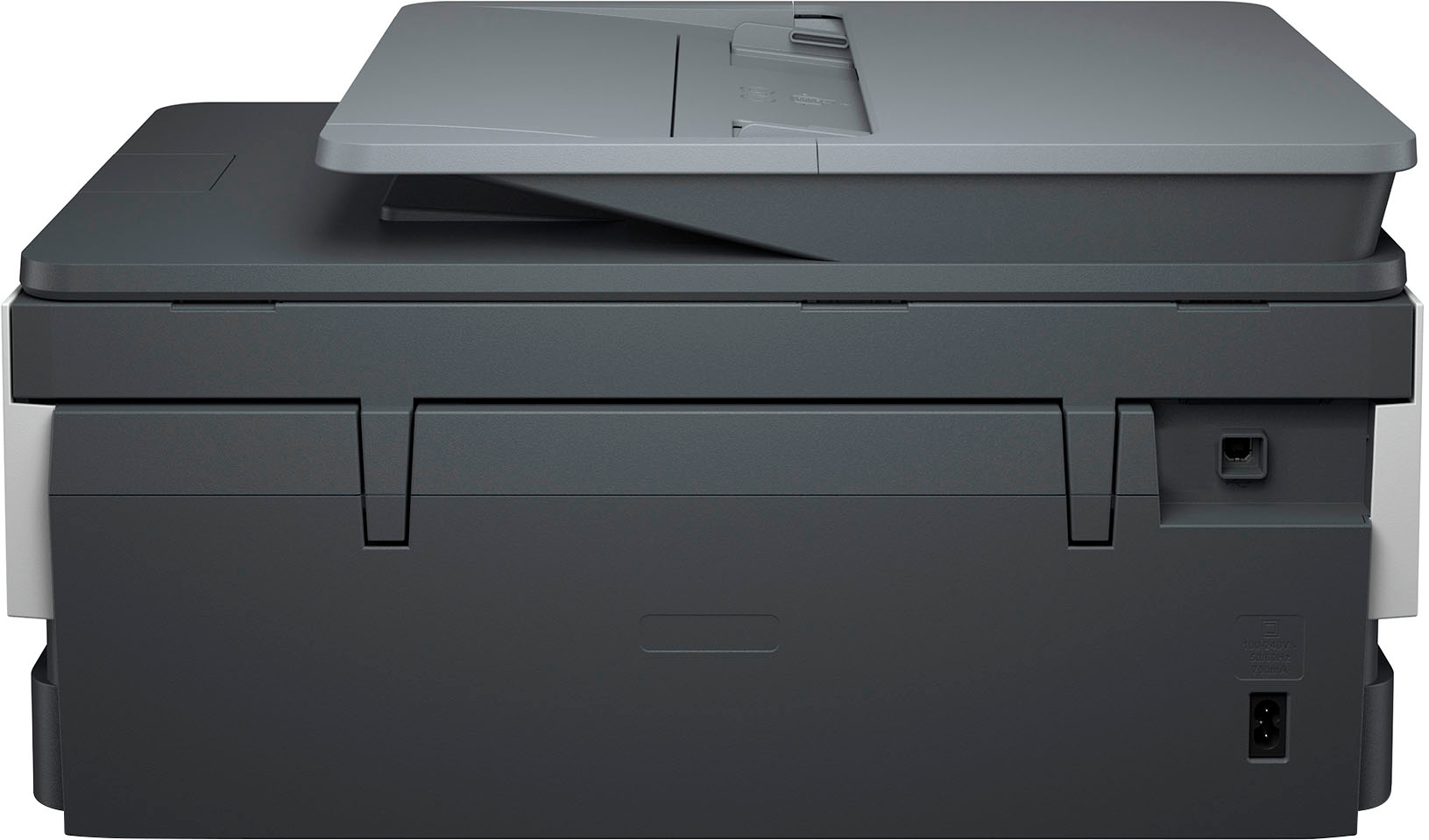
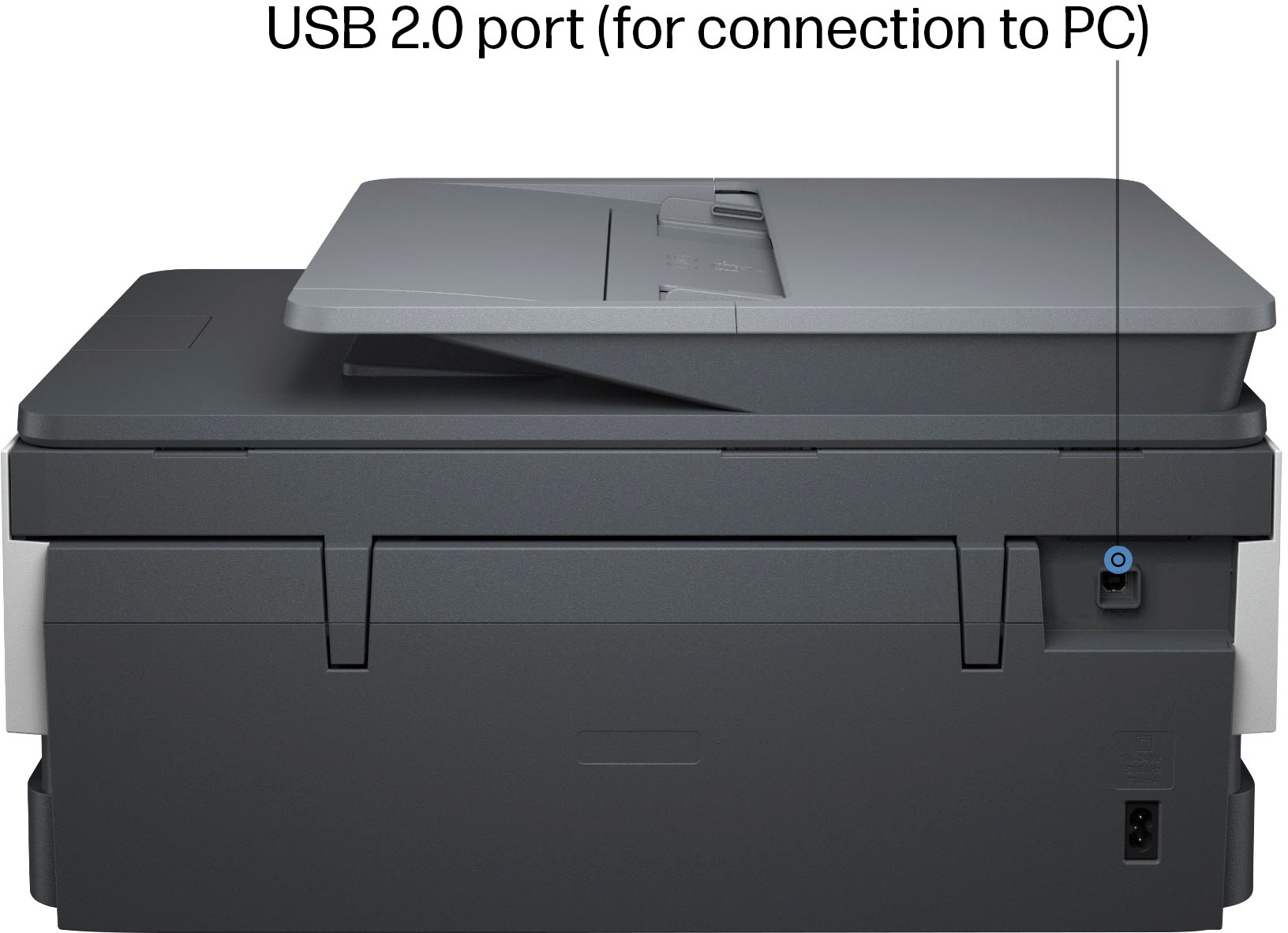
  • QuestionWhen the printer scans, where does the scanned document go to? I don't see a USB port to plug in a scandisk.

    Asked by Blondie.

    • Answer Thank you for your question. If the OfficeJet 8015e printer is connected to a computer, you can scan documents directly to your computer. You would need to have the necessary HP software installed on your computer. It also can scan a document and then email it as an attachment. This would require the printer to be set up with an active email account. If your printer is on a network, you can scan documents to a shared network folder.

      Answered by HP Team

  • QuestionCan you just print with black ink?

    Asked by Anonymous.

    • Answer Thank you for your question. Yes, you can print in black ink only on this OfficeJet 8015e printer.

      Answered by HP Team

  • QuestionIs this HP 8015E printer considered an AirPrint printer?

    Asked by Anonymous.

    • Answer Hello and thank you for your question. The HP OfficeJet 8015e does have Apple AirPrint compatibility.

      Answered by HP Team

  • QuestionI am replacing my 8610. Which model would replace this

    Asked by CAW.

    • Answer Thank you for your question, CAW! In December of 2023, HP launched its latest OfficeJet Pro printers and the replacement for your 8610 is the OfficeJet Pro 9125e. It is designed with the same print volumes, has similar cartridge capacities as the 8610, the same functions, but with more features added like extra security. The 9125e is also eligible three free months of Instant Ink service.

      Answered by HP Team

  • QuestionCan I print checks with this printer?

    Asked by AlexandraS.

    • Answer Hello, and thank you for your question! All HP printers are capable of printing names and dollar amounts on premade check paper, you will just need to use check printing software for proper formatting. However, if you need to print full checks yourself, your bank will likely require the use of magnetic ink character recognition (MICR), which would require a modified HP printer and MICR ink/toner.
      Answered by HP Team

  • QuestionCan this scan multiple pages at a time from document feeder on top?

    Asked by SR.

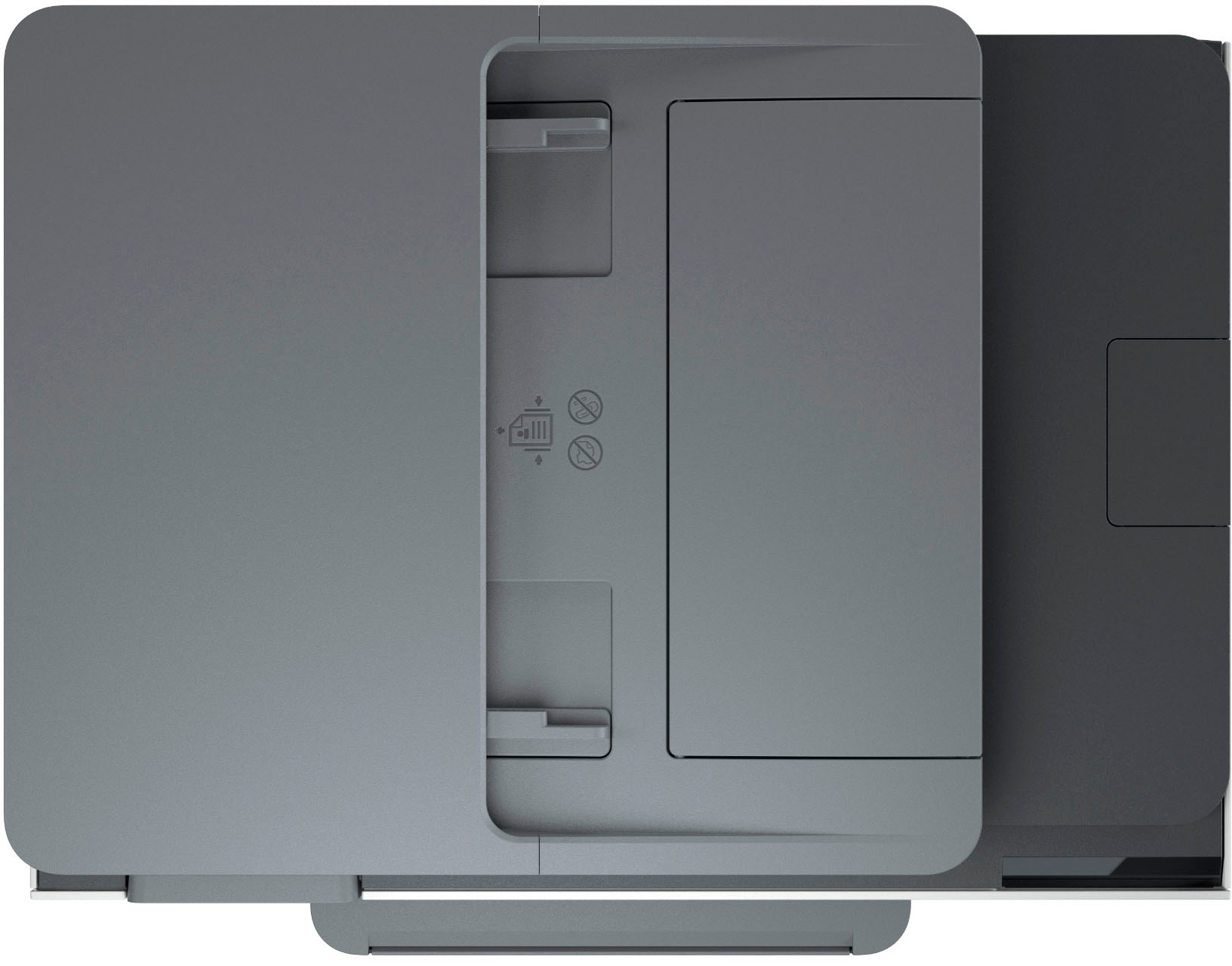
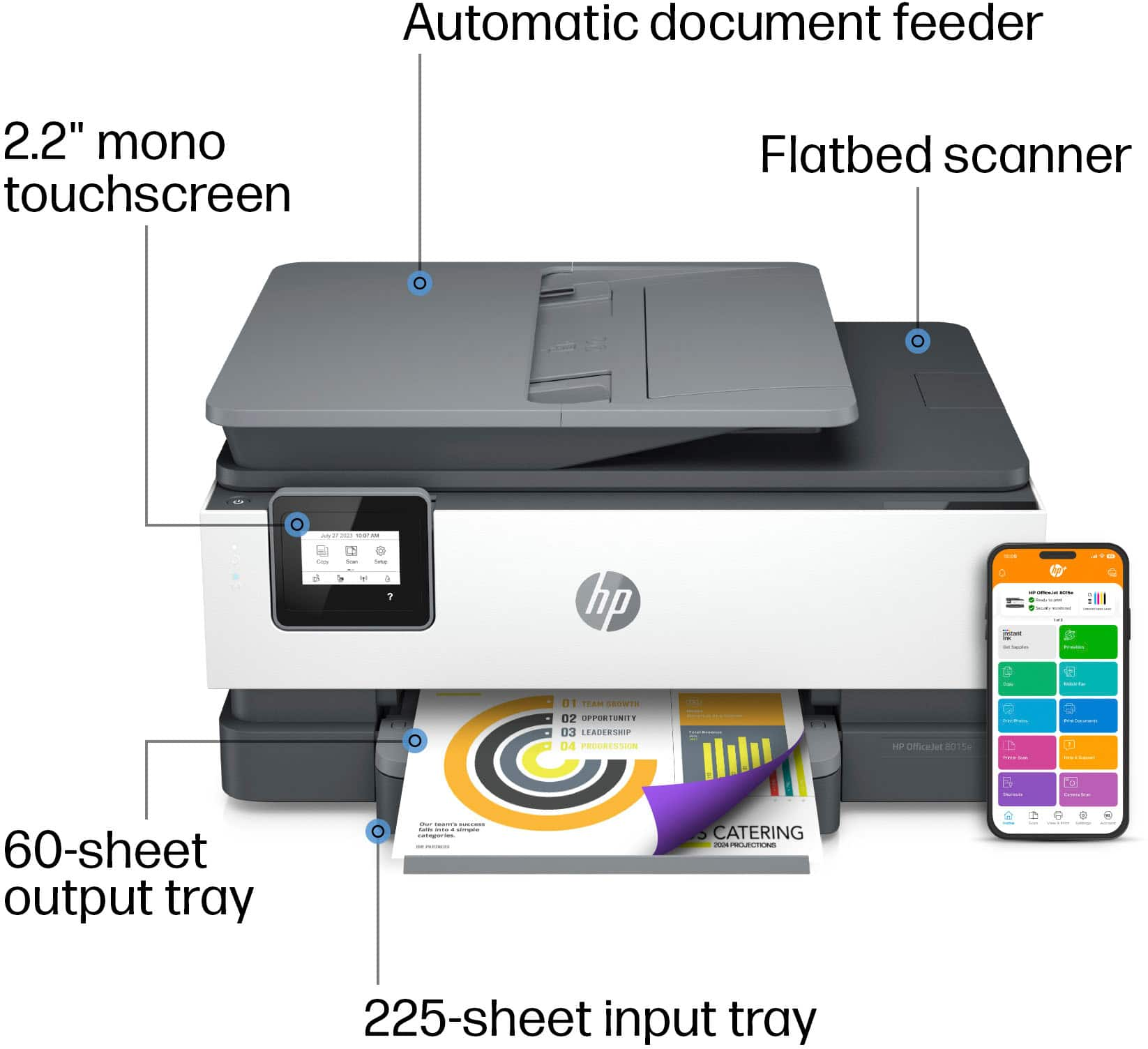
    • Answer Hello, and thank you for your question! The HP OfficeJet 8015e is able to copy/scan multiple documents at a time, and the Automatic Document Feeder can hold up to 35 pages.

      Answered by HP Team

  • QuestionDoes the ADF for the scanner functionality do Automatic 2 sided?

    Asked by ShopwPurpose.

    • Answer No, the Officejet 8015e printer does not have two-sided scanning capabilities.

      Answered by HP Team

  • QuestionIs it compatible with a Mac 10.10.5 Yosemite

    Asked by Susu.

    • Answer Hi there. Thank you for your question! This printer is not compatible with Apple Mac computers running macOS 10.10.5 Yosemite. It will work with Apple Mac computers running at least macOS X v10.11 El Capitan or newer.

      Answered by HP Team