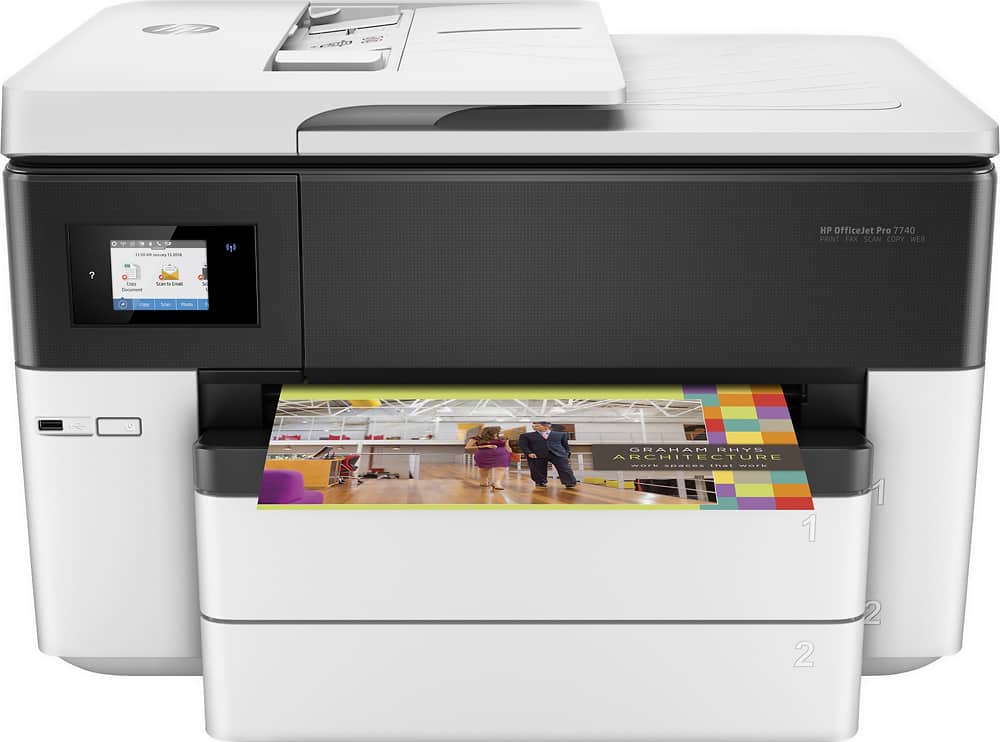
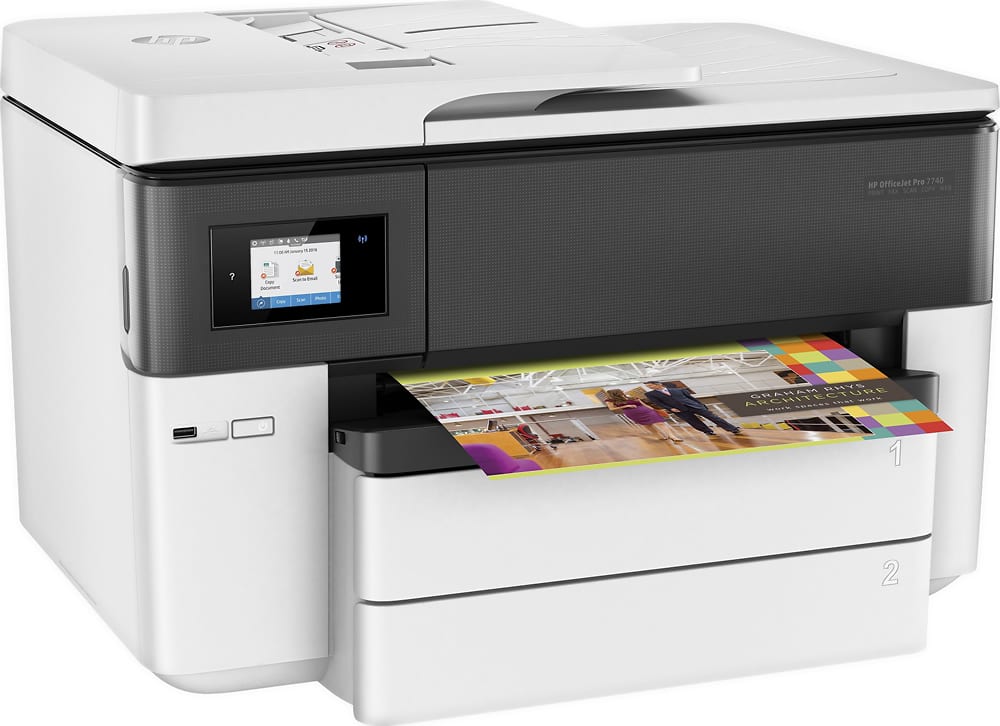
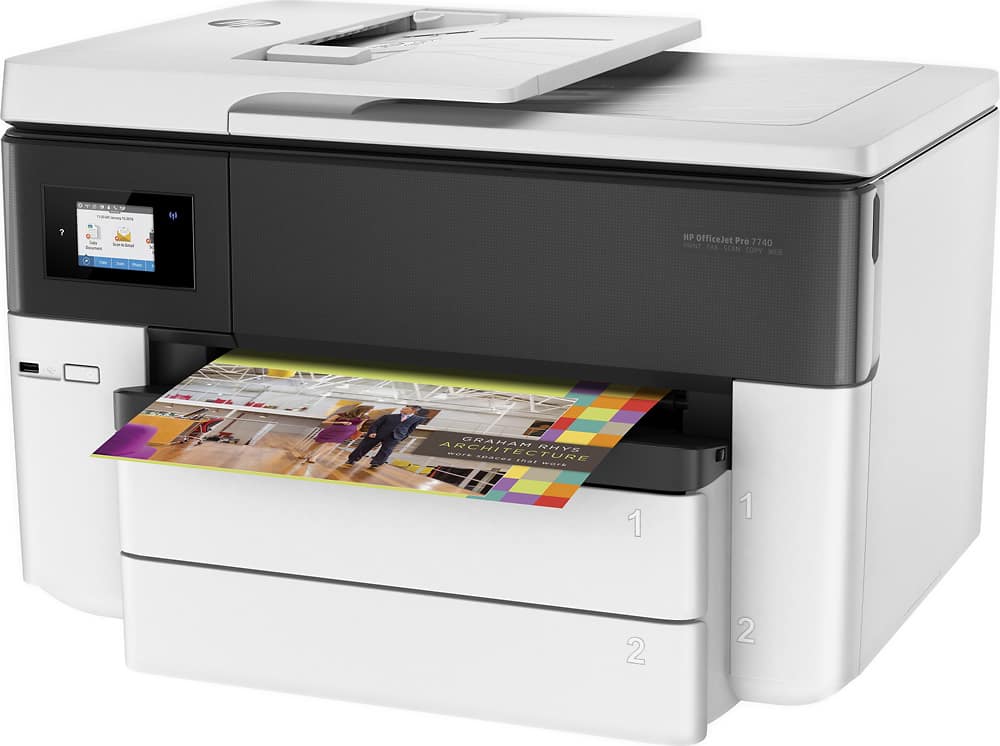
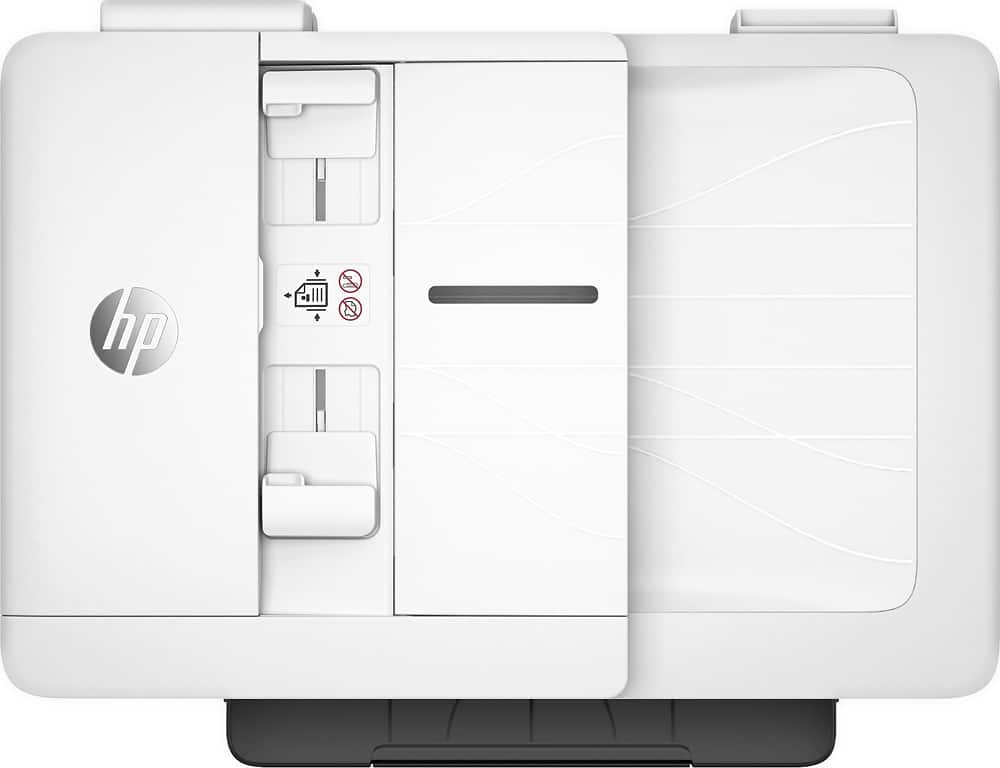
A:AnswerYou just need to open tray 1 to adjust the paper guides to the size of the envelopes. The printable side would be faced down. For more details, refer to the "Load envelopes in Tray 1" on this webpage: https://support.hp.com/us-en/document/c05168241
A:AnswerThis is the most current HP wide format inkjet printer. The ink will be available for a long time. For example, the HP 02 ink cartridges that came out in 2005 are still available today.
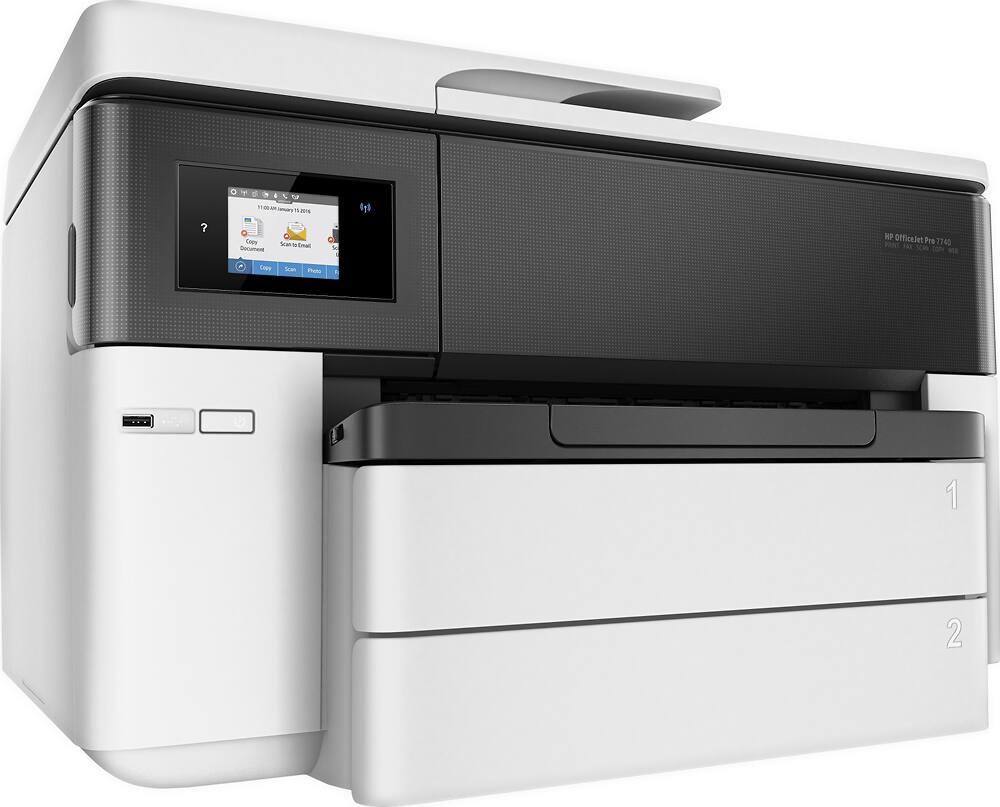
A:AnswerThe HP OfficeJet Pro 7740 is an inkjet printer so it can print on photo paper. It does do duplex scanning, faxing, and printing. It has four ink cartridges. It is a wireless printer.
A:AnswerThe HP Officejet Pro 7740 printer does do automatic two sided printing. This printer uses four ink cartridges: HP 952 or 952XL: black, cyan, yellow, and magenta.
A:AnswerYou can print borderless prints on 11x17 paper with this printer. You will see the borderless print options in the settings menu of the printer and software you are using.