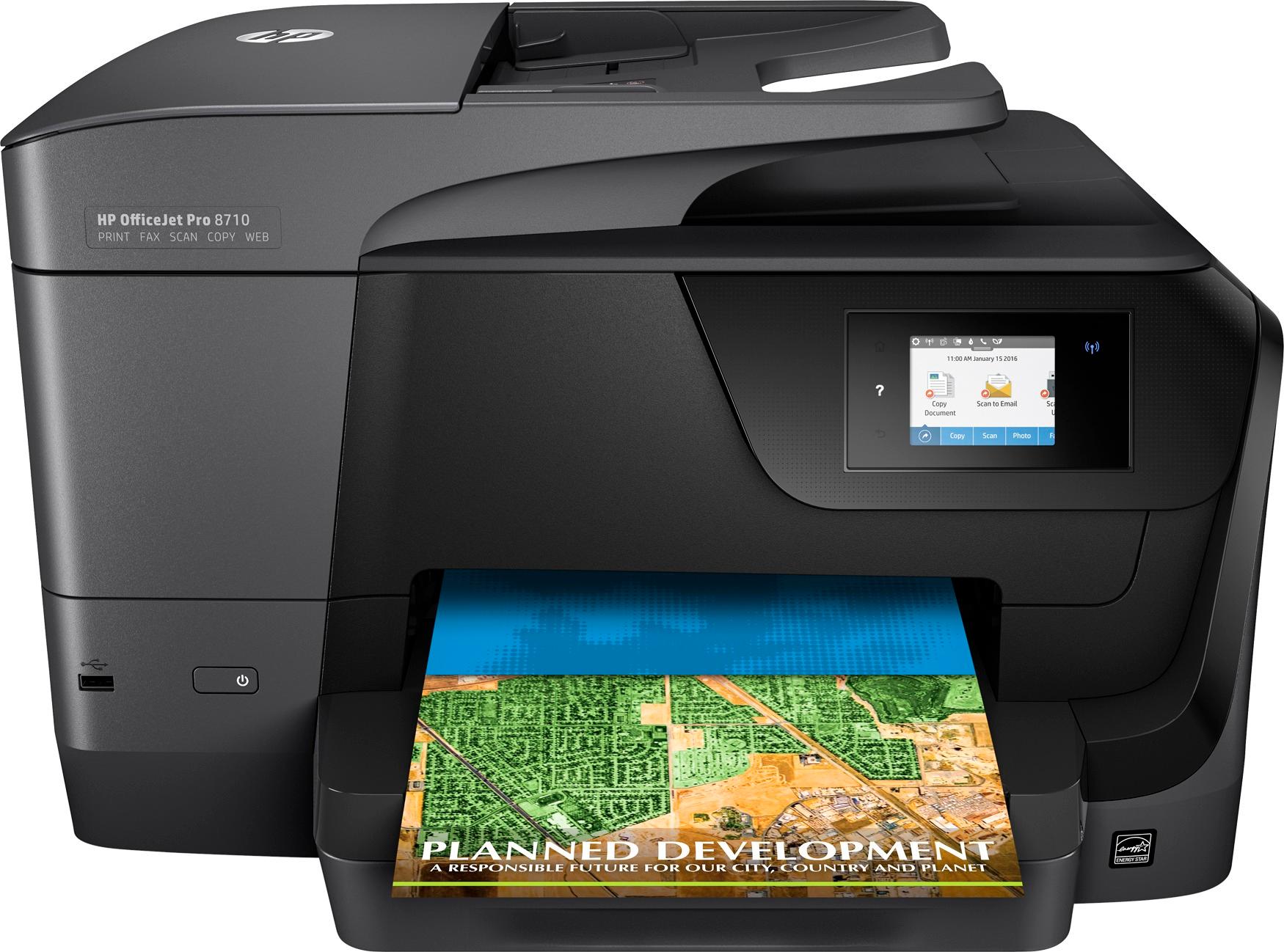
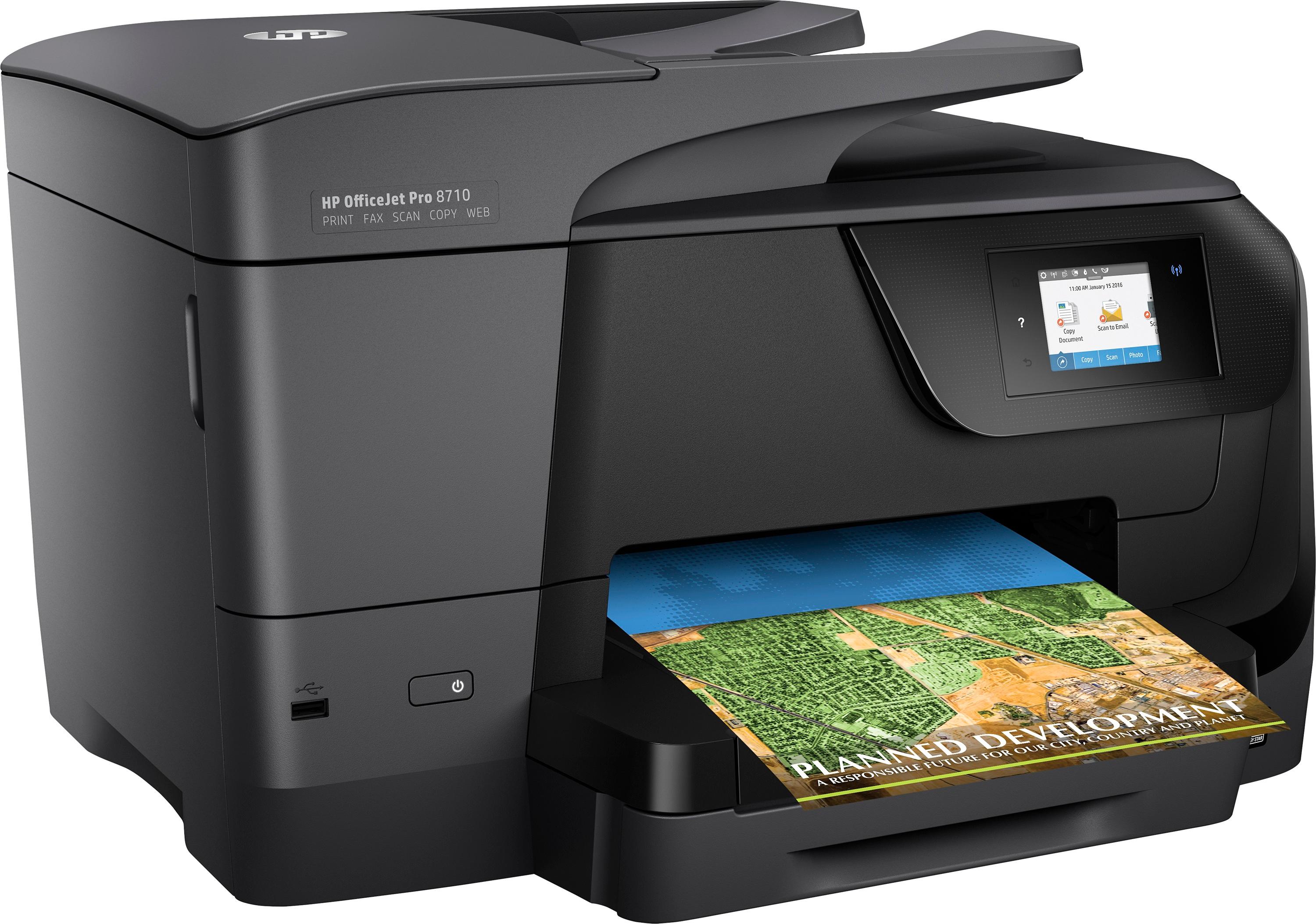
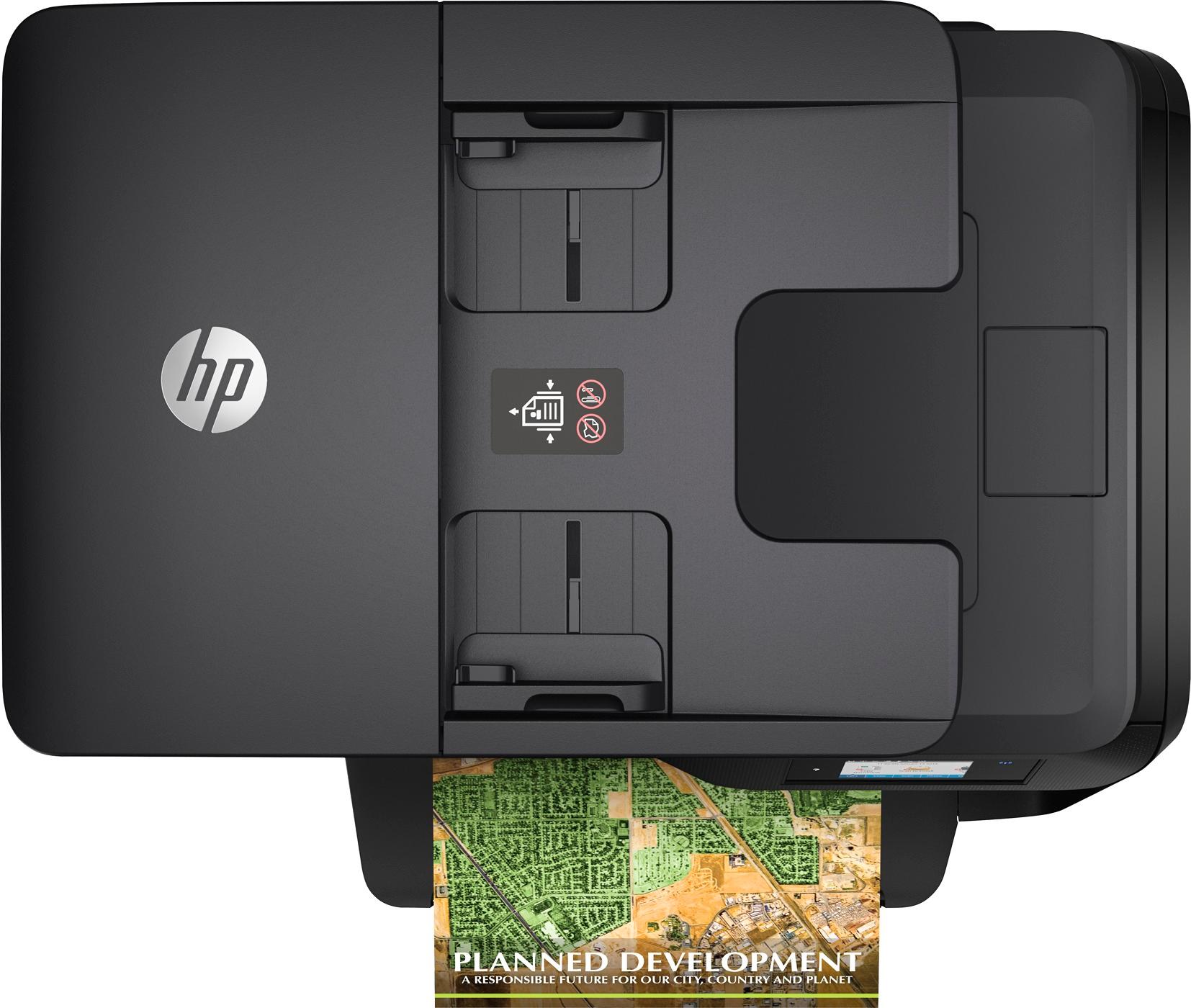
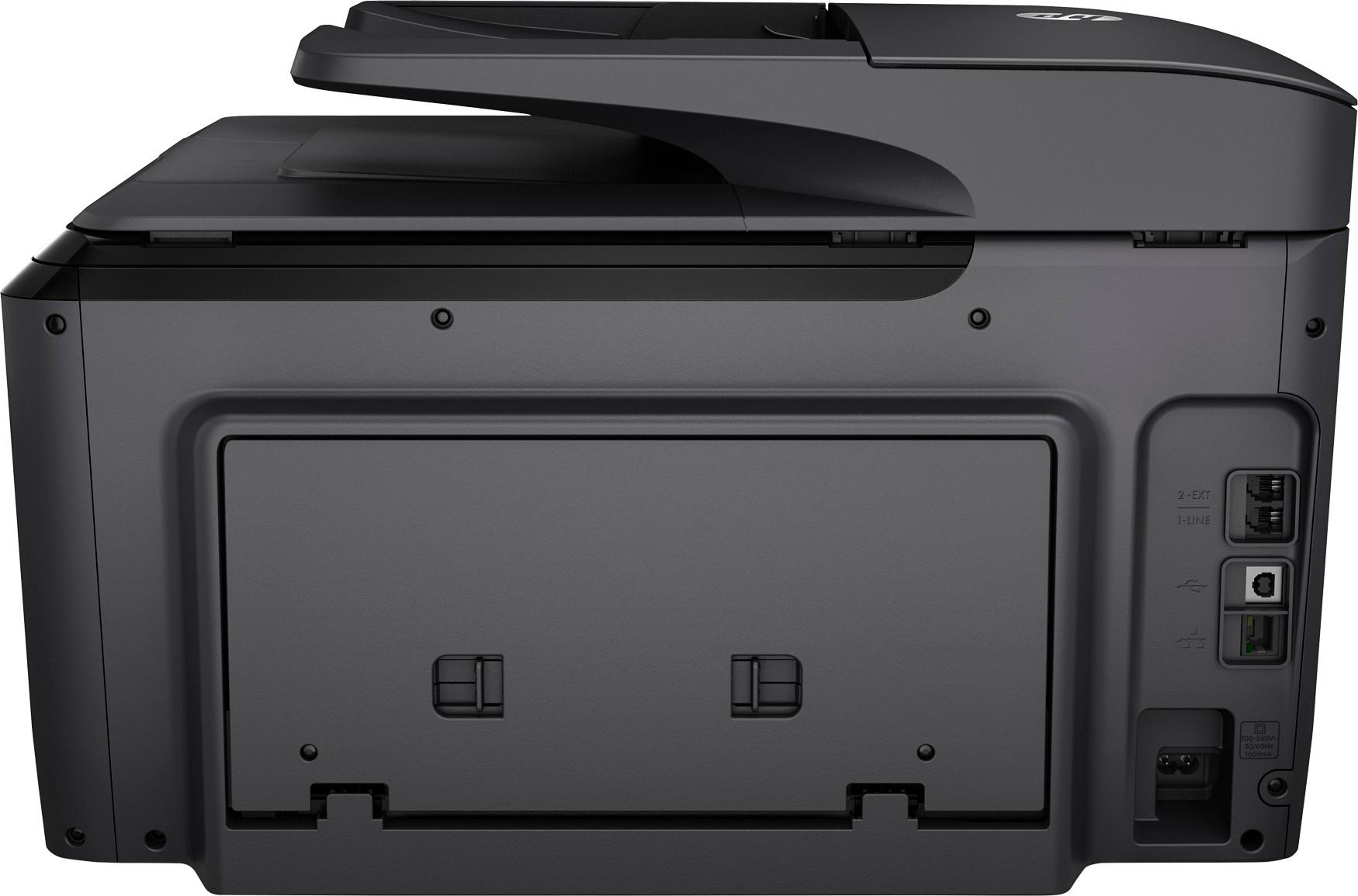
A:AnswerI have been able to do up to 20 with no issues. If you do more, it seems to have trouble scanning to email or even to desktop due to size limits and conversion to PDF. I always break up my scans and set my personal limit to 15 even though I've gotten 20 to work. The most frustrating thing ever is having to rescan especially in a pinch of time!
A:AnswerI agree that must be some type of programming flaw. Maybe the scanner is set to produce a report or a hard copy after scanning which would require ink.