Questions & Answers
- Model:
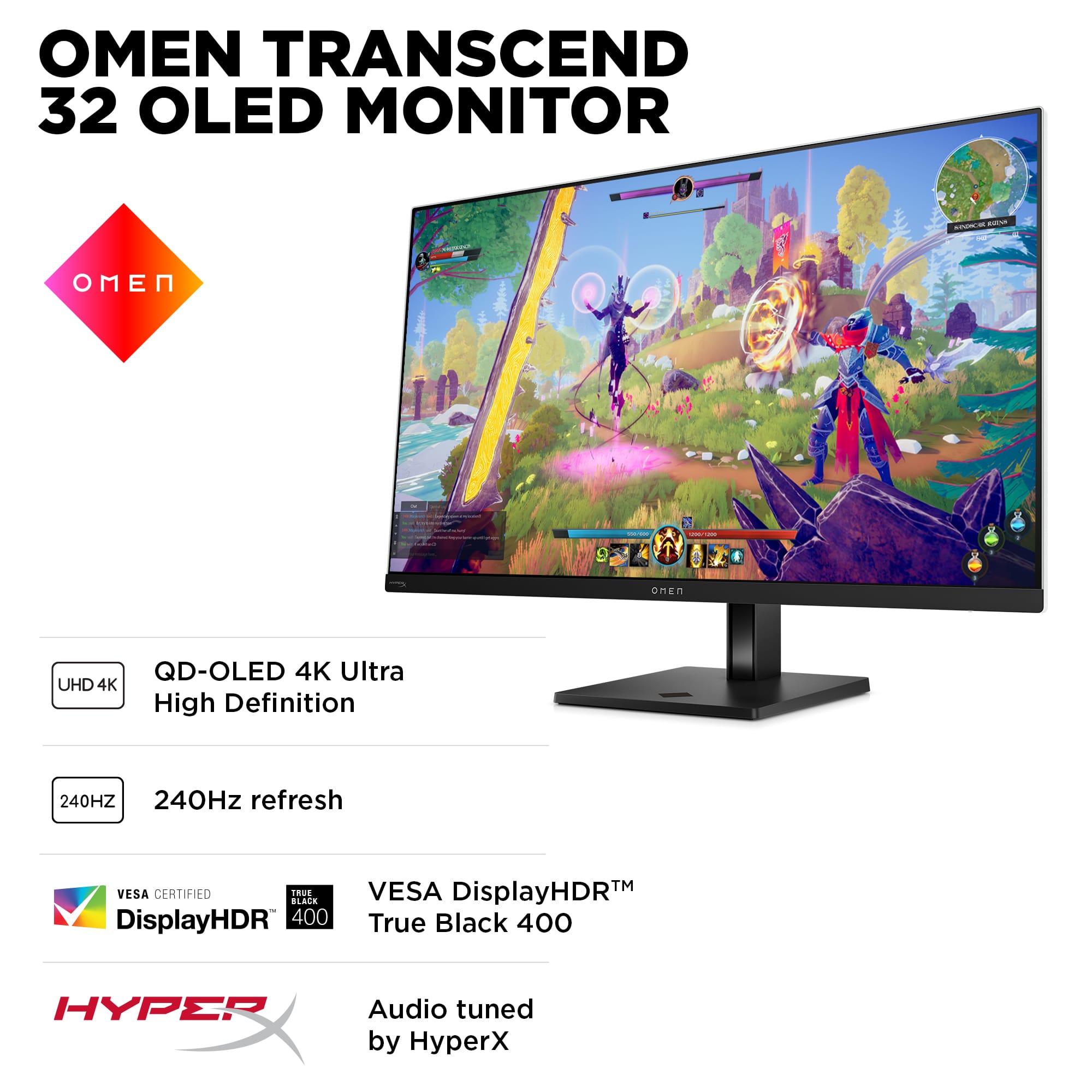
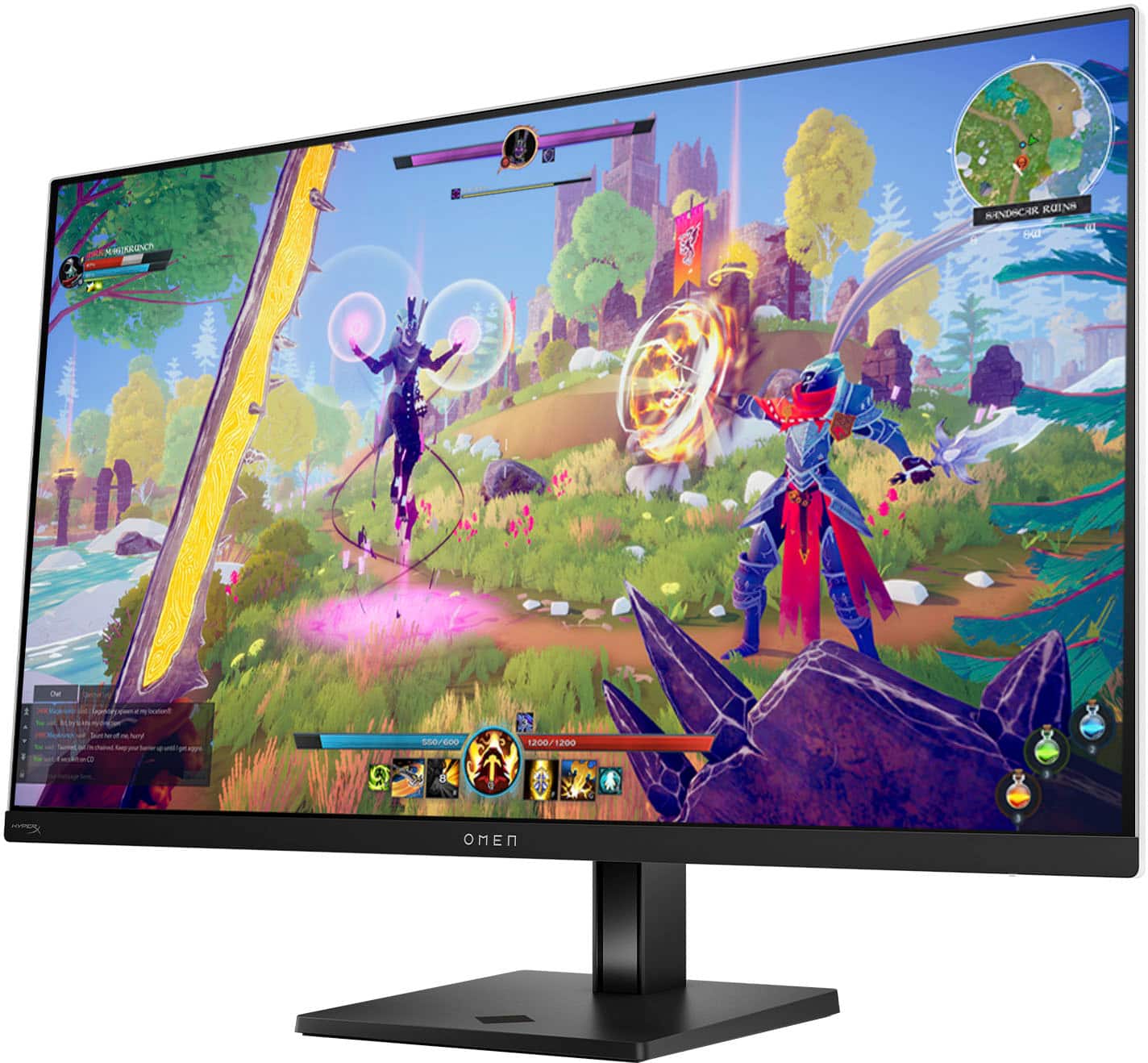
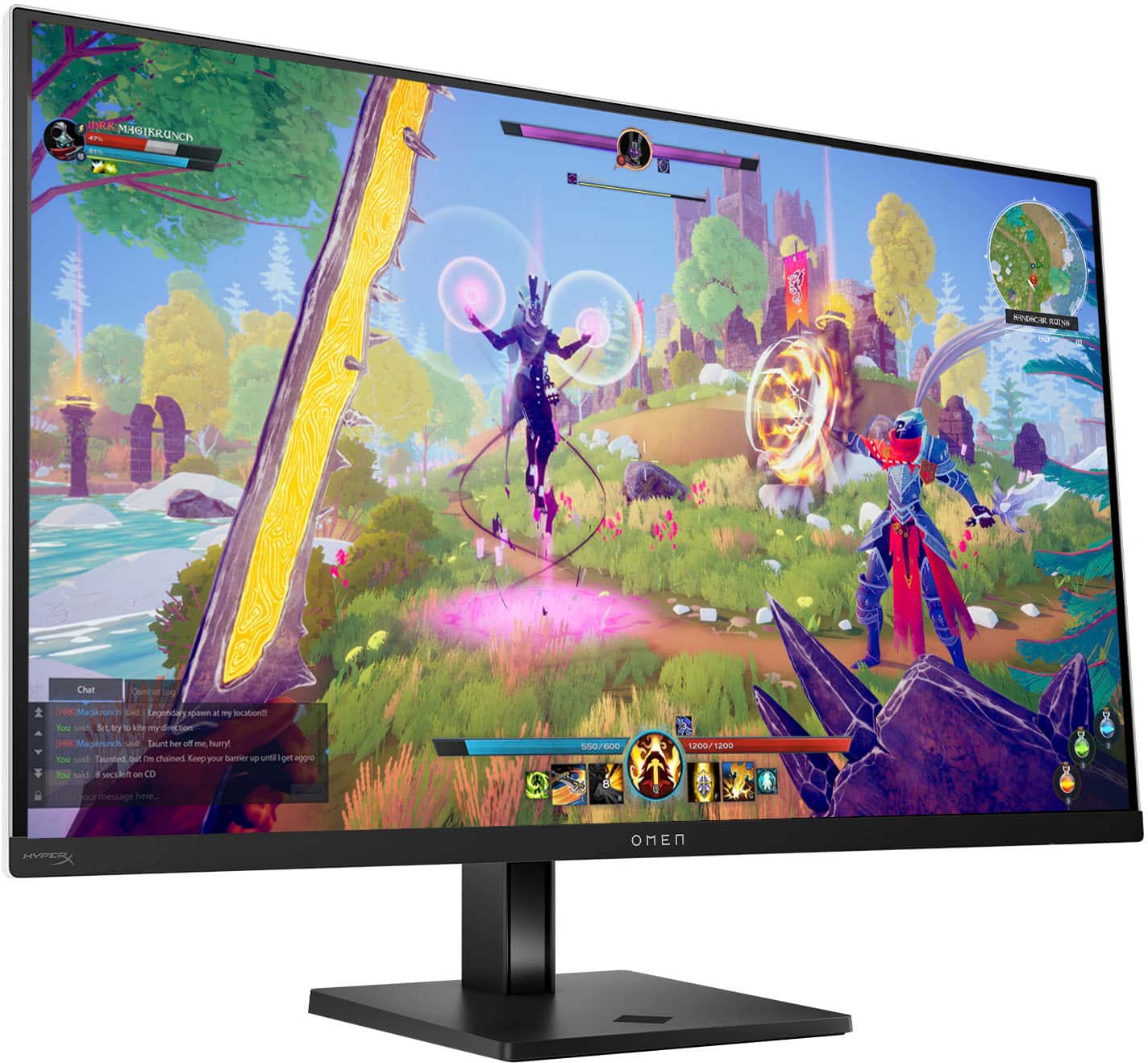
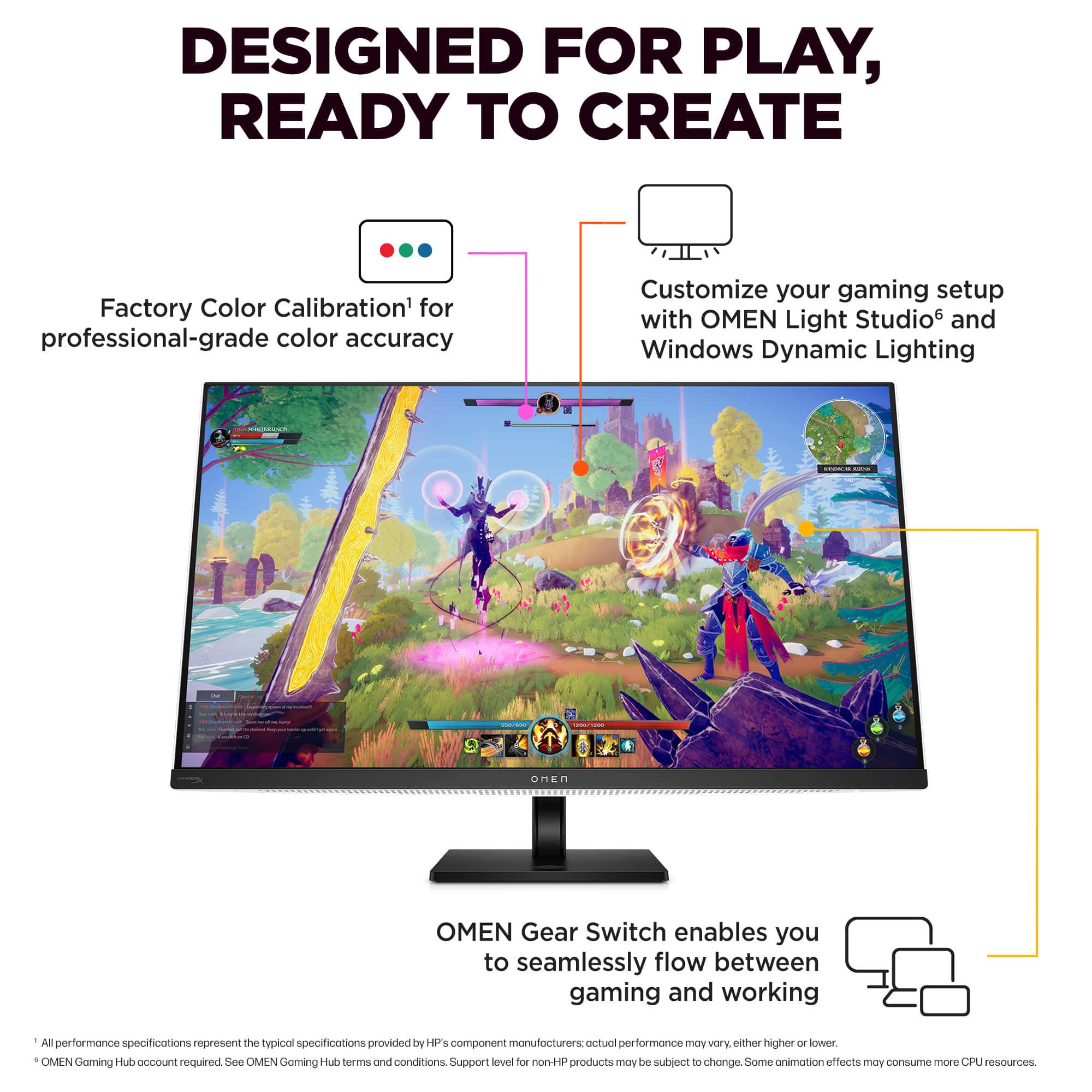
- Omen 32 Transcend
- |
- SKU:
- 6589667
Highly rated by customers for: Picture Quality, Refresh Rate, OLED Display
$1,199.99Your price for this item is $1,199.99
Comp. Value: $1,299.99
The comparable value price is $1,299.99
Page Showing 21-29 of 29 questions
Q: QuestionIs this a smart monitor with apps like netflix and youtube?
Asked by Anonymous.
- A:Answer No
Answered by Anonymous
Q: QuestionHow do I disable the behavior where double clicking anywhere on the screen causes the KVM inputs to switch?
Asked by Henry.
- A:Answer I was unable to solve this issue either and believe that it will require a firmware update
Answered by Michael
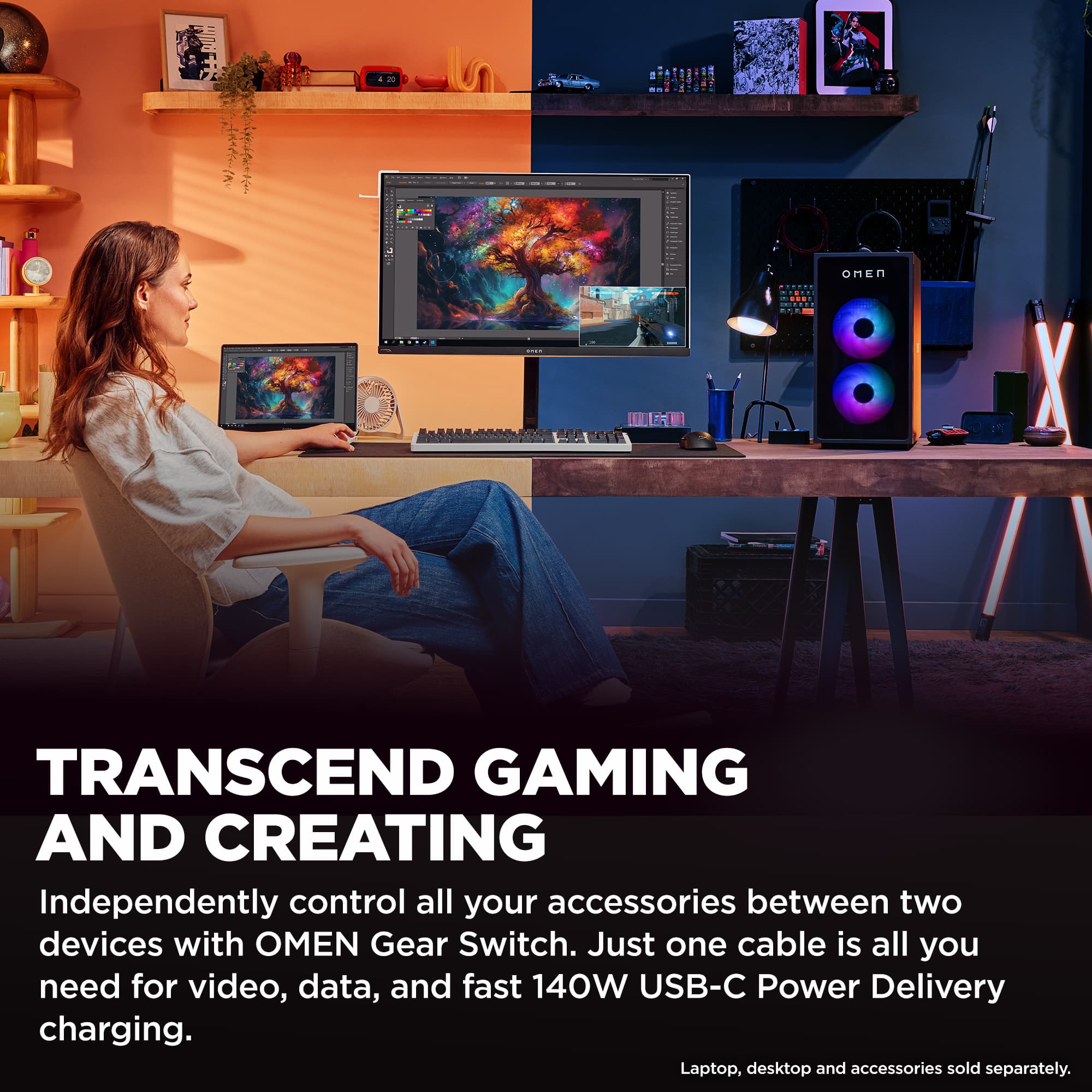
Q: QuestionDoes it have two USB-C upstream ports for connecting two laptop? Even if only one has power delivery....
Asked by Norcal.
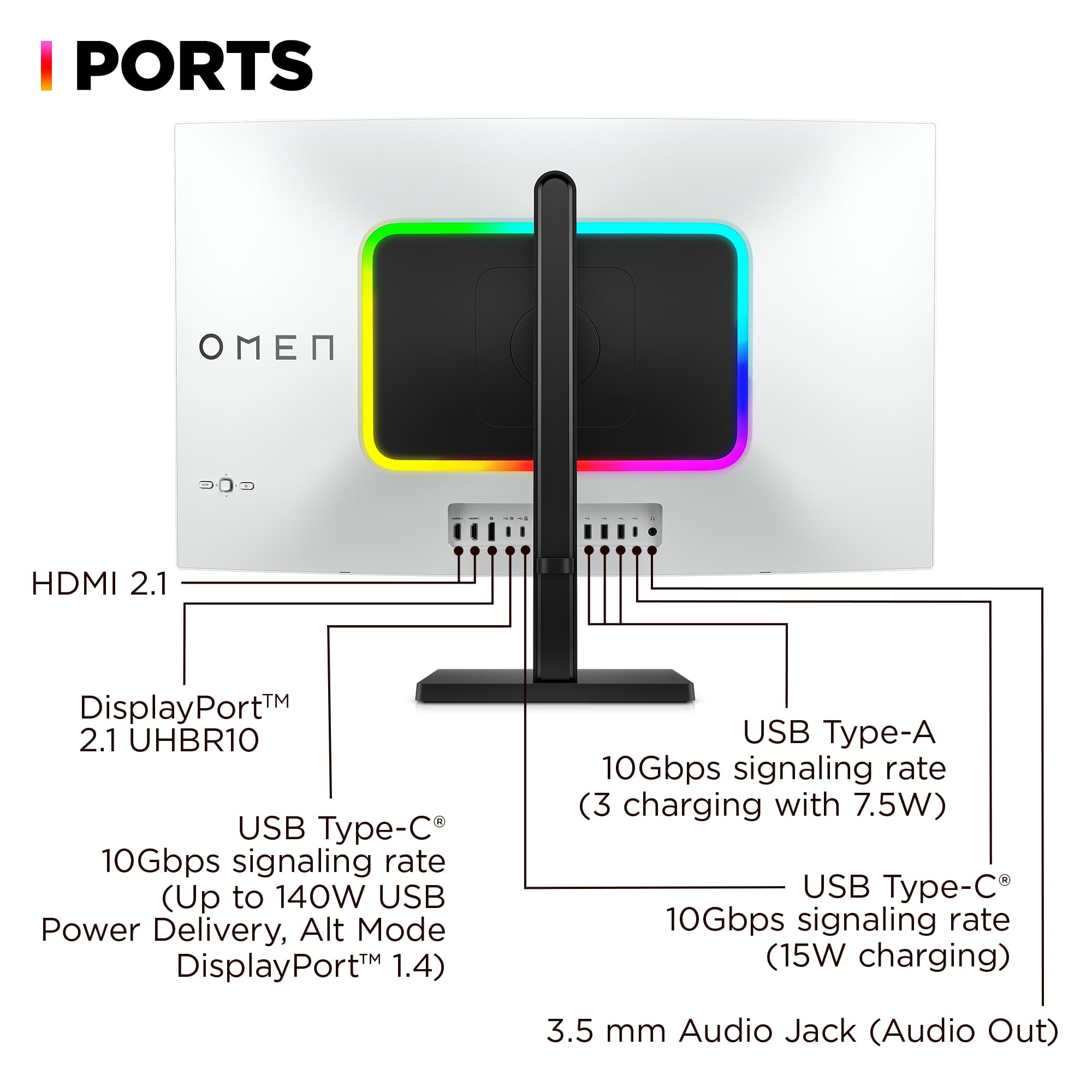
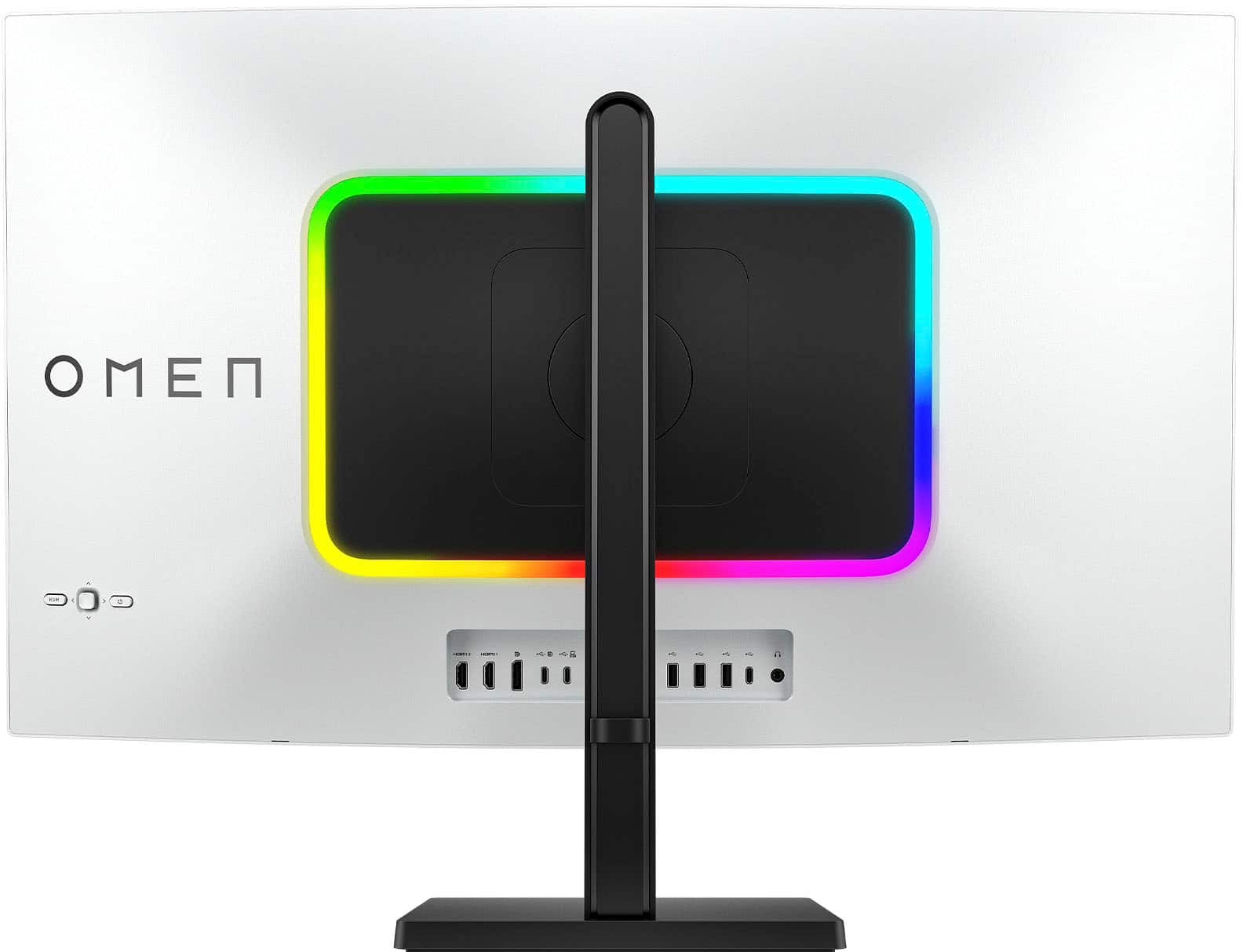
- A:Answer From the documentation for the 2nd upstream usb-c port that does not have power delivery: "NOTE: This port is data only and does not support video input." FYI: It needs to be connected to the PC that is using the displayport or hdmi connections for that PC to use any devices connected through the hub on the monitor. You could use a displayport to USB-c cable to connect the displayport on the monitor to the usb-c port on the 2nd laptop though!
Answered by Michael
Q: QuestionCan the HP Team confirm that the warranty covers burn-in? The only response to this query asked elsewhere was anonymous and there's nothing on HP's website information about this monitor that indicates that the warranty covers burn-in.
Asked by Serg.
- A:Answer Thank you for the question. In most cases, this damage is considered customer induced and is not covered by any standard warranty. Therefore, it is the owner's responsibility to cover the cost of repair unless they have previously purchased Accidental Damage Protection (ADP). If the product is out of warranty, a fee-based service may be initiated by contacting HP. To minimize the risk of burn-in, you can use screen savers, reduce brightness, and periodically change the content displayed on your screen. For more information, please contact HP Support.
Answered by HP Team
Q: QuestionDoes the hdmi it come with are hdmi 2.1 or do I have to buy them separately?
Asked by HDMI.
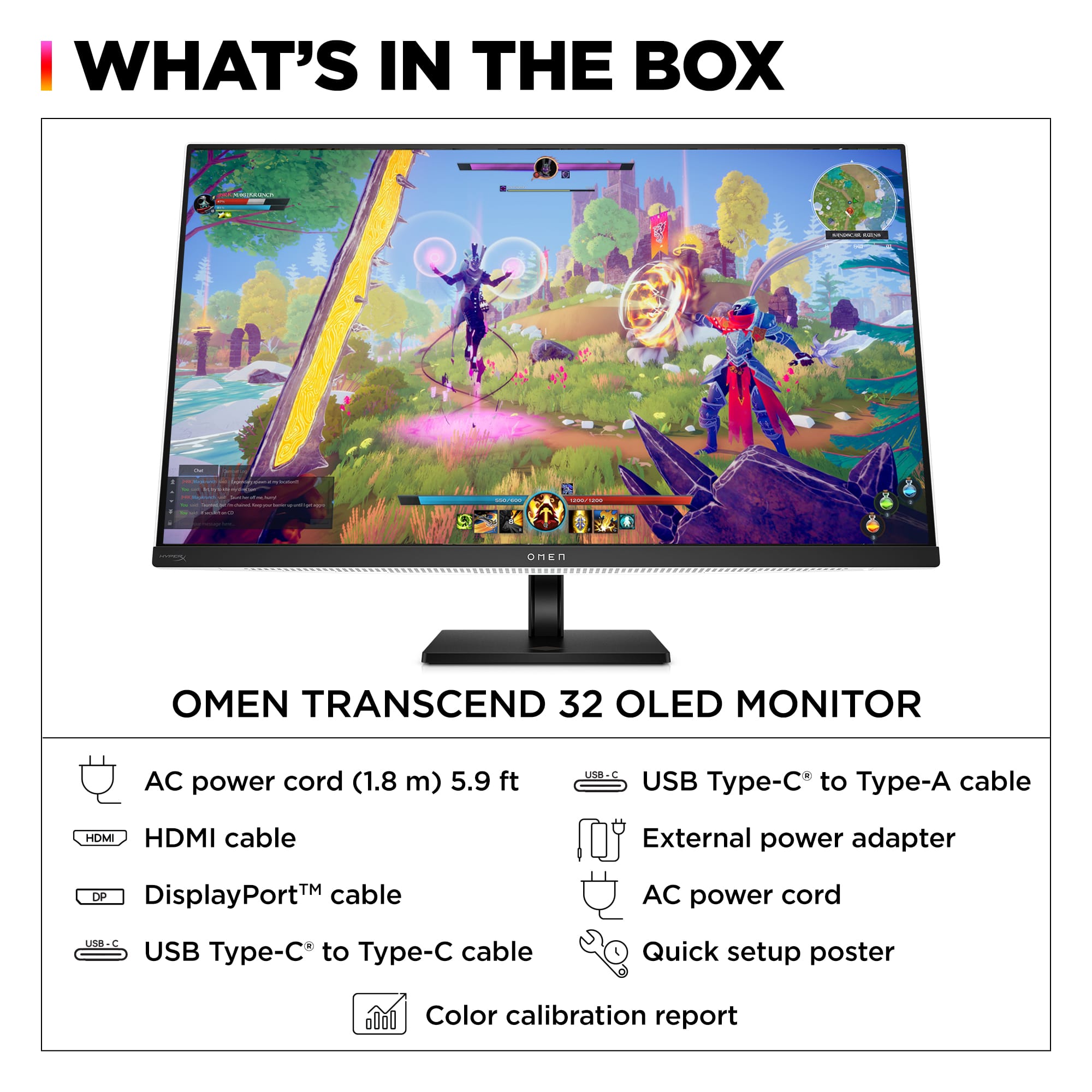
- A:Answer My package had 1 HDMI 2.1 cable included (along with a displayport and usb-c cables)
Answered by Michael
Q: QuestionWhen buying this monitor from Best Buy, it appears you only get a 1-year warranty with HP based on the serial number and manufacture date. How do we get this updated to a 3-year warranty as claimed by the item page?
Asked by nimblebanana.
- A:Answer I don’t think that is an acceptable answer from the HP Care Team. Both HP’s website and Best Buy’s page state this monitor comes with a 3 year manufacturer warranty. I bought this monitor this month on the 20th and only have 8 months remaining through HP’s website, brand new. I’m pretty sure when I dispute this with HP, they will only give me a year. This should be 3 years as advertised.
Answered by nimblebanana
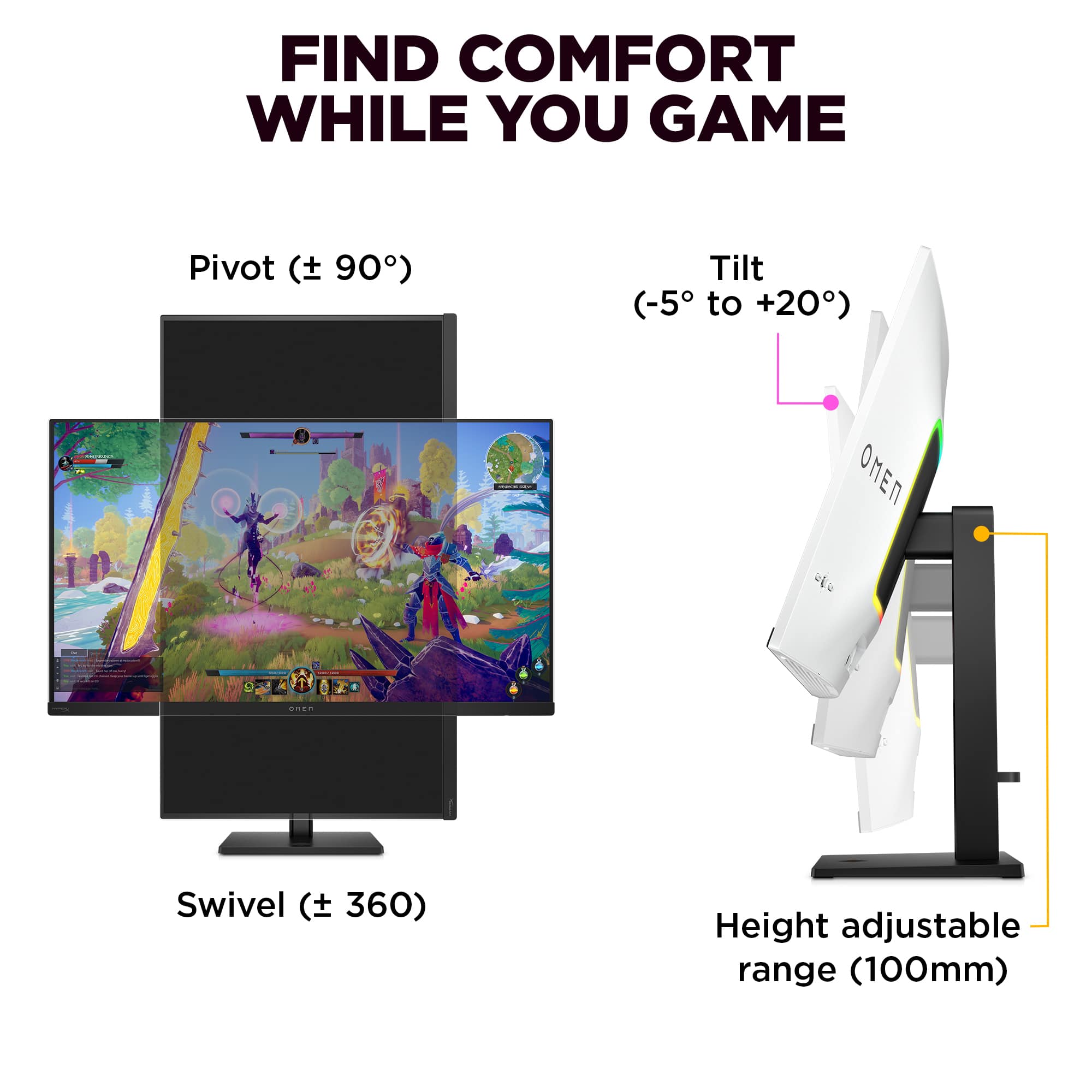
Q: QuestionWhere are the VESA mount adapters sold? I was told that this monitor comes with a VESA adapter but I bought 2 of these and there was no VESA adapter. By default you can only use the stand and it cannot be mounted to an arm without an adapter.
Asked by JayBee.
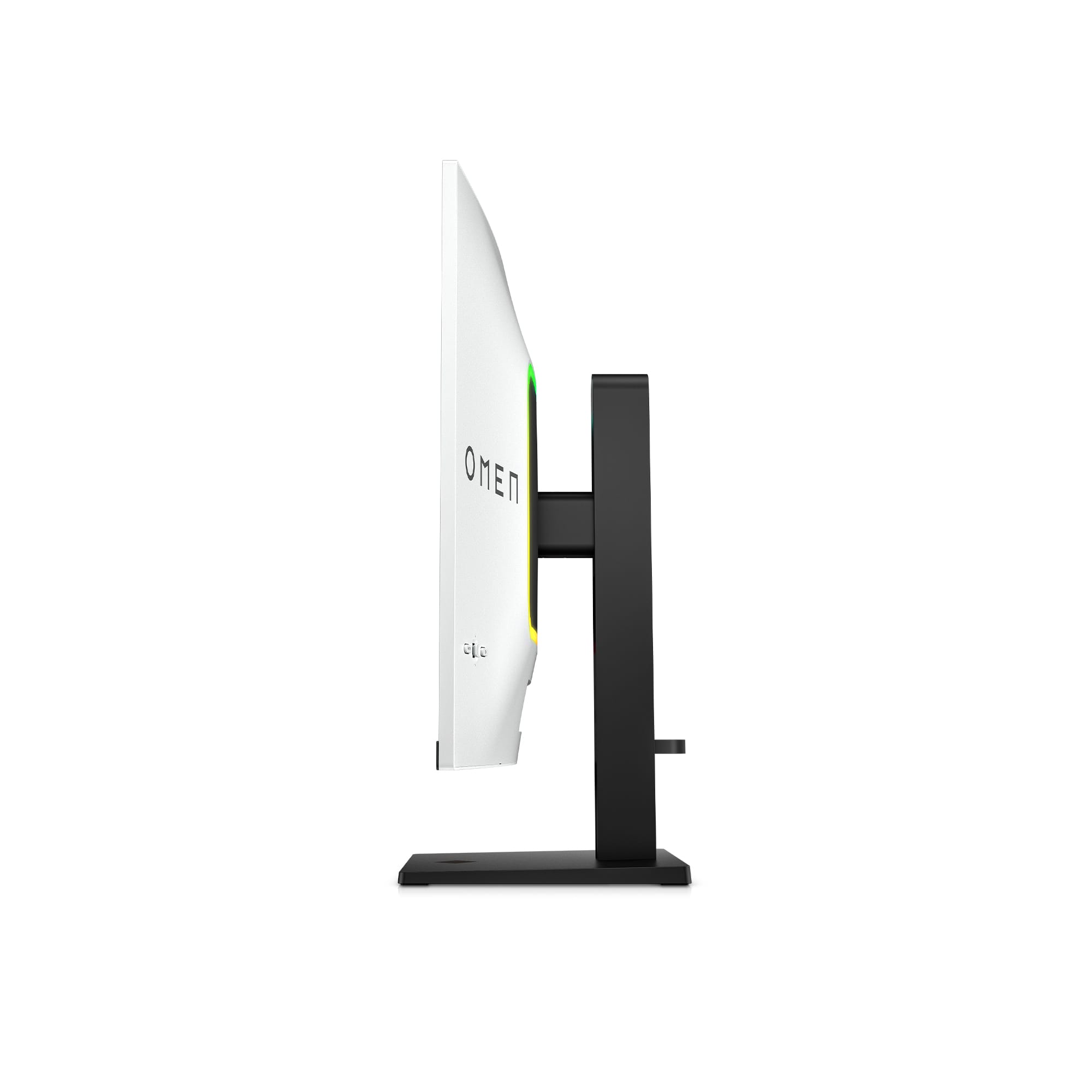
- A:Answer Just push down on bottom of where the stand connects and it comes right off. It supports 100x100 and 75x75 basically any arm you want to connect and no adapter needed to purchase as almost every arm out today comes with there own plate. Just unscrew the 4 screws in monitor and put the arm plate aligning holes and use same screws or use the screws provided with arm wala.
Answered by soxsider
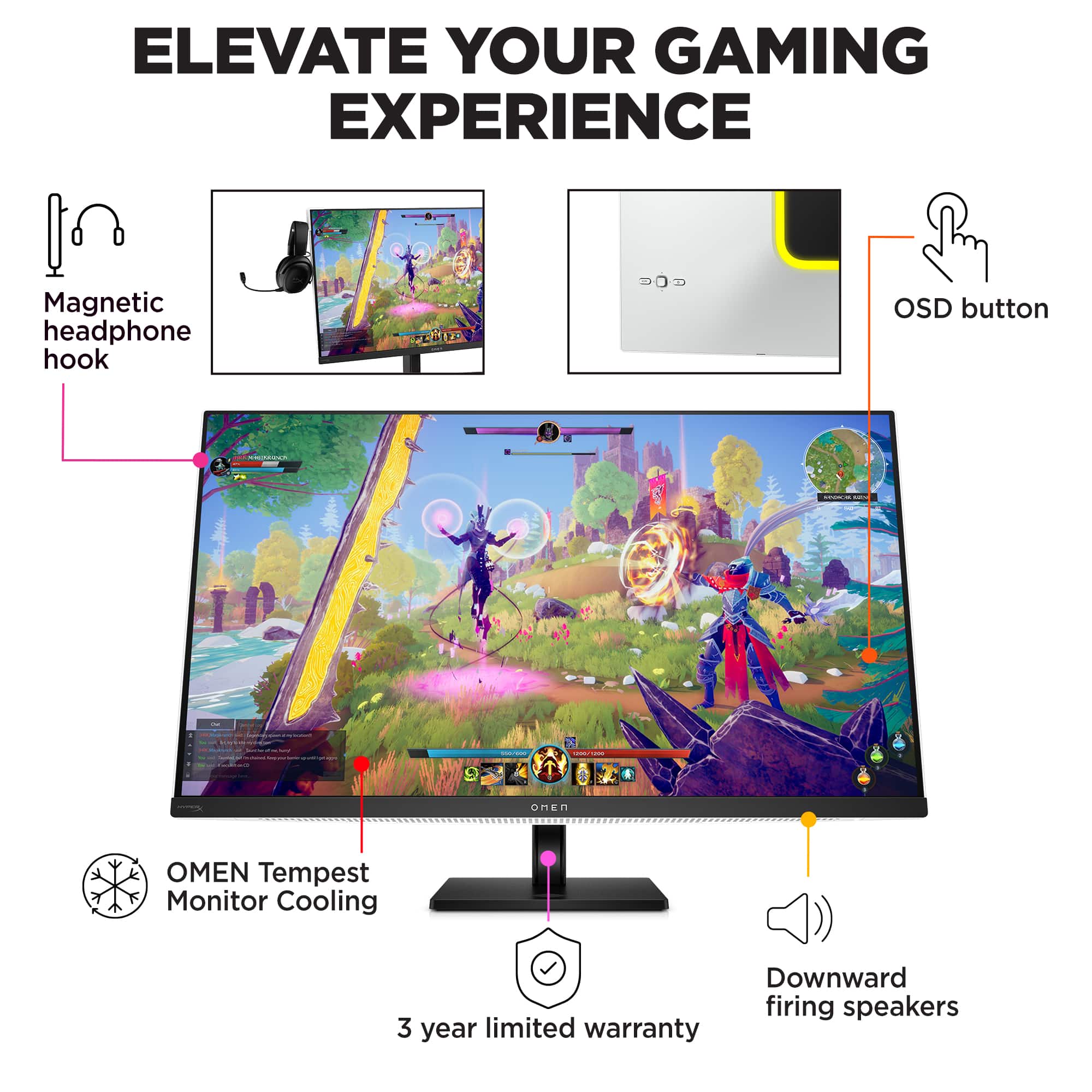
Q: QuestionDoes the monitor have a fan for cooling? If so do you know how audible the fan is?
Asked by Mike.
- A:Answer Fan noise is very minimal, has to be really quiet in the room to hear it.

Answered by RussellB
Q: QuestionHow do you vesa mount the monitor? When looking at the back of it, there seems to be no way to do it. The back of the monitor has what looks like a built in non-removable plate. It has no holes for vesa mounting. Please see my photo. I’m so confused lol.

Asked by JayBee.
- A:Answer I pressed down and lifted up the plastic circle surrounding the mount. I was then able to remove the monitor mount and use the VESA screw mounts on my monitor arm. Hope this helps.
Answered by Blaise
Page 2, Showing 21-29 of 29 questions
Most-viewed items
- Winter Sale Deal$999.99Your price for this item is $999.99
- $399.99Your price for this item is $399.99$549.99The comparable value for this item is $549.99
- Winter Sale Deal$219.99Your price for this item is $219.99
- Winter Sale Deal$249.99Your price for this item is $249.99
- $479.99Your price for this item is $479.99$549.99The comparable value for this item is $549.99
- $129.99Your price for this item is $129.99$209.99The comparable value for this item is $209.99
- $189.99Your price for this item is $189.99$249.99The comparable value for this item is $249.99
- $189.99Your price for this item is $189.99$299.99The comparable value for this item is $299.99
- Winter Sale Deal$1,599.99Your price for this item is $1,599.99
- $279.99Your price for this item is $279.99$399.99The comparable value for this item is $399.99
- $249.99Your price for this item is $249.99$429.99The comparable value for this item is $429.99
- Winter Sale Deal$949.99Your price for this item is $949.99
- $1,299.99Your price for this item is $1,299.99
- $749.99Your price for this item is $749.99$799.99The comparable value for this item is $799.99
- Winter Sale Deal$209.99Your price for this item is $209.99
- $749.99Your price for this item is $749.99$1,199.99The comparable value for this item is $1,199.99
- Winter Sale Deal$349.99Your price for this item is $349.99
- Winter Sale Deal$269.99Your price for this item is $269.99
- $799.99Your price for this item is $799.99$849.99The comparable value for this item is $849.99