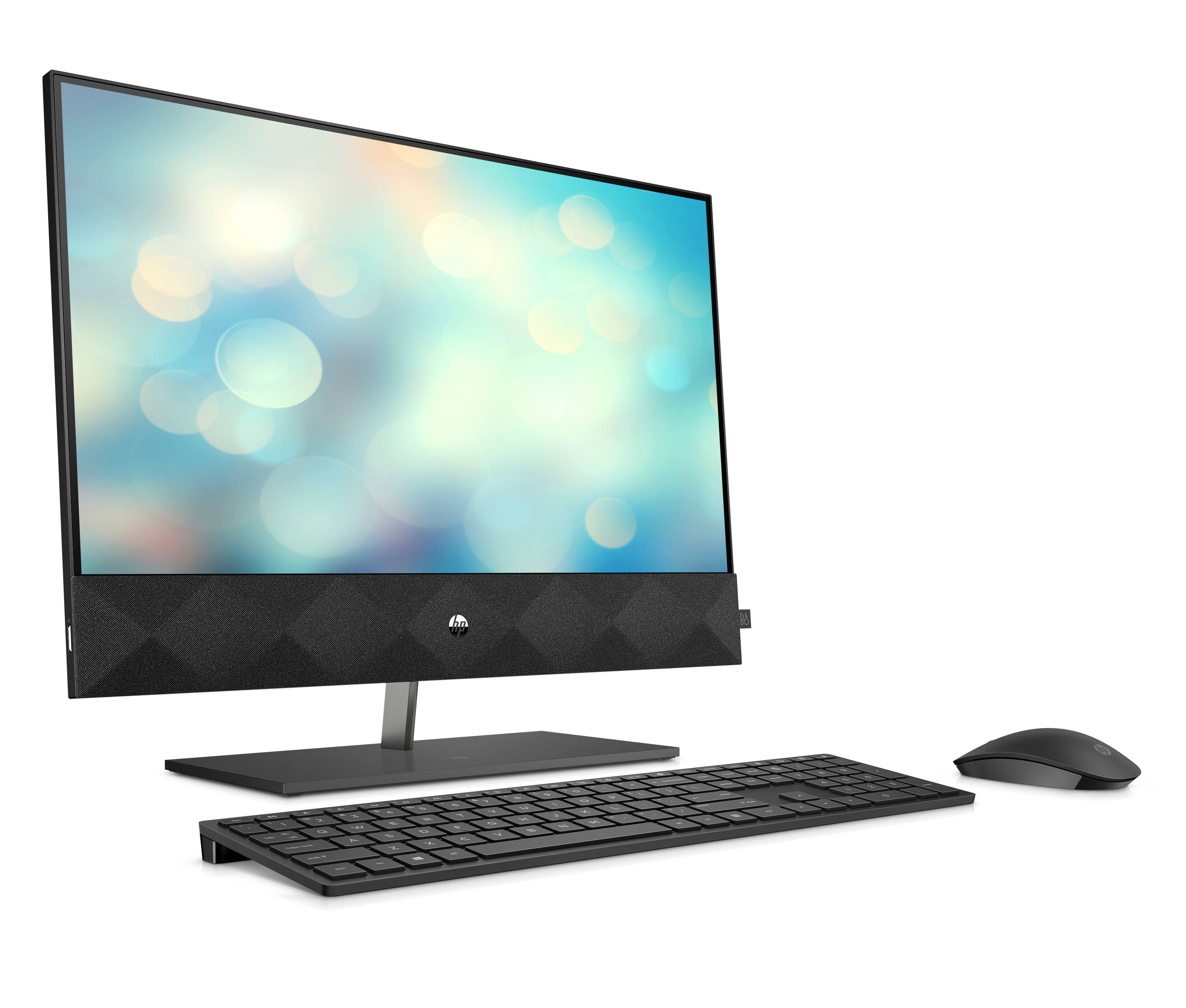
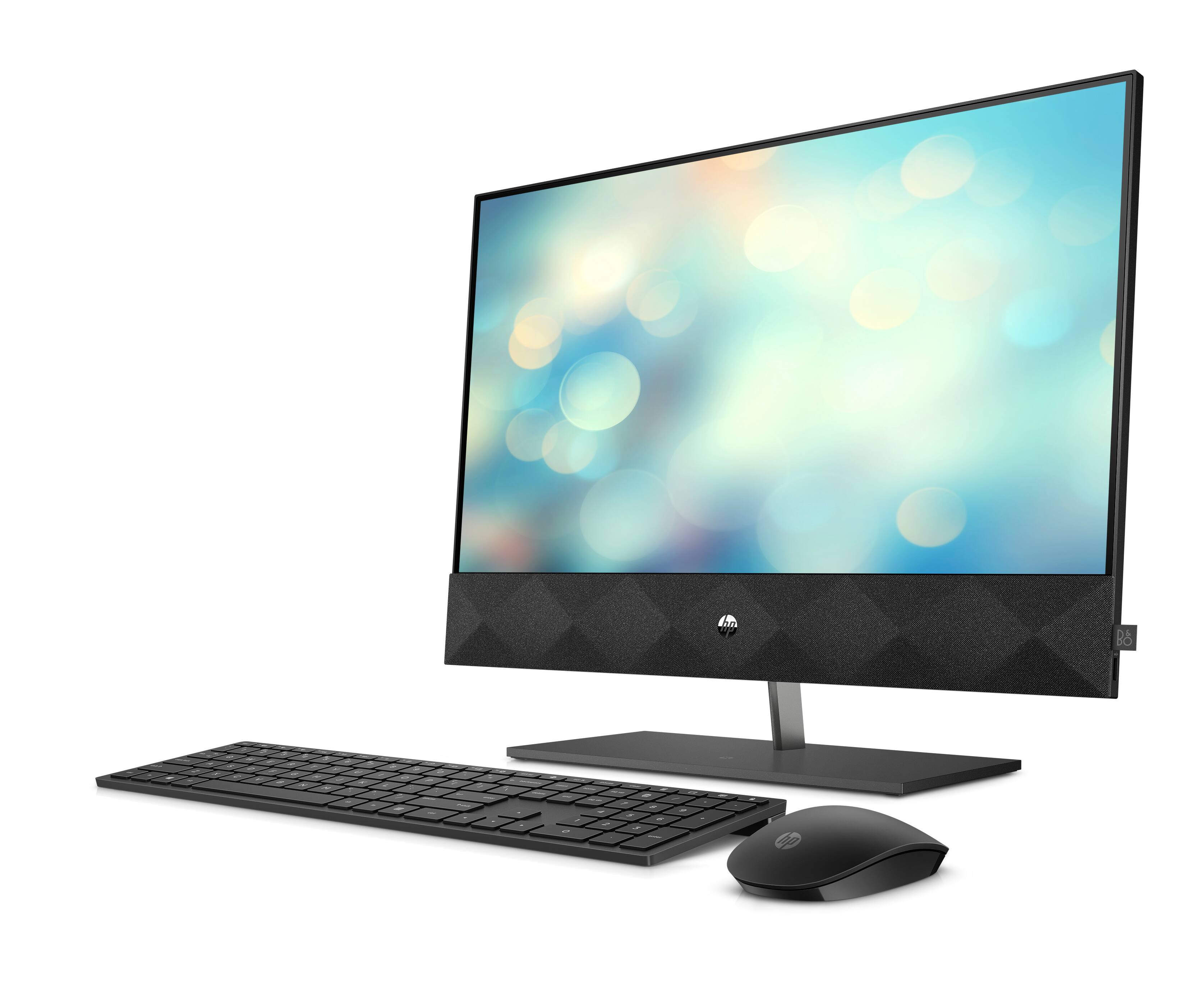
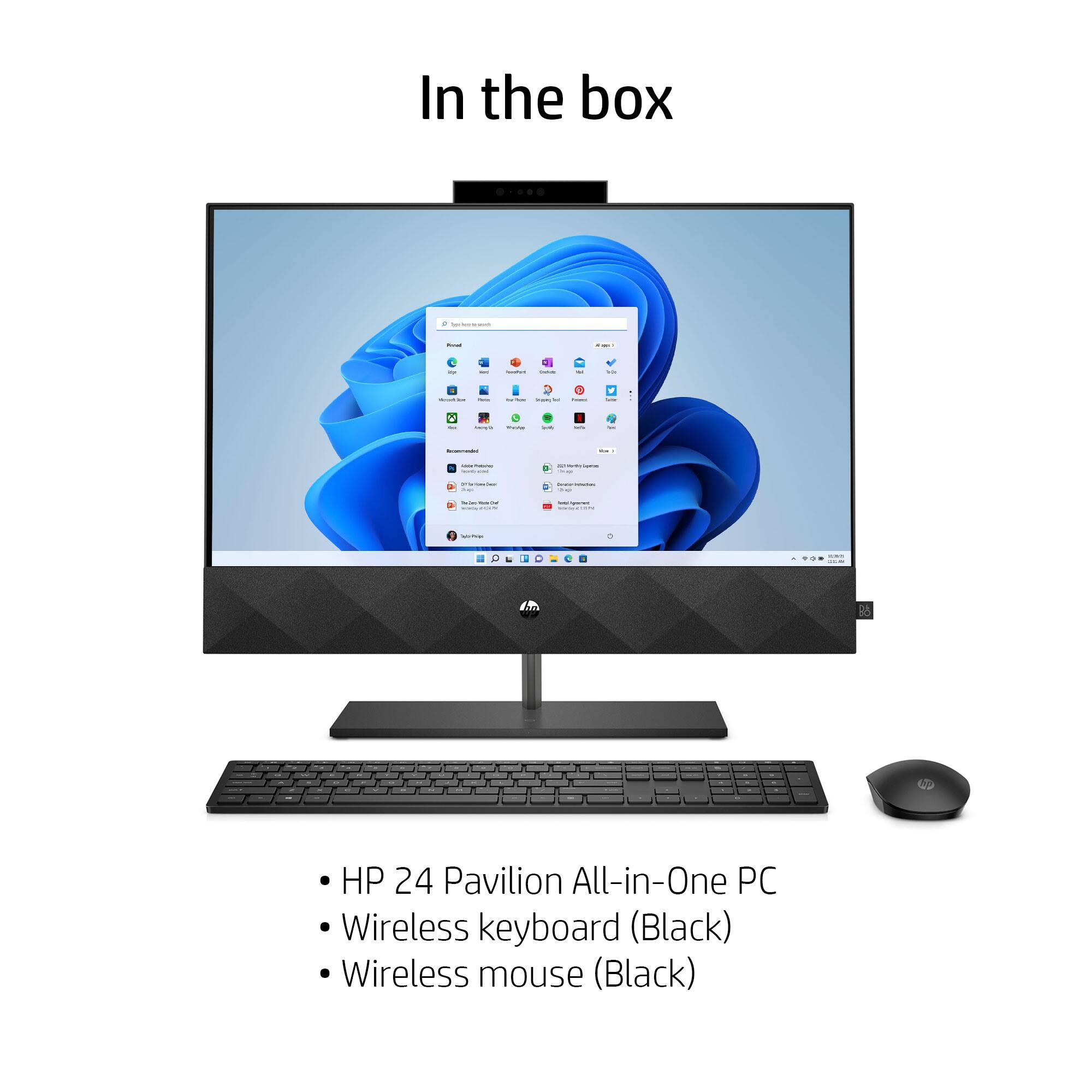
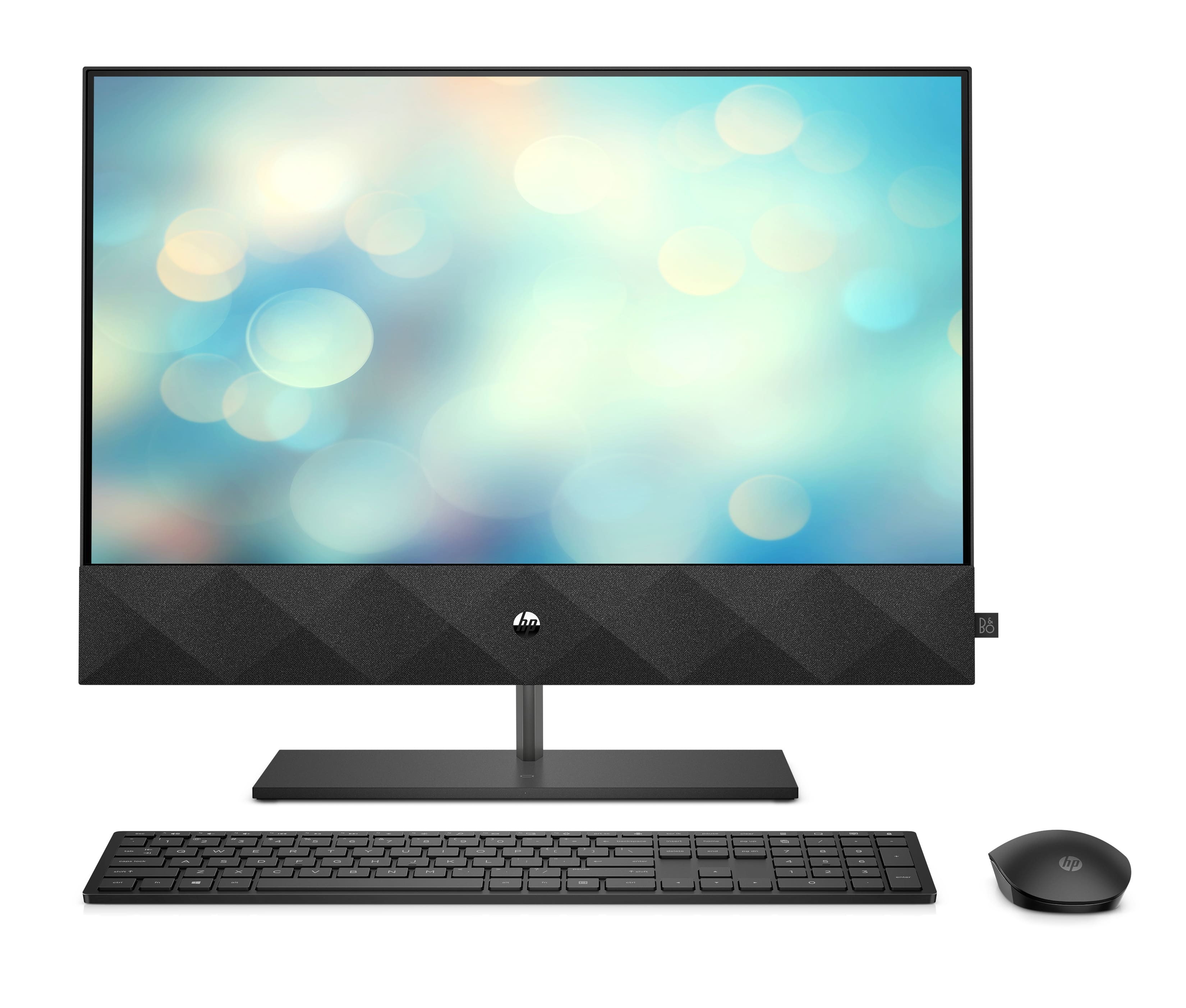
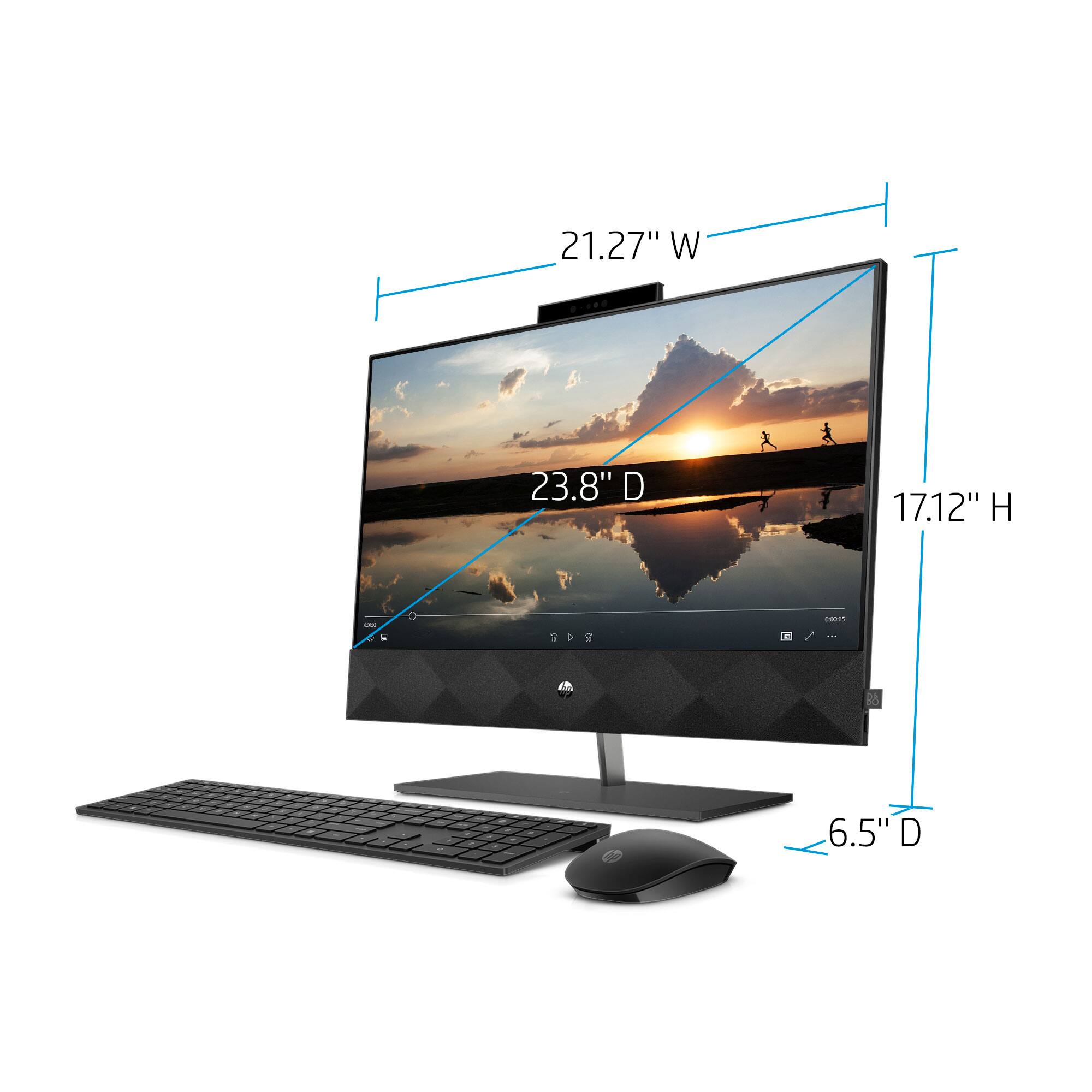
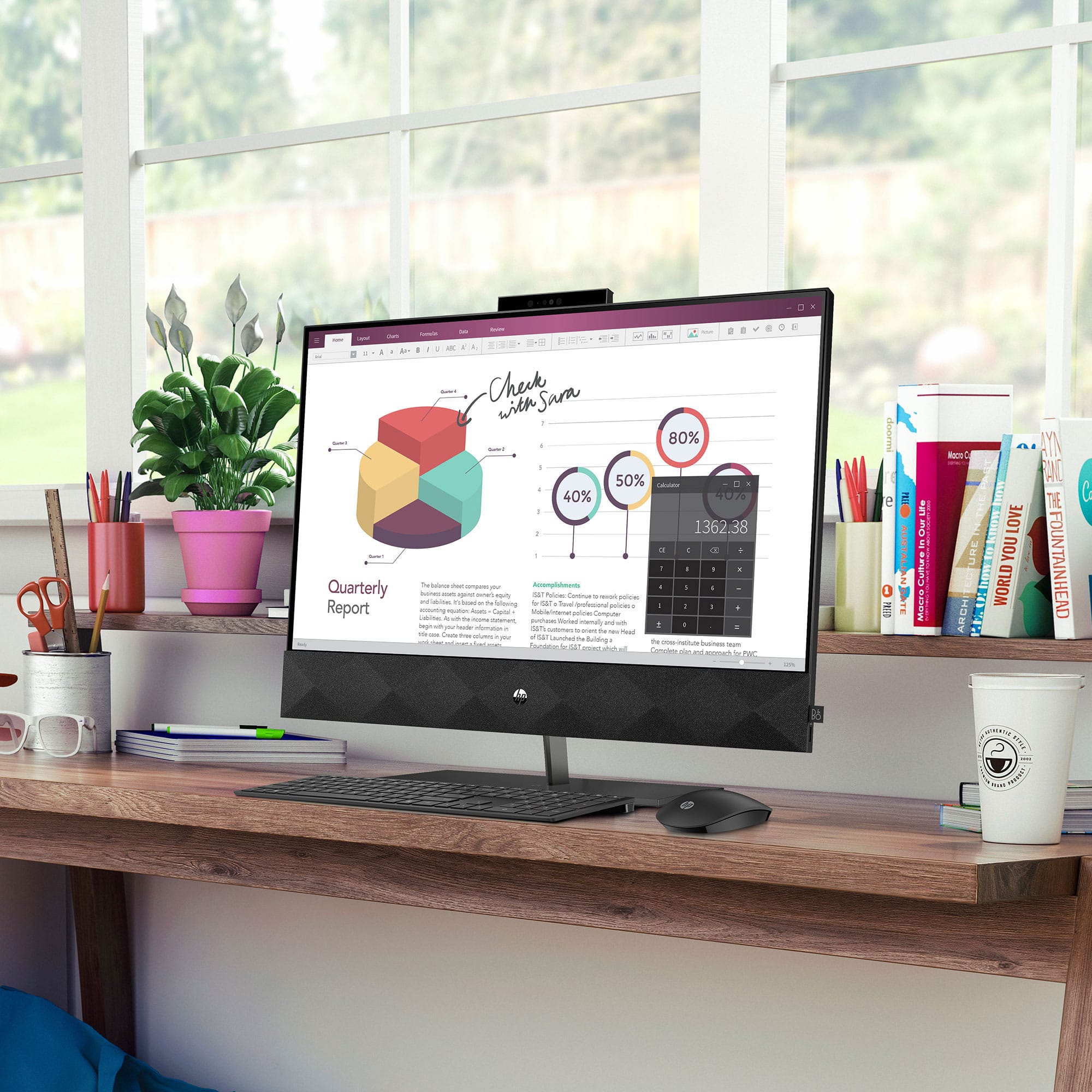
A:AnswerHi Doug, thank you for the question. Generally, the batteries will last 18 months to 2 years, although it's going to depend on what batteries are used and how much the keyboard and mouse are used. Heavy use will reduce their lifetime. The keyboard uses two AAA batteries, and the mouse uses one AA battery. Batteries are included.
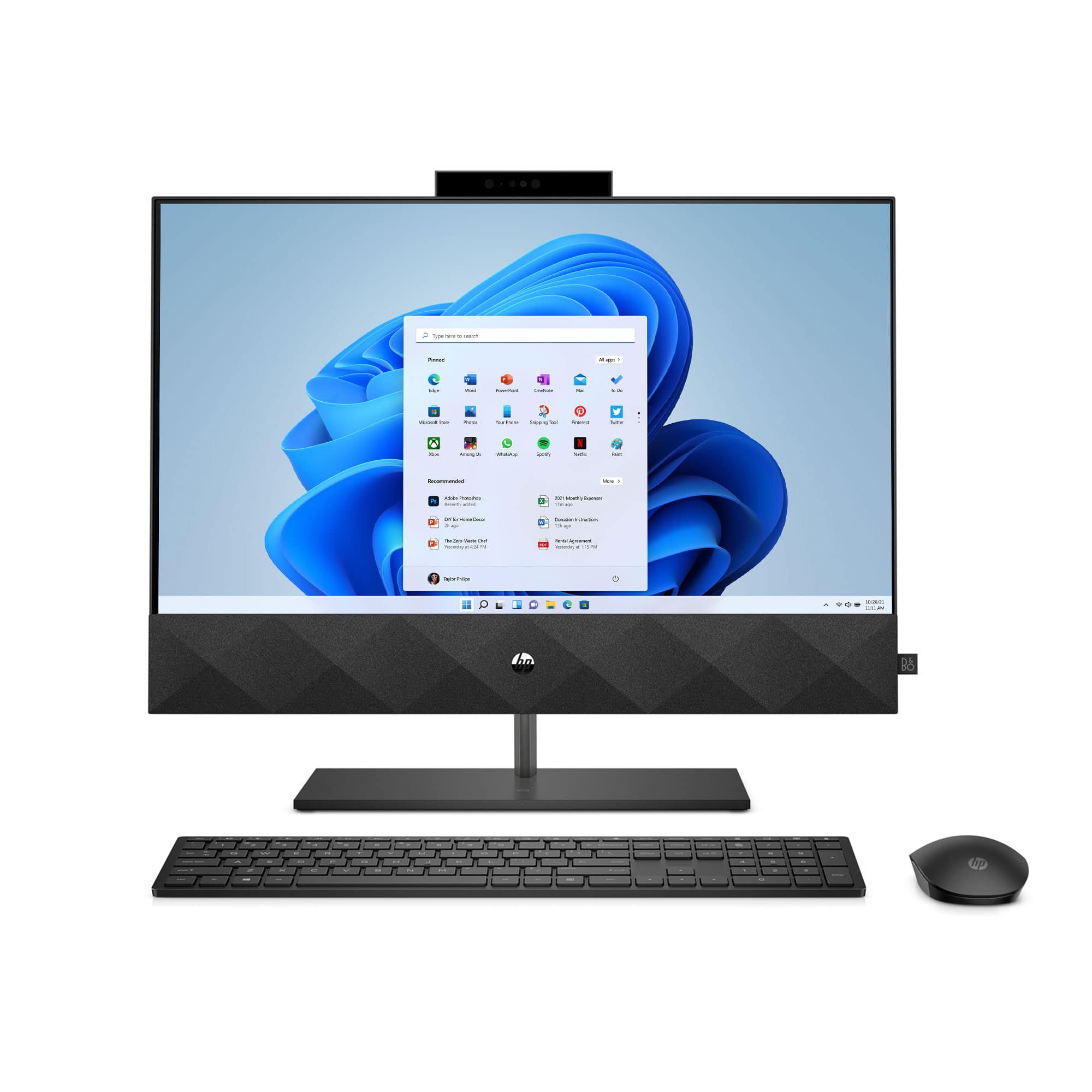
A:AnswerBrother doesn't currently provide a specific Windows 11 driver, but they should have one available shortly. You might want to contact Brother directly
A:AnswerBecause this is an all-in-one computer, it's not as upgradeable as a conventional desktop. You can upgrade the processor to a 10th generation i7, and you can upgrade the RAM from 12 gigabytes to 16. You could also remove the existing 1 terabyte NVME m.2 drive and replace it with a higher capacity drive.
A:AnswerThe closest match is this 27 inch all in one, which has an upgraded processor and more RAM. https://www.bestbuy.com/site/hp-pavilion-27-touch-screen-all-in-one-intel-core-i7-16gb-memory-1tb-ssd-sparkling-black/6477678.p?skuId=6477678
A:AnswerHello. Thanks for your question. This HP Pavilion all in one computer has a privacy camera that you can pop up when needed. It is located in the middle of the top of the screen. You would reach just beyond the screen to pop up or down the camera.
A:AnswerHello, John. Thanks for your question. Unfortunately, the 2007 Microsoft Office for Home and Student is not compatible with Windows 11. Yes, there is one Ethernet port on the back of this computer.
A:AnswerHello, John. Thanks for your question. Yes, you can use your HP Envy 4500 printer and INSIGNIA USB Keyboard & Mouse Combo with this HP Pavilion all in one computer. You can set up the printer on the new computer by visiting https://123.hp.com/setup