A:AnswerI purchased and added a stick of 8GB DDR4 2666MHz PC4-21300 Unbuffered Non-ECC 1.2V CL19
This is working well for me, including for gaming. I won't claim this is the only memory timing/spec that will work or even the best, but it is working for me and matches the info on the stick that was in my 690 Pavilion when I got in to add the memory.
A:Answerinfo on this PC: https://support.hp.com/us-en/document/c06124756
we bought this PC and upgraded the single stick of 8GB DDR4 to 2/8GB sticks of G-Skill Flare-X, which according to the manufacturer, is optimized w/AMD processors in mind: https://www.newegg.com/Product/Product.aspx?item=N82E16820232519
A:AnswerThat one towards the top of the backside of the case is not to be used. Use the HDMI port that is located on the GPU card located right above the power supply on the backside of the PC. There is one HDMI port and 3 Display ports located on the GPU interface.
A:AnswerThe only limitation you have is the size of the case. It would be a tight fit for a 3 fan GPU to fit in there. Also i did not look at the power supply wattage but its another thing to consider when buying a GPU if you have the power to support it any sub $300 dollar card should not be an issue. The RX 580 is a good card though, best one I have used to date. My other cards in different machines are Nvidia GTX 1050 ti and Nvidia GTX 960 4gig. As long as I can play at max settings Im good, i got other bills i prioritize.
A:AnswerYes but they are NOT good for gaming at all they are standard office keyboard and mouse. I would suggest spending a little more and getting a gaming mouse and keyboard
A:AnswerI installed fortnite to this computer just to see how well it would perform. I did not play it too long because I do not like the building aspect and I'm no good at it but I did play it enough to say that this computer handled fortnite very well. It automatically detected the best settings to put my computer on high graphics and it ran great with no lag.
A:AnswerIt supports up to an AMD Ryzen7-2700. As for the GPU, any GPU should work as long as you upgrade the PSU. The included RX580 is wonderful and should be able to handle anything you want to run.
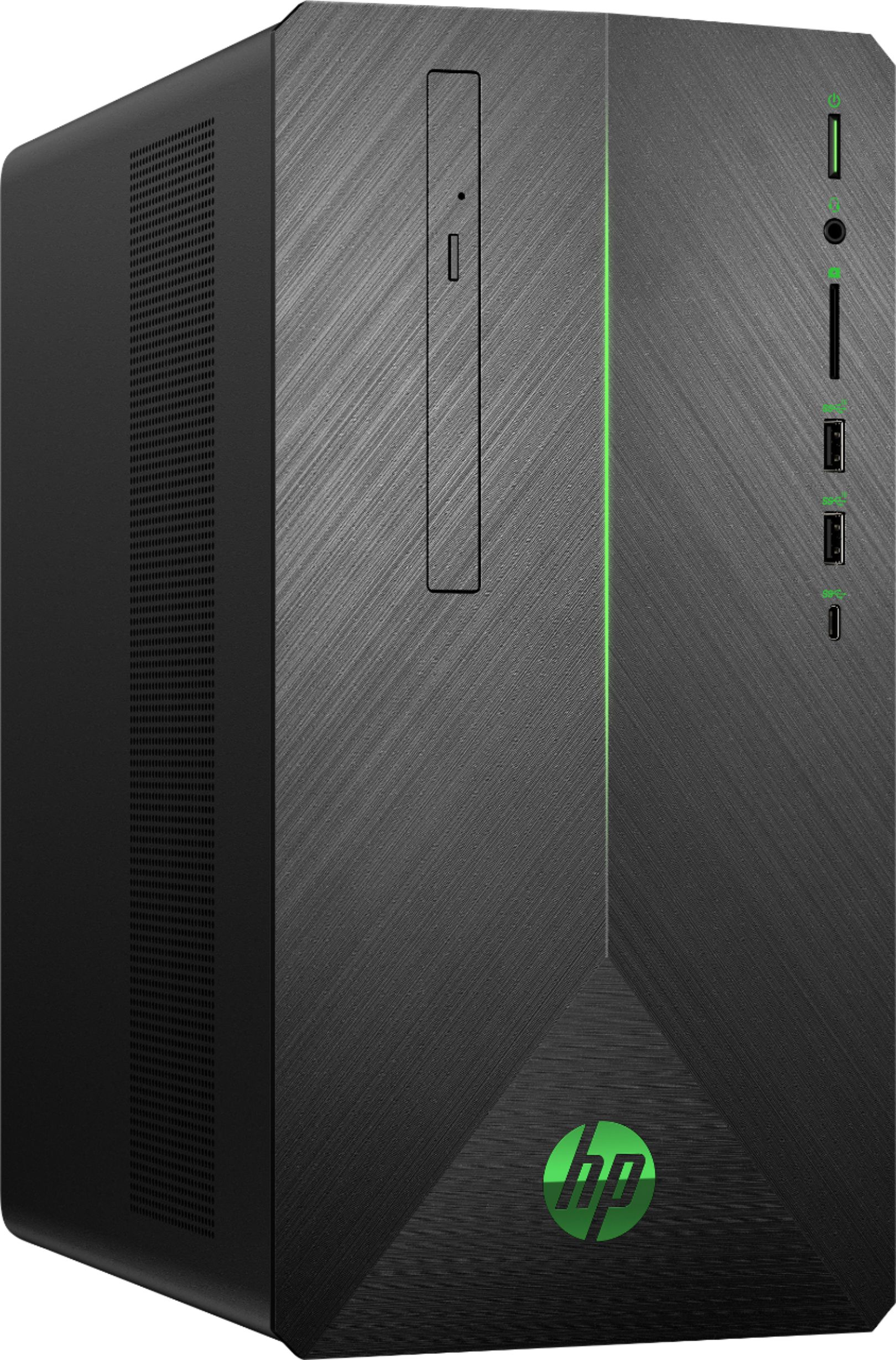
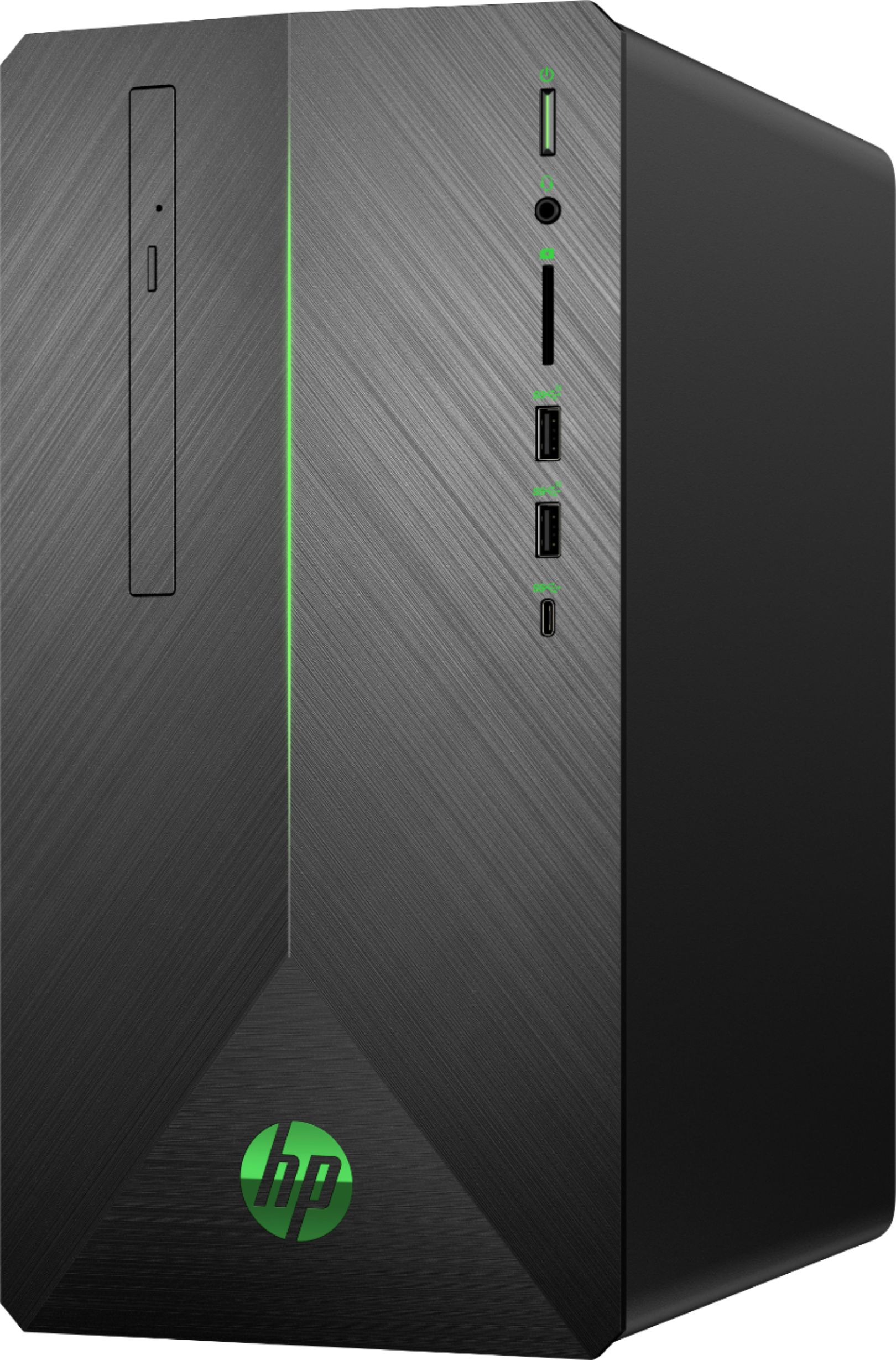
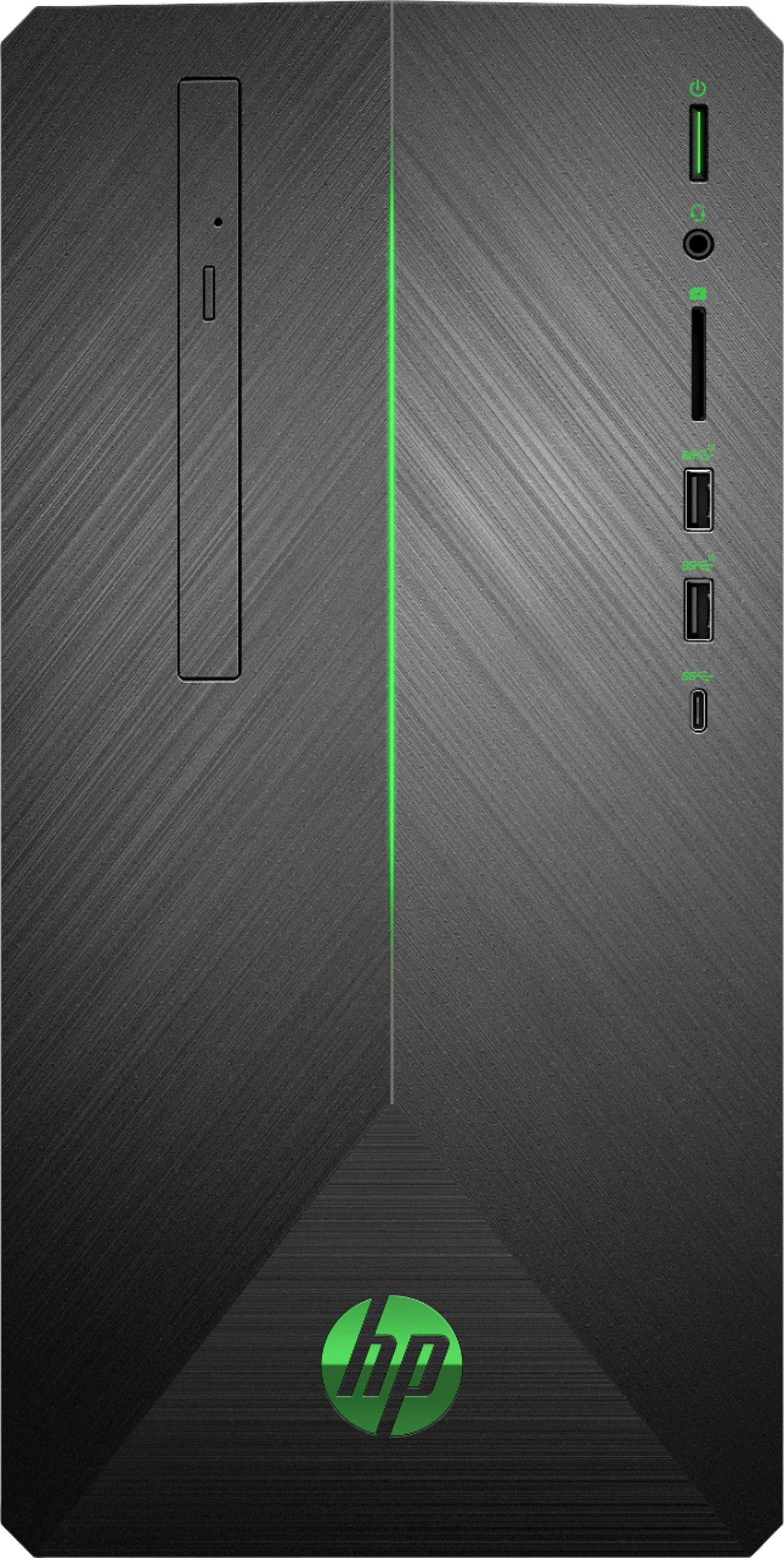
A:AnswerIt has 9 USB ports total. The front has 2 USB 3.1-Type A and 1 USB 3.1-Type C (3 total). The back has 2 USB 2.0 and 4 USB 3.1 (6 total). So 3 on the front and 6 on the back = 9 altogether.
A:AnswerYou need to have a VR headset that connects to a computer in order to use the VR functionality. The Samsung Gear VR headset uses a smartphone instead of a computer, so it will not be compatible.