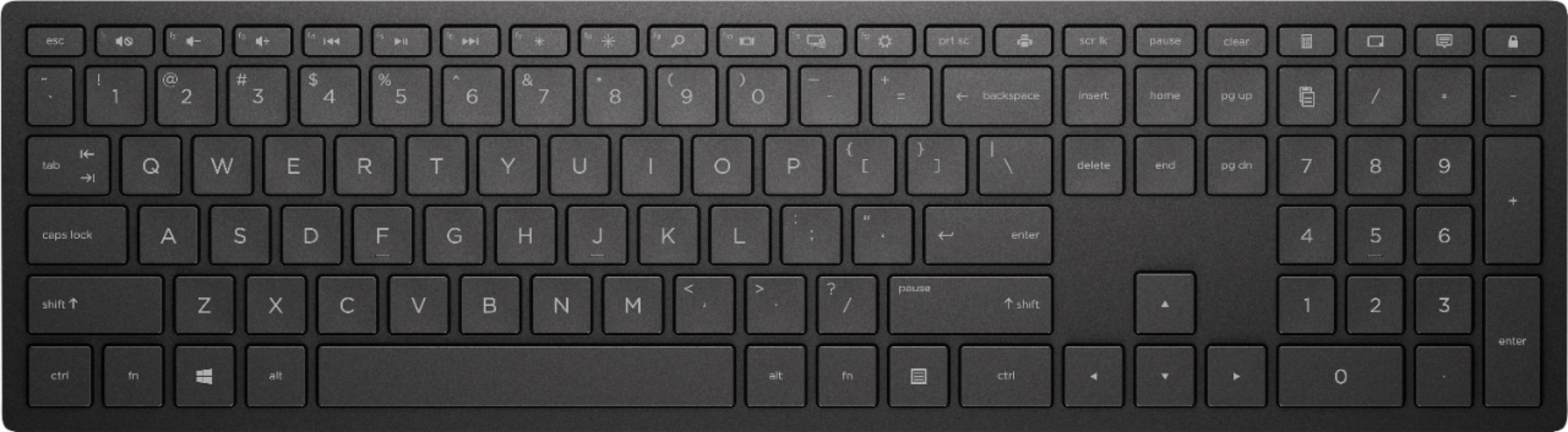
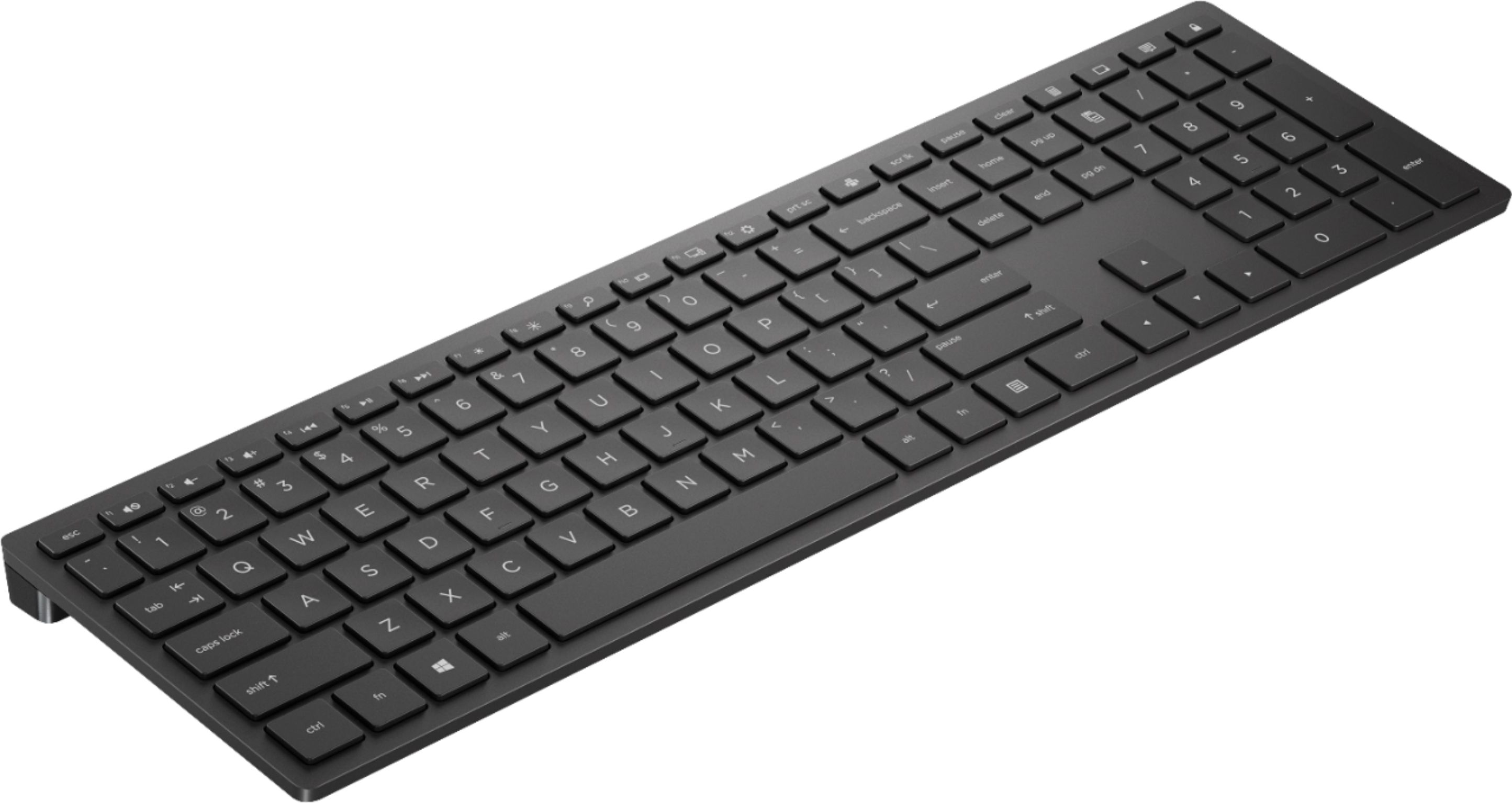
A:AnswerYes, It's 17-3/4" long. I don't find any particular problem with this because I usually use it flat on my work surface and it's thin enough I can angle it slightly if I like. Despite the length it's pretty comfortable to use for my purposes. FYI it's 7-3/4" from top to bottom. It's just heavy enough that it doesn't skid all over the place but not so heavy as to be a noticeable pain in the rear to carry around,
A:AnswerI had Best Buy research compatibility. I requested an original mfr replacement. That's what I received. It works great.
Have your HP model number ready and make the call before ordering.
A:AnswerIf you are using this keyboard with a non-HP computer there is no reasonable way to change the way that the functions keys work, you have to press the fn key. The only way I have found is to use an AutoHotKey script that runs at startup and remaps most of the keys to be function keys by default. The alternate use of the key is obtained by pressing the fn key. I did not write it but I found the below and it worked for me:
The attached code is written based on the association of media function keys and F keys on Pavilion Wireless Keyboard 600 only.
1. Go to https://www.autohotkey.com/download/ to download AutoHotkey.
2.Right-Click on your desktop.
3. Find “New” in the menu.
4. Click “AutoHotkey Script” inside the “New” menu.
5. Give the script a new name. It must end with a .ahk extension. For example: MyScript.ahk
6. Find the newly created file on your desktop and right-click it.
7. Click “Edit Script”.
8. A window should have popped up, probably Notepad. If so, SUCCESS!
9. Copy and paste the attached code into Notepad, and save the file.
10. Double-click the file/icon in the desktop to run it.
11. Create a shortcut of this .ahk file and move the shortcut to the “Startup” folder so that the script runs automatically every time you start windows.
The drawback of this method is that I haven’t found a way to revert the F7 & F8 keys. Therefore, only F1 through F5 and F8 through F12 can be reverted to achieve the effect of unlocking Fn lock by this code.
#NoEnv ; Recommended for performance and compatibility with future AutoHotkey releases.
#InstallKeybdHook
SendMode Input ; Recommended for new scripts due to its superior speed and reliability.
SetWorkingDir %A_ScriptDir% ; Ensures a consistent starting directory.
; Below based on HP Pavilion Wireless Keyboard 600
; F1 | Mute
VOLUME_MUTE::F1
F1::VOLUME_MUTE
; F2 | Volume Down
VOLUME_DOWN::F2
F2::VOLUME_DOWN
; F3 | Volume Up
VOLUME_UP::F3
F3::VOLUME_UP
; F4 | Last Song
MEDIA_PREV::F4
F4::MEDIA_PREV
; F5 | Play/Pause
MEDIA_PLAY_PAUSE::F5
F5::MEDIA_PLAY_PAUSE
; F6 | Next song
MEDIA_NEXT::F6
F6::MEDIA_NEXT
; F7 | Brightness Down
; F8 | Brightness Up
; F9 | Search
BROWSER_SEARCH::F9
F9::BROWSER_SEARCH
; F10 | Toggle display mode for multi-screen
<#Tab::
SendInput {F10}
Return
; F11 | ???
<^<#F21::
SendInput {F11}
Return
; F12 | System Settings
<#F21::
SendInput {F12}
Return