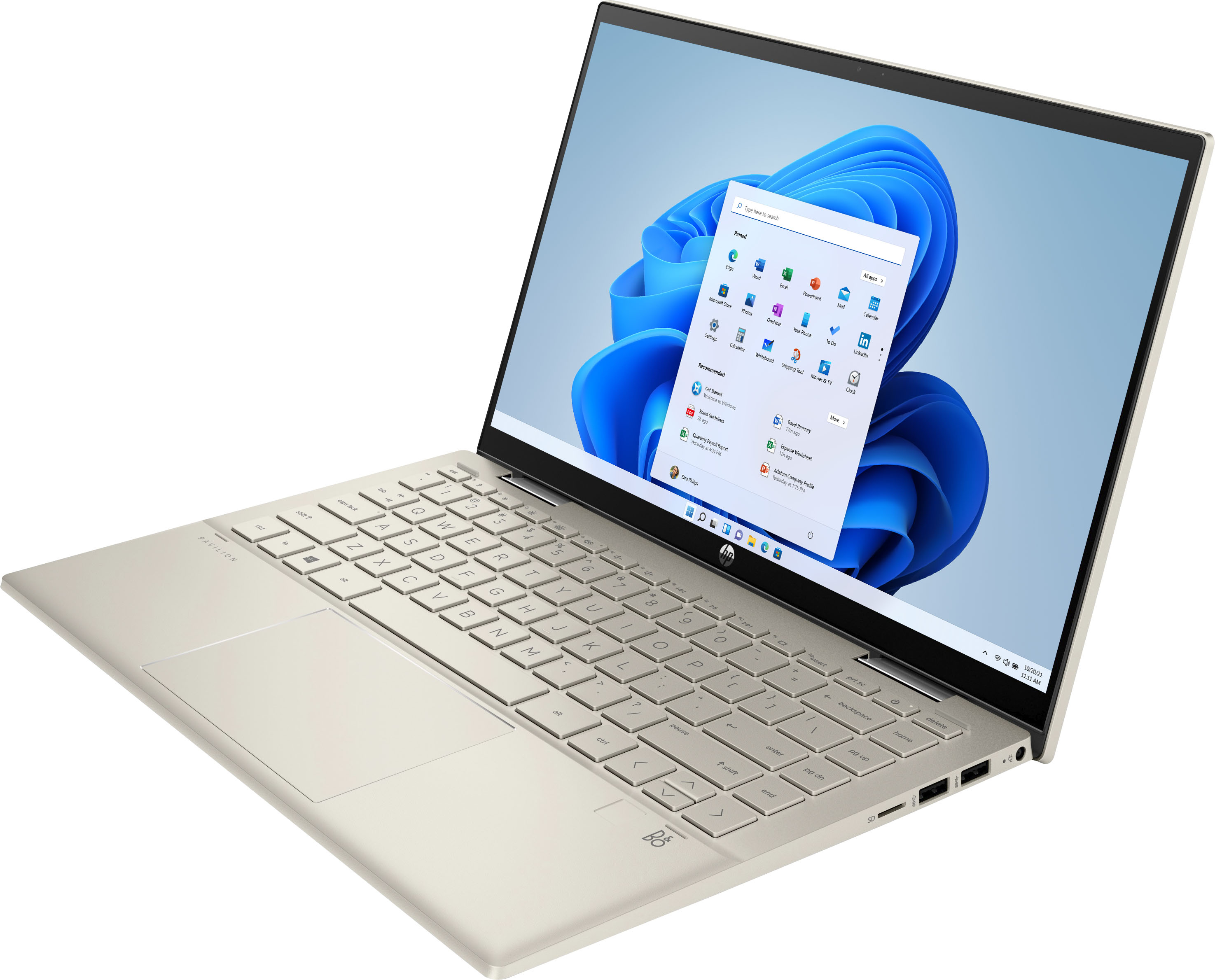
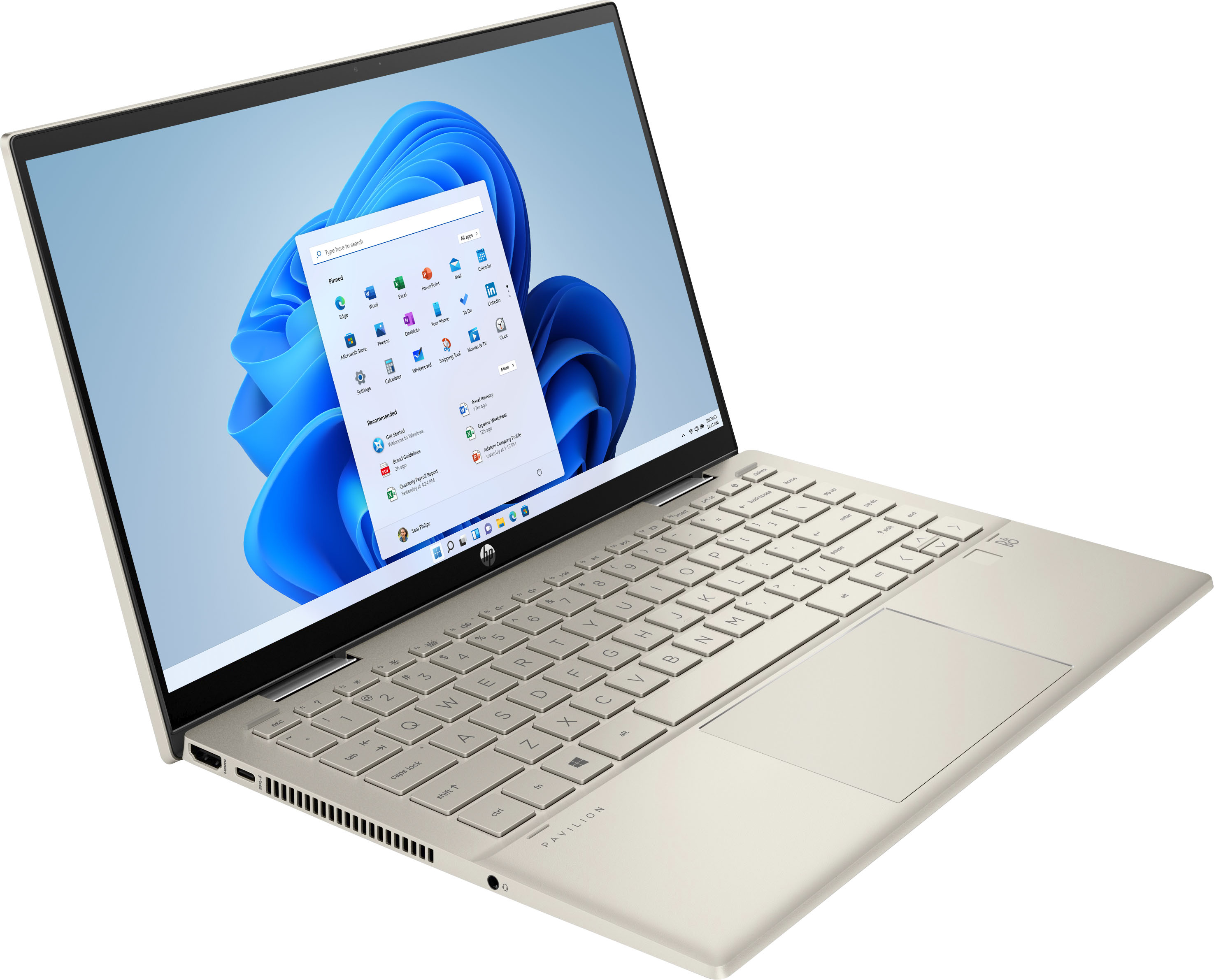
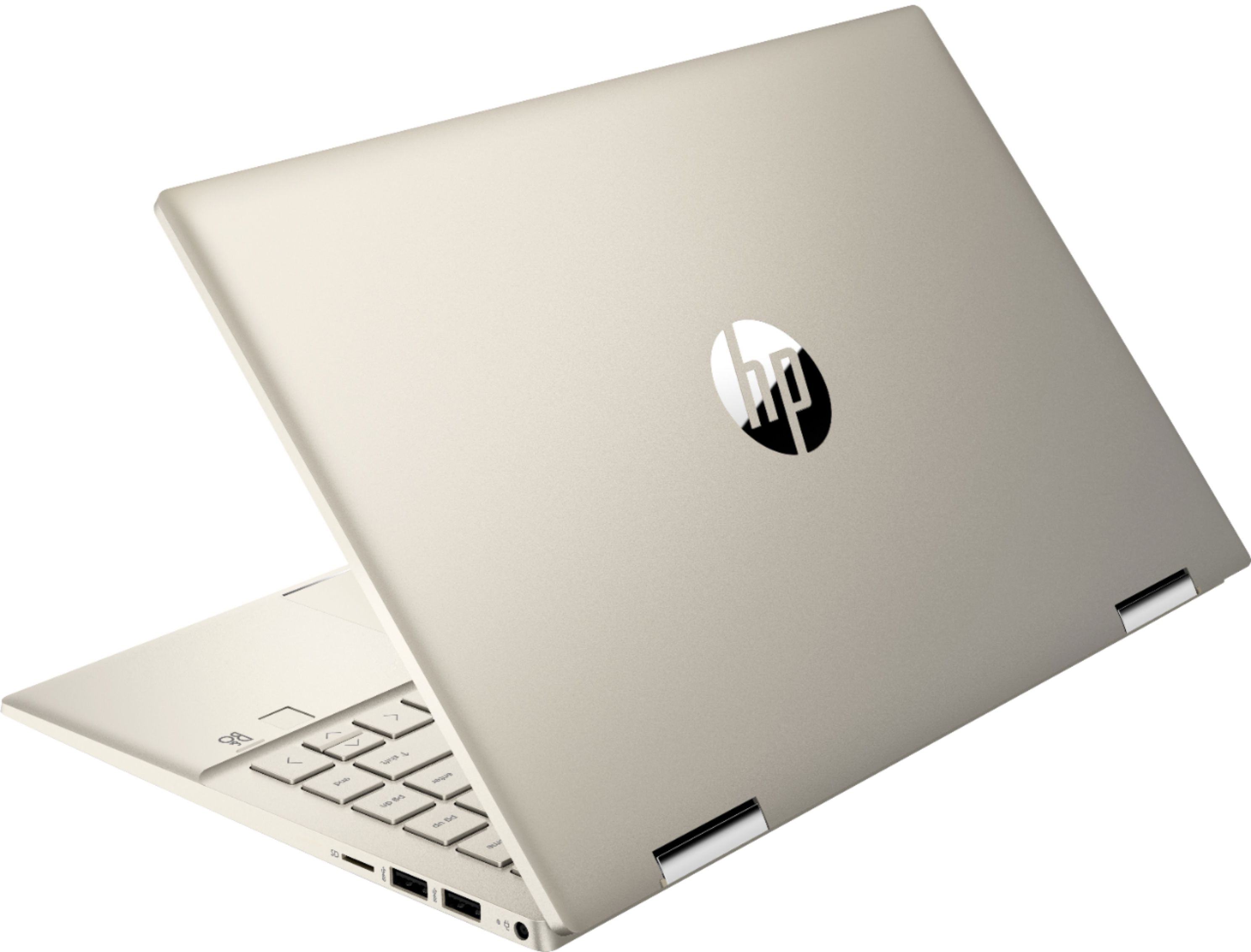
A:AnswerThank you for the question. This model uses a 65W adapter/charger.. This charger connects to your USB-C port: https://www.bestbuy.com/site/insignia-65w-usb-c-wall-charger-black/6362822.p?skuId=6362822
A:AnswerThank you for the question. The Pavilion 14m-dy0113dx is presented with Windows 11 Home in S Mode. While you can convert the system out of S Mode, it has to be Windows 11. it cannot be rolled back to Windows 10.
A:AnswerThank you for the question. The Pavilion 14m-dy1023dx has Windows 11 Home. You can customize it to add the Chrome browser and use your Chrome apps.
A:AnswerHi Willie, thank you for the question. We weren't able to find the JW Library system requirements, other than it can be downloaded to a Windows device. Please reach out to the developer to ascertain file storage, RAM, and other requirements. (In the event that 256GB is not enough storage, remember that you can use a flash drive or external SSD to augment storage).
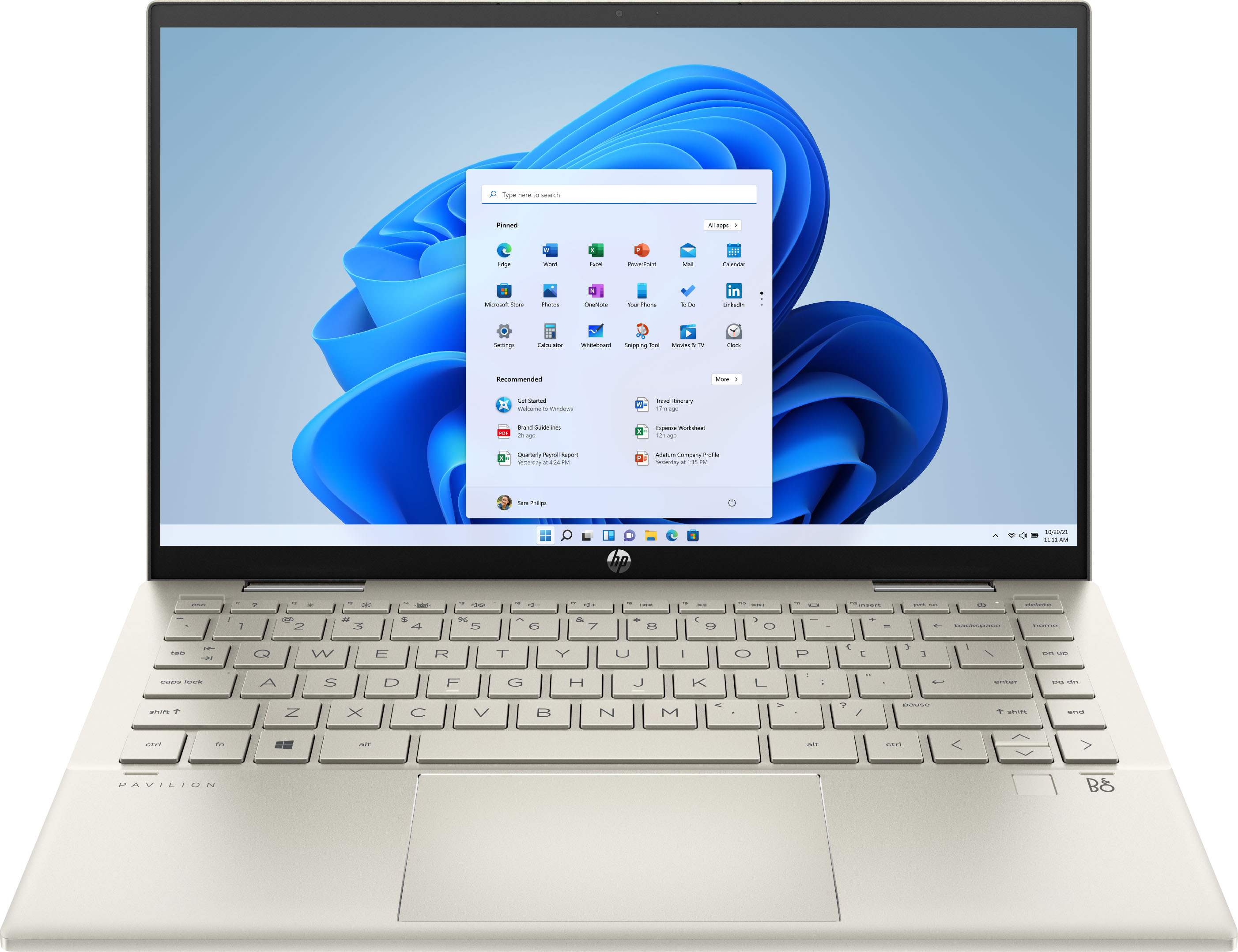
A:AnswerThis Pavilion x360 laptop comes with the Windows 11 Home in S mode operating system. Once you take it out of S mode, you cannot go back to S mode.
A:AnswerNo. If that is what you are looking for, I suggest you contact cellular carriers in your area. They would likely give you the best deal on something like that, for the same reason that they would give you the best deal on a cellphone: they want to sell you the service and get you to use it as much as possible, since that is their bread and butter.
A:AnswerThank you for the question. In general, yes. But you might want a laptop with more internal storage. Alternatively, you can use cloud storage or connect to an external hard drive - they are very affordable.