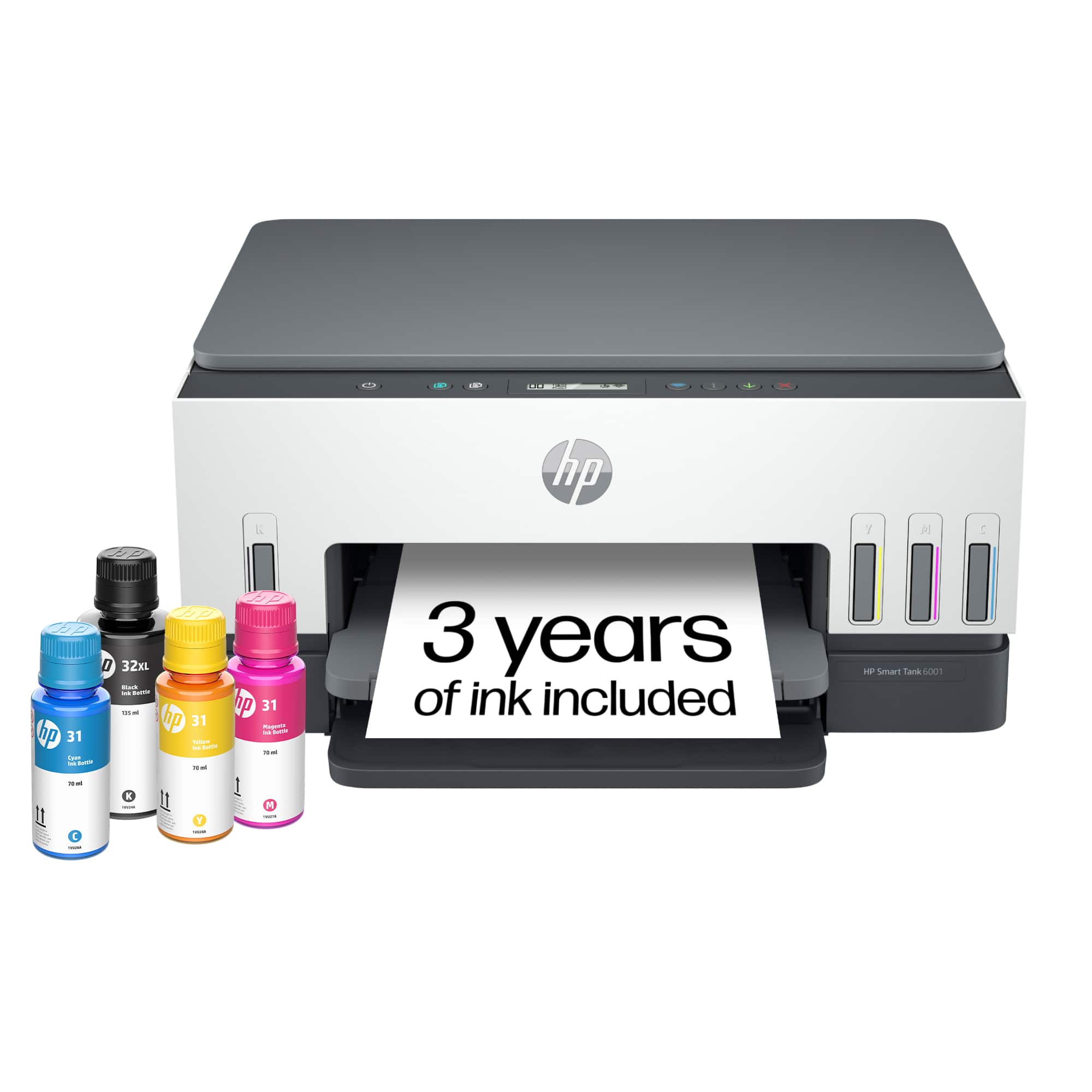
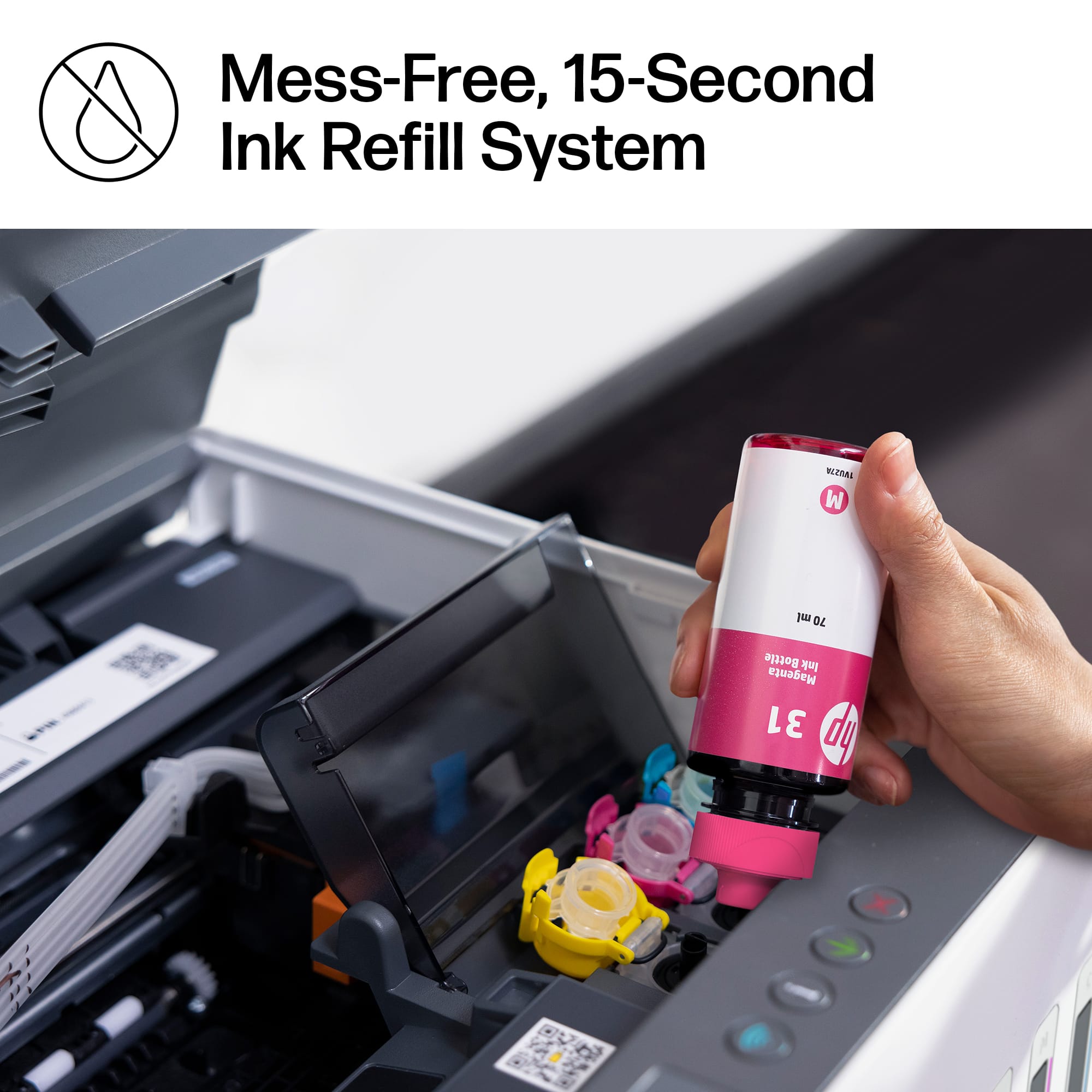
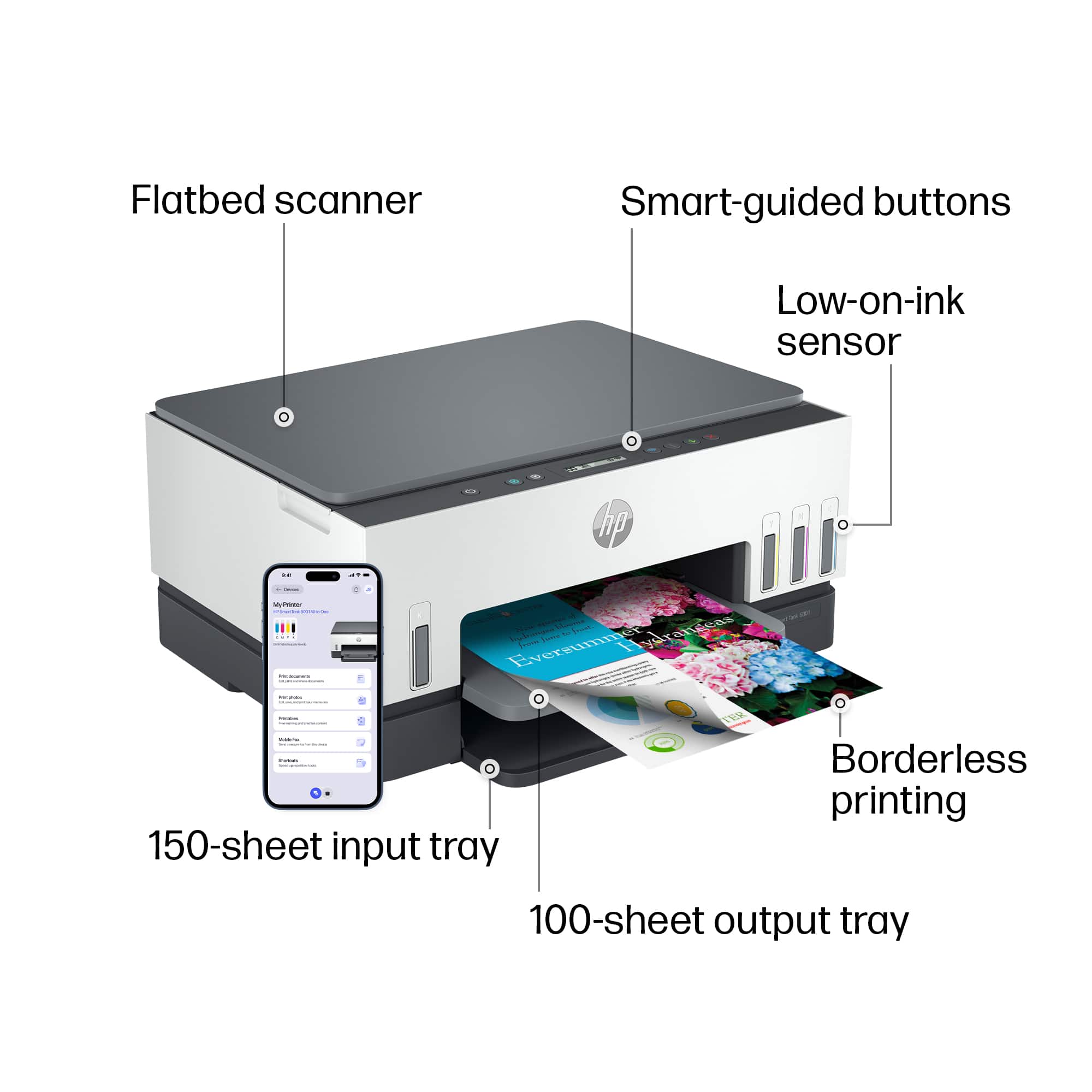
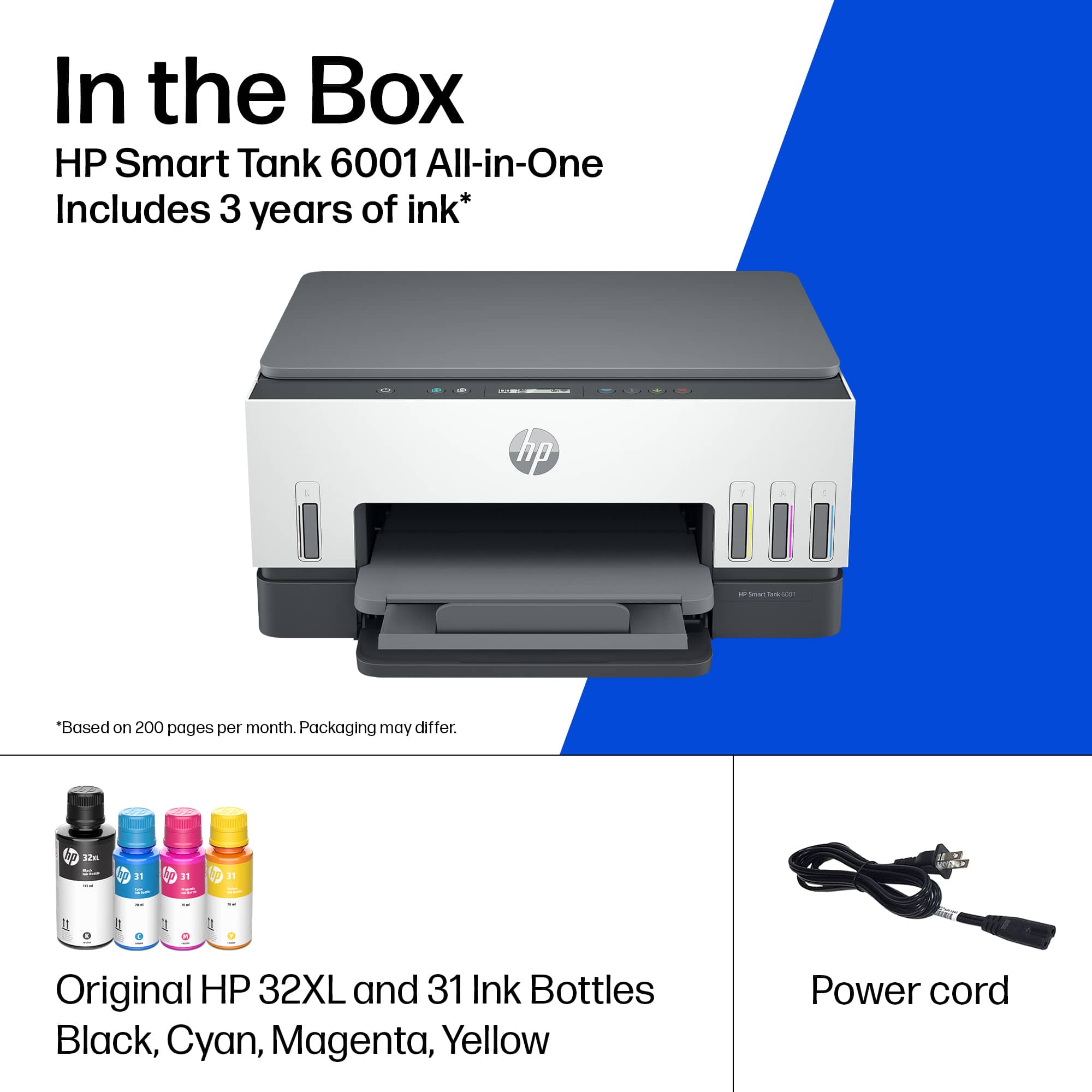
A:AnswerThank you for your question. The HP 31 ink magenta, cyan, and yellow are dye-based and the HP 32 black is pigment-based. This printer can handle up to 110-pound card stock.
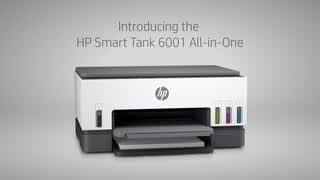
A:AnswerI just bought the HP6001 printer and it does the same thing. So I bought a second one with intentions of returning the first, but they both make that constant high pitched buzzing sound. Some people can't hear it, but for those of us who can it's awful.
A:AnswerI use the app that hp provides you access to for free. Yes, for free. I can fax, copy, print, do a lot and when you send a document to print it describes and ask how many copies. Read each line and you will see.
A:AnswerYes but you have to give it extra time to dry. A little trick i learned is to put it in the freezer for about 10 minutes and you will be good to go.
A:AnswerThe HP Smart app on your phones app store will find the device and walk you through set up. This will require a WiFi source.
It sounds like you are setting up WiFi Direct if you are printing a passcode, which is using a device network rather than data network. Which will not set up the device initially.