A:AnswerAs long as you turn the printer off using its power button, you should have no problems. Using the power button gives the printer the chance to cap the printheads so they're not exposed to air-and it's that air exposure that leads to the ink drying and clogging the head.
A:AnswerI had the same question. A search on the theorynet turned up a lot of suggestions that my monitor (laptop) display needed to be calibrated. A fancy way of saying we need to dumb down the beautiful displays we look at (phone & laptop) to make the printed photos match the (now degraded) laptop & phone. I call BS on that.
I found that very often, I needed to over-adjust the photos prior to printing to get a very good photo that "popped" with color & contrast.
If it was just a comparison to my laptop, ok, maybe calibration. But same issue with my phone?...…. I don't think so.
Salesman at Best Buy told me only a cartridge-type printer would produce great photos. I tried the model he suggested & the prints came out exactly same as the HP 551 Tank.
A:AnswerThanks for your interest in HP Smart Tank printers! Yes the HP Smart Tank Plus 551 printer is compatible with Apple M1 chip PC's running Big Sur OS.
A:AnswerThe HP Smart Tank Plus 551 printer uses WiFi technology. Once you connect the printer to your wireless network, then you can set up the printer on the Chromebook. Here are some instructions on how to connect the printer to the Chromebook: https://support.hp.com/us-en/document/c04122530
A:AnswerHello. We are sorry to hear about the challenges you are experiencing. If you have a Windows computer, we recommend using the HP Print and Scan Doctor to diagnose the issue: https://bit.ly/2OOvDA6 If you need further assistance, visit https://support.hp.com
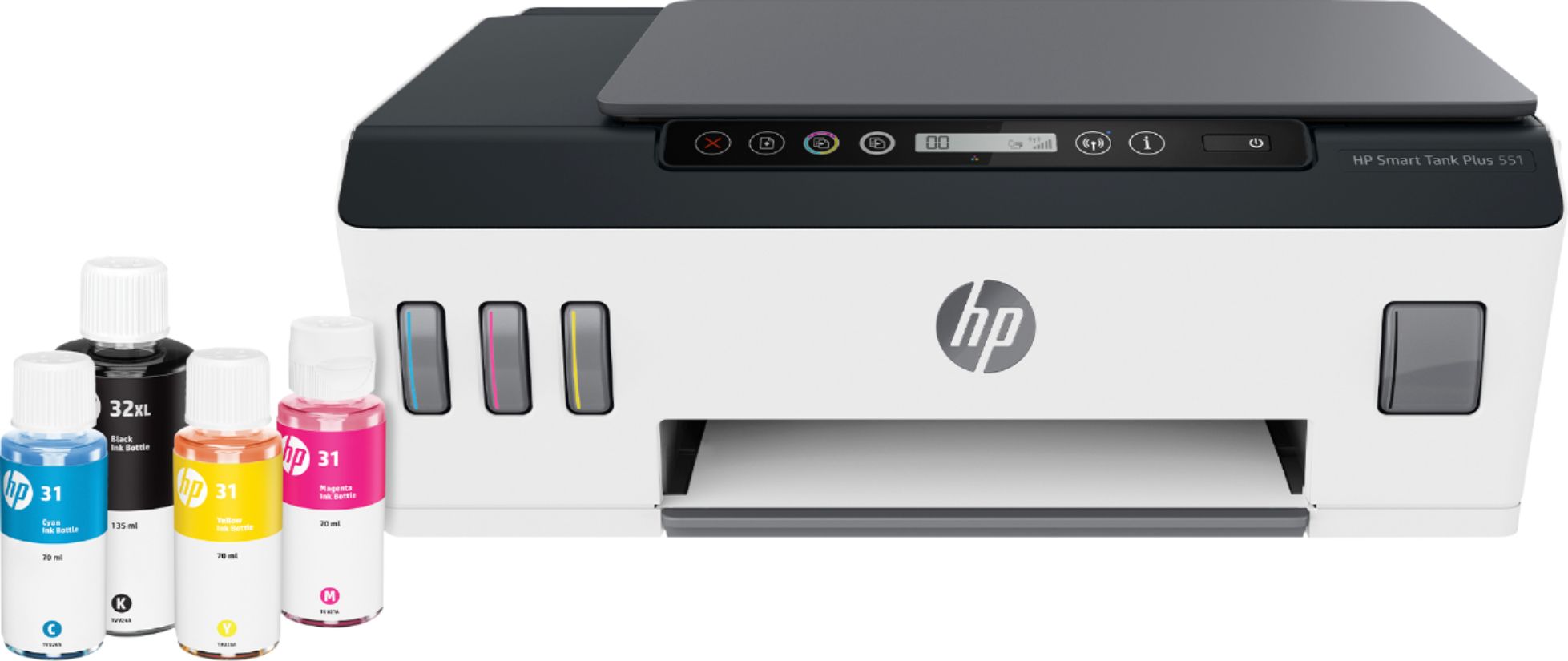
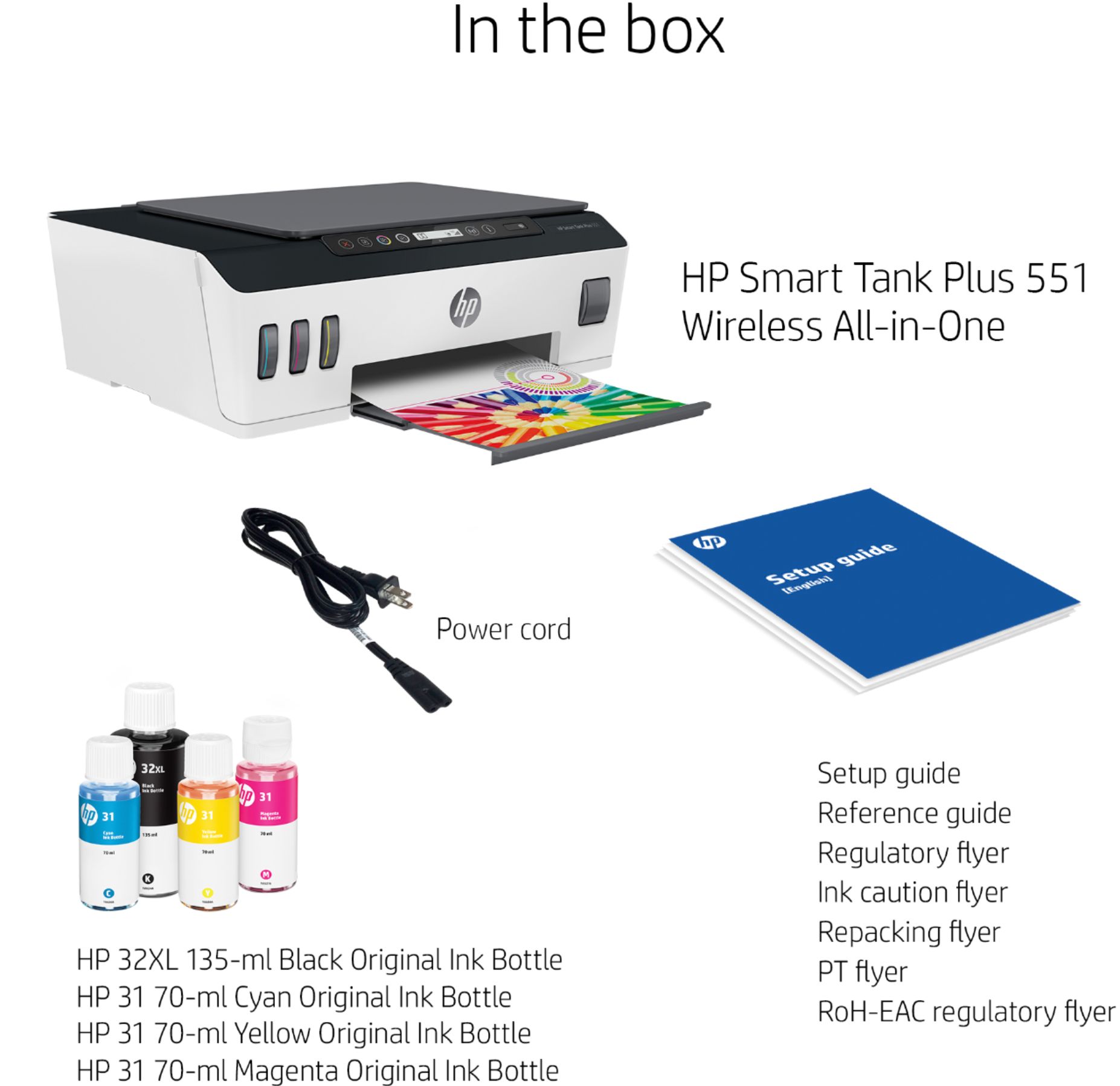
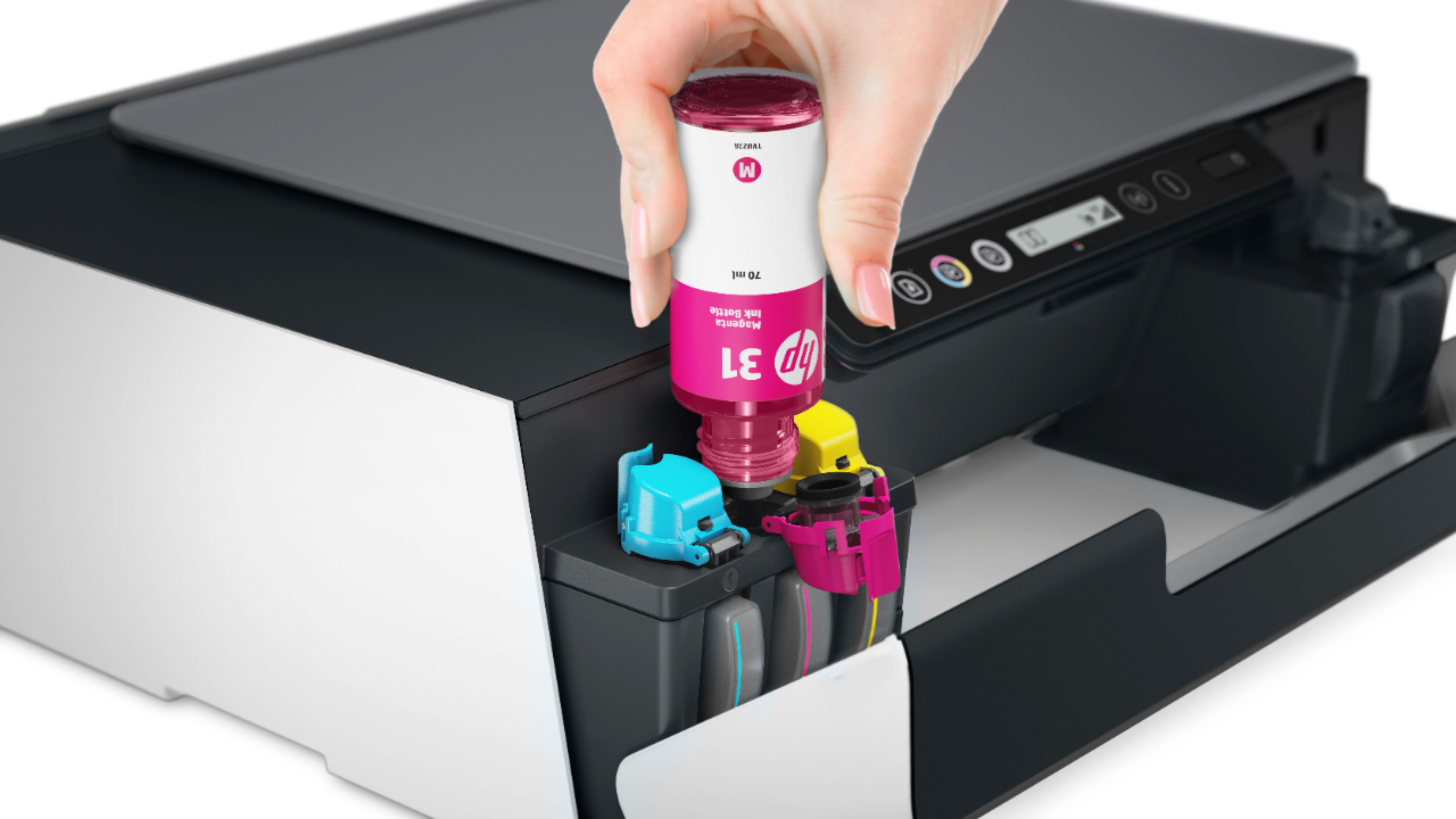
A:AnswerThank you for the question. Apologies, you'll need to purchase replacement ink bottles. The included ink is sufficient for 6,000 color pages (composite) and 8,000 black and white pages, based on an ISO standard of about 15% ink coverages per page. That equates to about a two year supply of ink. Printing of photos or other high-graphic files will use more ink than printing emails, etc. The following footnote applies to the Smart Tank 551 and was included on the box/packaging: *Based upon 200 pages per month usage. Actual yield varies considerably based on content of printed pages and other factors. Average based on ISO/IEC 24711 or HP testing methodology and continuous printing. Some ink from included bottles is used to start up the printer. For details see http://www.hp.com/go/learnaboutsupplies.