A:AnswerIt depends on the person. After purchasing one I can easily say 32GB will barely suffice for most. Even with a 32GB memory card in mine for media I still only have about 1.5GB of space left. About 1.5GB of the 32GB are apps, and everything else has been moved to the cloud, so this does concern me.
A:AnswerThis HP PC ships with the following software:
Operating System:
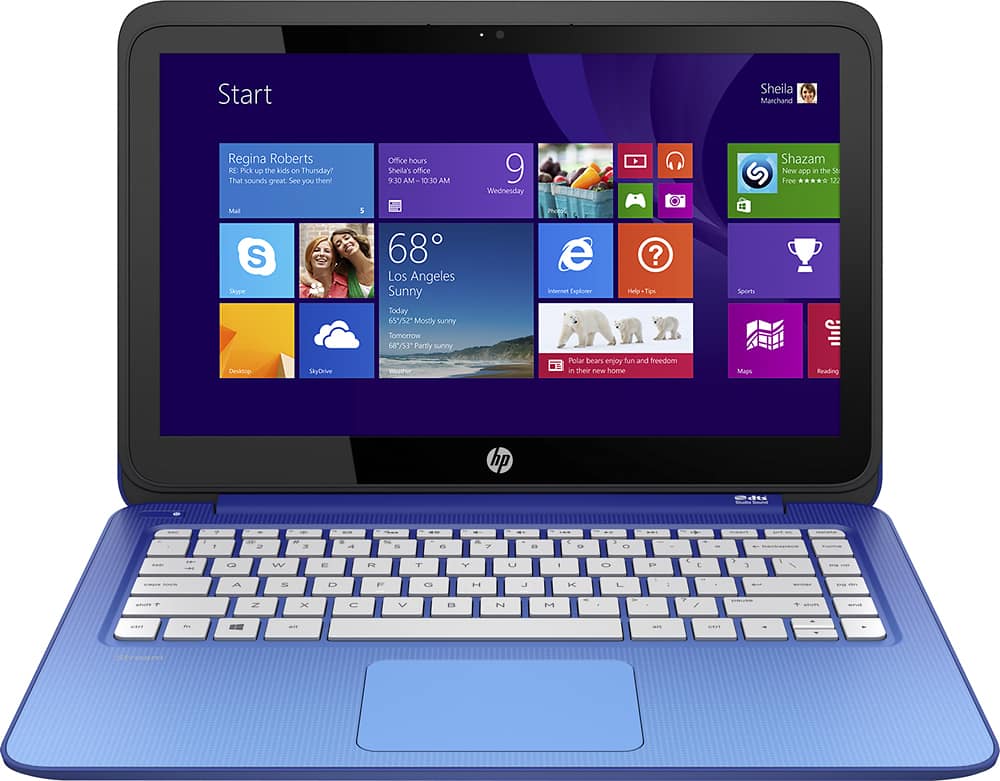
Windows 8.1 (64-bit)
Communication Chat:
Skype
mysms: Send and receive texts on your PC.
HP Help Support:
HP Support Assistant: With HP Support Assistant, enjoy immediate, always-on, self-help support built right into your PC, for the life of your PC, absolutely free.
HP Utility Center: With the HP Utility Center on Windows 8 PCs, get one place to control your settings for all things HP.
Getting Started with Windows 8: HP’s application makes it fun & easy to get to know Windows 8. Let us help you learn the basics of navigating the new Start Screen, powering off your device, and additional tips and tricks through helpful step by step videos.
Shopping Services:
TripAdvisor: Easily find the lowest airfare, the best hotels, great restaurants, and fun things to do wherever you go.
Books, Music, Photos, and Videos:
HP Connected Music: Listen to music from multiple sources – all from one app. Enjoy your local music library together with streaming services, including an exclusive integrated Beats Music experience.
HP Connected Photo: Enjoy your photos, anytime, all in one place. Easily access photos across your PC and mobile devices, then celebrate your memories with photo cards, gifts, and prints.
Netflix: Watch movies and TV online or via DVDs with subscription.
Productivity Tools:
7-zip: File Archive Utility
Dropbox: Get 25GB of free online storage for six months with Dropbox.
HP ePrint: Print from your favorite hotspot or when you have internet access with HP ePrint. Now you can print virtually anywhere.
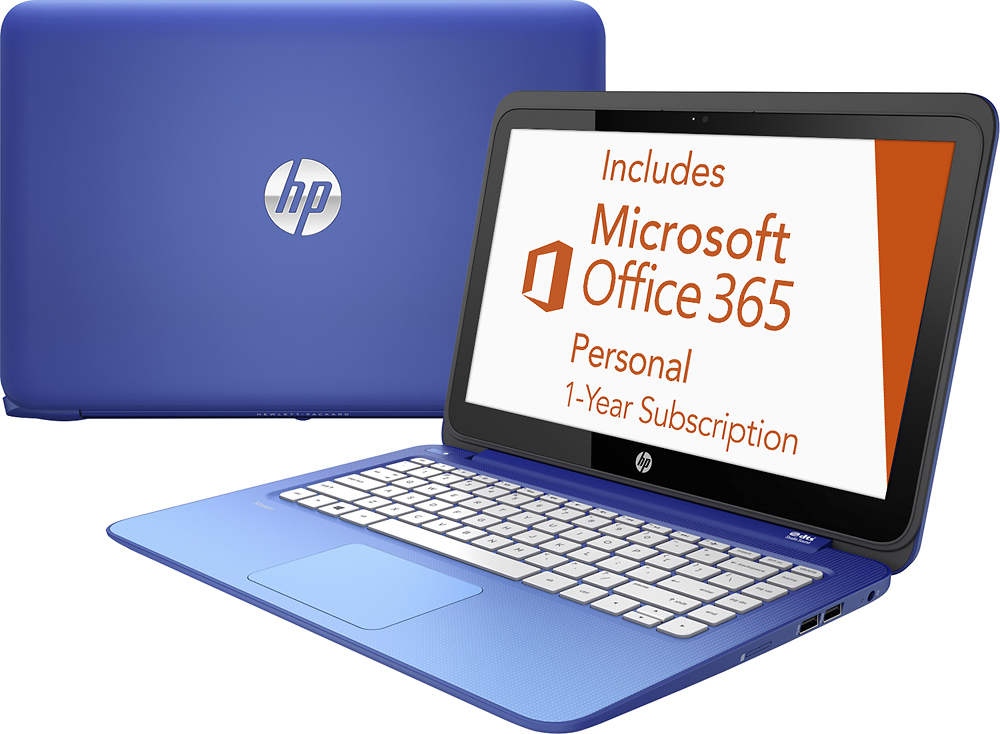
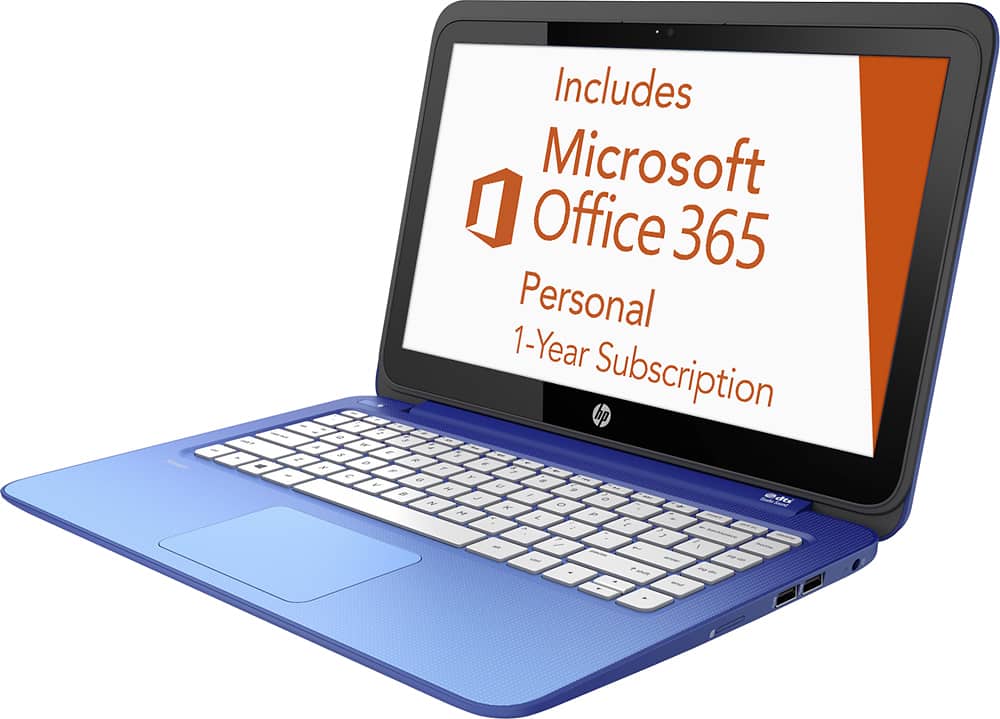
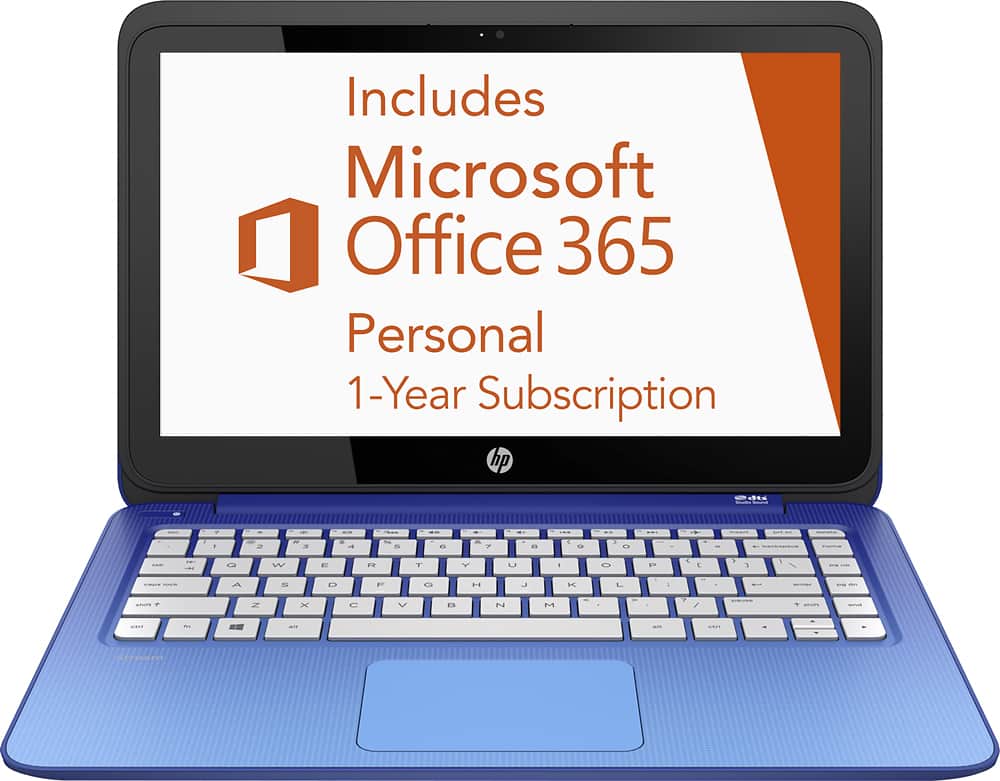
Office 365 Personal included: Keep up with business anywhere with a one-year subscription included.
Cloud storage included: Get 1TB of Microsoft OneDrive so you can store all you want for a year.
HP Connected Drive: Find and access your files across your PC, tablet, smartphone, and online services—all in one place. Easily search and browse to quickly get the files you need.
Security Protection:
McAfee: Free 30-day Trial of McAfee LiveSafe service included. McAfee LiveSafe service enriches your digital life by protecting your data, identity and all your devices so you can connect with confidence.
A:AnswerYes, there are 11 screws on the bottom (8 visible and 3 under rubber towards the back) that can be removed. Once you do this, you can pop off the bottom and find the battery. There is a replacement item # on it.
A:AnswerIf you are still within your return period - run back to the store and get something more powerful. I have owned this little laptop for just a couple of days and have experienced similar issues. If you are past that period, I have heard that you can disable "DTS", which is a resource hog for such an underpowered device.
A:AnswerHP does not test or support third party software. Since HP has not tested the thousands of existing software titles with our new PCs, I cannot comment on compatibility. I apologize for any inconvenience this may cause. I recommend contacting the software manufacturer to determine the system requirements for their software.
A:AnswerI found out after I had purchased the HP stream that even though I could get Windows 10 free and download it, it did not have enough GBs (only 2), and I would have to purchase more bytes if I wanted it. I tried to download it and I kept getting errors. I finally took the computer back and exchanged it for a Toshiba with 6 GBs. 2 GBs are not enough if you want to upgrade to Windows 10 on that computer. I was not told this when I purchased it. I had a horrible experience the two weeks I had it, never worked right.
A:AnswerIt depends on the package you buy, and the length of time you are buying it for. Also, they offer discounts for students. Try going on Microsofts website for details.
A:AnswerFirst off, you don't have a hard drive, you have a solid-state drive, or flash storage. You can increase the storage by picking up an SD card, but aside from that, not much can be done by way of storage. This is true for most laptops.
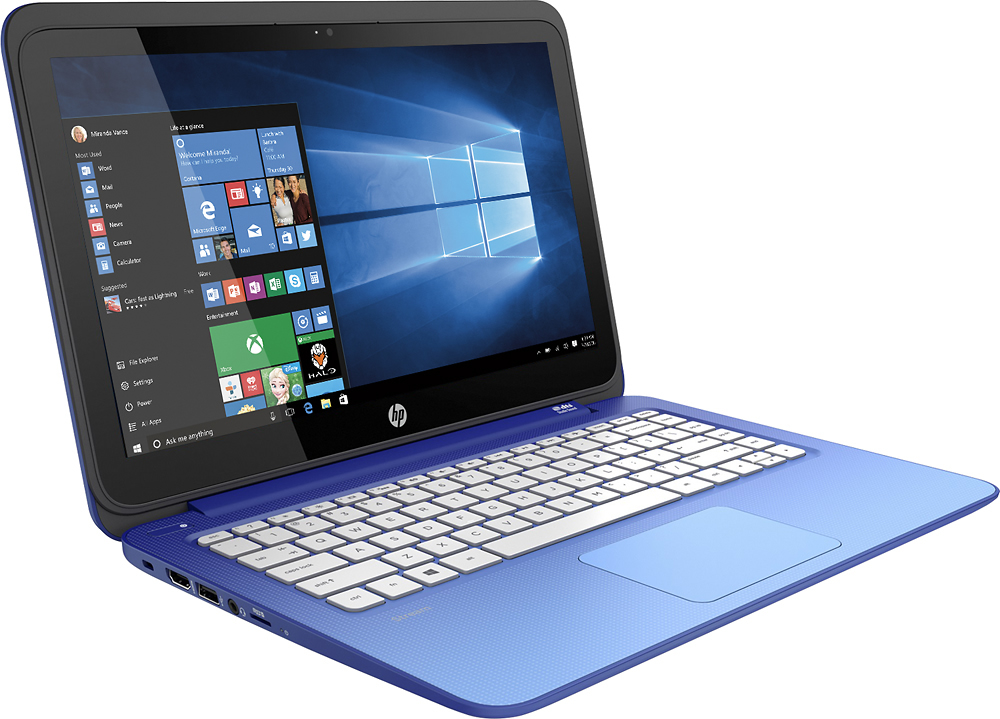
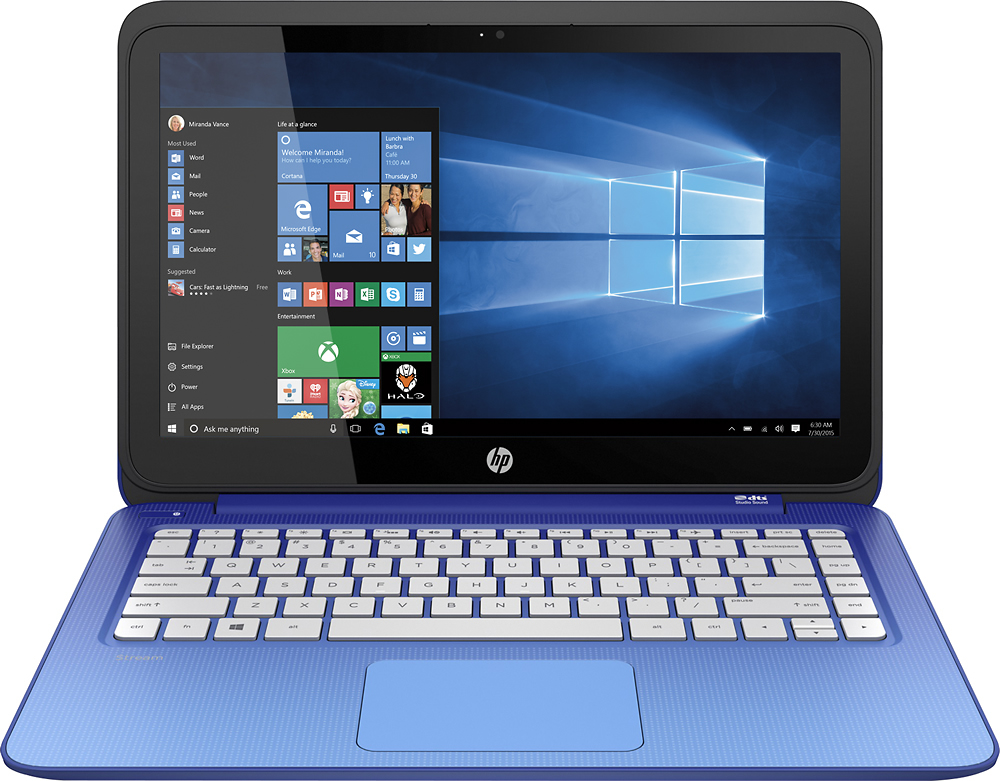
A:AnswerI think this would be an ideal school laptop - cheap, light, good battery life and mine came with a free year of Office 365, which gives you access to the entire MS suite (Word, Excel, PowerPoint, etc.). Plus it looks nifty, is easy to type on and will do any school/office/work duties competently. And the 13.3" screen is just big enough that you won't have to squint while pounding away at papers or doing internet research. Plus, the touchscreen will help while away the hours when you just want to play some Candy Crush/etc. to amuse yourself.
A:AnswerYes you choose any language when you turn on the computer for the first time it will till you what language you want for your laptop and the state too.
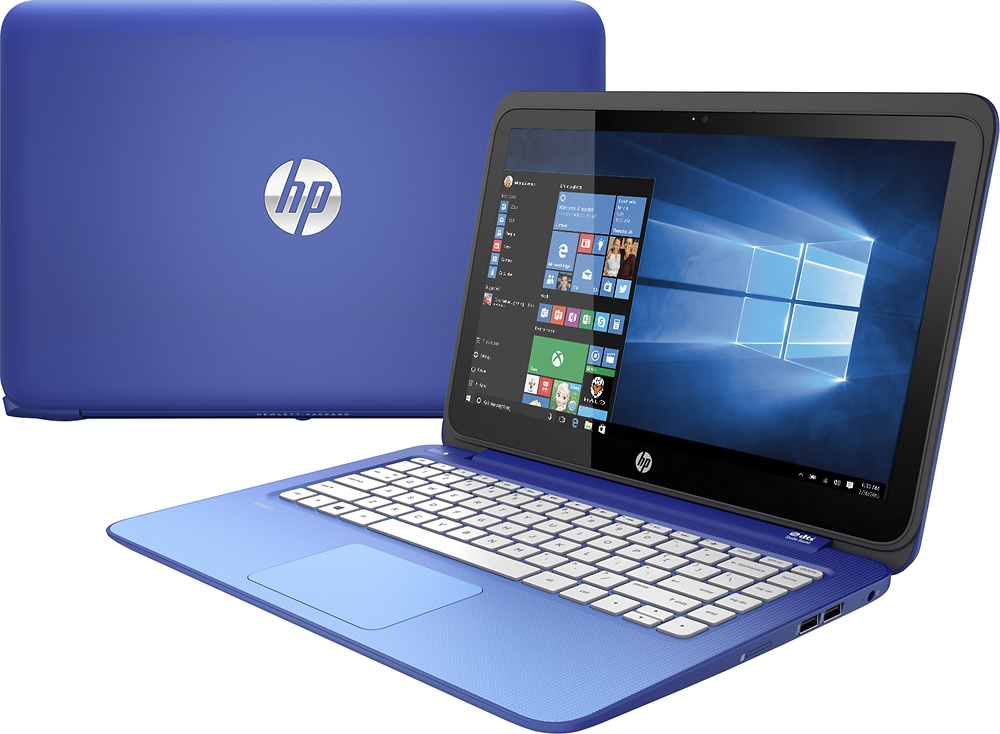
A:AnswerYes, this is indeed a touchscreen laptop, sorry to disappoint you but the official color of the one you're seeking is MAGENTA according to HP (not quite pink) and it appears that BB only has the blue ones in their stores because the model they sell is a "Best Buy Exclusive" that you can't get anywhere else, that's what I was told by the sales manager.