Questions & Answers
- Model:
- 2RY54A#B1H
- |
- SKU:
- 6276400
Q: QuestionDoes this printer scan pictures and documents
Asked by MECI.
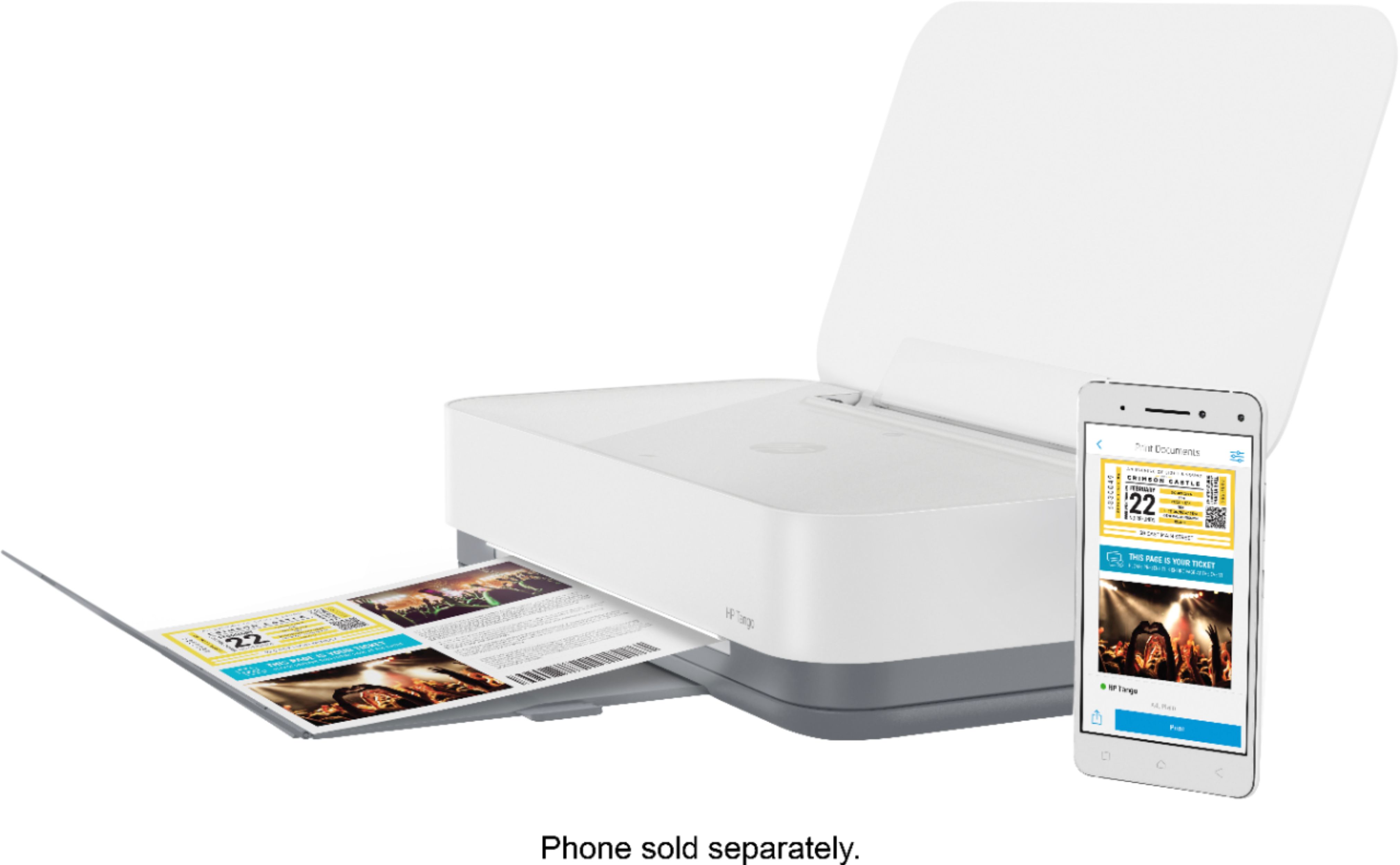
- A:Answer Have not scanned yet, but understand this printer is not a scanner. "Scanning" is accomplished by taking a photo of the document with your cell camera, and printing that.
Answered by Pablo
Q: QuestionThere is no wireless service where I’m located so I have to use my iPhone hotspot when I use my iPad. Will this work using the hotspot or do you have to have wireless using a hardwired router.
Asked by Stkswinner.
- A:Answer You can definitely use a hotspot from your phone, but you don't even need to do that! With the assistance of the HP Smart app and your iPhone/iPad's WiFi Direct features, you can connect to the Tango with ease!
Answered by HP Team

Q: QuestionIf the COLOR ink is empty, will HP-Tango print B&W docs with black ink?
Asked by EVC.
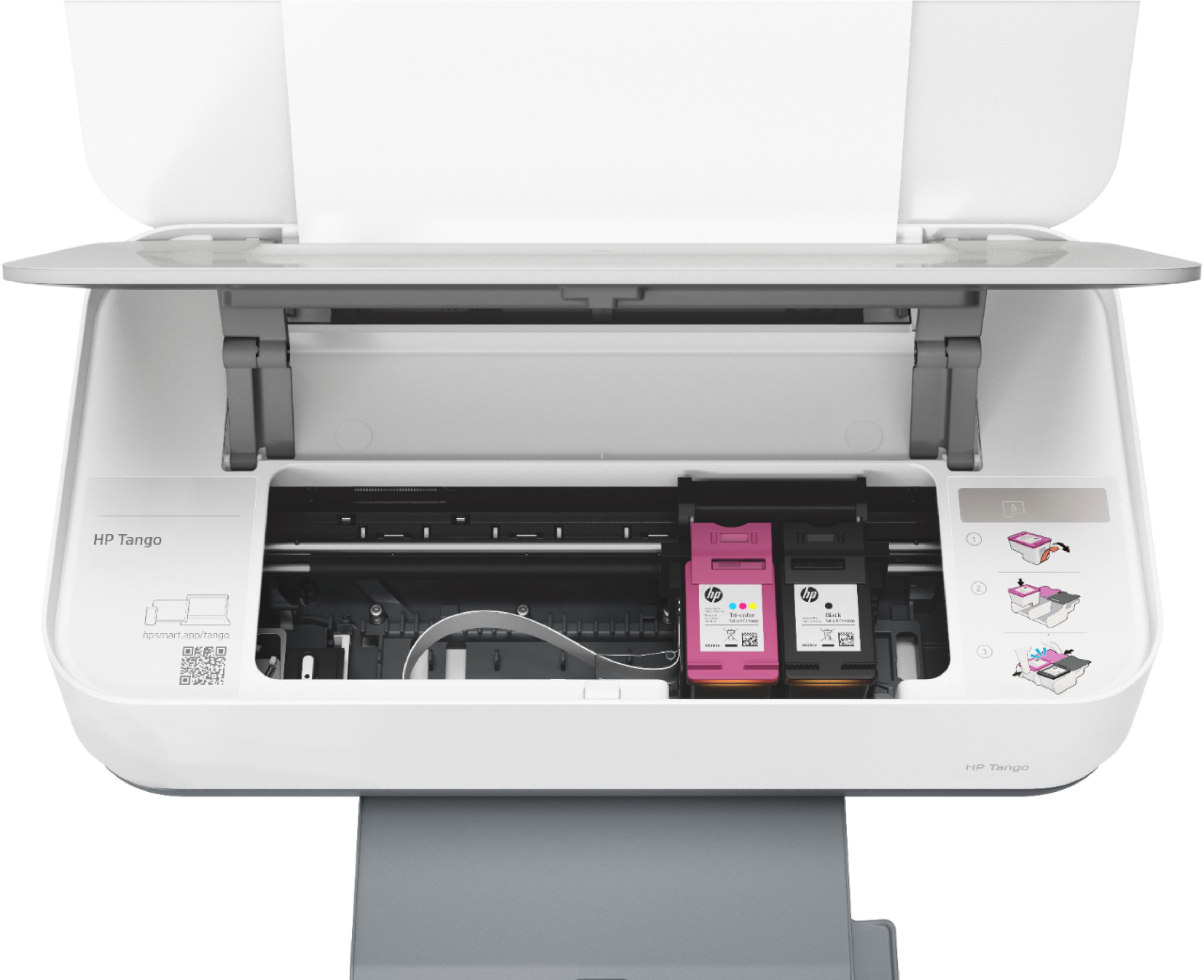
- A:Answer Since this is a two cartridge printer, you can print in single cartridge mode. HP's exclusive feature, Single Cartridge Mode, allows you to print with only one cartridge -- just don't leave the empty one in. So you never have to buy color if you don't want to. I would just advise to set up with both cartridges in the box first. Then, you can use single cartridge mode.
Answered by HP Team

Q: QuestionAre you still able to traditionally print from a Mac desktop/laptop?
Asked by thefreni.
- A:Answer Yes, you can still connect and print with this printer from your Mac desktop or laptop.
Answered by CommunityAnswer
Q: QuestionDoes this printer photo copy?
Asked by Angie.
- A:Answer You copy using the HP Smart App which goes hand in hand with the Tango printer. As smartphone cameras have gotten better and better you are able to take a high resolution scan using your phone and the Smart App can automatically detect the borders and deliver a perfect reproduction without the need to go to the printer to load a document.
Answered by HP Team

Q: QuestionCan i use this printer with my dell laptop?
Asked by DELLUSER.
- A:Answer Yes, the Tango printer works with all modern Windows computers, as well as Chromebooks, Macs, phones and tables.
Answered by HP Team

Q: Questiondoes this printer do copy's? I am a college student, would you recommend this printer?
Asked by jules.
- A:Answer You can copy and scan with the HP smart app and your smart phone with the Tango printer. It is great for a college student. One great feature about this printer is that if you enroll in the HP Instant Ink program, any 4x6" or 5x7" photos printed from your smart phone are free.
Answered by HP Team

Q: QuestionWill my Tango X link to a tablet without WiFi. And how. John
Asked by John.
- A:Answer You can use WiFi Direct. Wireless Direct (WiFi Direct) allows you to directly connect to printer from a mobile device or computer without the need for internet access or a wireless network. You would connect to the printer’s wireless direct signal just like you would connect to a wireless network. The printer would have a unique name in your wireless connections, i.e. Direct-04-Printer. For more information, you can go to: https://www8.hp.com/us/en/campaigns/wireless-printing-center/wireless-direct.html
Answered by HP Team

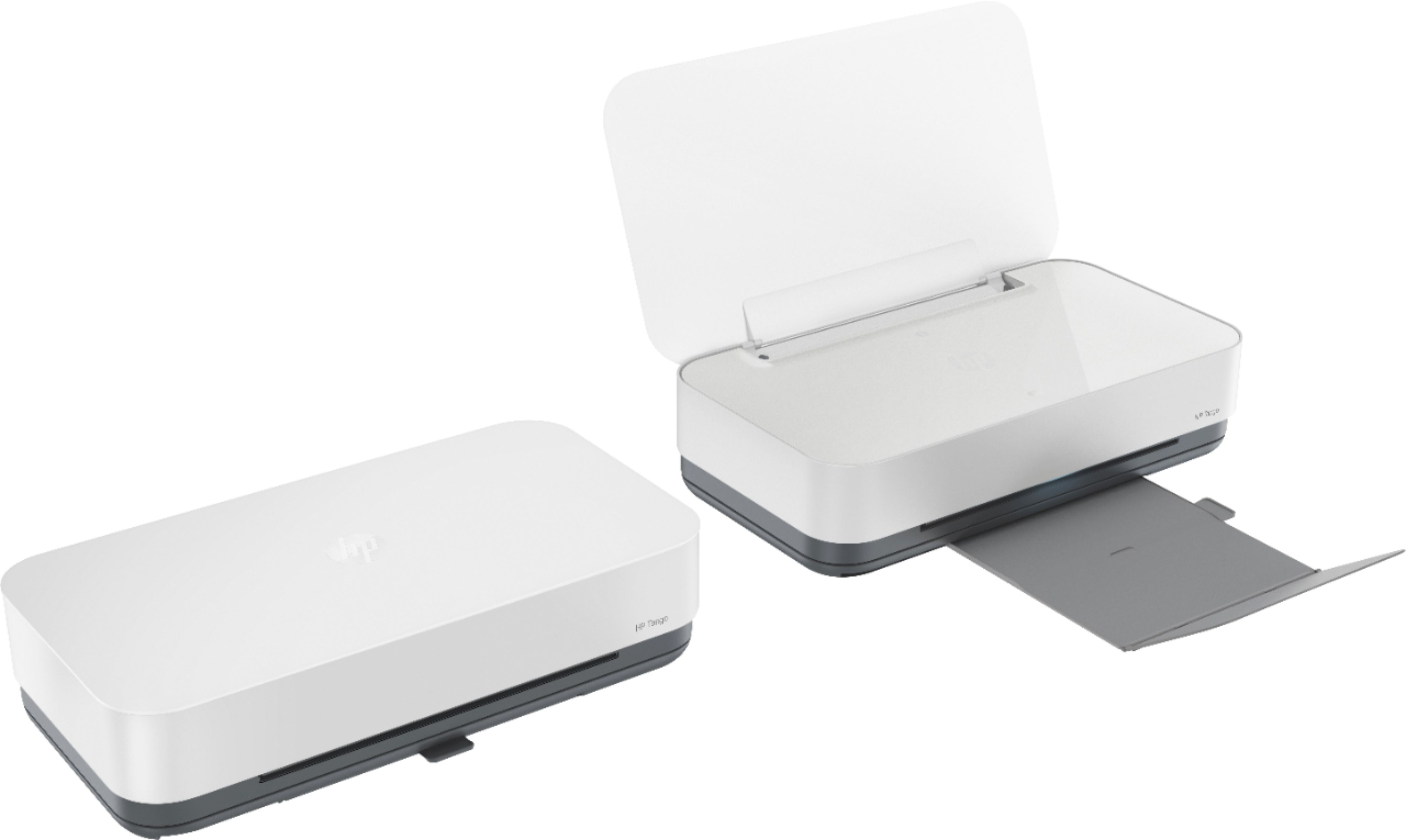
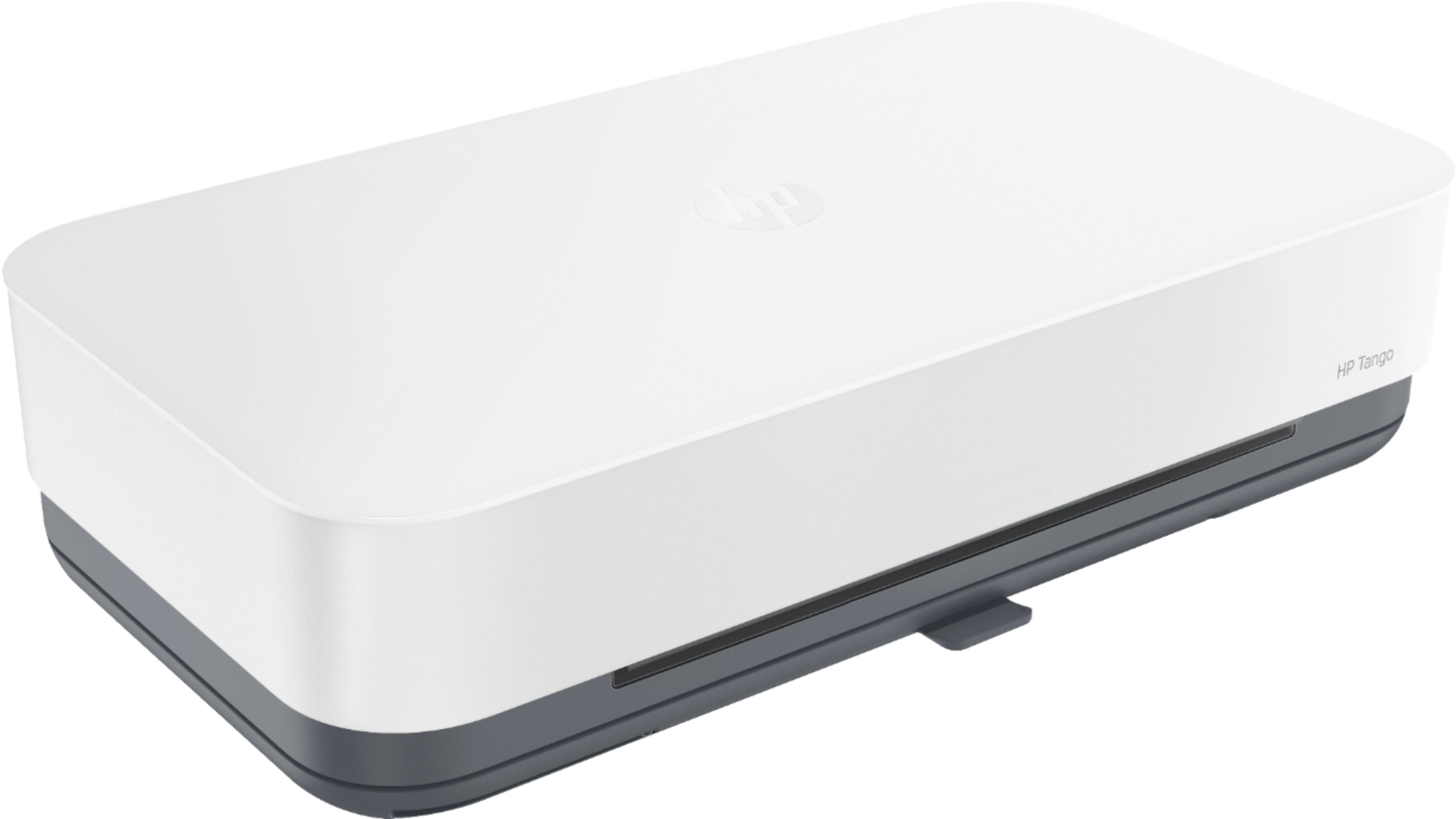
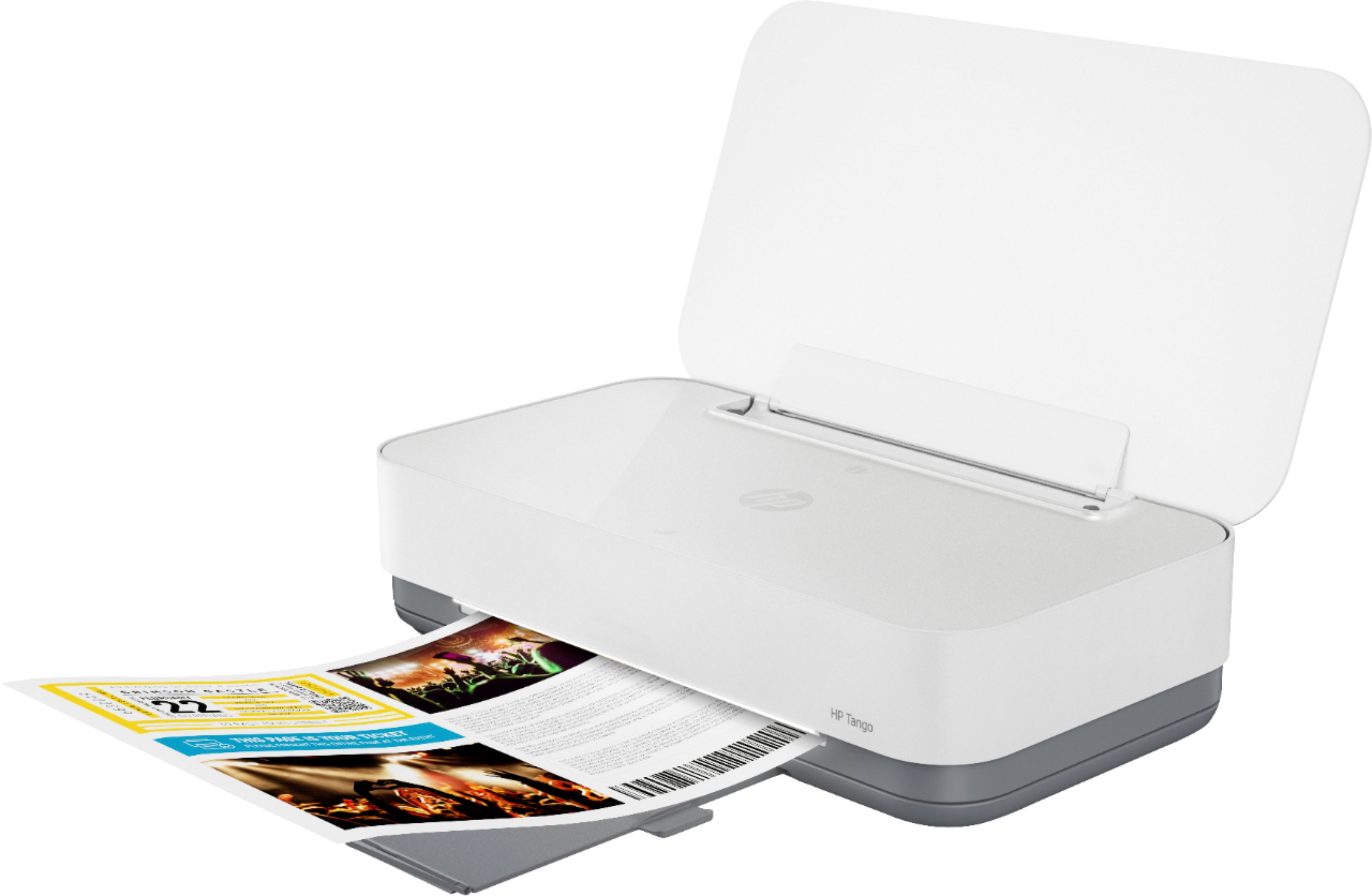
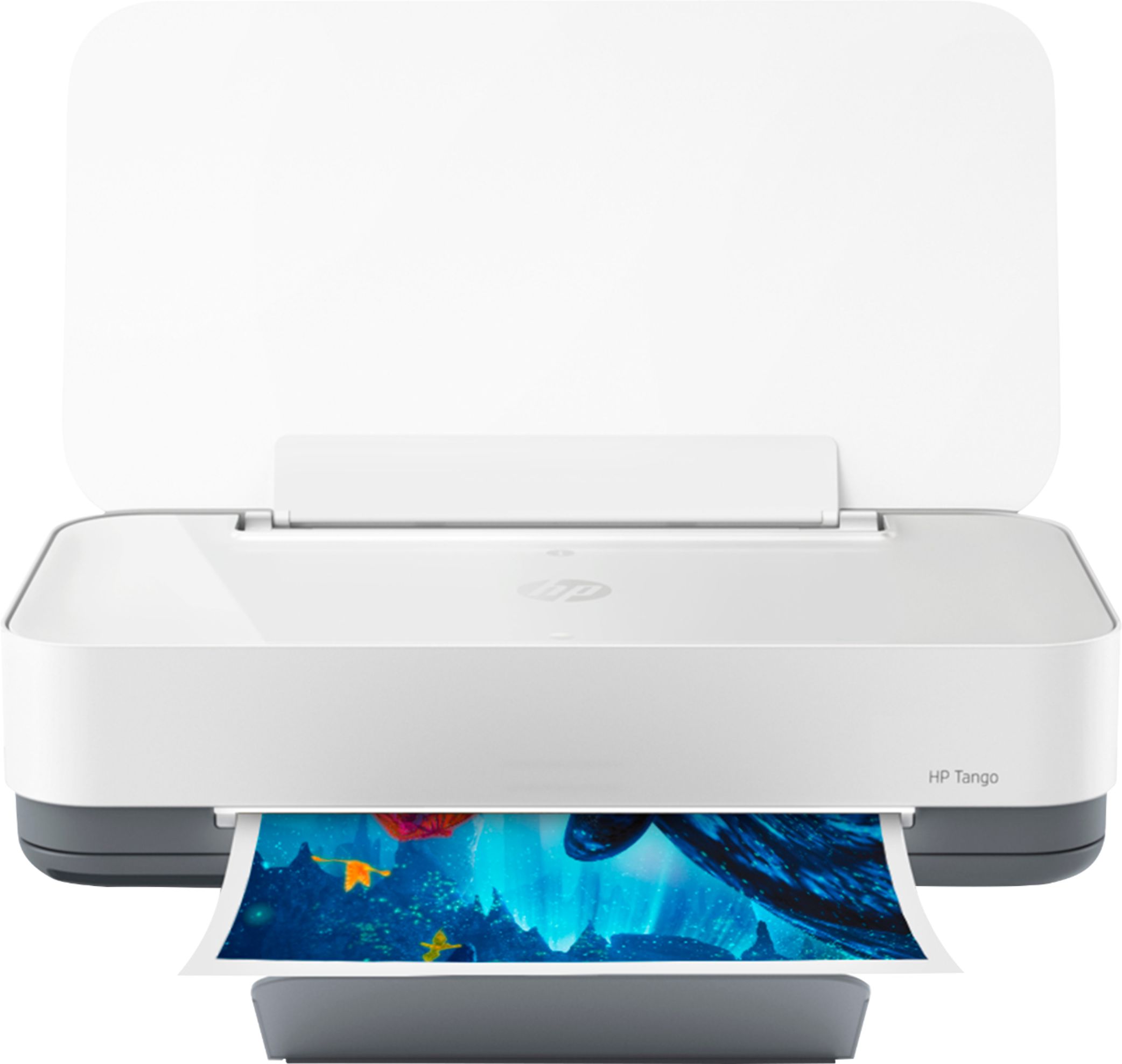
Q: QuestionWhat is color of upper part of printer? It appears to be white. Thanks so much.
Asked by PSW.
- A:Answer It is white!
Answered by Lock
Q: Question14.8 inches is the width. What is the length?
Asked by bired.
- A:Answer Hello! That's a great question! The measurements for our printers go Width, Depth, Height. In this case, the Width would be the length. The Tango wireless printer has the following standard dimensions (W x D x H) 14.84 x 8.11 x 3.58 in, and these are the maximum dimensions: 14.8 x 20.6 x 10.4 in. I hope this helps!
Answered by HP Team

Q: QuestionI scan sometimes 15 pages at a time does this scanner have multiple page capabilities?
Asked by Sydney.
- A:Answer Unfortunately, no, this Tango does not have a document feeder. What you can do is use your phone with the HP Smart app, and use the app as your scanner! You can scan multiple documents this way and save them to a cloud-based storage system, a connected device or email address, or you can send them to the Tango for printing!
Answered by HP Team

Q: QuestionWhat size photos can I print?
Asked by Elyse.
- A:Answer You can print sizes from 3 x 5" to 8.5 x 14".
Answered by CommunityAnswer
Q: QuestionAm I required to have a subscription in order to use this printer?
Asked by RoseAlm.
- A:Answer You are not required to have an Instant Ink account for the HP Tango, though we do think that the service goes hand in hand with the Tango's seamless design!
Answered by HP Team

Q: Questioncan you hard wire this printer with a USB from computer to tango
Asked by Tango.
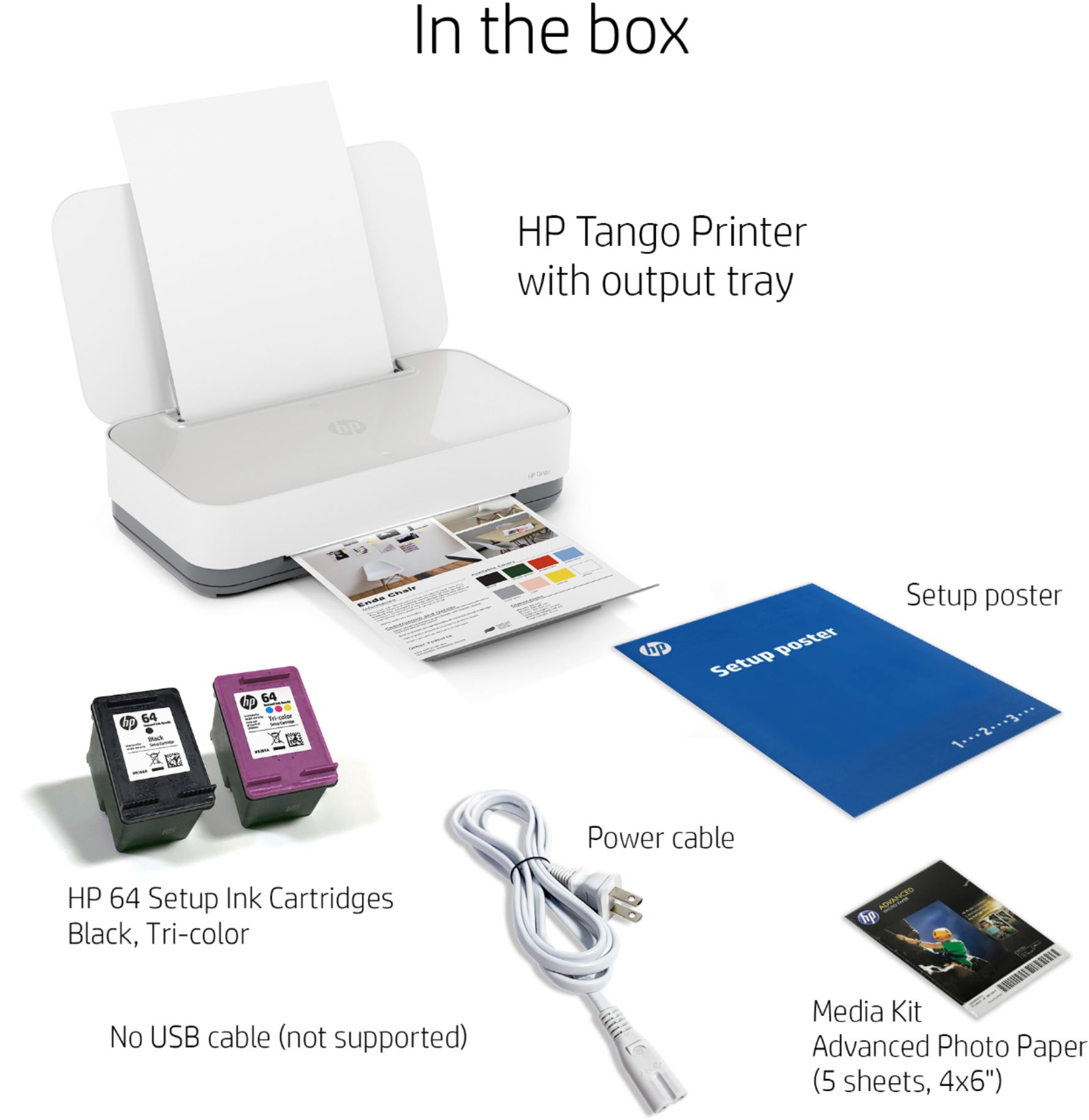
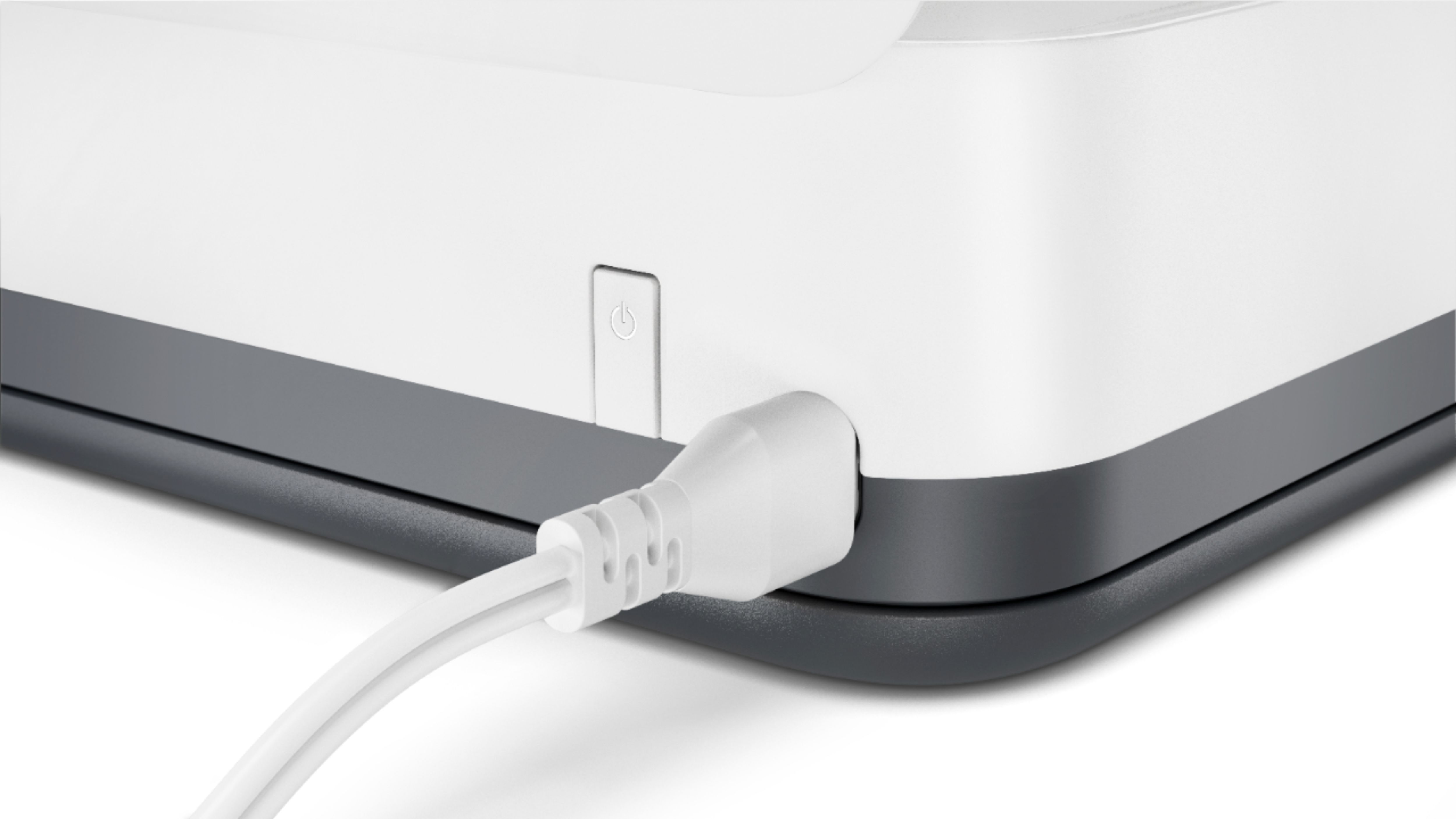
- A:Answer Yes There is a printer cable port. It has a small white cover that you have to take off and you can connect this via a standard printer USB cable. Every HP printer has a printer cable port.
Answered by Nonskidsurfass
Q: QuestionDoes the HP Tango have custom page sizing? I’m looking to print on some precut paper that is 3.5” x 5”
Asked by Crystal.
- A:Answer The Custom media sizes for this Tango printer are: 3 x 5" up to 8.5 x 14". (It will not accommodate 3.5" x 5".)
Answered by HP Team

Q: QuestionWhat sizes of paper can it print? Is 11x17 paper too big?
Asked by Anonymous.
- A:Answer Great question! This printer can handle paper from 3"x5" to 8.5"x14". If you would prefer an inkjet printer that can produce 11"x17" documents, I recommend this model: https://www.bestbuy.com/site/hp-officejet-pro-7740-wireless-all-in-one-inkjet-printer-white/5536900.p?skuId=5536900
Answered by HP Team

Q: QuestionIs this printer compatible with Google Cloud Print?
Asked by Becky.
- A:Answer Hello, Becky. This HP Tango printer will work with a Chromebook or with the Chrome browser. The Google Cloud Print has been discontinued. Here are some instructions on how to set up the printer on the Chromebook: https://support.hp.com/us-en/document/c04122530 and a YouTube video: https://youtu.be/Mf6LUKTMw9c
Answered by HP Team

Q: QuestionDo I need a hotspot or wifi network once the printer is set up in order to print from my iPad using airpring?
Asked by HoneyJoe.
- A:Answer No, you do not need a wifi network. You will be able to print directly from your iPad to the Tango via AirPrint.
Answered by HP Team

Q: QuestionIs this also a copier?
Asked by Anna.
- A:Answer No. The HP Tango is only a printer.
Answered by HP Team

Q: QuestionCan you print a document from a chromebook or kindle fire?
Asked by pcbs.
- A:Answer Yes I’m using chrome book and I print from it It’s very nice printer
Answered by Levette
Top Rated
- $1,099.99$1,099.99The price was $1,299.99
- $329.99$329.99The price was $469.99
- $139.99$139.99The price was $149.99
- $299.99$299.99The price was $349.99
- $279.99$279.99The price was $329.99
- $949.00$949.00The price was $1,099.00
- $1,499.00$1,499.00The price was $2,799.00
- $449.99$449.99The price was $649.99