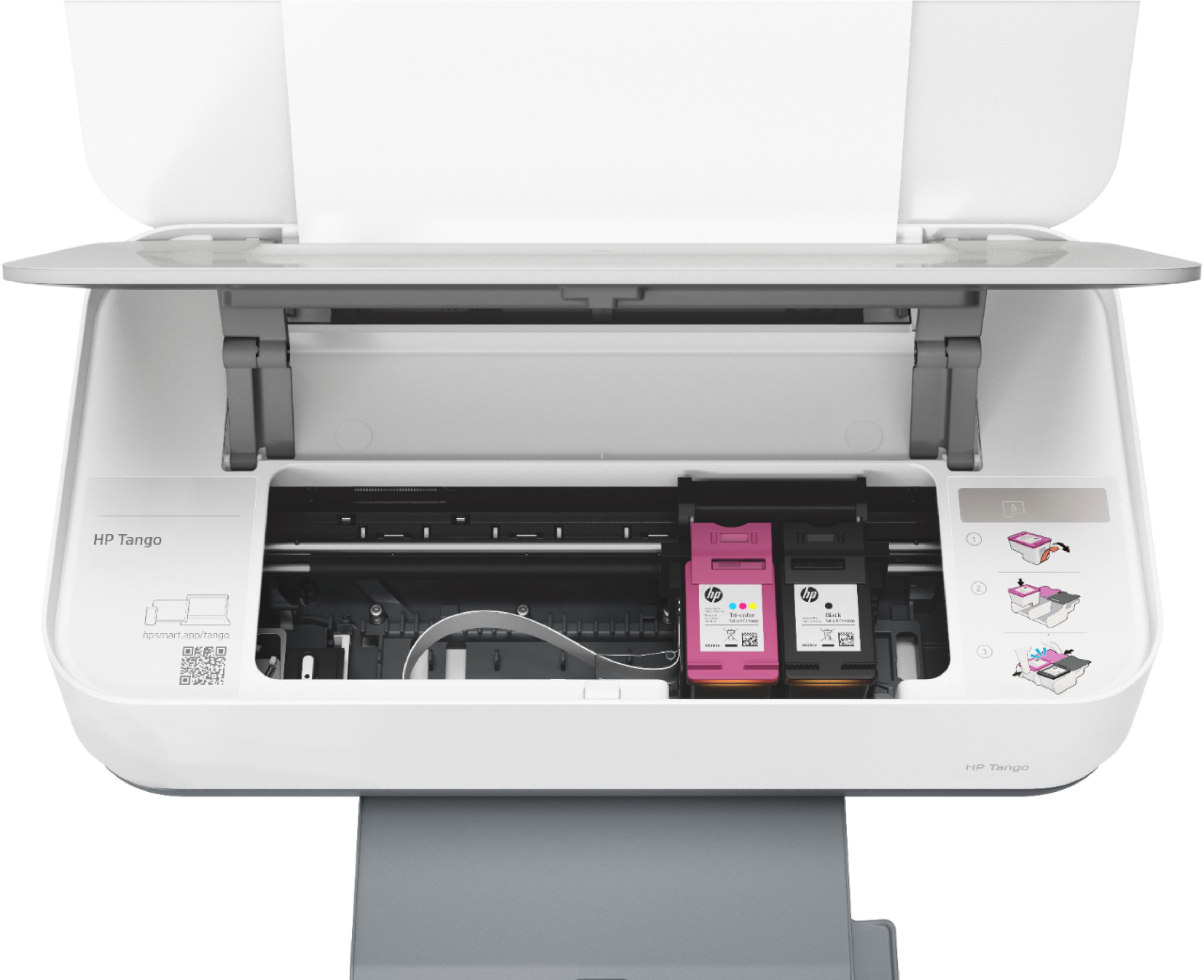
A:AnswerThank you for the question. The Tango utilizes cartridges with pigment-based black and dye-based color inks only. It does not support stencil ink.
A:AnswerHi and thanks for your question! The HP Tango will be Chromebook compatible. Just download the free HP Smart App to your Chromebook and you will be printing in no time!
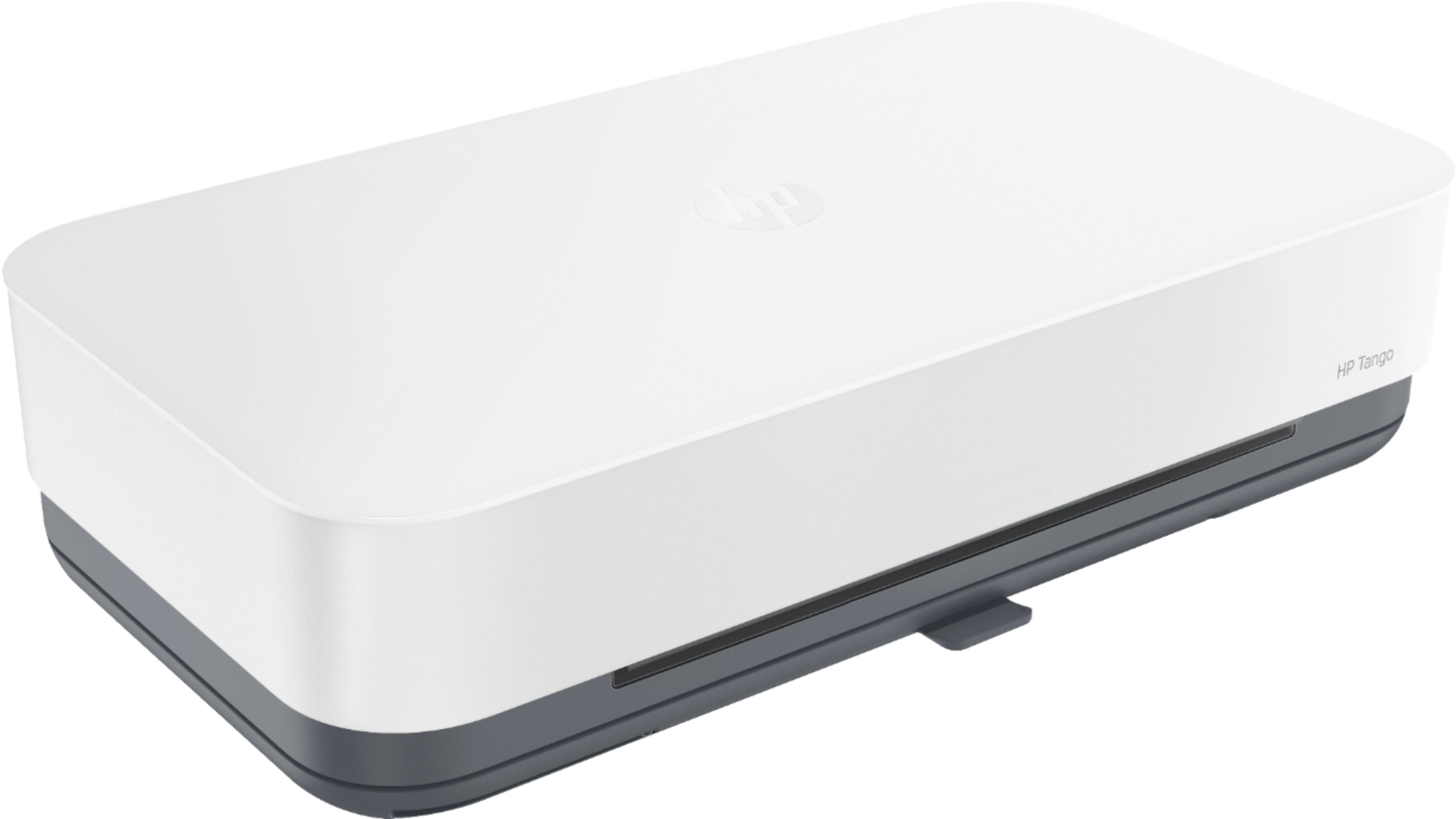
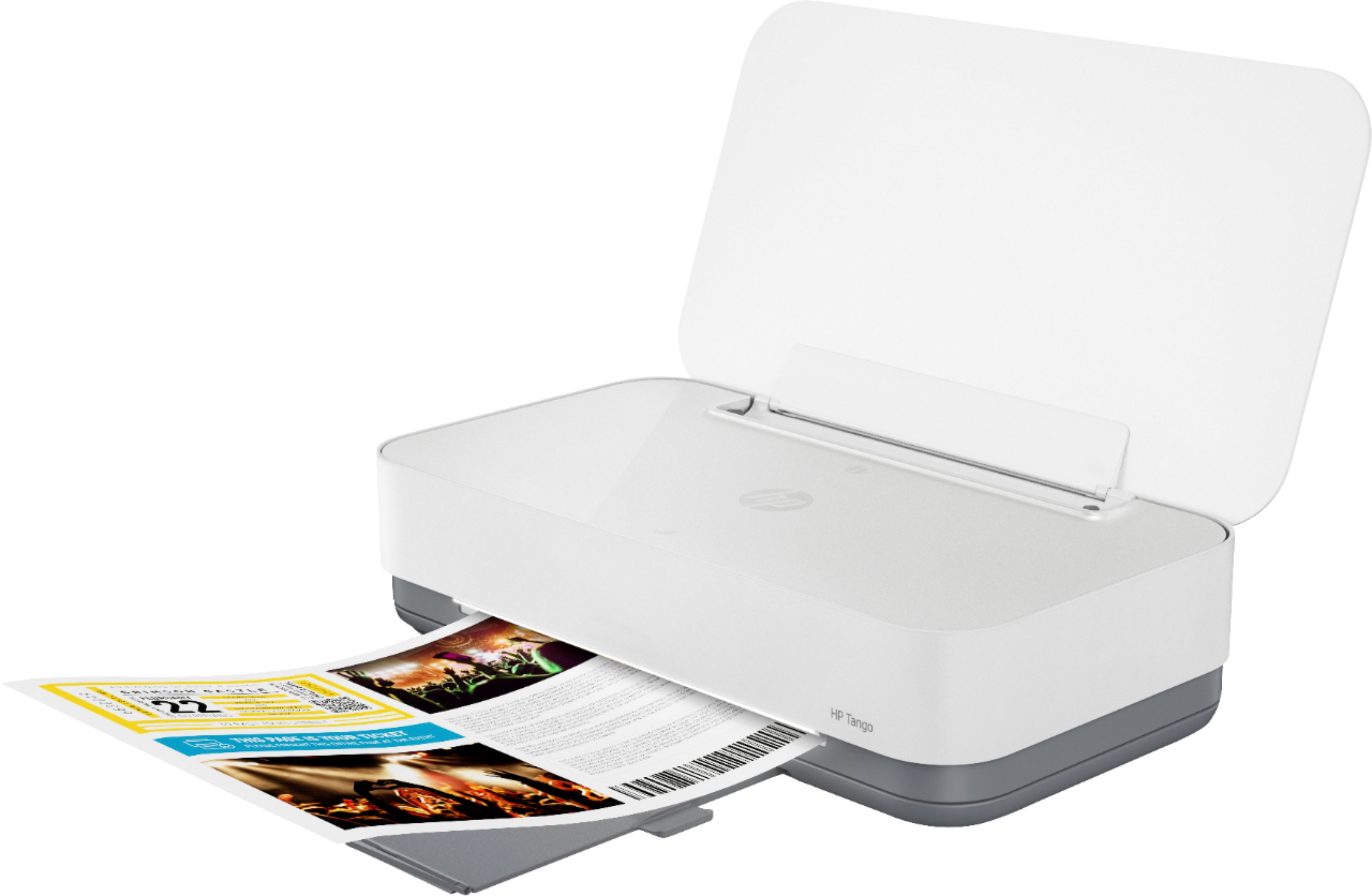
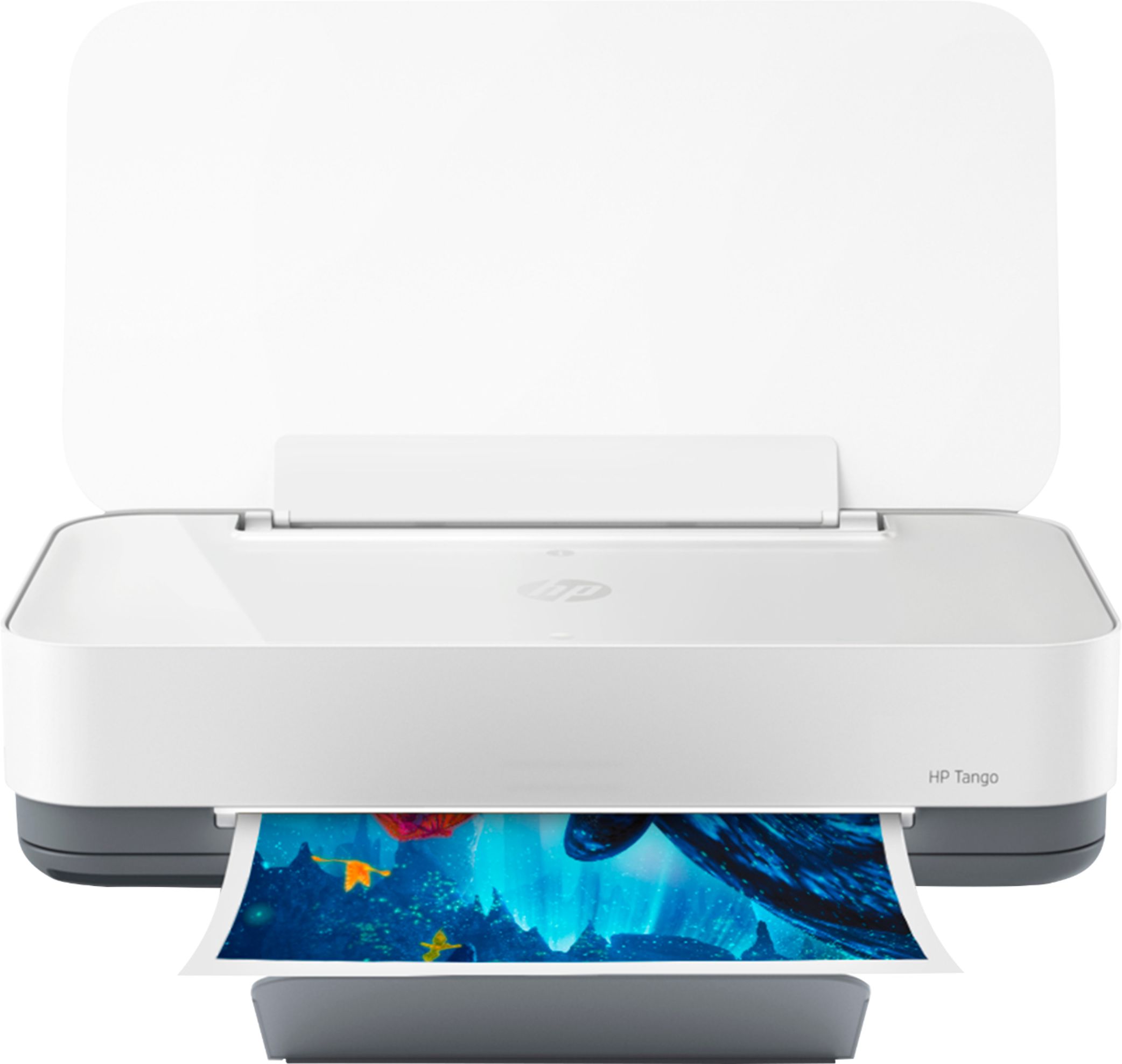
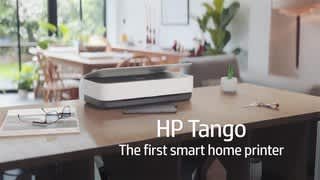
A:AnswerHello, the product dimensions are: Height 3.58 inches - Width 14.8 inches - Weight 6.79 pounds. This is a very popular small footprint mobile printer.
A:AnswerHi Nicole and thank you for your question! You can print on 3" by 5" index cards. We recommend having no more than 15 cards at a time in your paper tray.
A:AnswerThe HP Tango does not have a front USB port that allows you to scan to a USB flash drive. If you want to be able to scan and save to a USB flash drive, we recommend looking at the HP Envy Photo 7855, HP Officejet Pro 8035, 9015, and 9025 printers.
A:AnswerYes, although that's typically done through whatever program you're using to print from. However, you can create specific profiles for certain types of print jobs (like borderless photos)
A:AnswerYes you can. What you're referring to is that they will auto ship ink to you on a monthly basis if you do their subscription (not required). Thats all that they mean by that.
A:AnswerYes however I do not recommend this printer at all unfortunately if he jams and it never works after that I’ve had three of them two of them or replacements and warranty I moved onto a different brand