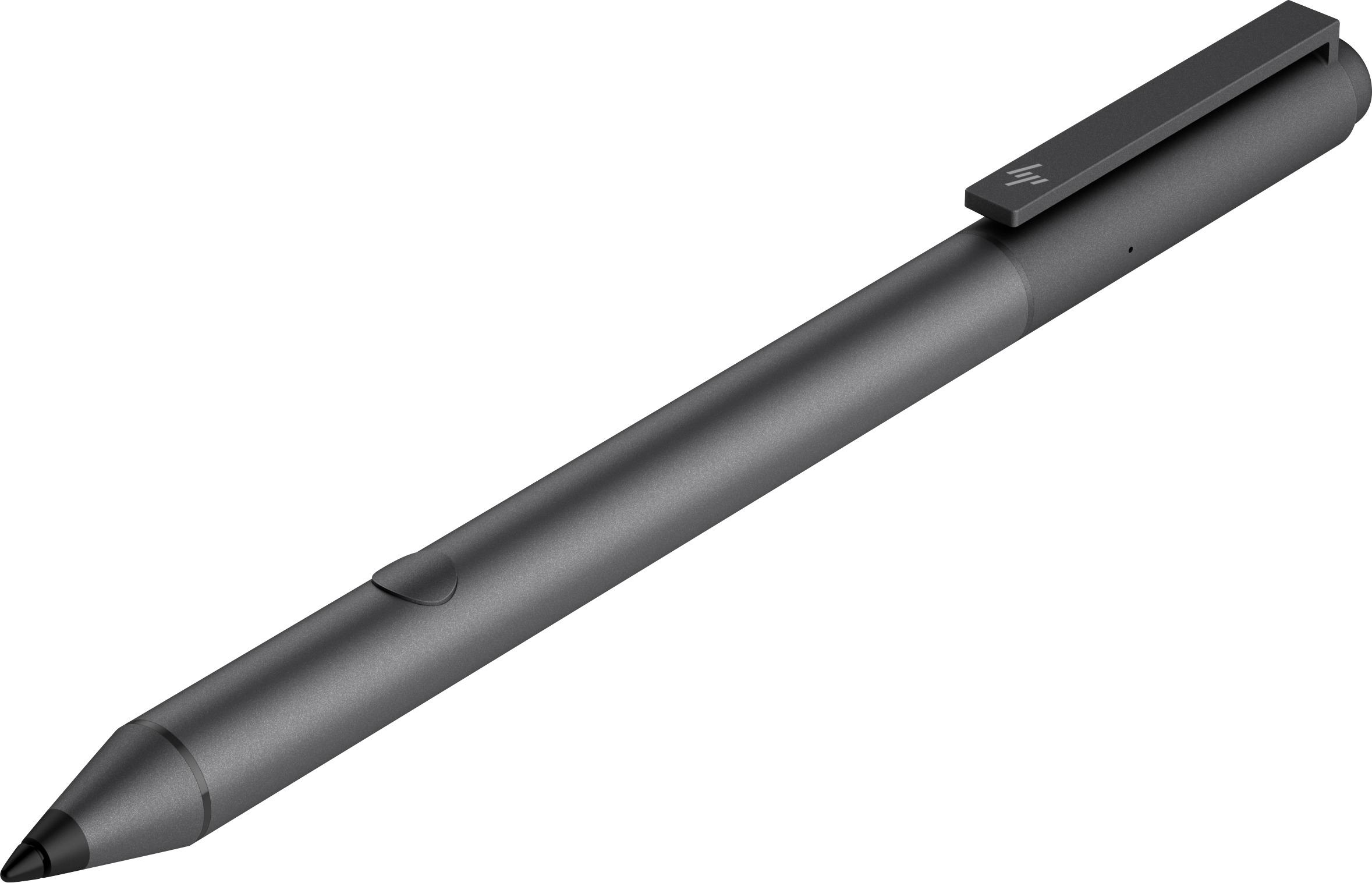
A:Answer The Stylus Pens will only work with certain laptop models. The best way to check is to type "about" in the Windows 10 search bar, on the bottom left of the desktop. That should bring up a screen that lists the features of your computer. There will be an option that says Pen and Touch support. If that option says pen support, the HP Stylus should work with your laptop.