Questions & Answers
- Model:
- 2MY21AA#ABL
- |
- SKU:
- 6163896
Highly rated by customers for: Ease of use, Pressure Sensitivity
Page Showing 41-49 of 49 questions
Q: QuestionIs it compatible with the hap pavilion 360
Asked by Sam.
- A:Answer It is compatible with many HP Pavilion x360 models. Check your model here for the correct pen: https://support.hp.com/us-en/document/c05166879
Answered by HP Team

Q: QuestionWill the HP-Tilt Stylus Pen works well on my HP ENVY x360 - m6-w102dx?
Asked by Maxi.
- A:Answer Yes, the stylus will work on your HP ENVY laptop. I know because I have the same laptop and the stylus is compatible.
Answered by Star
Q: QuestionDoes this have thunderbolt? Is it compatible with the newest generation of hp spectre x360s?
Asked by Thunderbolt.
- A:Answer The HP Tilt stylus has a USB C slot to charge with and can be charged by a thunderbolt cable. This is not actually any type of Thunderbolt communication or file storage capabilities, if that is what you are asking. The Tilt pen links through Bluetooth paring.
Answered by Cleveland88
Q: Questionwould this work with an iPhone
Asked by lukee.
- A:Answer No. I don't believe the Apple pencil does either.
Answered by Cleveland88
Q: QuestionDo both buttons work? In the HP Spectre x360 there is only one customizable button in the pen settings. (Attached) If so, how are both buttons configured? Also, exactly how far away from the computer will the pen's buttons work through bluetooth?
Asked by Nickvdm.
- A:Answer You can't configure the barrel button, it is hard coded to be right click.
Answered by ChrisCrossed
Q: Questiondoes this tilt pen work on onenote on a envy x360 13 “ laptop ?
Asked by leslie.
- A:Answer I would recommend reaching out to HP Support for further assistance for your laptop.
Answered by HP Team

Q: QuestionDoes it come with a charger?
Asked by Jamie.
- A:Answer The stylus pen does not use a charger.
Answered by HP Team

Q: QuestionIs this stylus pen compatible with the HP Pavilion 15z-cw100 laptop?
Asked by Madi.
- A:Answer That laptop will not support a stylus pen.
Answered by HP Team

Q: QuestionWill this work with the HP Pavilion X360 two in one 14 in??
Asked by Dirty.
- A:Answer The previous answer was incorrect, this pen would work, just tilt will not work. See this chart for confirmation: https://support.hp.com/hk-en/document/c05166879
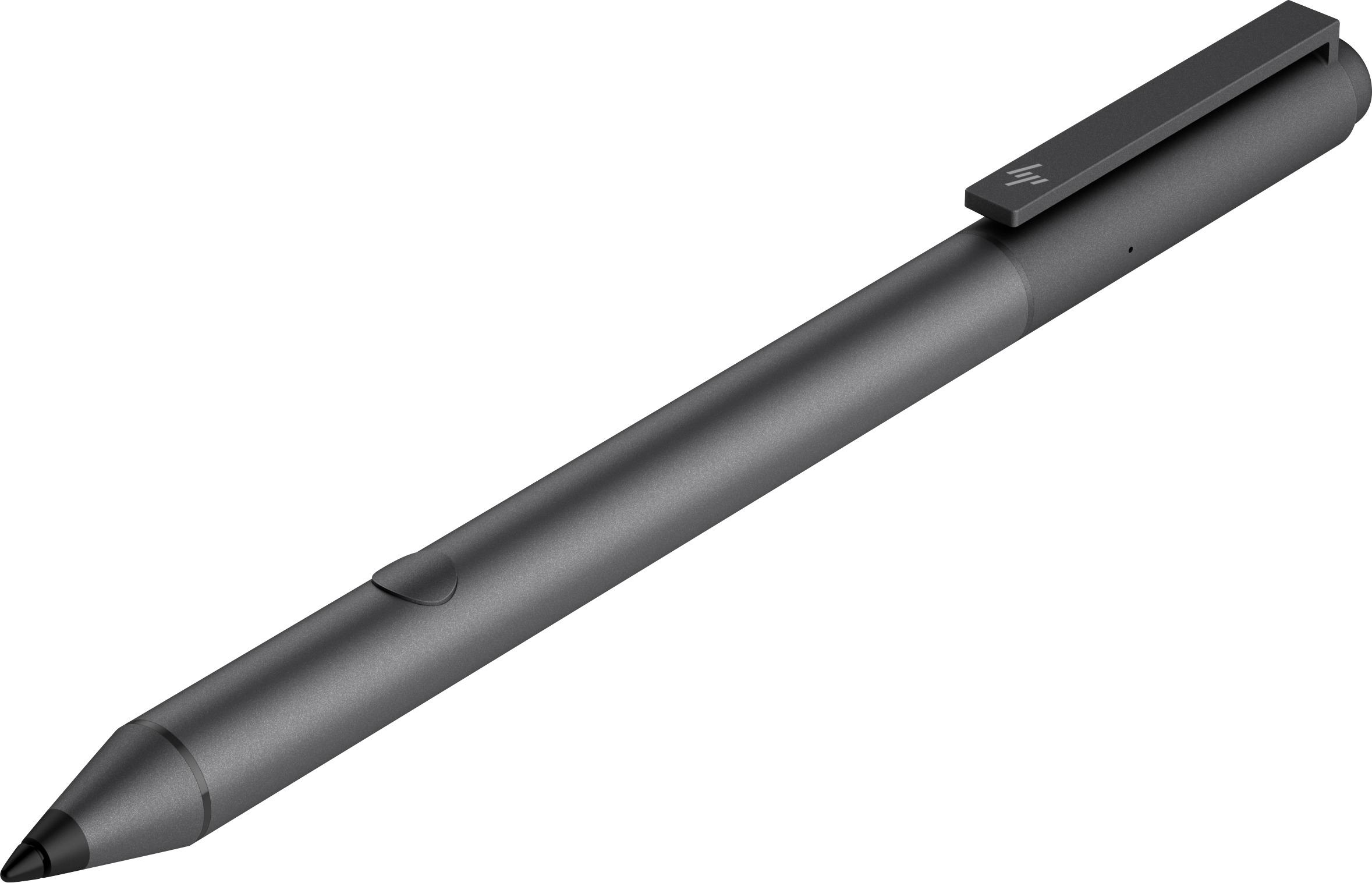
Answered by ChrisCrossed
Page 3, Showing 41-49 of 49 questions
Top Rated
- $329.99$329.99The price was $469.99
- $1,099.99$1,099.99The price was $1,299.99
- $299.99$299.99The price was $349.99
- $122.00$122.00The price was $129.99
- $139.99$139.99The price was $149.99
- $449.99$449.99The price was $649.99
- $279.99$279.99The price was $329.99















