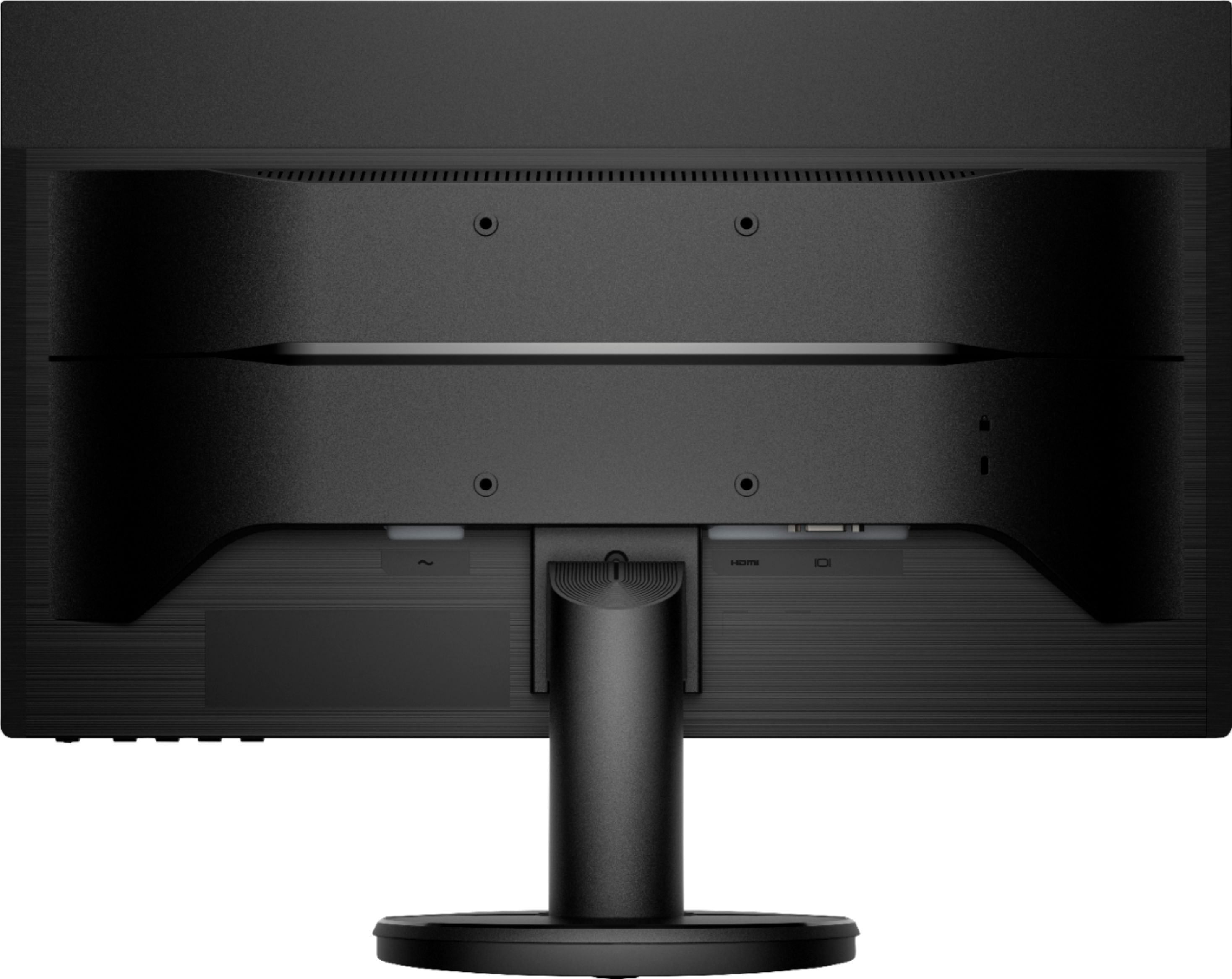
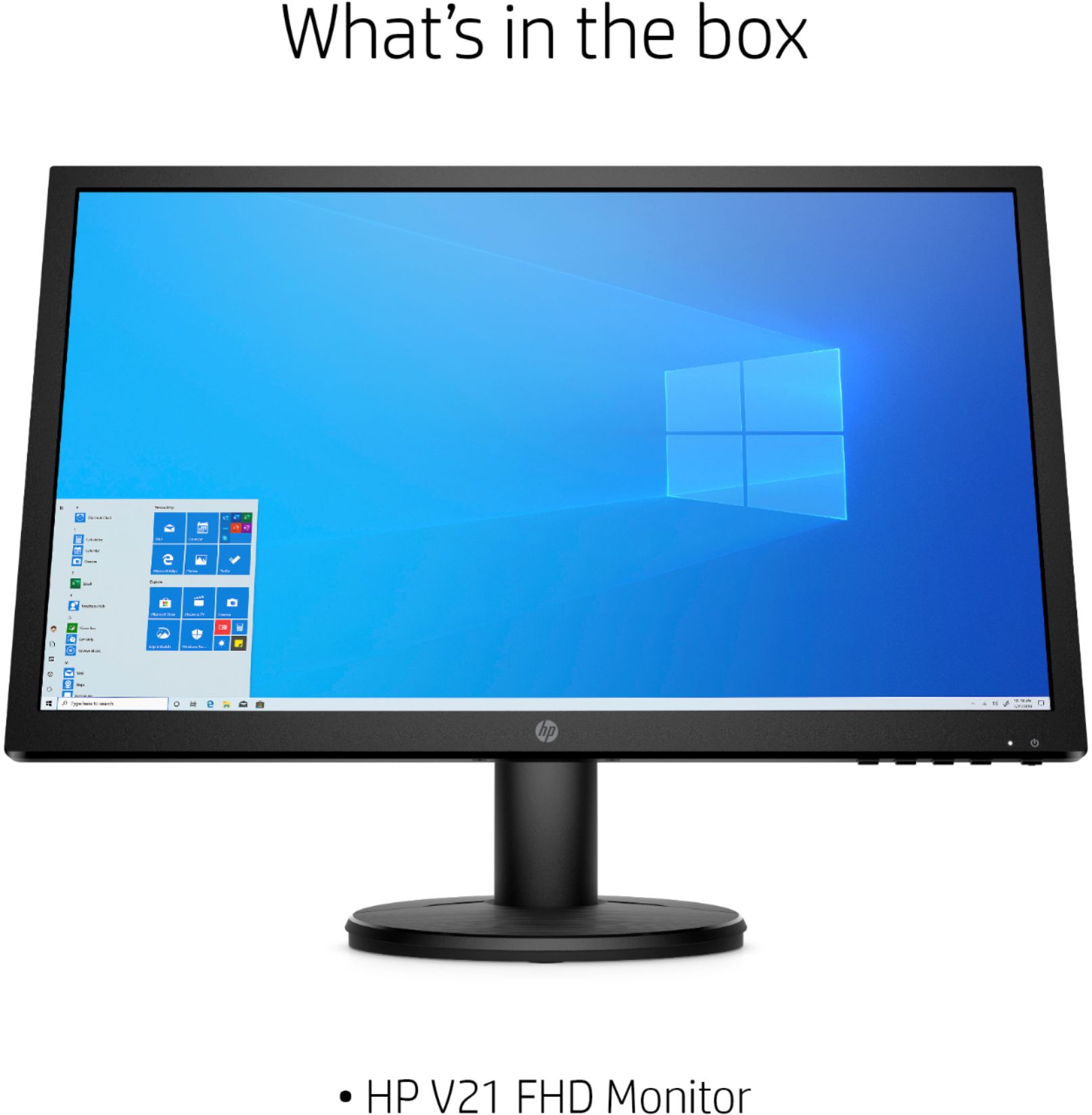
A:AnswerI just bought one today, and it also came with an HDMI cable but no VGA cable or adapter. Fortunately I have a spare VGA cable, but it would be nice if BB corrected its specs. Some people might have to make a second trip back to BB to fetch one.
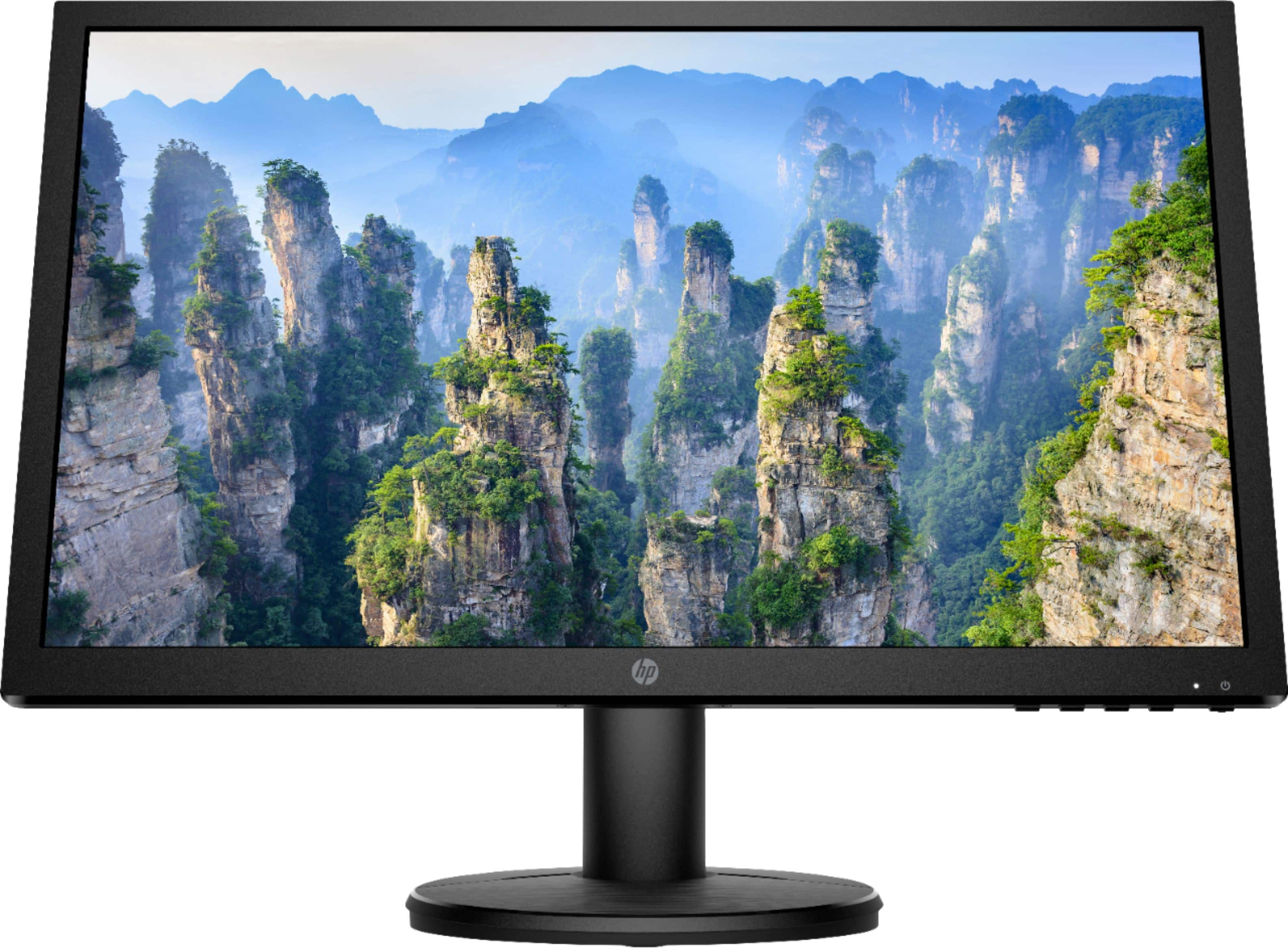
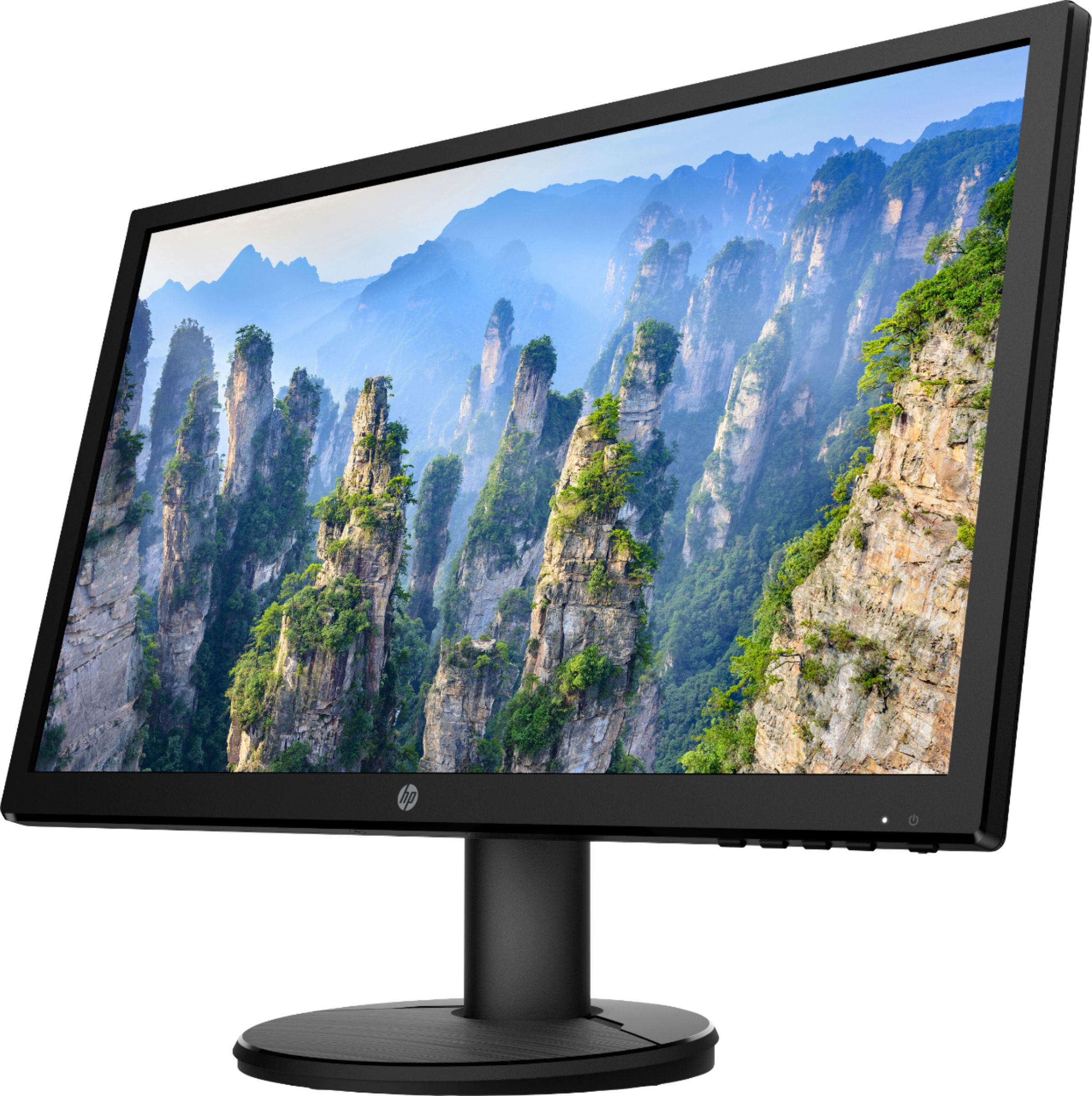
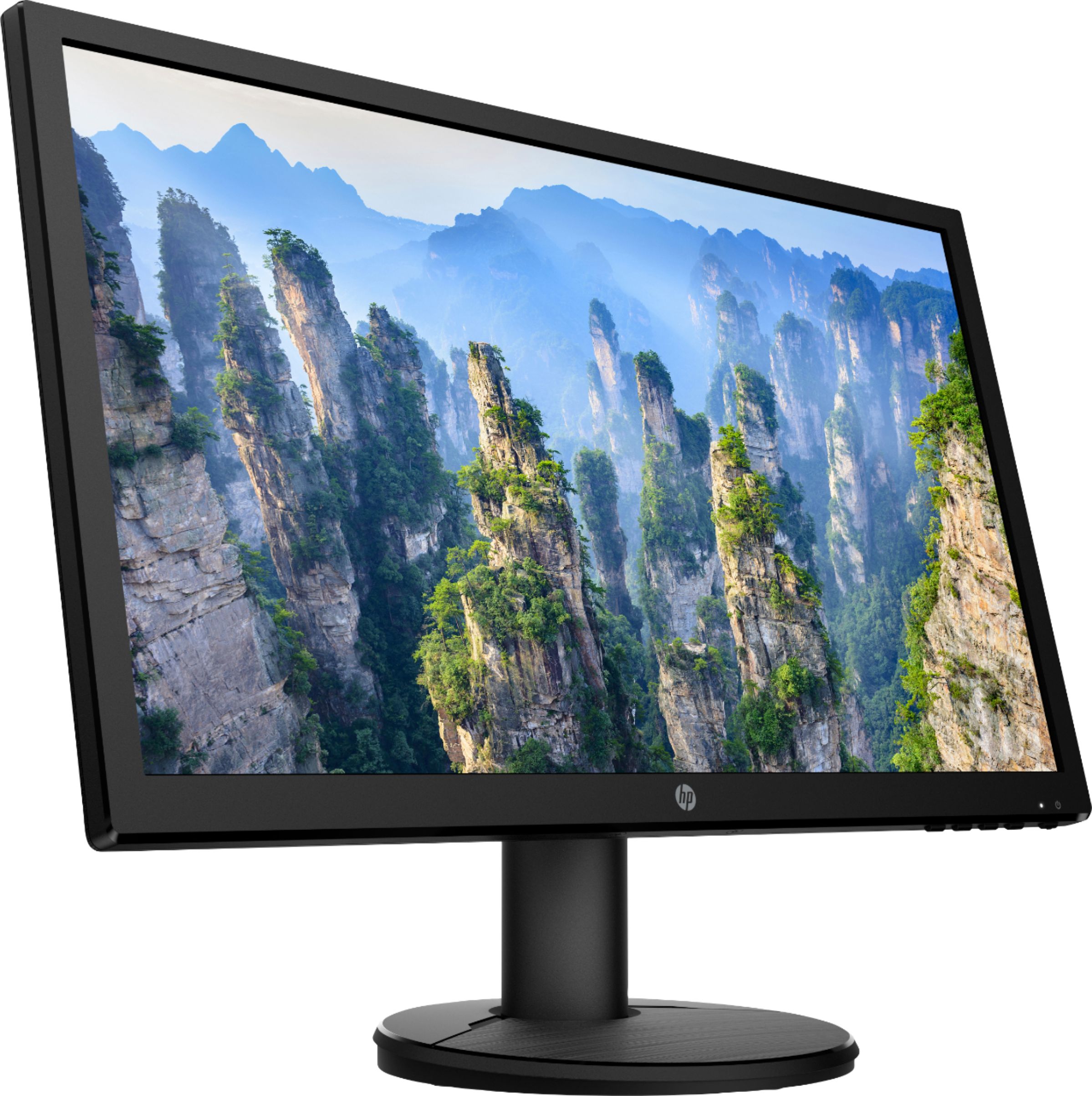
A:AnswerGreetings Whit. The HP - V21 20.7" LED FHD Monitor unfortunately does not have integrated speakers. Please keep this in mind before purchasing this item if your intention is to find a monitor with speakers. Happy shopping!
A:AnswerYou will need the dual arm stand with VESA standards of 100 x 100 mm. Your computer would need 1 VGA port and 1 HDMI port. If you have a laptop, you can use a USB universal docking station that has the 1 VGA port and 1 HDMI port.
A:AnswerThank you for the question. The Lorex web page indicates "Easily watch live video feeds or review video footage on most Monitors or HD TVs by using the included HDMI cable". This HP monitor will likely work with the Lorex software. We recommend that you contact Lorex to verify.
A:AnswerYes. The Swann systems work with either a computer monitor that has a VGA port or a television with an HDMI port. That would include most computer monitors and TVs. Just check the computer monitor you are considering to insure it list a vga port. I prefer to use my TV because it's a very large screen and you can see what's on multiple cameras clearly at the same time. Most of the SWANN systems are hard wired rather than wi-fi. That is more dependable and no one can block your wi-fi signal to disable your camera's, but it can be hard to get wires everywhere you want a camera and it means you have to locate the SWANN box where all the wires can get to it.
A:AnswerHello. Thanks for your question. If you have a Windows 10 computer, you select the Windows logo and P keys to open the Project screen. Once the Project screen is open, you want to select Extend option. That will allow you to have two different screens. Here are some instructions; https://bit.ly/3w53IfS
A:AnswerHi Lu, Thank you for the question. HP V21 monitor is compatible with Apple Mackbook Air 2020. You would need a Type c to HDMI adapter in order to use this monitor.
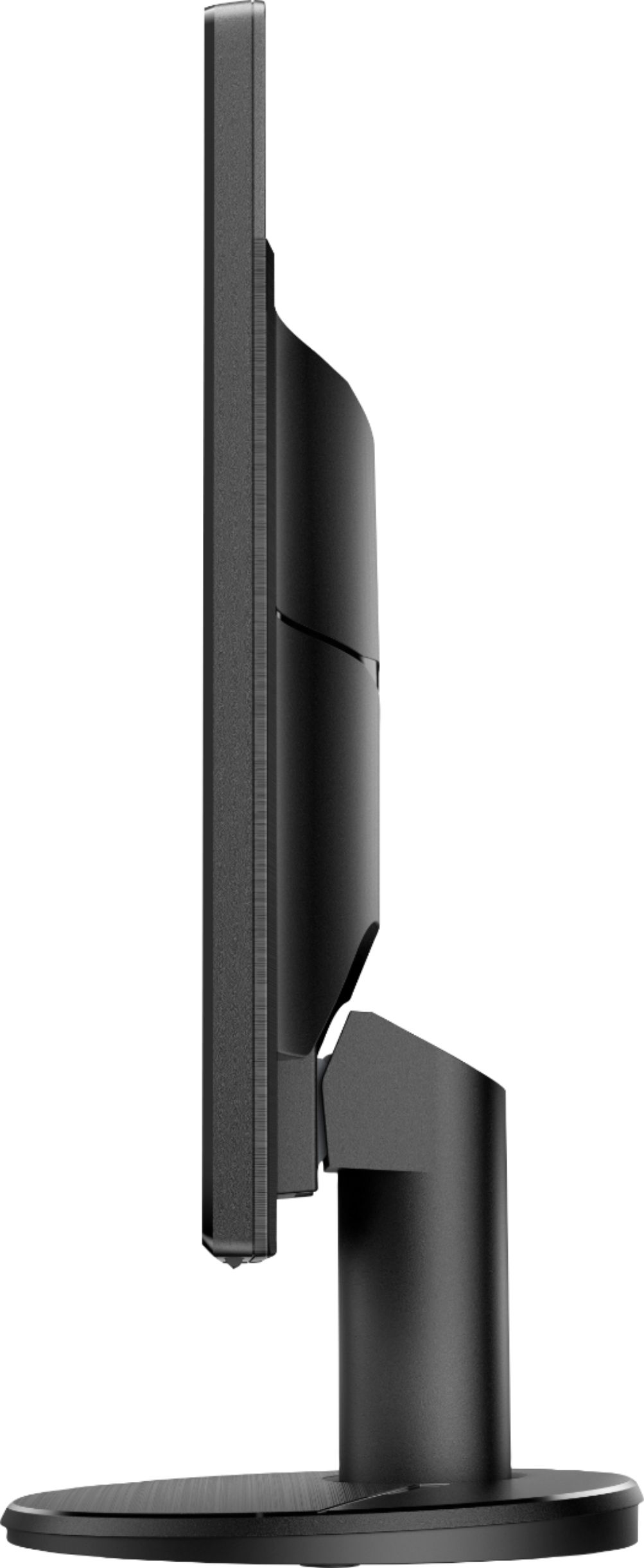
A:AnswerYes, it can be mounted vertically if you use a VESA wall or arm mount. The stand that comes with it has to be left off (as you would expect) to do that. VESA mounts are available a lot of places for about $20-25. I happen to have two of them and they are wall attached. Once you have it mounted, you can rotate it however you want and set up the display in Portrait mode.