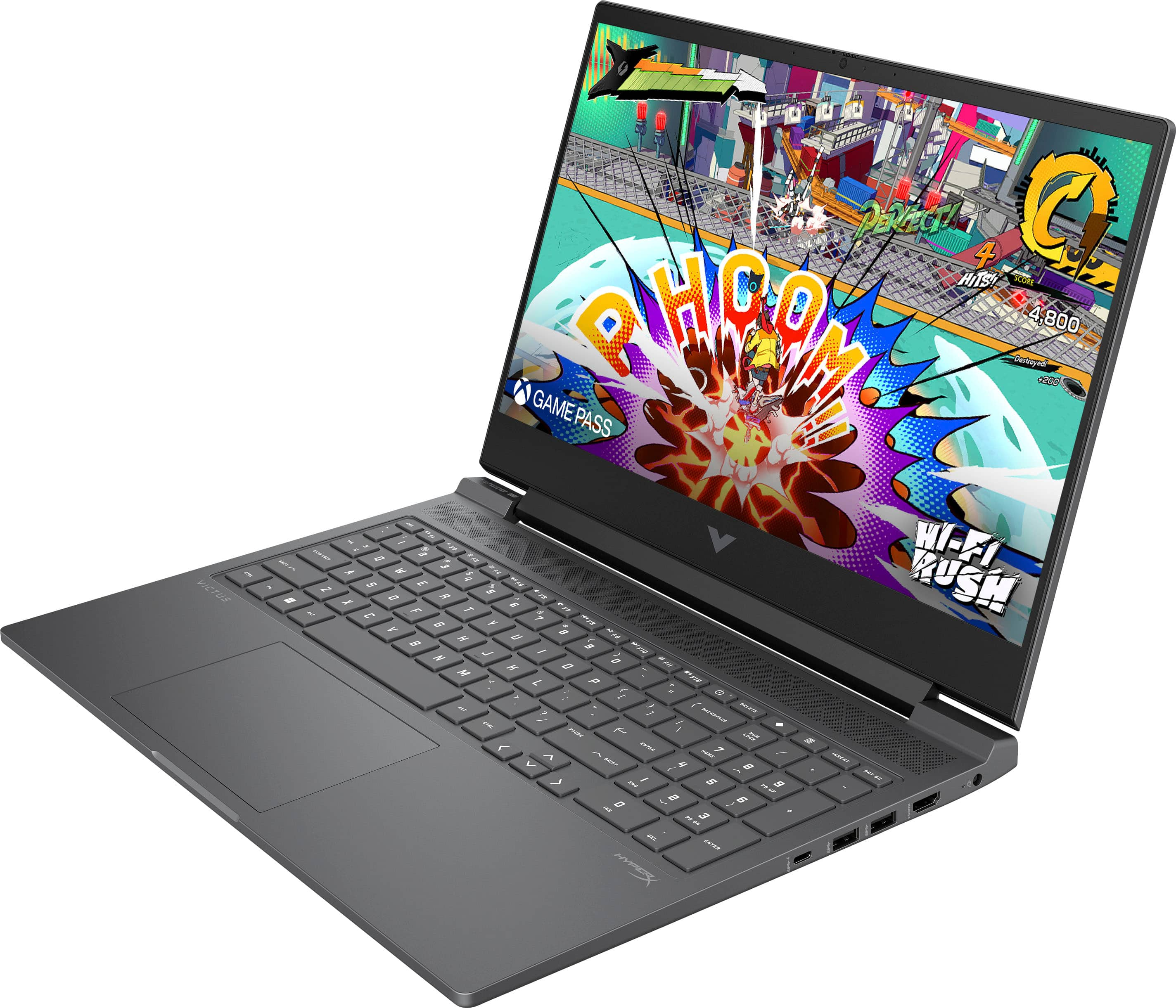
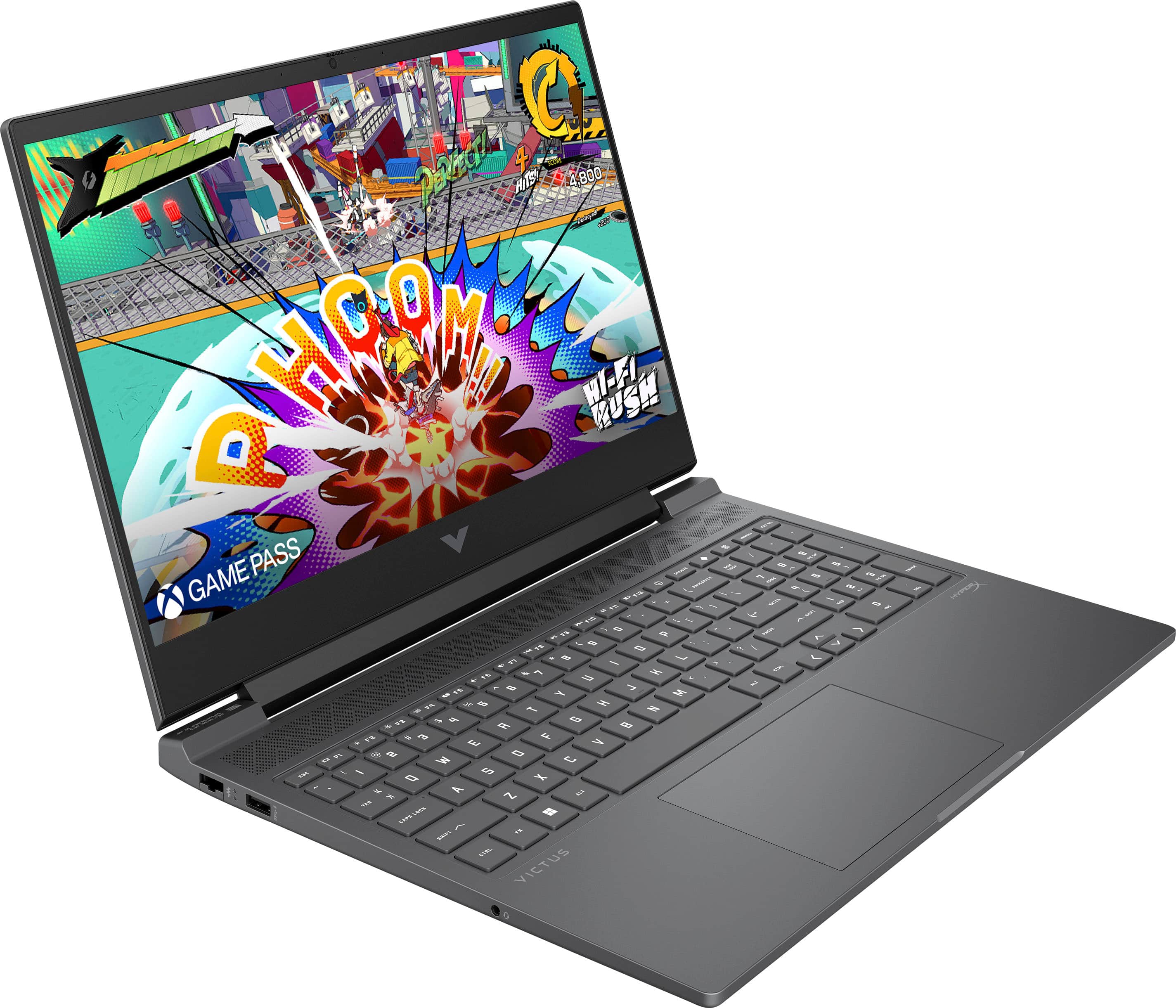
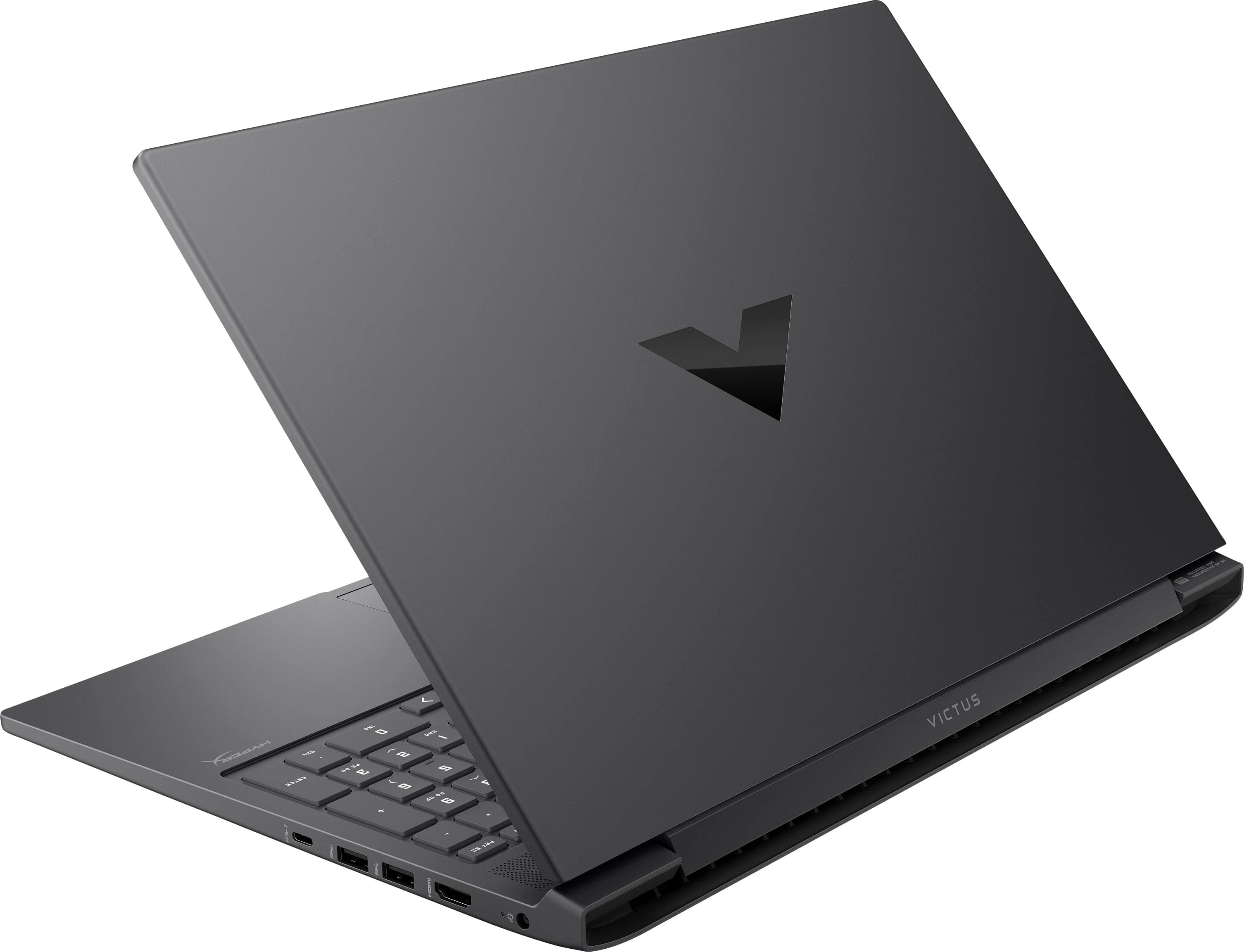
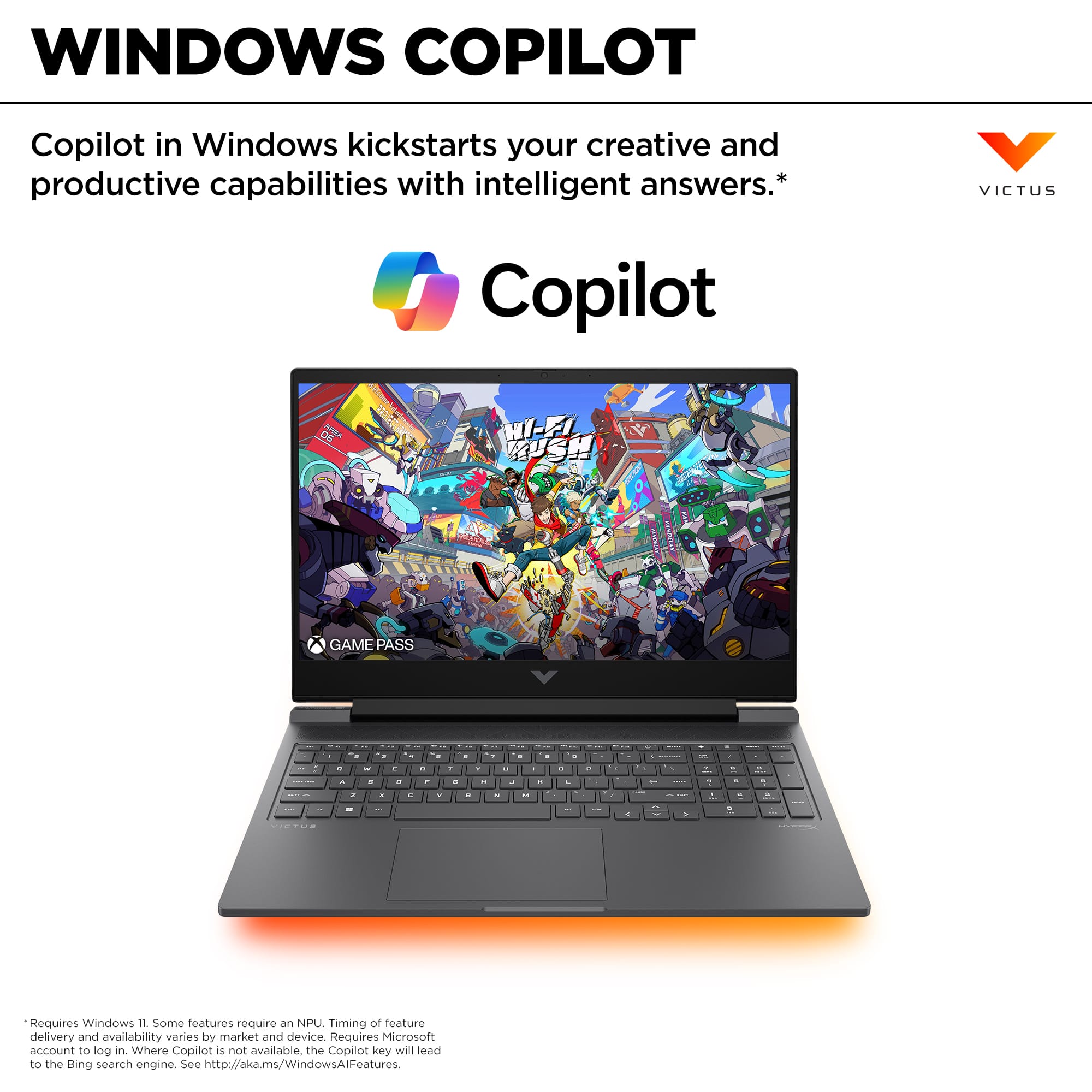
A:AnswerThank you to the question. The battery life on the 16-s1023dx Victus Gaming Laptop is up to 7 hours and 30 minutes (mixed usage), up to 10 hours and 15 minutes (video playback) and up to 9 hours (wireless streaming).
A:AnswerHello and thank you for your question. This HP Victus 16-s1023dx laptop comes with the NVIDIA GeForce RTX 4070 dedicated graphics card (8 GB GDDR6).
A:AnswerHi, thanks for your question about this laptop! You can access the MUX switch in the OMEN Gaming Hub settings on this HP Victus 16.1" Gaming Laptop with AMD Ryzen 7-8845HS.
A:AnswerThank you for your question about this Victus gaming laptop. The system board is equipped with one M.2 2280 slot for an SSD. There is another M.2 slot, but it is shorter and accommodates the WLAN card.
A:AnswerHi, billanator, and thanks for the question. Unfortunately, it's not safe to assume that. Most of the time the SSD is located under one or more pieces of hardware that's attached to the motherboard.
A:AnswerThank you for the question. The Victus 16-s1023dx has the DisplayPort over USB-C wired to the integrated graphics. In addition to DisplayPort 1.4a,, the laptop has one HDMI2.1 port. It will support two external monitors.
A:AnswerThank you for asking. The performance overlay on your Victus gaming laptop is tied to the Omen Gaming Hub software. Open the Omen Gaming Hub app. Navigate to the Performance Control or System Vitals section. Look for the option to rest hotkeys.
A:AnswerHi there. Thank you for your question. The ethernet port on this HP Victus laptop will support up to one Gigabit networks (10/100/1000 GbE LAN).