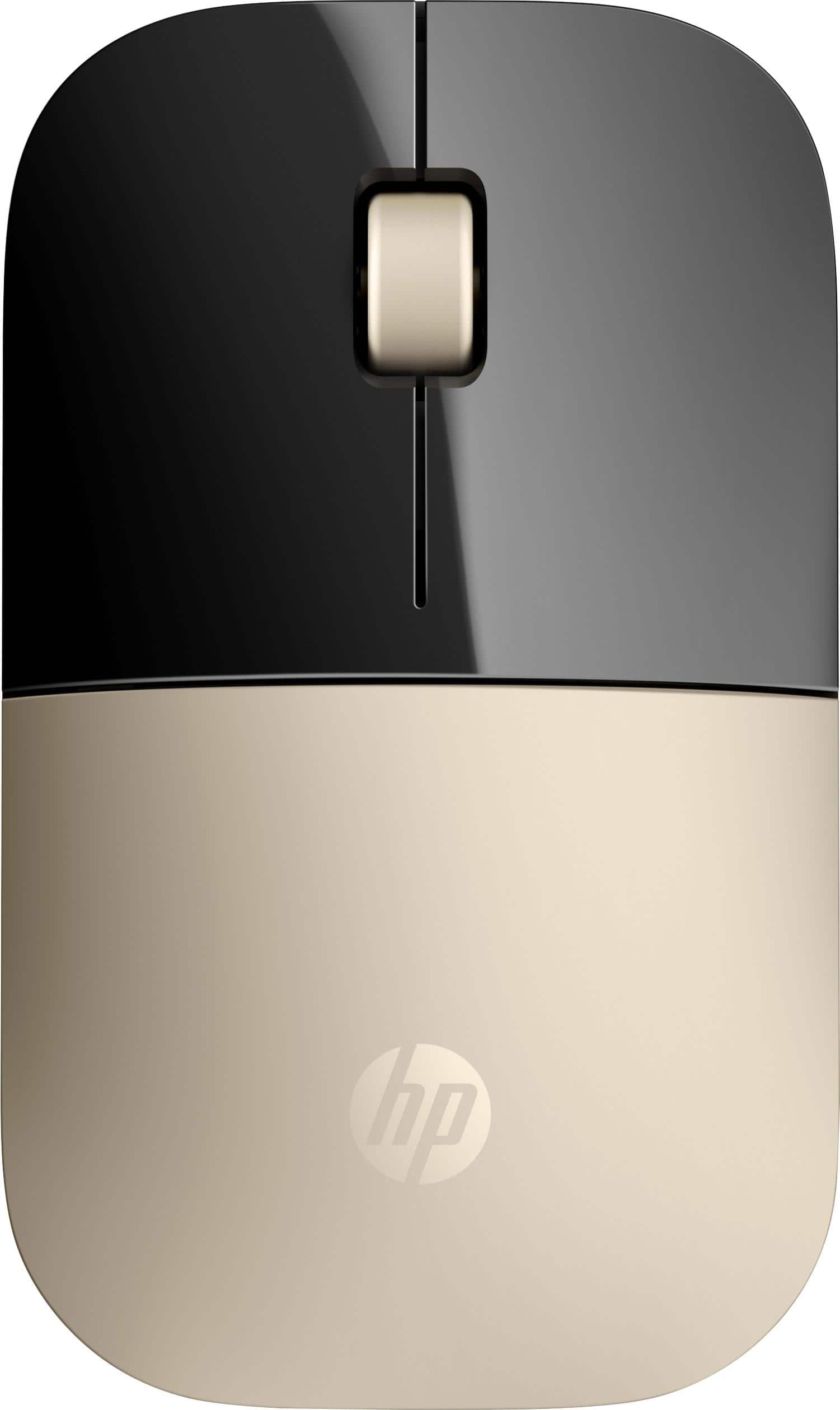
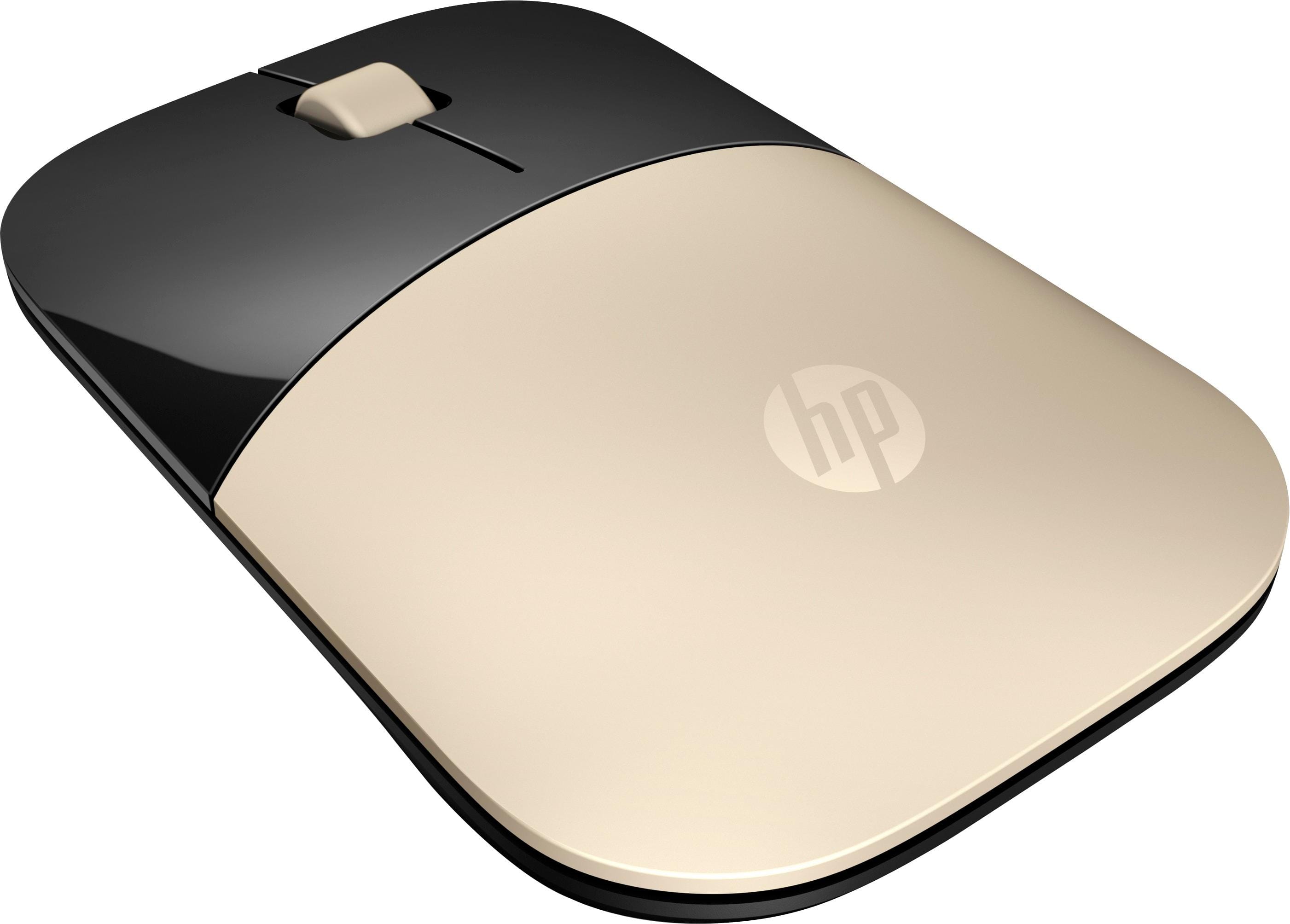
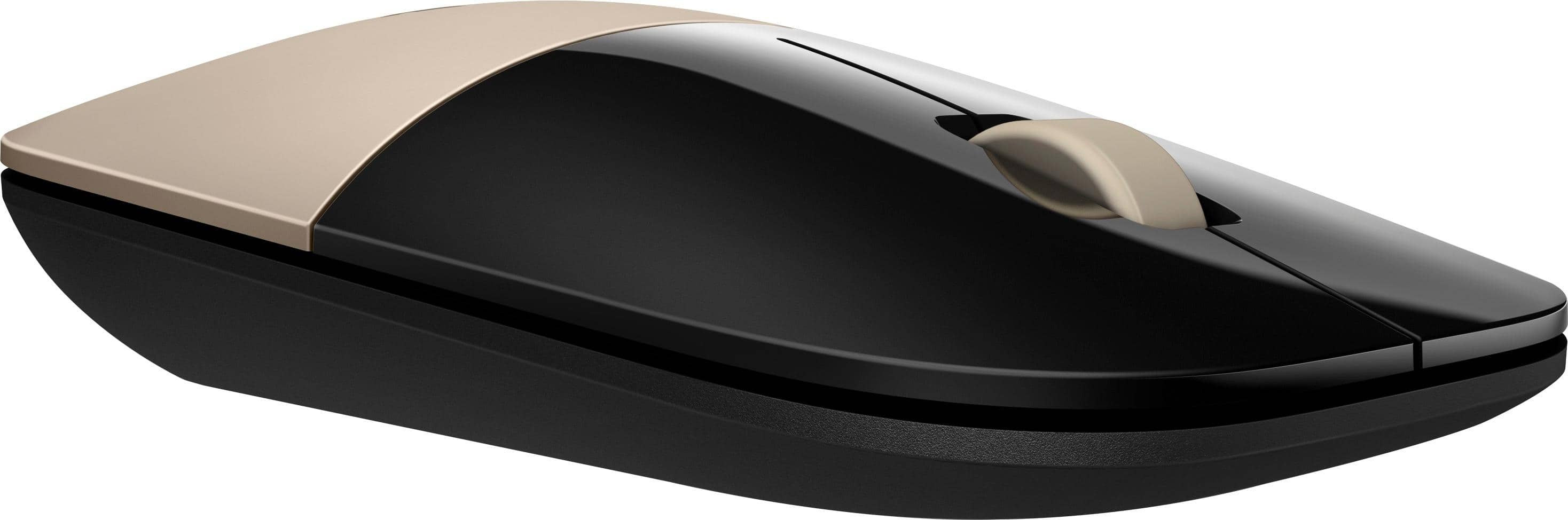
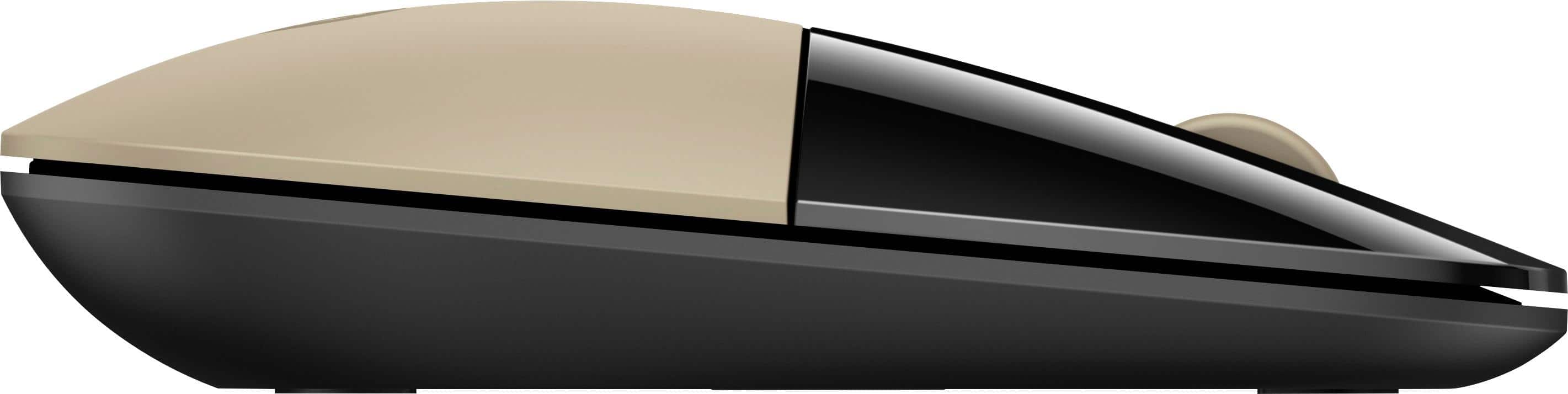
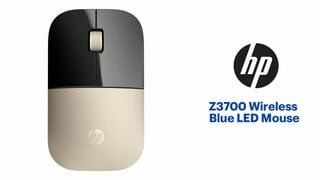
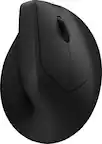
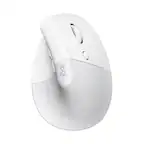
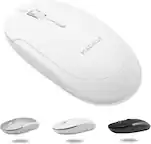
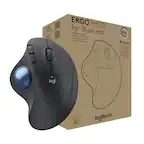
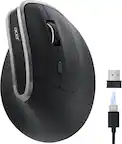
A:AnswerAll wireless mice connect through Bluetooth and not USB. If your computer does not have Bluetooth, the mouse includes a Bluetooth receiver which you can plug into one of the USB Type A ports on the computer
A:AnswerThere are a number of different models that are listed as a "TouchSmart 15". The majority of them have Bluetooth built in, so all you'll need to do is pair the mouse and the computer. If you've got one of the models that doesn't have Bluetooth built in, you can plug in the "dongle" that comes with the mouse to give you that connectivity.
A:AnswerYou need take the top cover off to access the batteries. Here is the quick setup guide for a visual: http://h10032.www1.hp.com/ctg/Manual/c06433340
A:AnswerOk so this is the same problem I had...I actually have the dongle for the keyboard plugged in still and another dongle plugged in for this mouse...