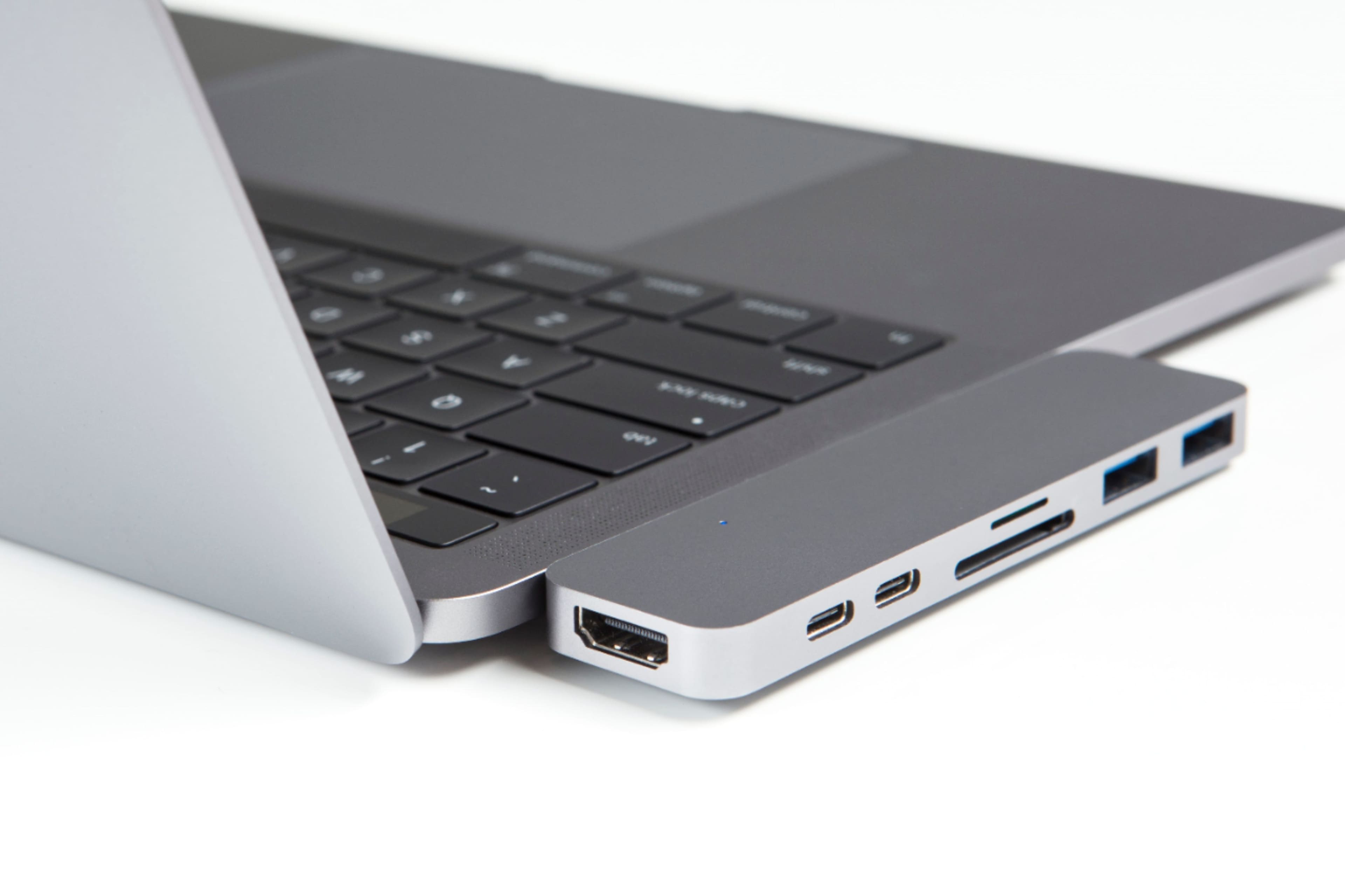
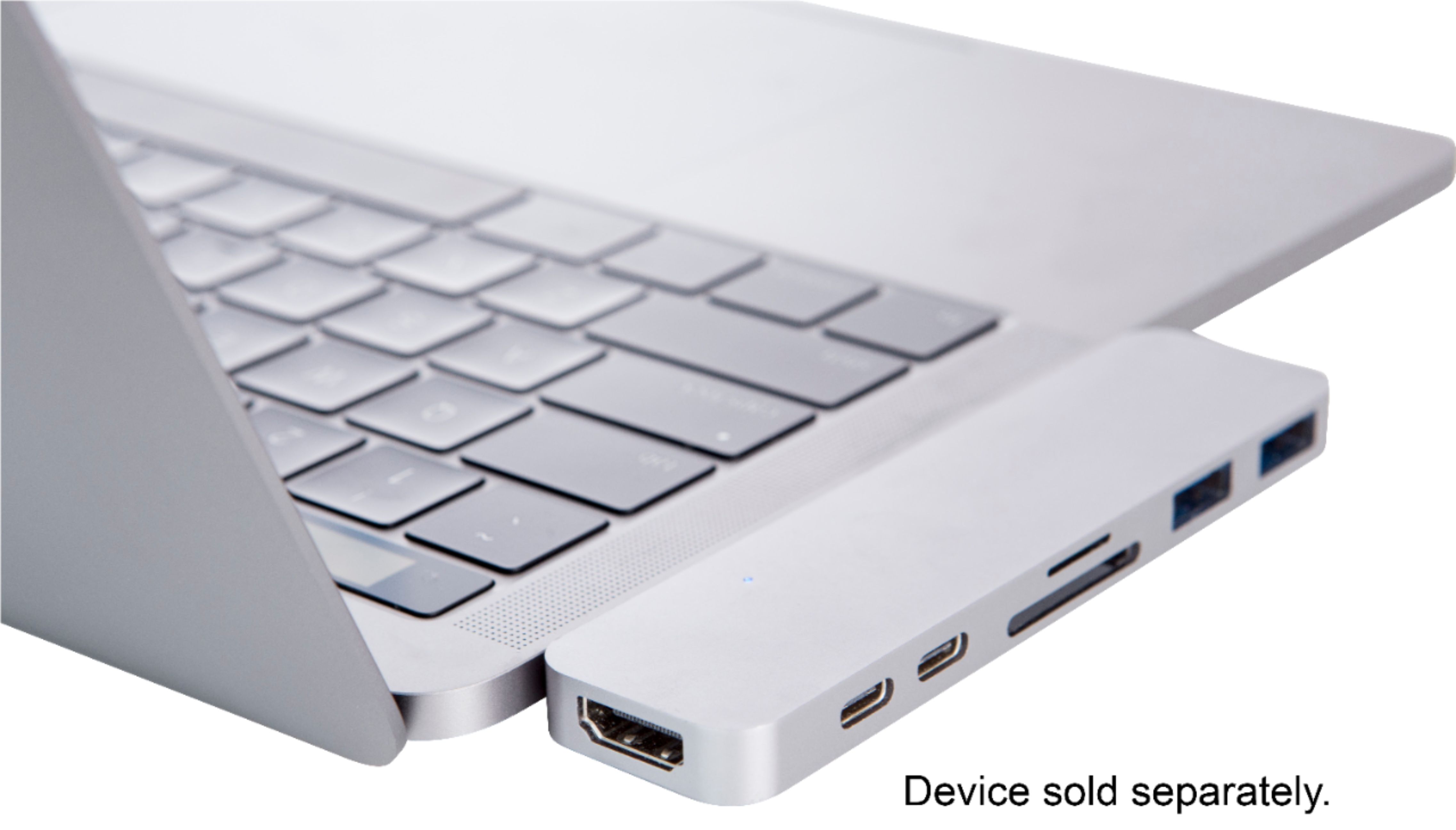
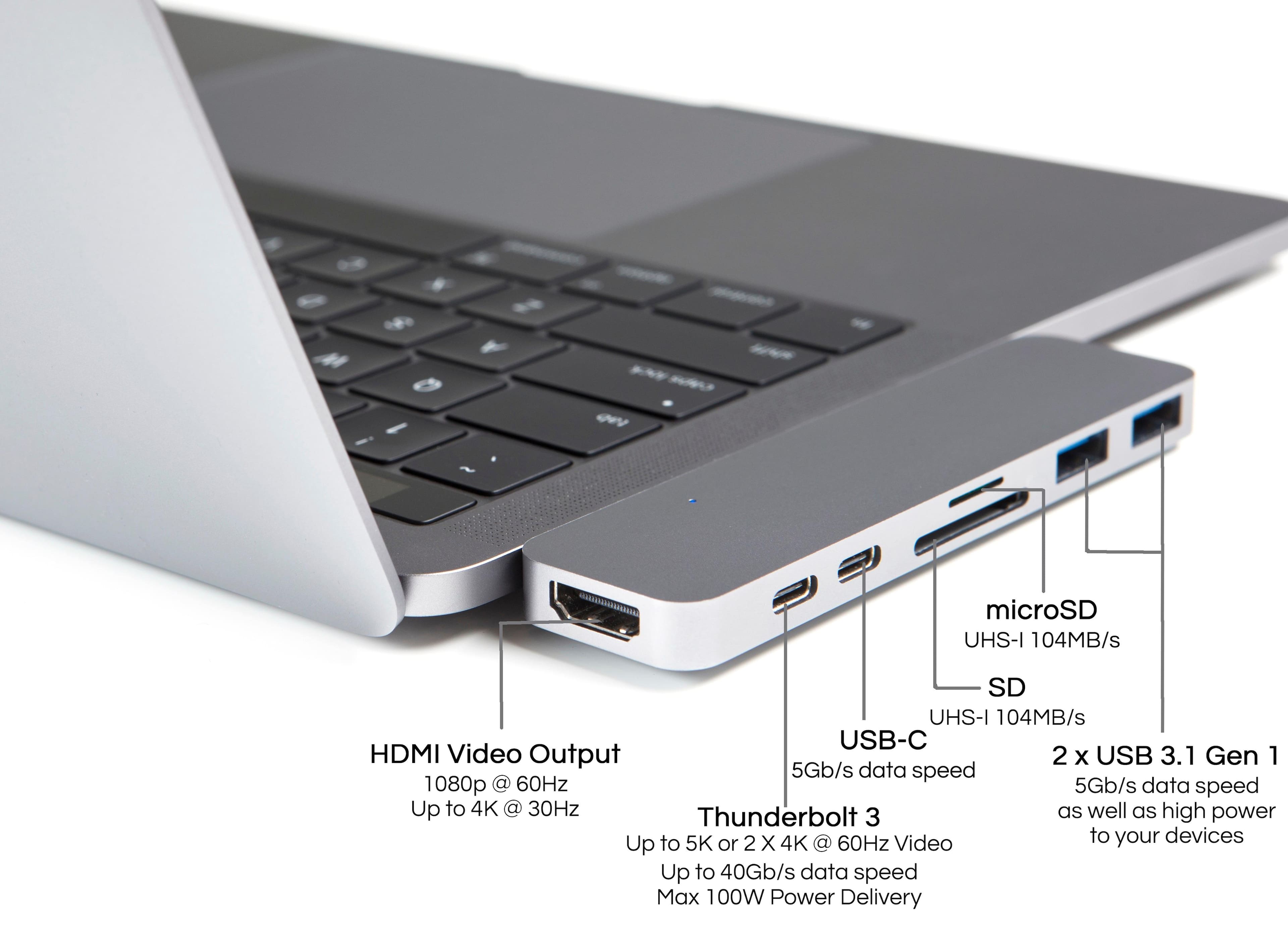
A:AnswerI don't think so... it's really only needed for the newest 2017/2018 models that are missing the side USB/SD/HDMI inputs. It has two USB3 connections that fit exactly in the two ports on the sides. It really is a bummer to need this on such a sleek machine otherwise. (I miss the Magnet connection for power as well.)
A:AnswerYes — assuming it was new when purchased. This device works with late model Apple laptops that have two USB-C / Thunderbolt 3 ports on the side
A:AnswerI am not sure of the specific monitor that you are referring to but I have connected it to maybe 5 different monitors using the HDMI and have not had a single problem. It will also provide the audio as well.
A:Answerso the super drive requires that it be connected to an apple usb-a port so if you are using an apple MacBook with type-c ports you will need an apple usb-c to usb-a dongle and of apples dongles with the type-a ports work with the super drive
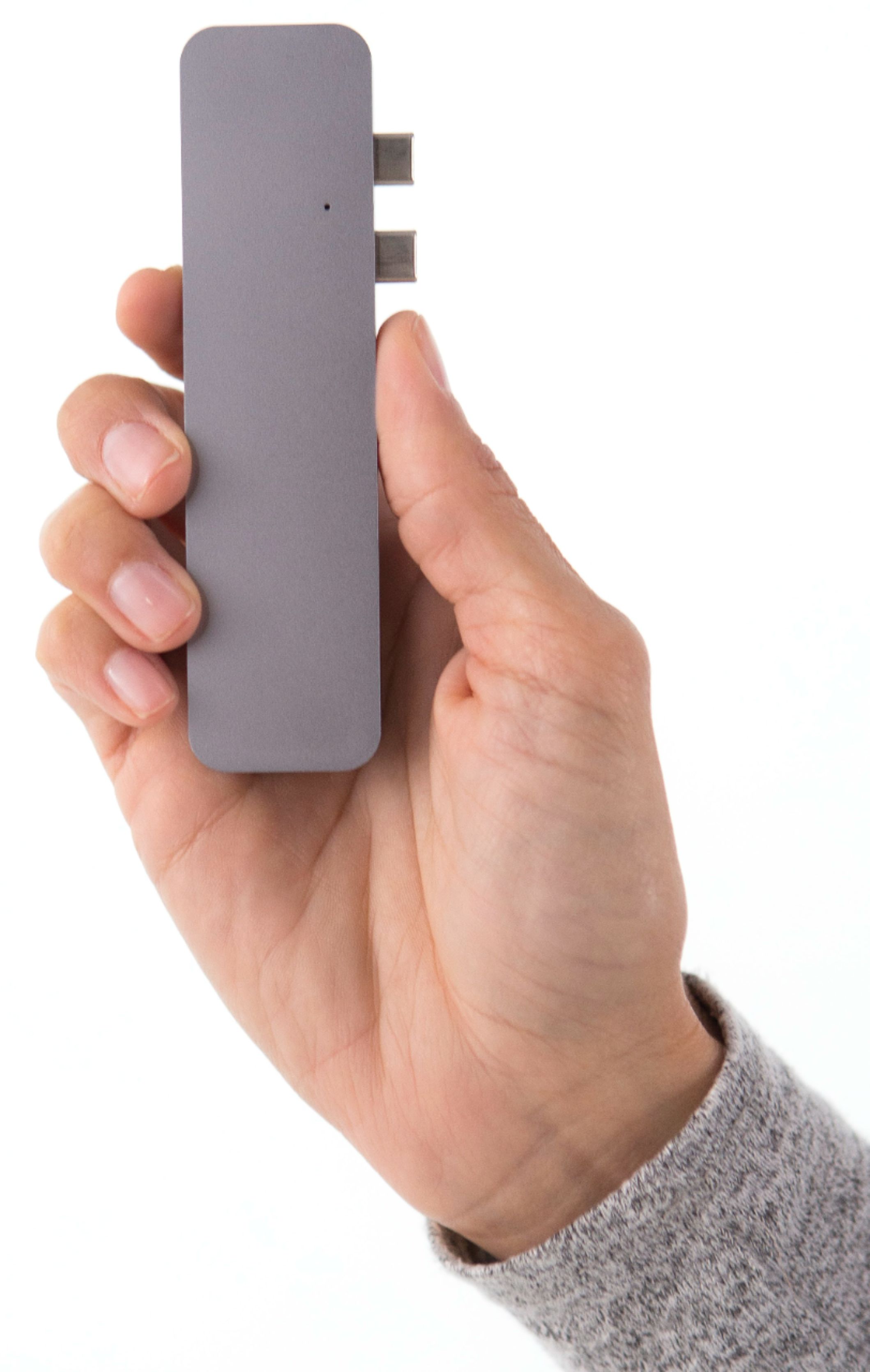
A:AnswerNo, it's plug in and use. It fits in the newer type ports and allows you to use the "older" current ones, which will eventually be outdated. So this is like an outlet plug extender/adapter.