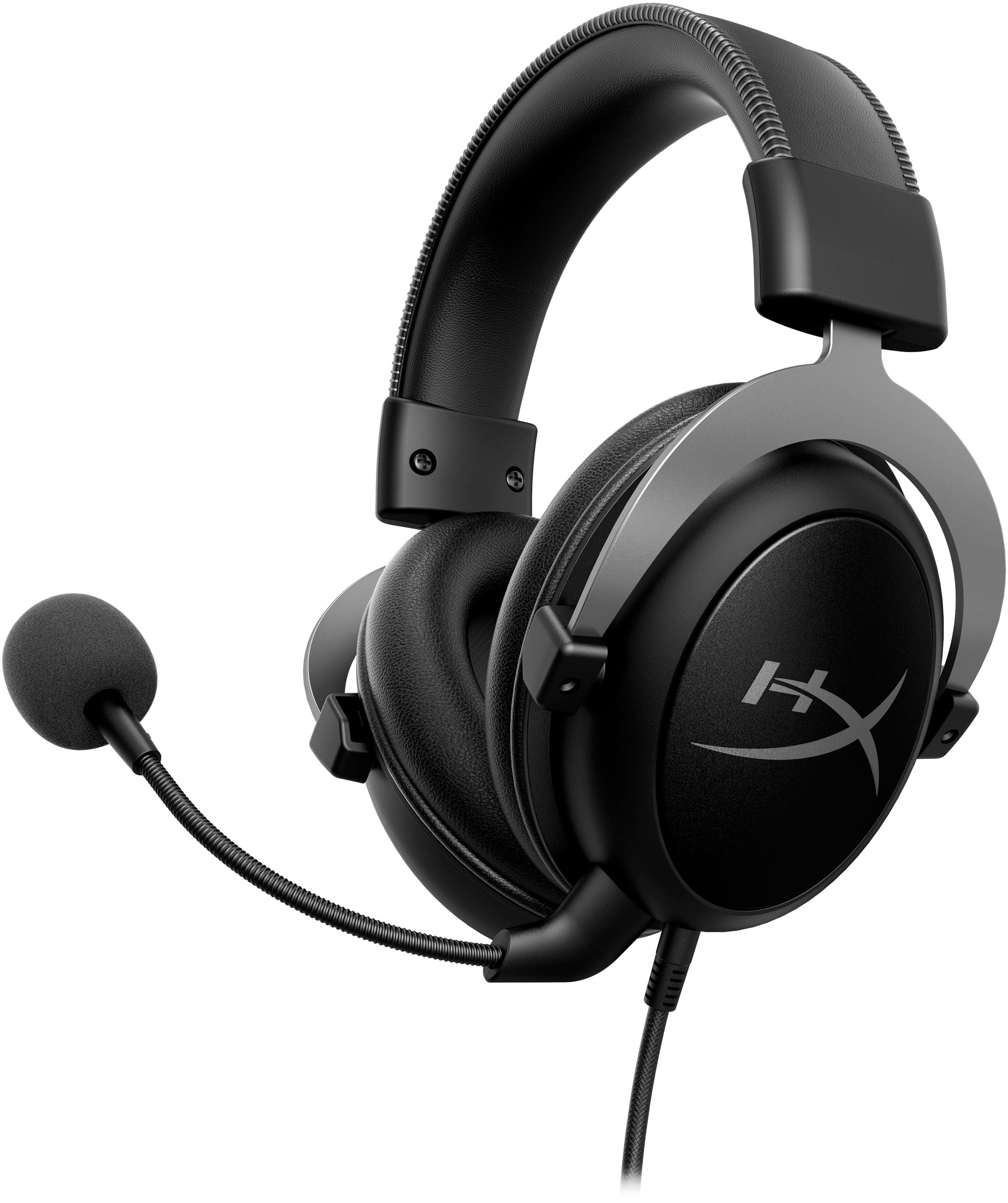
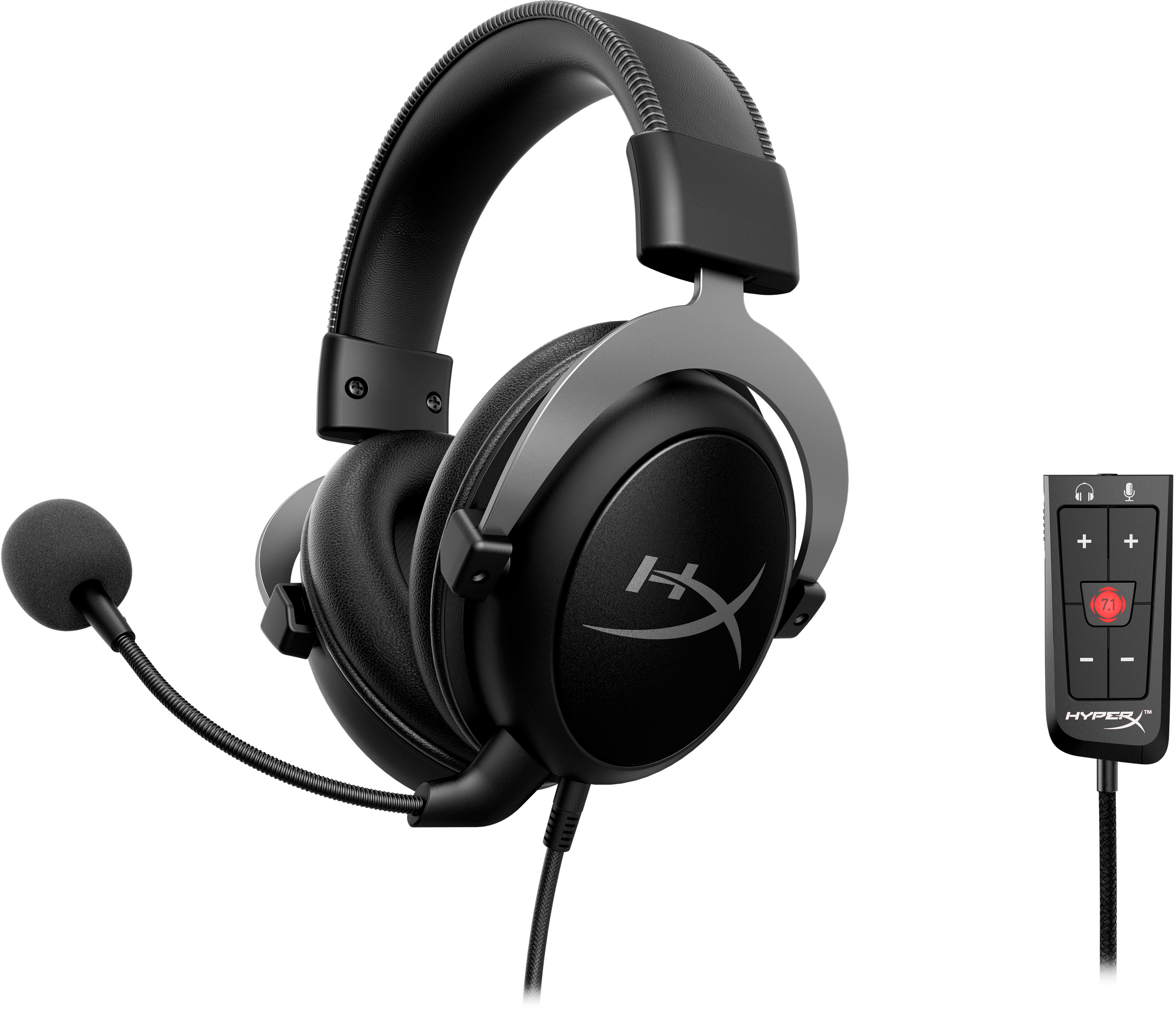
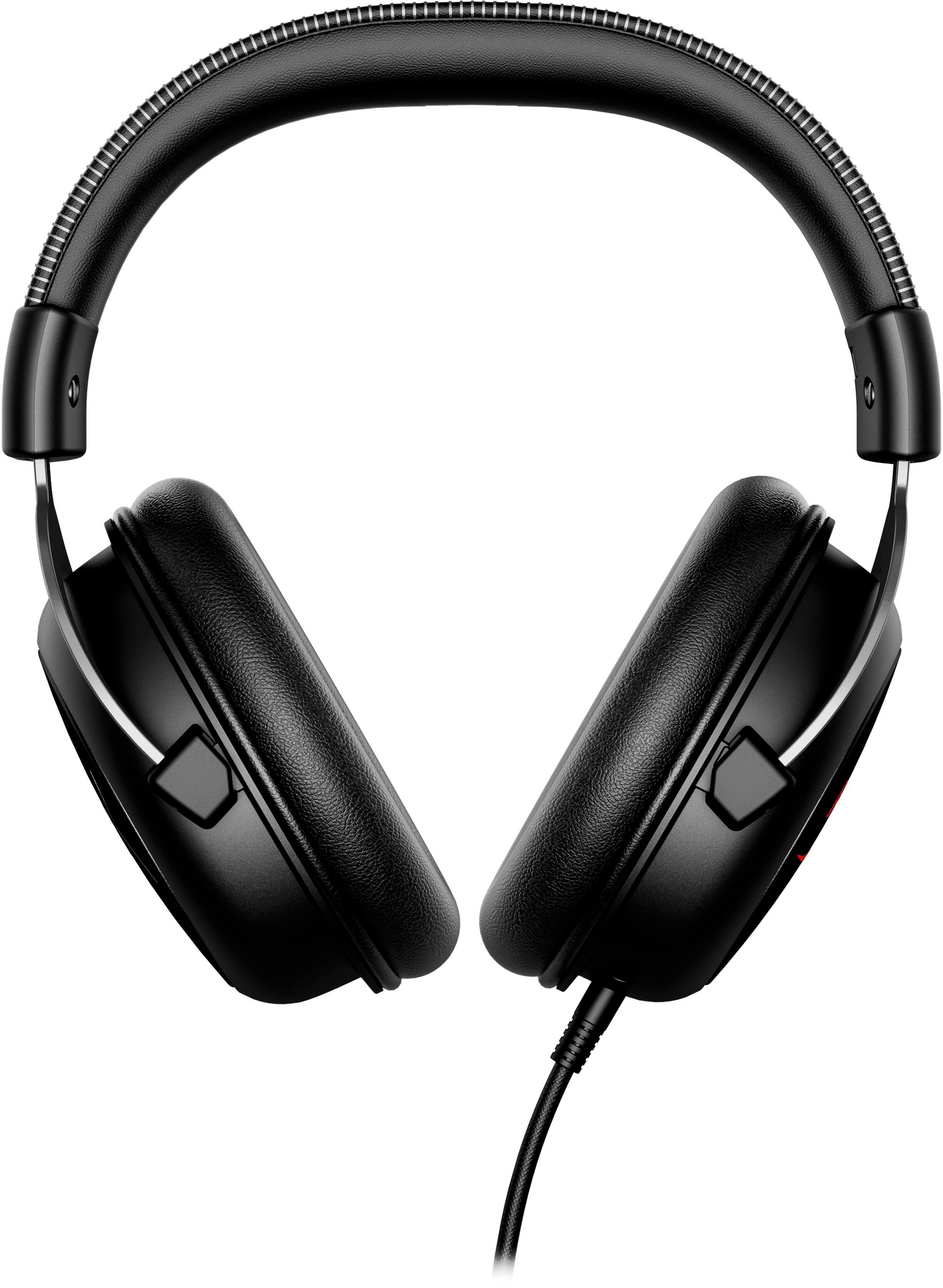
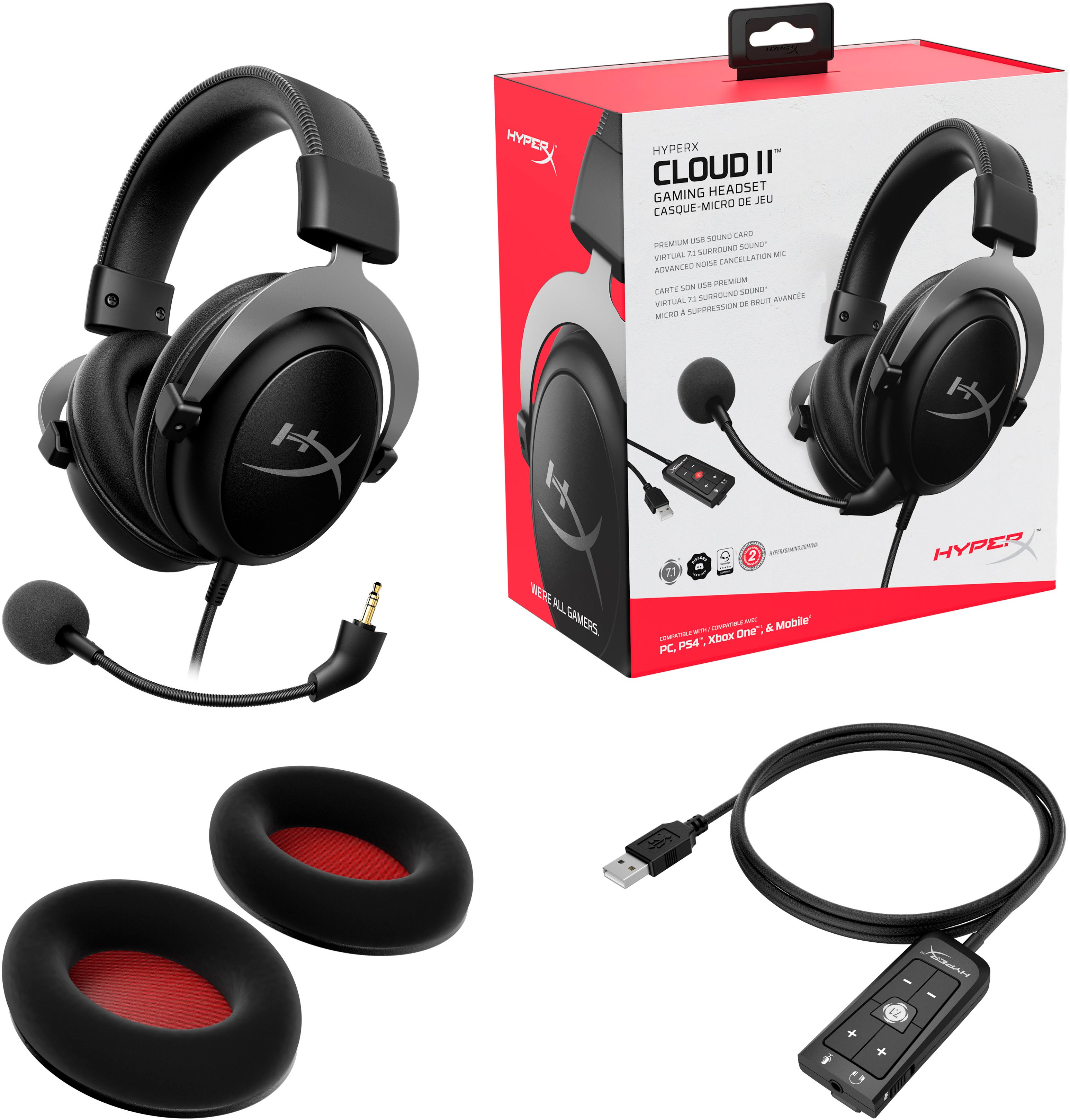
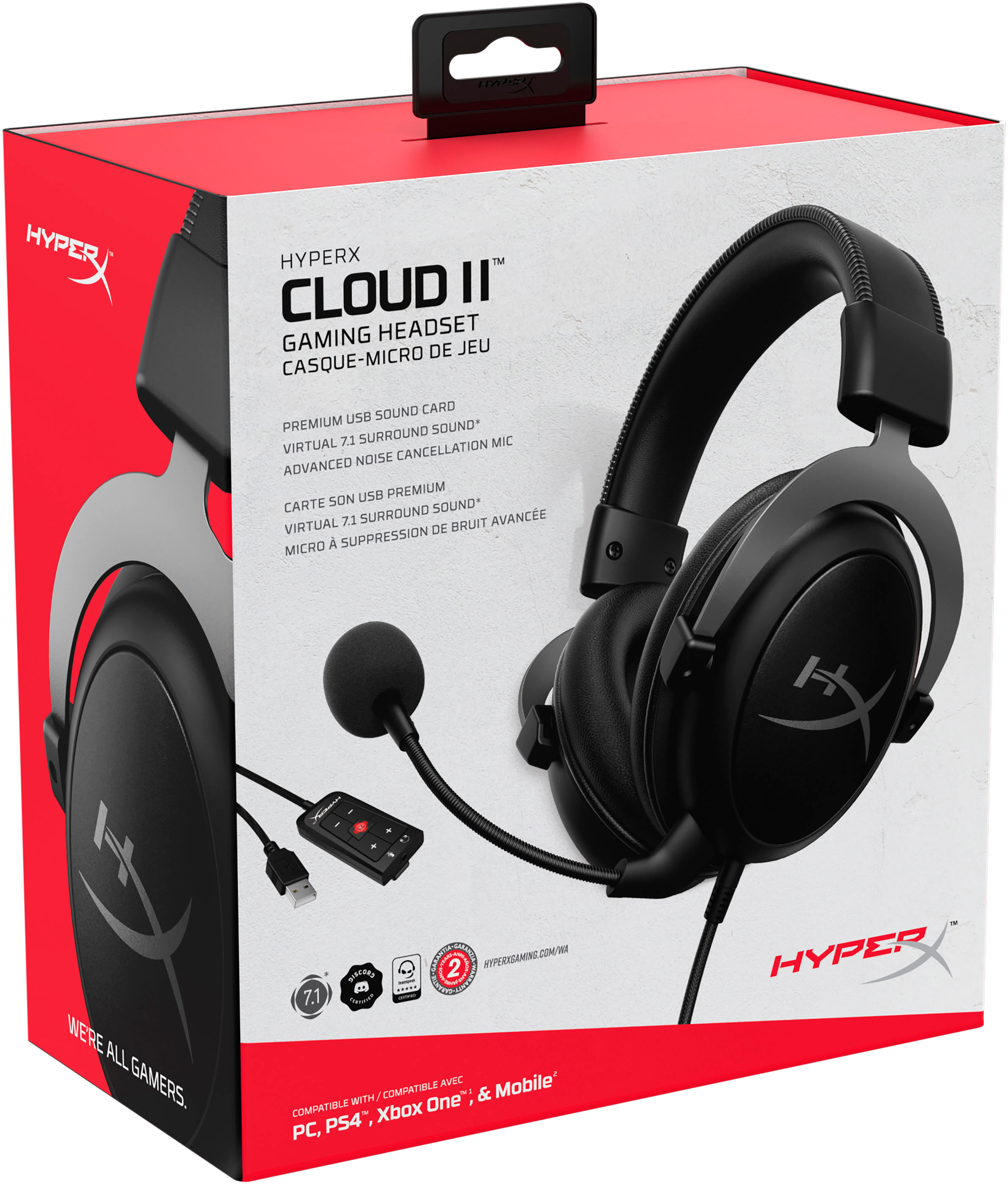
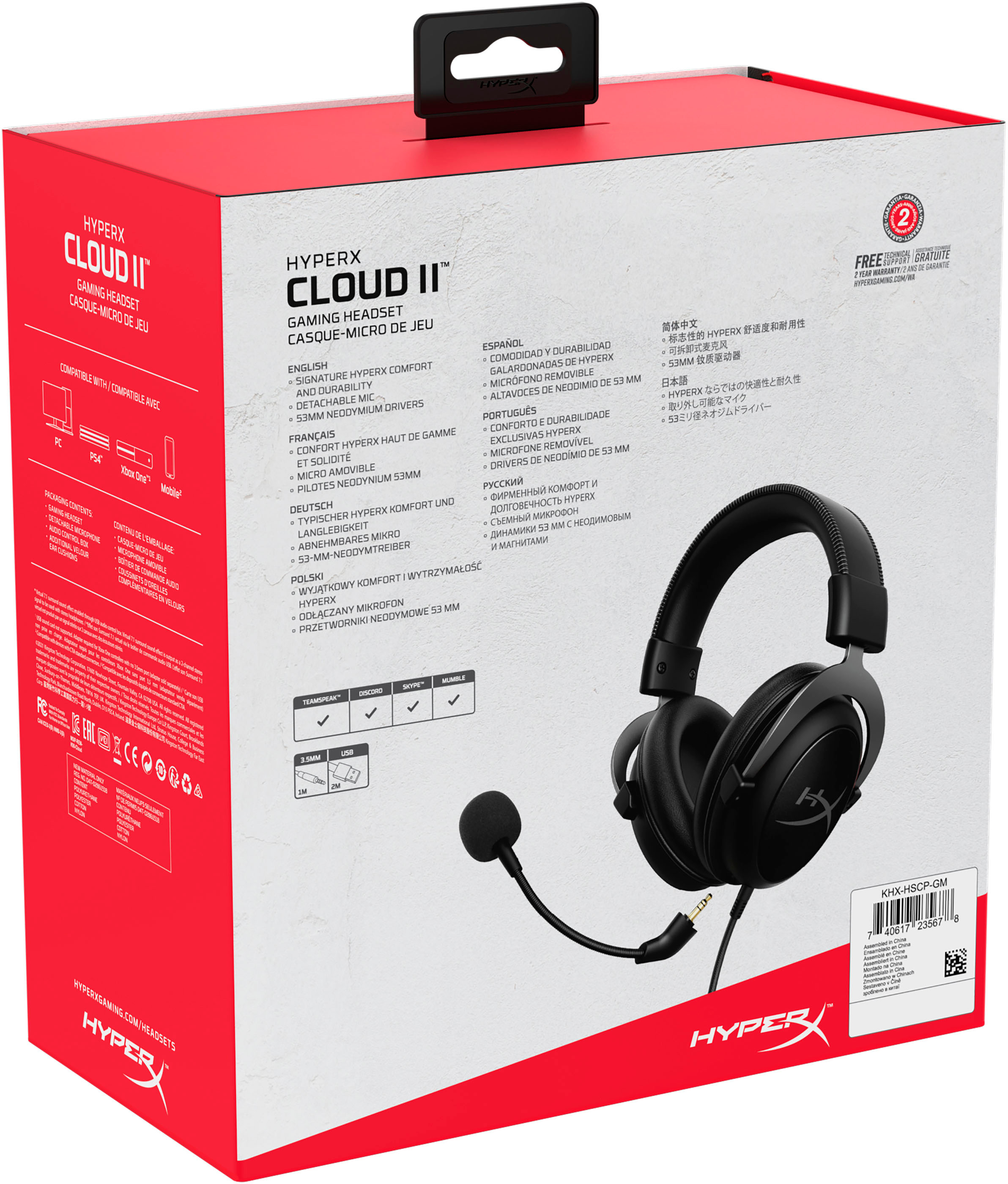
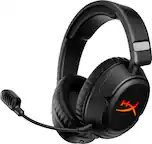
A:AnswerYes, I am currently using it on a gaming PC. It includes a usb dongle for 7.1 surround but if you do not want surround sound you just use the audio jack too.
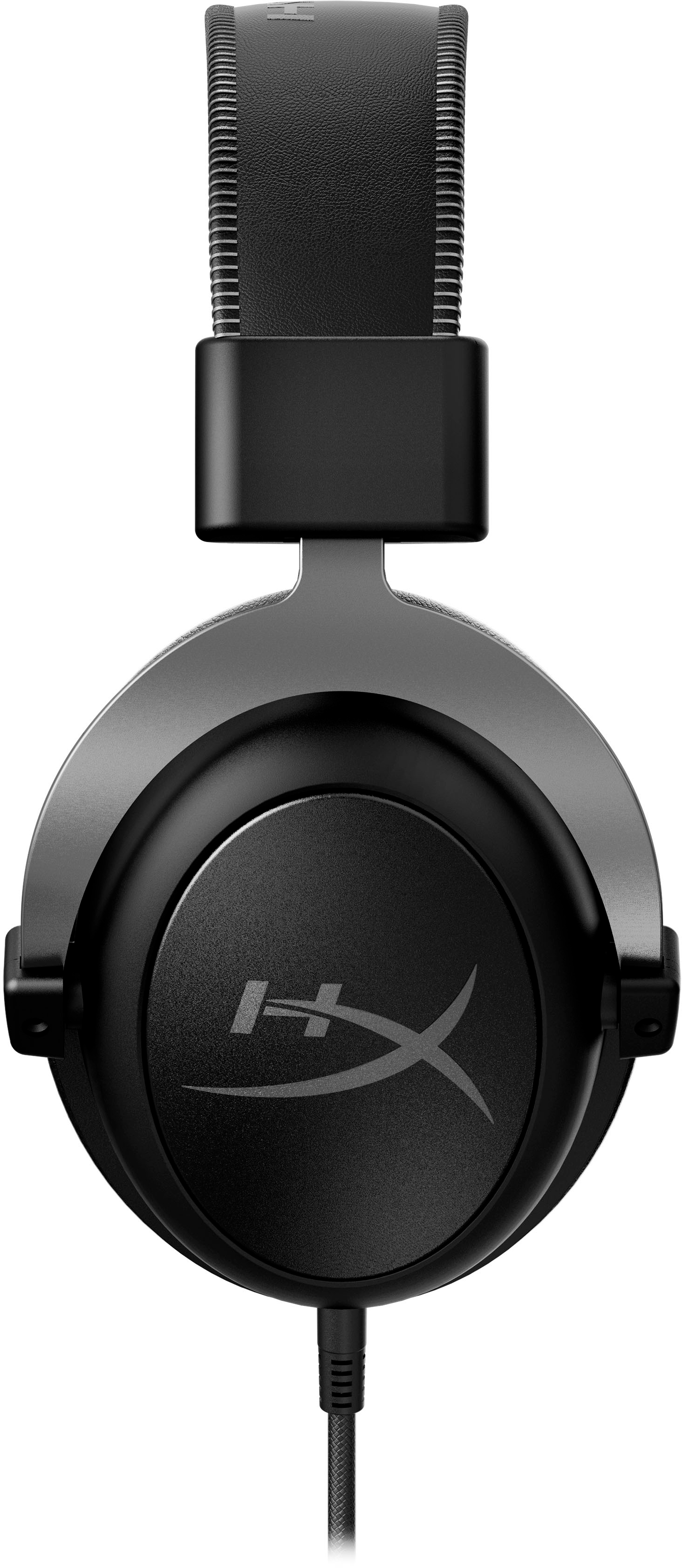
A:AnswerI wear glasses and a hat while gaming ... the clamping pressure is perfect and the comfort level is high. I can game for 10+ hours with no negative repercussions. As a matter of fact, if you read many of the positive reviews comfort is a big selling point to these headsets..
A:AnswerActually it does, you should be able to use one one the free usb's on the PS4 and plug in the 7.1 there. The cord should be long enough depending on where you are. The 7.1 does not go into the controller without some special part though.
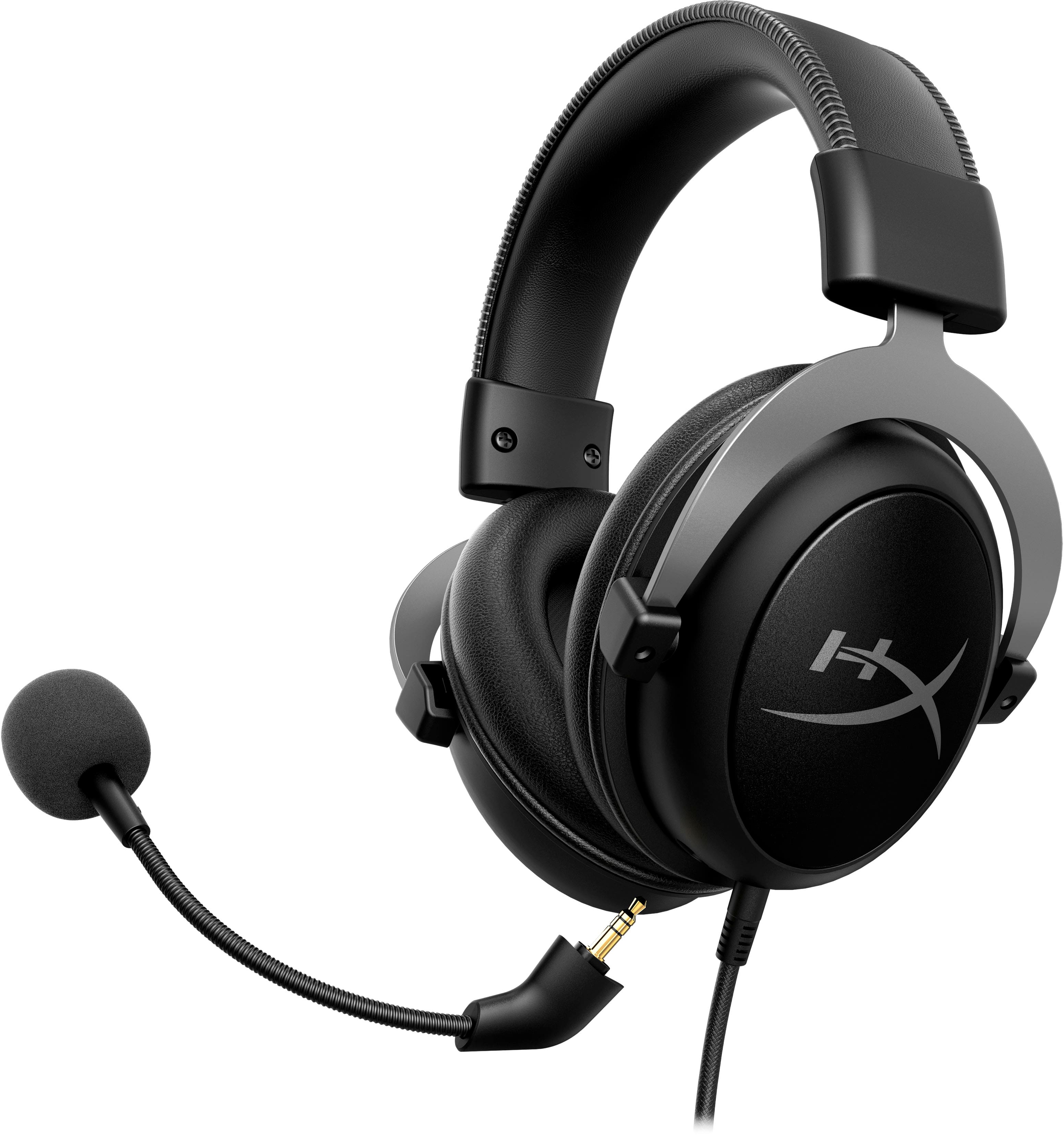
A:AnswerThe mic can be taken off but you can plug the headphones via headphone jack into the blue yeti just use the blue yeti mic. Thats what im doing and it a good setup
A:AnswerIt has an adapter, but it is not a cable. It is a static 2 pin block. It did not fit my motherboard. You may have to buy the splitter separately.
A:AnswerDoubtful. I bet your pc has to recognize the built in sound card through the usb connection, but the consoles aren't set up to look for or utilize that sound card.
A:AnswerCould be slightly longer for the biggest of heads but I feel my head is above average size and at max extension it fits me comfortably. The durability seems amazing too. High quality metal.
A:AnswerYes ... I have a pretty big noggin and I game with a hat and glasses and the clamping pressure is perfect. I can game with these for 10+ hours no problems. As a matter of fact, if you read many of the positive posts comfort is one of the main selling points for the headset.
A:AnswerI would assume that it would due to it having a 3.5mm jack and USB connection. plugging it into the controller for the system, or the system should work!