A:AnswerIf you purchased it in store, the code is on your receipt. The emailed receipt didn't show the code. You have to install the games through GeForce Experience by clicking on your account name then redeem and it has to be version 3.17. I'm not sure about online purchases but it should be on the receipt. If it doesn't show in your emailed receipt where it says "Your activation code:" try going in store and asking them to print a copy of your receipt.
A:AnswerHello, I do have a iBuypower and in the back panel there are three single plug in that are color coded, and for the speakers it is usually the green color coded plug in for the speakers. I hope this help you.
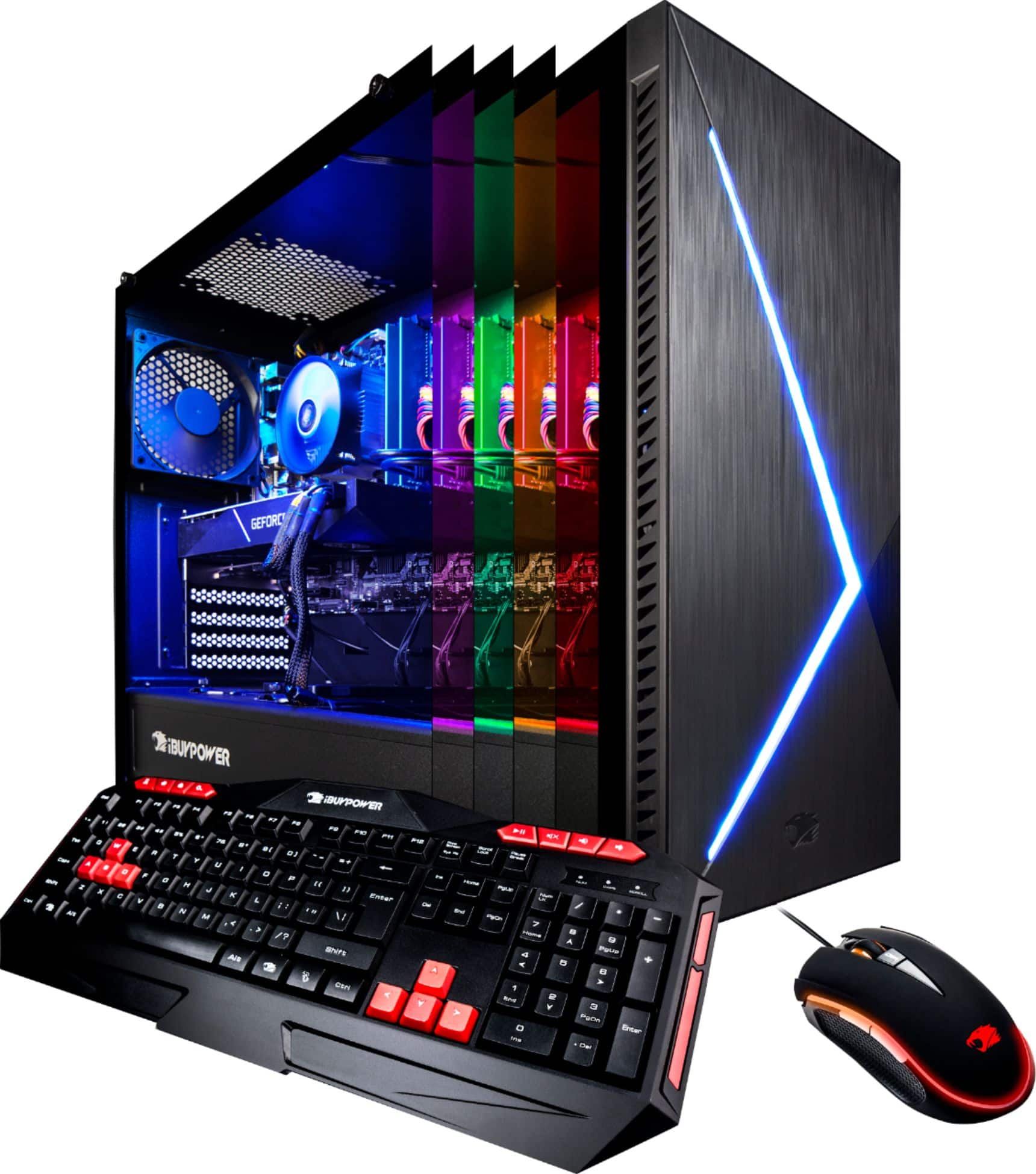
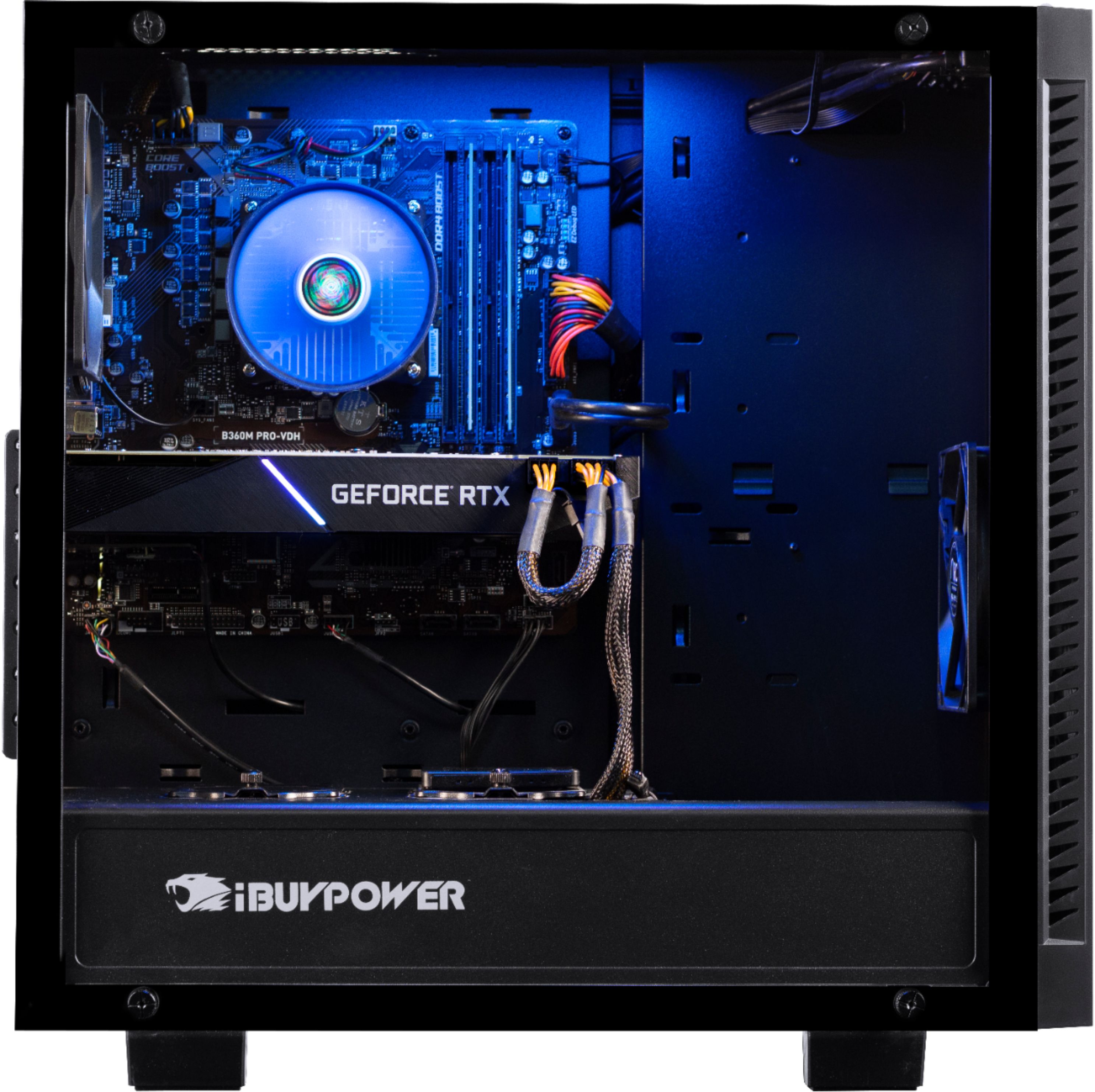
A:AnswerThe one i bought has a short string of LEDs at the top of the case, just inside the glass panel. To get to the Software to adjust the LEDs, go to Start -> ASRock Utility -> ASRRGBLED.
A:AnswerIt took me a minute to find this but you can change the color of the LED's using ASRRGBLED. Paste this into the search bar and you should be able to use that software to do so.