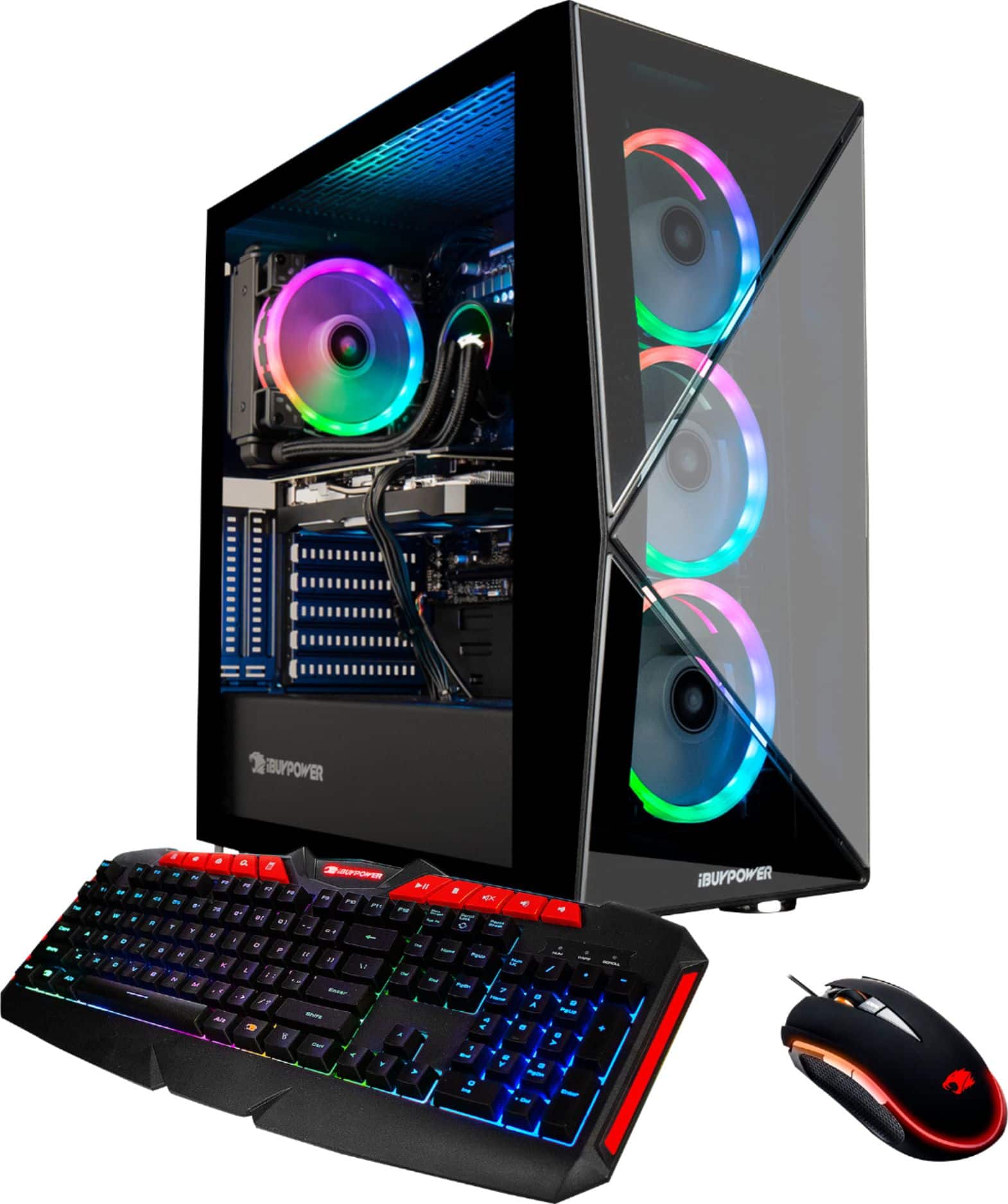
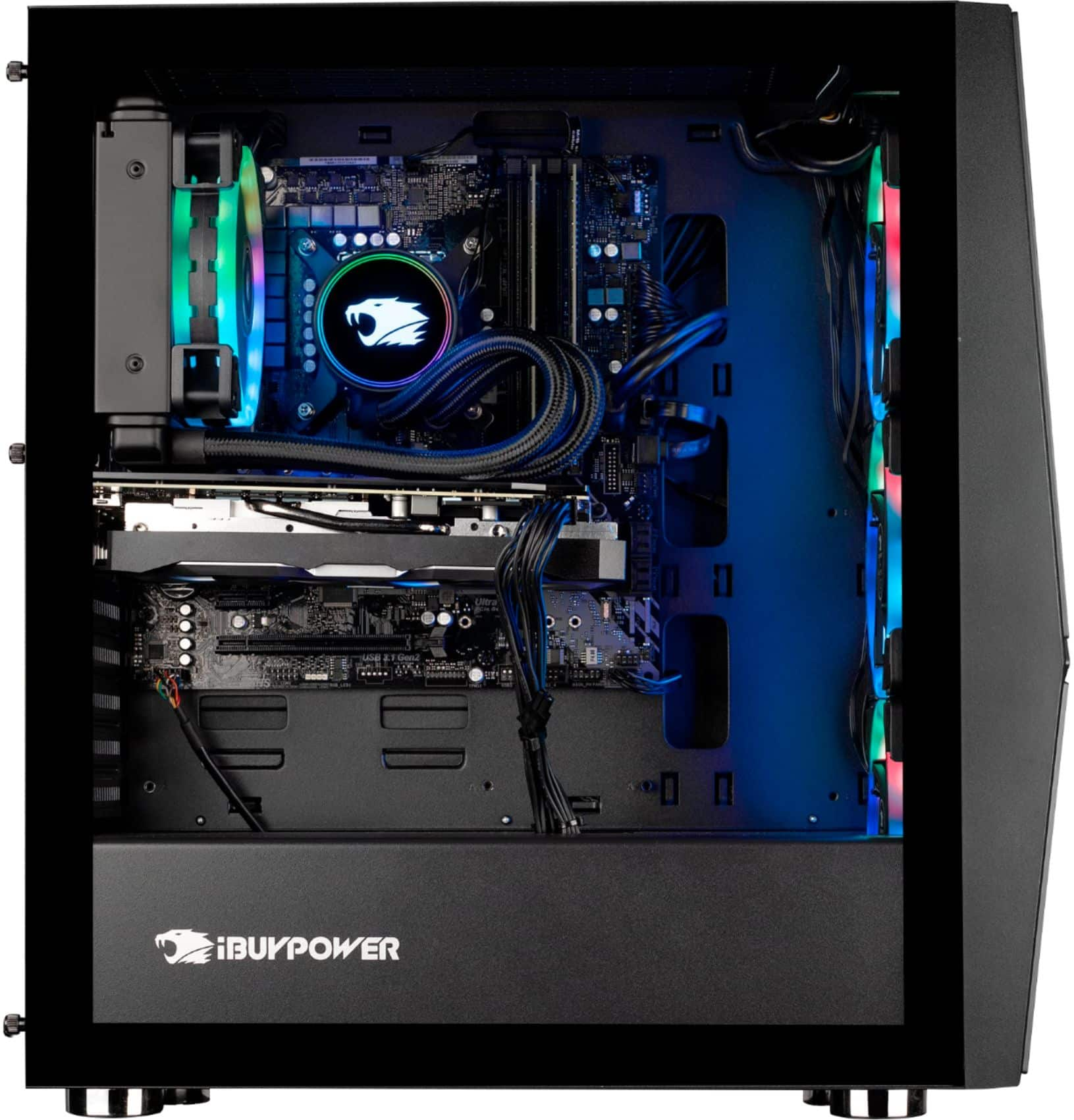
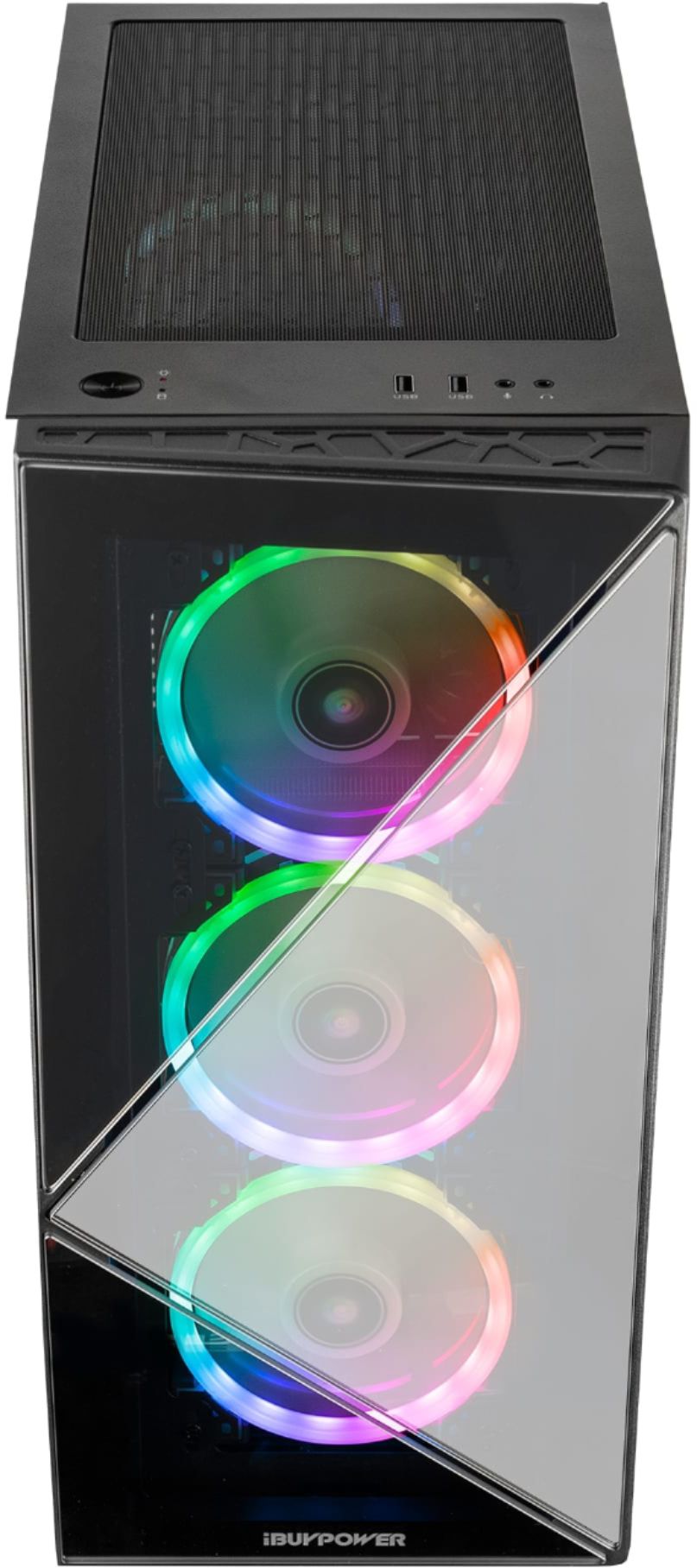
A:Answer Check the side panel, the one without the glass on it. If you're looking at the computer from the front, it's the right side panel you want to take off (there's a thumbscrew on top and a normal screw on the bottom on mine). Carefully take the panel off, lay it to the side out of the way. Look for the RGB panel, it will have around 4 connectors. Mine was close to midway on the panel (near the SSD). One could have come off. Mine had one off, and I put it back on. Be careful: make sure you look at the pins and the connector hole before inserting the pin back on.