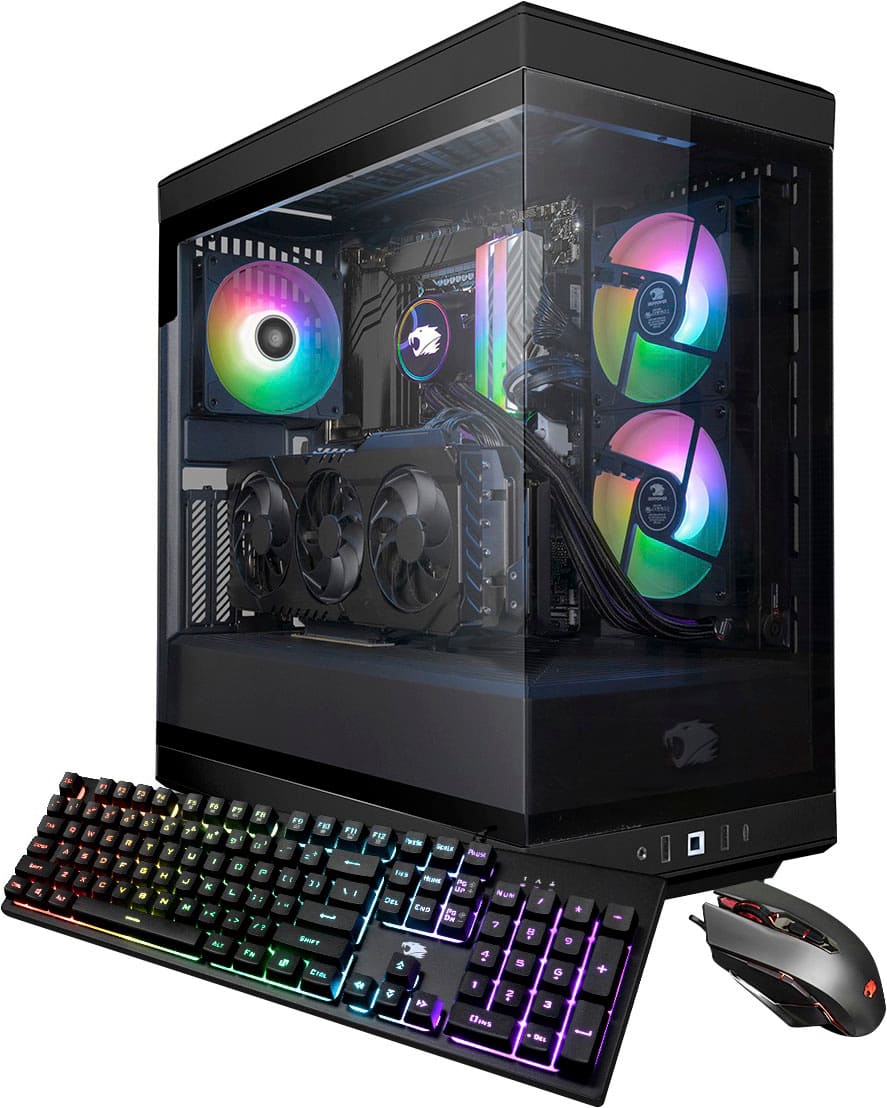
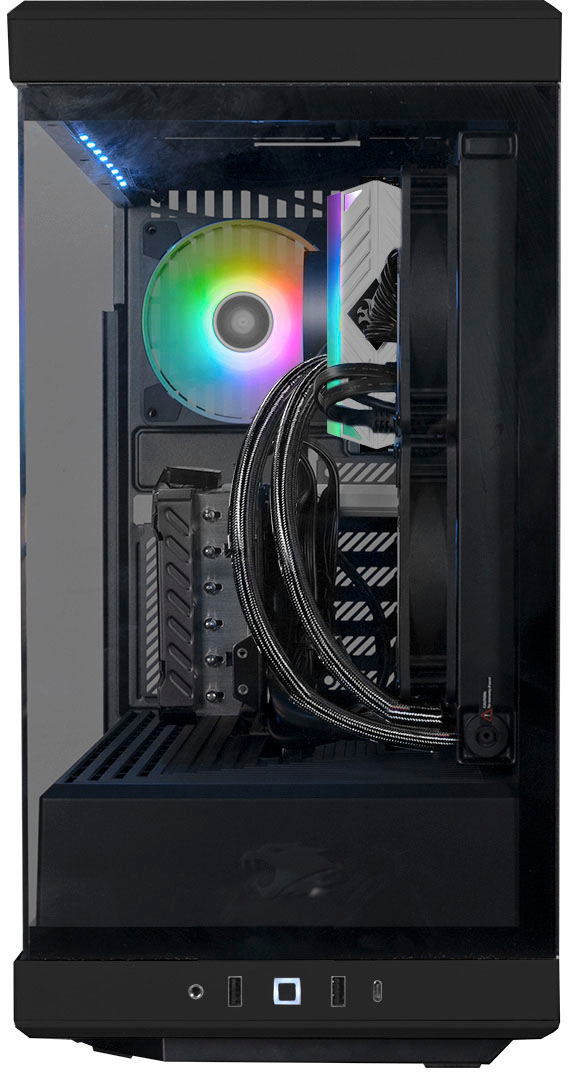
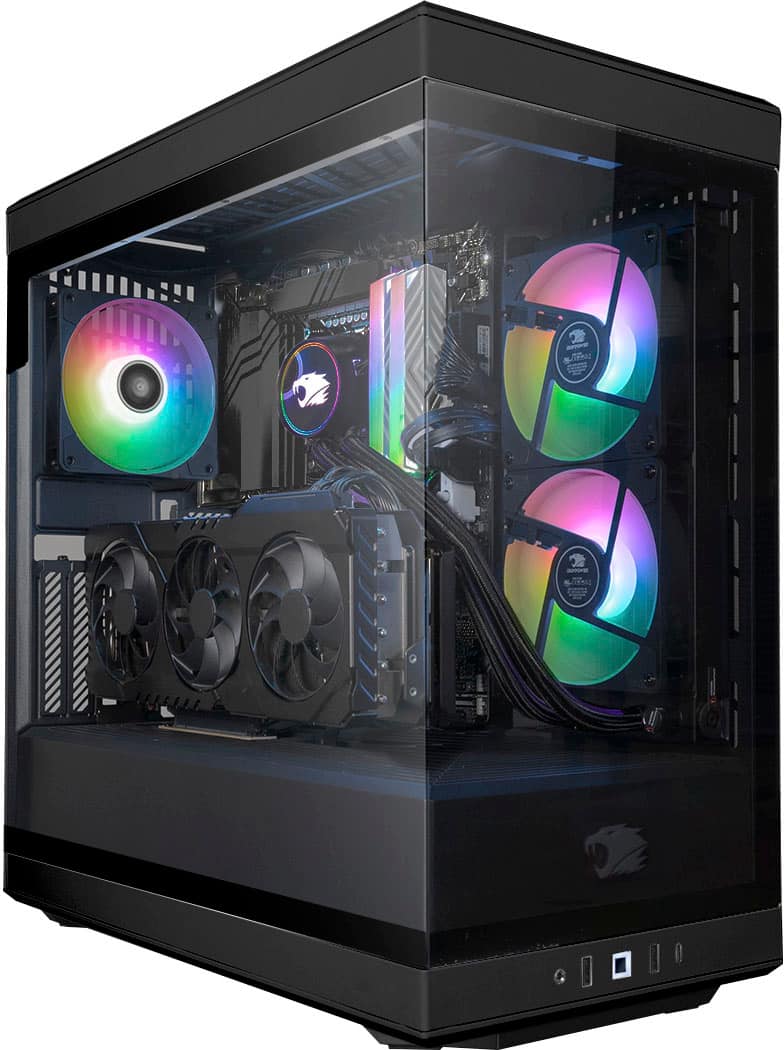
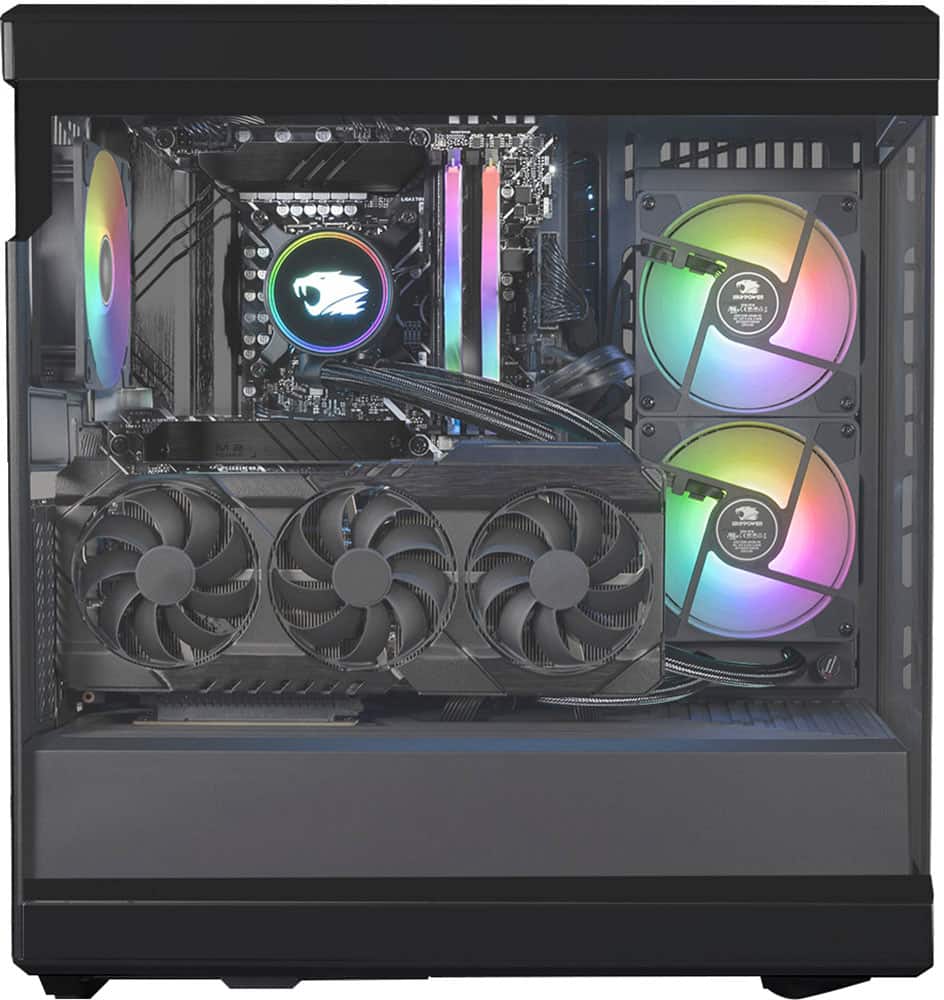
A:AnswerThere are 3 additions spots but no screws or standoffs. I had to just buy a bundle of different ones on Amazon to make sure I got the right set.
A:AnswerIf your fan is not working double check that nothing is obstructing the fan. After please contact the customer support number on the box as there is a 1 year warranty on parts should it stop working.
A:AnswerAs stated by a community member had stated the system should come pre-installed with the RGB software to control the lighting. If the program is not there or does not work, please look up the MB brand that your system came with and go to their site to re-download their lighting software. If that still does not work please contact the customer service number that came on the box to have one of our online technicians assist you in diagnosing the issue.
A:AnswerAfter having my IT look over my pc, it appears this only runs 700 watt cooling when this system needs at least 850. That is why we are all having horrible freezing issues. Not good on Ibuypower to build a pc that can't handle the power.
A:AnswerThis sounds like a GPU issue. First I would just use 1 screen and check to see if you get screen. If you do go and download the latest Nvidia Graphics drivers. You should also double check the PCI-E connections from your PSU to your GPU are secure. If you are still having issues please contact the customer support number on the box for a more thorough diagnosis on your issue.
A:AnswerAfter having my IT look over my pc, it appears this only runs 700 watt cooling when this system needs at least 850. That is why we are all having horrible freezing issues. Not good on Ibuypower to build a pc that can't handle the power.
A:Answeryes, theres a few slots to add additional M2 SSDs. i just added a second 2TB M2 SSD in mine. i installed the Samsung 970 EVO Plus SSD 2TB NVMe M.2
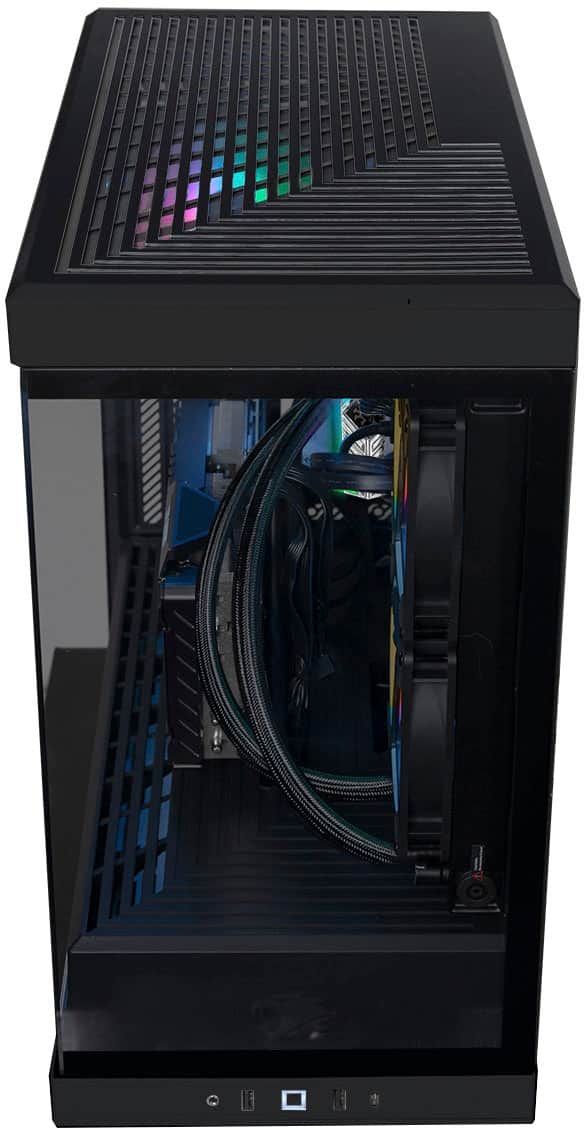
A:Answeron the motherboard, remove the graphics card from the vert slot, youll see 2 slots below a smooth black cover over the main m.2ssd. right below the smooth cover youll see 3 more slots.
A:AnswerFor the PCIe cables that connect from the PSU to the GPU each wire comes with 2 connection points. Since each wire can carry up to 150 Watts safely and the RTX 4070 GPU requires about 200 Watts, it would require 2 PCIe connections from the PSU to the GPU. So the extra connection points on both of the wires are zip tied for aesthetics. As for issues running your games, we would recommend using a 1440p 144 hz monitor. Also may need to double check the graphics settings as it may not be running on the most optimal settings.
A:AnswerYeah same for me, I “THINK” it’s normal?? That I have to push the power button again to wake the beast up. Because if we’re not doing it right, it’ll tell us, but there’s no issue