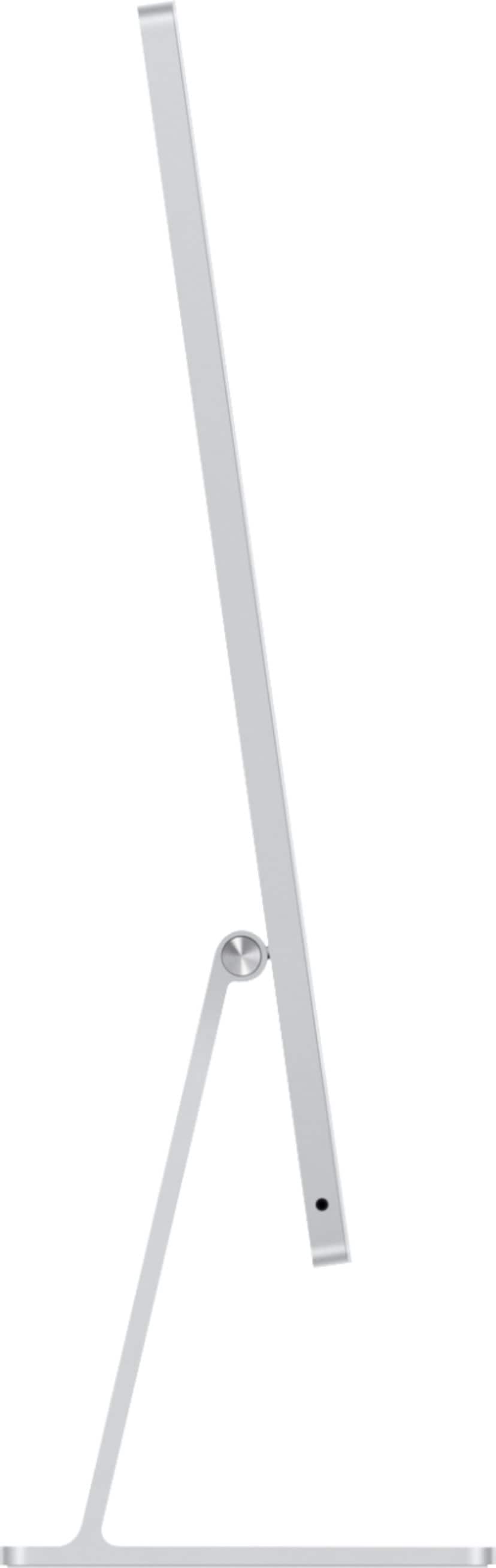
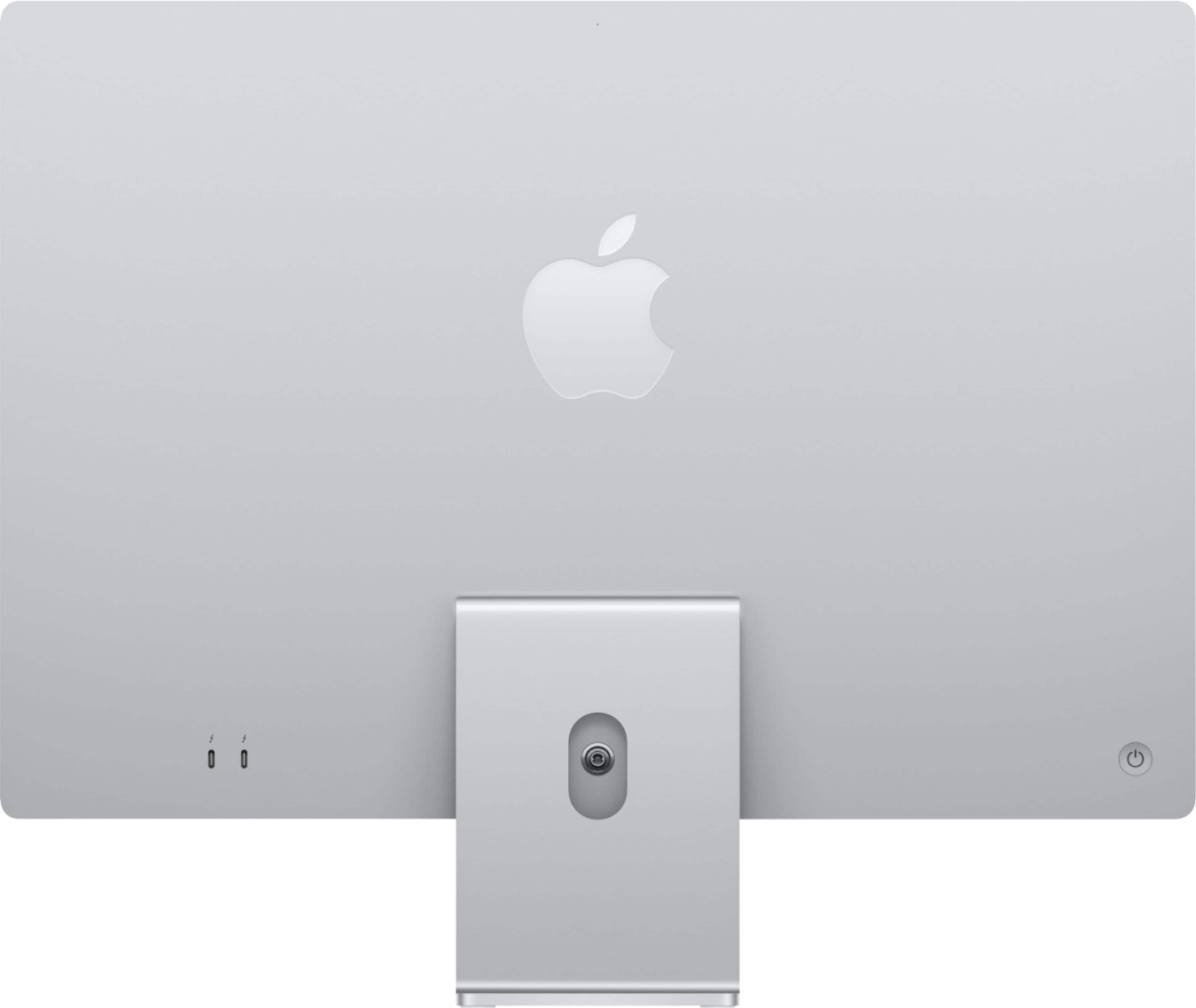
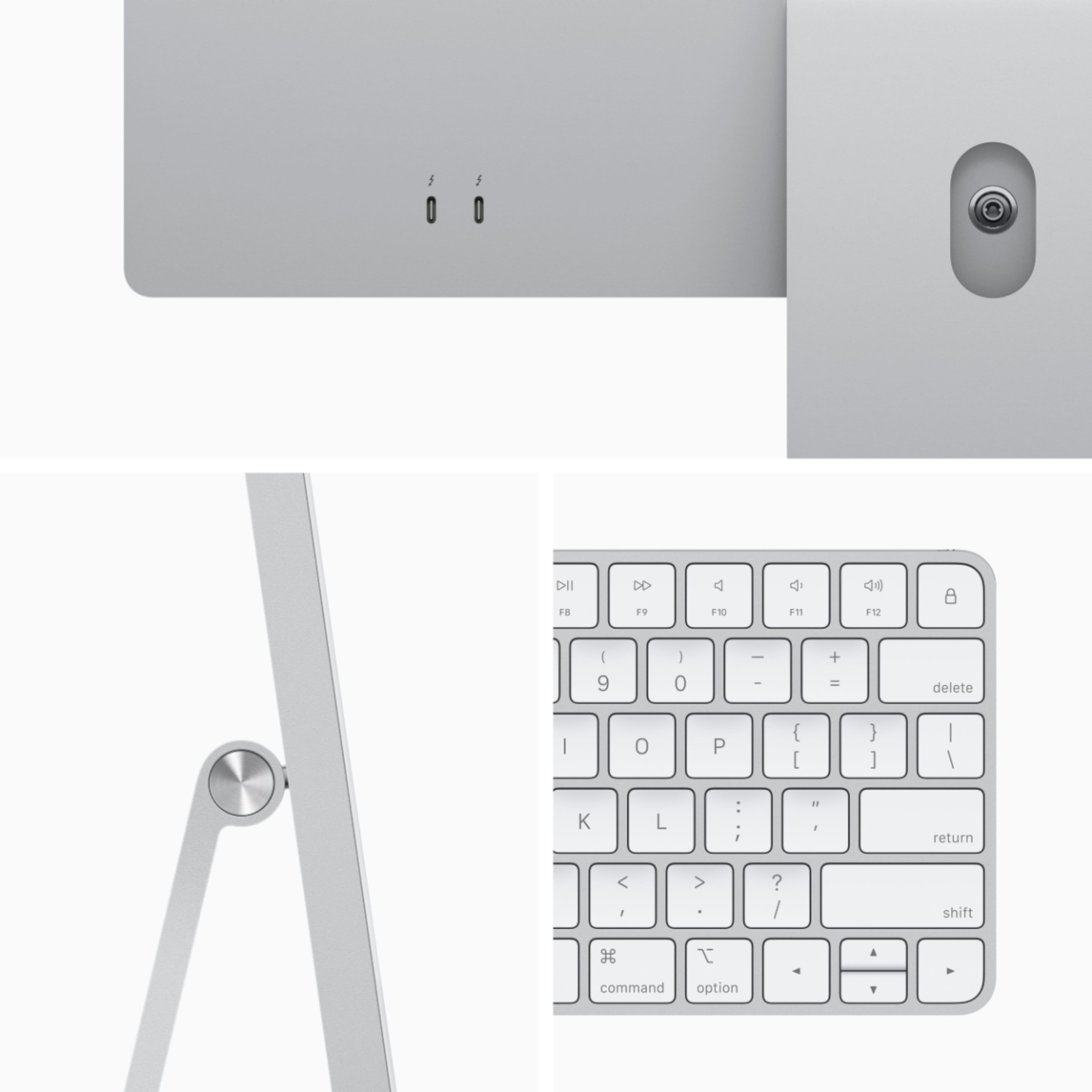
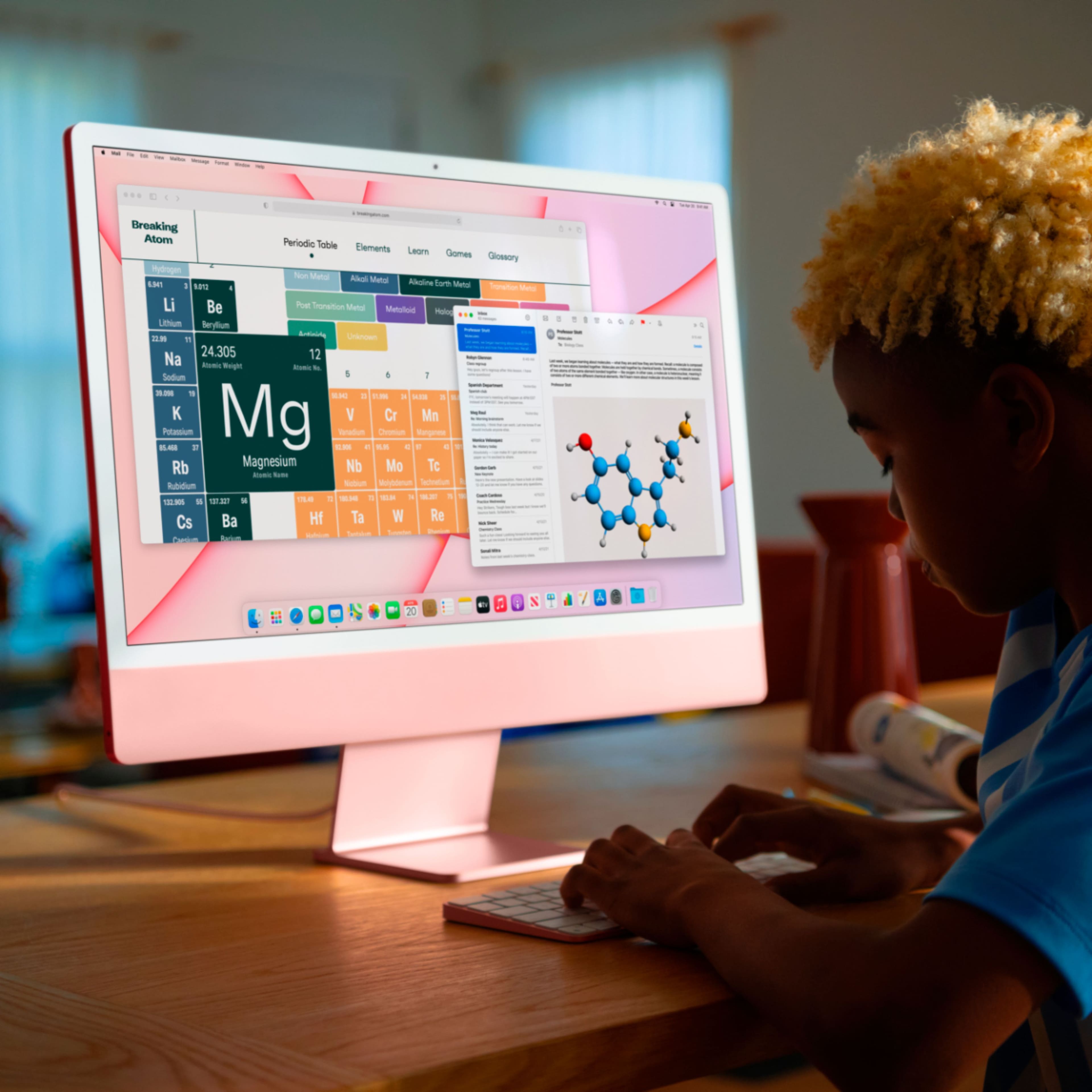
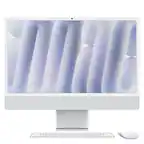
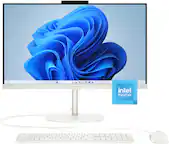
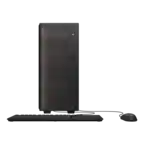
A:Answerit's an all-in-one (AIO). Which means everything in one structure. So it's not just a monitor it uses Apple's operating System, macOS and it has storage, CPU, GPU etc..
A:Answergo to upper right of screen and look for icon that looks like a fan and clock on it. alternatively you can search apple website for help of use below link:
https://support.apple.com/guide/mac-help/connect-to-the-internet-mchld1690538/mac
A:AnswerNo, the RAM and SSD are all on the same chip. The M1 chip inside the iMac is a SOC (system on a chip) this helps the computer run faster and be more efficient in tasks.
A:AnswerSpeakers can be hooked up thru the 3.5mm audio headphone port.
If your printer is USB-A, you will need a usb hub that adds a USB-A port and plug it into the USB-C/Thunderbolt on the Mac. No big deal.....
They removed the ethernet port from he back of the iMac in keeping with Apple's philosophy of eliminating cord clutter. You can purchase the $30 upgrade on the lowest end machine which will add ethernet to the power adapter on the cord. Higher machines include it already. This allows the ethernet cord to stay behind the desk where it belongs. Apple actually uses a proprietary power cord running to the machine that moves ethernet data into the iMac from the power supply on the cord.
A:AnswerI use mine for my business so I have a Brother MFCJ6555D printer. All of my computers and laptops are Apple and as long as the printer states that it’s compatible with Mac, really any printer will work. I have an Epson printer for my home iMac and never had an issue.
A:AnswerNone have a built in dvd super-multi drive anymore. Apple decided we don’t need them anymore. You can buy an external dvd drive, obviously at an additional cost. Just Apple draining money from the sheeple. I know not everyone uses a dvd drive but should definitely be a option with their computers.