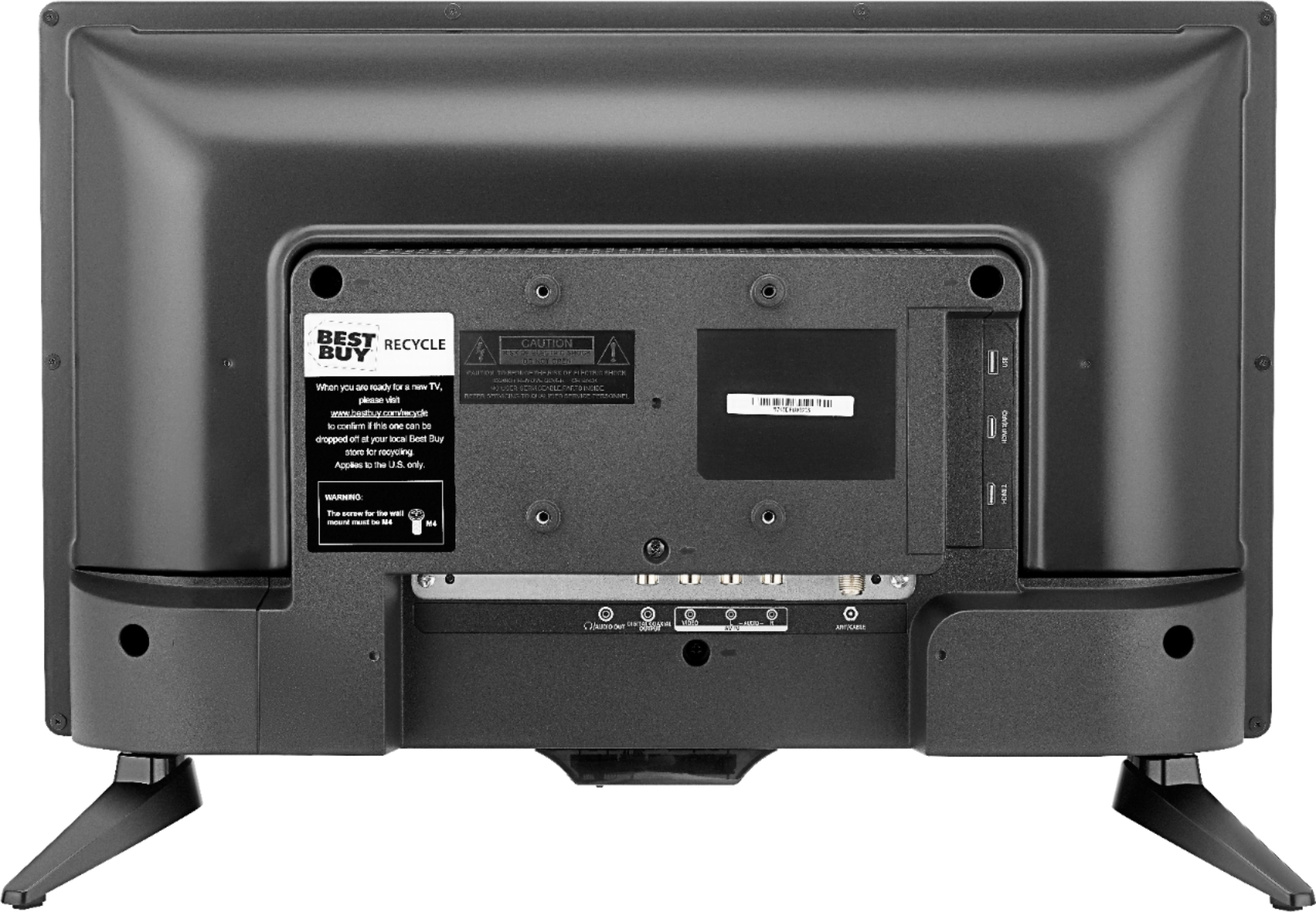
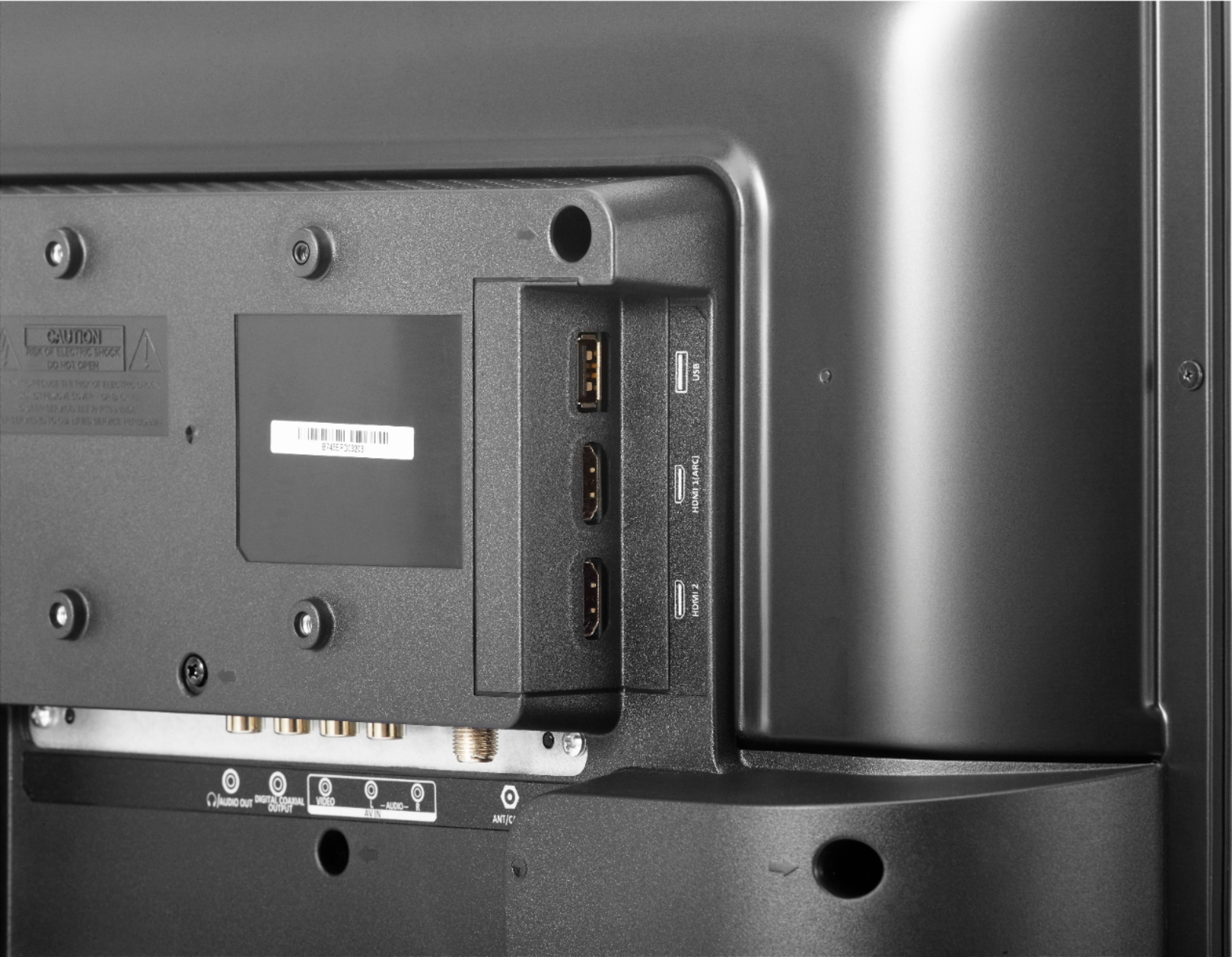
A:AnswerYes, you can connect to a DVD player, either tthrough an HDMI port, if your player has one, or through a composite (yellow-red-white) cable from the DVD to TV. It will work fine.
A:AnswerNo, can't use 12V DC, unless you are converting through an inverter to 110V AC. This set requires connection to a standard USA 110v AC household outlet.
A:AnswerHello
I appreciate your trust in that we will answer your question accurately.
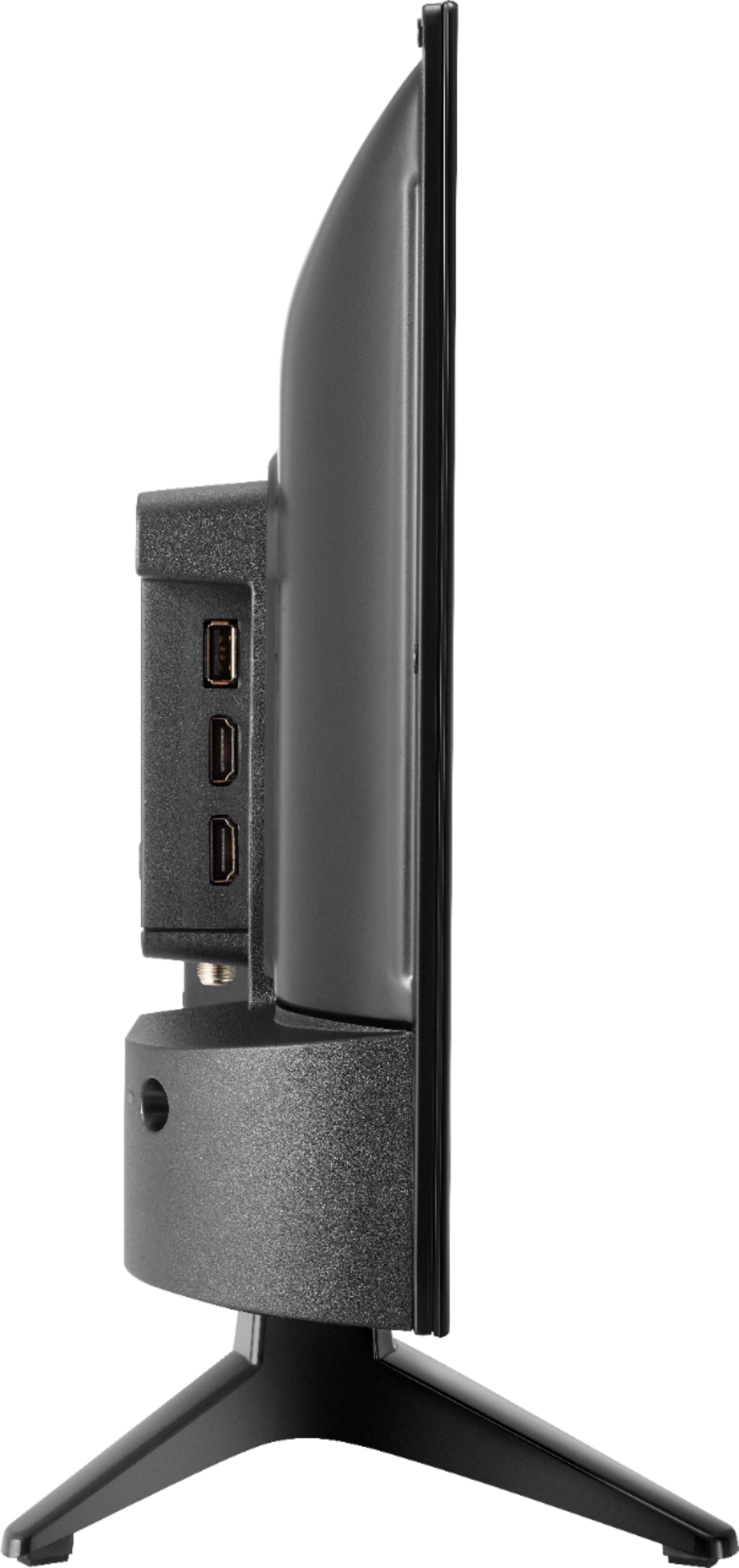
Our 19" HDTV supports an AV, HDMI and coaxial connection. So if your VCR has any of these type of connections, you should be able to enjoy viewing your VHS tapes on your TV.
We are always here to help you in case you have need any help with it and thanks for your interest in this product.
Itzel I. - Insignia Support.
https://www.insigniaproducts.com/contact-us
A:AnswerI have tried all of these suggestions...even before I asked the question. Nothing helps. Sometimes I can get CC to work thru my cable box settings, and it's bigger. But often I get no CC at all that way. The TV's CC menu shows a list of options, from C1 to C9, but only C1 gives me any caption at all. I have no idea what the other options are supposed to do. I suppose this would work as a monitor, but I bought it as a TV for my bedroom. My little old tube TV had much better closed captioning (but awful program menus). This is very disappointing, especially since there's no instruction manual.
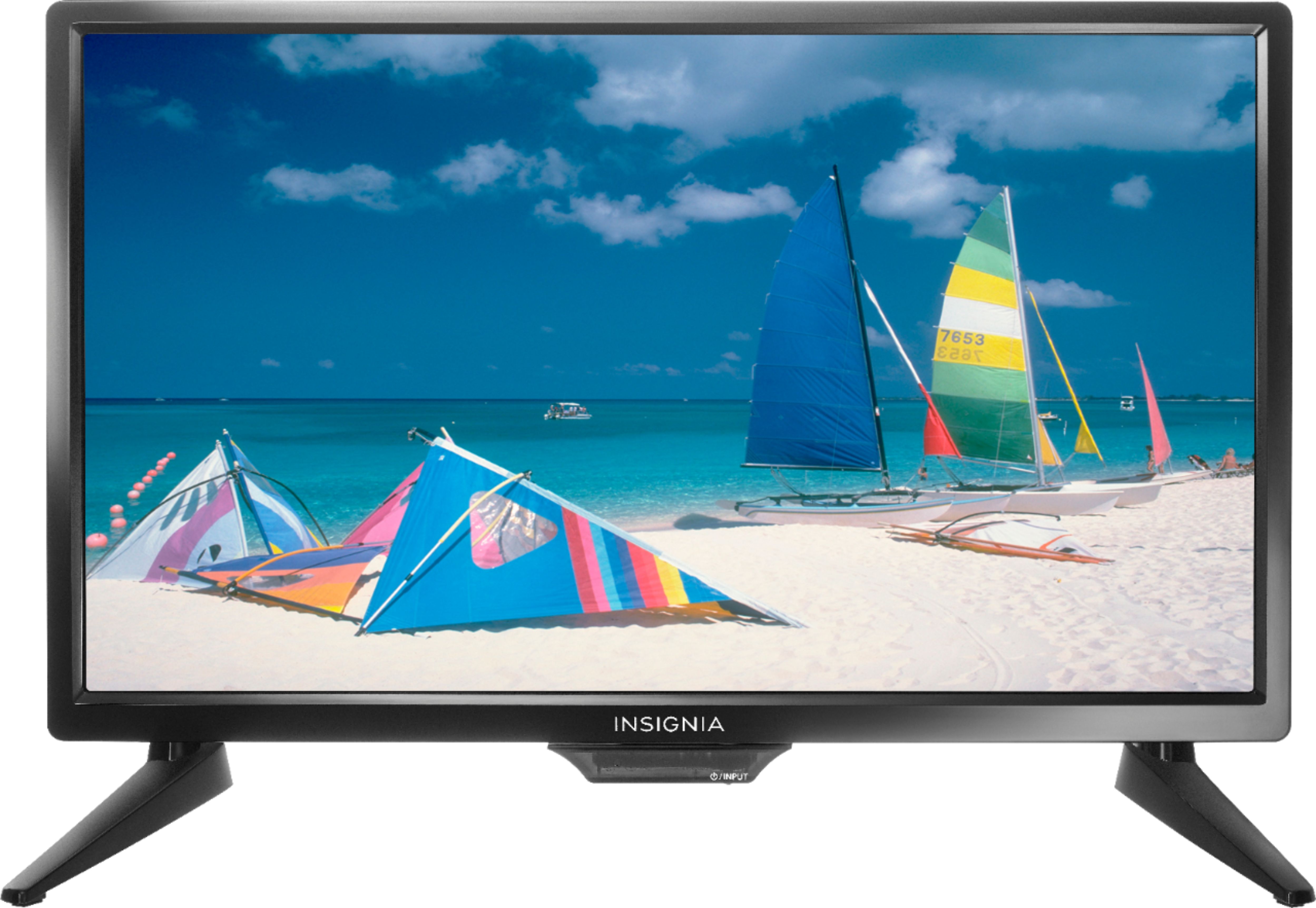
A:AnswerWhatever signal is sent from the broadcast company is interpreted by the TV computer chip. I compared my 52 inch HDMI TV connected to my cable box and this 19 inch Insignia TV 3 feet away connected to the indoor antenna, and this 19 inch signal is more clear. My 52 inch is1080p. The newer TVs greater than 1080p.,will display more pixels. As consumers we pay more for chips that interpret the same signal as 720p, 1080p etc for our viewing pleasure.
A:AnswerNo. Connect your laptop or computer for adequate video and audio. TV will enter stand-by mode a few minutes after shutting down or putting your laptop or computer to sleep
A:AnswerYes- There are 2 ways for cable connection: Ant/Cable input for the analog RG6 Coax, or HDMI to connect to your signal antenna or cable box-
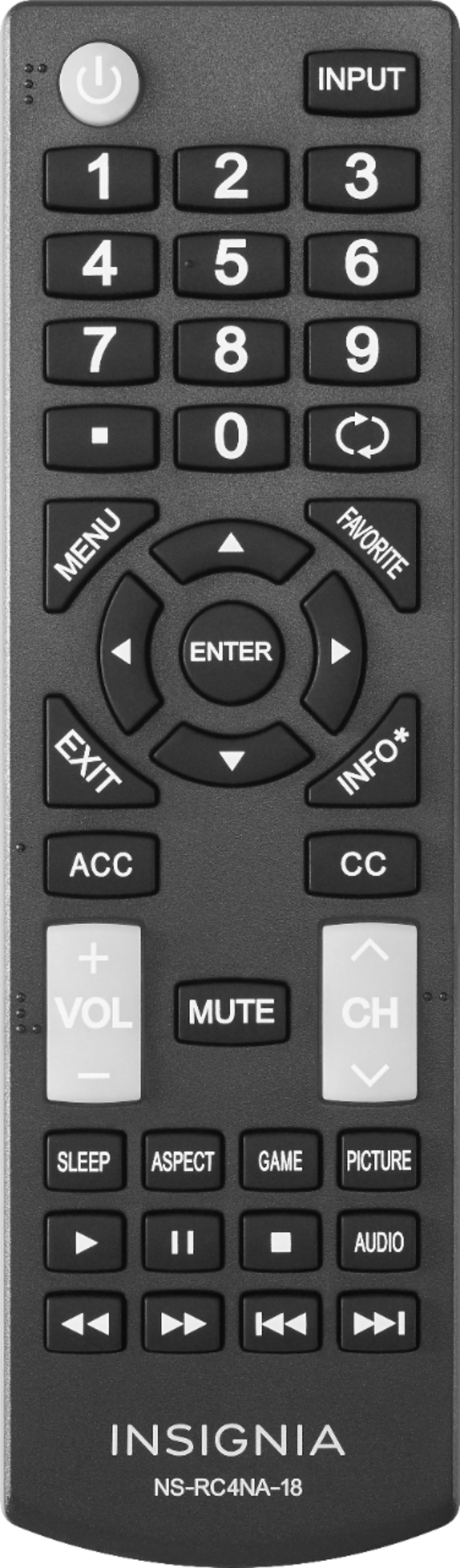
Lastly, you can add a DVD or Blue Ray Player to the TV and select it on your remote input button , as "Component"
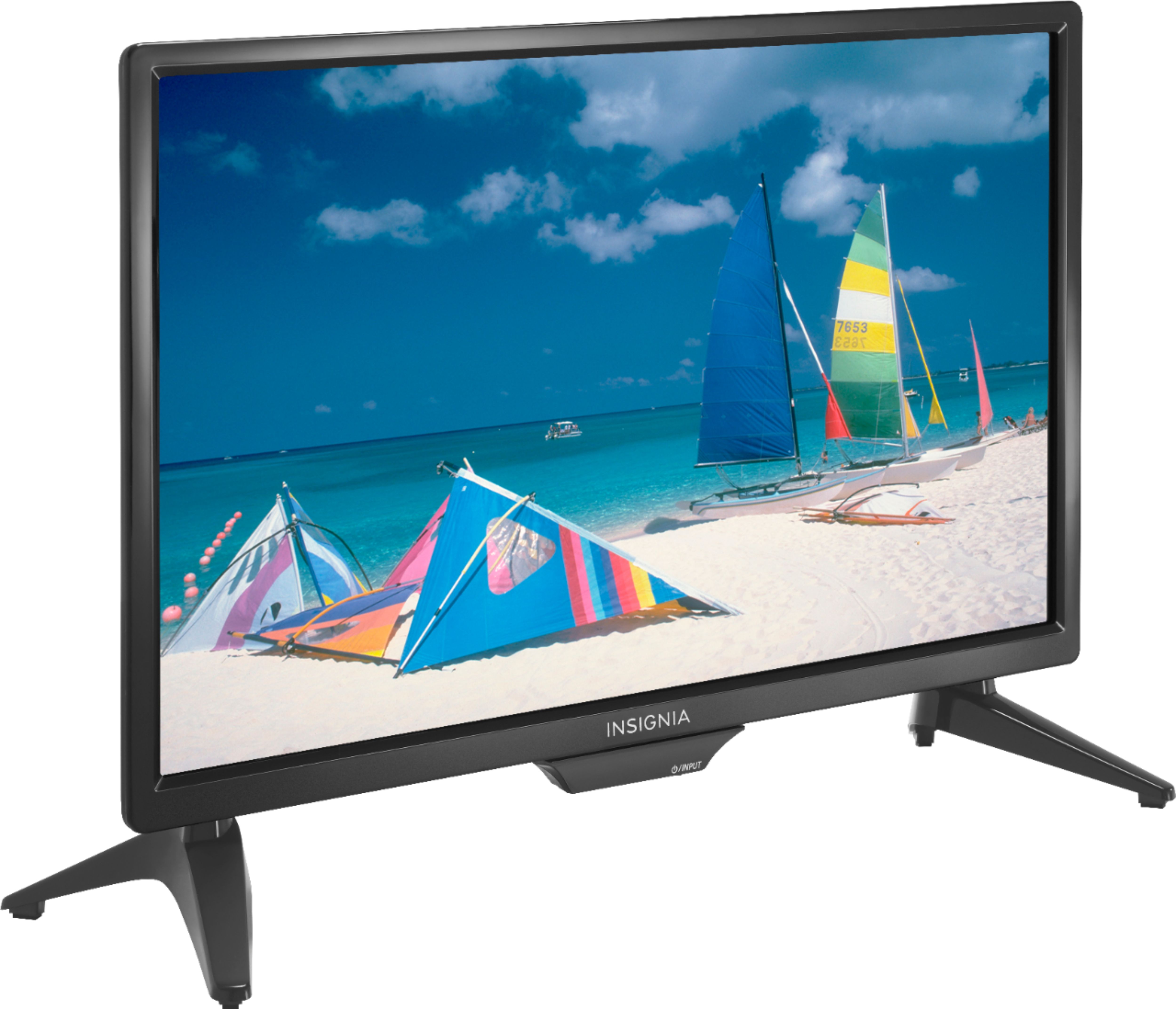
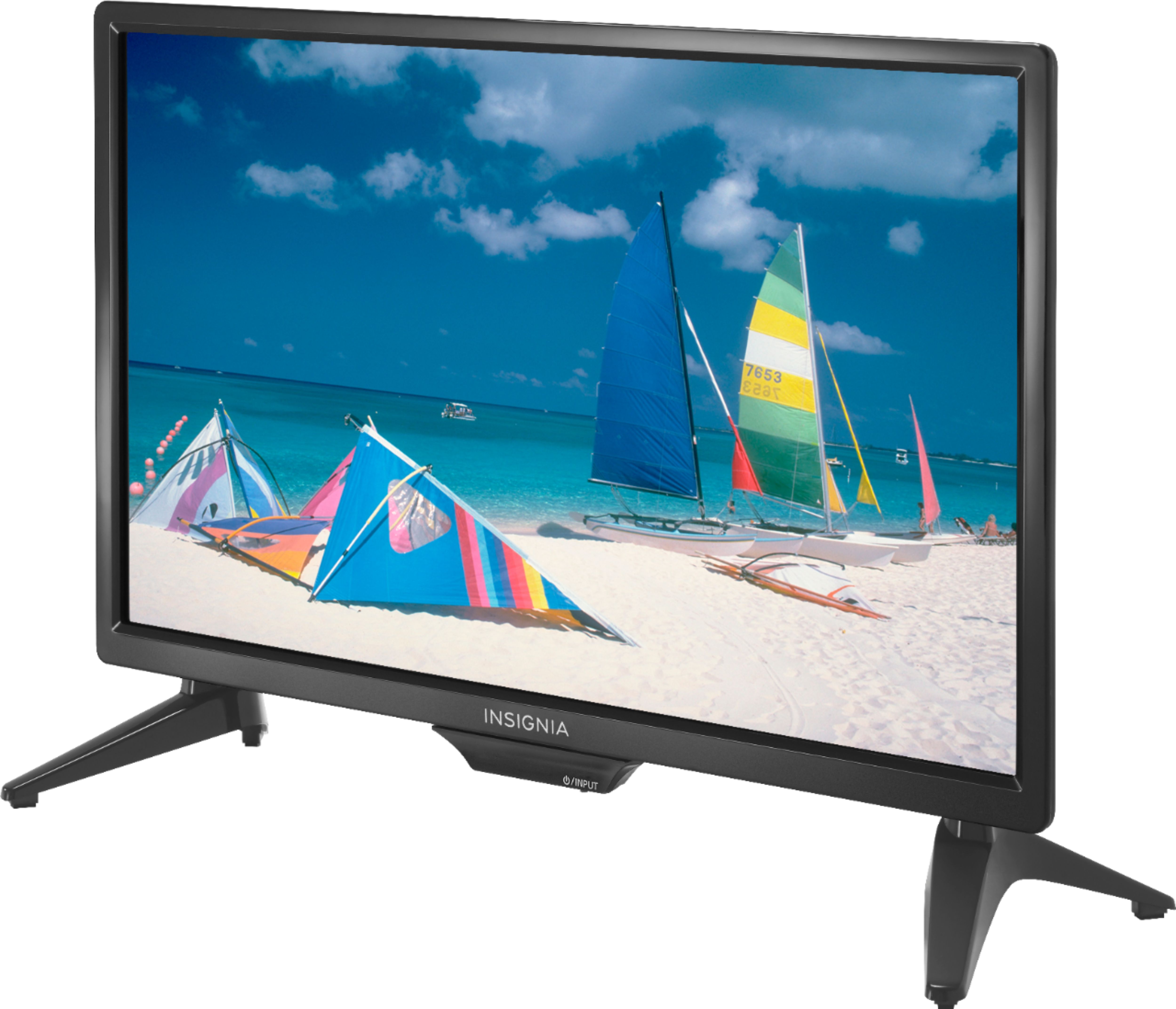
A:AnswerThe so called stand is what I consider a left foot, and a right foot, secured with a Phillips screwdriver. My entire TV with antenna is sitting atop my wooden and glass lamp table. The lamp is still sitting on the table as well.