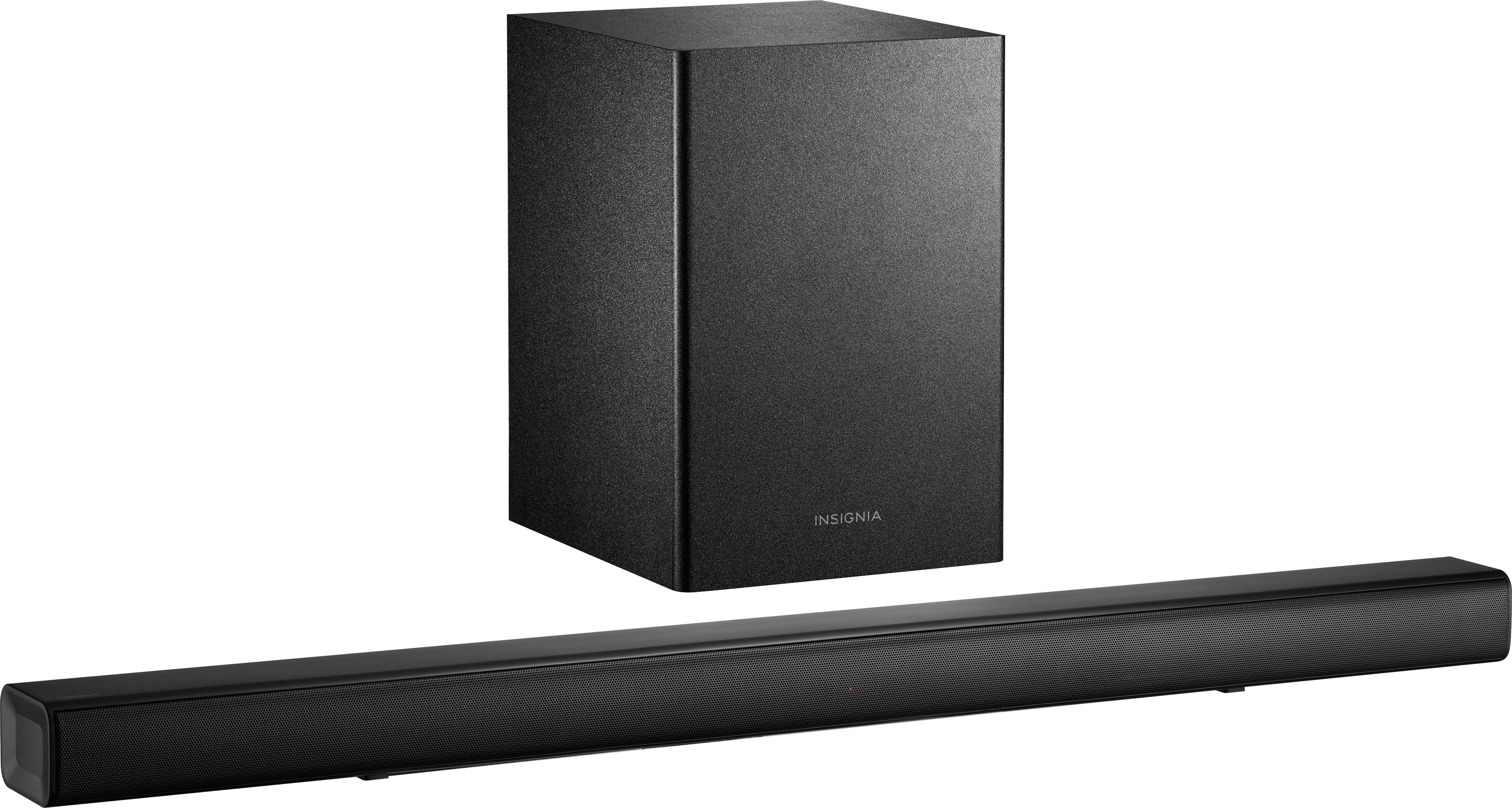
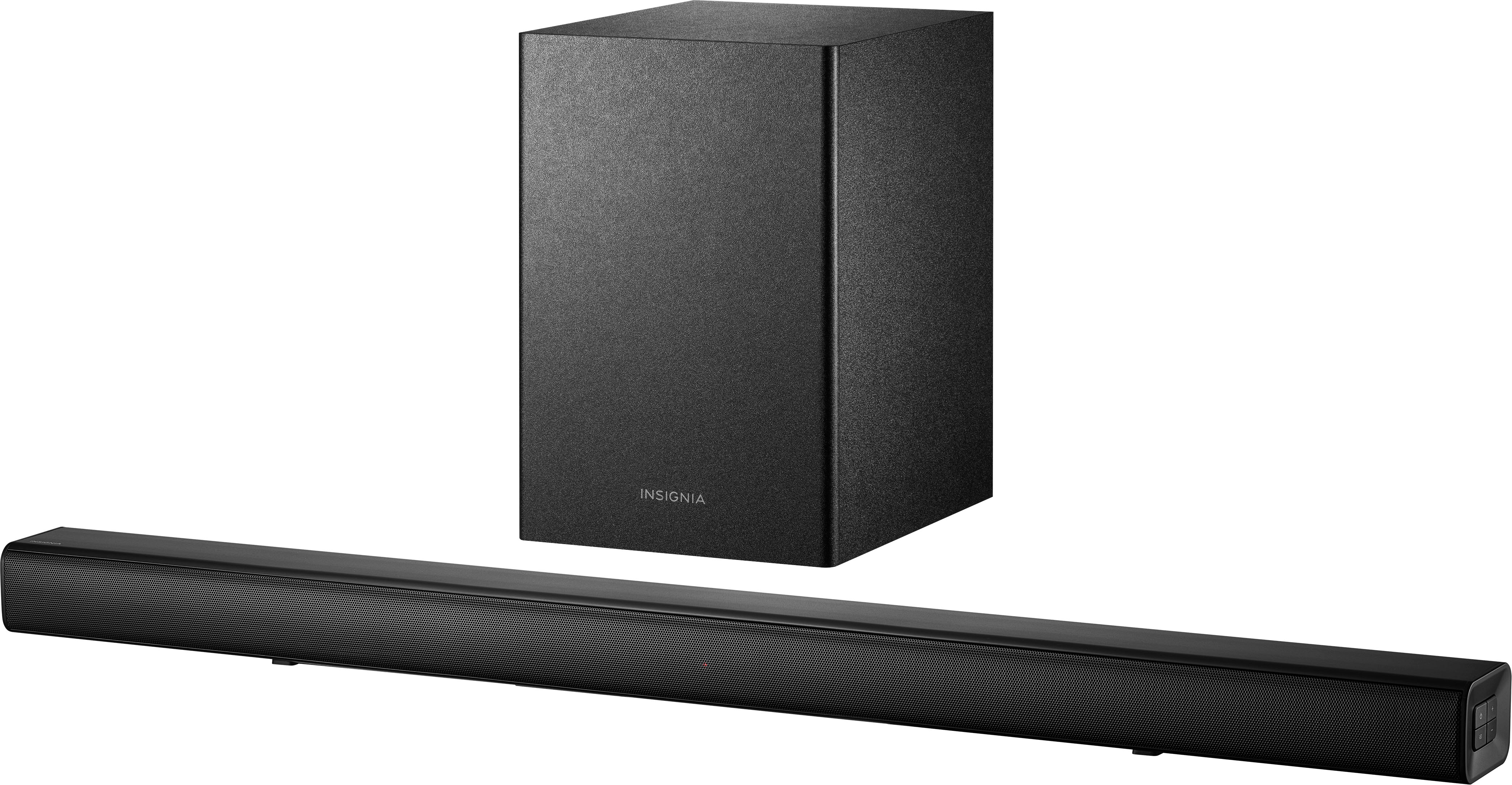
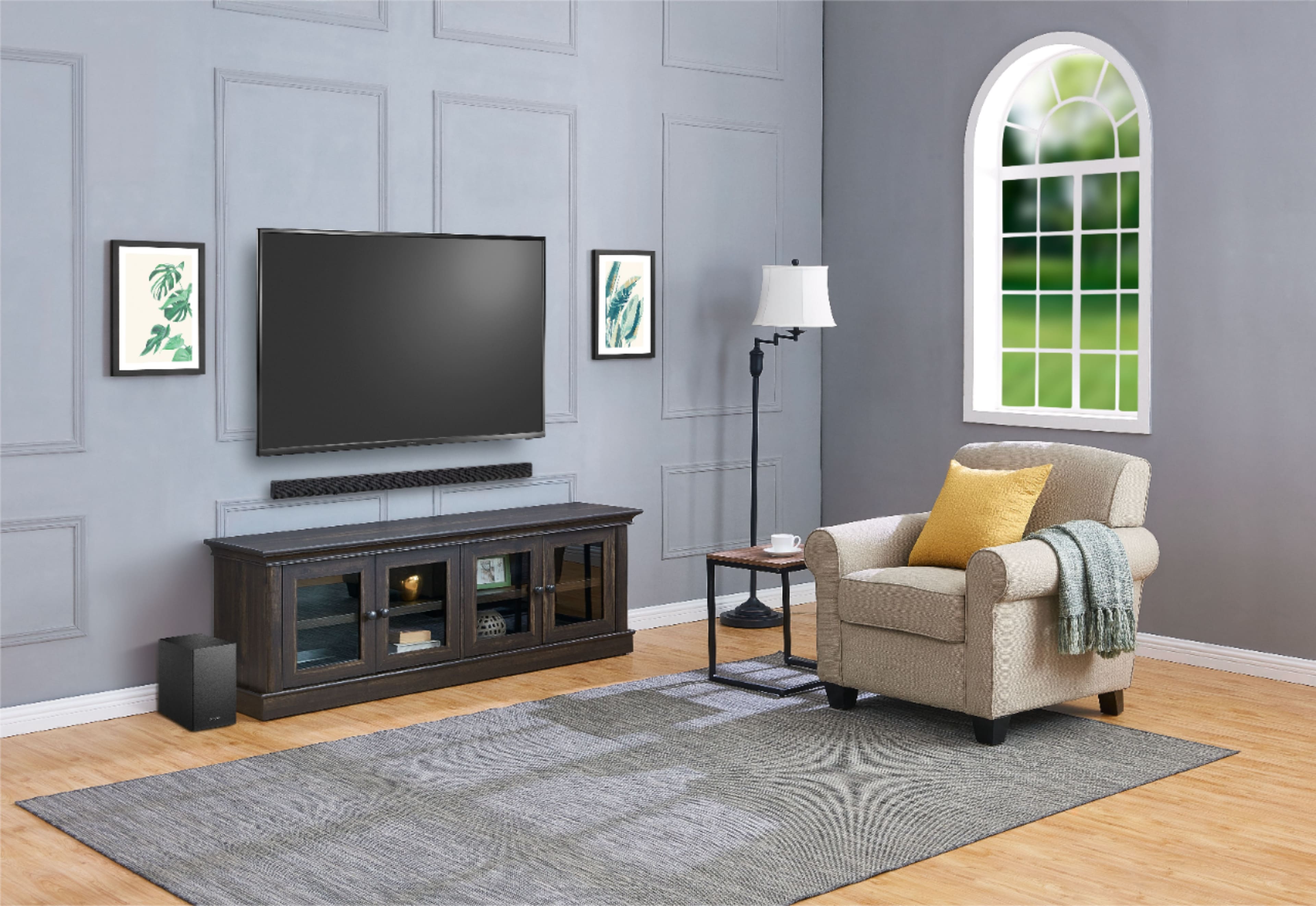
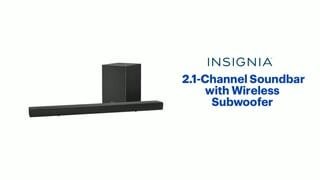
A:AnswerIt can be mount above or below. You will need to make sure the it's high enough to allow the "highs" to travel. So do not mount it behind the tv. If you can see it while watching tv you should be fine.
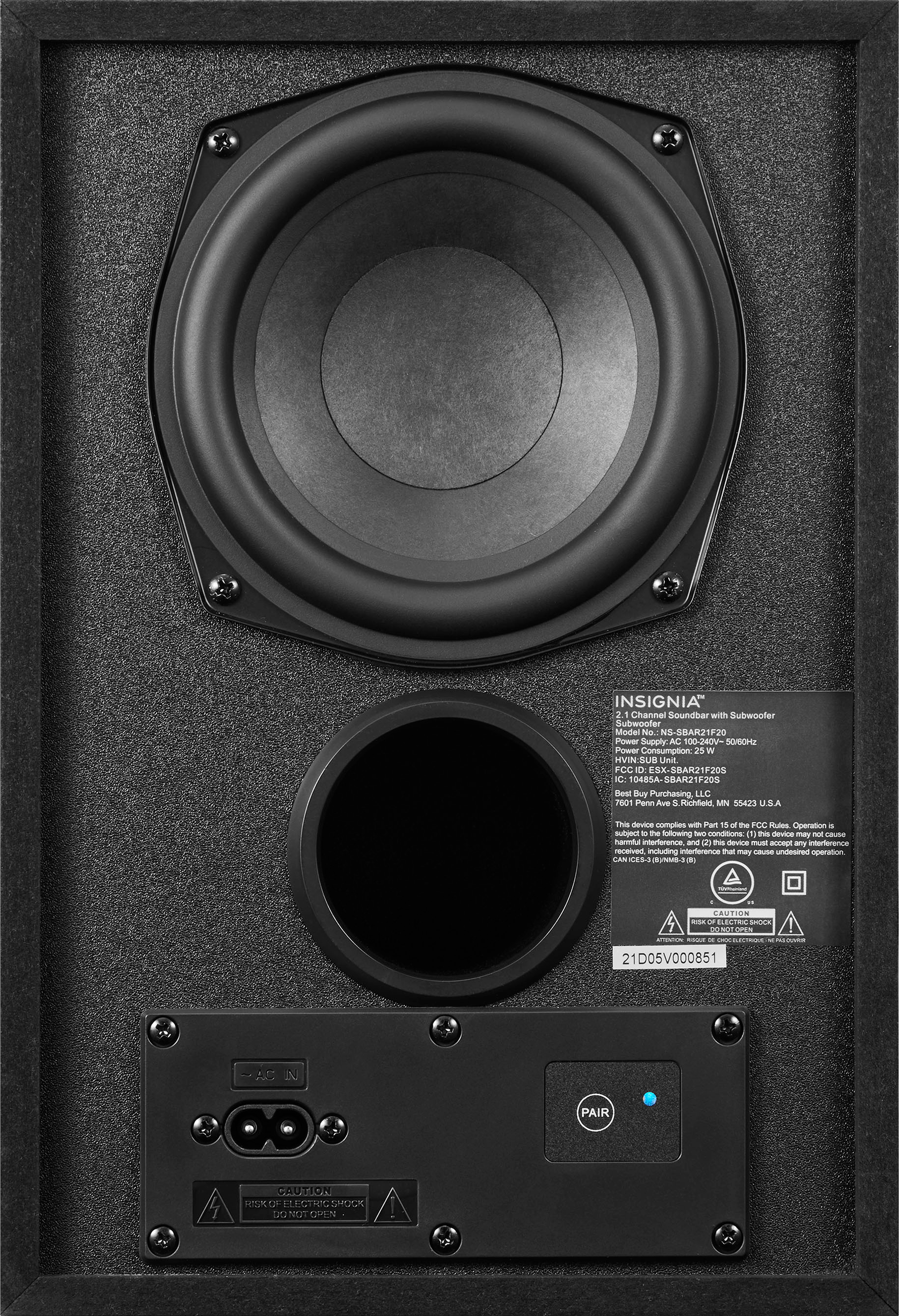
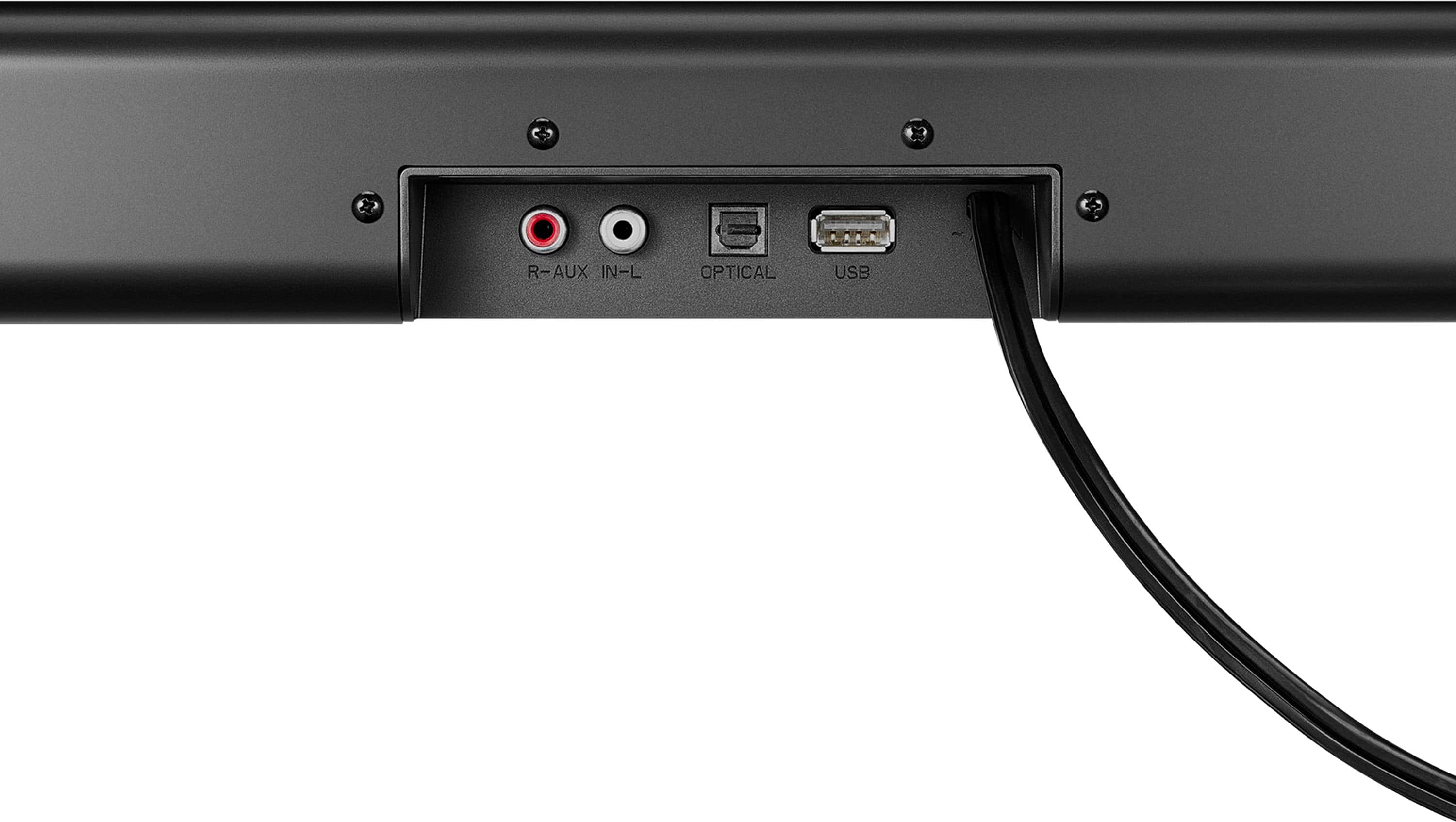
A:AnswerTry using the Digital Optical connection. To disconnect/reconnect the subwoofer from your soundbar, press and hold the PAIR button on the subwoofer for three seconds. The status indicator blinks turquoise on the subwoofer when they are disconnected, or solid turquoise when they are connected.
A:AnswerI had the same issue! In your settings bar on your tv go all the way to the right where there is a little speaker icon. It should say something like automatically choose or something else (I don't remember the exact phrase because it was on my mom's tv and not mine). But when you click on it, it will change to PCM which is what this sound bar needs to work over an optical cable.
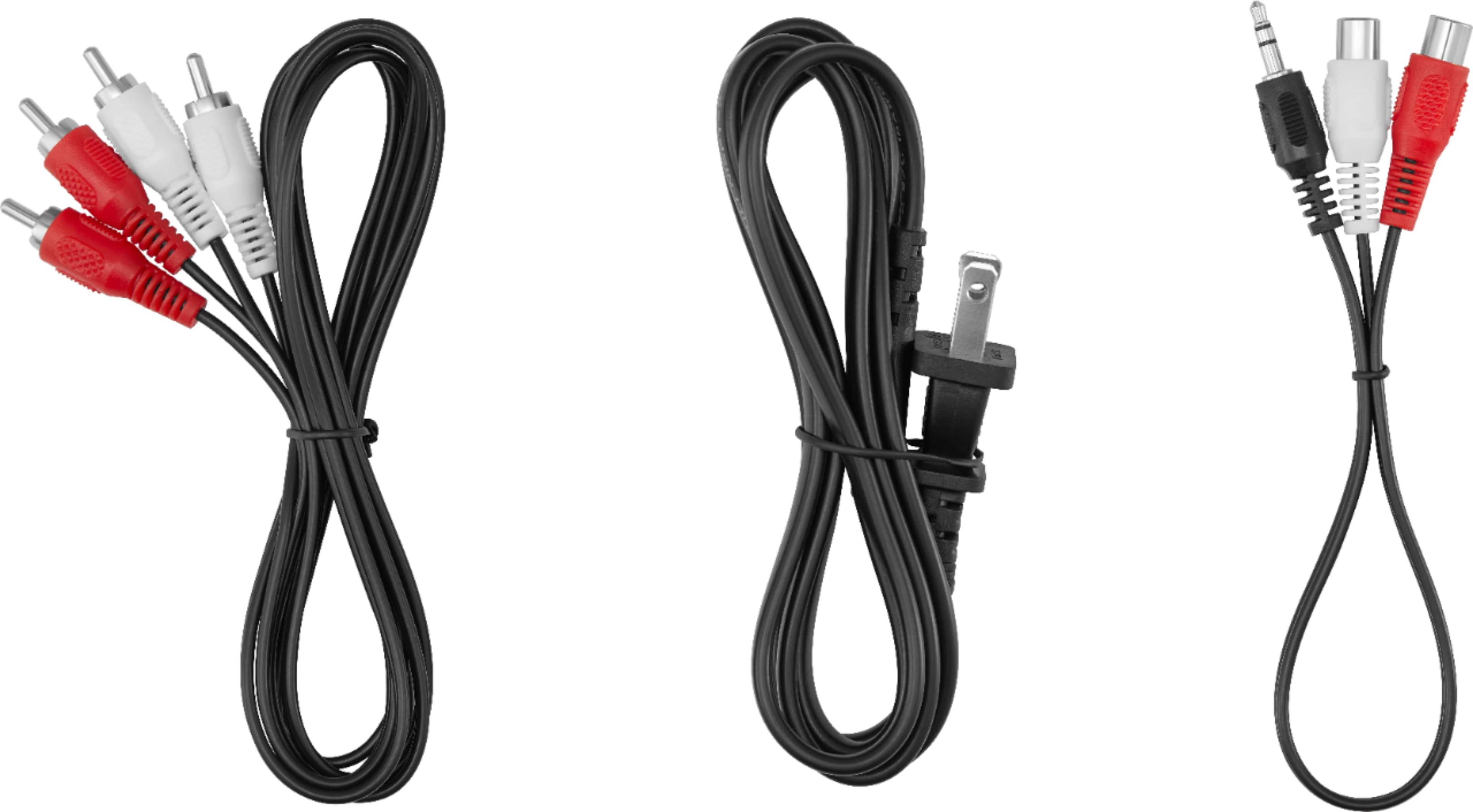
A:Answermost rca jacks on the back of the tv are inputs. For example a dvd player or game console would output sound via rca into the tv. Try an optical cable to output sound into the soundbar but keep in mind a brand new optical cable will have a little protective plastic cover on the tip that needs to be removed.
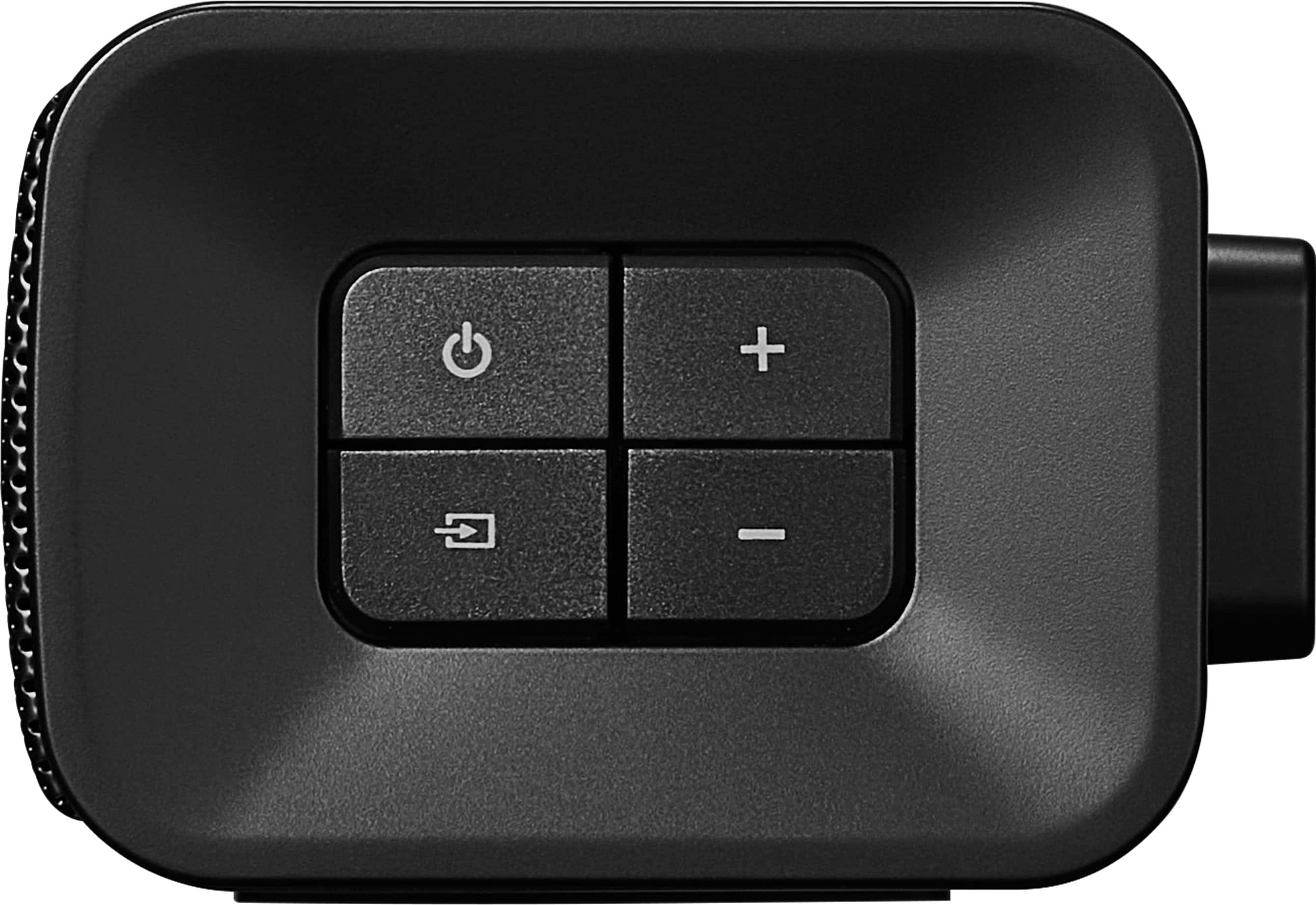
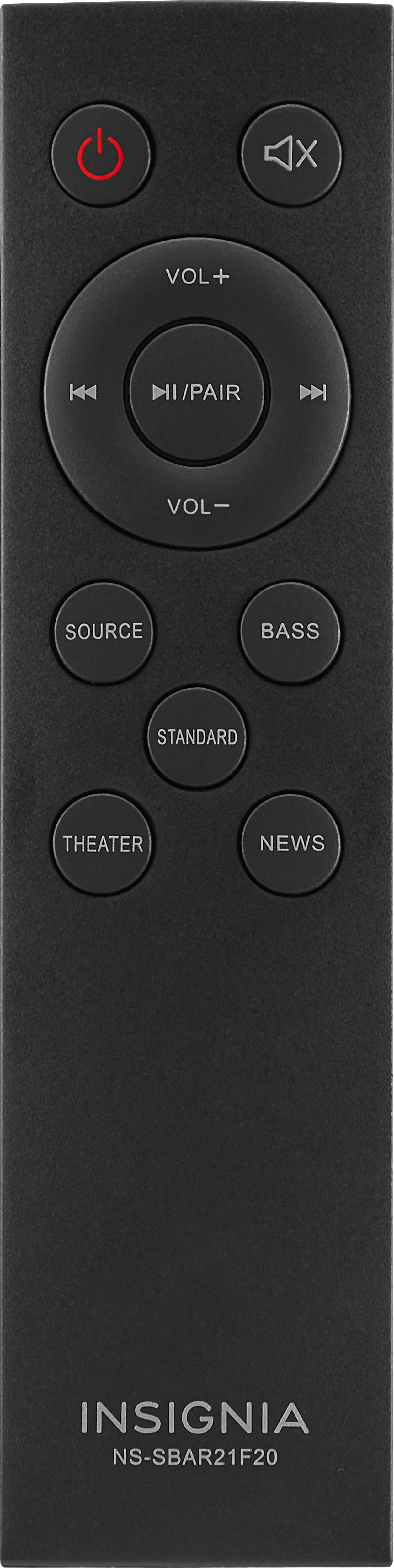
A:Answerthere is a subwoofer volume control option on the remote (possibly on the side of the bar too). It has very minimal impact to the subwoofer output level though. I am, personally, disappointed with the lack of audio depth / volume / quality produced by this bar and its sub (mostly the sub).
A:AnswerHi! I am sorry to read that your unit is not turning on. Please contact us on the link below, so that we can assist you with this situation.
Viridiana E.
Insignia Support.
https://www.insigniaproducts.com/contact-us
A:AnswerHello, Bill,
Yes, you can pair your iPhone with the soundbar via Bluetooth. It will appear on the list of found devices as NS-SBAR21F20. If a PIN code is requested, enter “0000.”
Eduardo L - Insignia Support
https://www.insigniaproducts.com/contact-us
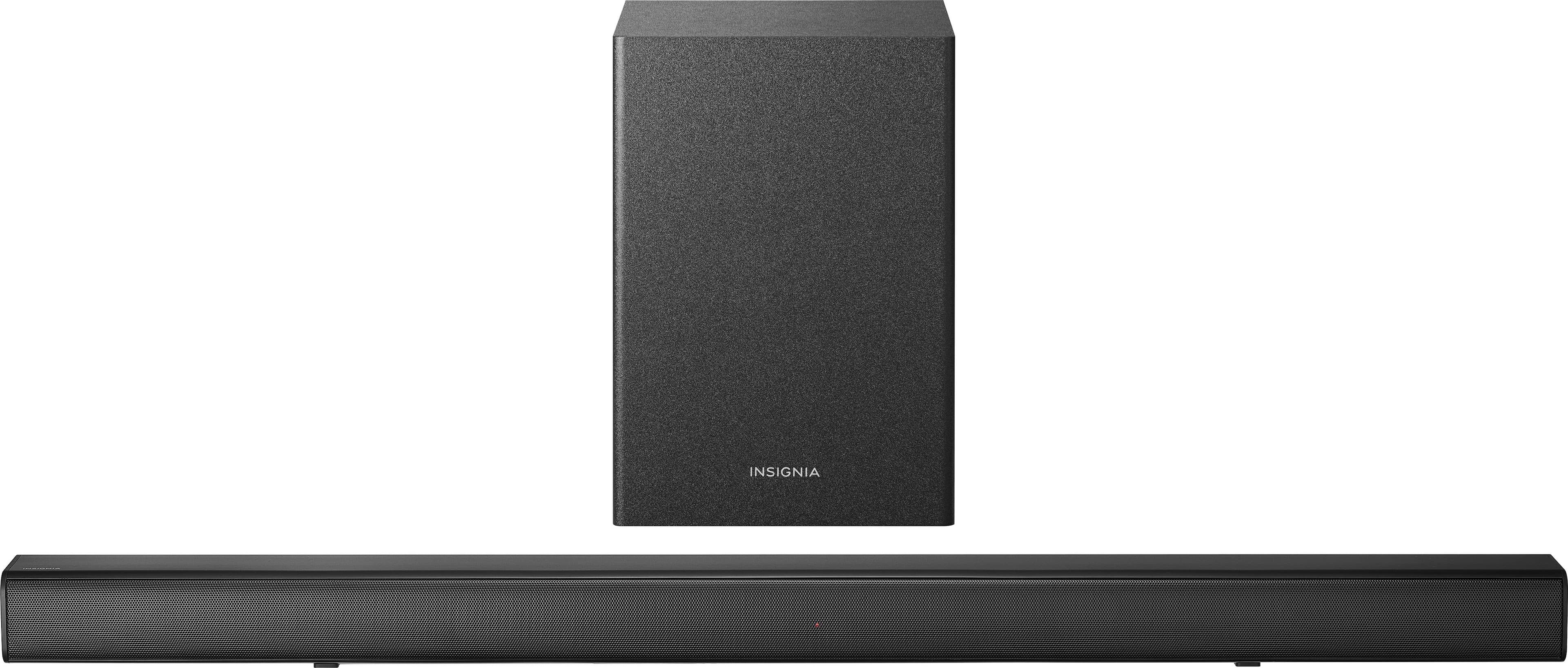
A:AnswerIf the turntable has a built in phono preamp then you could connect it. Just connect the turntable audio cables to the separate phono preamp, and any other wire your turntable has. Then, connect the phono preamp audio cables to the receiver's analog inputs (your soundbar).
Mary II Insignia Products II https://www.insigniaproducts.com/
A:AnswerMake sure the subwoofer light is blue. If it's not, the manual has the instructions to connect the subwoofer by pressing some buttons. If the sound bar light is blue, use the remote to adjust the subwoofer volume. You are not always going to hear sound out of the subwoofer especially if your soundbar volume is very low. So turn up the TV volume and see if it kicks in. Adjust the subwoofer volume to taste. It's more of a bass enhancement and spatial effect.
A:AnswerTry to move the subwoofer closer to the soundbar, then on the back of the subwoofer, press and hold the Pair button for three seconds to re-connect with your soundbar. The indicator LED blinks turquoise in pairing mode and lights solid turquoise when paired.
A:AnswerThe status indicator has different color LEDs lights:
• Red - Standby mode
• Green - On in digital optical mode
• Yellow - On in AUX IN mode
• Blue - On in Bluetooth mode (blinks while pairing)
• Purple - On in USB mode