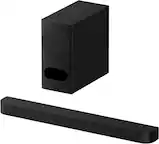
Questions & Answers
- Model:
- NS-SB21
- |
- SKU:
- 6619124
Highly rated by customers for: Sound Quality, Setup Ease, Connectivity
$99.99$99.99
Page Showing 21-33 of 33 questions
Q: QuestionDo these units have auto shut off if not in use?
Asked by Bunny.
- A:Answer Yes, the Insignia™ 2.1 Channel Soundbar with Wireless Subwoofer does have an auto shut-off feature. According to the official quick setup guide for model NS-HTSB2123, the soundbar will automatically turn off after 15 minutes of inactivity (no audio signal) to conserve power . You can also manually disable this feature if needed through the remote control settings.
Answered by EslinP
Q: QuestionCan I attach additional left and right speakers by wire or bluetooth?
Asked by Bubba.
- A:Answer No
Answered by Narsbars
Q: QuestionIs this sound bar compatible with a Vizio TV model M65Q6L4?
Asked by Magician.
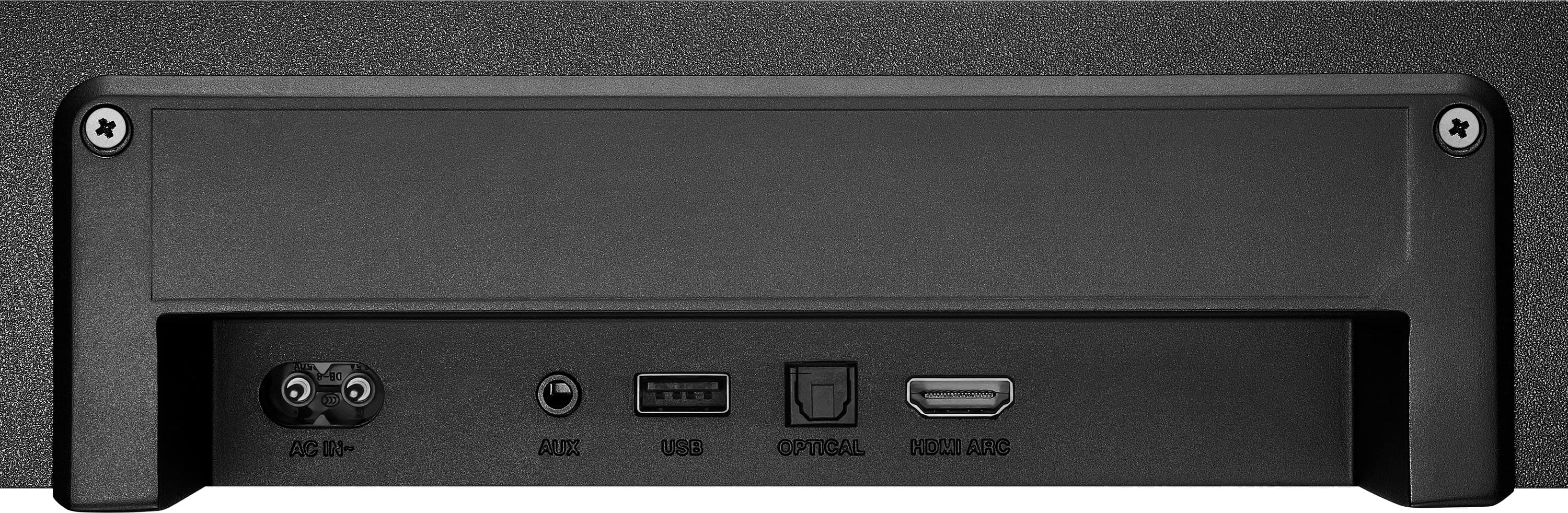
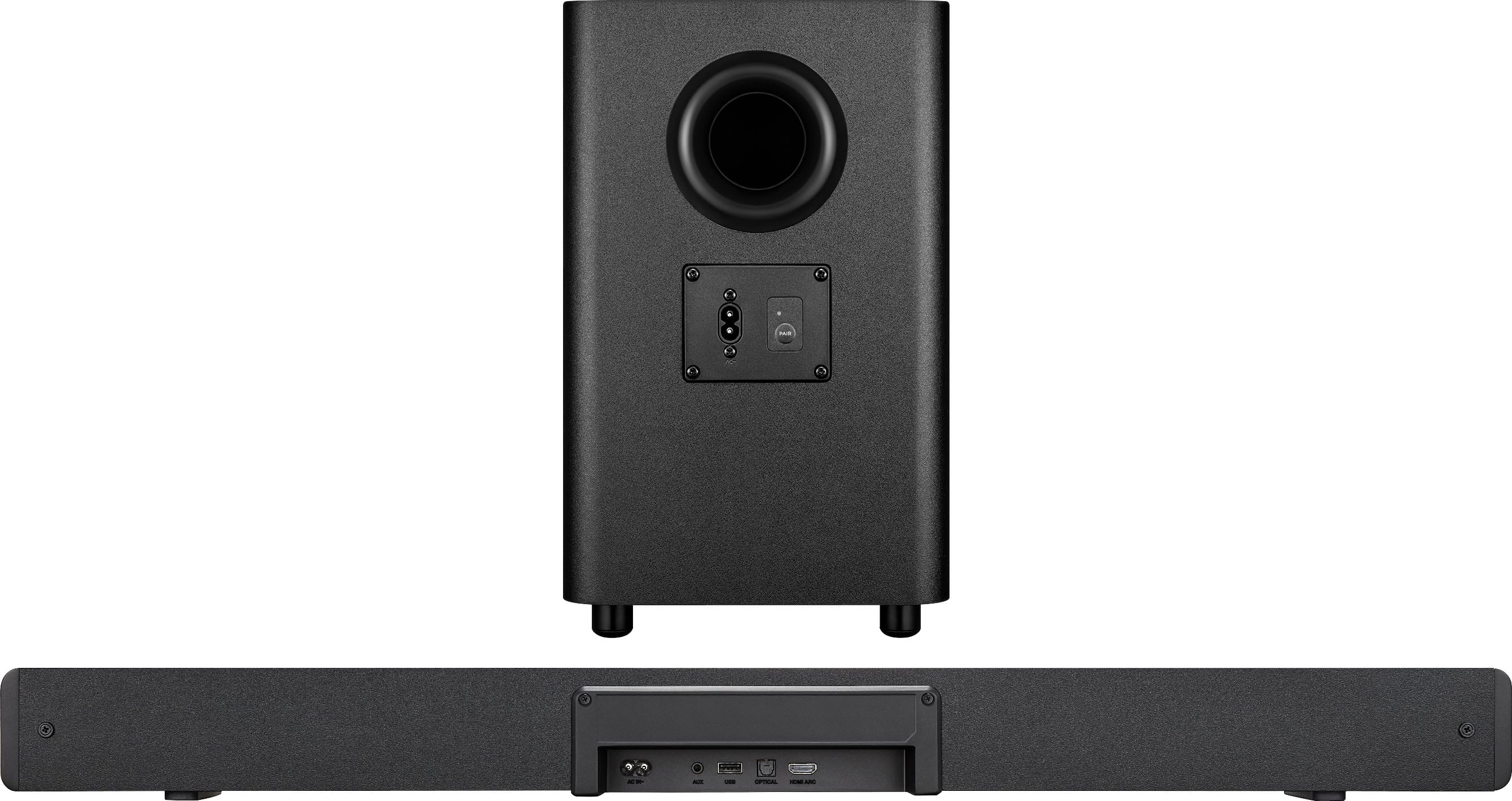
- A:Answer It hooks to any TV by HDMI or fiber cable. If using HDMI then the TV remote can control volume
Answered by Russtrong
Q: QuestionCan you connect cell phone via Bluetooth to soundbar and stream music?
Asked by CuriousSanta.
- A:Answer Absolutely! It come with a Bluetooth feature which allows you from almost smart devices to connect or pair with the soundbar
Answered by Sal559
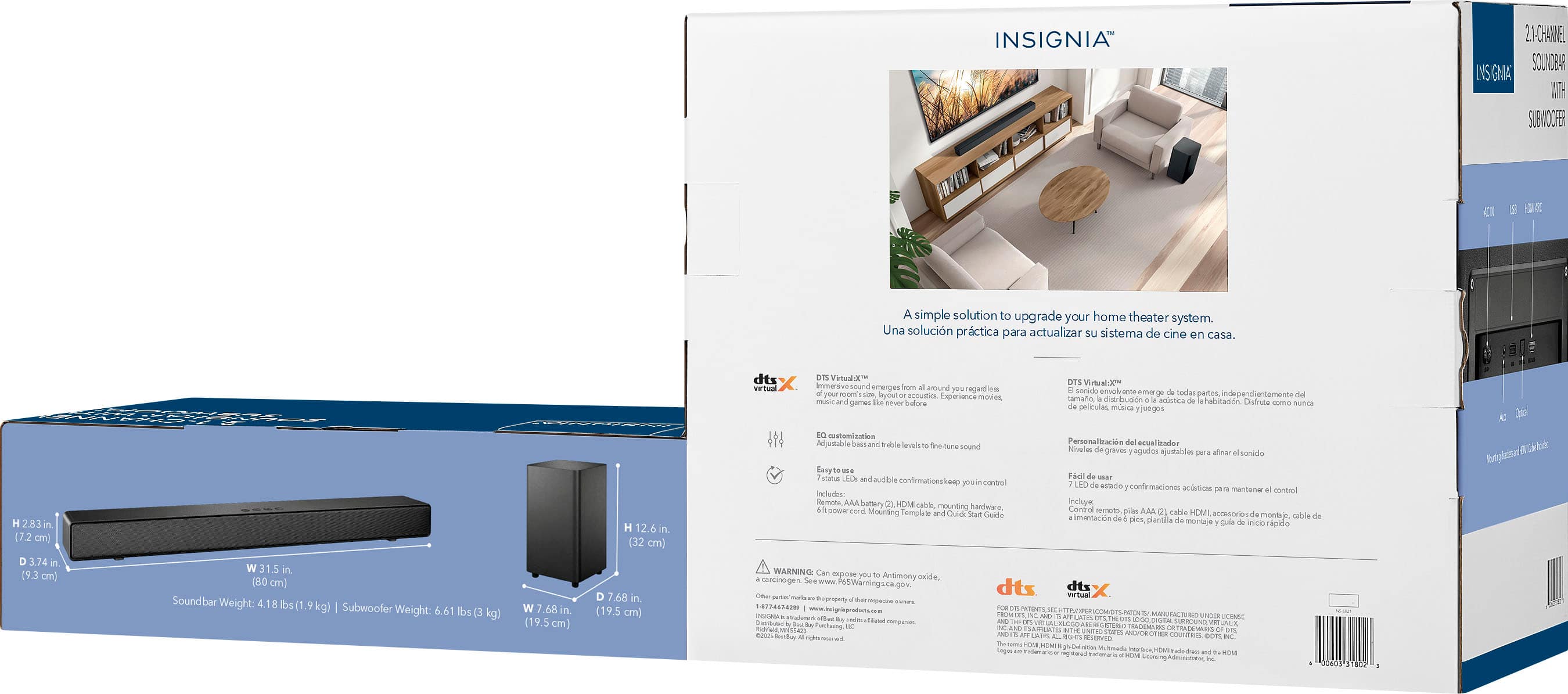
Q: QuestionHow many watts
Asked by RichardH.
- A:Answer I'm not sure what the wattage is but it does sound good when playing music from youtube. It's not a $2,000 Bose system but it does the job.
Answered by JoeO
Q: QuestionHow do I connect this sound bar and woofer to my insignia 55” tv?
Asked by BamaNanNan.
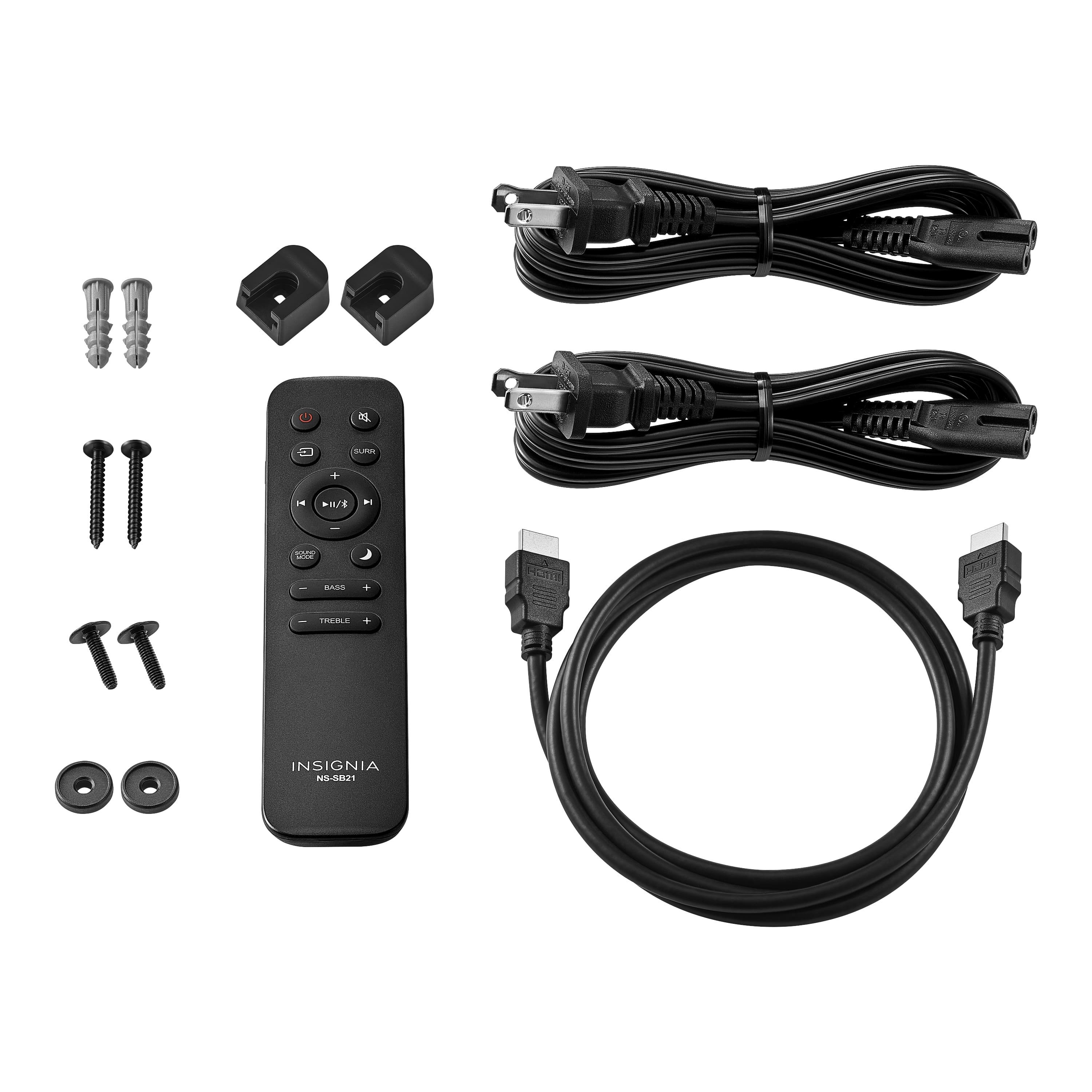
- A:Answer By making use of the included instruction manual and cables.
Answered by CPTIncognito
Q: Questiondo you need a hdmi cord or does it all connect Bluetooth
Asked by Anonymous.
- A:Answer Your best connection will be HDMI
Answered by Narsbars
Q: QuestionCan I control the sound bar with my insignia tv remote?
Asked by Pax1.
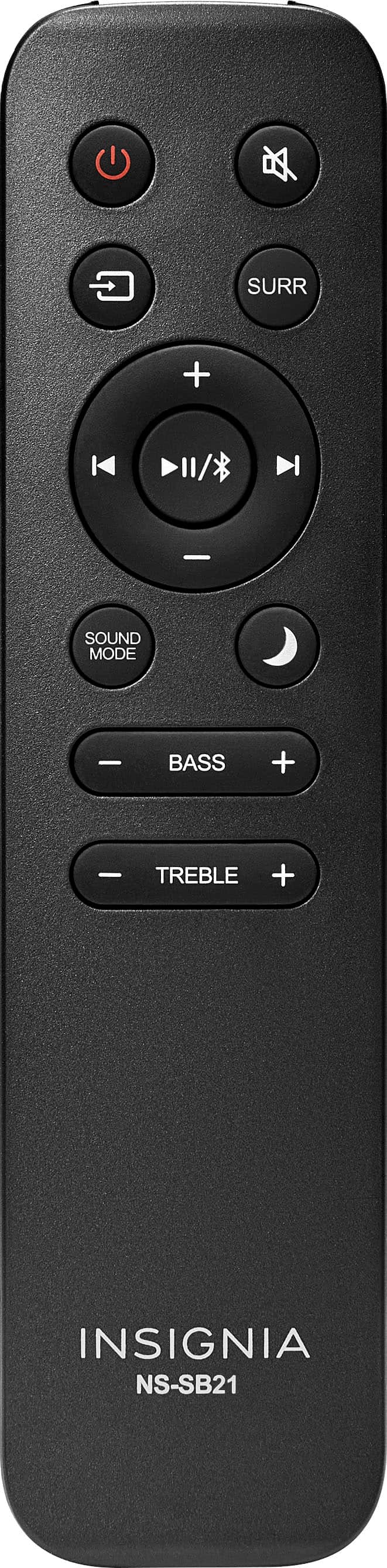
- A:Answer if the soundbar is installed via HDMI then you should be able to use your default tv remote. but if you use optical, then you must manually pair it
Answered by CheynneA
Q: QuestionIs it possible to link two of these together while using Bluetooth input?
Asked by Anonymous.
- A:Answer No, it is not possible to link two of these Insignia 2.1 Channel Soundbars together while using Bluetooth input. This soundbar does not support stereo pairing or linking two units together via Bluetooth. The Bluetooth functionality is designed for receiving audio only (from your phone, tablet, or other devices), not for connecting multiple soundbars to each other. If you want to use two soundbars together, you would need to split the audio signal at the source using an optical or AUX splitter, but this is not the same as wireless linking and may cause audio sync issues.
Answered by EslinP
Q: QuestionCan the volume of the subwoofer be controlled independently?
Asked by Anonymous.
- A:Answer No but there are two sliders for adding base or treble.
Answered by Narsbars
Q: QuestionDoes it work with a roku remote??
Asked by DavidG.
- A:Answer I'm using a Roku Stick and can control the soundbar with the Roku remote. It's on a newer tv. Soundbar is connected via HDMI on the eARC/cec enabled port. Roku Stick is on regular HDMI port. The soundbar also has the ability to learn remote signals from other remotes.
Answered by Technikal
Page 2, Showing 21-33 of 33 questions
Top Rated
- $249.99$249.99The price was $349.99
- $1,599.99$1,599.99The price was $1,999.99
- $259.99$259.99The price was $279.99
- $599.99$599.99The price was $999.99
- $1,059.00$1,059.00The price was $1,099.00
- $139.99$139.99The price was $159.99
- $449.99$449.99The price was $649.99
- $299.99$299.99The price was $399.99
- $799.99$799.99The price was $899.99
- $549.99$549.99The price was $699.99
- $44.99$44.99The price was $59.99
- $1,199.99$1,199.99The price was $1,499.99